How to delete a property on Google Analytics (2026)

Deleting a property in Google Analytics is a straightforward process that allows you to remove unused or test properties from your account. Whether you're cleaning up your Analytics workspace or removing outdated tracking properties, this guide walks you through the exact steps needed to move a property to the trash.
Quick summary
In this tutorial, you'll learn how to permanently delete a property from Google Analytics. You'll navigate through the Admin section, locate your property details, and move the property to trash in just five steps.
Why this matters
Maintaining a clean Analytics account by removing unused properties improves organization and reduces confusion when managing multiple tracking configurations. Deleting properties you no longer need helps prevent accidental data tracking and keeps your analytics environment focused on active, relevant properties.
Step-by-step guide
- 1
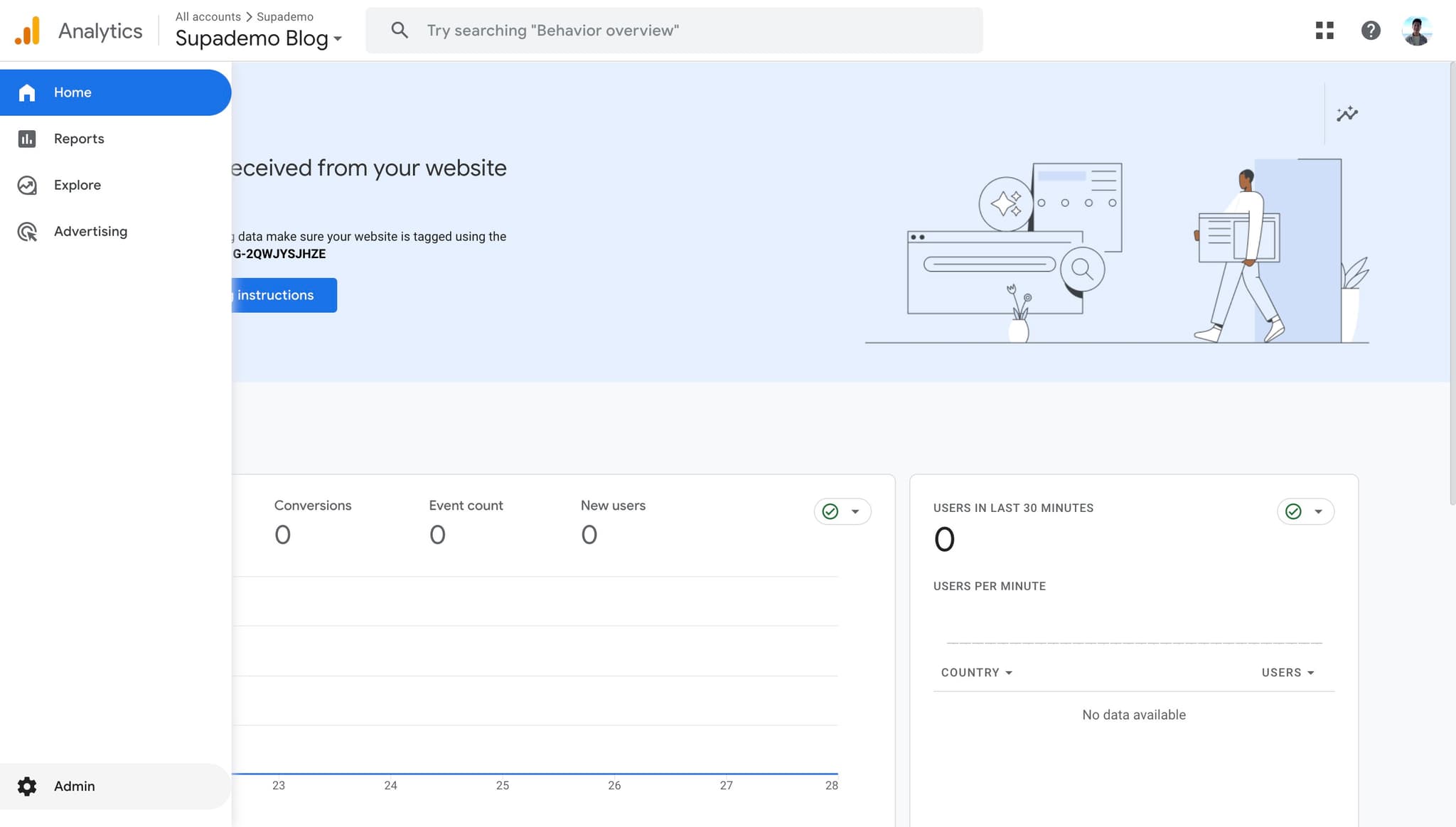
Click on Admin
Start by accessing the Admin section of your Google Analytics account. You'll find the Admin option in the left sidebar at the bottom of the main navigation menu.
- 2
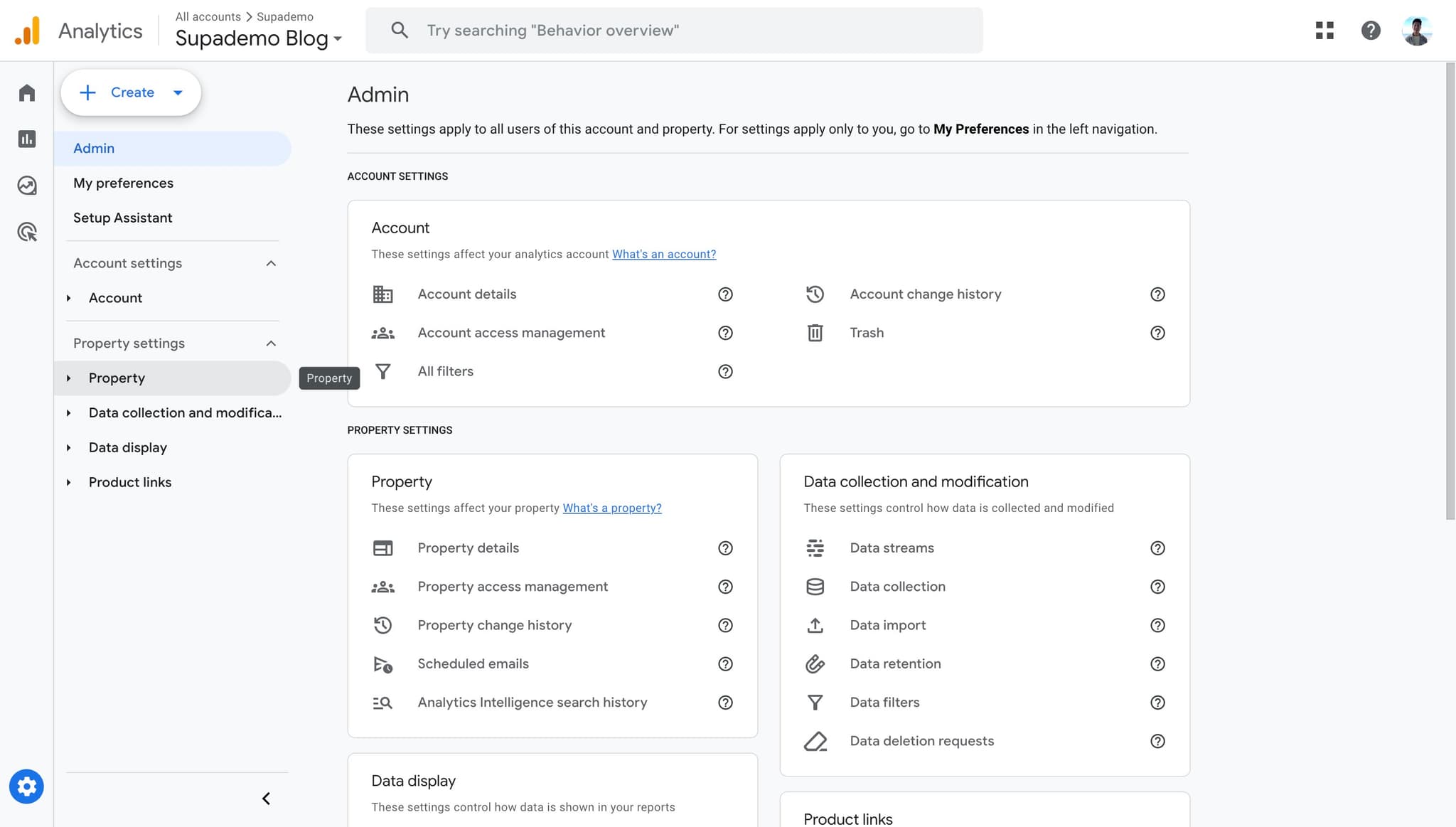
Navigate to Property settings
Click the arrow next to Property to expand the property menu options. This reveals the property management controls you'll need to access property details.
- 3
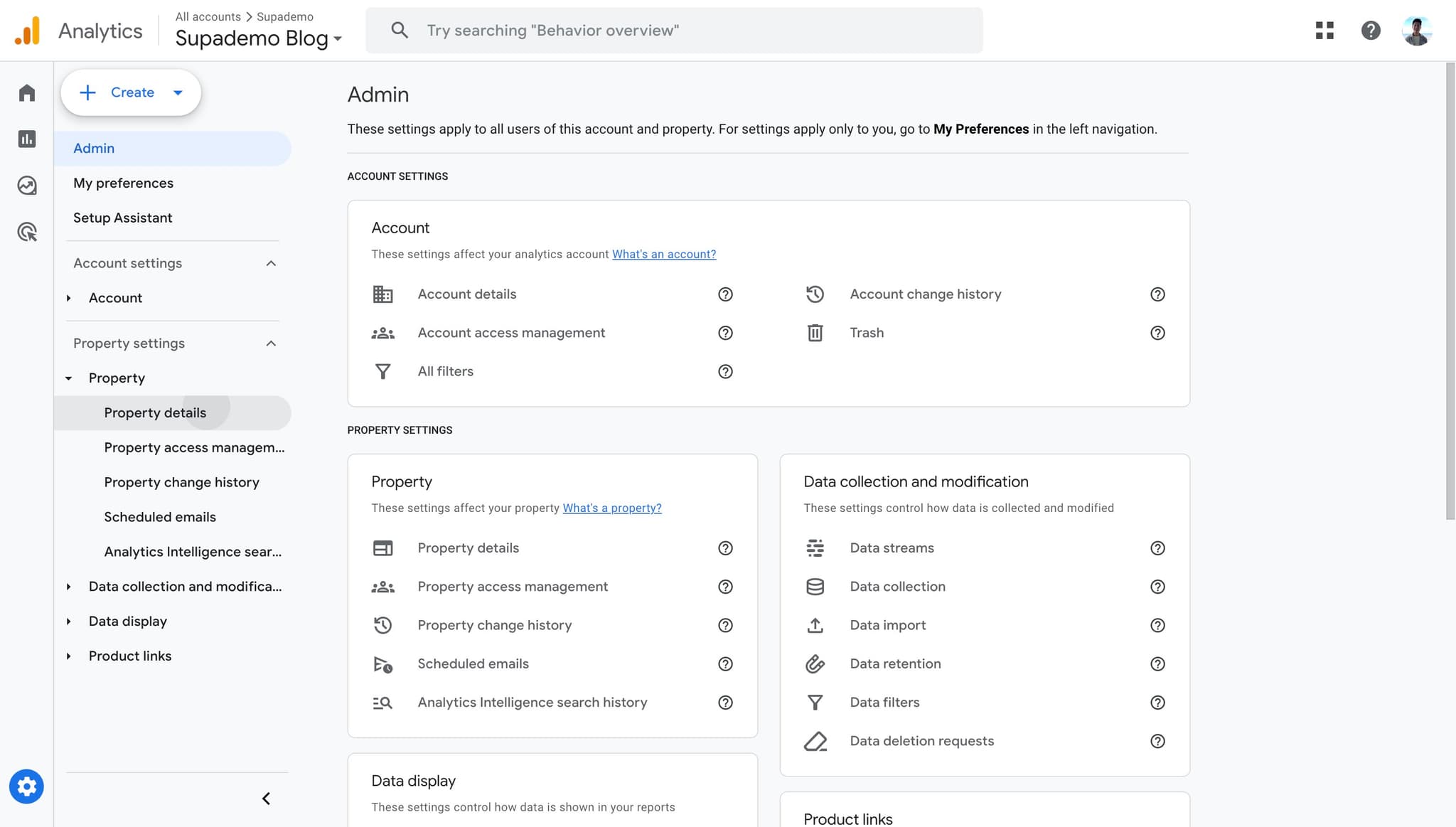
Open Property details
Select Property details from the submenu. This page displays all configuration information for your selected property.
- 4
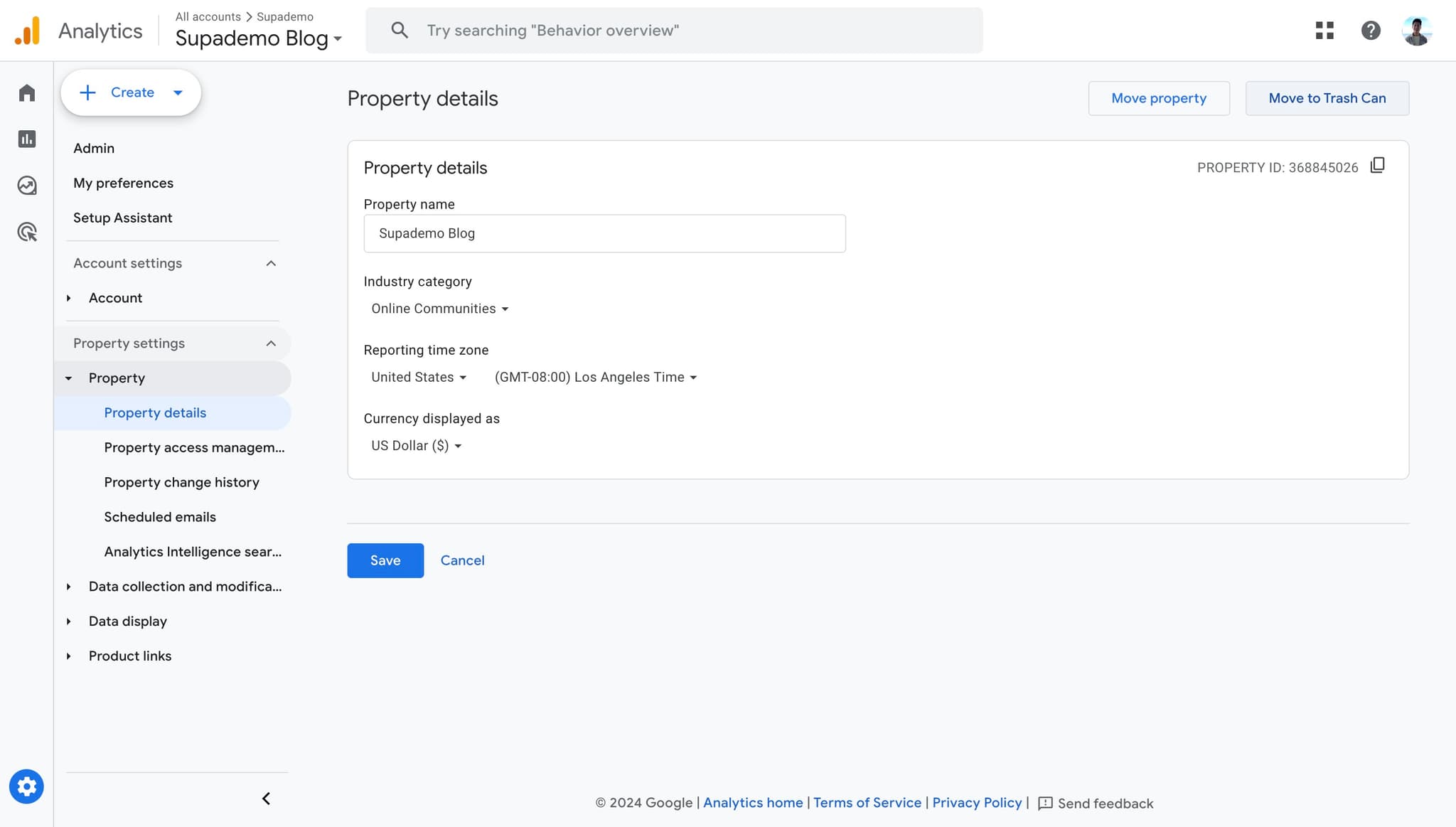
Click Move to Trash Can
Locate and click the Move to Trash Can button on the Property details page. This initiates the deletion process for your property.
- 5
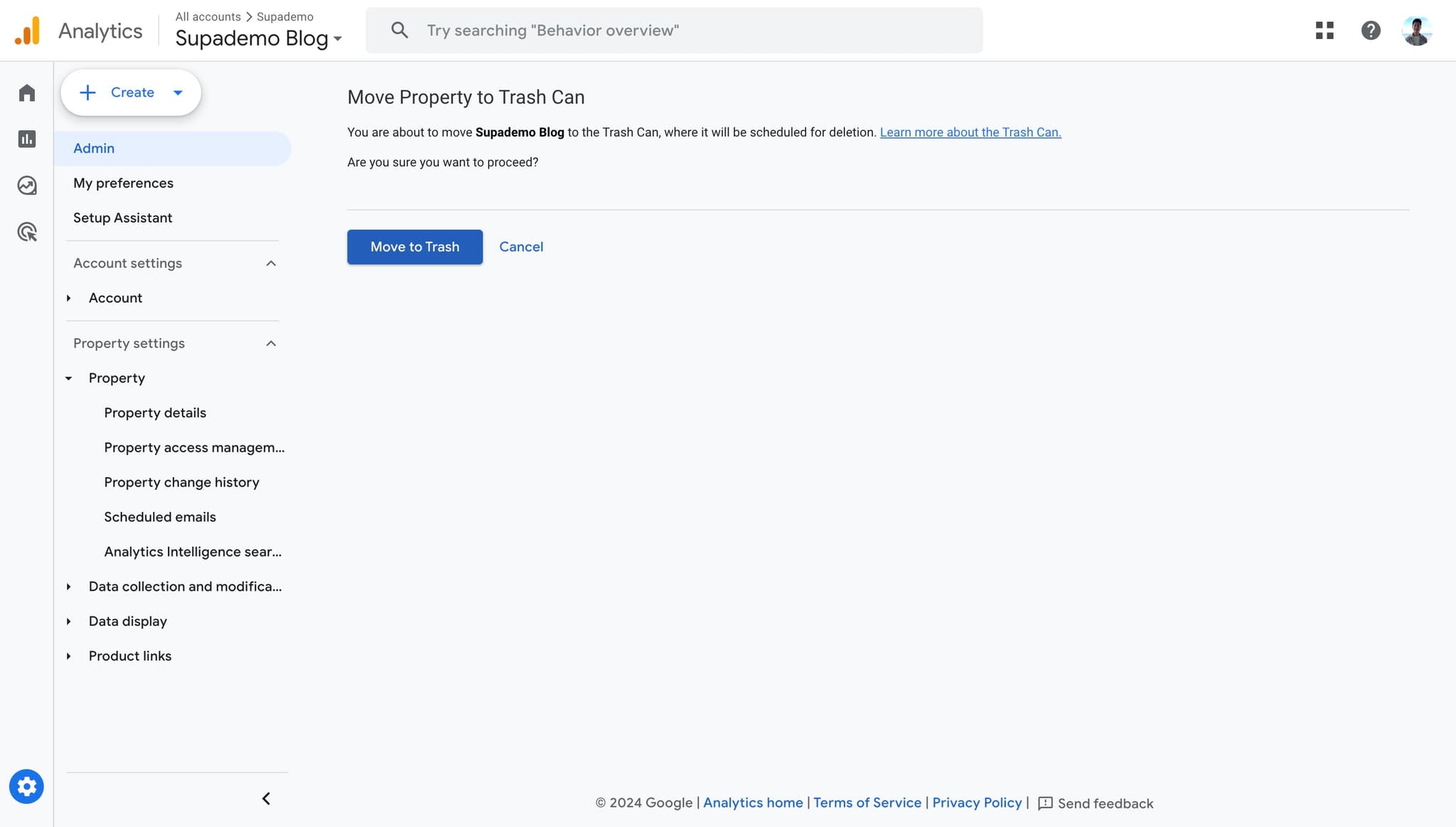
Confirm Move to Trash
Click the Move to Trash confirmation button in the dialog that appears. Your property will now be moved to the trash and will no longer collect data.
Frequently asked questions
Common questions about how to delete a property on google analytics (2026).
Yes, deleted properties remain in the trash for 35 days before permanent deletion. During this time, you can restore the property from the trash if needed. After 35 days, the property and its data are permanently deleted and cannot be recovered.
When you move a property to trash, data collection stops immediately. The historical data remains accessible for 35 days while the property is in trash. After the 35-day period expires, all data associated with that property is permanently deleted.
Yes, you can delete an active property at any time through the Property details page. However, it's best practice to first disable any tracking implementations or pause data collection before deleting to avoid confusion about incomplete data sets.
Yes, you need Editor or Admin level access to a property in order to delete it. If you only have Viewer or Analyst permissions, you won't be able to access the delete option in Property details.
Properties moved to trash are automatically permanently deleted after 35 days without any additional action required. If you want to speed up the process, you can manually permanently delete from the trash, but Google typically recommends waiting the full 35 days to ensure you don't need recovery options.