How to use the SEMRush backlink audit tool

The Semrush Backlink Audit tool helps you identify and manage problematic backlinks that could harm your site's SEO performance. This guide walks you through the complete process of setting up and running a backlink audit for your domain.
Quick summary
In this tutorial, you'll learn how to access the Backlink Audit tool, select your domain, initiate an audit, and connect Google Search Console for enhanced data integration. By following these steps, you'll be able to analyze your backlink profile and identify toxic or low-quality links.
Why this matters
Backlink quality directly impacts your search rankings and overall SEO health. Regular audits help you spot and disavow harmful links before search engines penalize your site, while also revealing opportunities to leverage high-quality backlinks for better visibility.
Step-by-step guide
- 1
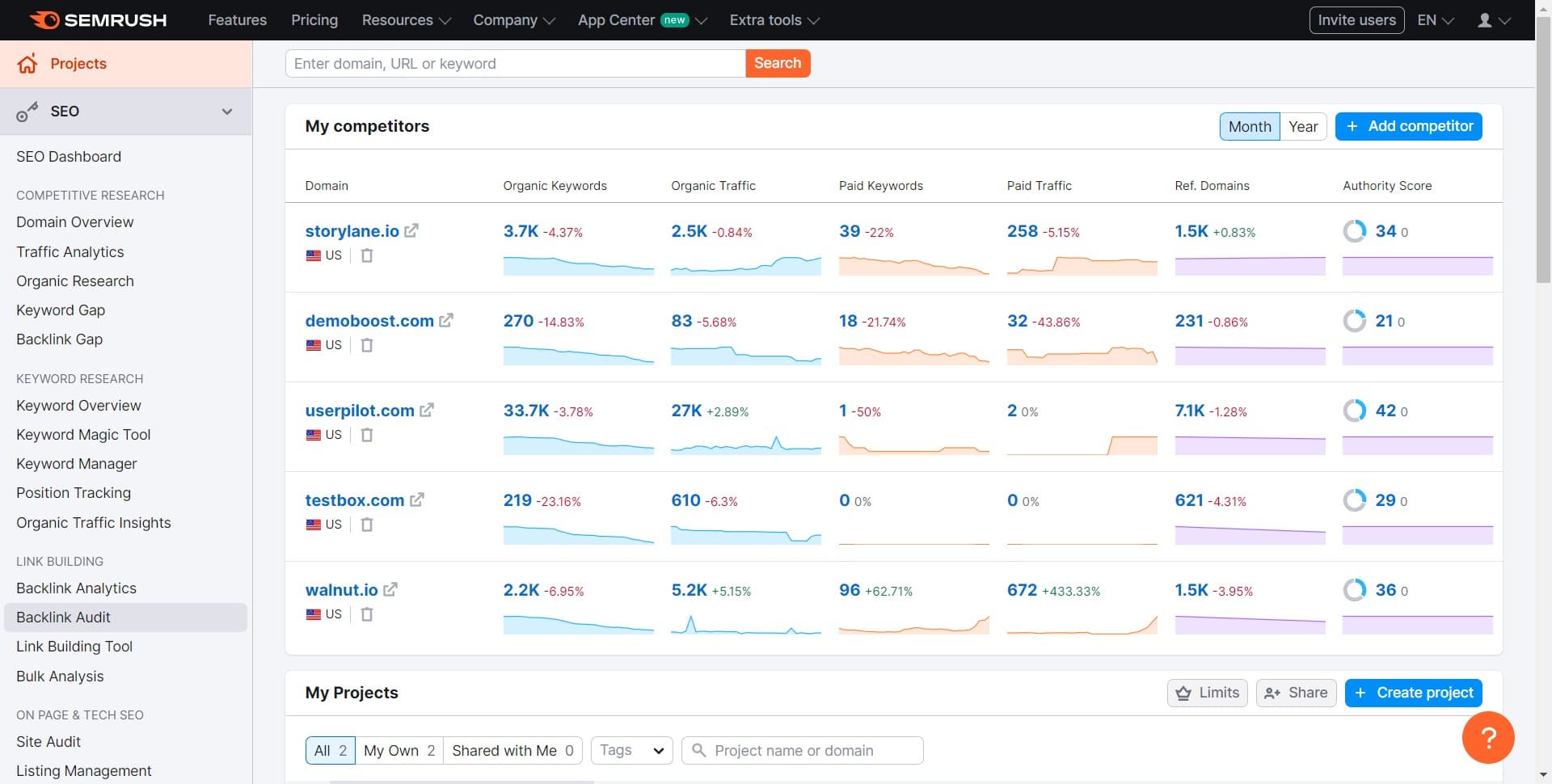
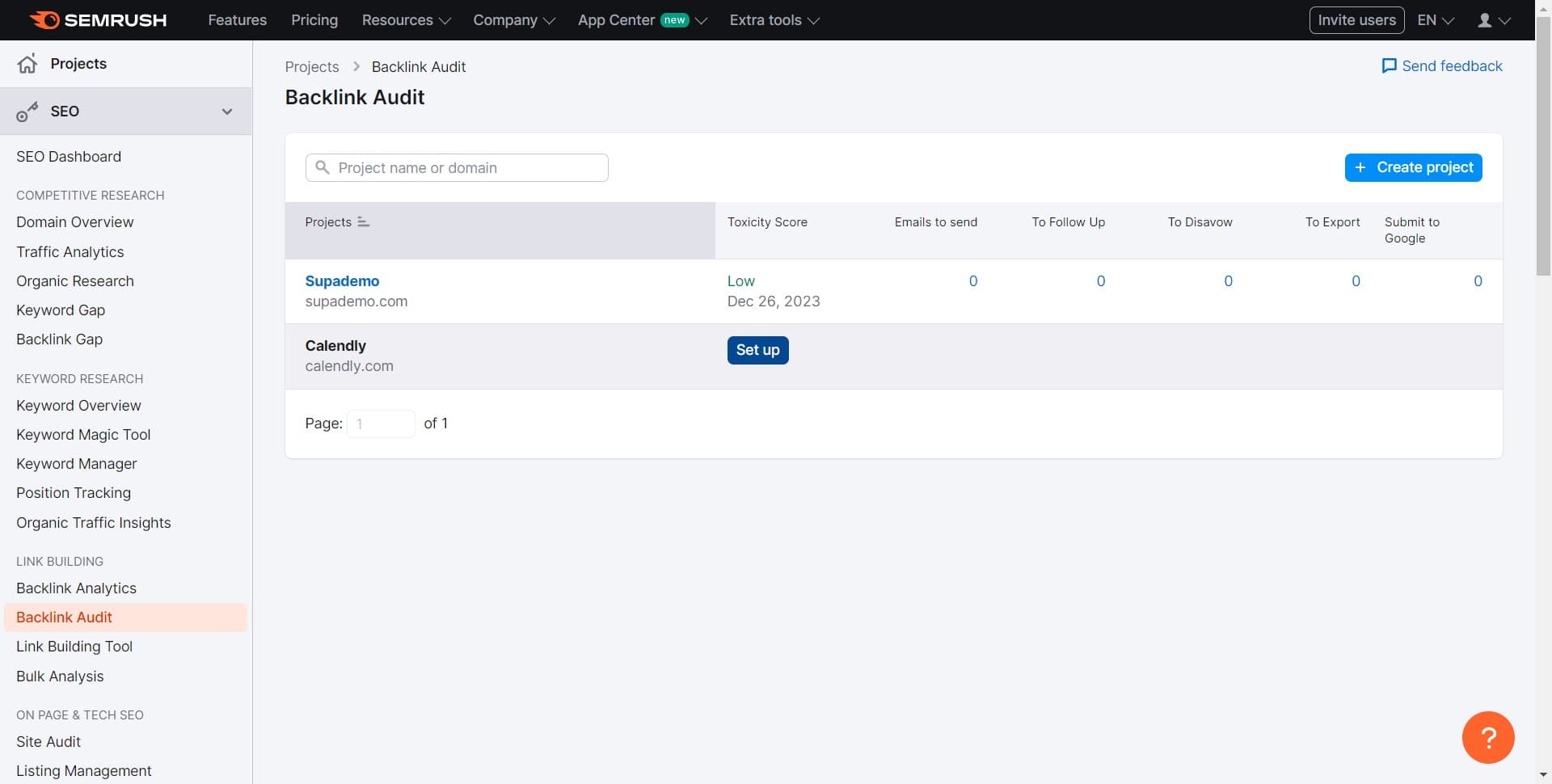
Click on Backlink Audit
Navigate to the Semrush dashboard and locate the Backlink Audit tool in the left-side menu. This tool is essential for analyzing your domain's backlink profile and identifying potential issues.
- 2
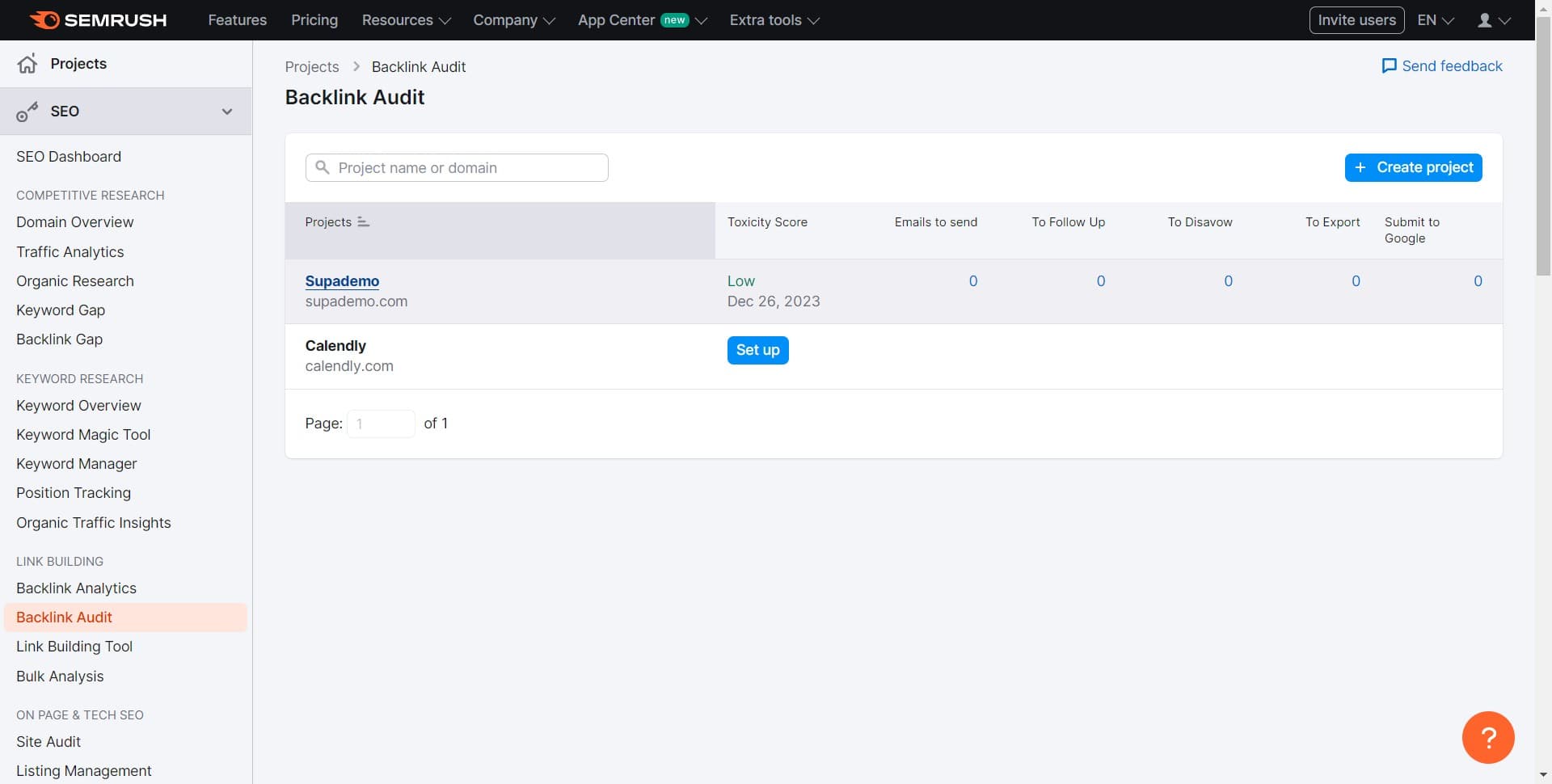
Click on Supademo
Select your target domain from the available list. In this case, you'll choose Supademo as the domain you want to audit.
- 3
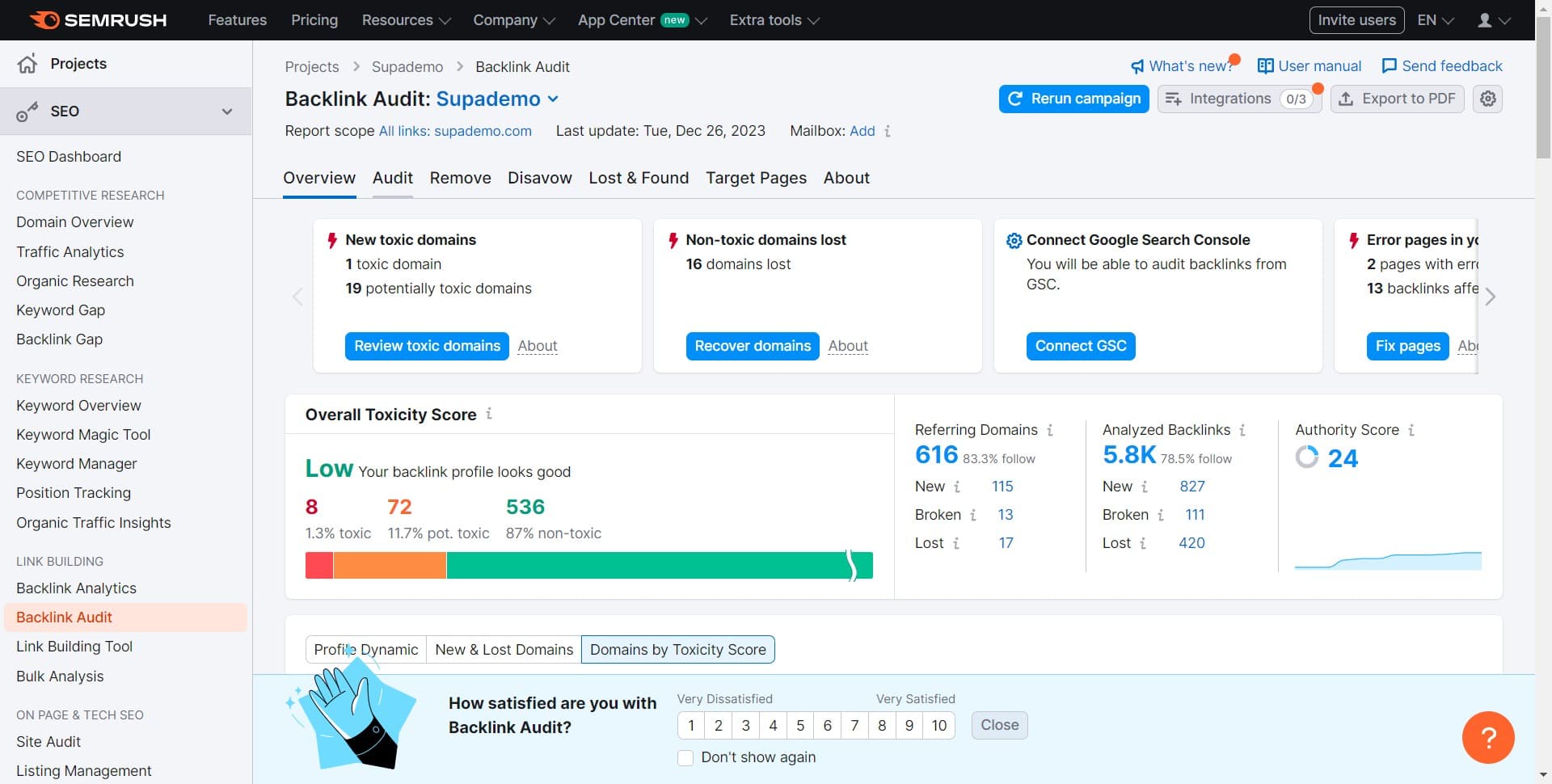
Click on Audit
Initiate the audit process by clicking the Audit button. The system will begin scanning and analyzing all backlinks pointing to your selected domain.
- 4
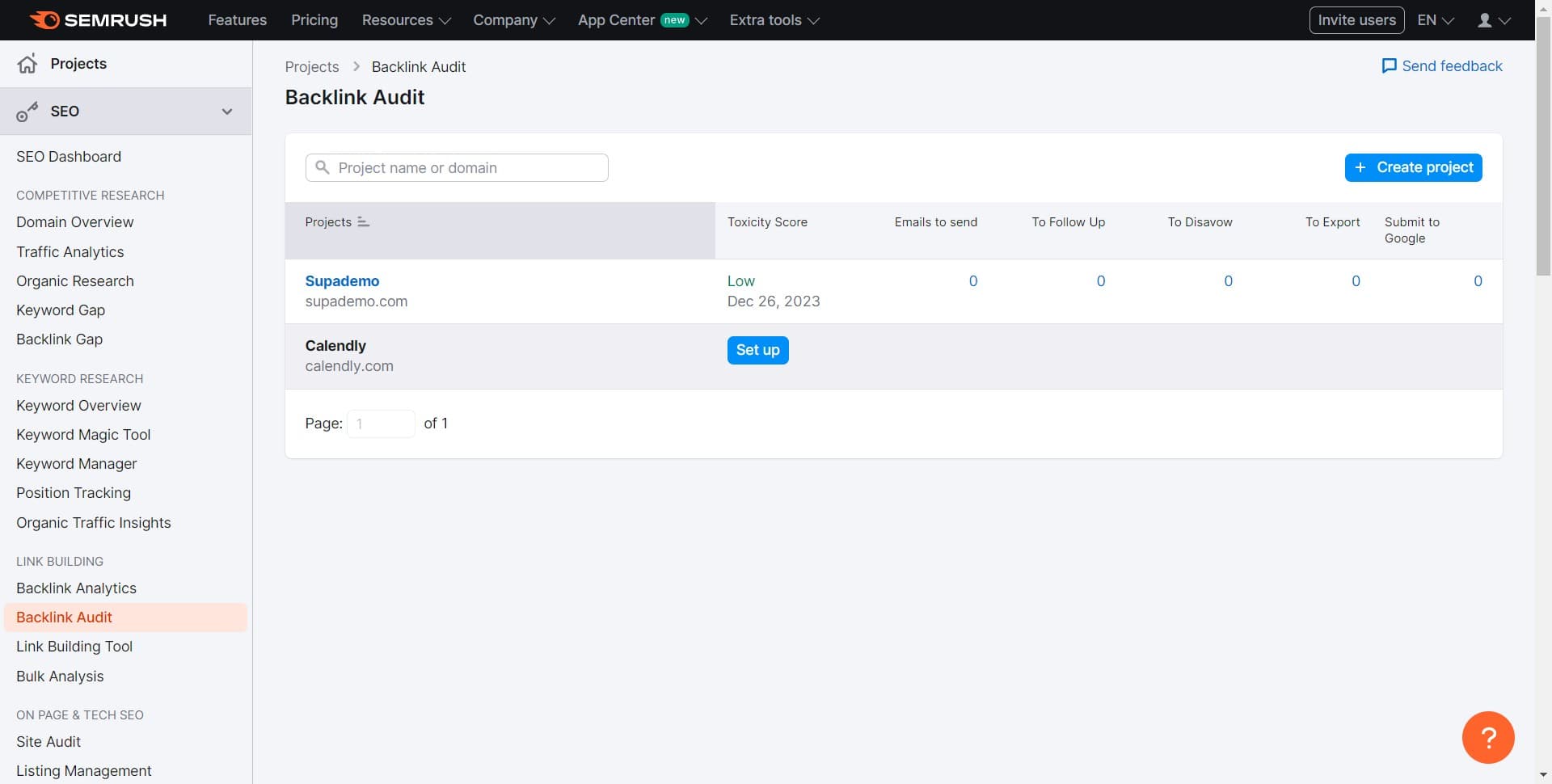
Click on Calendly
Select Calendly as an additional domain to audit or compare. This allows you to analyze backlink profiles across multiple domains simultaneously.
- 5
Click on Set up
Access the configuration options for your audit settings. This step lets you customize how the audit will run and what metrics will be prioritized.
- 6
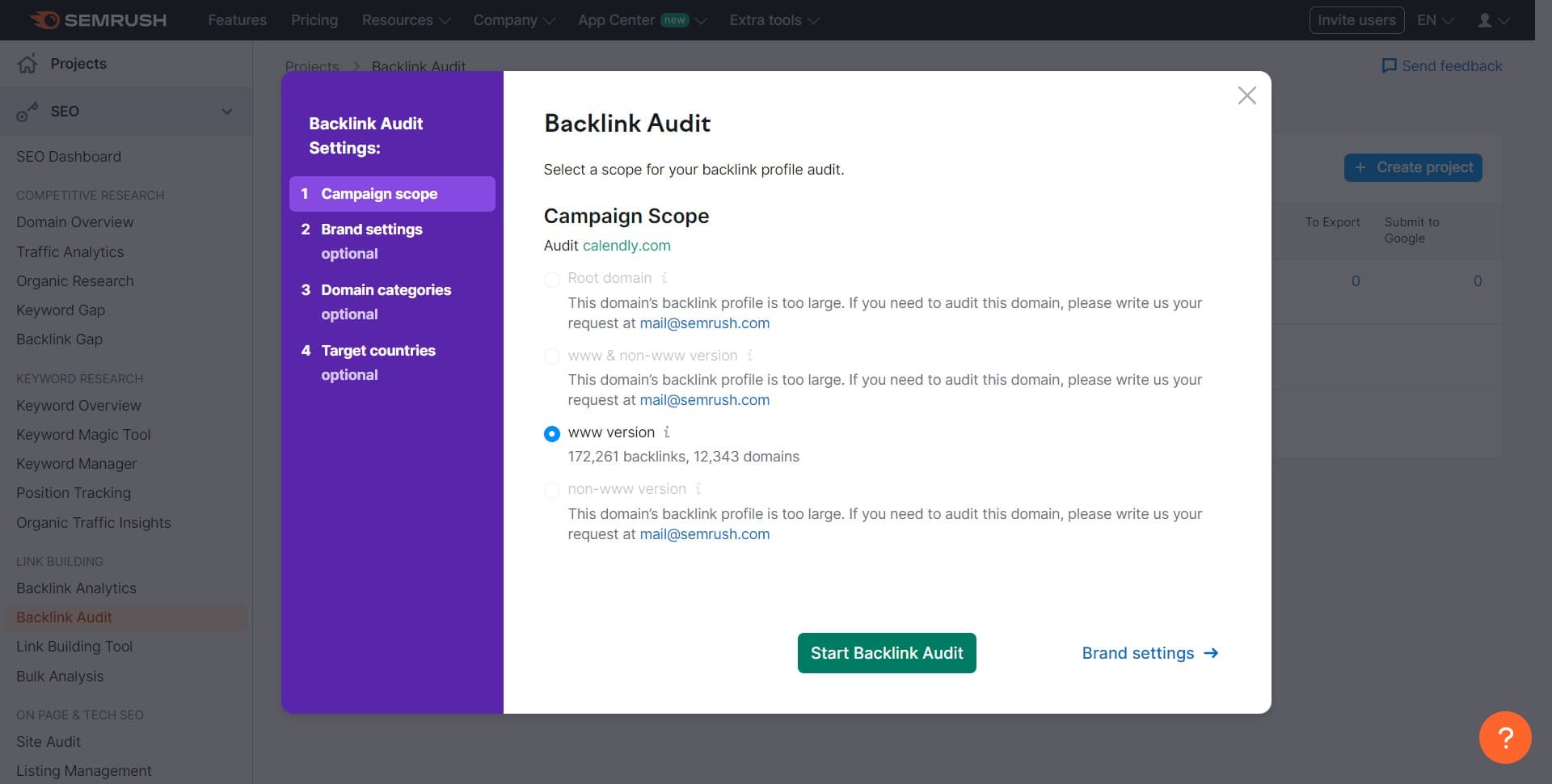
Click on Start Backlink Audit
Execute the backlink audit with your selected settings. The tool will now analyze your backlinks and generate a detailed report of their quality and relevance.
- 7
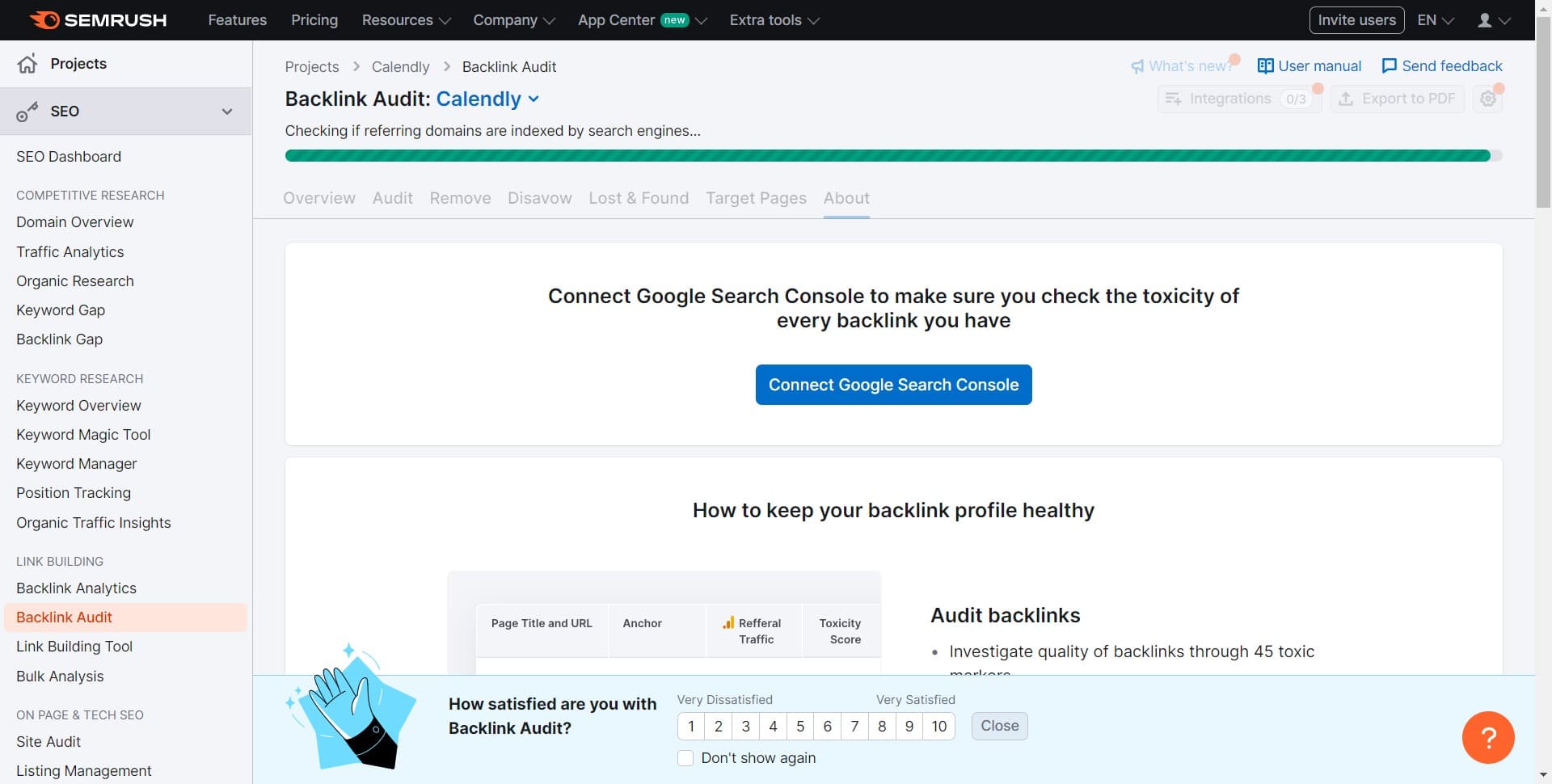
Connect Google Search Console
Link your Google Search Console account to enrich your audit data with search performance metrics. This integration provides additional context about how your backlinks influence organic traffic and impressions.
Frequently asked questions
Common questions about how to use the semrush backlink audit tool.
The duration depends on the number of backlinks your domain has, but most audits complete within a few minutes to several hours. Semrush will notify you when the audit is finished and your report is ready for review.
Semrush evaluates backlinks based on factors like domain authority, relevance, spam score, and anchor text quality. Links from low-authority sites, unrelated niches, or known spam sources are typically flagged as problematic.
Not necessarily. Review each flagged link individually before disavowing, as some may still be valuable. Focus on disavowing links that are clearly irrelevant, spammy, or from low-quality sources that could harm your rankings.
It's recommended to run audits at least quarterly or whenever you notice changes in your search rankings. Regular audits help you catch new toxic backlinks early and maintain a healthy backlink profile.
Connecting Google Search Console allows Semrush to correlate your backlink data with actual search performance metrics like impressions and clicks. This helps you understand which backlinks are actually driving value to your site.