How to use the SEMRush keyword gap tool

The SEMrush Keyword Gap tool helps you identify keywords that your competitors rank for but you don't, revealing untapped opportunities in your content strategy. This guide walks you through the process of analyzing keyword gaps and exporting actionable insights to improve your SEO performance.
Quick summary
In this tutorial, you'll learn how to access the Keyword Gap tool, compare your domain against competitors, filter results by strength, and export your findings for further analysis. By the end, you'll have a clear view of which keywords to target to close the gap with your competition.
Why this matters
Understanding keyword gaps is critical for competitive SEO strategy. By identifying high-value keywords your competitors own but you don't, you can prioritize content creation efforts and accelerate your path to ranking for high-intent search queries. This workflow transforms competitive data into a concrete action plan.
Step-by-step guide
- 1
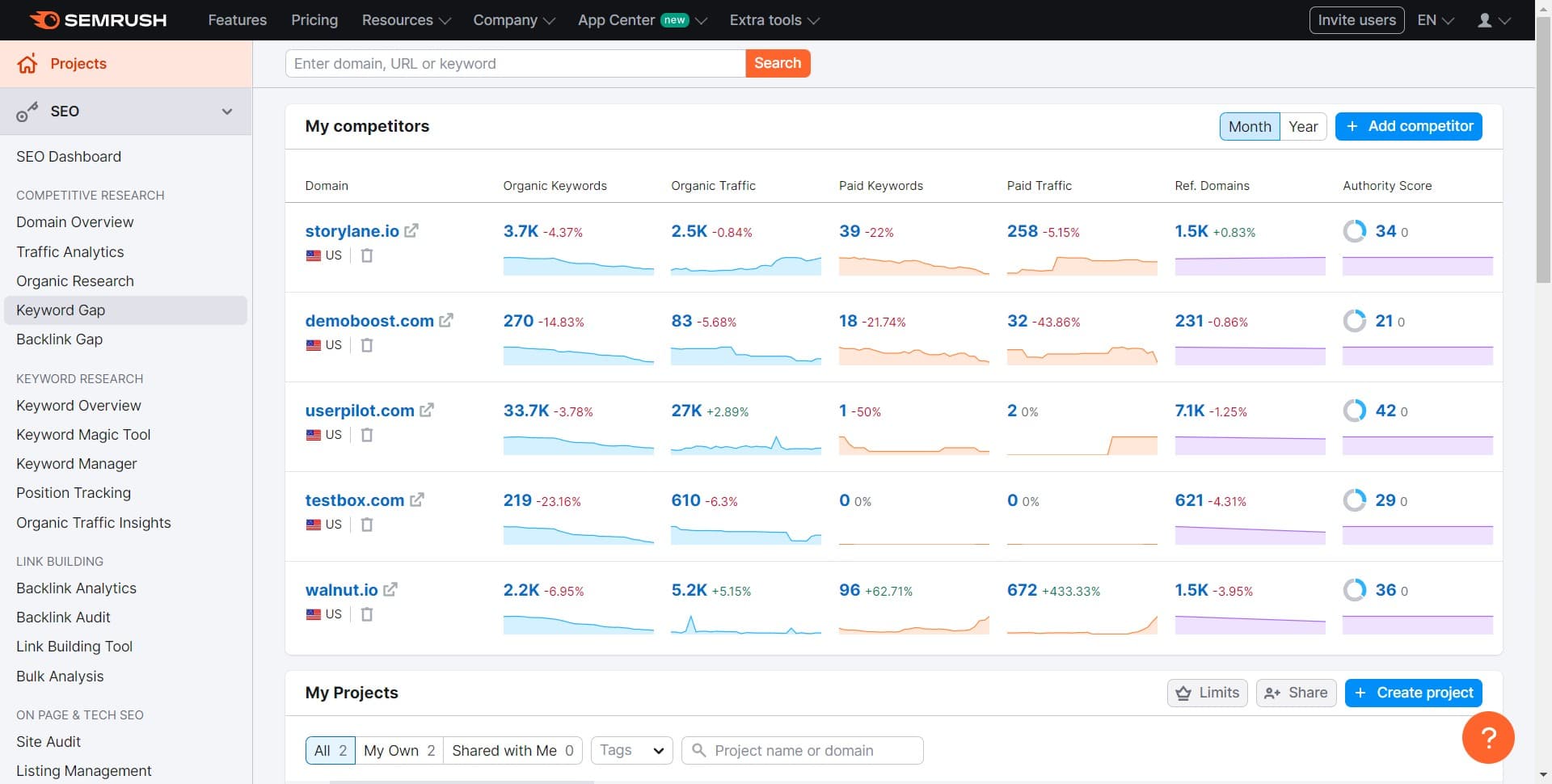
Click on Keyword Gap
From your Semrush dashboard, navigate to and click the Keyword Gap tool. This opens the keyword gap analysis interface where you'll set up your comparison.
- 2
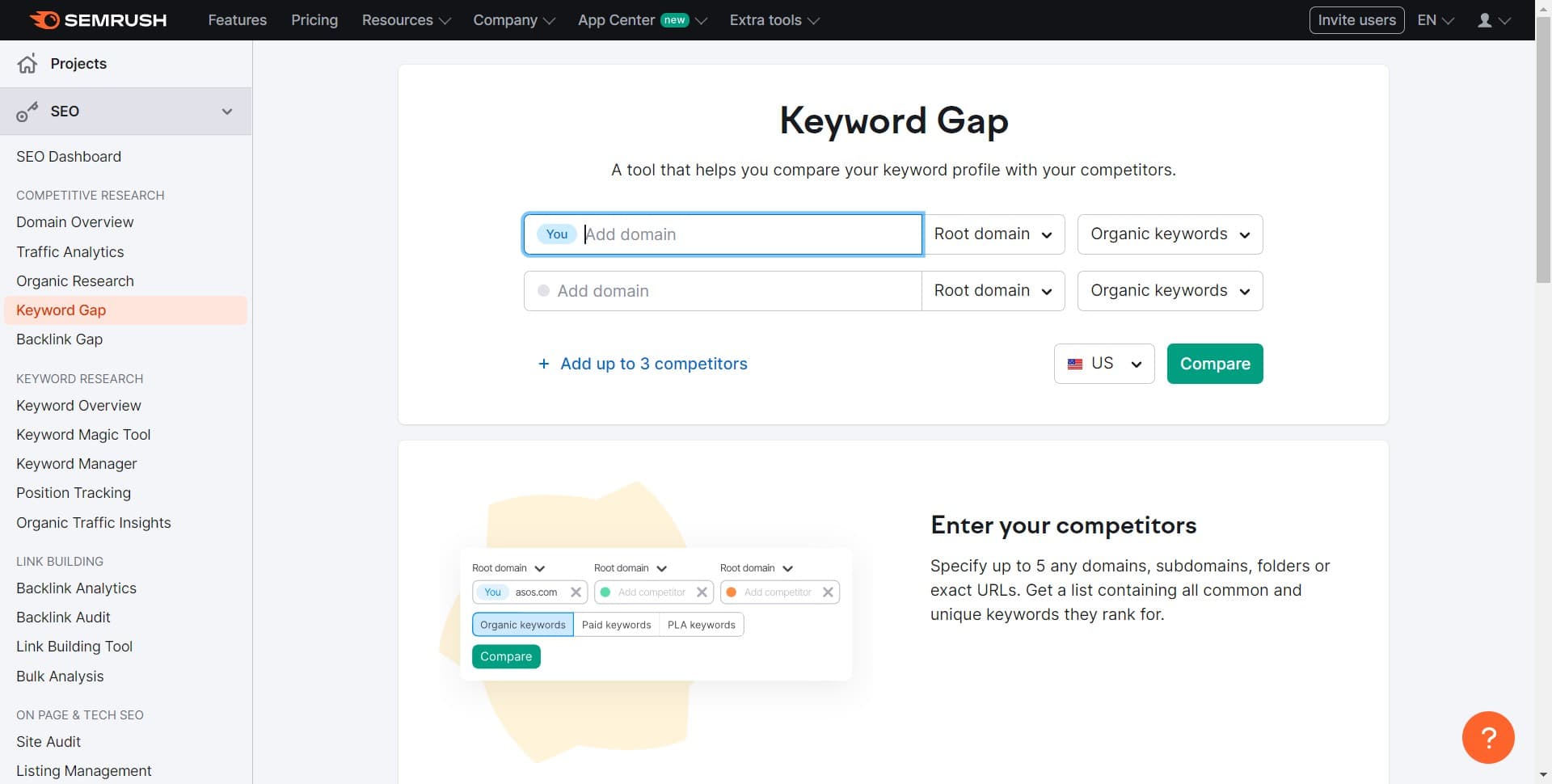
Enter your domain and targets
Input your domain and the competitor domains you want to compare against. Semrush will analyze which keywords each domain ranks for.
- 3
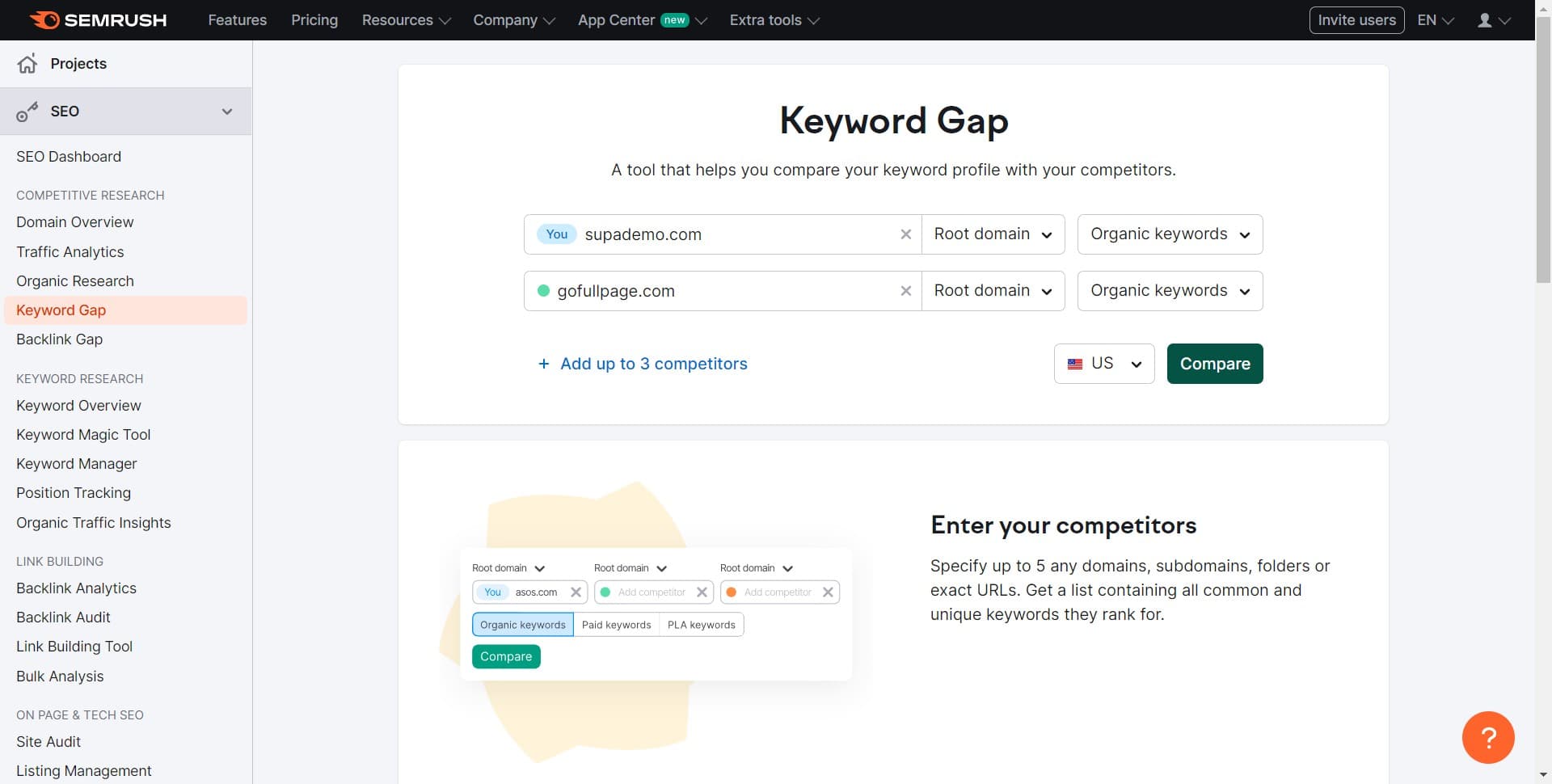
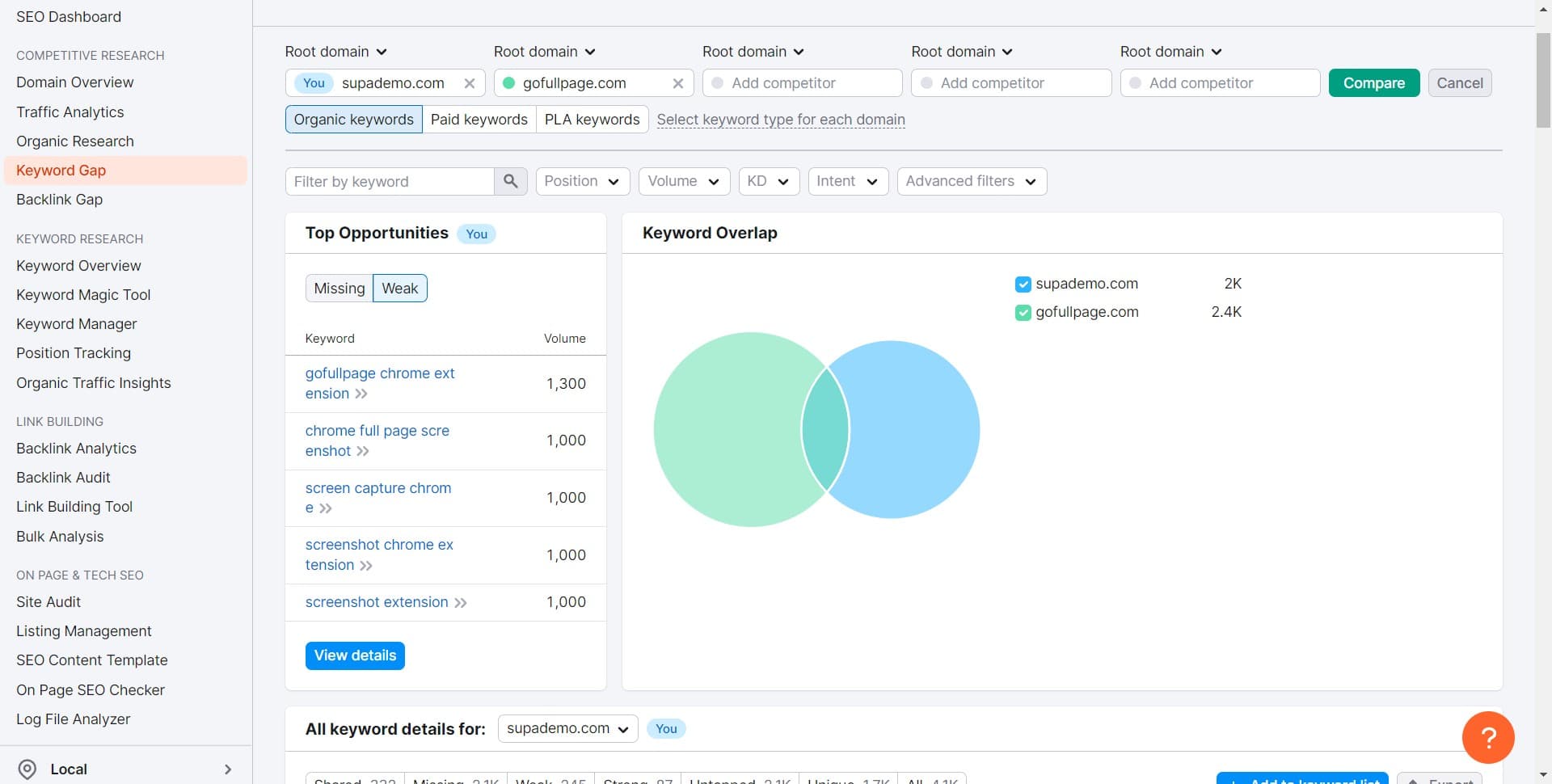
Click on Compare
After entering your domains, click the Compare button to generate the keyword gap analysis. Semrush will process the comparison and display results showing overlapping and unique keywords.
- 4
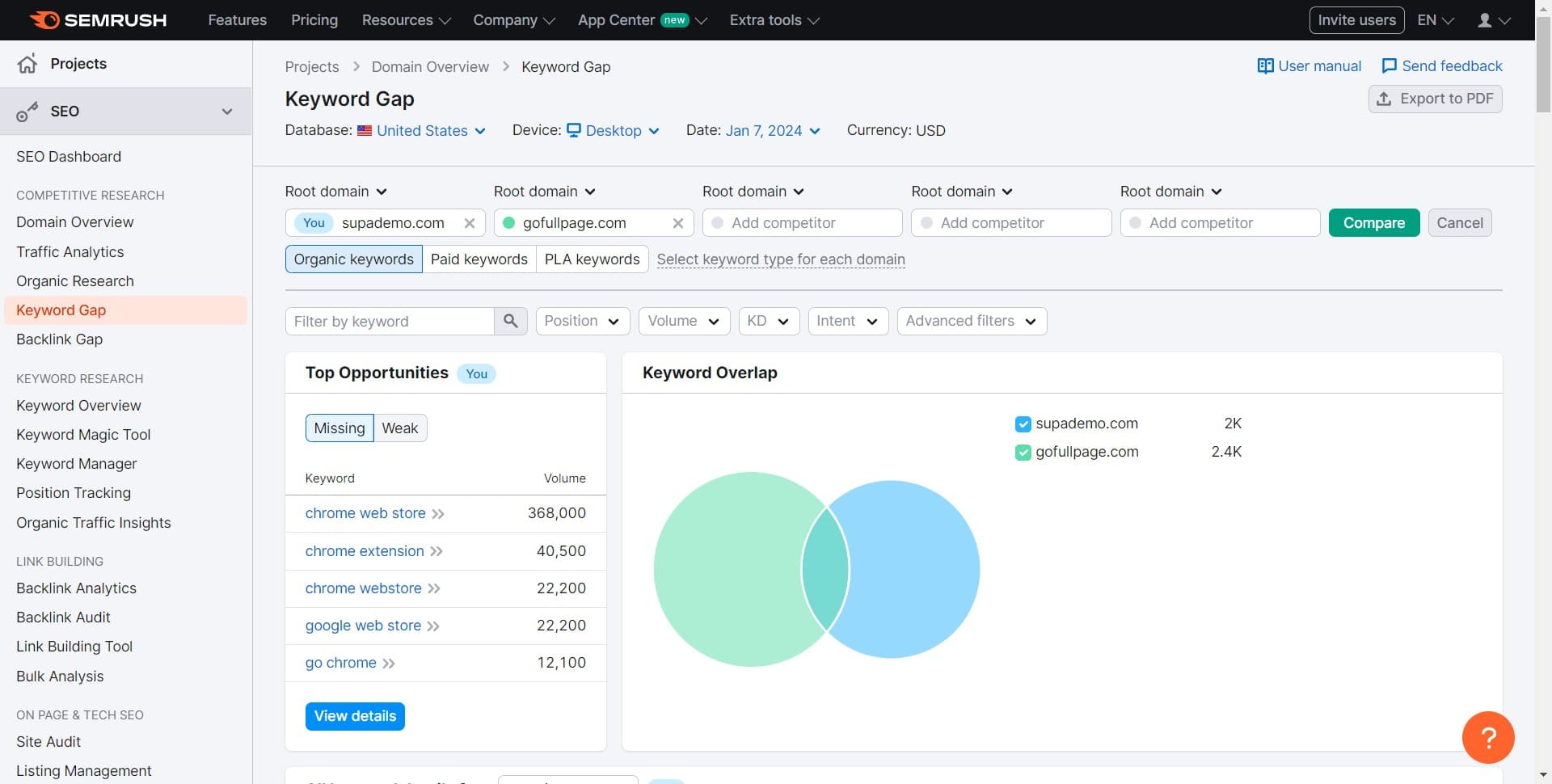
Click on Weak
Filter the results to show weak keyword gaps—keywords where competitors rank but your site doesn't have strong visibility. This helps you prioritize easier-to-rank-for opportunities.
- 5
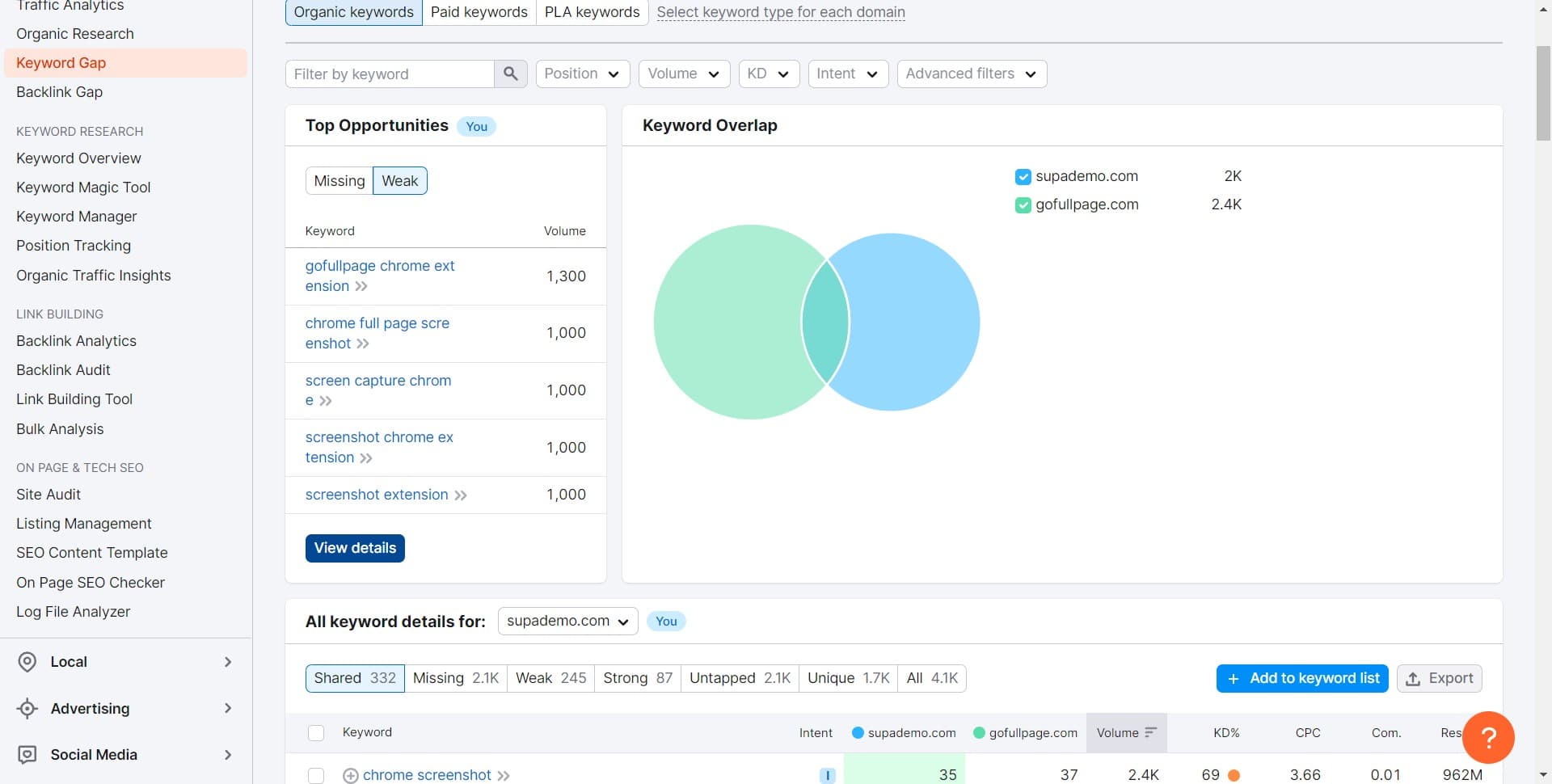
Click on View details
Select View details to drill down into specific keywords and see detailed metrics like search volume, difficulty, and competitor ranking positions. This gives you the context needed for content decisions.
- 6
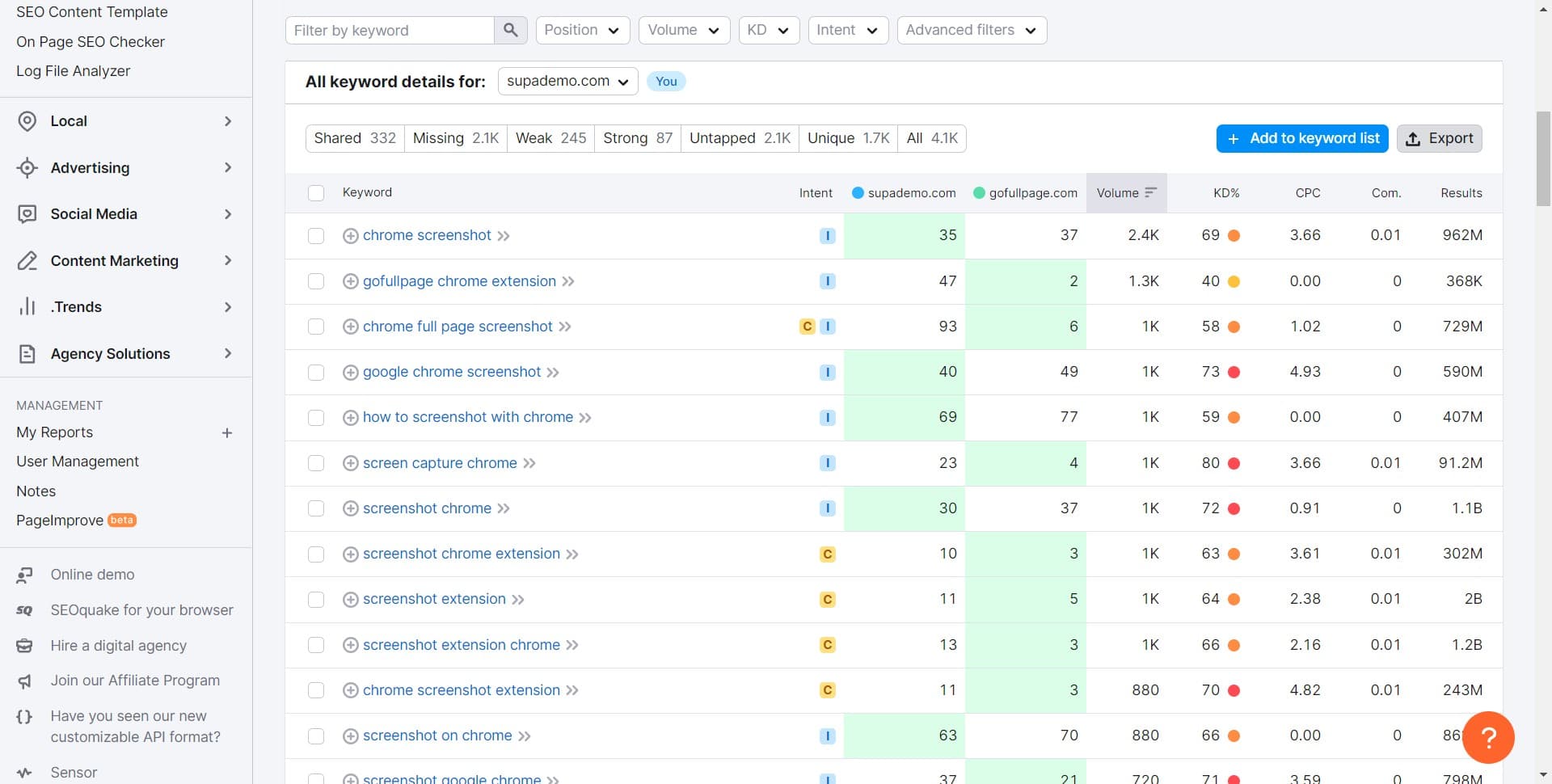
Review detailed metrics
Examine the expanded data for each keyword gap, including search intent indicators and competitor ranking information. Use these insights to assess which keywords align with your content strategy.
- 7
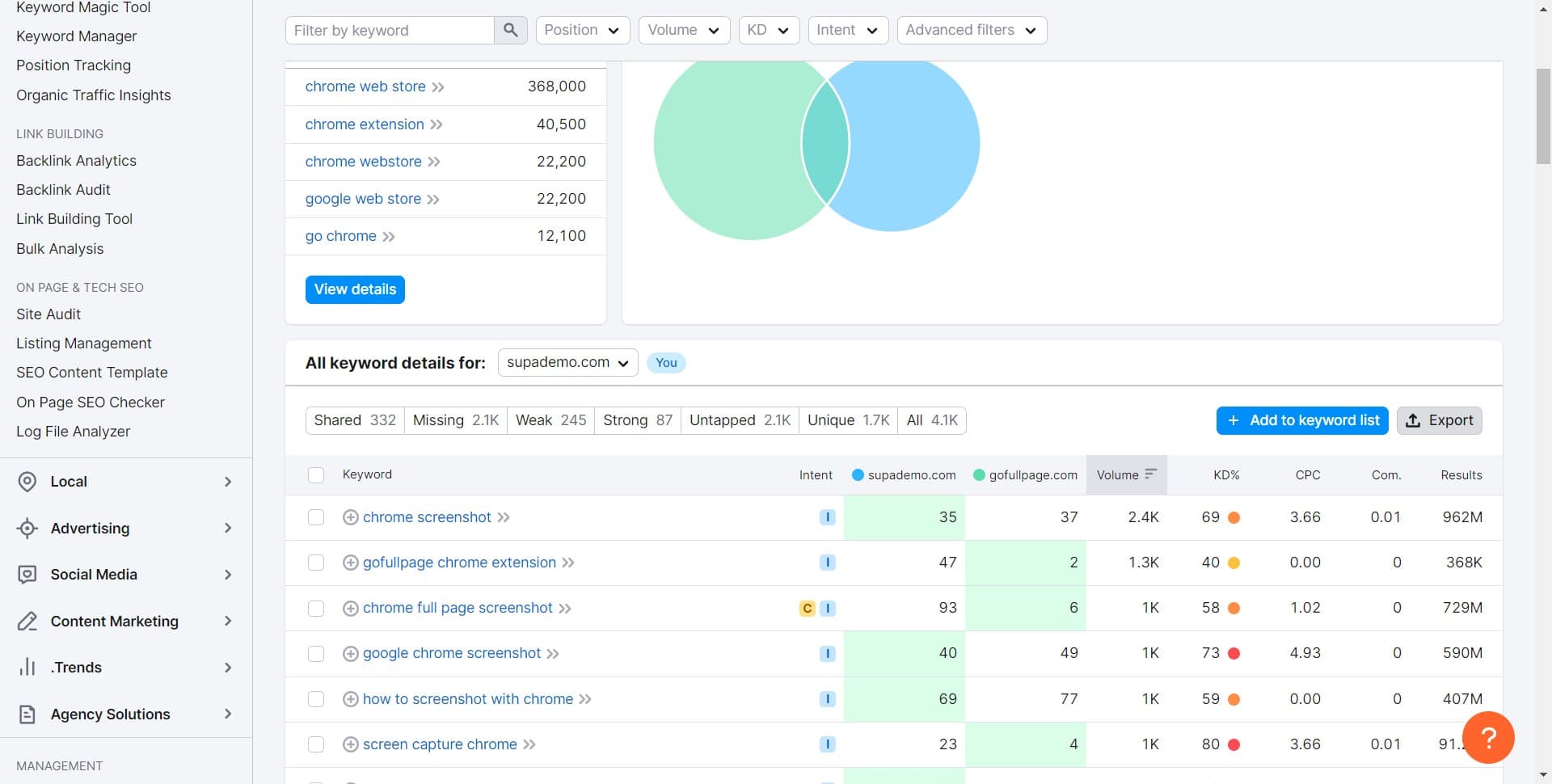
Click on Missing
Filter to show missing keywords—keywords your competitors rank for that you have no visibility for at all. These often represent the highest-potential opportunities.
- 8
Click on Export
Export your keyword gap findings to a CSV or Excel file for use in your content planning, SEO roadmap, or team collaboration. This data becomes your action plan for closing the gap.
Frequently asked questions
Common questions about how to use the semrush keyword gap tool.
Weak keywords are ones where your site ranks but doesn't appear in the top positions, while missing keywords are those you don't rank for at all. Missing keywords typically represent untapped opportunities, while weak keywords are chances to improve existing rankings. Prioritize missing keywords first, then work on strengthening weak ones.
Semrush allows you to compare your domain against multiple competitors in a single analysis. The exact number depends on your Semrush subscription level. Check your account settings to confirm your plan's limits.
Yes, the export function typically offers CSV and Excel formats. Choose the format that works best for your workflow and team tools. Once exported, you can sort, filter, and organize the data further in your preferred spreadsheet application.
Run keyword gap analyses quarterly or whenever your competitors significantly update their content strategy. Monthly checks are useful during active SEO campaigns. Regular monitoring helps you stay ahead of competitive shifts and emerging opportunities.
Focus on keywords that align with your business goals, audience intent, and current content pillars. Prioritize high-volume, low-difficulty keywords first for quicker wins. Consider search intent and relevance to your products or services to ensure maximum ROI on content creation.