At Supademo, we’ve heard you loud and clear: the little details matter. So we dug into our most sought-after design tweaks and reworked them to give you more say over how your Supademo look and feel. Whether it’s tweaking hotspots or making sure things look good on mobile, this is about helping your content work well and feel like it's uniquely yours.
Launching today is a batch of NINE (9 ‼️) Delightful Design Improvements – a collection of simple, yet effective design tweaks that make your Supademo more polished, professional, and easy for both editors and end viewers:
An enhanced demo editor
1. Sync hotspot and voiceover text on changes
For creators who prefer to use the same text for both their hotspots and voiceover scripts, syncing the two is easier than ever before. In just a few clicks.
2. Record new steps to an existing Supademo
With this update, creators can record additional steps of any length directly from the demo editor and add it into the appropriate position in their Supademo.
This helps Supademo creators save time when product interfaces change or when there is a need to show additional features in an existing Supademo.
3. Freeform slide selector
You can now select multiple slides in the Supademo editor in freeform, non-sequential format. This usability improvement is effective for cases where you need to select multiple slides (i.e. 1-3, 6, 9-10) for copying, pasting, or deleting.
Select multiple slides by using the built-in checkbox or by using command+click in the demo editor for both HTML and screenshot/video-based Supademos.
Hotspot improvements and options
4. New HTML hotspot options
For HTML Supademo users, we've added some new appearance options to give you more flexibility. This includes: Invisible hotspots: Make hotspots—perfect for keeping things clean when the focus should stay on your content. Also great for sandbox demos.
- New styles: Add a backdrop behind them and tweak the intensity to get it just right, so it highlights without stealing the show.
We’ve been hearing how much you care about the look of your Supademos, and this is our way of giving you more control while maintaining the simplicity of hotspots.
5. Hotspot out of bounds warning
The Supademo editor will now automatically detect when this happens and will apply a warning to the appropriate hotspot tooltip to resolve this issue proactively.
This feature is especially helpful for instances where you may unknowingly configure a large area hotspot that forces the tooltip to overflow beyond the Supademo's viewable canvas!
6. Hotspot alignment ruler
Creating perfectly aligned Supademos with consistent hotspots is now effortless with our new alignment ruler: Snap tooltips and hotspots to a grid for professional layouts
- Use smart guides that appear automatically as you position elements
- Enter your own x and y coordinates to ensure consistently positioned hotspots
The alignment ruler transforms demo creation from "good enough" to pixel-perfect, giving your demos that professional polish that users notice.
Improved Viewer Experience
7. Enhanced progress bar
We reworked Supademo's progress bar experience to better handle Supademos with many steps or those with longer video steps. Subtle improvements include: Clear timestamps and scrubbable progress indicator for video steps
- Use of arrow pagination for Supademos with more than 10 slides
- Better mobile handling and slide previews
These improvements make navigation more intuitive while giving users clear feedback on their progress through your demo.
8. Improved mobile experience
Let's face it - many people view Supademos on their phones – especially when they're on the go. So, we've revamped how Supademos look and feel on mobile: The next/previous arrows as well as the display of the hotspot styles have been improved on mobile devices
- The Supademo view now displays the current step below the Supademo, alongside sticky previous/next buttons at the bottom of the screen for simplified navigation and readability without toggling each hotspot.
Please note that the step descriptions must be enabled in your Supademo settings page for this to be viewable on mobile.
As a result, your Supademos will now deliver a seamless experience regardless of whether users access them on desktop, tablet, or smartphone.
9. Autoplay for HTML Supademos
HTML-based Supademos (beta) now support autoplay functionality – meaning you can transform high-fidelity sandbox demos into video-like experiences.
Access this feature by clicking the Animation tab in your Supademo editor!
Why these design enhancements matter
Great design isn't just about aesthetics—it's about effectiveness. These enhancements will help you: Increase engagement with more visually appealing Supademos that draw users in
- Improve completion rates through clearer navigation and polished content
- Strengthen brand perception with professionally styled Supademo that reflect your brand quality
- Reach more users with truly mobile-optimized experiences
How to access these new design improvements
All of these design enhancements are available starting today for all Supademo users. Simply log in to your Supademo account and look for the new design options in the editor interface.
For existing Supademos, you can easily apply these new design elements by opening them in the editor—no need to recreate your work.
Stay tuned for more!
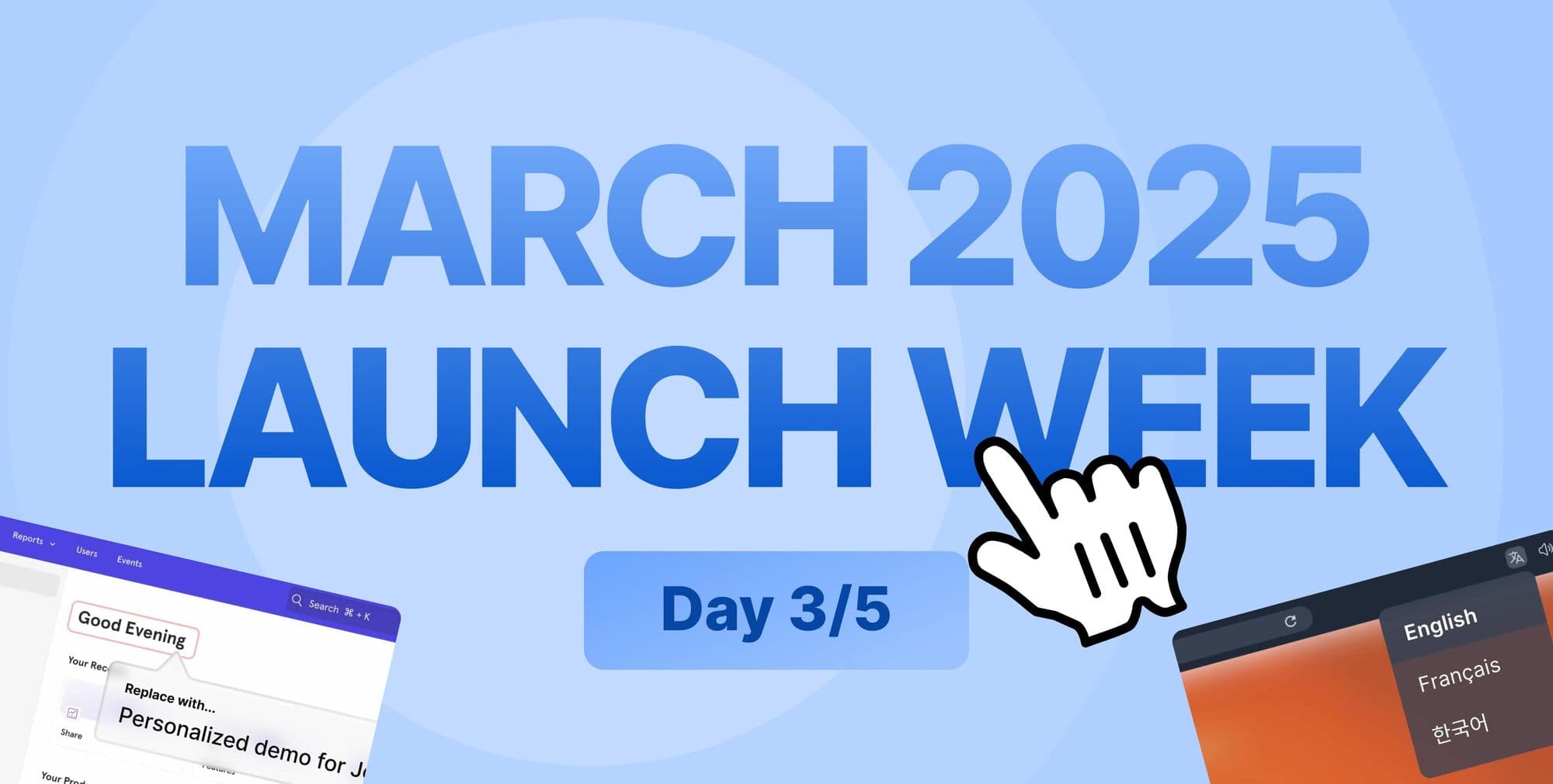
We’re only on Day 3 of Launch Week, and there’s still more to come. We’ve got three more updates lined up through Friday, all built to help you show off your product in ways that feel right for you.
Tomorrow, we’re dropping updates for our upcoming Windows Desktop App—can’t wait for you to see it!
Frequently Asked Questions about launch week day 3
Commonly asked questions about this topic.
How do the new design improvements enhance user experience?
What specific features were updated during launch week day 3?
Which design changes impact workflow efficiency the most?
How can teams implement these improvements in their workflows?
What problems do the design updates solve for users?
Are these improvements backward compatible with existing projects?
When will all users have access to these design enhancements?

Joseph Lee
Co-founder & CEO
Joseph is the CEO and co-founder of Supademo, building AI-driven interactive demo tooling used by 100,000+ founders, marketers, and operators to accelerate product understanding and sales. He’s a two-time startup founder passionate about zero-to-one product building and remote-first company culture.