New in November ’25: Smarter Recording, Editing, Sharing, Analytics & More
November was all about making Supademo feel smoother end-to-end — from the moment you hit record to how you share, analyze, and scale your demos.
We’ve shipped upgrades to recording, editing, captions, sharing, and analytics, plus new enterprise-grade controls to keep things secure.
Here’s a quick rundown of what’s new:
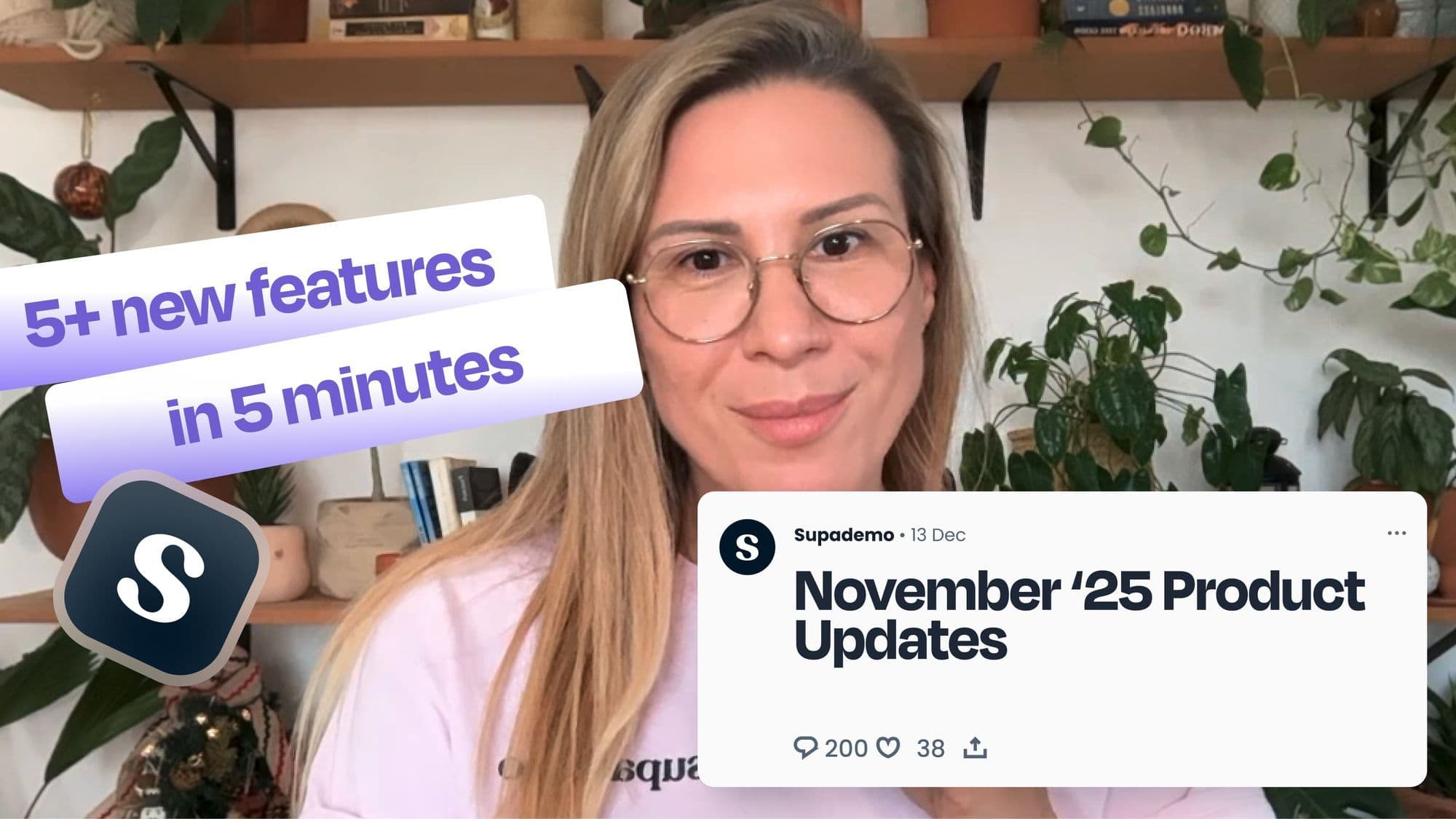
November Recapped in 5 Minutes
Set a Default Save Location for New Captures
Recording workflows just got more predictable.
You can now set a default save location for all new captures. Supademo automatically remembers the last folder or workspace you used, so every time you hit record, your demo is saved exactly where you expect it to be — no more hunting around your workspace after the fact.
A Cleaner, More Discoverable Share Page
Sharing Supademos — whether one-to-one or at scale — is now more intuitive.
We’ve refreshed the share page to make branding controls, settings, and share links easier to find and navigate. It’s now simpler to: Create a personalized link for a specific viewer
- Generate a reusable, dynamic link you can share with many people
- Adjust key visibility and branding settings in one place
The result: faster sharing, clearer controls, and less friction before you start collecting viewer data.
CSV Exports for Viewer Analytics
For teams that live in spreadsheets and BI tools, analytics just levelled up. Supademo analytics now supports CSV exports, letting you download: Viewer data
- Engagement metrics Timestamps
- Countries and more This makes it easy to run deeper analysis, join Supademo data with other sources, and build your own dashboards and reports.
While this was especially requested by our enterprise customers, we’ve rolled it out to all paid plans.
Undo & Redo in the HTML Editor
Editing custom HTML no longer needs to feel risky.
We’ve added simple but powerful undo and redo controls to the HTML editor, so you can experiment freely — whether you’re changing text, updating styles, or replacing images.
If something doesn’t look right, jump backward or forward in a click and keep iterating without worrying about breaking your demo.
Auto-Generated Captions for Uploaded & Self-Recorded Audio
Captions are now consistent across every type of demo.
Previously, captions only worked when you uploaded your own video or recorded your own voiceover, you’d end up with some steps captioned and others not.
Now, anytime you upload a video or record your own voice, Supademo will automatically generate captions for that audio — just like it does with AI voiceovers.
You’ll also see a new Edit captions button, so you can quickly fix misheard words or phrases and keep everything polished.
CSP Compliance for Demo Hubs (Enterprise)
For organizations with strict security requirements, demo hubs now play even nicer with locked-down environments.
We’re introducing CSP (Content Security Policy) compliance for demo hubs on Enterprise plans, ensuring your hubs embed cleanly and securely inside apps and sites with tighter security policies.
If your team runs in highly regulated or security-sensitive environments, this helps Supademo fit neatly into your existing controls.
In-App Demo Hubs: Help, Right Where You Need It
This one’s not brand new — but it’s worth spotlighting.
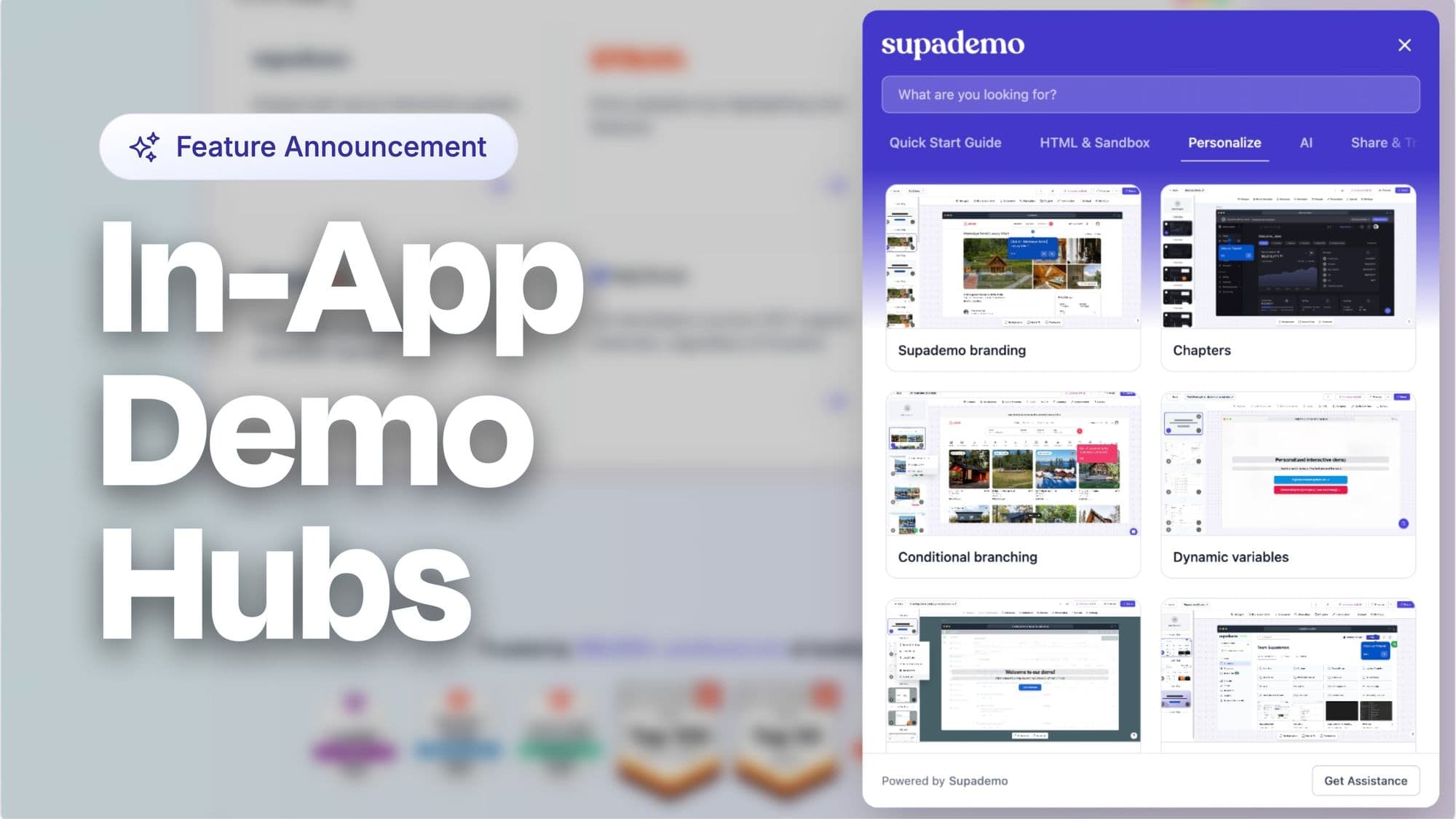
We’ve quietly added demo hubs across the Supademo app so you can get guided, interactive help right where you’re working.
Anytime you’re stuck or exploring a new workflow, just click the question mark icon in Supademo to launch a demo hub. From there, you can search a library of interactive demos that walk you through key features and workflows in seconds — without leaving the product.
Sneak Peek: What’s Coming Next
We’re also working behind the scenes on some big upgrades we’re excited to share soon.
Smart Interactive Video Recorder
Imagine a Loom-like recording experience, but powered by Supademo Intelligence.
You’ll be able to: Record your screen or camera
- Get auto-zooms and dynamic framing out of the box
- Apply branded backgrounds for a polished look
Once you’re done, you can either share the video as-is or convert it into an interactive Supademo — complete with CTAs, analytics, hotspots, chapters, and more.
This will bring together the speed of video recording with the depth of interactive product storytelling, all in one place.
Expanded Hotspot Customization
We’re also expanding how you design and configure hotspots. Soon, you’ll have: More colour options
- Adjustable radius for hotspot shapes
- External link support
- Even invisible hotspots for subtle, minimalist interactions
These updates will give you more control over how viewers explore your demos — from bold guided flows to refined, overlay-free experiences.
Get started on Supademo
We’d love to hear what you think of these latest updates!
As always, you can share feedback directly with our team or visit our searchable documentation to learn more about any feature on Supademo.
Growth & adoption start with better demos. Free 14-day trial, no credit card required.
Frequently Asked Questions about Supademo's November 2025 updates
Commonly asked questions about this topic.
What new recording features are available in November 2025?
How do the improved editing tools work?
What analytics enhancements were added this month?
How can I share recordings more effectively now?
What makes the new recording capabilities smarter?
Which sharing options are new in this update?
How do the updated analytics help track performance?
Paulina Staszuk
Head of CS
Paulina Staszuk, based in Canada, is currently a Head of Customer Success at Supademo. Paulina Staszuk brings experience from previous roles at Pavilion, Digitail and Hatchet Ventures.