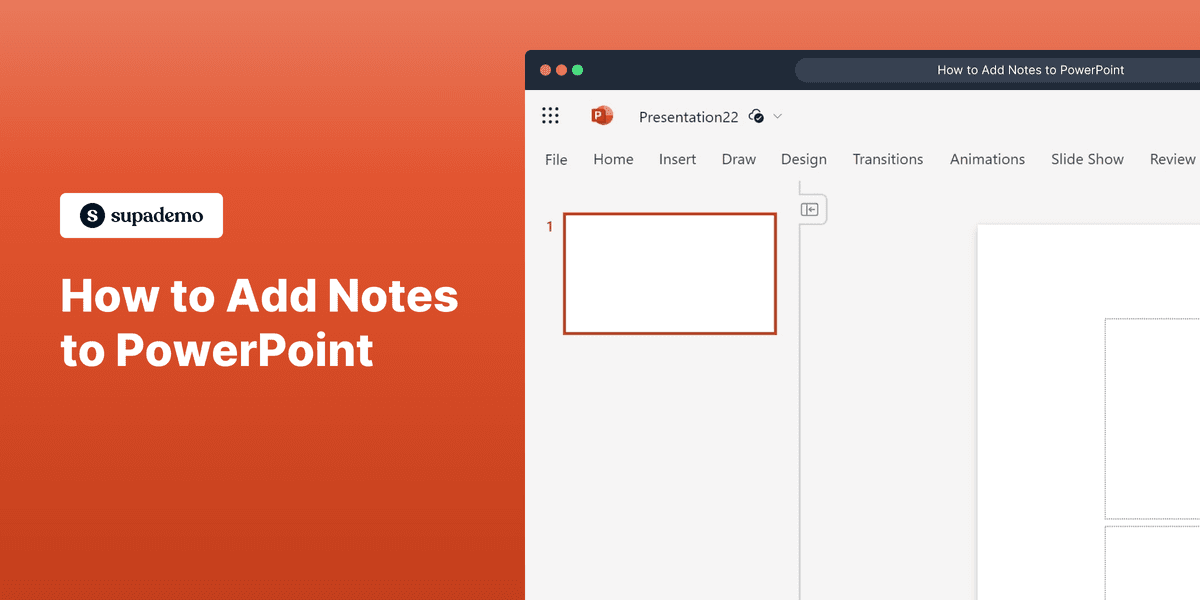
What is Microsoft PowerPoint?
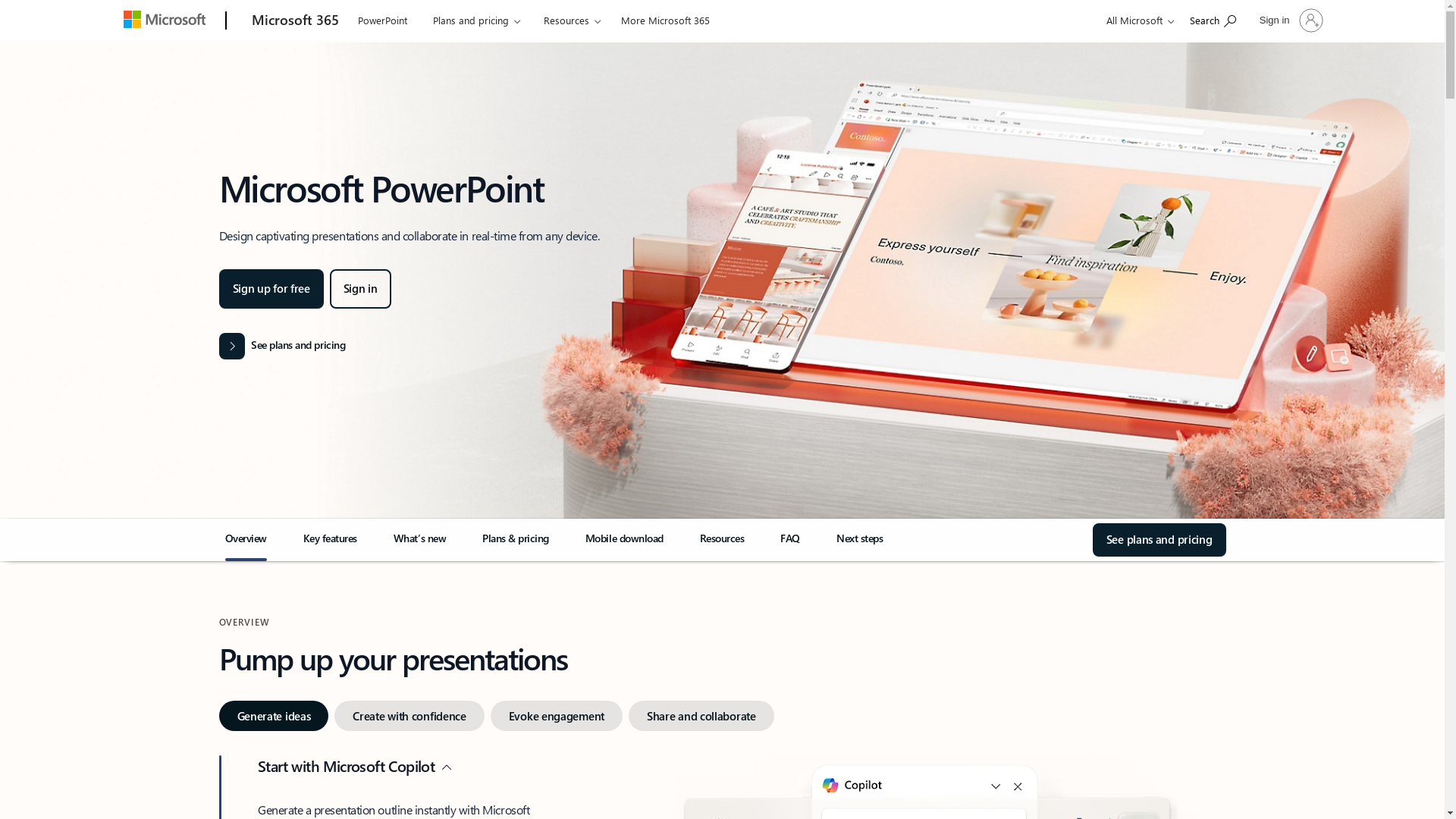
Microsoft PowerPoint is a presentation software developed by Microsoft, which allows users to create dynamic slide presentations to communicate ideas, strategies, and information effectively. The software provides a wide range of tools to design visually impactful slides with text, images, videos, and animations. For more information, visit the Microsoft PowerPoint website.
Who is Microsoft PowerPoint best suited for?
Microsoft PowerPoint is best suited for various types of professionals such as Product Marketers, educators, and business managers. Product Marketers can use PowerPoint to create promotional slides and engaging pitches, while educators can design lecture slides to enhance classroom learning. Its interactive features and design tools make presentations more engaging and effective.
How to Add Notes to PowerPoint
Common FAQs on How to Add Notes to PowerPoint
Commonly asked questions about this topic.
How can I add notes to my PowerPoint slides?
How do I view my notes while presenting?
Can I print PowerPoint slides with notes?
Is there a way to hide my notes from others?
Can I add notes in PowerPoint Online?
Enjoyed this interactive product demo of Microsoft PowerPoint?

Product Operations Associate
Vimal Kumar helps build and grow Supademo’s team and GTM efforts, with a focus on figuring out growth levers and improving product traction.




