What is Asana?
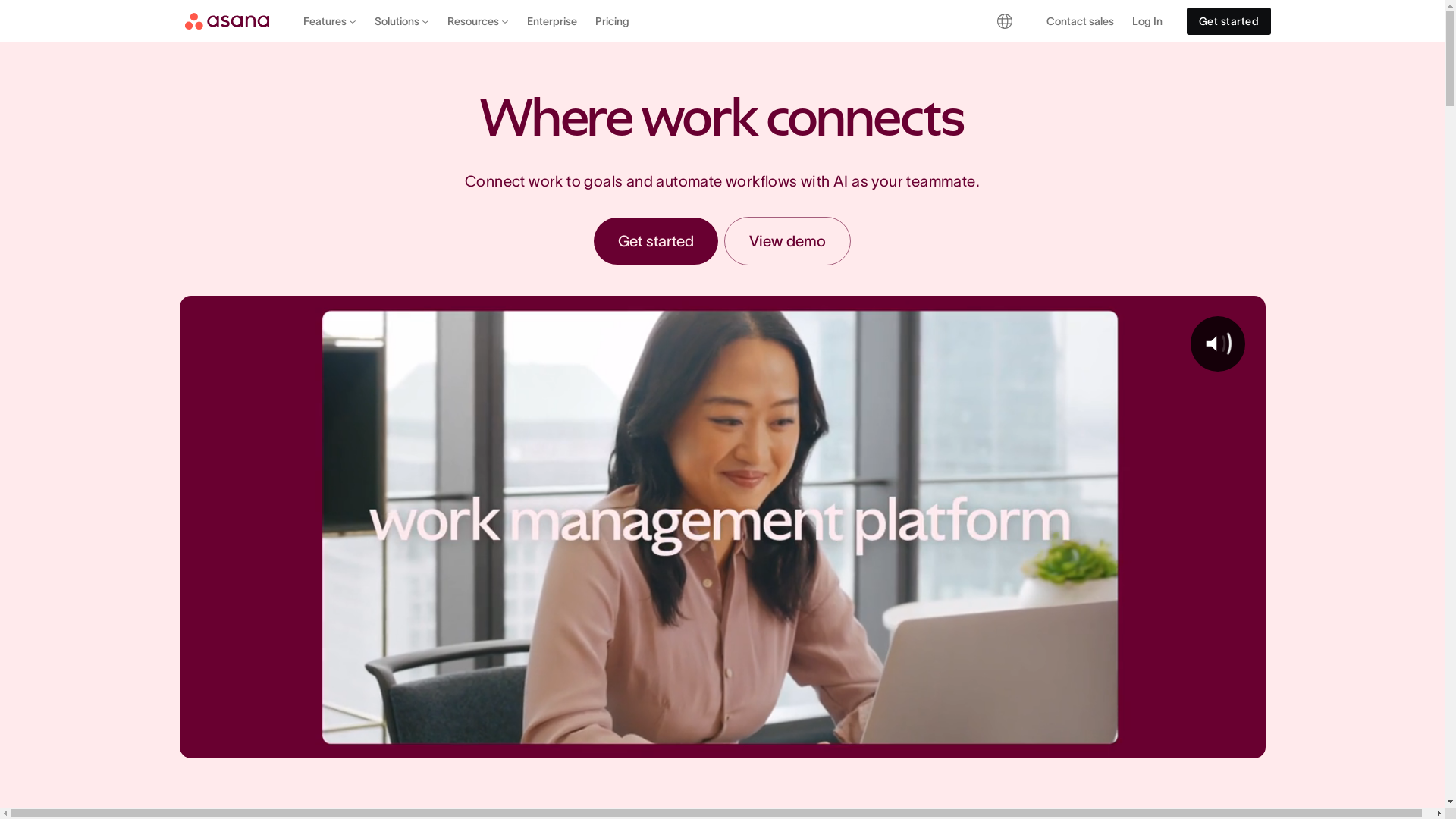
Asana is a work management platform designed to help teams collaborate better and streamline their tasks. It provides various tools and integrations to organize projects, track progress, and enhance productivity throughout organizations.
Who is Asana best suited for?
Asana is best suited for Product Marketers, project managers, and team leaders. It's ideal for managing product launches, coordinating marketing campaigns, or organizing cross-functional projects. Asana's robust feature set allows users to assign tasks, set priorities, and monitor deadlines, ensuring efficient collaboration and project completion.
How to Download the Asana Desktop App
Common FAQs on How to Download the Asana Desktop App
Commonly asked questions about this topic.
How do I download the Asana desktop app?
You can download the Asana desktop app by visiting the Asana website and following the download link for your operating system. Once downloaded, follow the installation instructions.
Is the Asana desktop app available for both Windows and Mac?
Yes, the Asana desktop app is available for both Windows and Mac operating systems.
Do I need an Asana account to use the desktop app?
Yes, you need an Asana account to use the desktop app. You can sign up for a free account on the Asana website.
What are the system requirements for the Asana desktop app?
The system requirements for the Asana desktop app vary by operating system. Make sure your system meets the minimum requirements specified on the Asana website before downloading.
Can I access my Asana projects offline with the desktop app?
No, the Asana desktop app requires an internet connection to access and update your projects.
Enjoyed this interactive product demo of Asana?
Create your own interactive product demo in minutes. Drive growth, scale enablement and supercharge product led-onboarding with Supademo. Sign up for free here with no credit card required.

Vimal Kumar
Product Operations Associate
Vimal Kumar helps build and grow Supademo’s team and GTM efforts, with a focus on figuring out growth levers and improving product traction.