How to Blur Background in Zoom

Background blur is a professional feature in Zoom that helps you maintain privacy and minimize distractions during video calls. Whether you're working from home or in a busy environment, this feature allows you to blur your background without requiring a green screen.
Quick summary
In this tutorial, you'll learn how to enable and customize the background blur feature in Zoom to create a polished, distraction-free appearance during your meetings. We'll walk you through accessing the settings and applying blur to your video feed.
Why this matters
Using background blur helps you present a professional image in client calls, interviews, and team meetings while protecting your privacy. It eliminates the need for a physical backdrop and allows you to work from any location without worrying about what's visible behind you.
Step-by-step guide
- 1
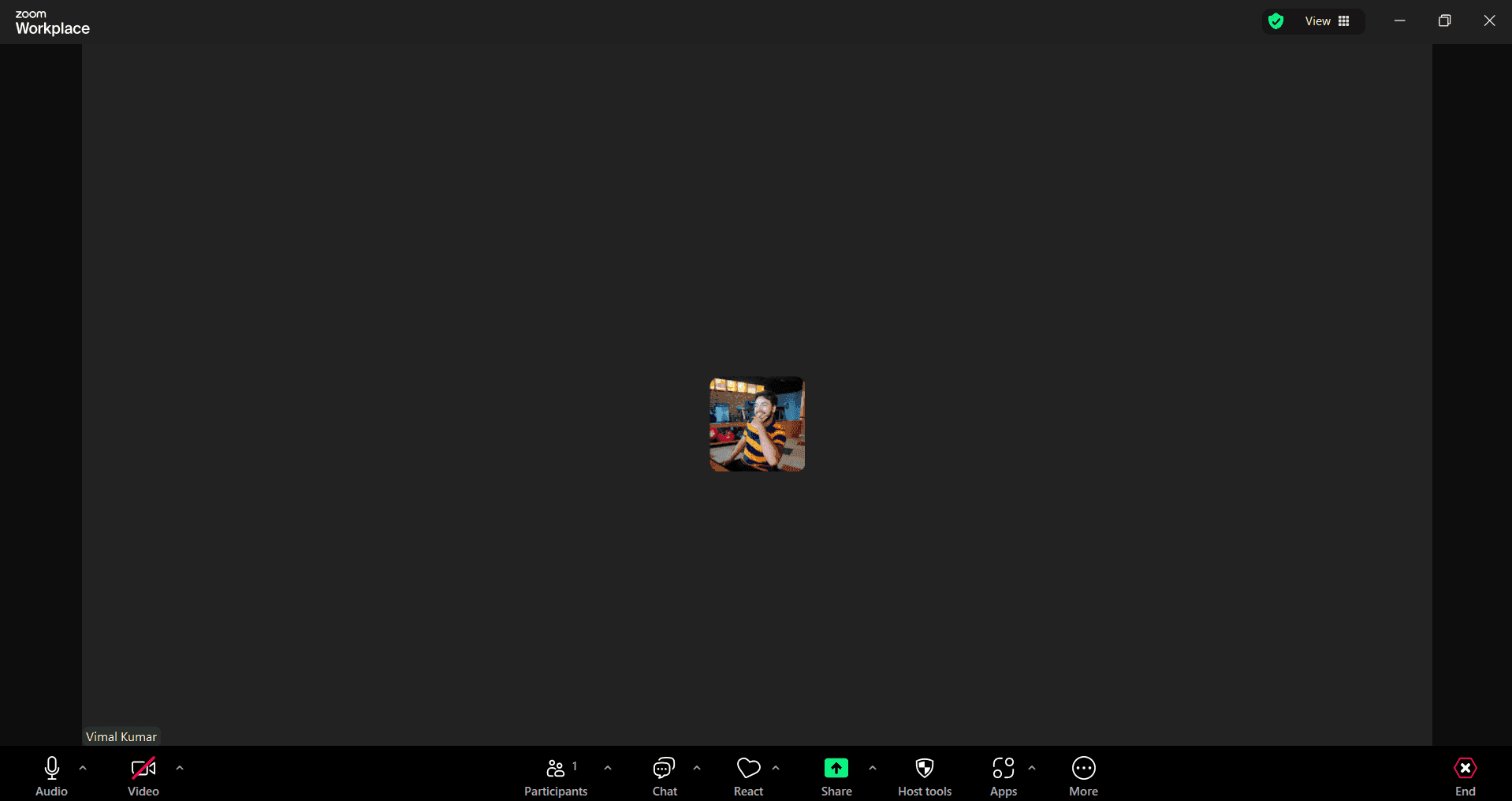
Upload Background Blur Settings
Navigate to your Zoom settings and locate the virtual background or background blur option. Select the blur effect from the available background options to apply it to your video feed.
- 2
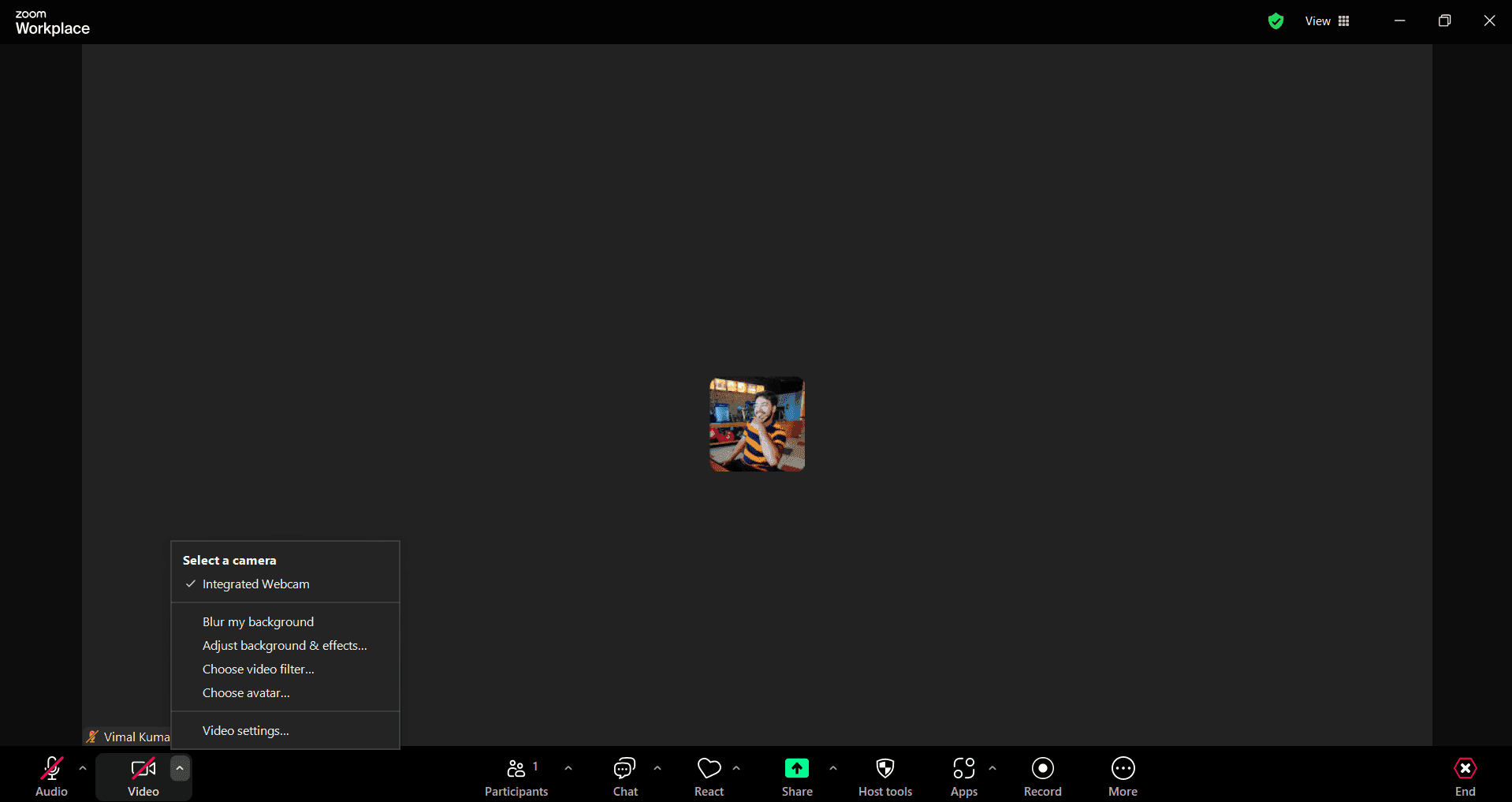
Upload and Configure Blur Effect
Choose your preferred blur intensity or style from the settings menu. Confirm your selection to apply the blur effect to your next meeting.
- 3
Upload Final Settings
Save your background blur preferences so they apply automatically to future Zoom calls. Test your settings by joining a practice call to ensure the blur appears as expected.
Frequently asked questions
Common questions about how to blur background in zoom.
No, you don't need a green screen to use Zoom's background blur feature. The blur effect works with any background and uses your device's processing power to blur everything behind you in real-time.
Background blur is supported on most modern devices including computers, tablets, and smartphones. However, older devices may have limited performance. Zoom's desktop app typically provides better blur quality than mobile versions.
Yes, depending on your Zoom version and device, you may be able to adjust the blur intensity. Check your virtual background settings during a call or in the settings panel to see available customization options.
Background blur does use some processing power, which may slightly impact call performance on older devices. However, on modern computers and devices, the effect is minimal and shouldn't noticeably affect video quality.
Yes, Zoom allows you to use either background blur or a custom image as your virtual background. You can toggle between the blur effect and uploaded images based on your preference for each call.