Free Online Webcam Recorder
Record your webcam directly in your browser with optional screen recording. Add annotations, AI voiceovers, and interactive elements. Share with tracked links. Simpler than OBS, more interactive than Loom.
Record your webcam and share as interactive demos
Start recordingTrusted by 200,000+ top operators and 3,000+ paying organizations


How to record your webcam with Supademo
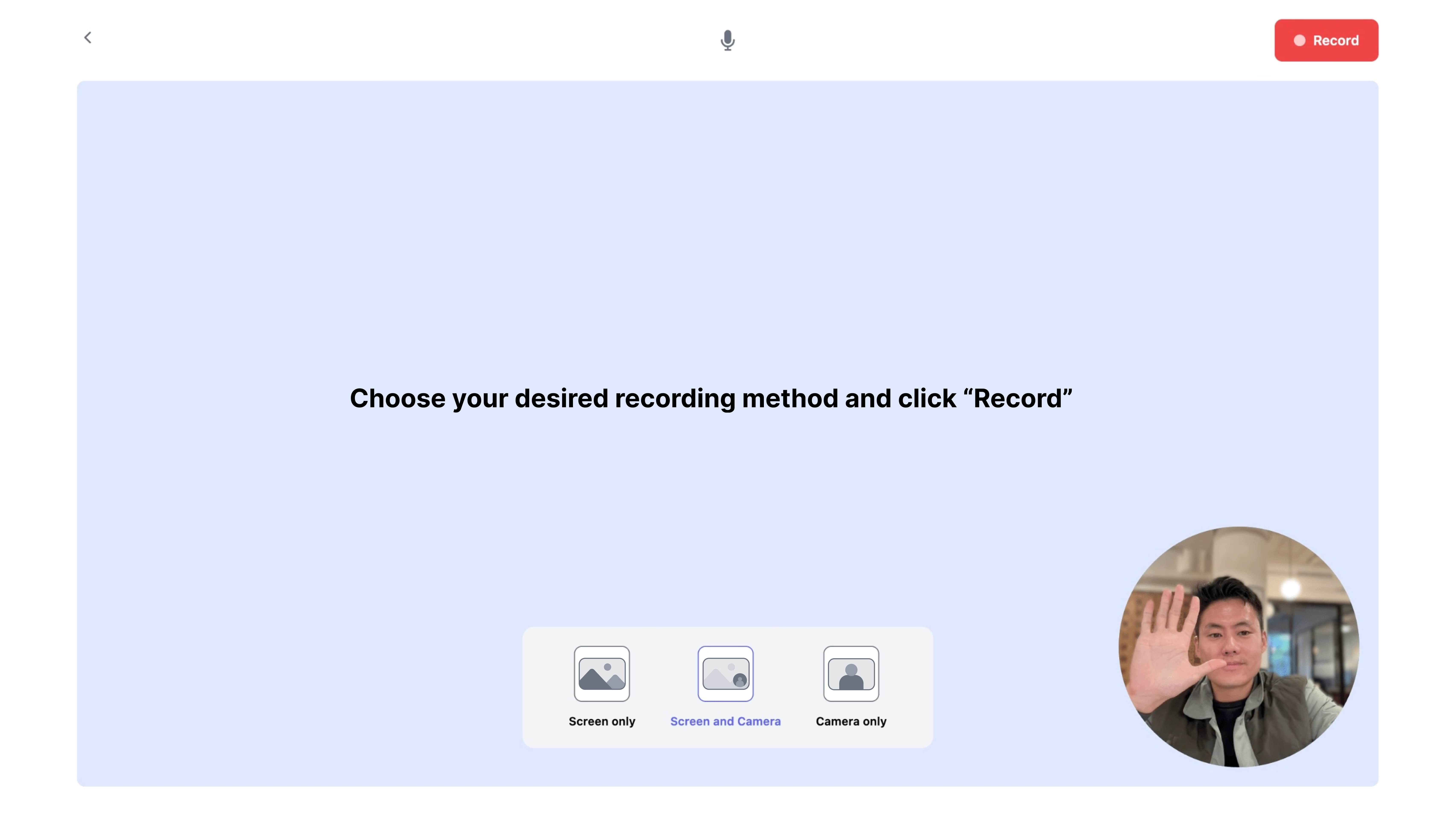
Open your browser and hit record
No downloads or complex setup. Supademo's webcam recorder works directly in your browser. Choose webcam only, screen only, or both simultaneously.
Edit and enhance with interactive elements
Split your recording into steps, add clickable hotspots, generate AI voiceovers, and insert annotations. Turn a webcam capture into a guided interactive demo.
Share with tracking and analytics
Generate a shareable link or embed on your site. Track who watched, how far they got, and which interactive elements they engaged with.

What makes Supademo's webcam recorder different
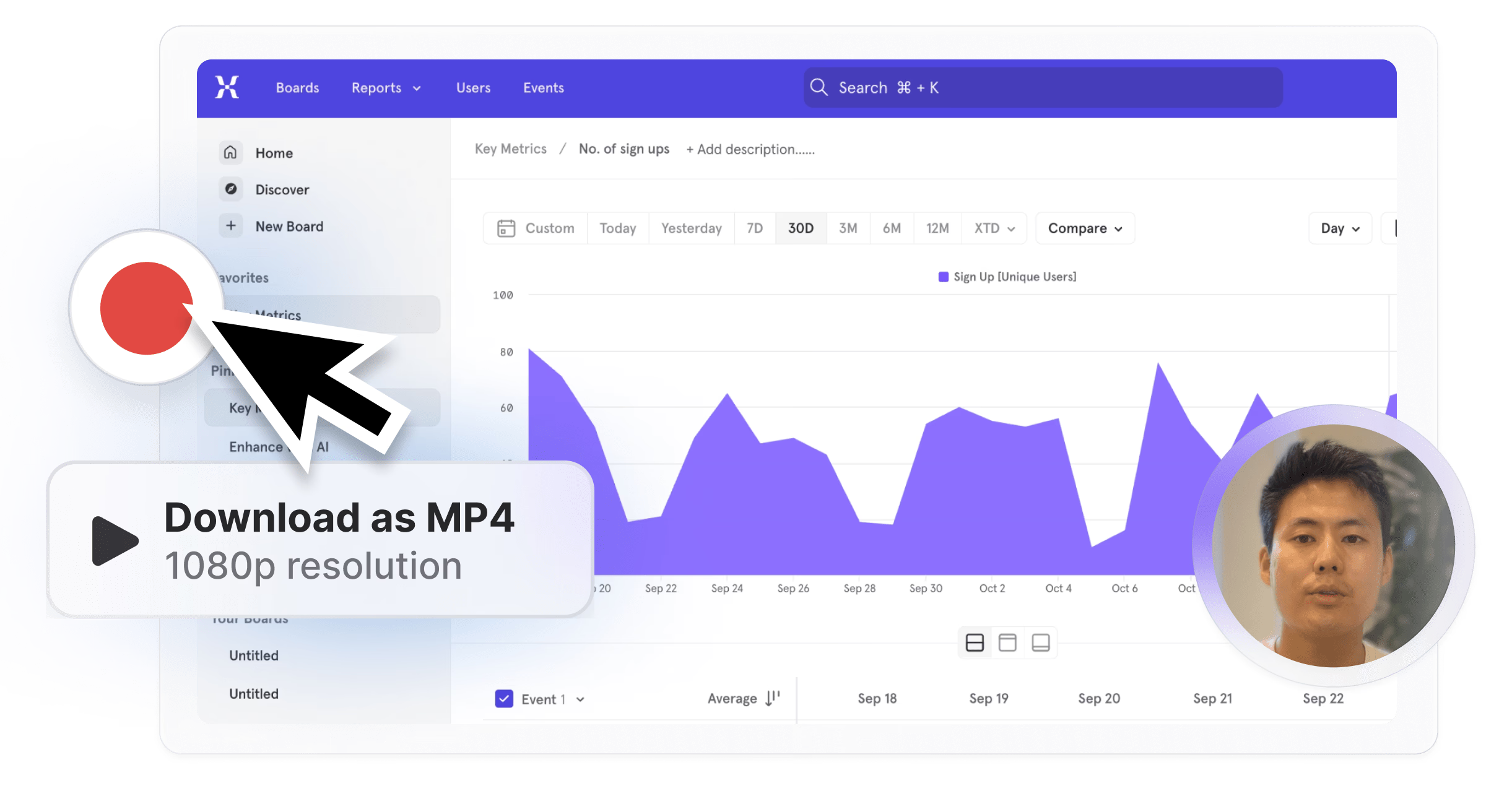
Browser-based with zero setup
Unlike OBS, which requires downloading software and configuring settings, Supademo's webcam recorder runs entirely in your browser. Click record and start capturing in seconds.
Explore screen recorder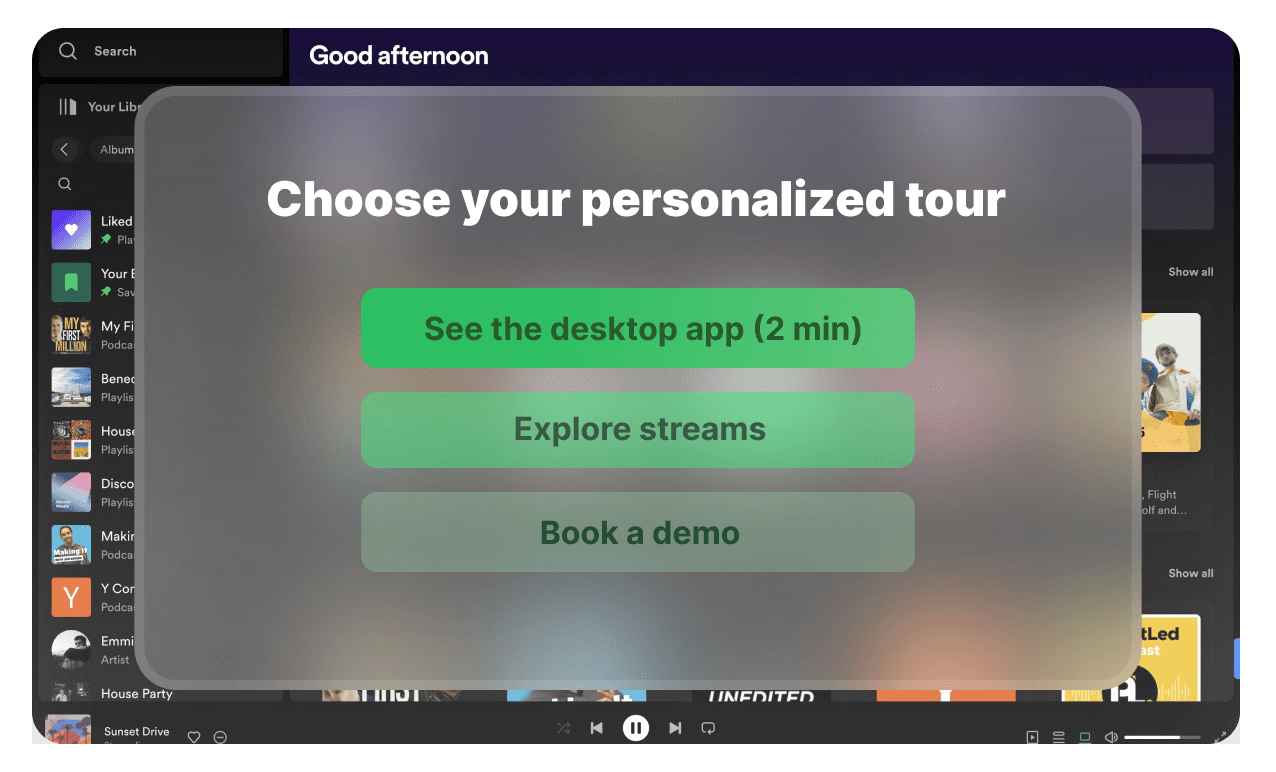
Recordings become interactive demos
Loom gives you a passive video. Supademo lets you split recordings into interactive steps with hotspots, branching, and annotations. Viewers engage with your content instead of skipping through it.
Explore demo editor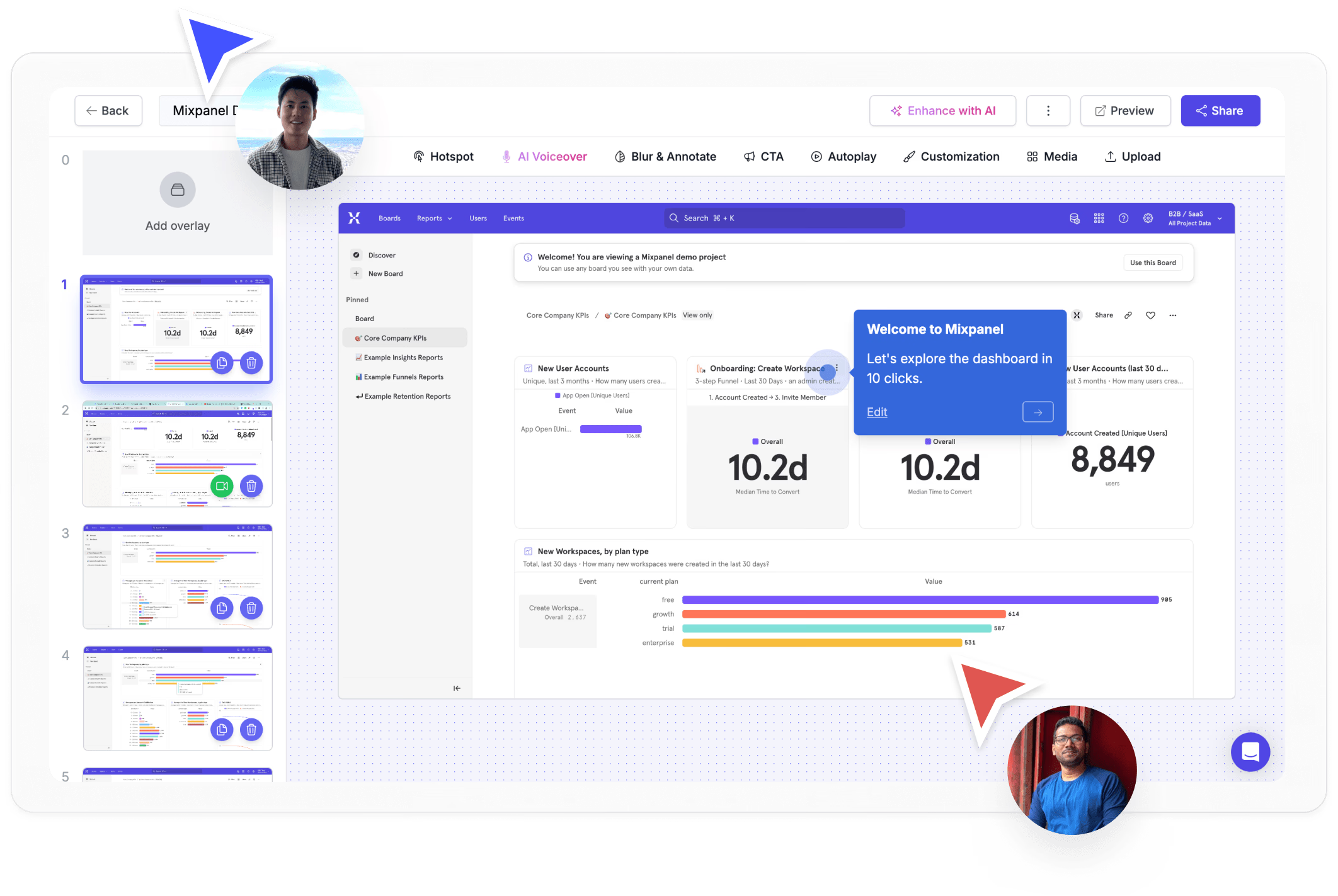
Viewer-level engagement tracking
Track who watched your recording, which steps they completed, and where they dropped off. Webcamera.io gives you a file. Supademo gives you a link with analytics.
Explore analyticsWhy we built Supademo's webcam recorder

“When I was building Supademo's early sales motion, I sent over 200 personalized webcam videos in three months. Reply rates landed at about 3x our cold email baseline. The friction was that every new rep we hired hit the install-a-desktop-app wall. Supademo's online webcam recorder runs in the browser, so reps record on day one without any install.”

“With Supademo's online webcam recorder, I wanted the webcam bubble to feel like part of the demo. Loom does casual webcam well but the output is a flat video. I spent about 4 months keeping the webcam visible while the viewer clicks through an interactive demo. Your face stays in the corner and the prospect explores the product underneath.”
Who uses Supademo's webcam recorder?
Personal video messages that build trust before the call
Record personal webcam messages that build trust before the call. Supademo's webcam recorder combines face-to-camera with screen capture for a personal touch.
Explore sales enablement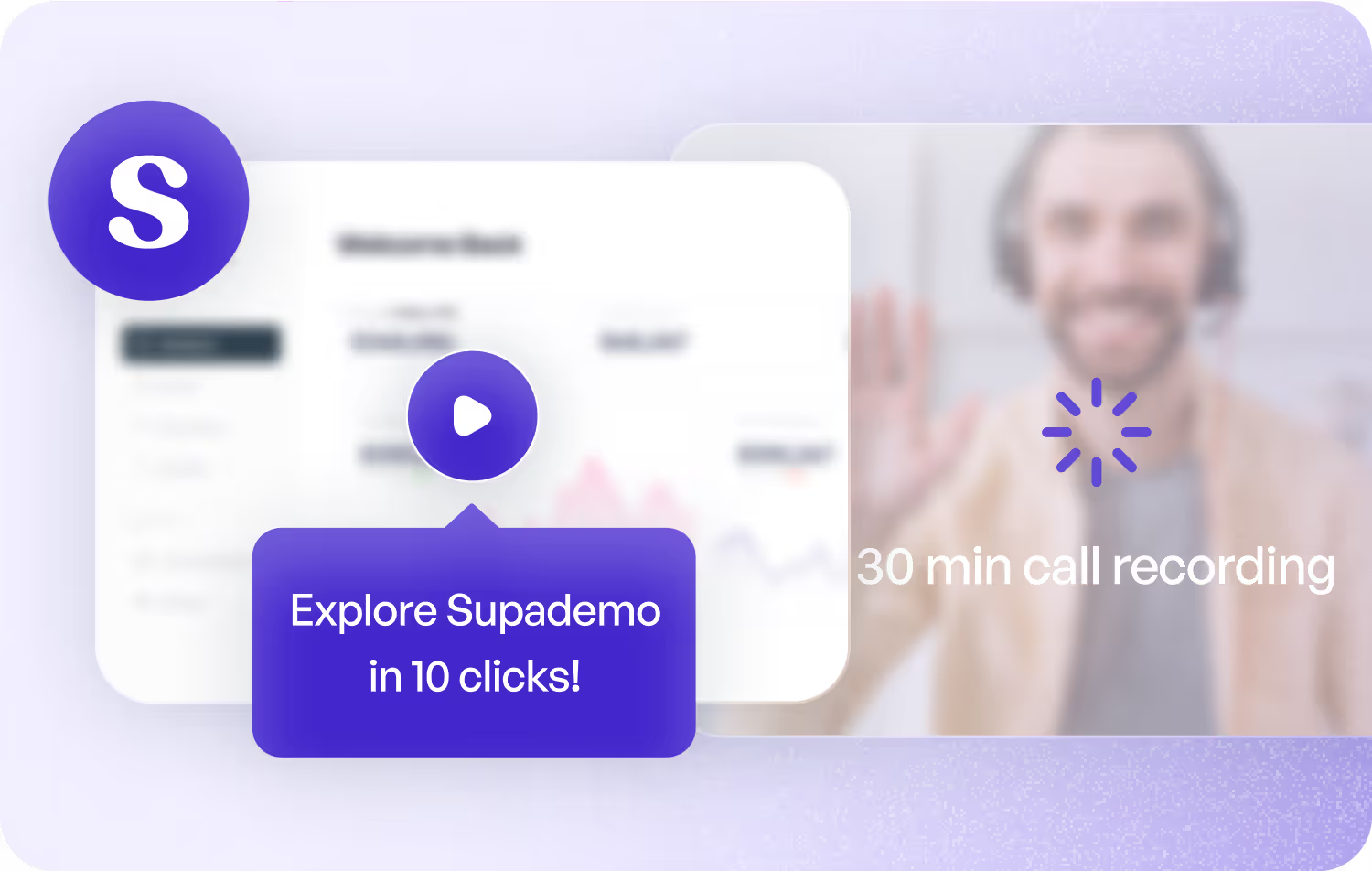
Face-to-camera content for social and landing pages
Create face-to-camera content for social and landing pages. Supademo's webcam recorder captures your screen and camera simultaneously.
Explore product marketing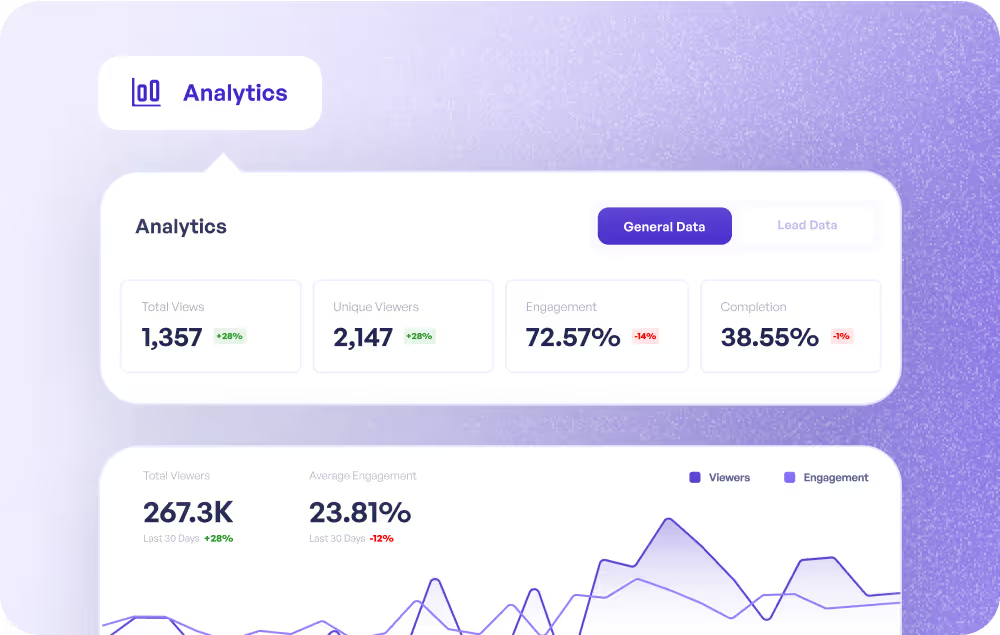
Personal check-in videos that scale your CS team
Record personal check-in videos that scale your CS team. Supademo's webcam recorder adds a human touch to async communication.
Explore customer success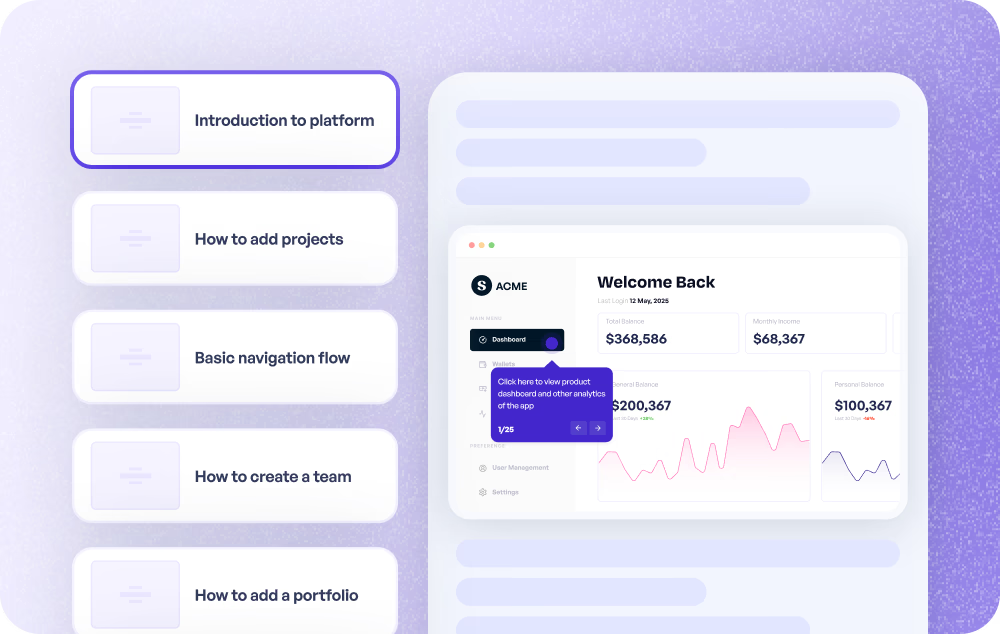
Face-to-face explanations without scheduling a call
Record face-to-face explanations without scheduling a call. Supademo's webcam recorder captures your screen and webcam for clear, personal walkthroughs.
Explore customer support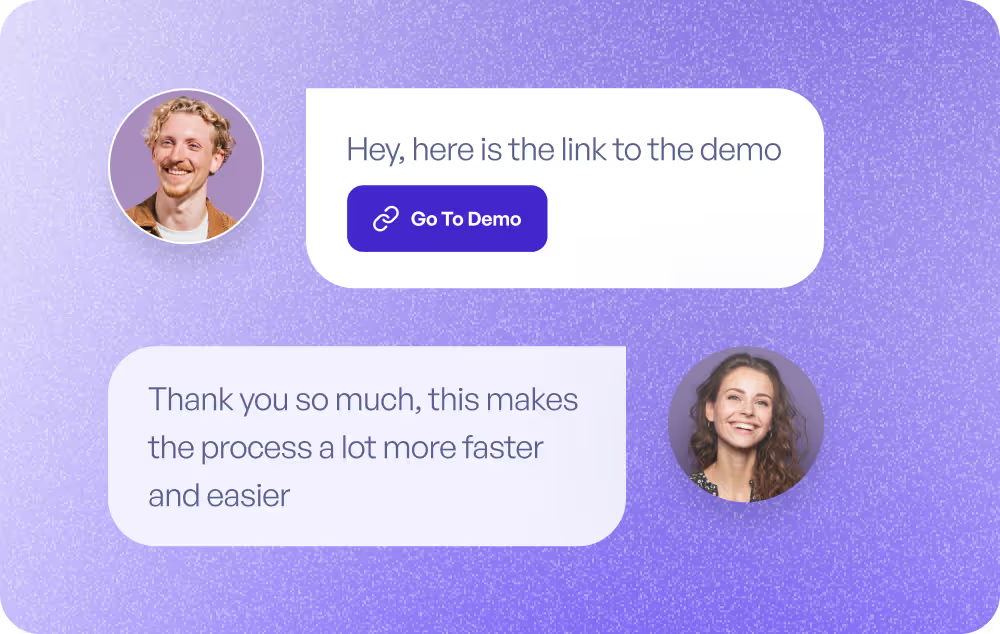
Quick webcam updates for stakeholders and users
Record quick webcam updates for stakeholders and users. Supademo's webcam recorder makes async product communication feel personal.
Explore product use cases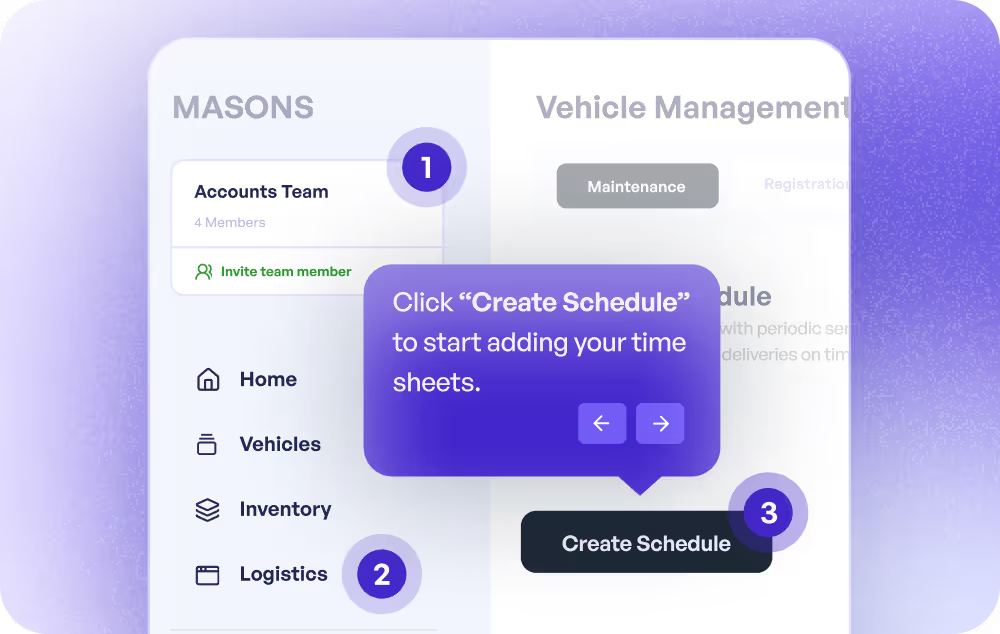
Instructor-led training anyone can record and share
Record instructor-led training anyone can watch and revisit. Supademo's webcam recorder captures the presenter alongside the product walkthrough.
Explore training use cases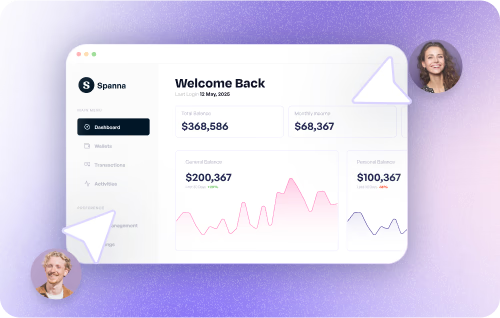
How do sales teams use Webcam Recorder?
Sales teams use Supademo's webcam recorder to create personalized, self-guided product experiences that replace static slide decks and reduce time-to-close.
How do marketing teams use Webcam Recorder?
Marketing teams record face-to-camera product content with Supademo's webcam recorder for social posts and landing pages, capturing screen and camera simultaneously in one flow.
How do customer success teams use Webcam Recorder?
CS teams record personal webcam check-in videos that add a human touch to async communication, scaling one-to-one interactions without scheduling live calls.
How do support teams use Webcam Recorder?
Support teams record face-to-face video explanations with screen context using the webcam recorder, providing personal walkthroughs without scheduling a call.
How do product teams use Webcam Recorder?
Product teams record quick webcam updates for stakeholders and users with Supademo's recorder, making async product communication feel personal and clear.
How do training teams use Webcam Recorder?
L&D teams use Supademo's webcam recorder to capture instructor-led training anyone can watch and revisit, recording the presenter alongside the product walkthrough.
Explore Similar Free Tools
Frequently asked questions
Common questions about Supademo’s webcam recorder. Have others? Reach out and our team will be happy to help.
An online webcam recorder captures video from your camera directly in your browser without downloading software. Supademo adds screen recording, interactive elements, AI voiceovers, and tracked sharing links on top of standard webcam capture.
Loom creates passive recordings with limited editing. OBS requires complex setup and produces files you need to host separately. Supademo records in your browser and converts recordings into interactive, trackable demos with demo automation built in.
Yes. Supademo captures your screen and webcam at the same time. You can display the webcam as a floating bubble or side-by-side with your screen content. This is ideal for video walkthroughs where viewers need face-to-camera context.
Yes. After recording, split your video into steps and add clickable hotspots, branching paths, AI voiceovers, and text annotations. This turns a simple webcam capture into a guided demo, similar to the interactive video builder.
No. Supademo's webcam recorder works entirely in your browser. No desktop app, no plugins beyond the optional Chrome extension for screen capture. For full-screen recording, see the dedicated screen recorder.
Yes. Every shared recording includes view tracking with viewer identity, watch duration, step completion, and engagement data. Share via tracked link or embed. This tracking surfaces buying signals for sales follow-up.
Yes. Supademo generates AI voiceovers from your annotations in 25+ languages, or you can keep your original audio from the recording. AI voiceovers are also available in the training video maker.
Yes. Recording and sharing are free with no signup. Paid plans add unlimited recordings, custom branding, team workspaces, advanced analytics, SSO, and SOC 2 Type II compliance.