Free AI Step-by-Step Guide Generator
Record any workflow and Supademo auto-generates a clickable, interactive step-by-step guide with AI annotations, screenshots, and voiceovers. No writing, no formatting, no templates.
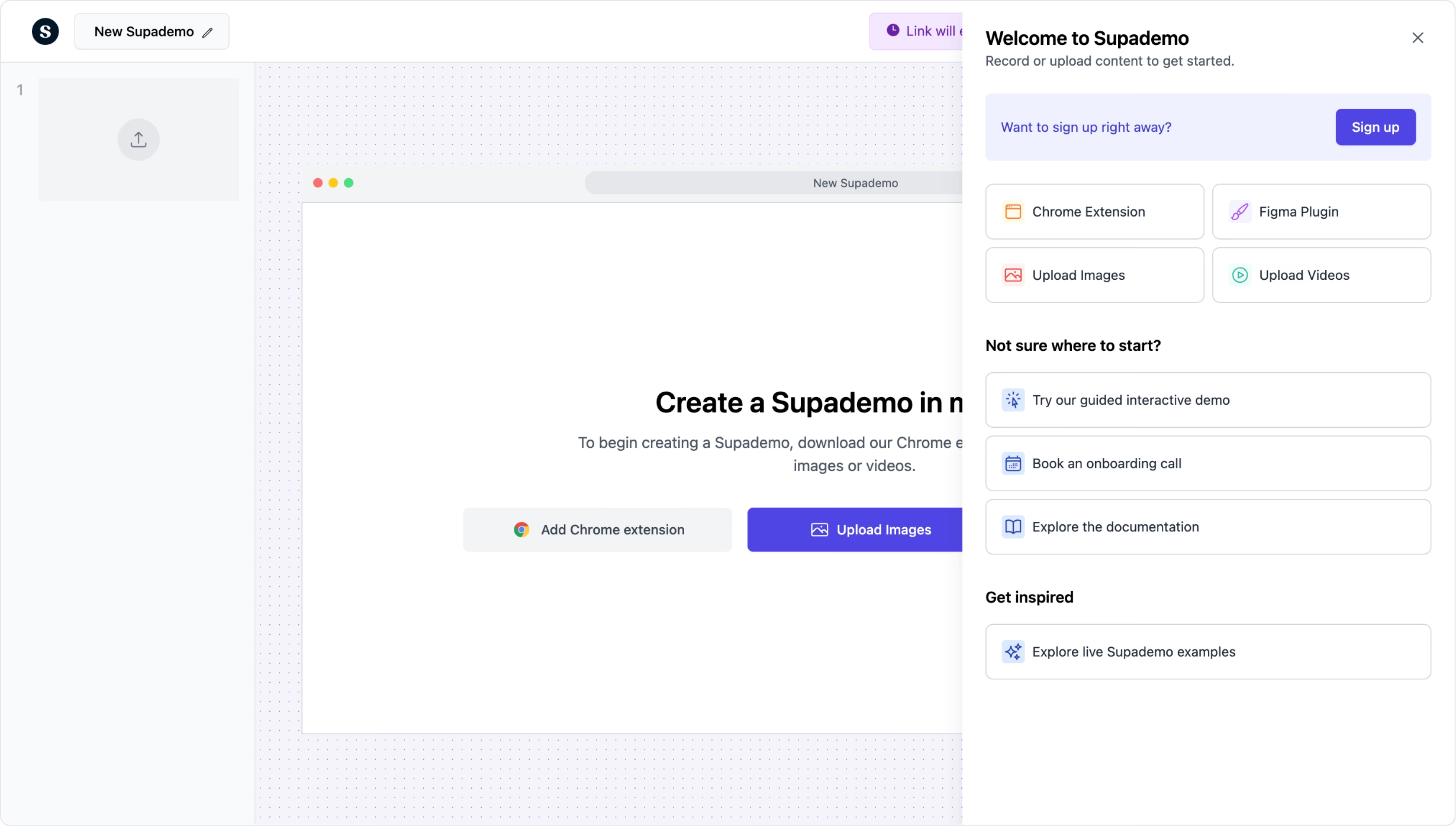
Generate interactive step-by-step guides from any workflow. Free.
Try free guide generatorTrusted by 200,000+ top operators and 3,000+ paying organizations


How to generate a step-by-step guide with Supademo
Record your workflow
Open the Supademo Chrome extension and walk through any process. Each click becomes a numbered step with AI-generated descriptions and annotated screenshots.
Customize and enhance
Edit AI-generated text, add voiceovers, insert hotspots and zoom effects, and blur sensitive data. Add branching for guides with decision points or multiple paths.
Share or embed anywhere
Publish via shareable link, embed in your help center, wiki, or website, or export as PDF, GIF, or video. Track views and completion rates for every guide.

What makes Supademo's step-by-step guide generator different
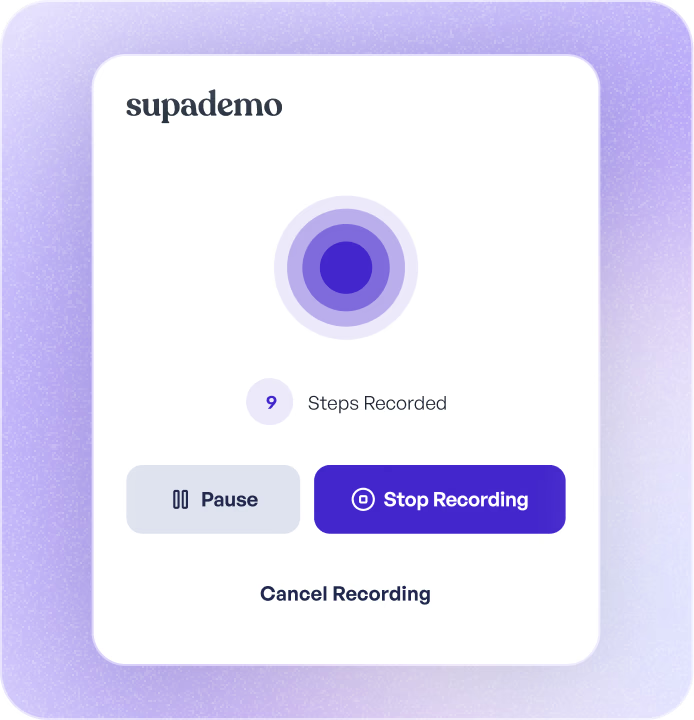
AI generates the guide as you click
Most guide tools like Scribe and Tango produce static screenshot sequences with text overlays. Supademo goes further by creating interactive, clickable guides where readers navigate each step themselves. The AI writes descriptions and structures your guide while you record, so there is no manual writing or formatting involved.
How AI guide generation works →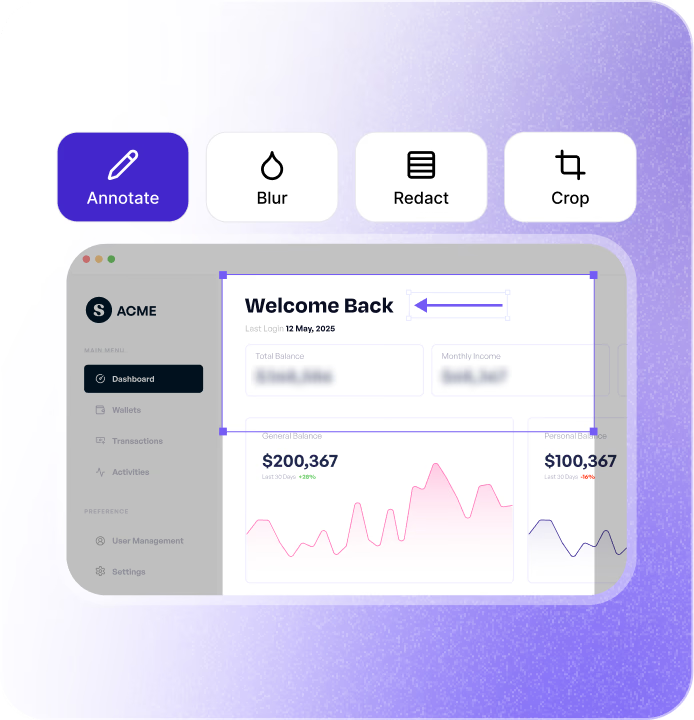
Interactive guides, not static docs
Supademo guides are clickable walkthroughs, not long scrollable documents like those from Guidde or Confluence. Readers advance through each step at their own pace by clicking, which improves comprehension and cuts down on follow-up questions from confused users.
Interactive guides vs. static documentation →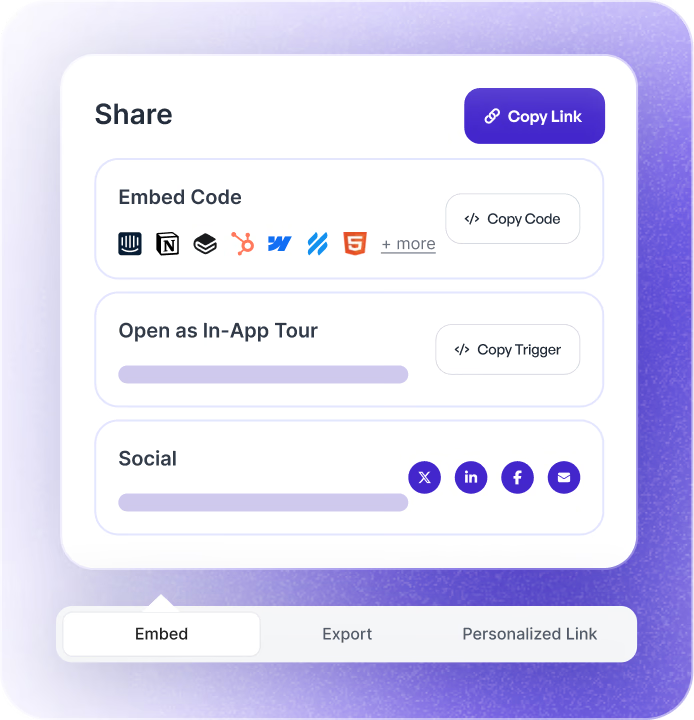
Edit once, updated everywhere
Update any step in Supademo and every shared link, embed, and export reflects the change instantly. No hunting for stale copies scattered across Notion, Confluence, or Google Docs. No re-recording. Your guides stay current without version confusion.
How guide version management works →Why we built Supademo's step-by-step guide generator

“The pattern I see most often: a writer documents a workflow, engineering ships a UI change, and the guide is wrong by Tuesday. Our own docs team was rewriting about 30% of their guides every release. With Supademo's step-by-step guide generator, the recording itself is the guide. Re-record the workflow and the writer just reviews what came out.”

“Scribe got the recording-to-guide idea right, but in their version, once the product moves the guide goes stale. With Supademo's step-by-step guide generator, when you re-record the workflow it updates the existing guide in place. Existing URLs and embeds keep working. I spent about 6 weeks on the rendering pipeline to make that work.”
How teams use Supademo's step-by-step guide generator
Step-by-step guides that help reps close faster
Create guides for CRM workflows, product walkthroughs, and objection-handling playbooks. New reps ramp faster with visual, step-by-step instructions instead of tribal knowledge.
Supademo for Sales & Enablement
Visual guides that educate and convert
Embed step-by-step product guides on your website and blog. Show prospects exactly how to accomplish their goals, not just tell them your product can do it.
Supademo for Marketing & Growth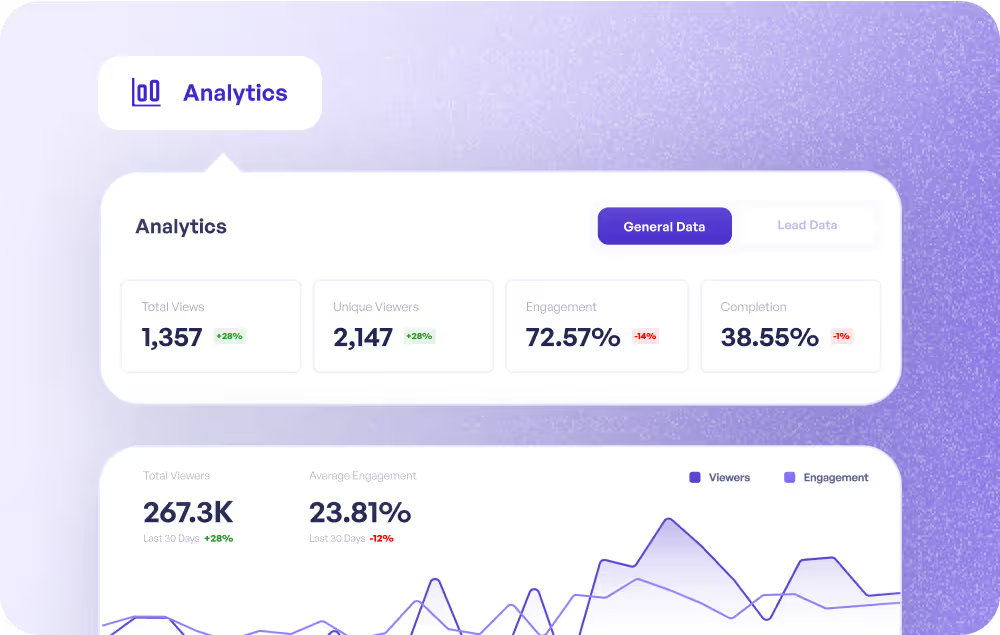
Guides that drive feature adoption
Build step-by-step guides for complex workflows, new features, and best practices. Share proactively with customers and track who completed them.
Supademo for Customer Success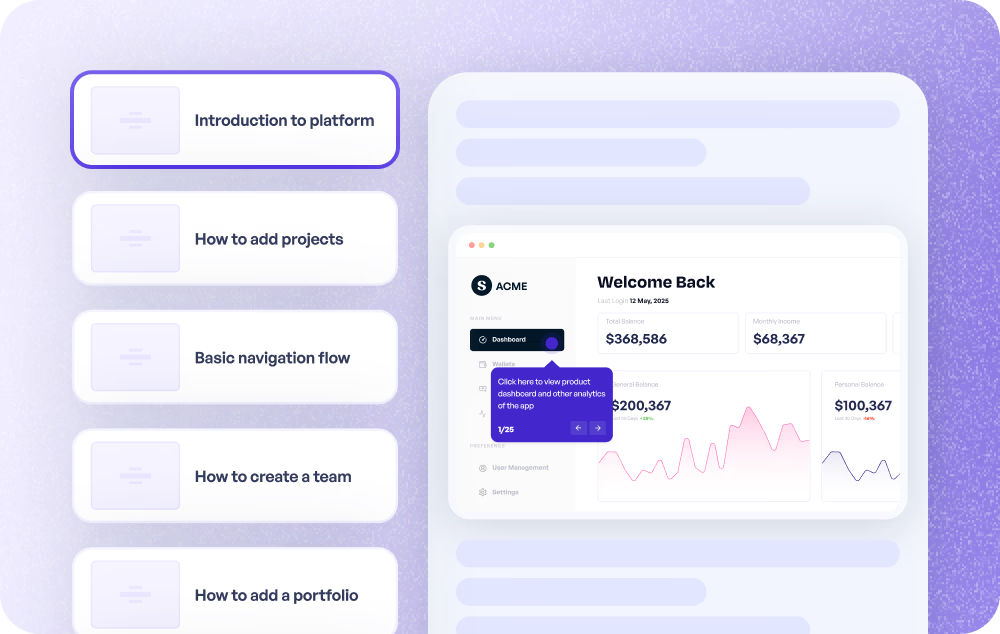
Self-serve guides that deflect tickets
Embed step-by-step guides in your help center for common issues and processes. Customers get interactive, visual answers instead of filing a ticket.
Supademo for Support
Document processes without writing a word
Generate step-by-step guides for internal processes, release workflows, and cross-team handoffs. Record the process once and the guide writes itself.
Supademo for Product
Interactive training guides for any team
Build step-by-step training guides that employees complete at their own pace. Track completion and identify where learners get stuck, all without scheduling a live session.
Supademo for Training
How do sales teams use step-by-step guide generators?
Sales teams create visual guides for CRM workflows, product walkthroughs, and playbooks, enabling faster onboarding and consistent processes across the team.
How do marketing teams use step-by-step guide generators?
Marketing teams embed interactive step-by-step guides on websites and blogs, educating prospects with hands-on product experiences that drive conversion.
How do customer success teams use guide generators?
CS teams create interactive guides for features and workflows, proactively driving adoption and reducing the need for repetitive live walkthroughs.
How do support teams use step-by-step guide generators?
Support teams embed interactive guides in help centers, providing visual self-serve answers that reduce ticket volume and accelerate resolution.
How do product teams use step-by-step guide generators?
Product teams auto-generate guides for internal processes and cross-team handoffs, documenting workflows without manual writing or formatting.
How do training teams use step-by-step guide generators?
Training teams build interactive step-by-step guides for onboarding and upskilling, enabling self-paced learning with built-in completion tracking.
Explore Similar Free Tools
Frequently asked questions
Common questions about Supademo’s step-by-step guide generator. Have others? Reach out and our team will be happy to help.

A step-by-step guide generator creates structured, visual instructions from your workflows. Supademo's version records your screen and uses AI to auto-generate interactive, clickable guides with annotated screenshots and descriptions. No manual writing required.
After installing the Chrome extension, record yourself completing the process from start to finish. Supademo turns each click into a numbered guide step with AI annotations. Customize with voiceovers, hotspots, or branching paths, then share a link or embed the guide wherever you need it.
Scribe and Tango generate static screenshot sequences. Supademo creates interactive, clickable guides with hotspots, branching, voiceovers, and analytics. Guides update everywhere when you edit a step, and users navigate them at their own pace.
Guidde or traditional documentation tools create scrollable content focuses on video-based guides with AI narration. Supademo creates interactive, clickable guides that users navigate step by step. Interactive formats have higher completion rates and are easier to update than video.
Yes. Export as PDF for offline use, or embed via iframe in any website, help center, or wiki. Embedded guides update automatically when you make changes in Supademo.
Yes. Supademo tracks views, completion rates, step-level engagement, and drop-off points. Identify which guides are most used and where users need more clarity.
Yes. The guide generator is free with unlimited views and link sharing included. When you need unlimited guides, custom branding, team workspaces, SSO, or deeper analytics, paid plans are available with a free trial.
Supademo is SOC 2 Type II certified. Every guide you create is protected with enterprise-grade encryption. Access controls let you password-protect guides, limit viewing to approved domains, or keep them private. SSO and SAML are available for enterprise accounts.