How to Access Free Figma Templates

Figma offers a vast library of free templates created by the community that can jumpstart your design projects. Learning how to locate and access these templates can save you significant time and effort when starting new work. This tutorial walks you through the process of finding free templates in Figma.
Quick summary
In this tutorial, you'll learn how to navigate Figma's Community section and filter results to discover free design templates. You'll understand where to find the template library and how to browse products to locate resources that match your design needs.
Why this matters
Free templates eliminate the need to design from scratch, allowing you to focus on customization and refinement. Access to community-created templates accelerates your workflow and exposes you to design best practices. For teams and individual designers, this resource significantly reduces project setup time.
Step-by-step guide
- 1
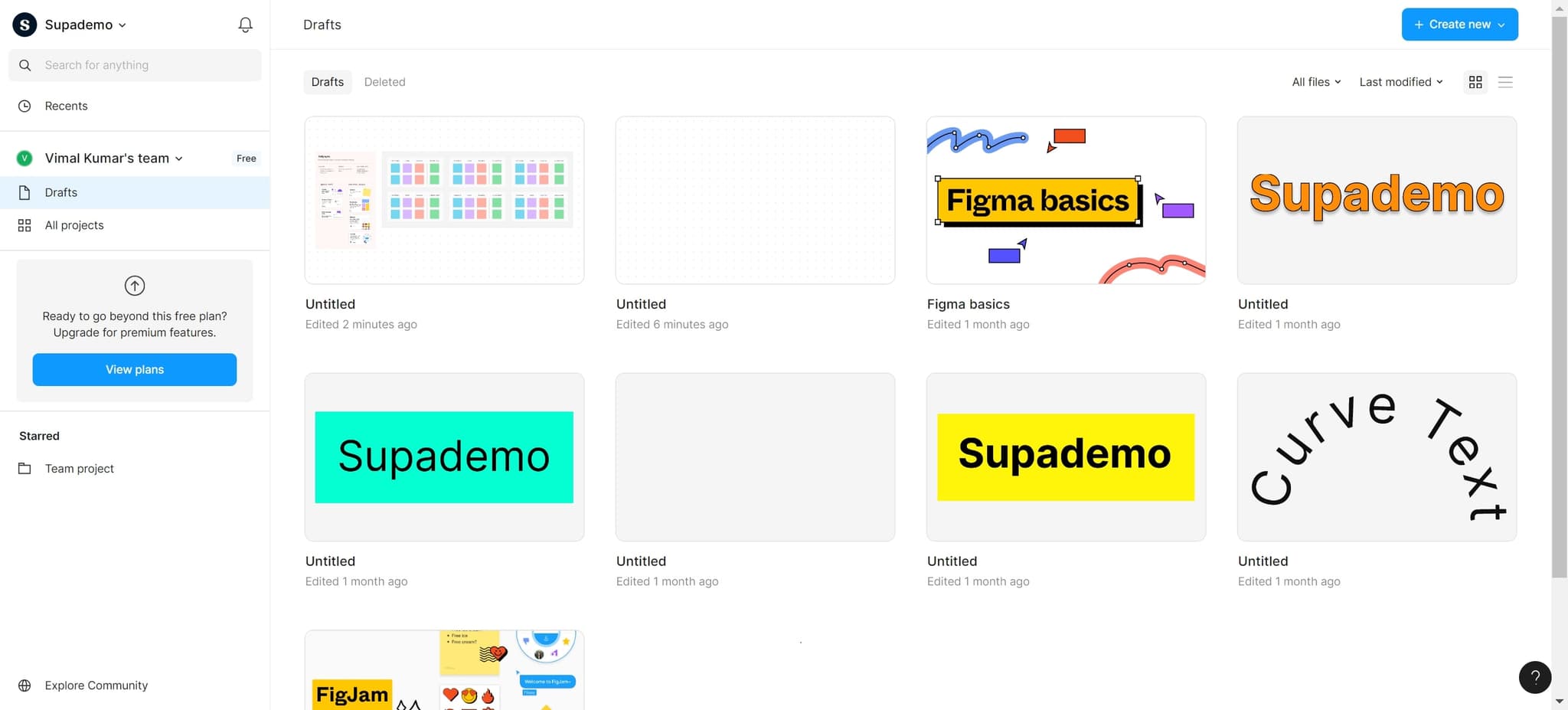
Open the Figma Community section
Start by locating and clicking the designated link to access Figma's community resources. This will take you to the main community hub where templates and other design assets are available.
- 2
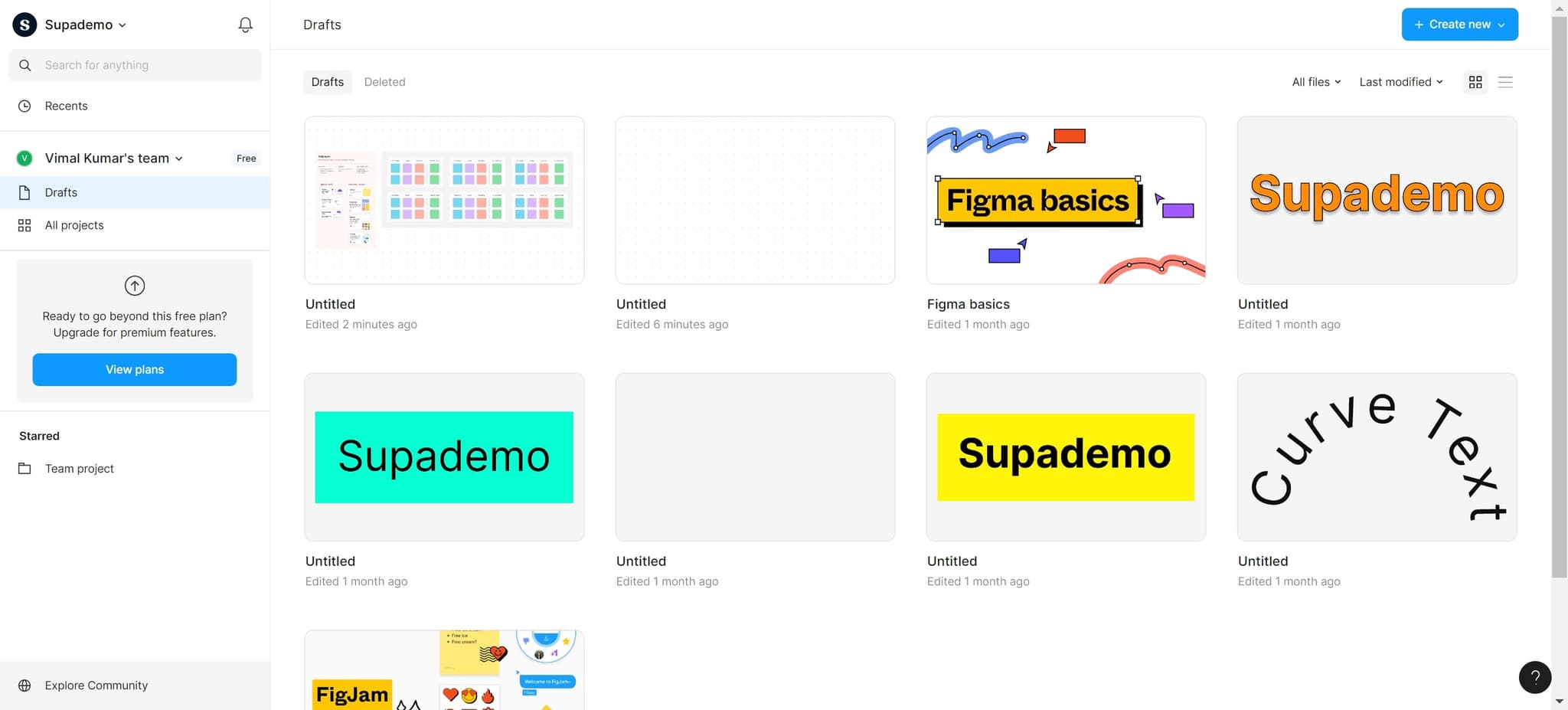
Click on Explore Community
Select the 'Explore Community' option to browse the full collection of community-contributed templates and design resources. This opens the discovery interface where you can search and filter available templates.
- 3
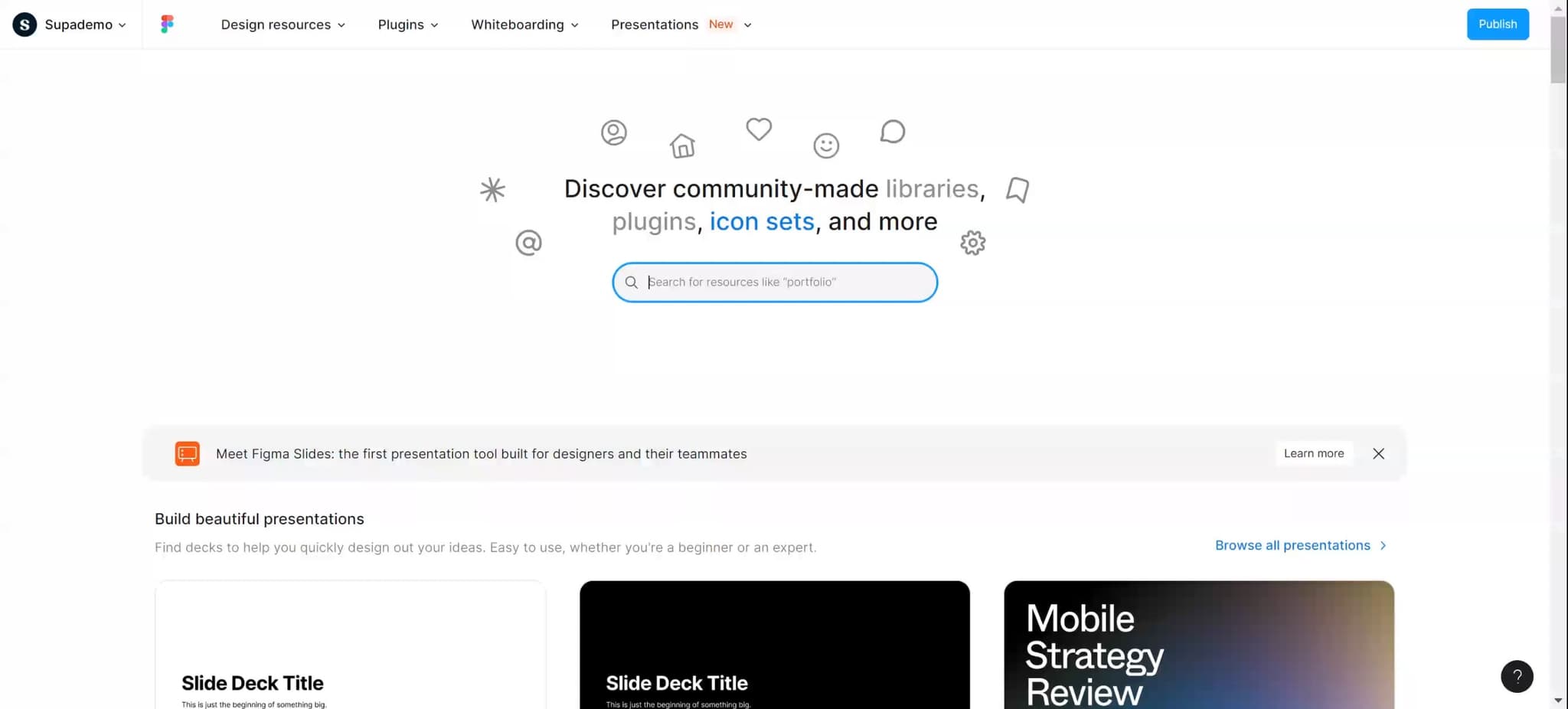
Upload or search for templates
Proceed with uploading or initiating your search for templates within the community library. This step prepares the system to display relevant results based on your query.
- 4
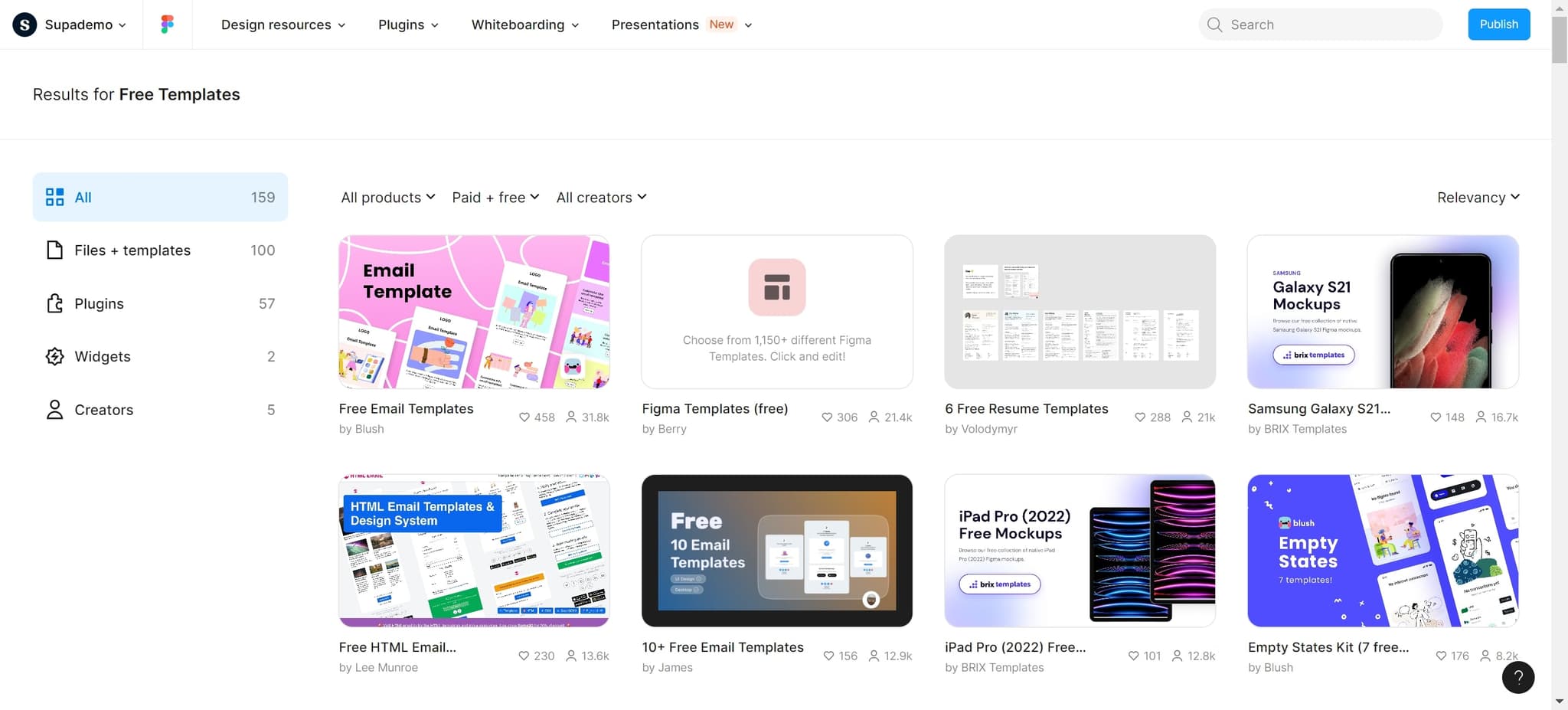
Select Results for Free Templates
Click on 'Results for Free Templates' to filter the search results and display only templates with no cost. This ensures you're viewing templates that are freely available for download and use.
- 5
Navigate to the template
Click on your chosen template to open it and view its details. This will display the template preview and options for using it in your projects.
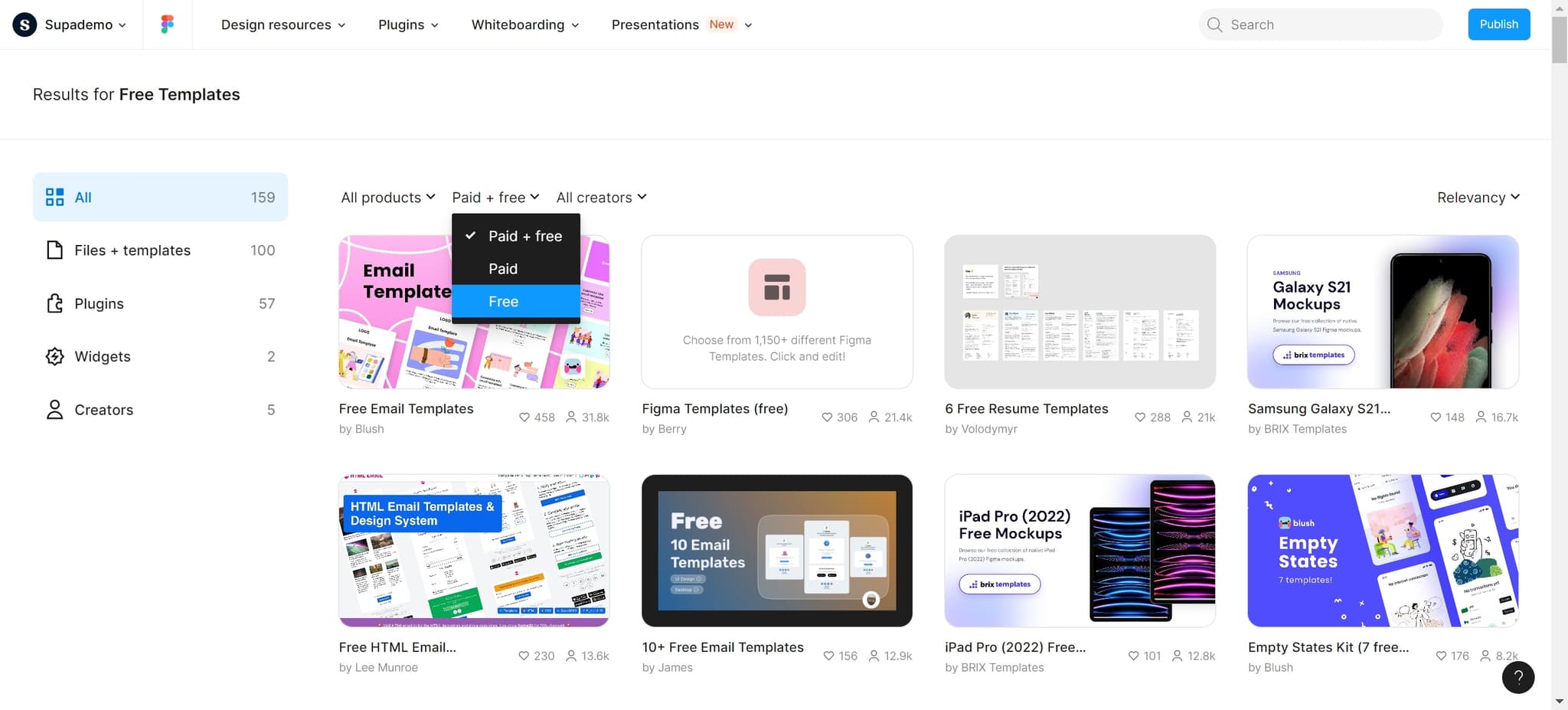
- 6
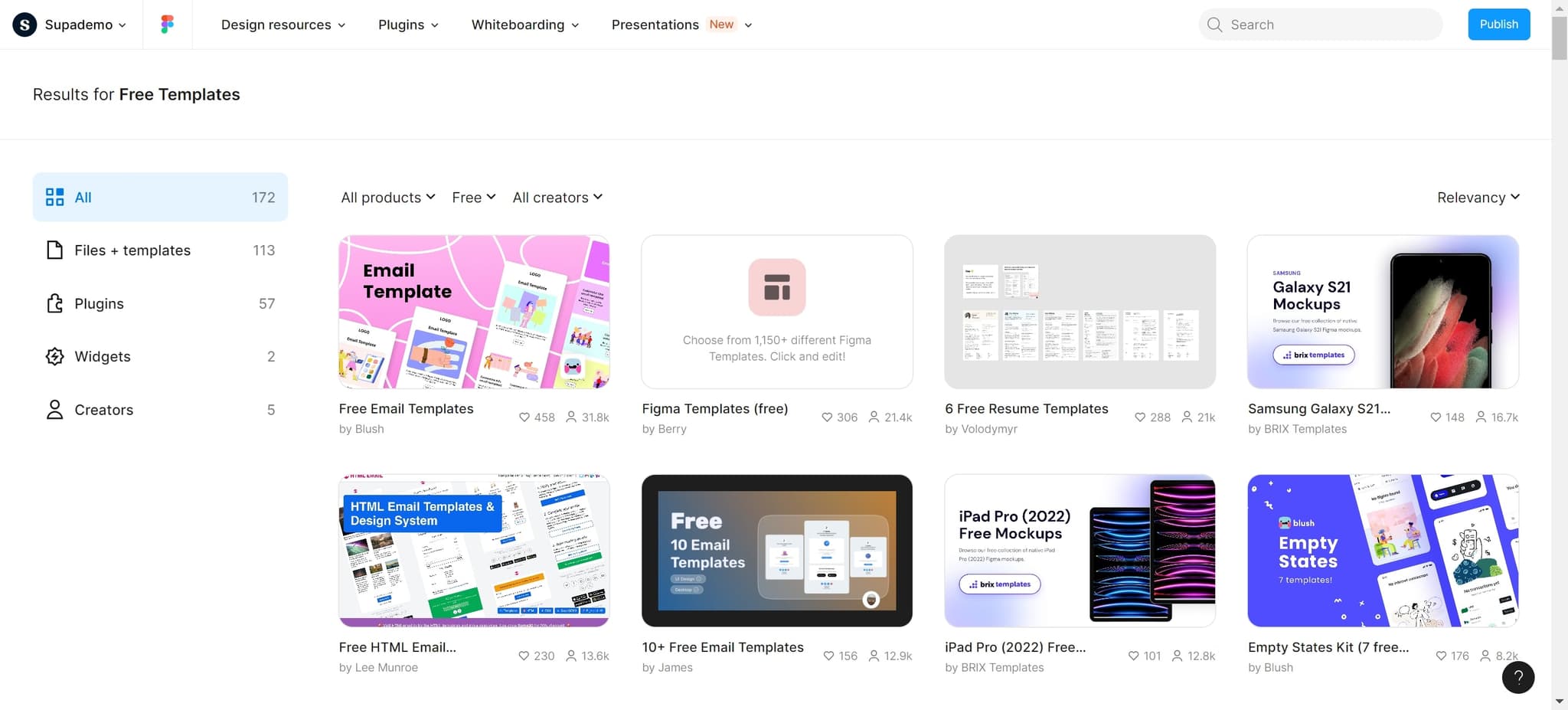
Browse all available products
Select 'All products' to expand your view and see the complete range of templates and resources available in the community. This comprehensive view helps you explore additional templates beyond your initial search results.
Frequently asked questions
Common questions about how to access free figma templates.
While many community templates are free, some creators may have different licensing terms. When filtering for free templates using the method in this tutorial, Figma displays templates explicitly marked as free. Always review the template's licensing information before using it in commercial projects to ensure compliance with the creator's terms.
Yes, most free Figma templates are designed for customization. Once you access a template, you can duplicate it to your workspace and edit it freely to match your brand and project needs. Check the template's license or notes from the creator if you plan to redistribute or resell modified versions.
After opening a free template, click the 'Duplicate' button to create a copy in your own Figma workspace. This allows you to keep the template for future use without affecting the original community version. Your duplicated template will appear in your projects list for easy access.
Figma's community offers a wide variety of templates including UI kits, wireframes, design systems, landing pages, mobile app designs, and branding templates. The diversity of available templates makes it easy to find resources suited to different design disciplines and project types.
Most free Figma templates allow use for client projects, but it's important to review each template's specific license. Some creators allow commercial use while others restrict it. Always verify the terms before using a template in billable client work to avoid potential licensing issues.