How to Limit Responses in Google Forms

Google Forms allows you to collect responses efficiently, but sometimes you need to control how many submissions you receive. Learning to limit responses helps you manage data collection, prevent duplicate submissions, and close forms once you've gathered enough feedback.
Quick summary
In this tutorial, you'll learn how to set response limits in Google Forms to automatically stop accepting submissions after reaching a target number. You'll discover where to find these settings and how to configure them for your specific needs.
Why this matters
Limiting responses is essential for managing surveys with fixed participant quotas, controlling server load, and ensuring data quality. This feature prevents accidental over-collection of data and helps you maintain clean datasets for analysis.
Step-by-step guide
- 1
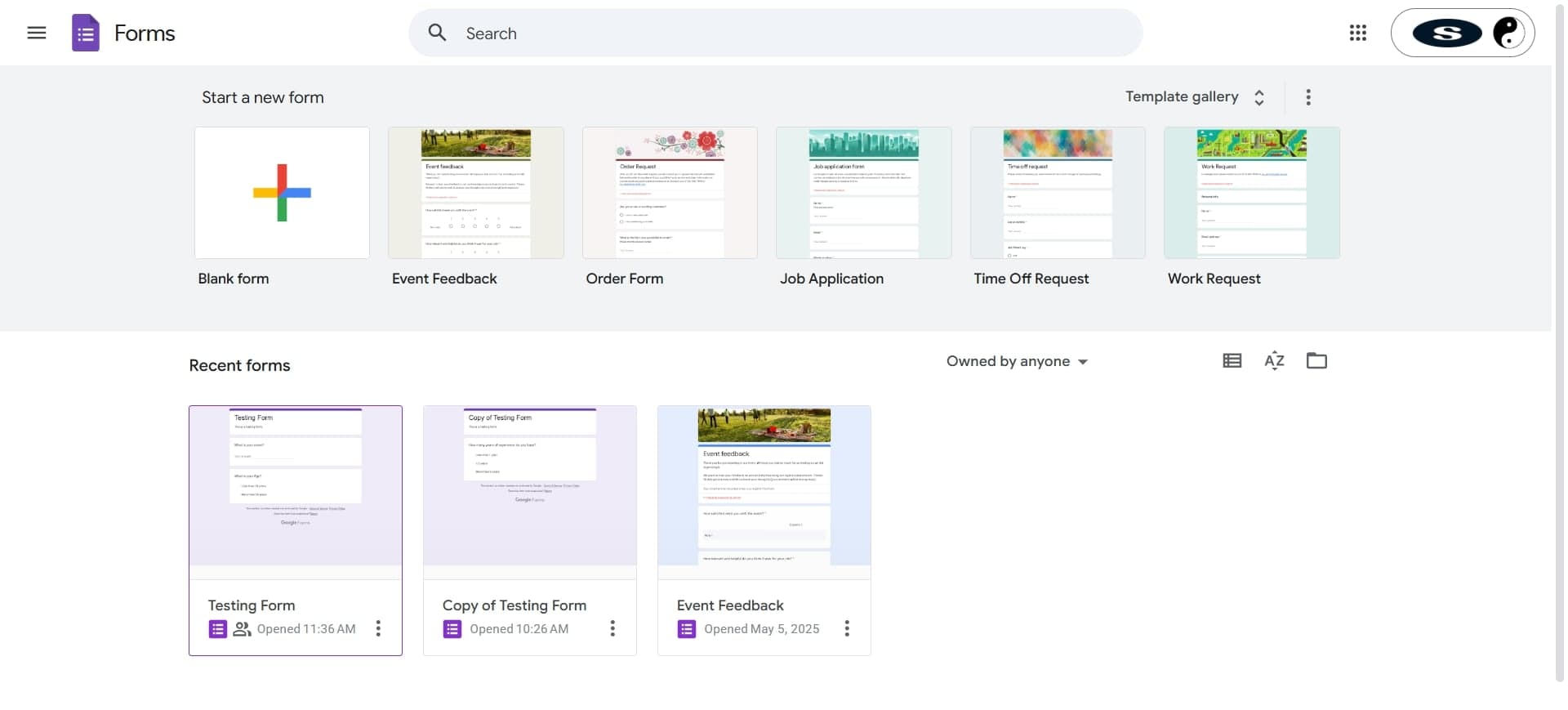
Open your Google Form
Navigate to Google Forms and select the form where you want to limit responses. You'll see the form editor with your questions displayed.
- 2
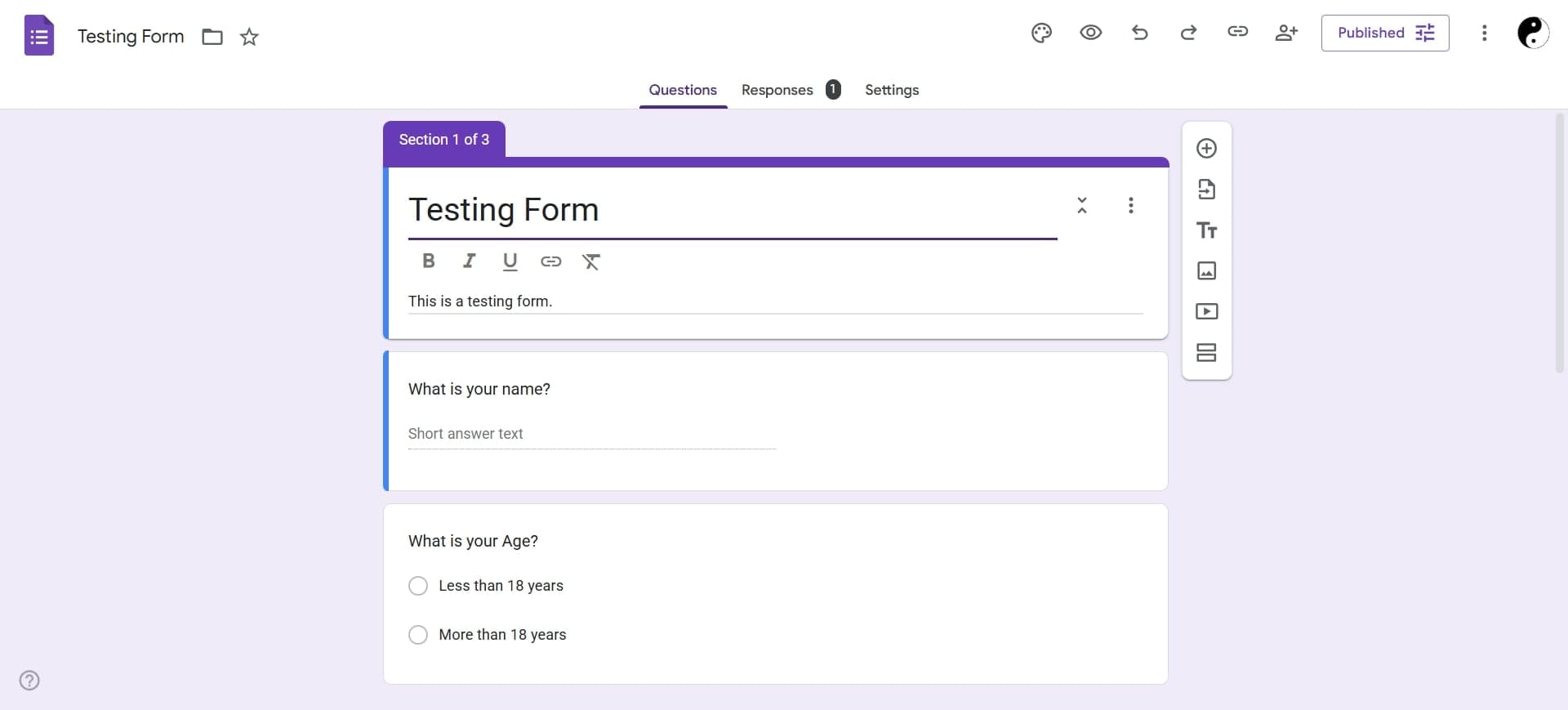
Click the settings gear icon
In the top right corner of the form editor, click the gear icon to access form settings. A dropdown menu will appear with various configuration options.
- 3
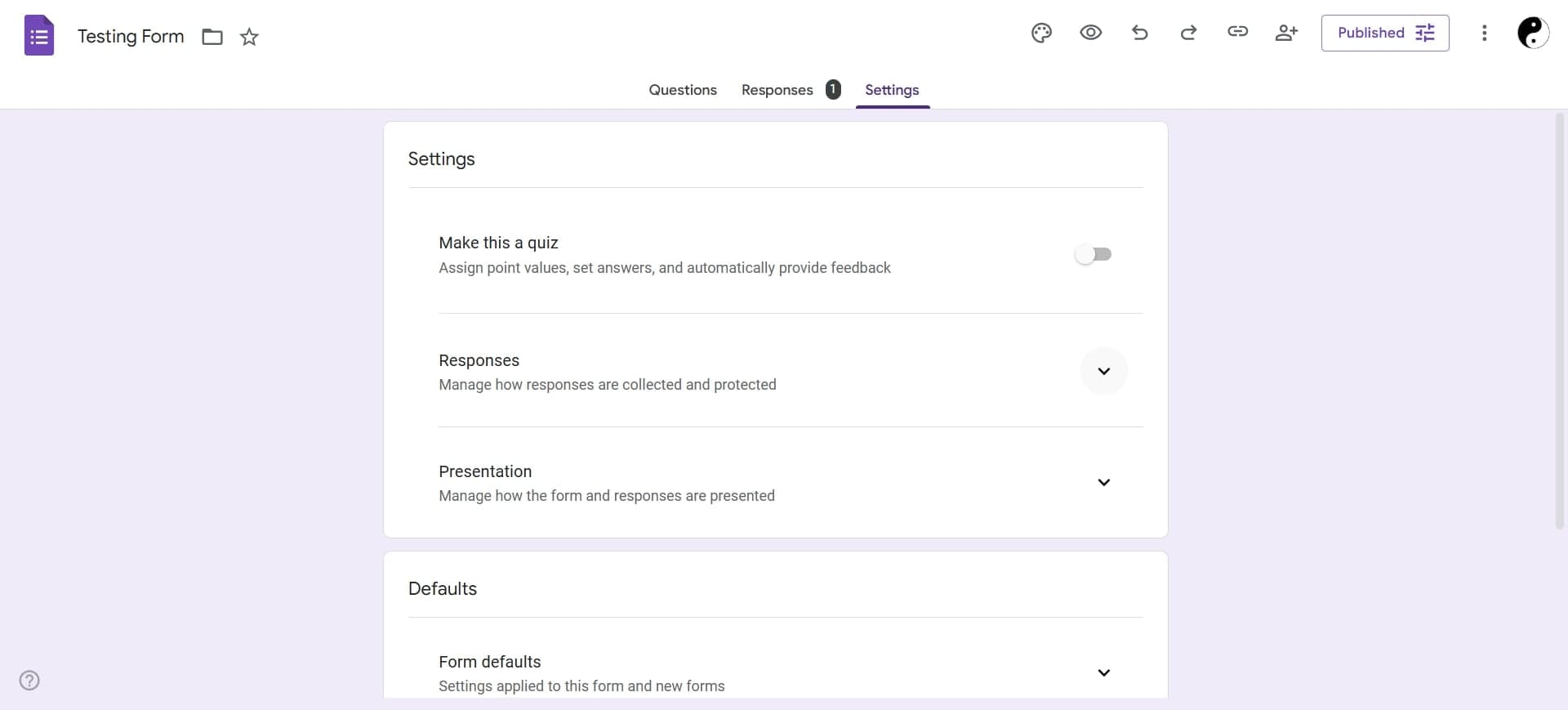
Navigate to the Responses tab
In the settings menu, select the Responses tab to view response-related options. You'll see settings specifically for managing how your form handles incoming submissions.
- 4
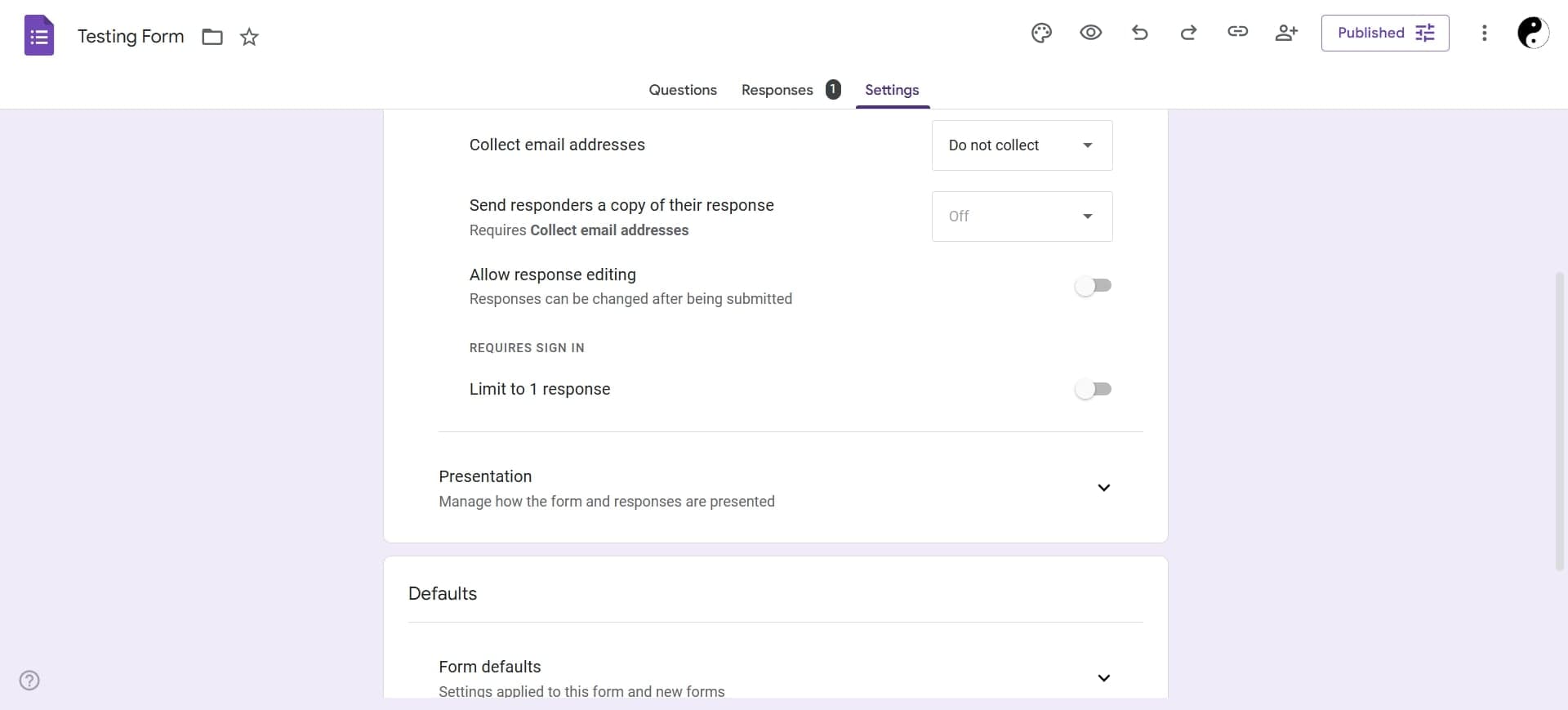
Enable response limit setting
Look for the option to limit responses and toggle it on. Enter the maximum number of responses you want to accept, then save your changes.
Frequently asked questions
Common questions about how to limit responses in google forms.
Once your form reaches the maximum number of responses you've set, it will automatically close and display a message to viewers indicating that the form is no longer accepting submissions. Any attempts to submit after the limit is reached will be rejected.
Yes, you can adjust the response limit at any time in the form settings. The new limit takes effect immediately, and existing responses are not affected by changes to the limit.
You can reopen a closed form by increasing the response limit in your form settings. Simply change the maximum number of responses to allow more submissions, and the form will accept new responses again.
No, deleted responses do not count toward your response limit. If you delete a response and then reopen your form, that response slot becomes available again for new submissions.
Yes, when a form reaches its response limit, viewers will see a message indicating that the form is closed and no longer accepting responses. This message appears instead of the form questions.