How to add a background to your profile picture in Canva

Adding a custom background to your profile picture in Canva is a quick way to make your image stand out on social media. Whether you're creating content for Instagram or other platforms, Canva's design tools let you choose from gradients and other background options to complement your photo.
Quick summary
In this tutorial, you'll learn how to create a profile picture with a custom background using Canva's design templates and gradient tools. You'll start by selecting a template, adding your image, applying a gradient background, and downloading your finished design.
Why this matters
A well-designed profile picture with a polished background helps you make a strong first impression on social media. Custom backgrounds draw attention to your image and create a more professional or creative appearance compared to plain or busy backdrops.
Step-by-step guide
- 1
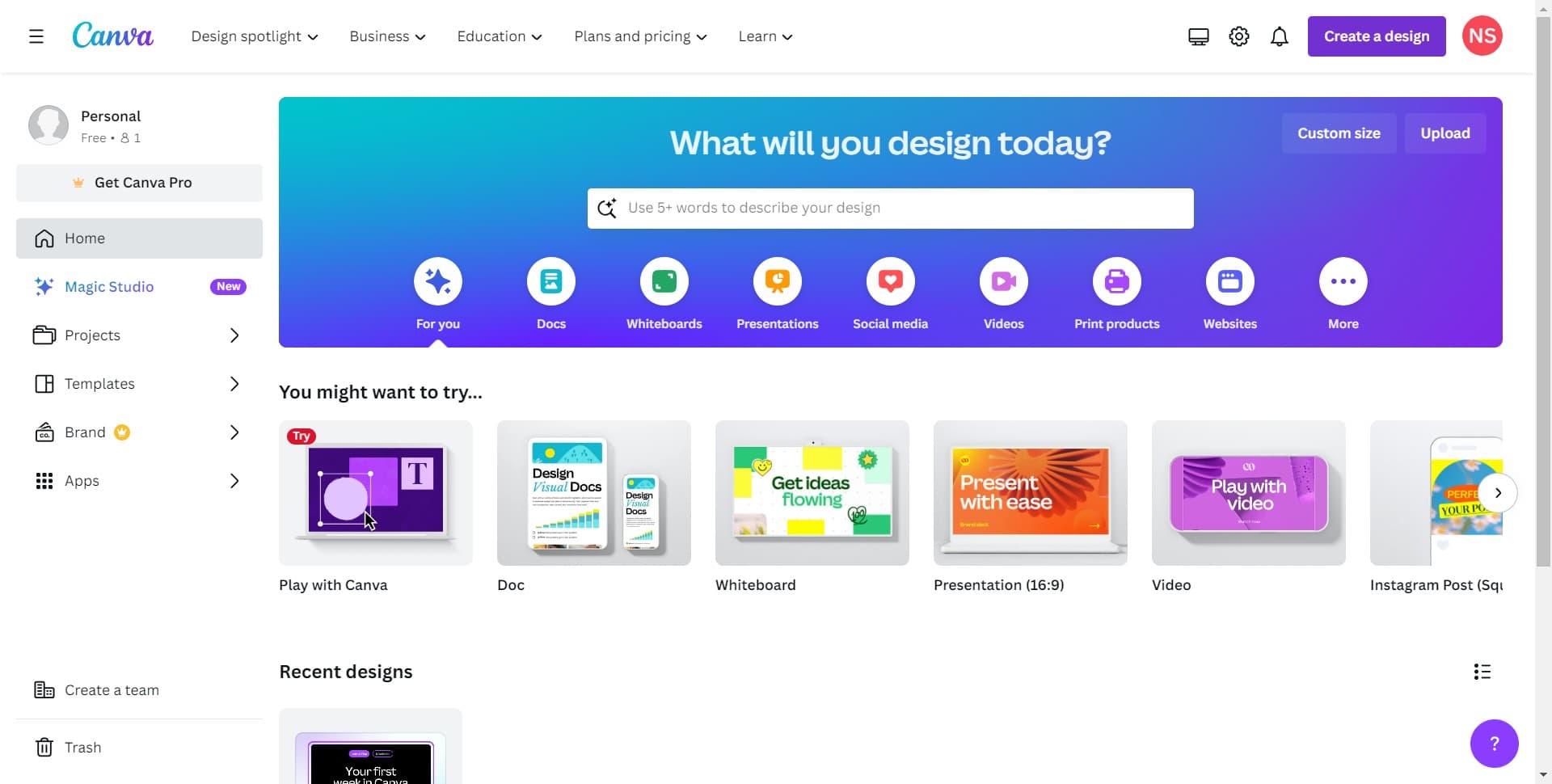
Click on Create a Design
Open Canva and locate the 'Create a design' button on the homepage. This will bring up options for different design types and templates you can use.
- 2
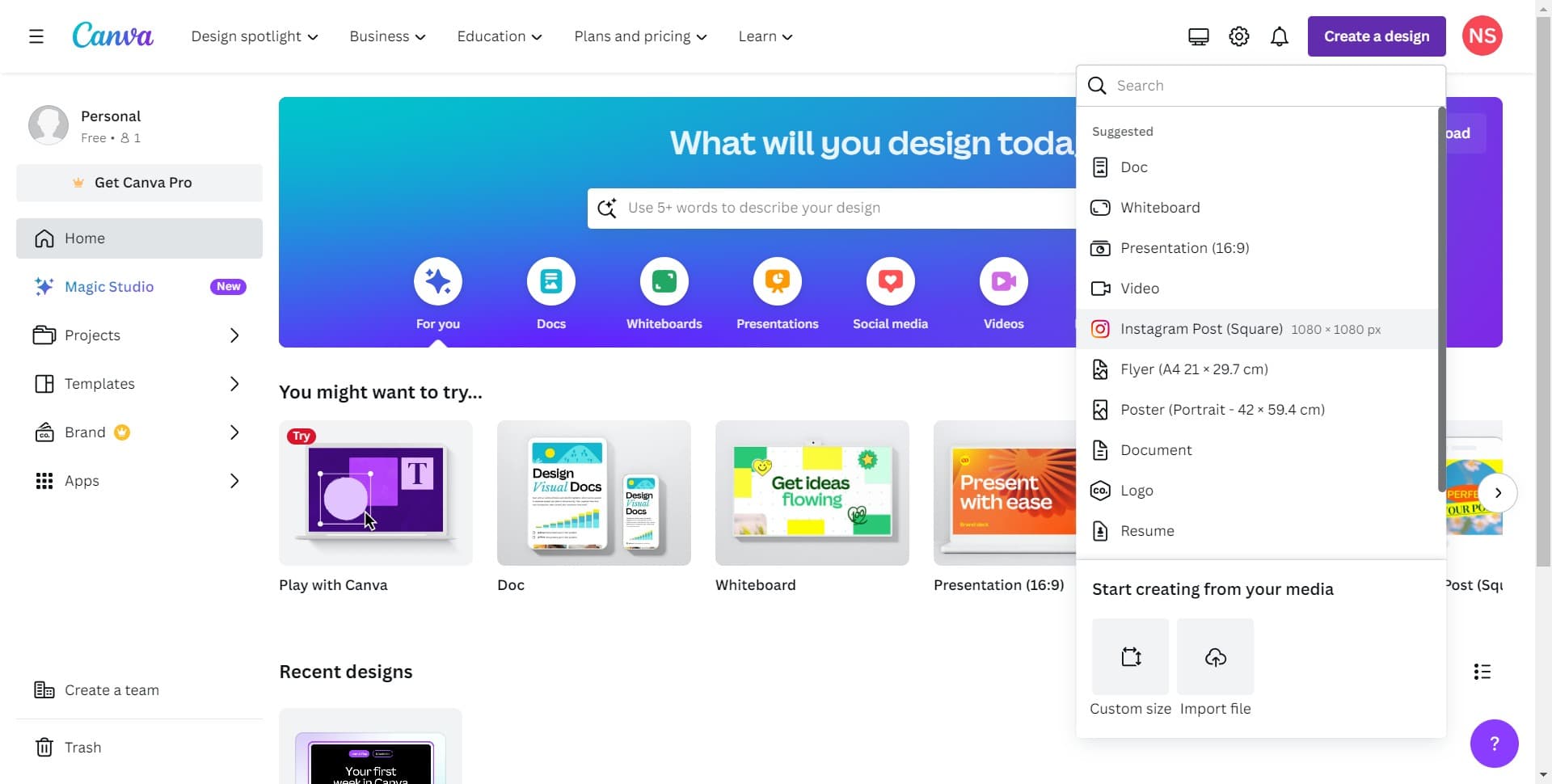
Select Instagram Post Template
Choose 'Instagram Post (Square)' from the available templates. This square format is ideal for profile pictures and ensures your design meets Instagram's dimensions.
- 3
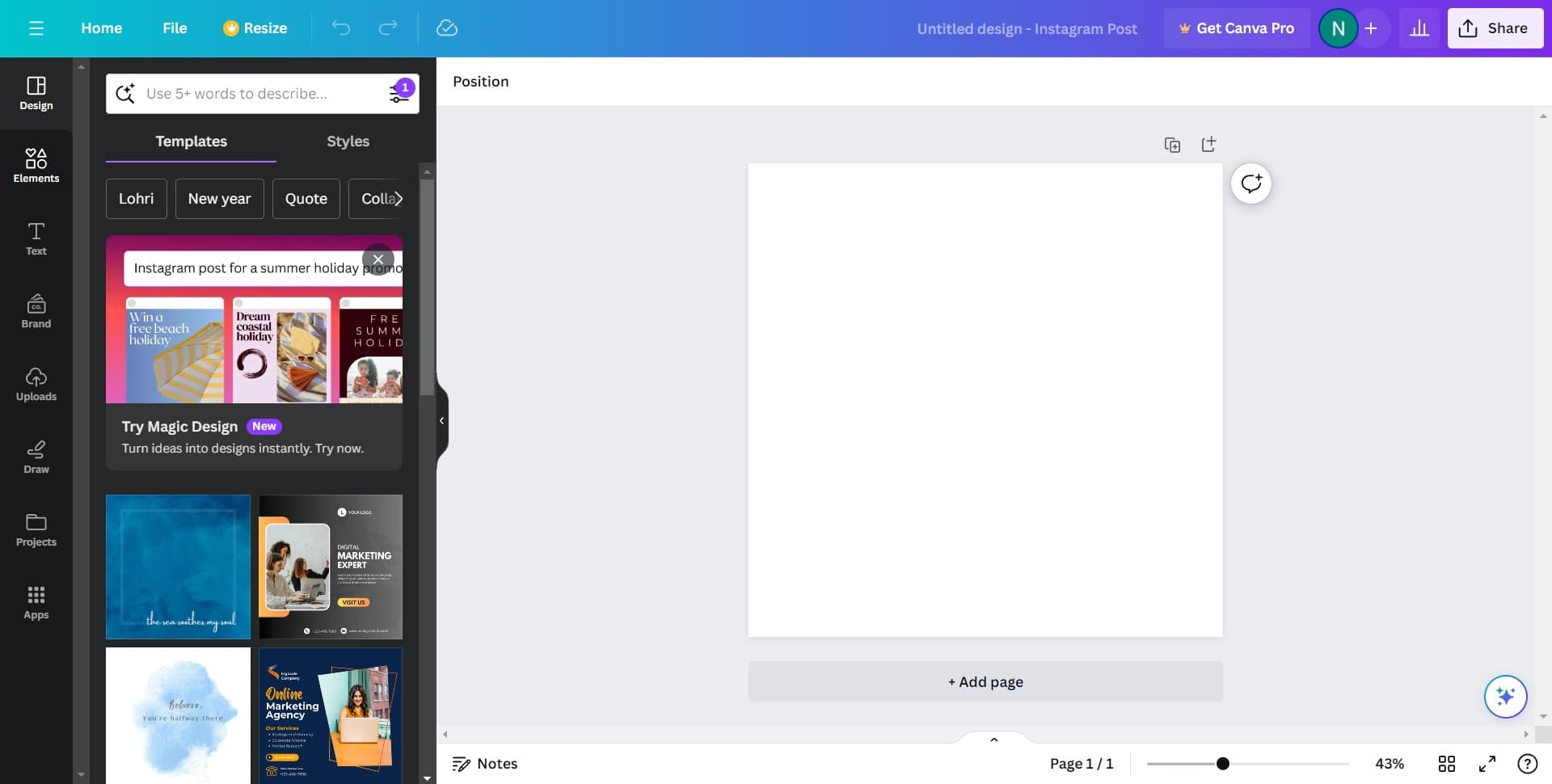
Upload Your Profile Picture
Click to add your image to the canvas. Select your photo from your device and position it on the template as needed.
- 4
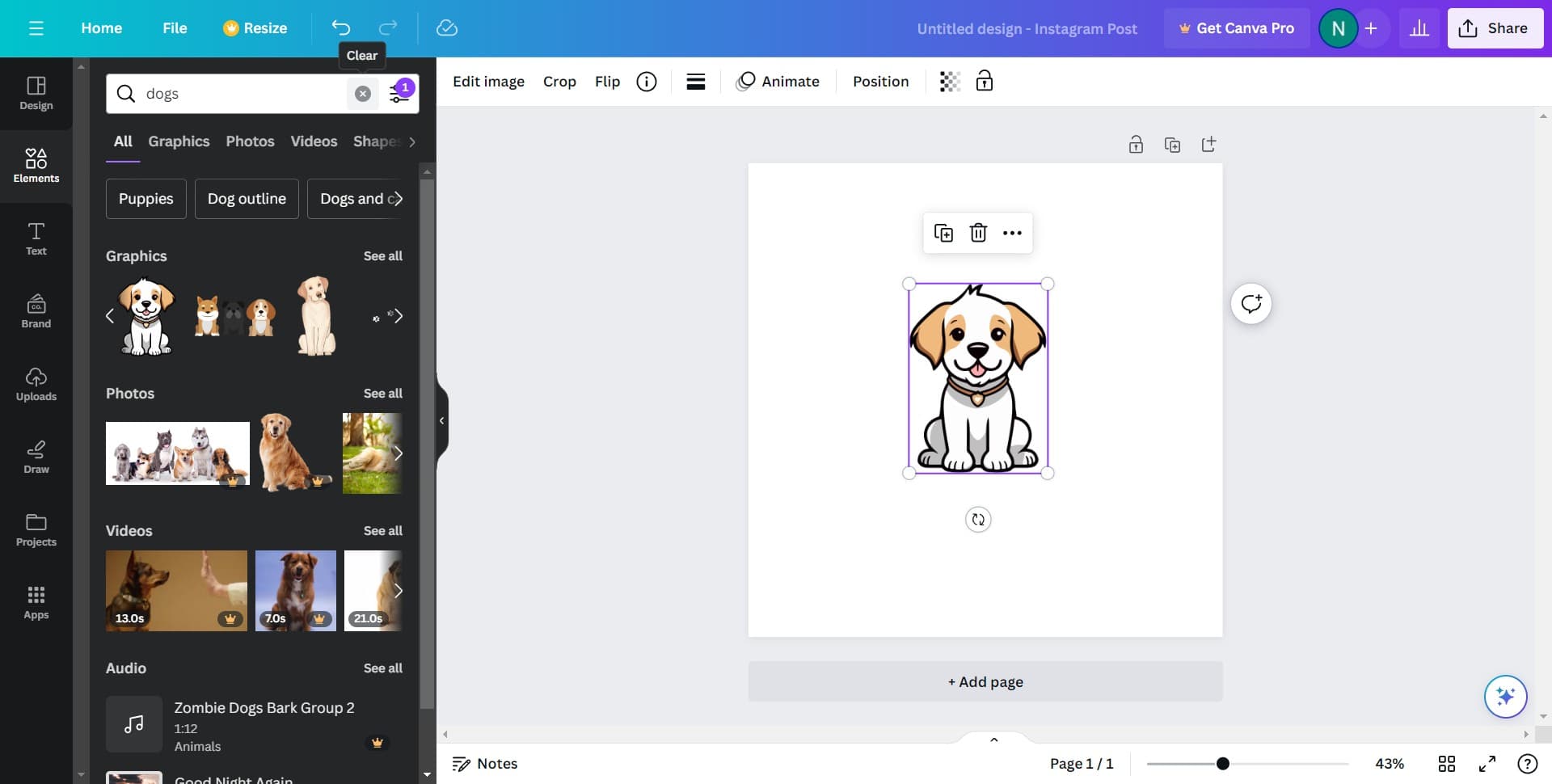
Adjust Image Placement
Click to fine-tune the position and size of your profile picture on the canvas. Make sure your image is centered and framed the way you want.
- 5
Customize the Design Layout
Click to access additional design elements and options that will help you frame your image effectively.
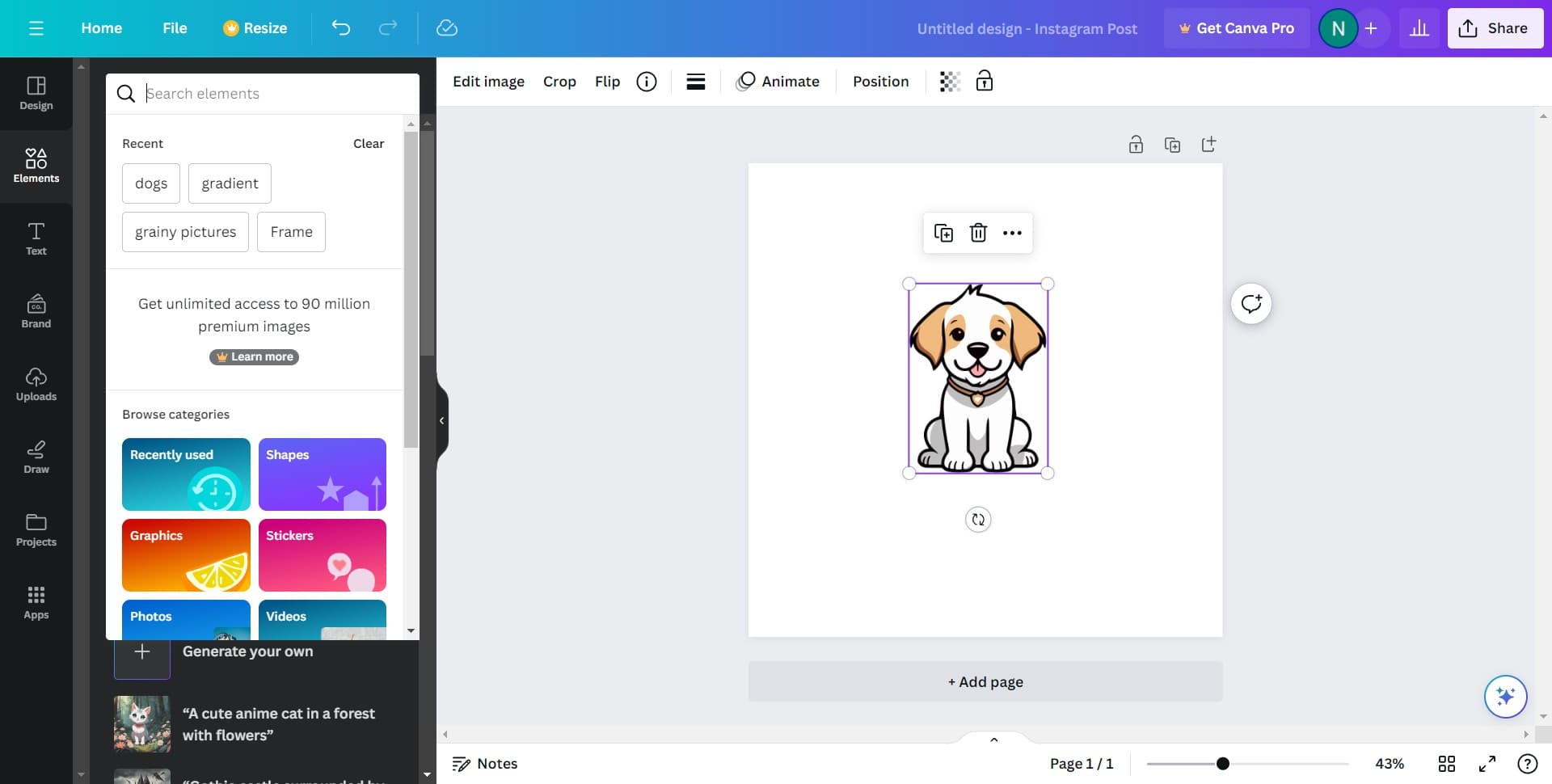
- 6
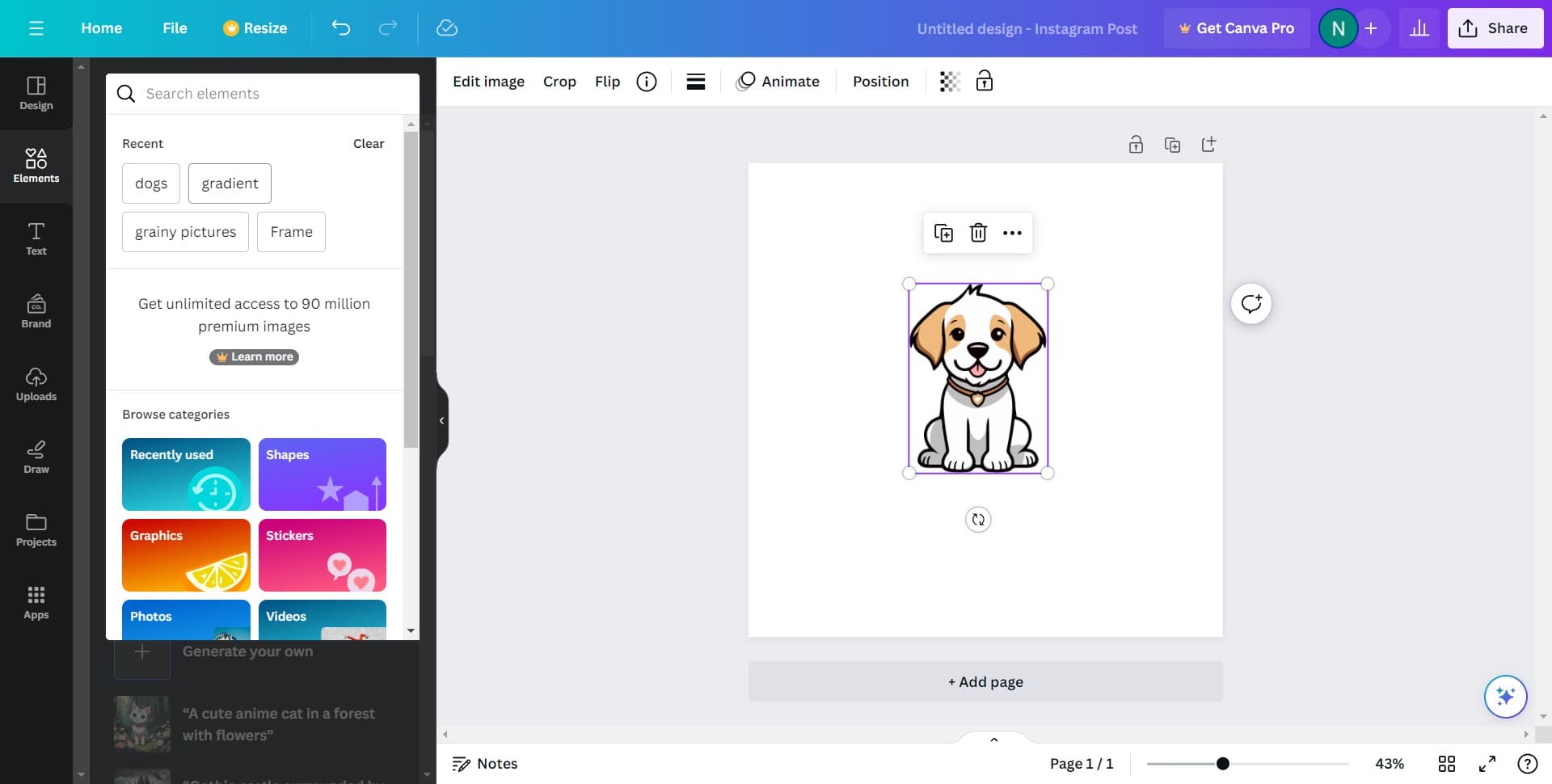
Apply a Gradient Background
Click on 'gradient' from the available background options. Canva will display a selection of gradient styles you can choose from to enhance your design.
- 7
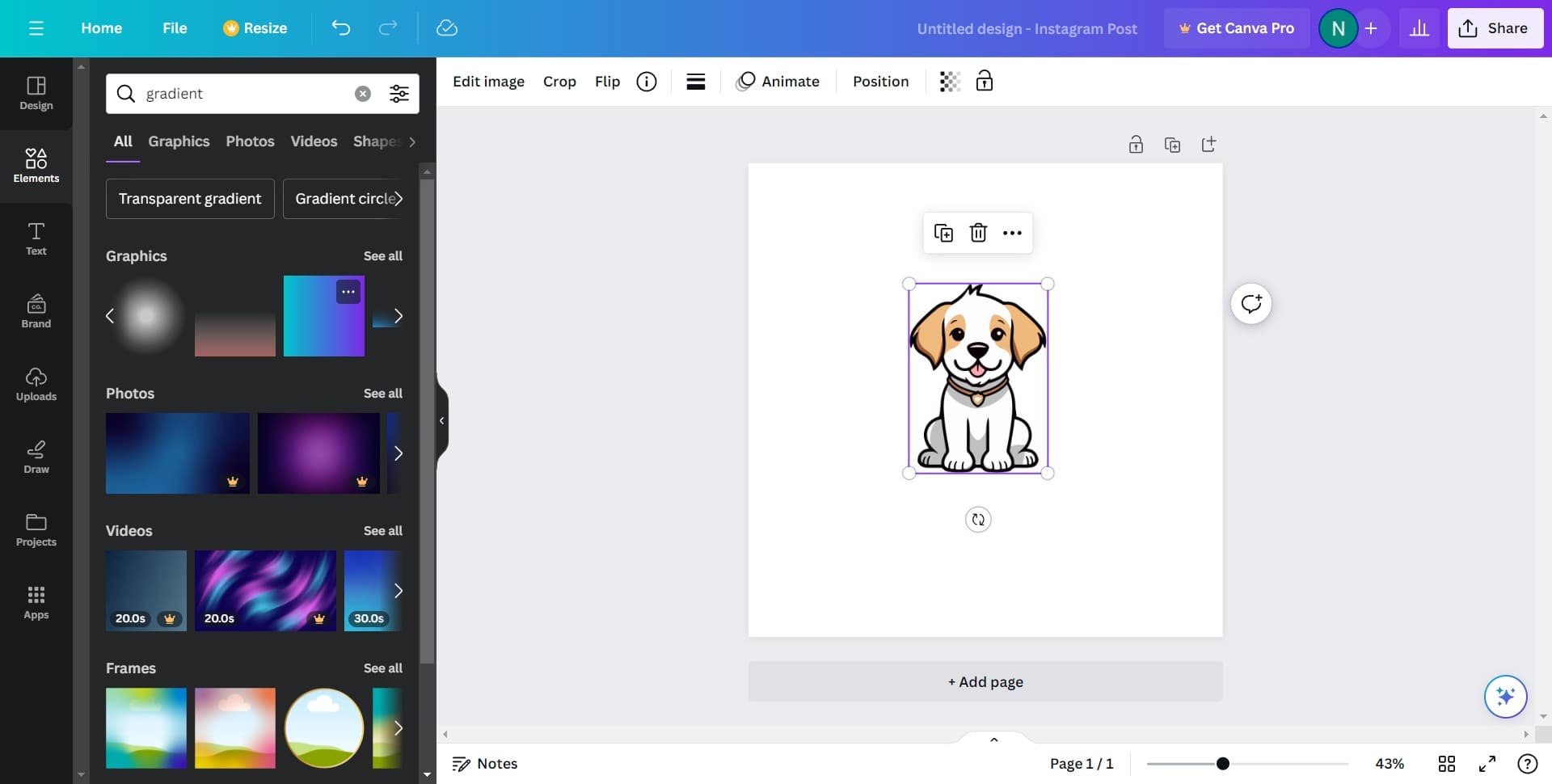
Select Your Preferred Gradient
Click to choose the gradient that best complements your profile picture. You can preview different color combinations before finalizing your choice.
- 8
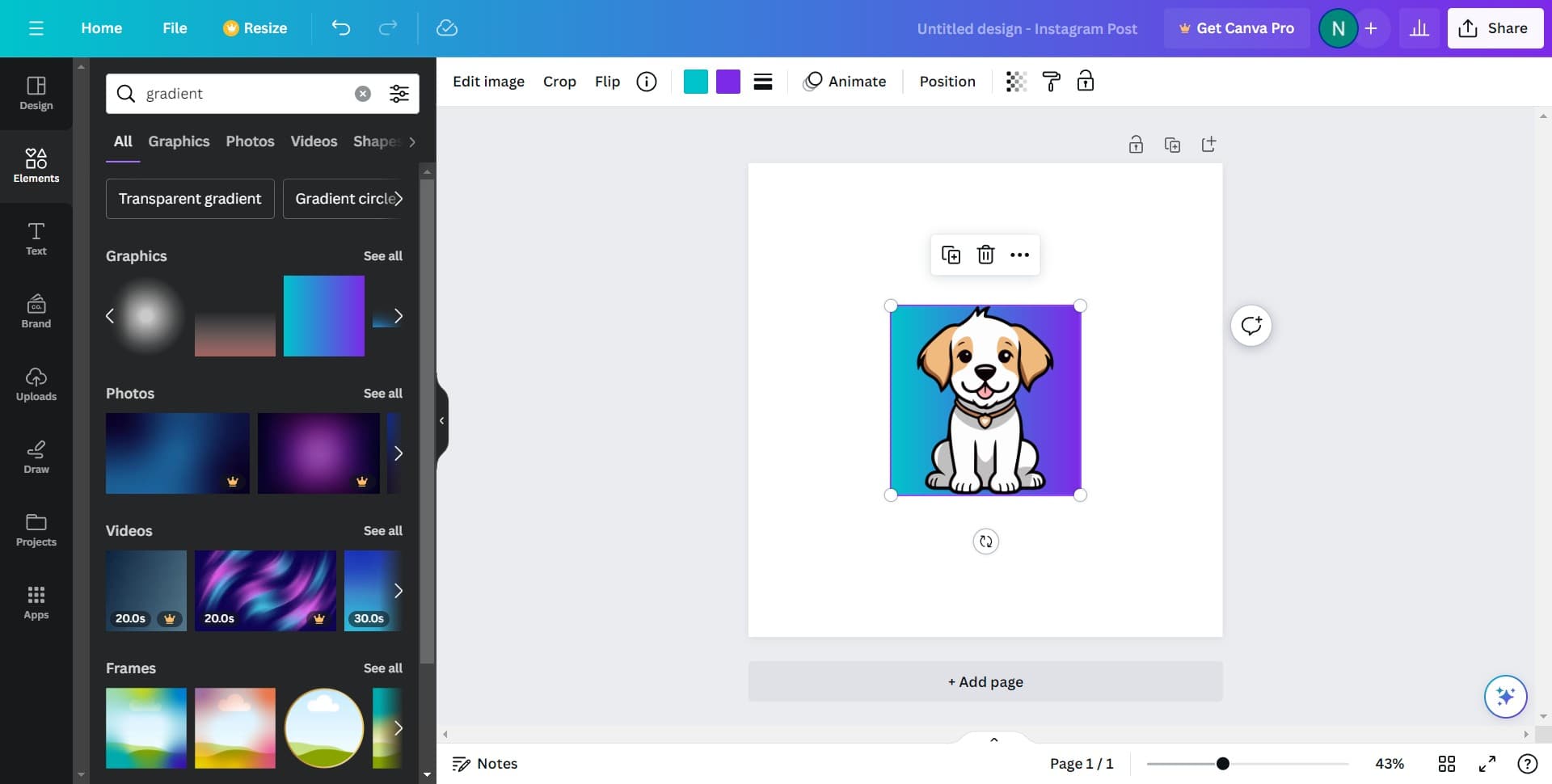
Finalize the Design
Click to confirm all your edits and ensure everything looks correct. Your profile picture with the gradient background is now ready to export.
- 9
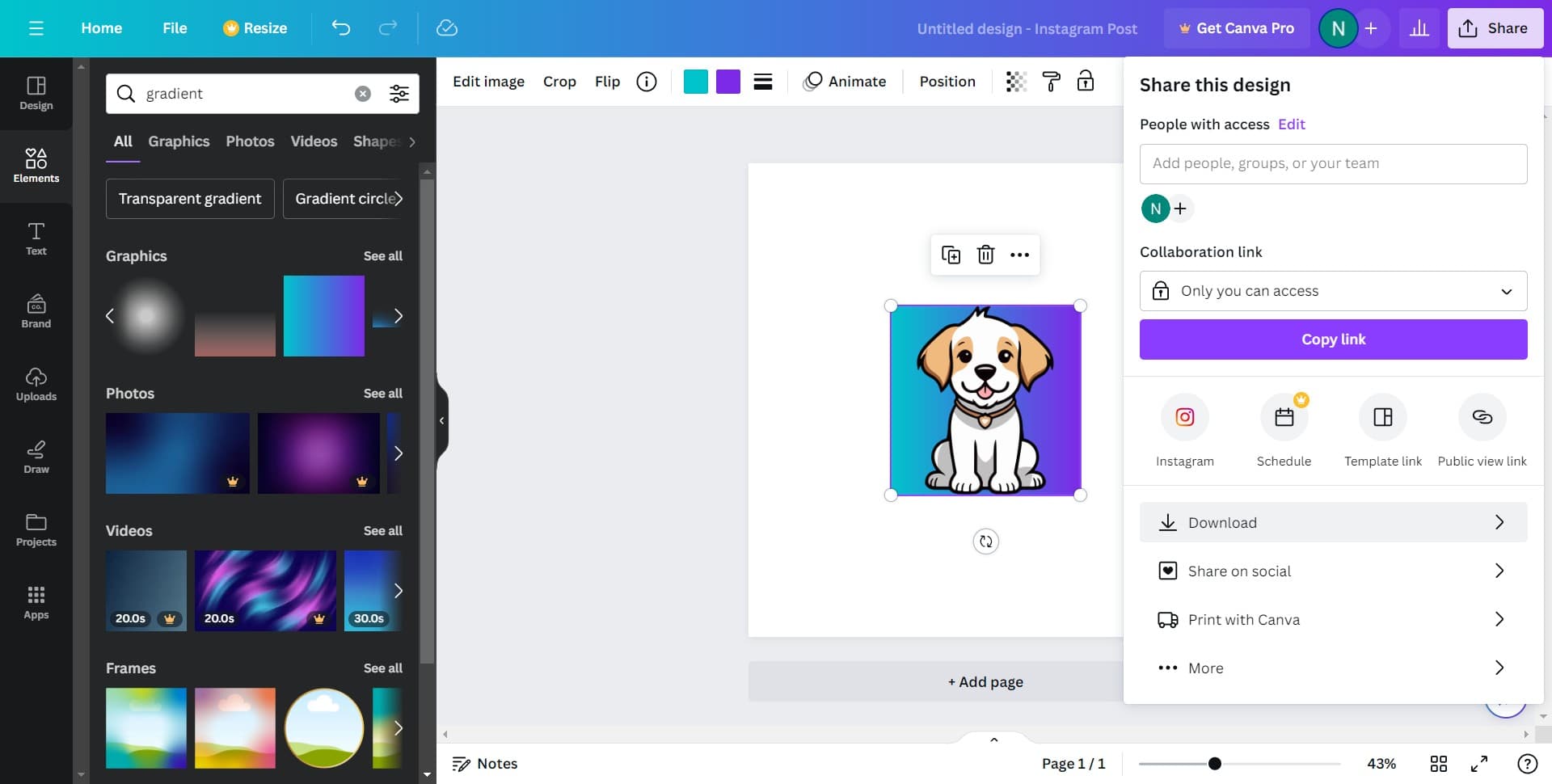
Download Your Design
Click on 'Download' to save your design to your device. Select your preferred file format and quality settings.
- 10
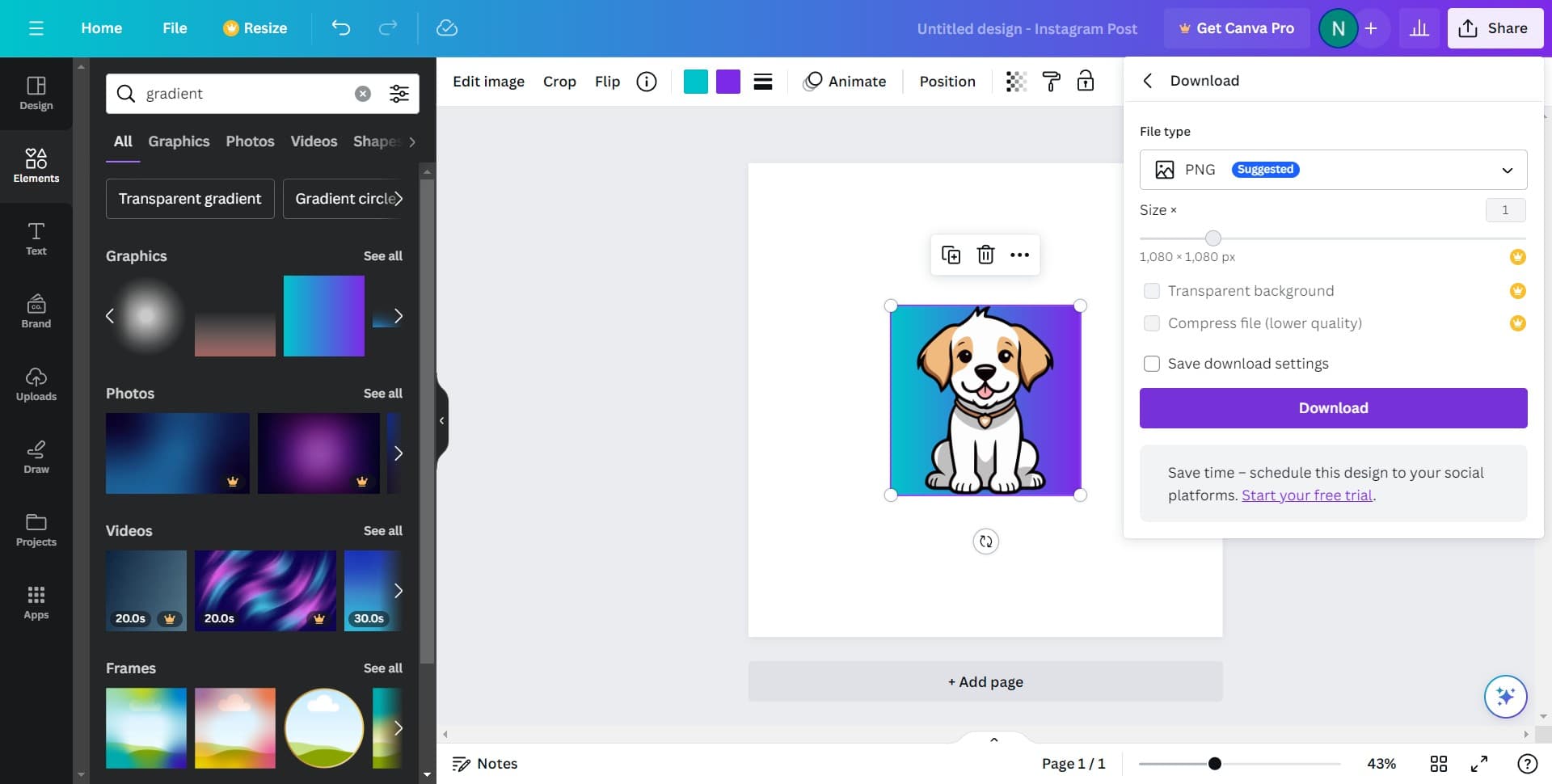
Complete the Download
Click 'Download' again to finalize the export process. Your profile picture with the custom gradient background is now saved and ready to use.
Frequently asked questions
Common questions about how to add a background to your profile picture in canva.
Can I use my own photo instead of Canva's stock images?
Yes, you can upload your own photo from your device in the early steps of the design process. Simply click to add an image and select your file. Canva will integrate your photo into the template, and you can then add the gradient background around it.
What file formats can I download my profile picture in?
Canva allows you to download your design in multiple formats including PNG, JPG, and PDF. PNG is recommended for profile pictures as it preserves quality and transparency. Choose the format that works best for the platform where you plan to use the image.
Can I customize the gradient colors to match my brand?
Yes, Canva allows you to customize gradient colors. After selecting a gradient, you can adjust the individual colors to create a unique combination that matches your brand or personal preference.
Is the square template the only option for profile pictures?
While the Instagram Post (Square) template is ideal for most social media profile pictures, Canva offers other templates and dimensions depending on which platform you're using. You can explore different template sizes to find the best fit for your needs.
Can I add text or other elements to my profile picture background?
Yes, Canva allows you to add text, shapes, icons, and other design elements on top of your gradient background. You can customize these elements to further personalize your profile picture before downloading.