How to share videos from Wistia

Sharing videos from Wistia is essential for distributing your content to audiences across different platforms and channels. This guide walks you through the complete process of uploading media, accessing sharing options, and generating both shareable links and embed codes for your videos.
Quick summary
In this tutorial, you'll learn how to upload media to Wistia, access the sharing options, and generate both direct links and embed codes for your videos. You'll discover multiple ways to share your content depending on whether you need a simple link or want to embed the video directly on your website.
Why this matters
Being able to quickly share videos is crucial for content creators, marketers, and educators who need to distribute media efficiently. Understanding all of Wistia's sharing options ensures you can choose the best method for your specific use case, whether that's email sharing, website embedding, or social distribution.
Step-by-step guide
- 1
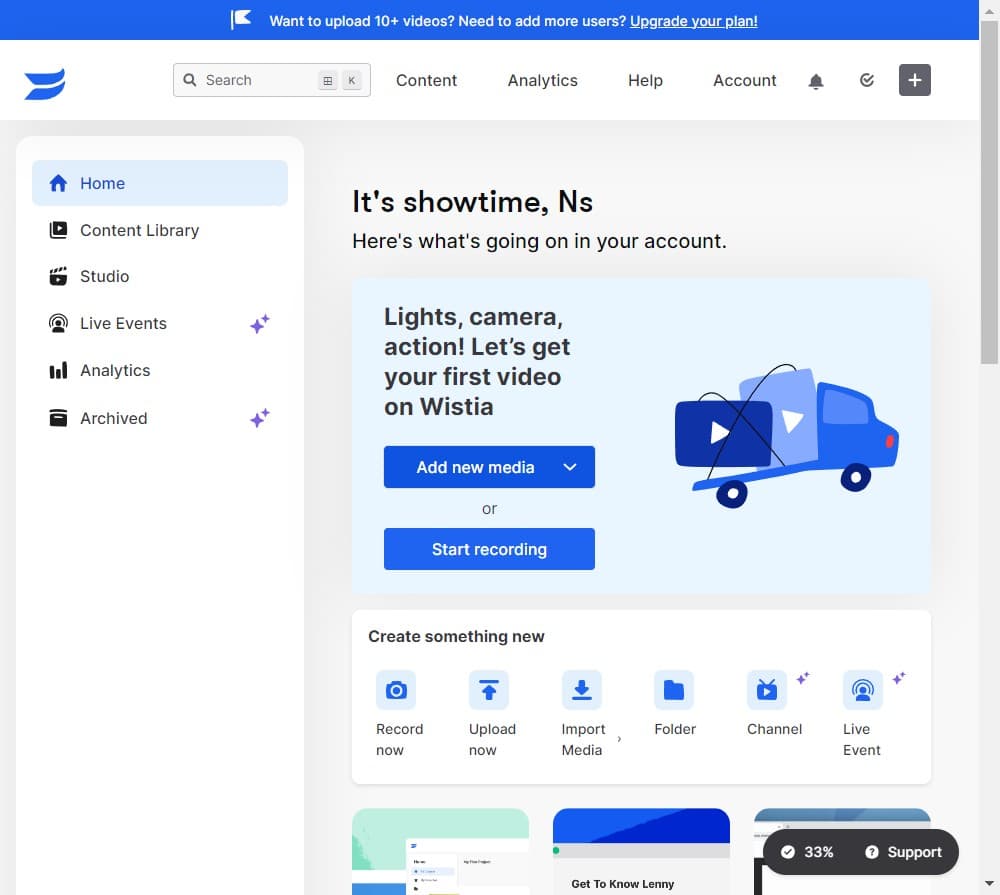
Click on Add new media
Start by clicking the 'Add new media' button in your Wistia account dashboard. This opens the upload interface where you can begin adding videos to your library.
- 2
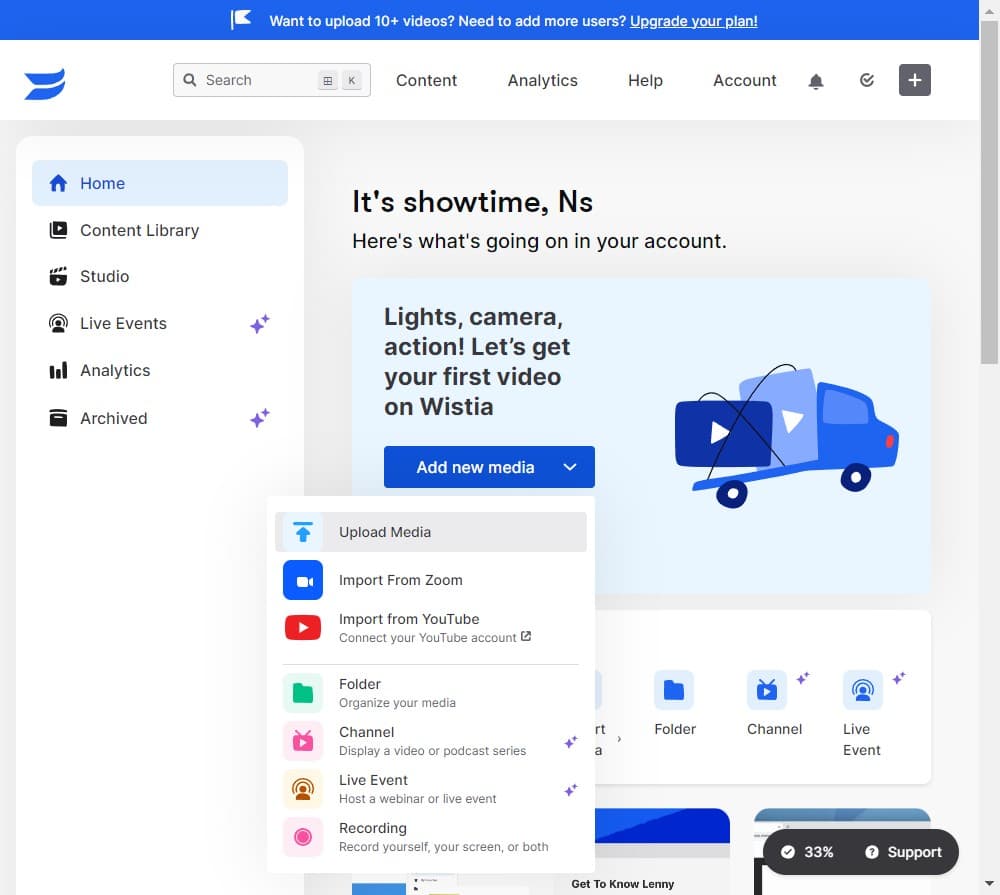
Select your upload method
Choose how you want to upload your media file. Wistia provides options for selecting files from your computer or connecting from cloud storage.
- 3
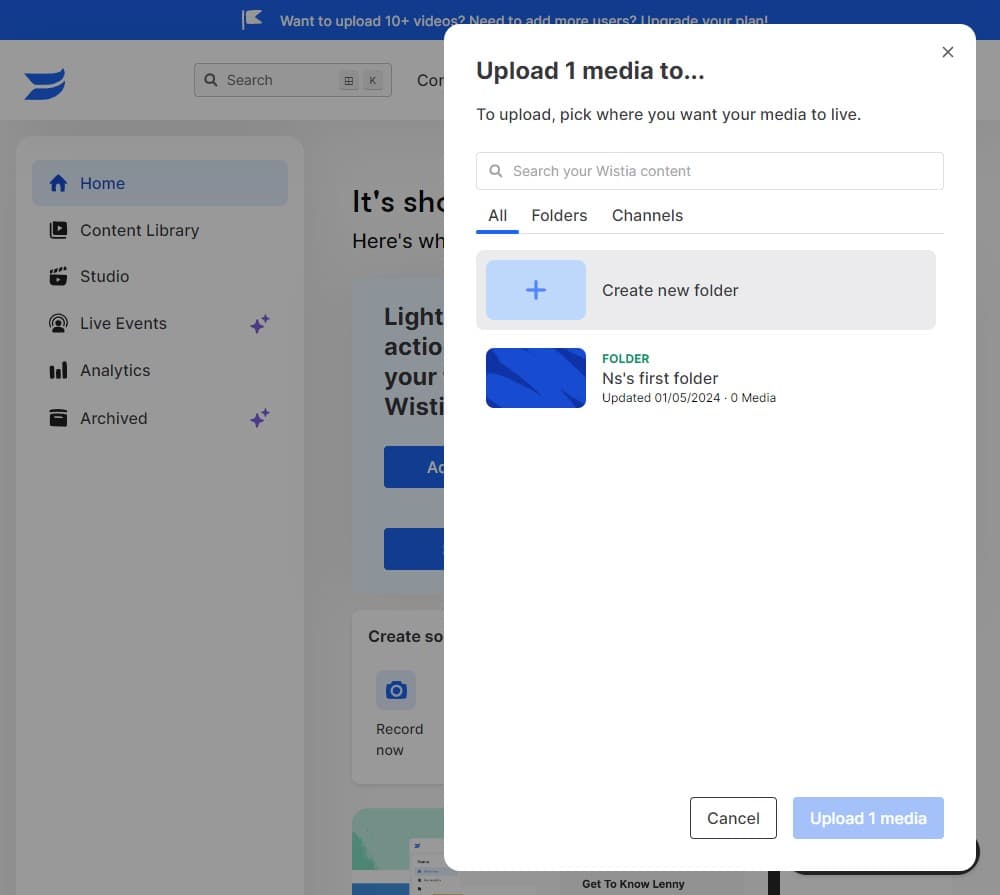
Confirm your media selection
Review the file you've selected and proceed with the selection confirmation to move forward with the upload process.
- 4
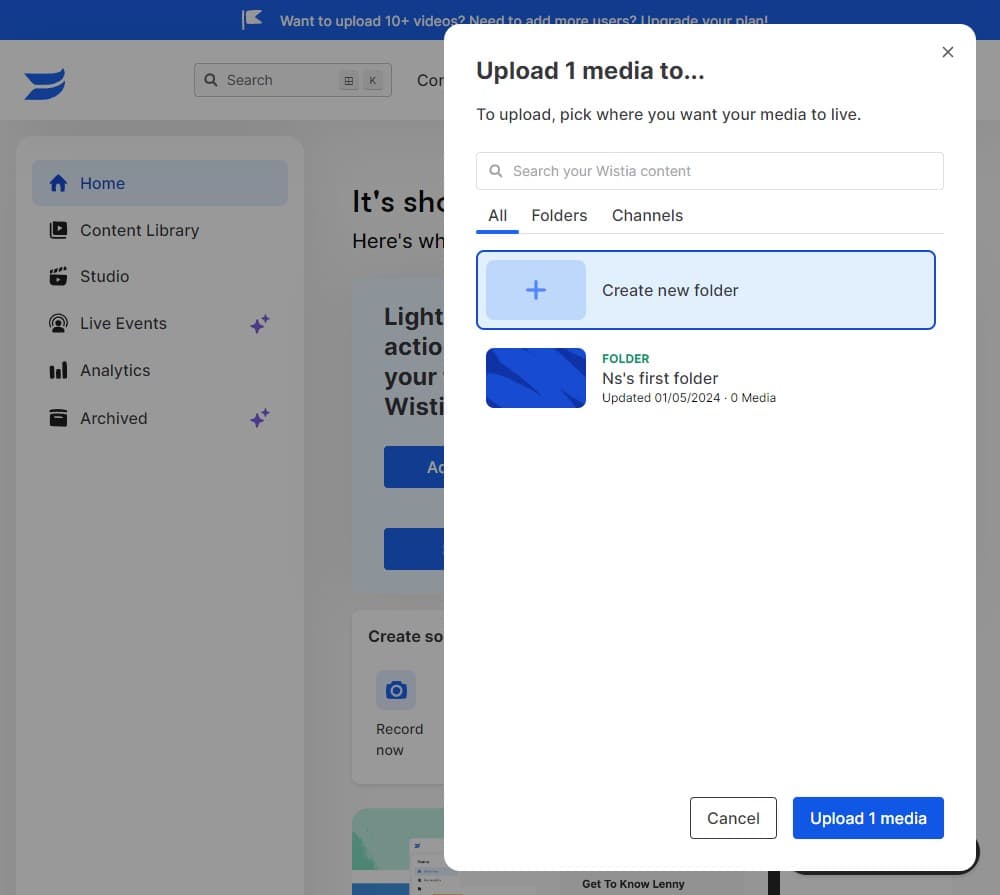
Click on Upload 1 media
Finalize the upload by clicking the 'Upload 1 media' button. This initiates the file upload to your Wistia account.
- 5
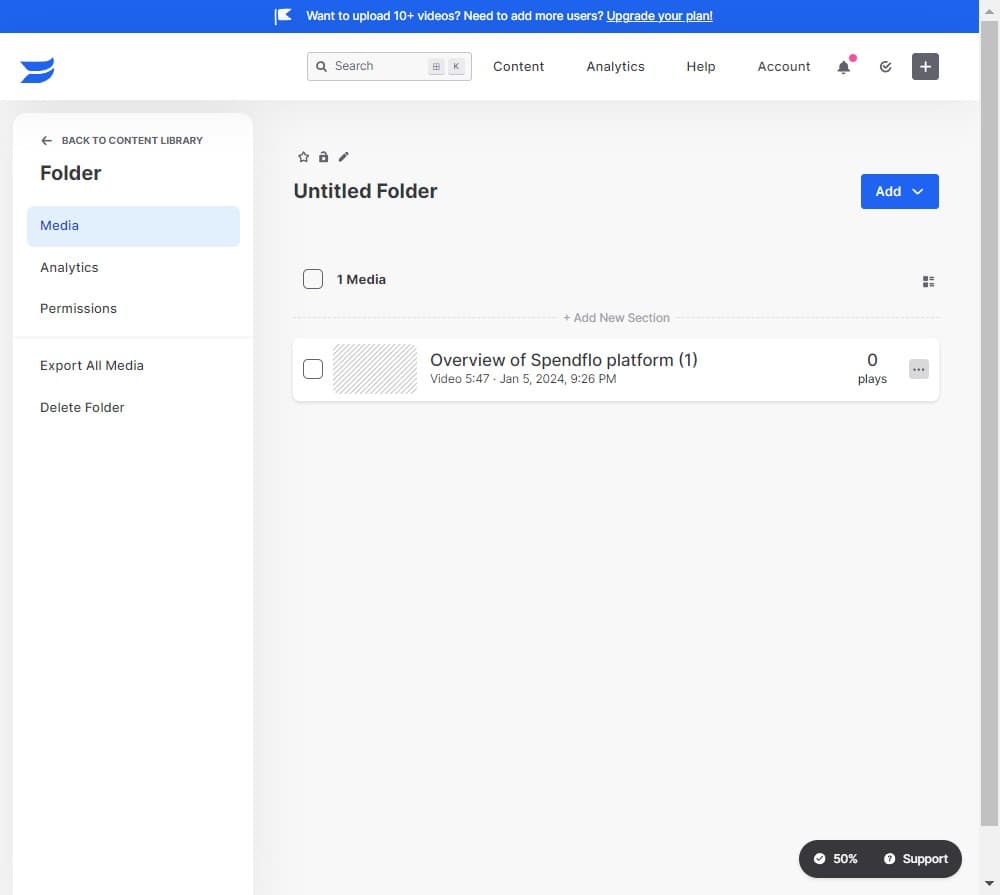
Click on More Actions
Once your media is uploaded, locate and click the 'More Actions' menu to access additional options for your video.
- 6
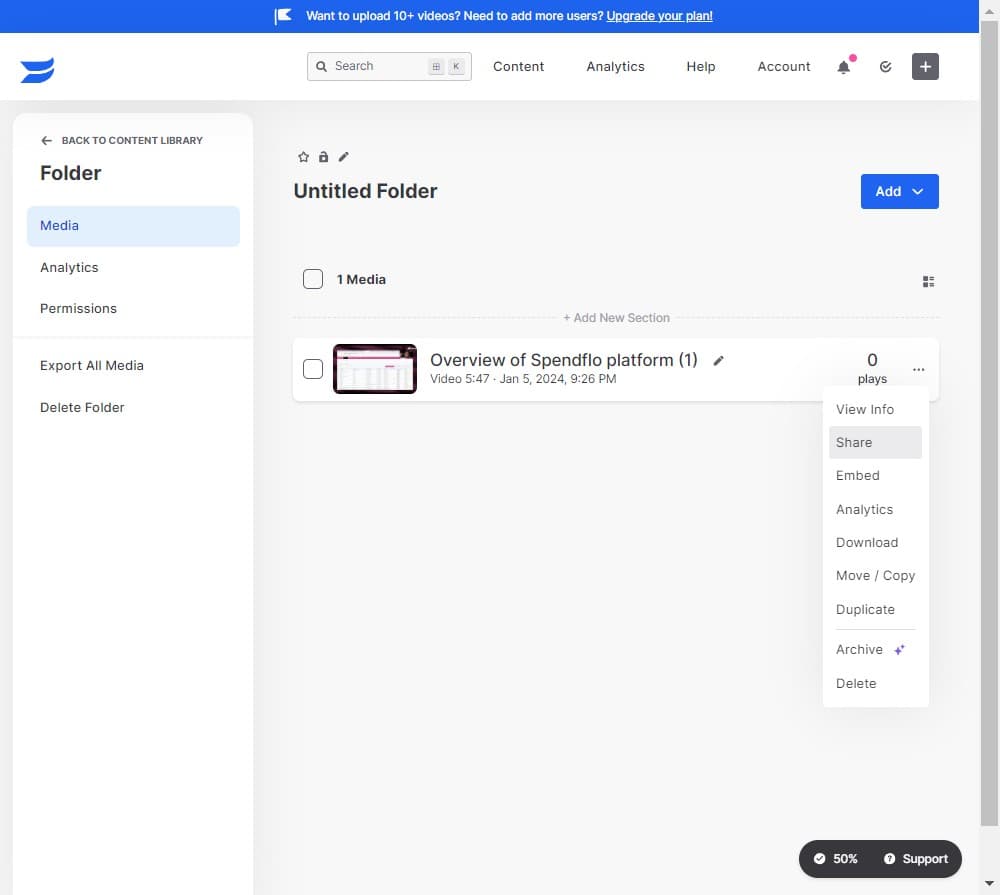
Click on Share
Select the 'Share' option from the More Actions menu. This opens Wistia's comprehensive sharing panel with multiple distribution methods.
- 7
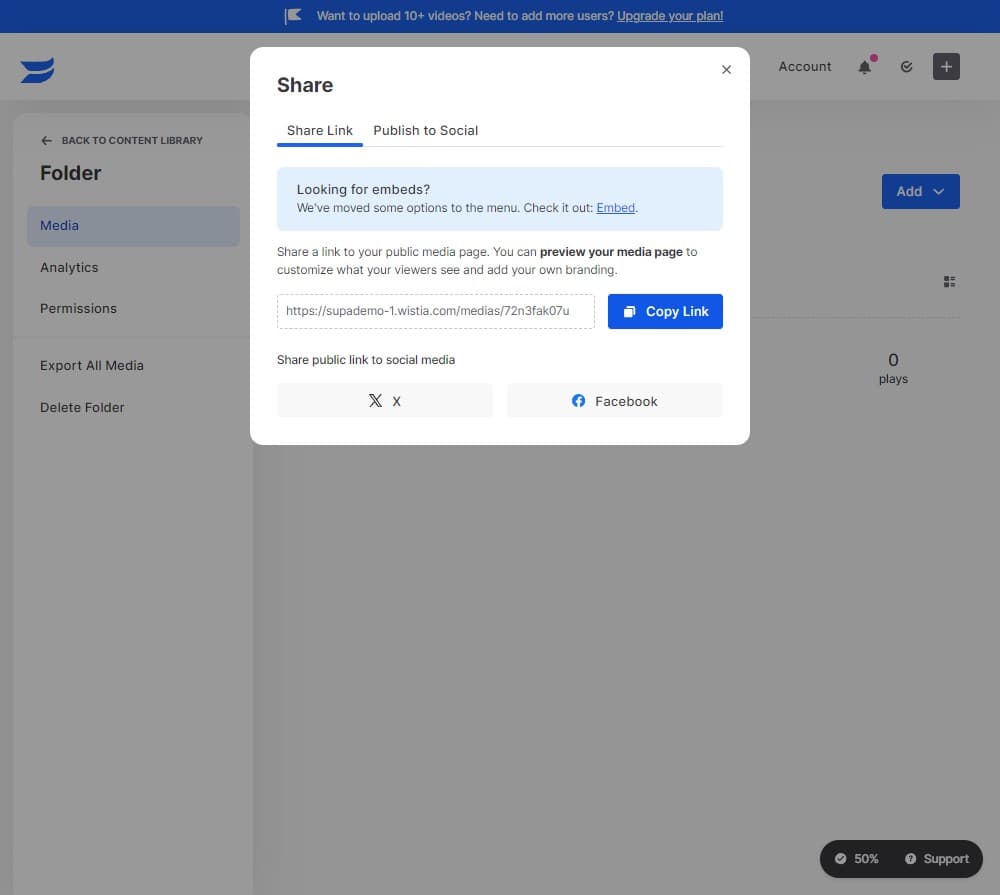
Click on Copy Link
Copy the direct shareable link to your video. This link can be sent via email, messaging apps, or posted on social media for easy video access.
- 8
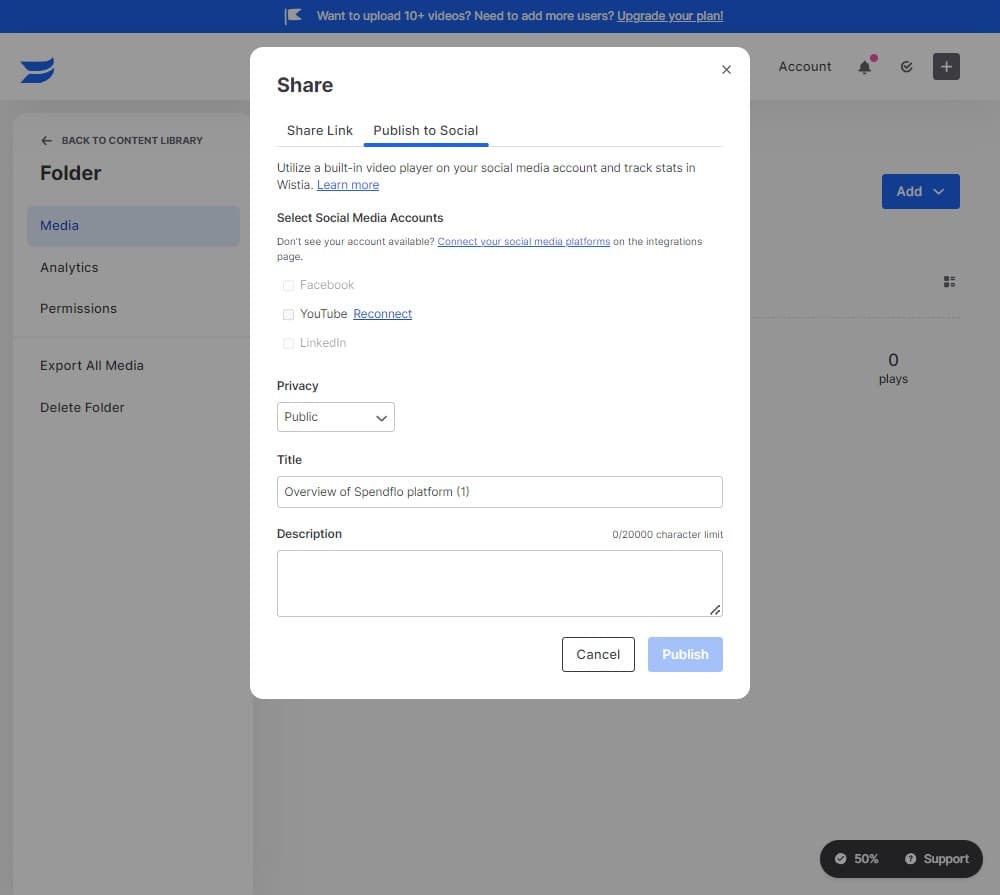
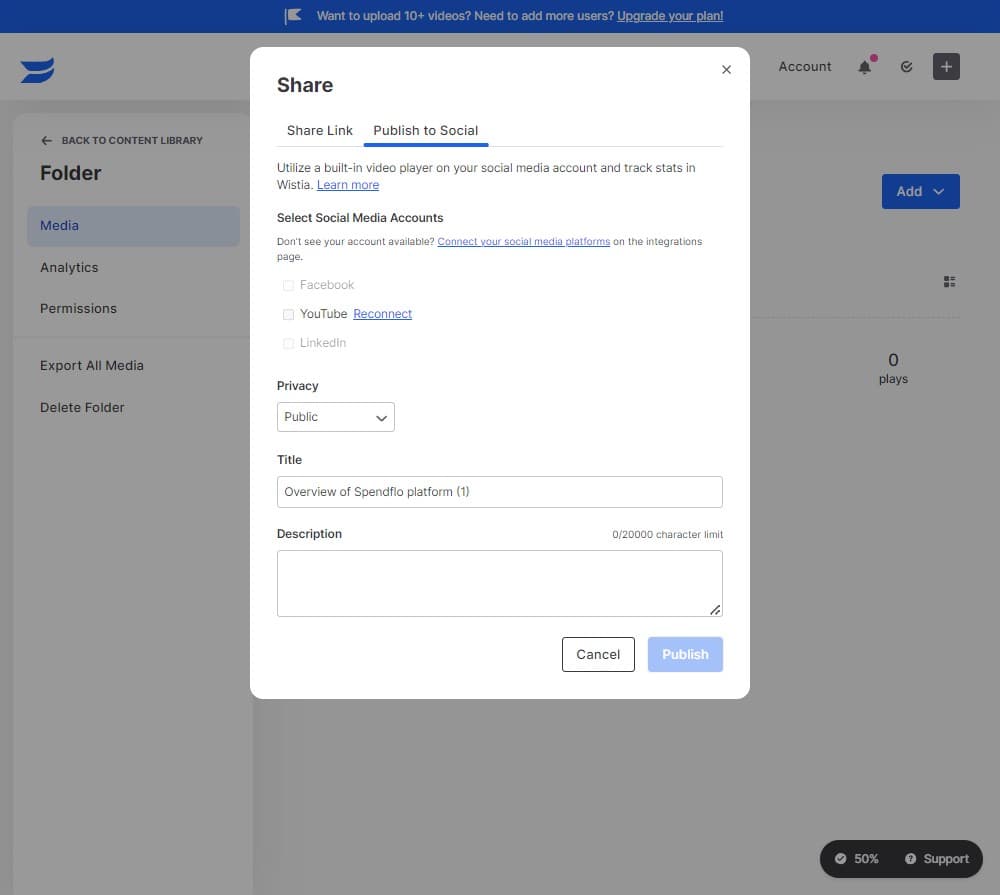
Click on Reconnect
If needed, reconnect any integrated services or refresh connection settings to ensure your sharing options are fully available.
- 9
Click on Publish
Publish your video to make it live and accessible through the sharing links you've generated. This step ensures your video is ready for distribution.
- 10
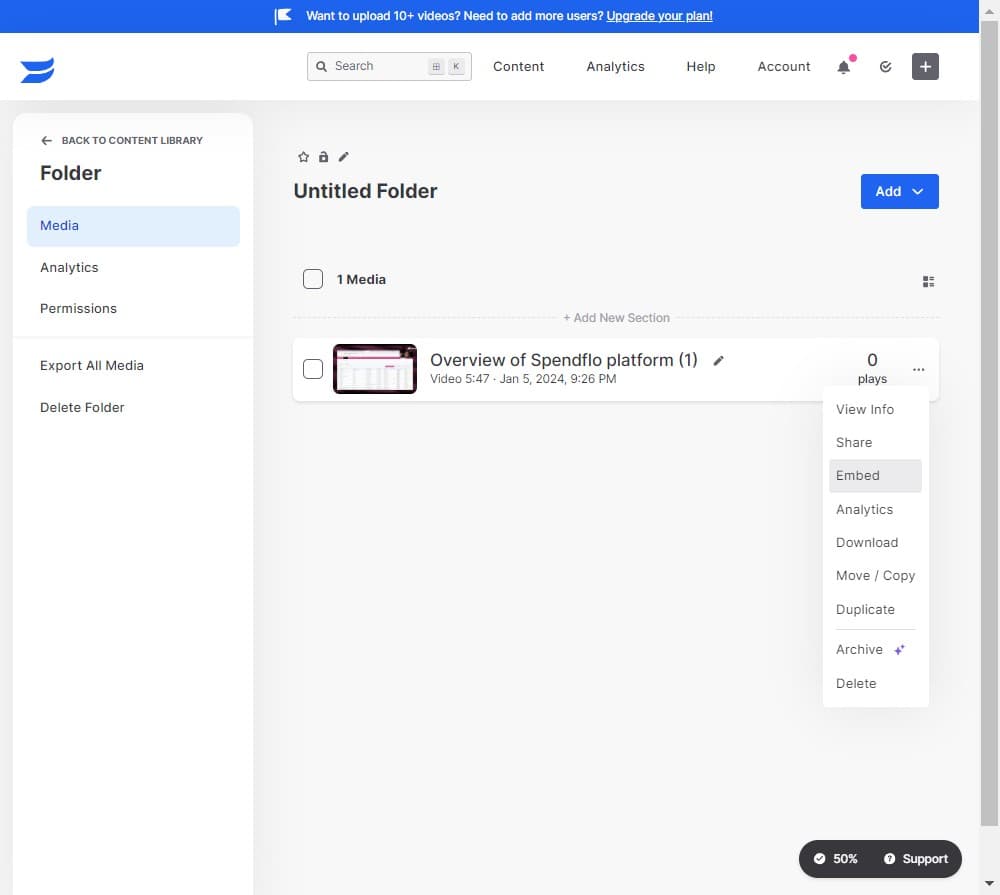
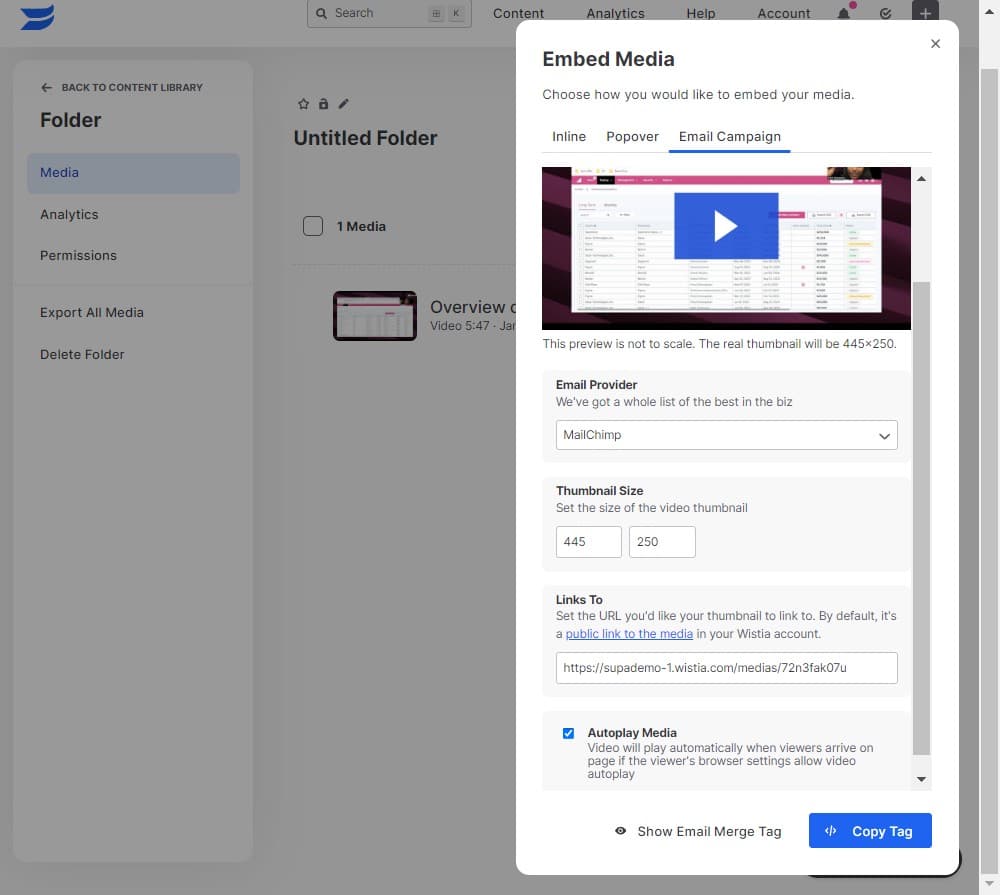
Click on Embed
Select the 'Embed' option to access embed code options for placing your video directly on websites or web applications.
- 11
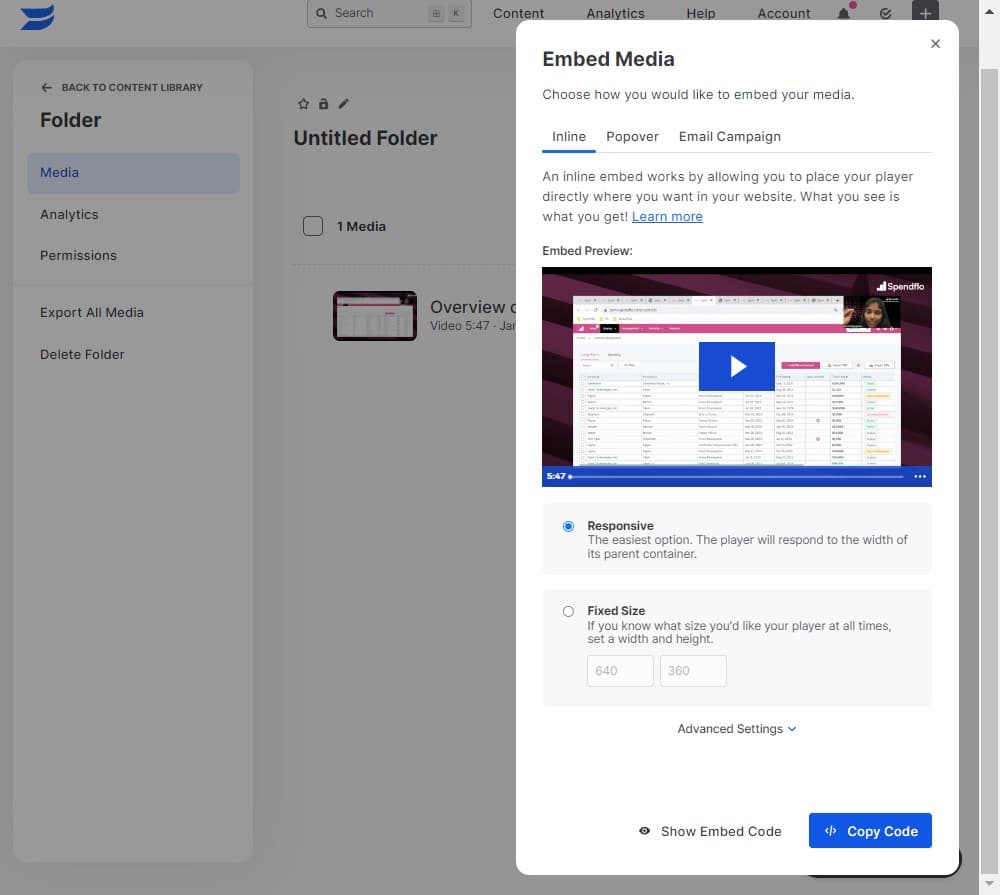
Copy the embed code
Click to copy the first embed code format. This code can be pasted into your website's HTML to display the video inline.
- 12
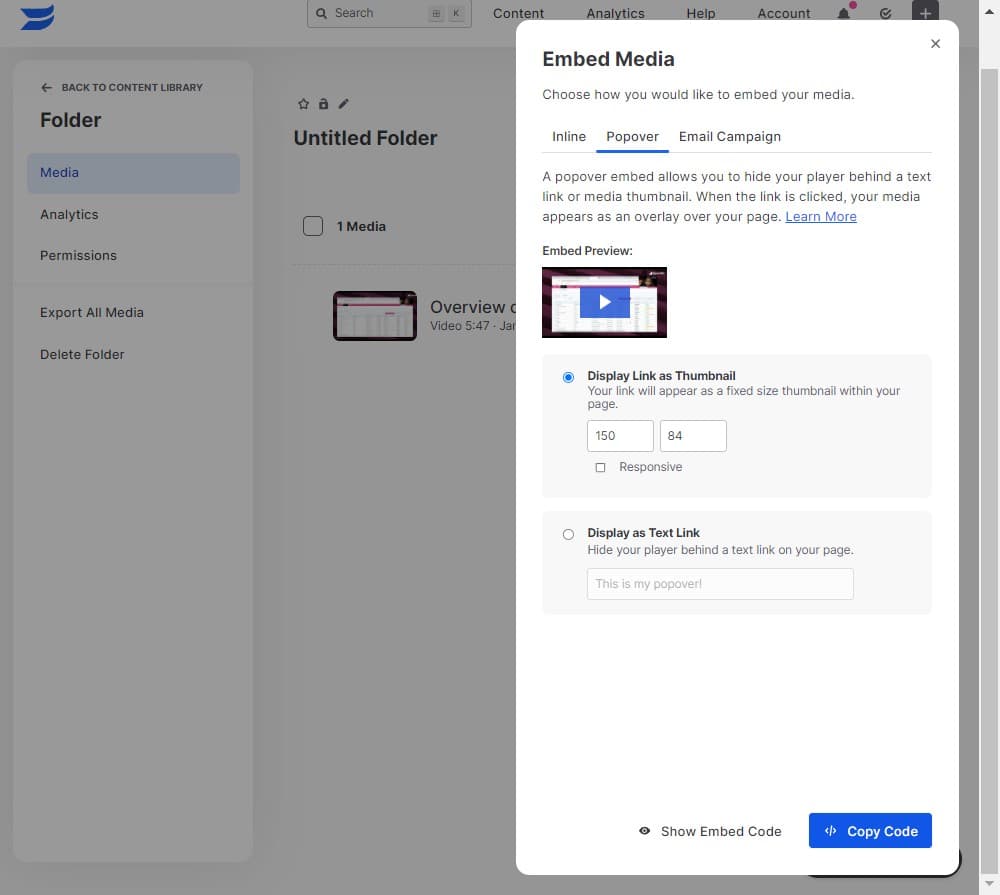
Copy additional embed code
Copy the second embed code option if you need an alternative format for different platforms or website builders.
- 13
View additional sharing options
Explore the 'Links To' section to discover other sharing methods and customization options available for your video distribution.
Frequently asked questions
Common questions about how to share videos from wistia.
A shareable link is a direct URL to your video that viewers can click to watch it on Wistia's platform. Embed code is HTML that allows you to display the video directly on your own website. Use links for email or social sharing, and embed code when you want the video to play on your own site.
Yes, Wistia offers customization options for embedded videos including player size, autoplay settings, and branding. These settings are typically available in the embed section where you can adjust parameters before copying the code.
Wistia allows you to control video privacy settings. You can make videos public, private, or share them with specific people. Check the sharing settings in the More Actions menu to set appropriate access levels for your content.
Wistia automatically tracks views and engagement metrics for all your videos. You can access detailed analytics from your video dashboard, including information about who watched, for how long, and where the views came from.
Absolutely. You can use the same shareable link across email, social media, and other platforms. For websites, you can embed the same video code on multiple pages without any issues.