How to use AI to clone your voice on ElevenLabs

Voice cloning technology has revolutionized how creators and businesses personalize their audio content. ElevenLabs offers a powerful AI-driven voice cloning feature that lets you create a digital replica of your voice for use across various projects. This tutorial walks you through the essential steps to get started with voice cloning on ElevenLabs.
Quick summary
In this tutorial, you'll learn how to navigate ElevenLabs and access the voice cloning tools needed to create a personalized AI voice. You'll discover how to search for voice options, filter by region, and explore detailed information about available voice profiles. By the end, you'll be equipped to begin your voice cloning journey on the platform.
Why this matters
Voice cloning enables creators to maintain consistency in their audio branding, save time on narration and voiceover work, and scale content production without hiring voice actors. For businesses, this means faster turnaround times on videos, podcasts, and interactive content while maintaining a recognizable brand voice. Understanding how to leverage this feature effectively can significantly enhance your content creation workflow.
Step-by-step guide
- 1
Access the ElevenLabs platform
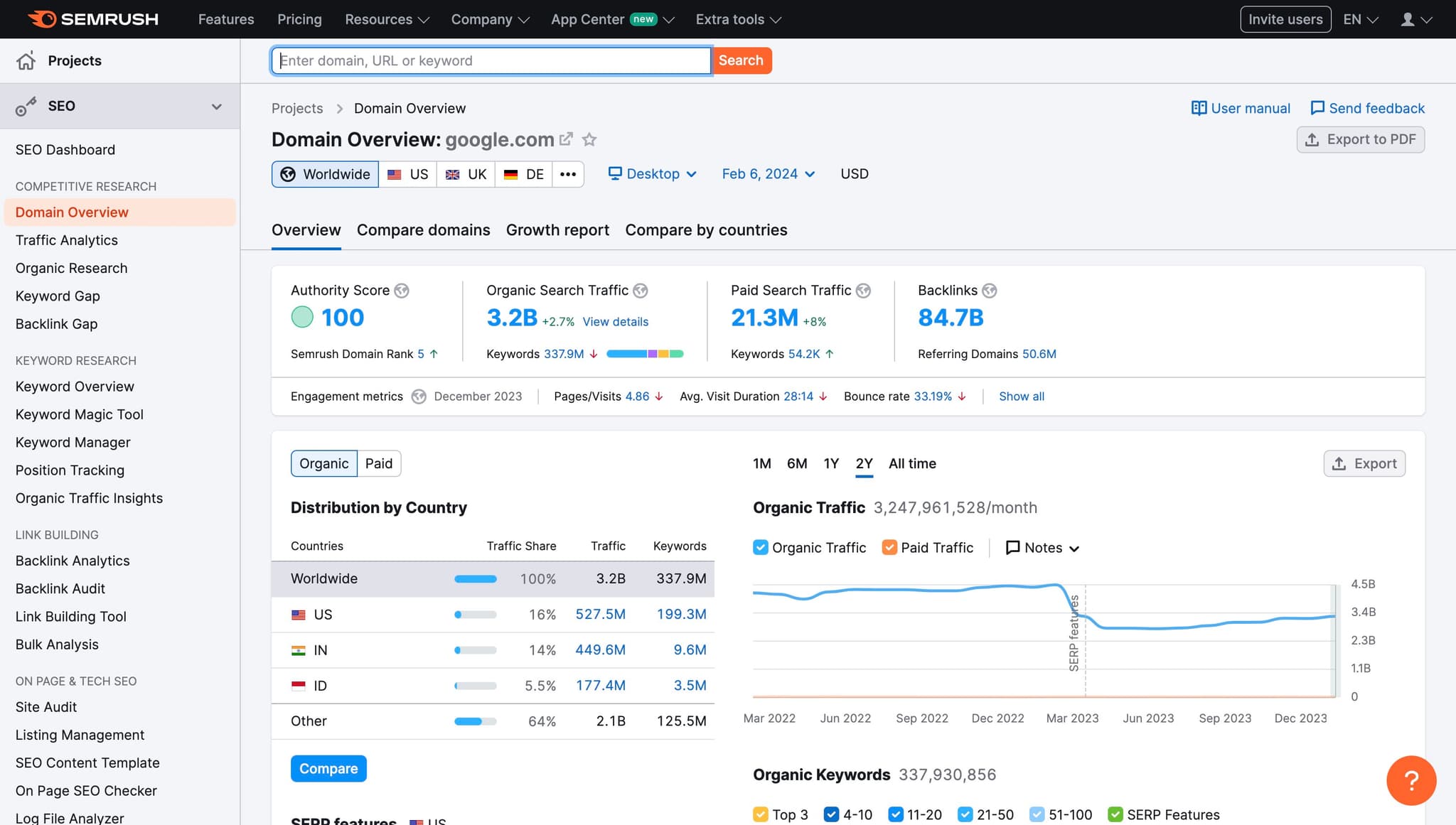
Begin by navigating to ElevenLabs and locating the main entry point for voice cloning. This first step establishes your starting position within the platform's interface.
- 2
Open the search functionality
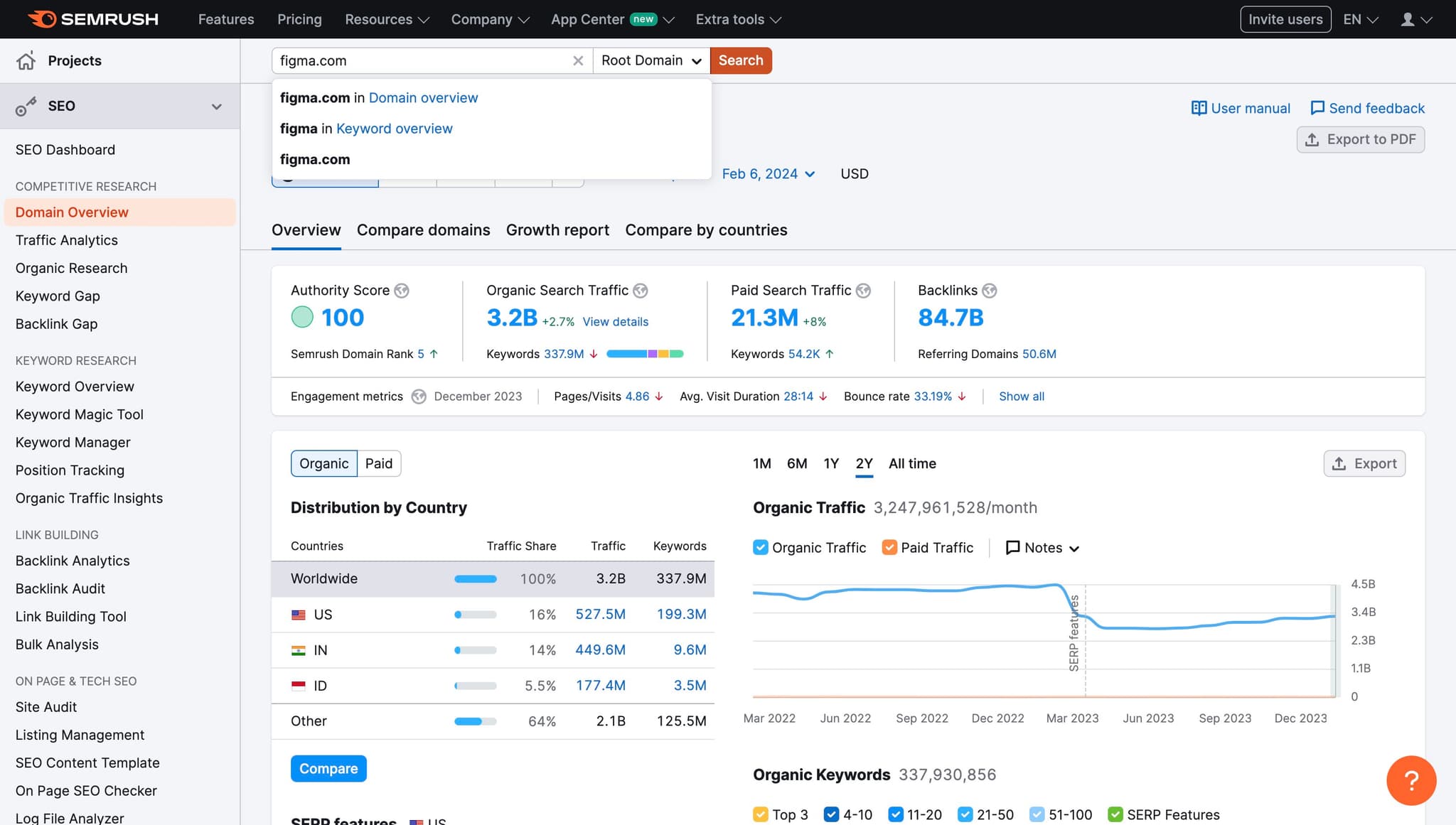
Click on the Search button to activate the search feature. This allows you to explore available voices and voice profiles within ElevenLabs.
- 3
Filter by region (US)
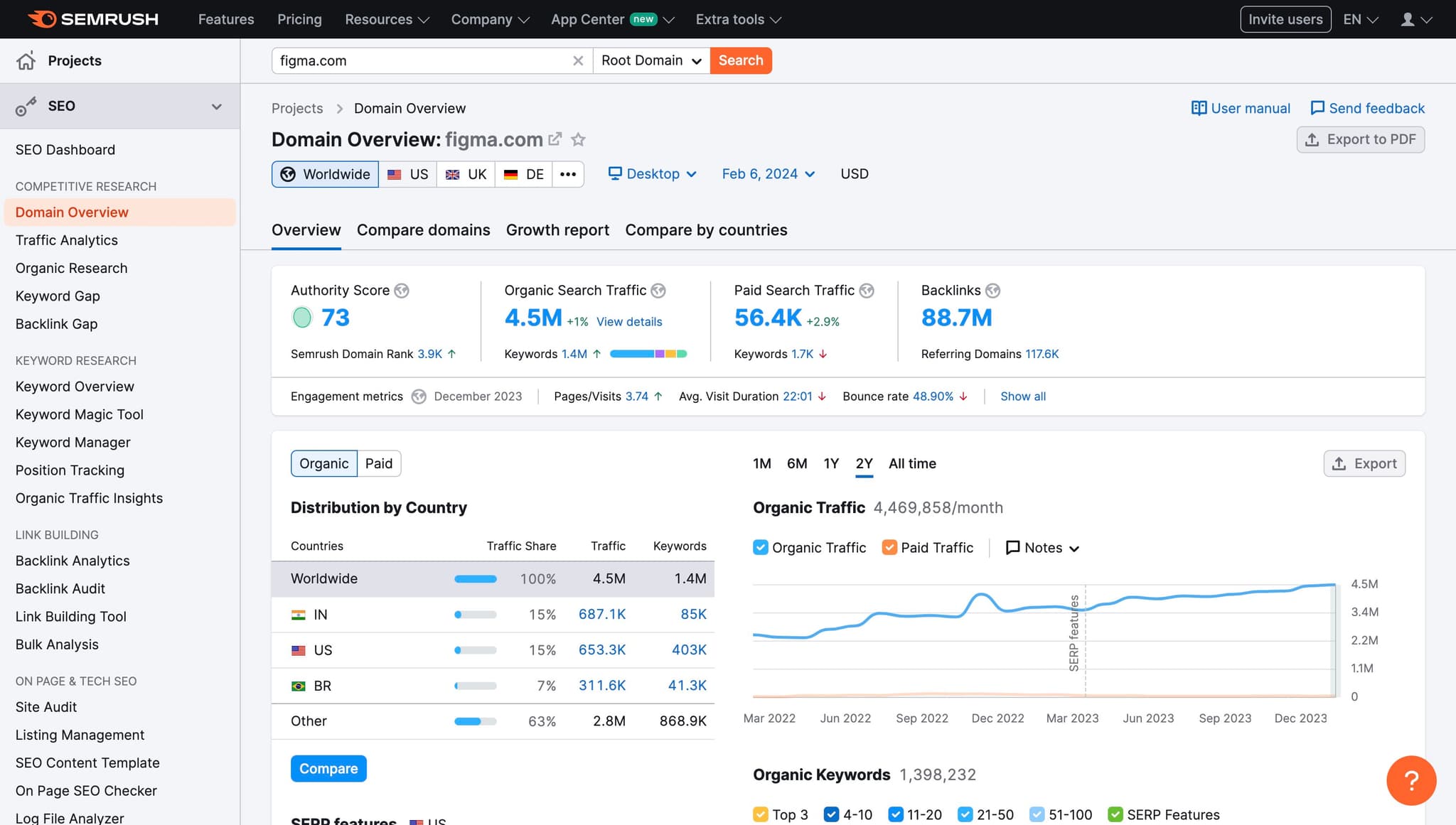
Select the US option to filter voice options by region. This helps you narrow down voices based on geographic preferences and accent characteristics.
- 4
View voice details
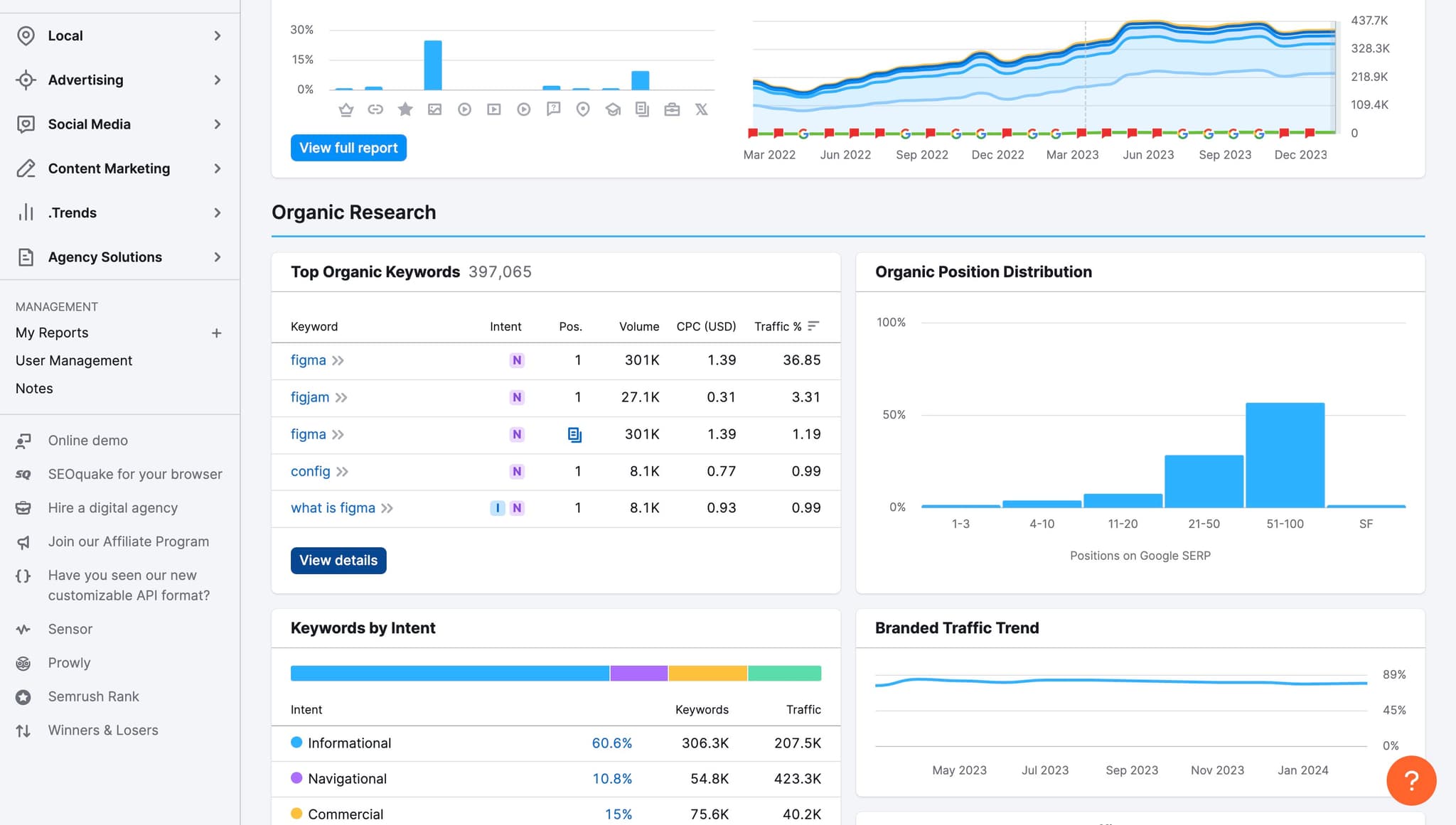
Click on View details to examine comprehensive information about a specific voice profile. This step reveals important metadata about the voice you're considering for cloning.
- 5
Explore keywords and metrics
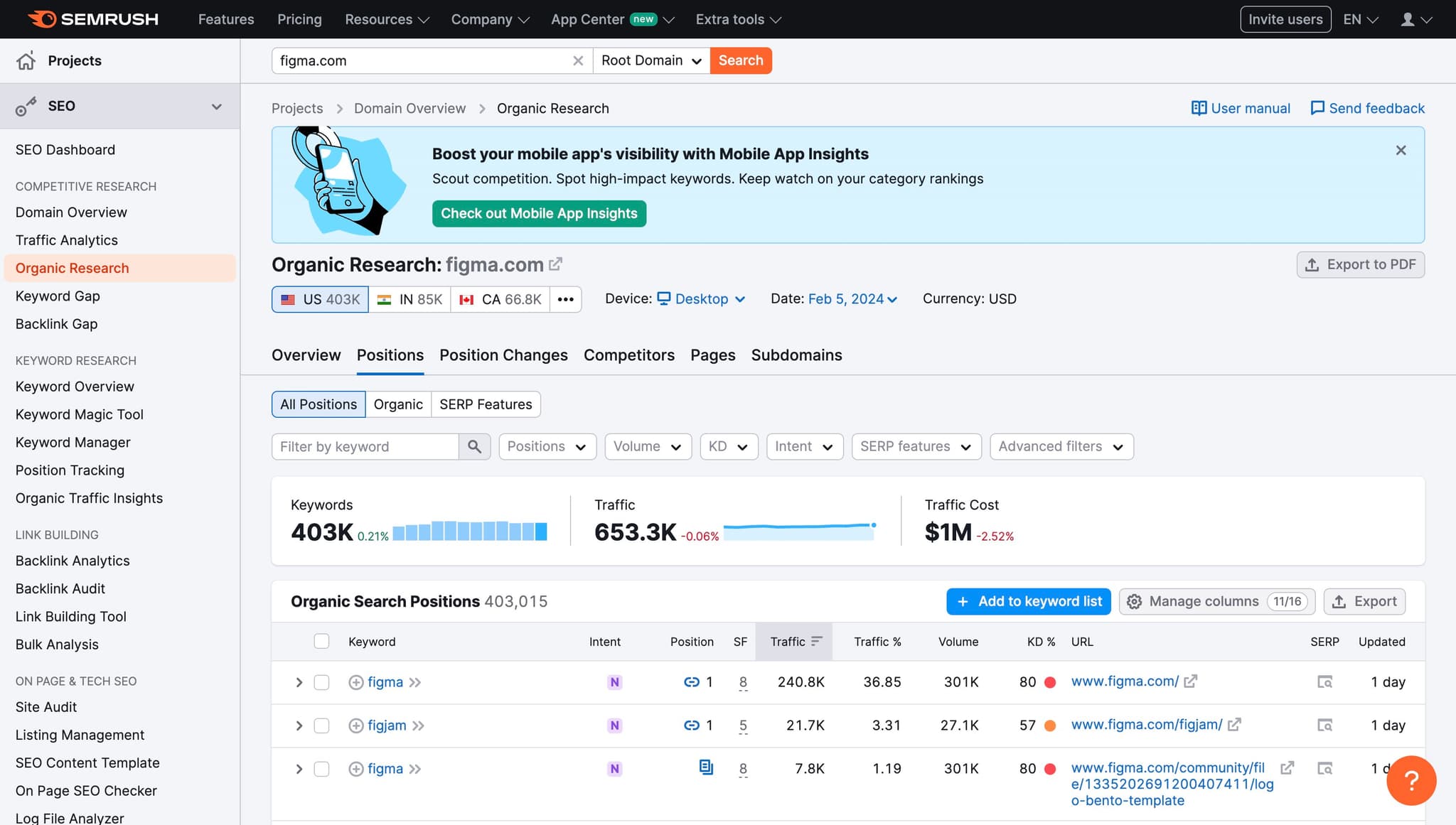
Review the Keywords section which shows relevant tags and statistics for the voice profile. This data helps you understand the voice's characteristics and popularity (shown as 403K in this example).
- 6
Search for specific voice queries
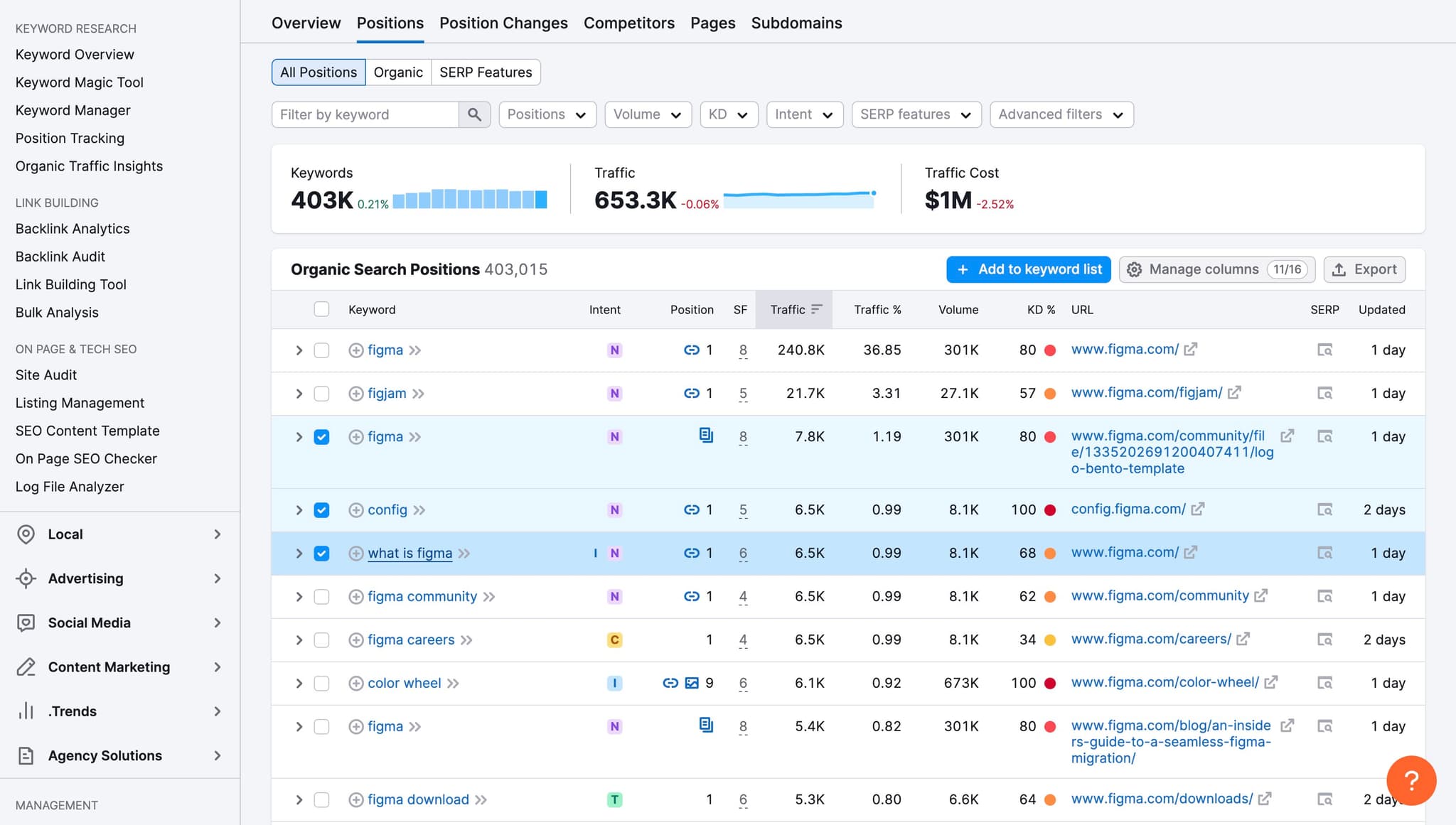
Enter a search term like what is figma to test the search functionality and discover how the platform returns relevant voice matches. This demonstrates how flexible the search capabilities are for finding the right voice.
- 7
Review engagement statistics
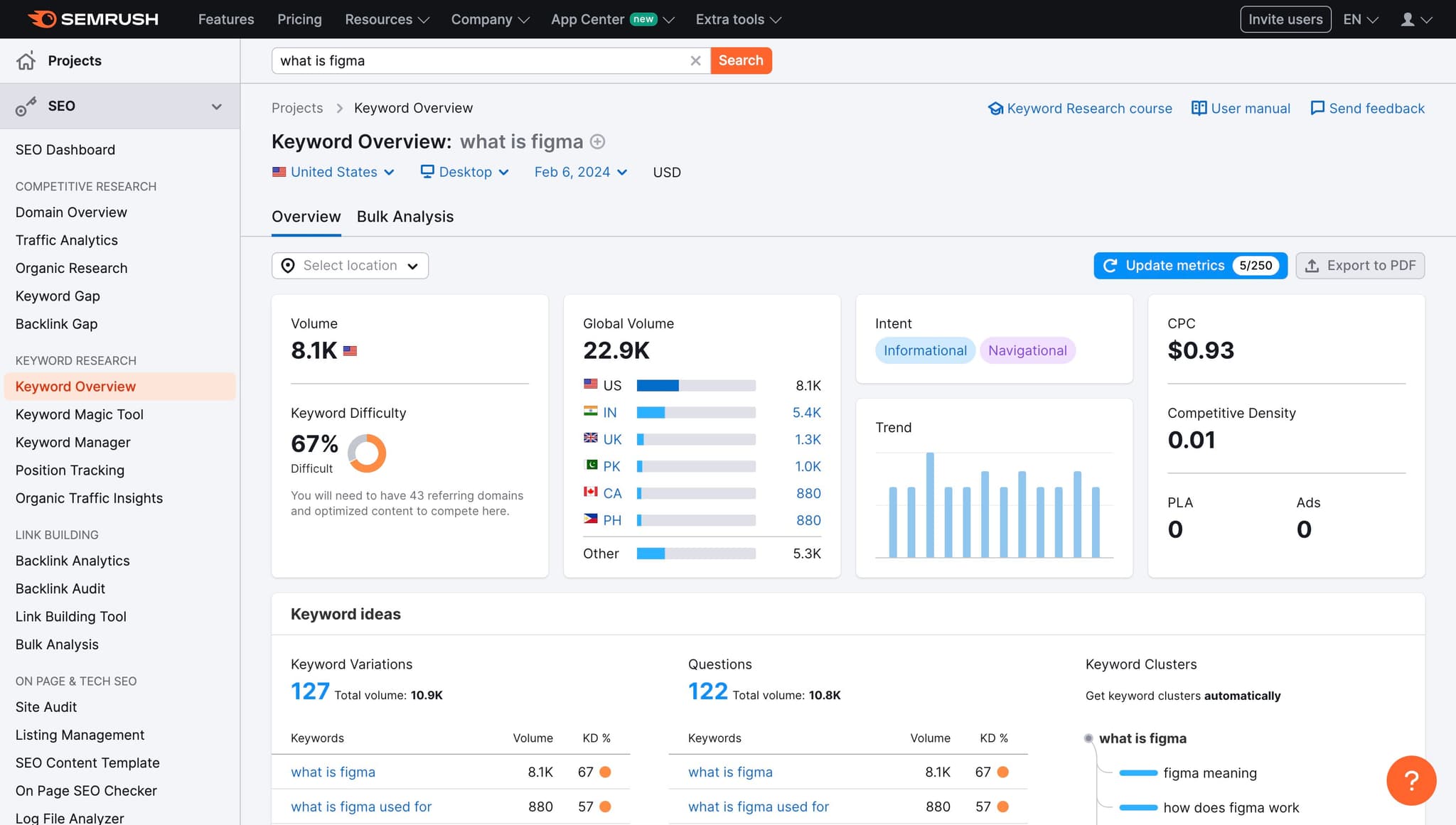
Check the engagement metrics (such as 8.1K) to see how frequently a voice profile is used or viewed. These statistics provide insight into voice popularity and community adoption.
Frequently asked questions
Common questions about how to use ai to clone your voice on elevenlabs.
Voice cloning is an AI technology that analyzes a sample of your voice and creates a digital replica capable of synthesizing speech. This clone can generate new audio in your voice without needing you to record new content each time. The cloned voice maintains your unique vocal characteristics and can be used for various applications including videos, podcasts, and interactive content.
ElevenLabs typically requires a minimum of 30 seconds to a few minutes of clear audio for effective voice cloning. The higher quality and longer the sample, the more accurate your cloned voice will be. It's best to provide samples with minimal background noise and consistent speaking style for optimal results.
Yes, ElevenLabs allows commercial use of cloned voices depending on your subscription tier and terms of service. However, you should always verify the specific licensing terms of your ElevenLabs plan. For businesses, premium plans typically include full commercial rights to use your cloned voice.
ElevenLabs accepts common audio formats including MP3, WAV, and M4A files for voice cloning samples. Make sure your audio file is clear and of reasonable quality before uploading. If you're unsure about your file format, you can typically convert it using free online tools.
The voice cloning process on ElevenLabs is relatively quick, often completing within minutes after you submit your sample. Processing time may vary depending on platform load and the length of your audio sample. Once cloning is complete, your voice will be immediately available for generating new speech.