Interactive Zendesk Demo
Explore a demo of Zendesk, a comprehensive customer service software that helps businesses manage and improve their support operations.
What is Zendesk?
Zendesk is a customer service platform that helps businesses manage support tickets, live chat, phone calls, and self-service knowledge bases from a single interface. Founded in Copenhagen in 2007 and now headquartered in San Francisco, Zendesk serves over 100,000 businesses worldwide including brands like Airbnb, Slack, and Shopify.
The platform's core product is a ticketing system that consolidates customer requests from email, chat, social media, phone, and web forms into a unified queue. Agents can see full customer history, collaborate internally with private notes, and use macros and triggers to automate repetitive responses.
Zendesk also offers Guide (a self-service knowledge base), Chat (live messaging), Talk (call center), and Explore (analytics). Its App Marketplace has over 1,200 integrations including Salesforce, Jira, Slack, and Shopify. The platform is particularly strong for companies scaling their support function.
How to get started with Zendesk
- 1
Sign up and configure your account
Create a Zendesk account at zendesk.com. During onboarding, set your subdomain (yourcompany.zendesk.com), upload your logo, and configure your business hours.
- 2
Set up your email channel
Connect your support email address (e.g. support@yourcompany.com) so all incoming emails automatically become tickets. Zendesk forwards or pipes emails from your existing address.
- 3
Create your ticket views and macros
Build views that filter and sort your ticket queue by priority, status, or assignee. Create macros — canned responses and actions — to handle your most common ticket types quickly.
- 4
Set up triggers and automations
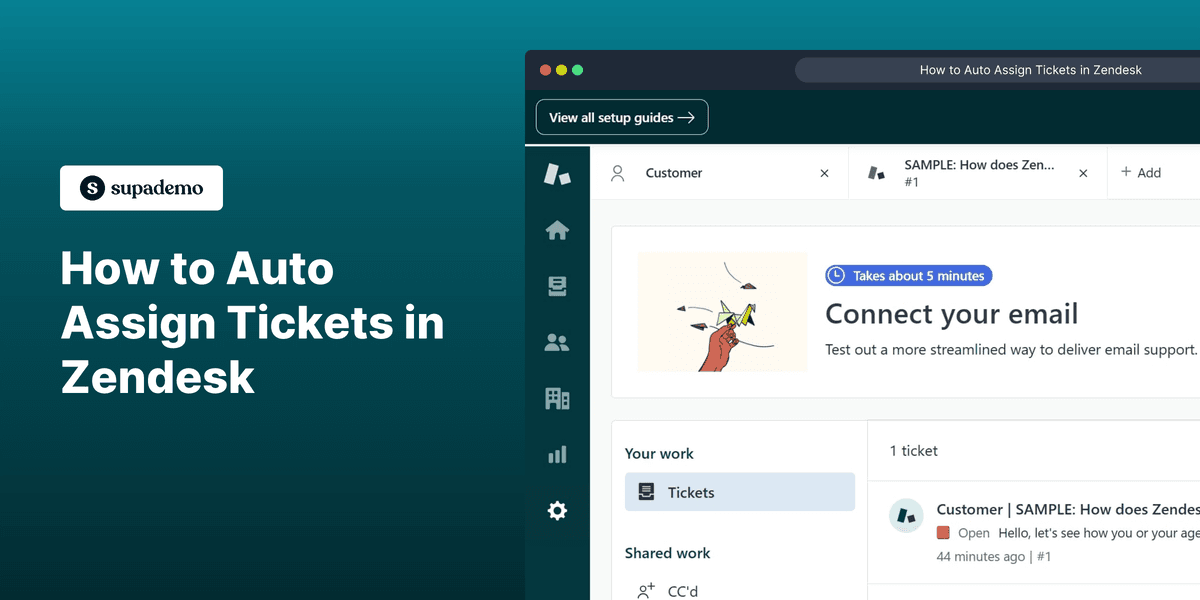
Configure triggers (instant responses to ticket events) and automations (time-based actions). For example, auto-assign tickets to specific teams or send a follow-up if a ticket has been open for 24 hours.
- 5
Launch your Help Center
Activate Zendesk Guide to publish self-service articles. Connect it to your ticket form so customers see relevant articles before submitting — deflecting tickets before they're created.
Explore more Zendesk guides
Step-by-step interactive demos and tutorials for Zendesk.
Who is Zendesk most useful for?
Customer support and service teams at mid-size to enterprise companies that need to manage high ticket volumes across multiple channels. You can embed a Supademo in your Zendesk knowledge base to show customers exactly how to complete a task — reducing ticket volume by helping users self-serve.
E-commerce businesses handling order issues, returns, and shipping inquiries at scale. Pair Supademo with Zendesk to create interactive troubleshooting guides that agents can share directly in ticket replies, speeding up resolution time.
SaaS companies providing technical support for complex products. Use Supademo to build step-by-step product walkthroughs and embed them inside Zendesk Guide articles, so customers can follow along interactively rather than reading static instructions.
Operations and CX leaders who need reporting and CSAT visibility across their support organization. Share Supademo demos internally to train new agents on Zendesk workflows and best practices without scheduling live training sessions.
Looking for alternatives to Zendesk?
Here are four tools worth evaluating depending on your needs.
A strong Zendesk alternative with a generous free plan. Easier to set up for small teams and more affordable at scale, though Zendesk has more powerful enterprise features.
View demo →
Prioritizes live chat and proactive messaging over ticketing. Better for companies that want to engage customers in real-time conversations rather than managing a ticket queue.
Ideal for teams already using HubSpot. Combines ticketing with CRM data so agents have full contact context. Less powerful than Zendesk for high-volume support operations.
A clean, email-first support tool with a shared inbox feel. Much simpler than Zendesk — great for teams that don't need advanced routing, automation, or multi-channel support.
FAQs on Zendesk
Commonly asked questions about Zendesk. Have more? Reach out and our team will be happy to help.
Zendesk Suite starts at $55/agent/month (billed annually). A free trial is available. Enterprise plans with advanced AI, custom roles, and SLA management start higher. Pricing scales per agent seat.
Yes. Zendesk Suite consolidates email, live chat, phone (via Zendesk Talk), social messaging, and web forms into a unified agent workspace. Agents can switch between channels without leaving the interface.
Yes. Zendesk Guide is a fully customizable knowledge base that integrates with your ticketing system. You can set up Article Suggestions so Zendesk automatically recommends relevant articles to customers before they submit a ticket.
Yes. Zendesk supports imports from Freshdesk, Intercom, Salesforce Service Cloud, and other platforms via CSV or partner migration tools. Ticket history, customer data, and knowledge base articles can typically be preserved.
Zendesk can be configured for HIPAA compliance on Enterprise plans with a Business Associate Agreement (BAA). By default, Zendesk is SOC 2 Type II certified and GDPR compliant. Healthcare organizations should contact sales for HIPAA setup.
Yes. You can add custom fields to ticket forms — dropdown menus, checkboxes, text fields, and more. Conditional fields can show or hide options based on previous selections, routing tickets to the right team automatically.
Yes. The Zendesk for Salesforce integration syncs ticket data with Salesforce records, allowing sales and support teams to share customer context. Account executives can see open tickets directly in Salesforce and vice versa.
Zendesk AI (built on their acquisition of Ultimate.ai) can automatically classify and route incoming tickets, suggest responses to agents, and power conversational bots that resolve common questions without human intervention. It's available on Suite Professional plans and above.