How to create a cohort in Mixpanel

Cohorts are a powerful segmentation feature in Mixpanel that allow you to group users based on shared behaviors or characteristics. This guide walks you through the process of creating a cohort so you can analyze specific user segments and track their engagement patterns.
Quick summary
In this tutorial, you'll learn how to create a cohort in Mixpanel by navigating through the platform's cohort builder interface. You'll discover how to define your audience criteria and finalize your cohort setup for behavioral analysis.
Why this matters
Creating cohorts enables you to isolate and study specific user groups, making it easier to measure campaign effectiveness, identify retention patterns, and personalize user experiences. By segmenting your audience, you can make data-driven decisions that directly impact product strategy and marketing efforts.
Step-by-step guide
- 1
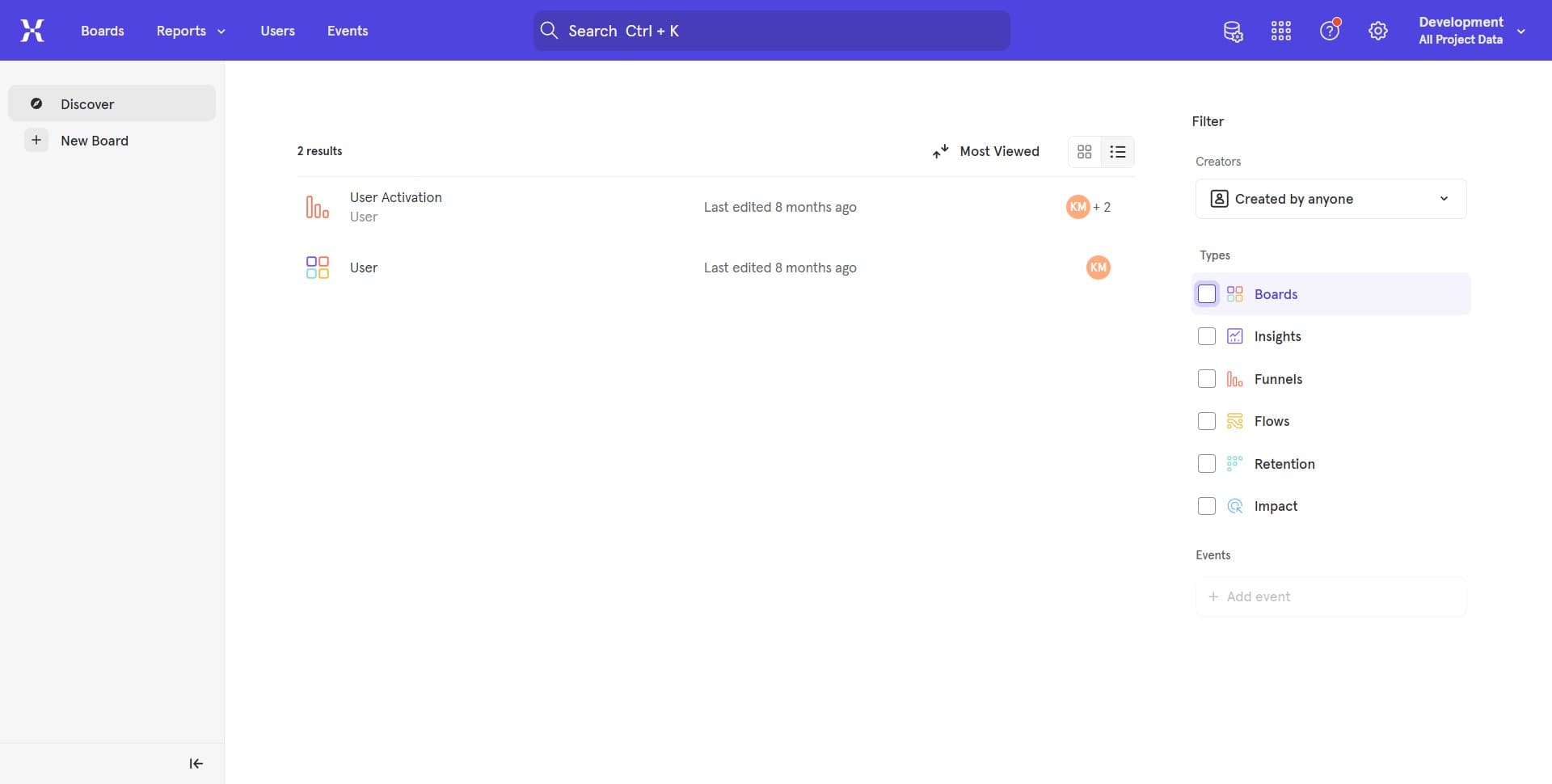
Navigate to the Mixpanel menu
Start by accessing the main navigation area of your Mixpanel account. Look for the menu options that will lead you to the cohort creation section.
- 2
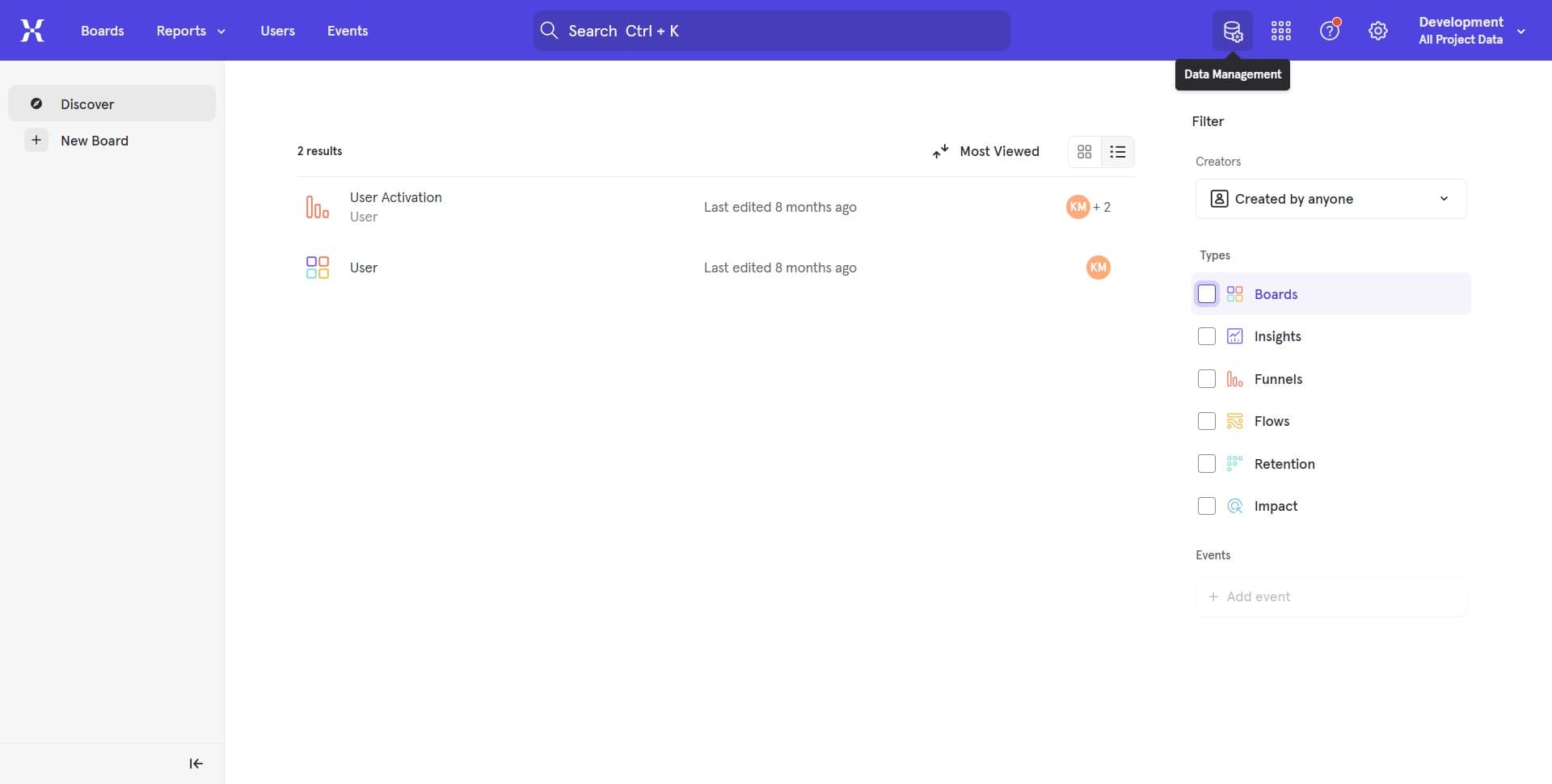
Select the cohort builder section
From the menu, locate and click on the option that opens the cohort builder interface. This is where you'll define your audience segment.
- 3
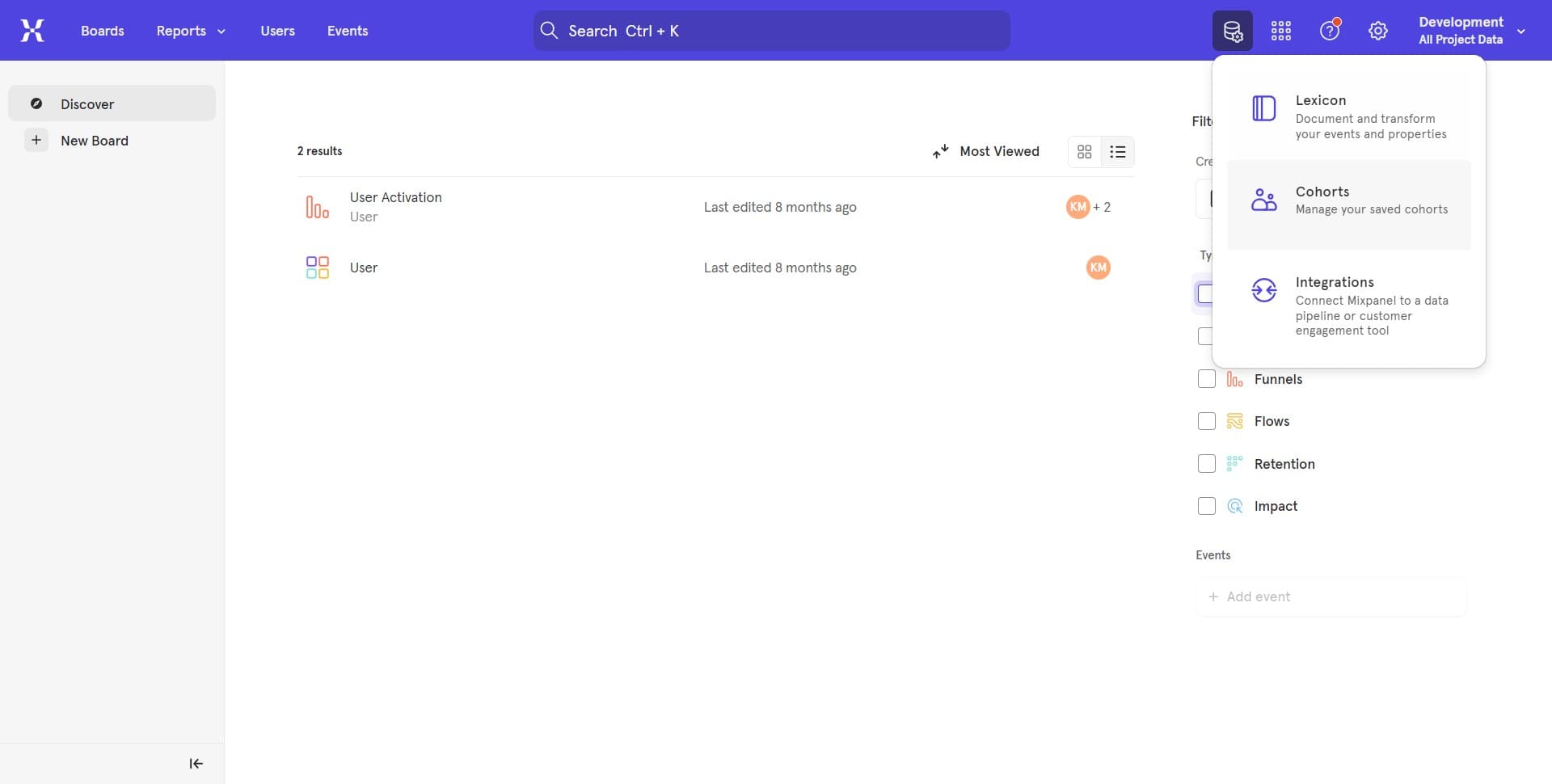
Access user segmentation options
Within the cohort builder, you'll see options to define your audience based on various criteria. Explore the available segmentation filters to understand what parameters you can use.
- 4
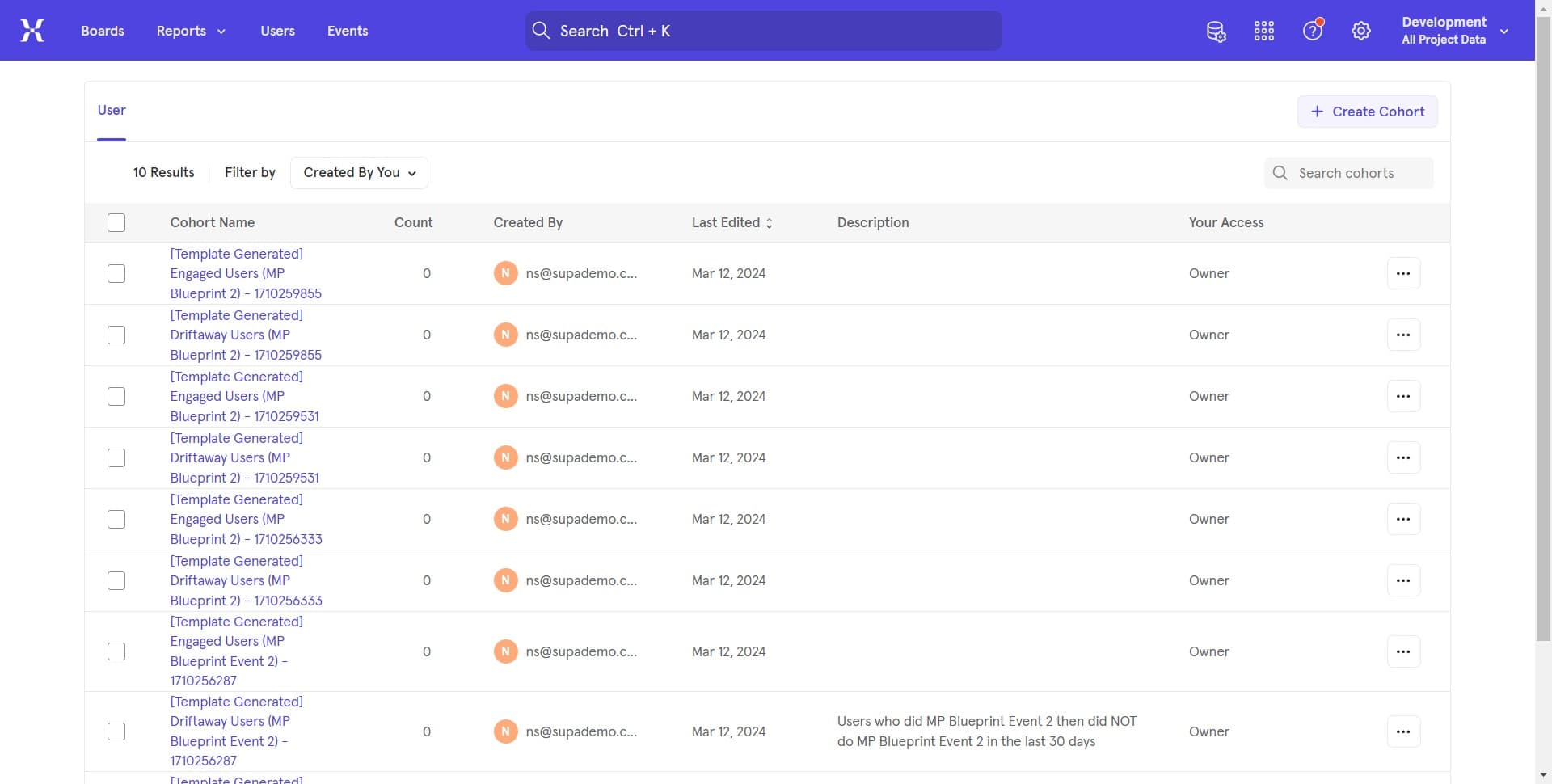
Define your cohort criteria
Select the specific behaviors, properties, or characteristics that will define your cohort. You can filter by user actions, profile attributes, or time-based conditions.
- 5
Configure additional filters
Add any additional conditions or exclusions to refine your cohort definition. This ensures your cohort contains exactly the users you want to analyze.
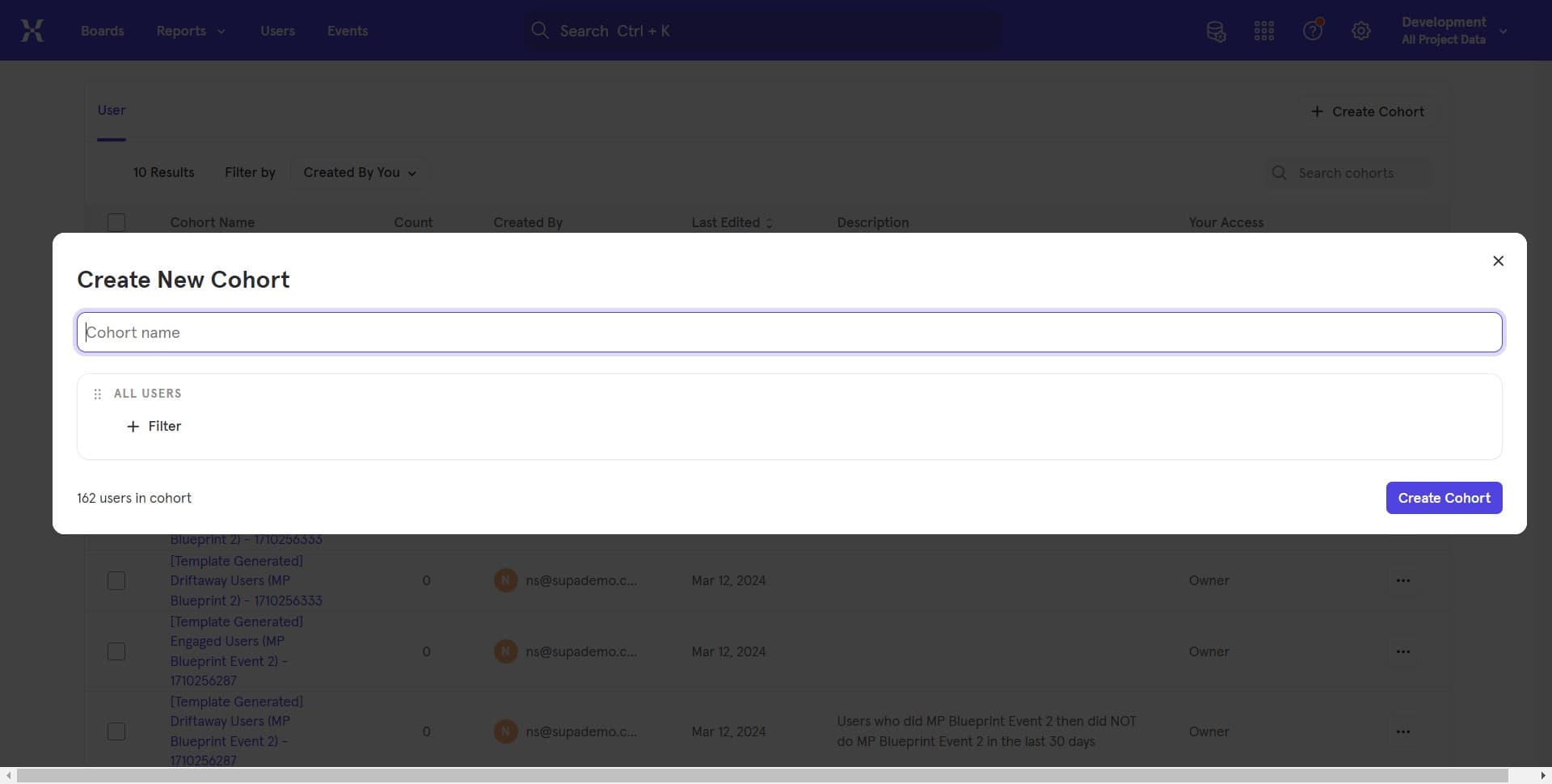
- 6
Review the cohort parameters
Take a moment to verify all your selected criteria and filters are correct. You should see a preview of how many users match your defined segment.
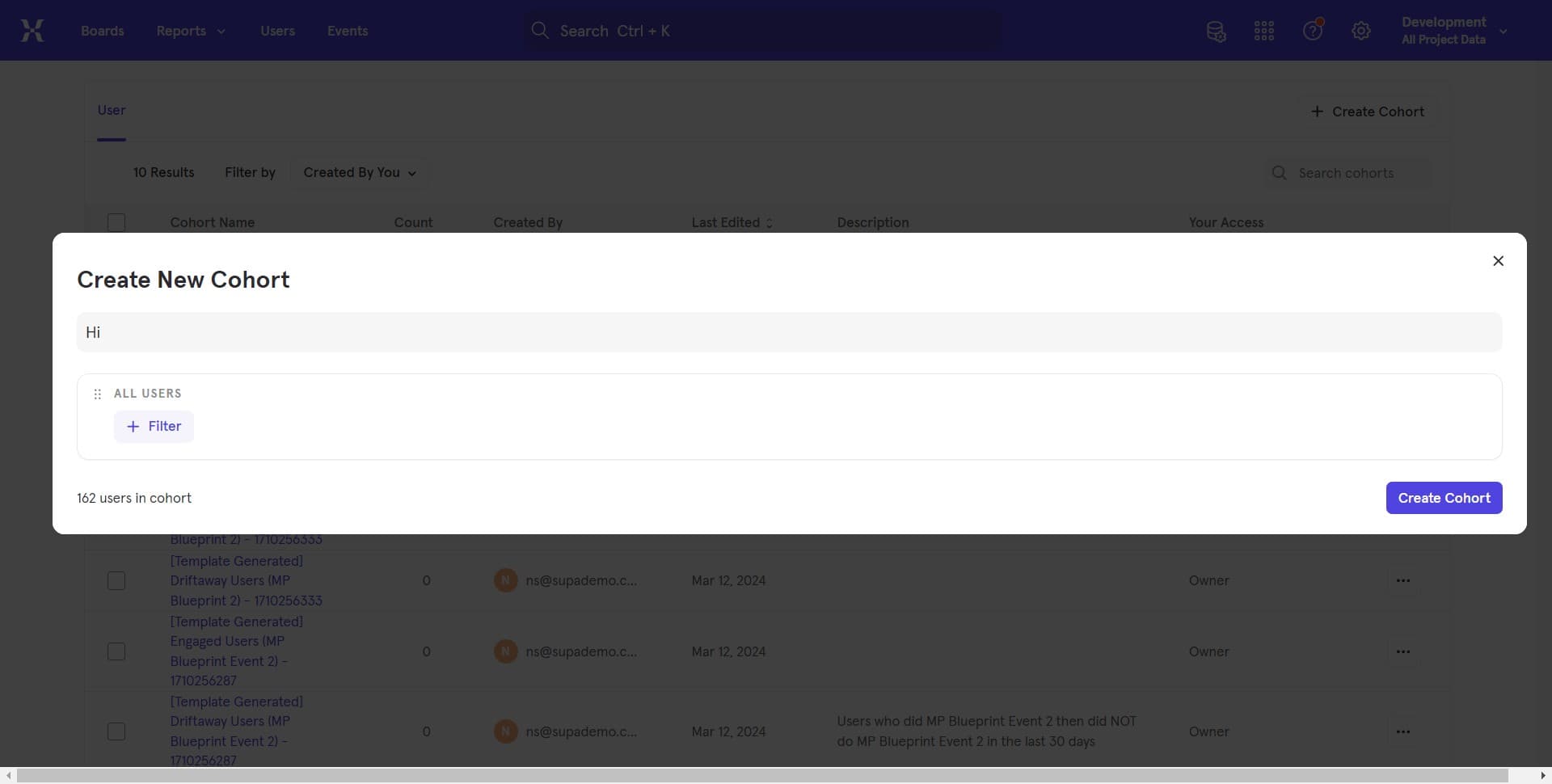
- 7
Click on Create Cohort
Once you're satisfied with your cohort definition, click the Create Cohort button to finalize and save your audience segment. Your cohort will now be available for use in analyses and campaigns.
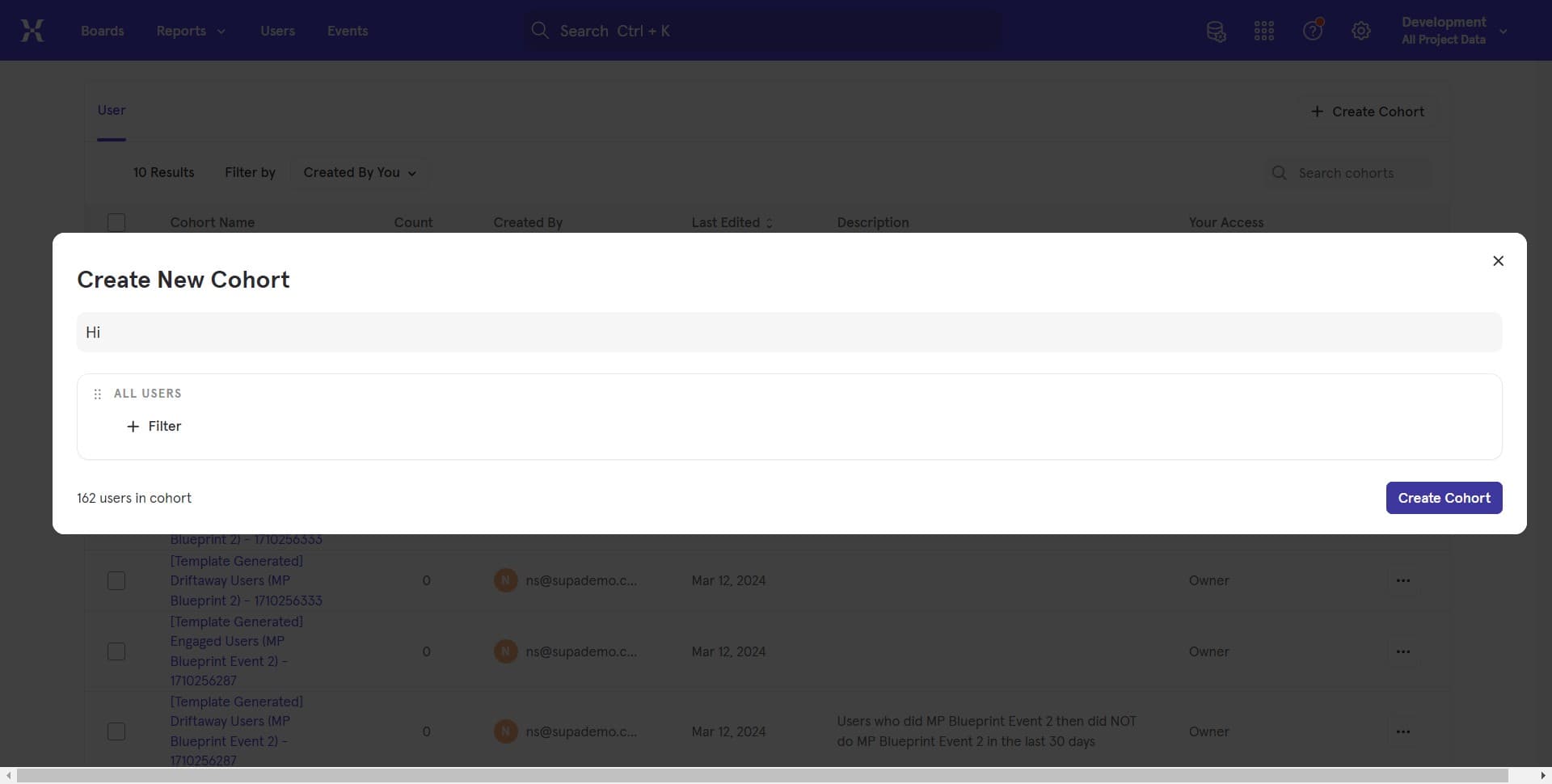
- 8
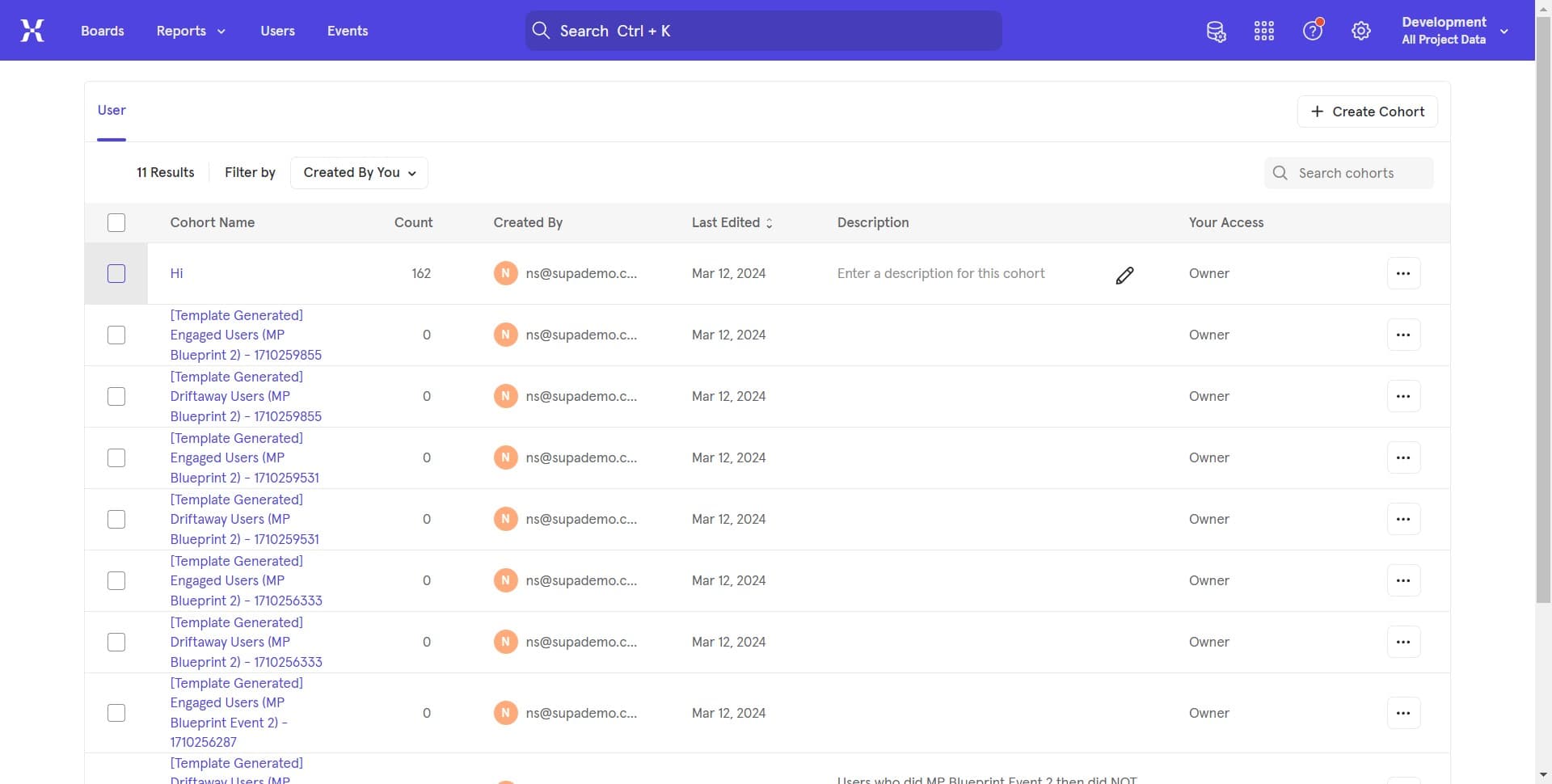
Confirm cohort creation
After clicking Create Cohort, you'll receive confirmation that your cohort has been successfully created. You can now use this cohort in reports, funnels, and other Mixpanel analyses.
Frequently asked questions
Common questions about how to create a cohort in mixpanel.
A cohort is a saved audience segment that you can reuse across multiple analyses, while a segment is typically a temporary filter applied to a specific report. Cohorts are more permanent and can be shared across your team for consistent audience analysis.
Yes, you can combine multiple conditions using AND/OR logic to create more precise audience definitions. This allows you to build complex segments based on user behaviors, properties, and time-based criteria.
Cohorts are typically updated in real-time or near real-time as new events and user data come into Mixpanel. Static cohorts capture a snapshot of users at a specific point in time, while dynamic cohorts continuously update based on your defined criteria.
Yes, Mixpanel allows you to export cohort data in various formats or integrate with external tools. You can export user lists to use in email campaigns, advertising platforms, or other marketing tools.
Changes to a cohort definition will affect all future analyses using that cohort, but won't change the results of historical reports that already used it. Some cohort types allow editing while others remain static once created.