
Overview:
Enhance your Figma workflow by efficiently sharing individual frames with this comprehensive guide. Streamline collaboration and communication by learning the seamless process of sharing specific frames, ensuring clarity and efficiency in your design projects within the Figma platform. Optimize your design management strategies and empower your team to work cohesively with this step-by-step guide on sharing individual frames in Figma.
Who is Figma best suited for?
Figma is best suited for a wide range of professionals, including UX/UI Designers, Product Managers, and Design Teams. For example, UX/UI Designers can use Figma for creating and iterating on interface designs, Product Managers can leverage it for collaborating on product prototypes and gathering feedback, and Design Teams can use it for working together in real-time on visual projects, all benefiting from Figma’s powerful design tools and collaborative capabilities.
How to share individual frames in Figma
1. Choose the frame you’d like to share on the canvas.
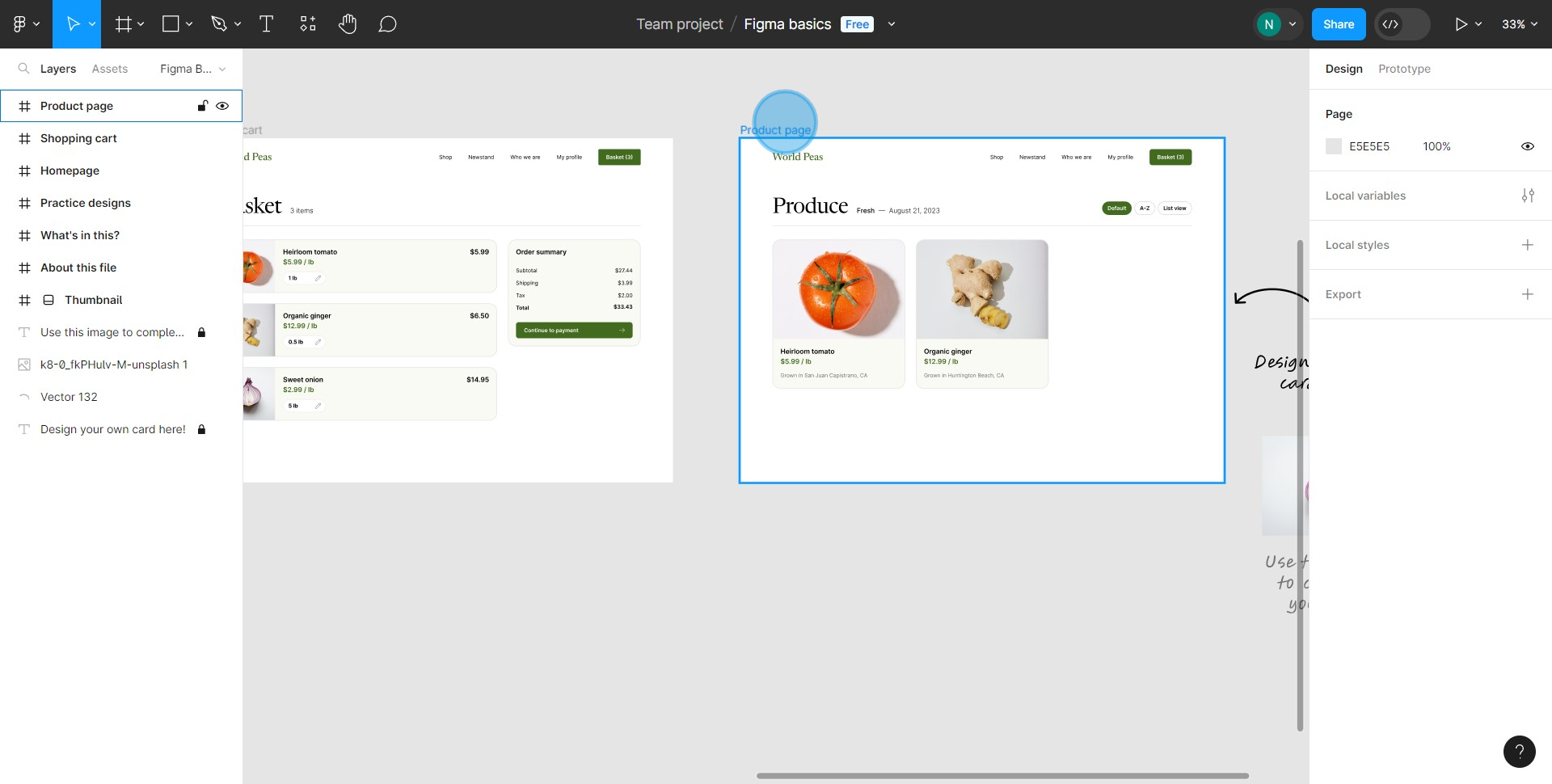
2. Look for the 'Share' button and give it a click.
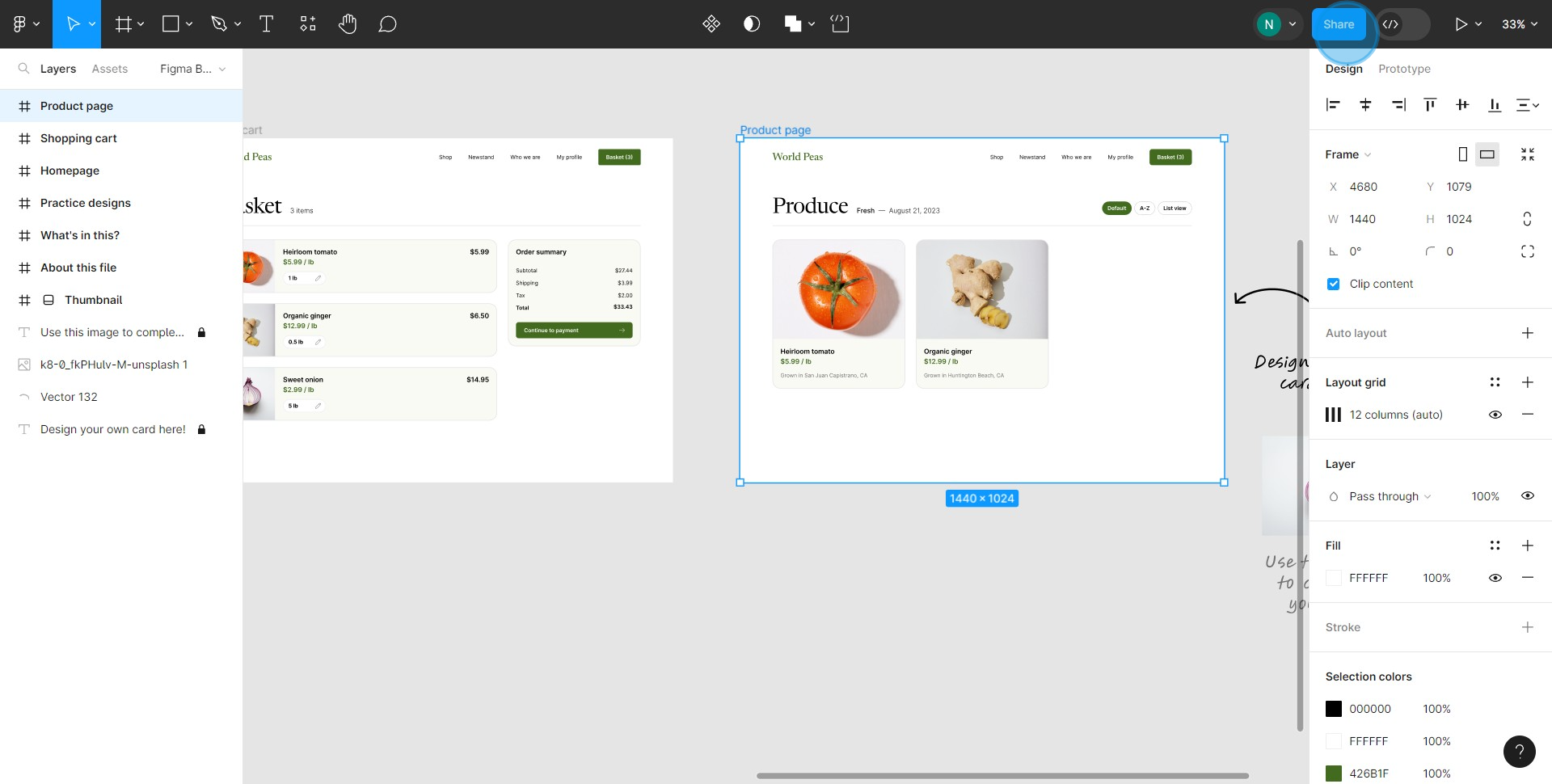
3. Make sure you switch the button to link to a specific selection.
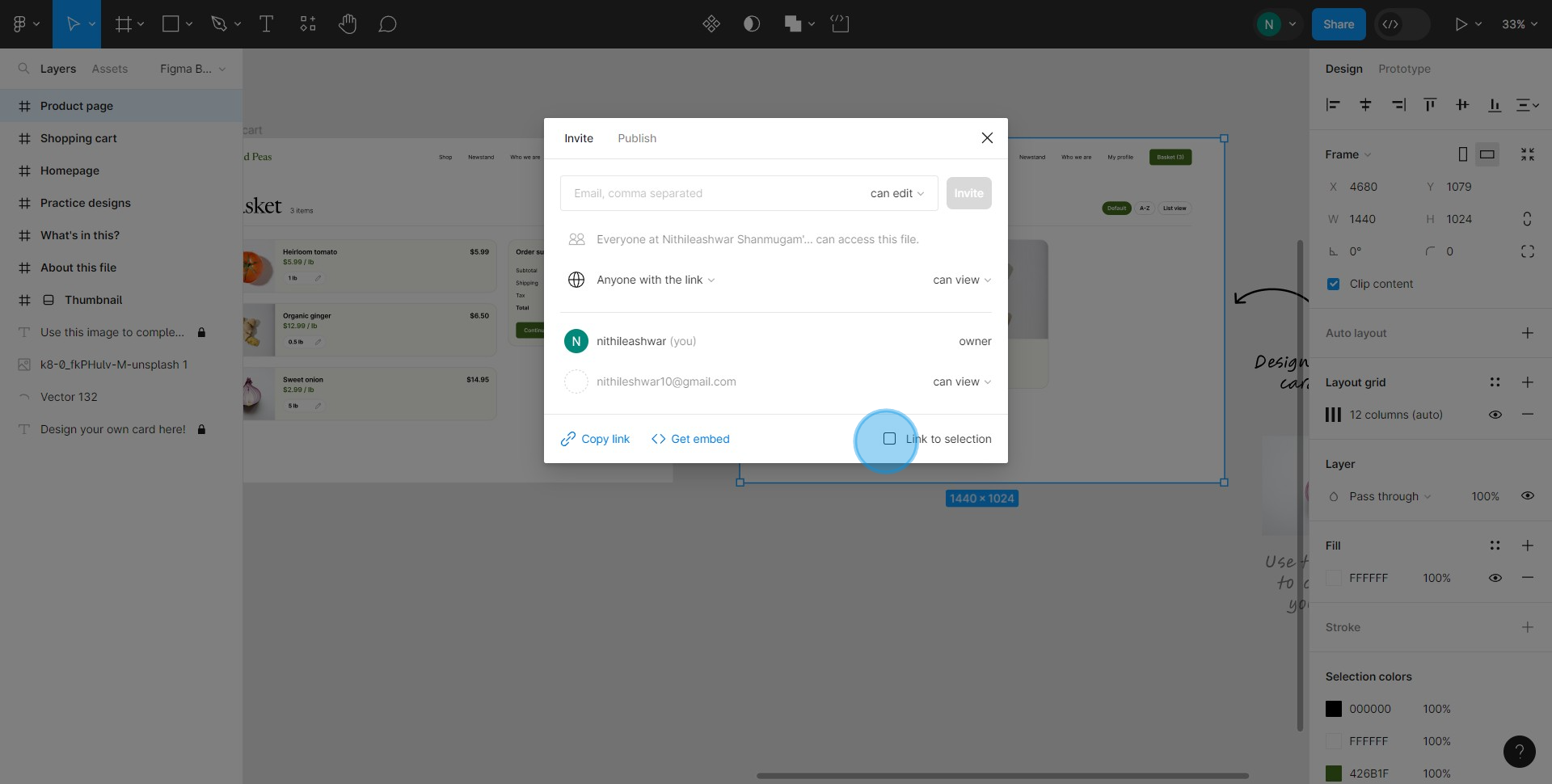
4. Spot the 'Copy Link' option and click on it.
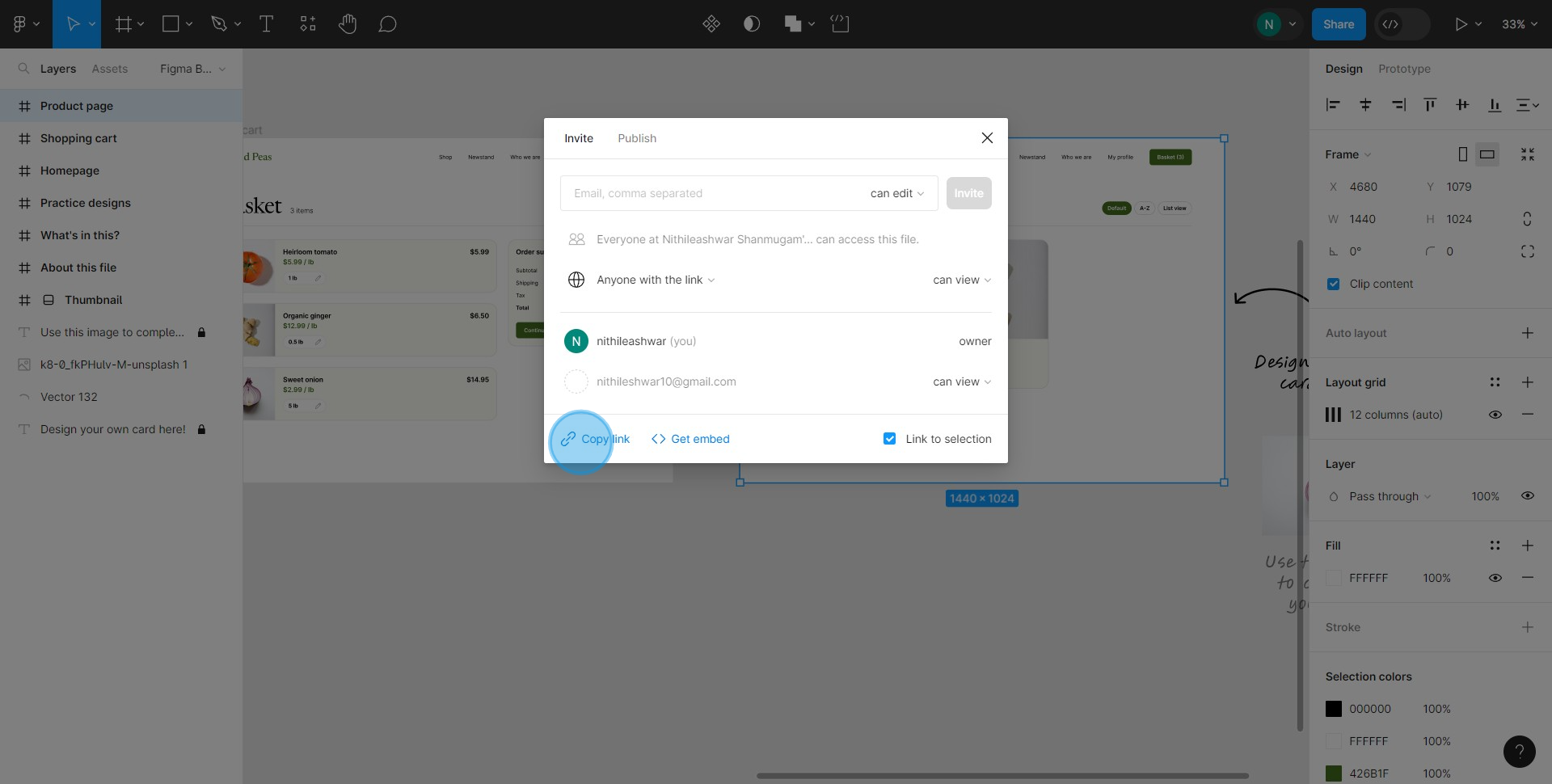
5. Proceed by selecting 'Anyone with the link' option.
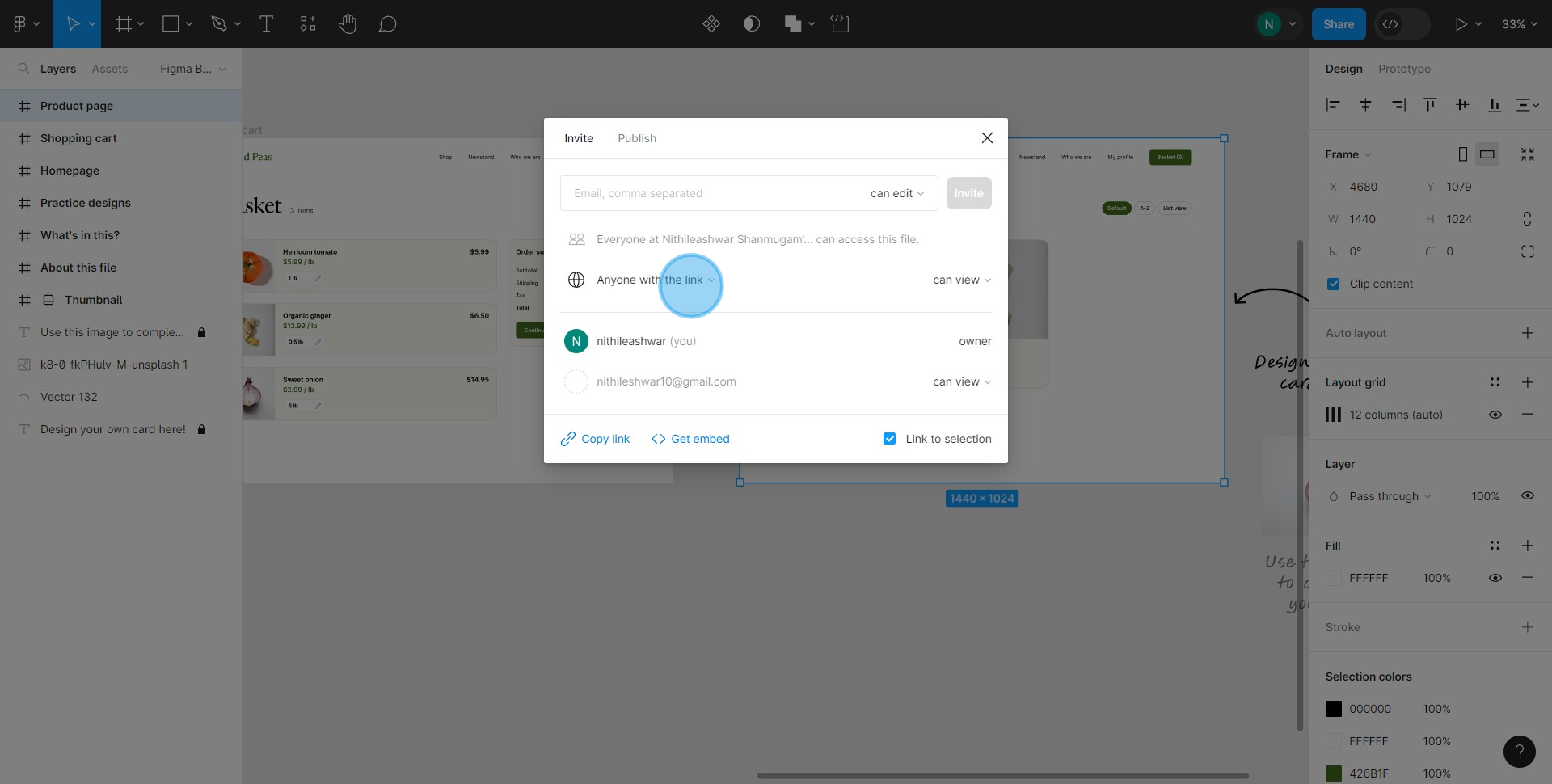
6. Switch to 'Only people invited to this file' selection.
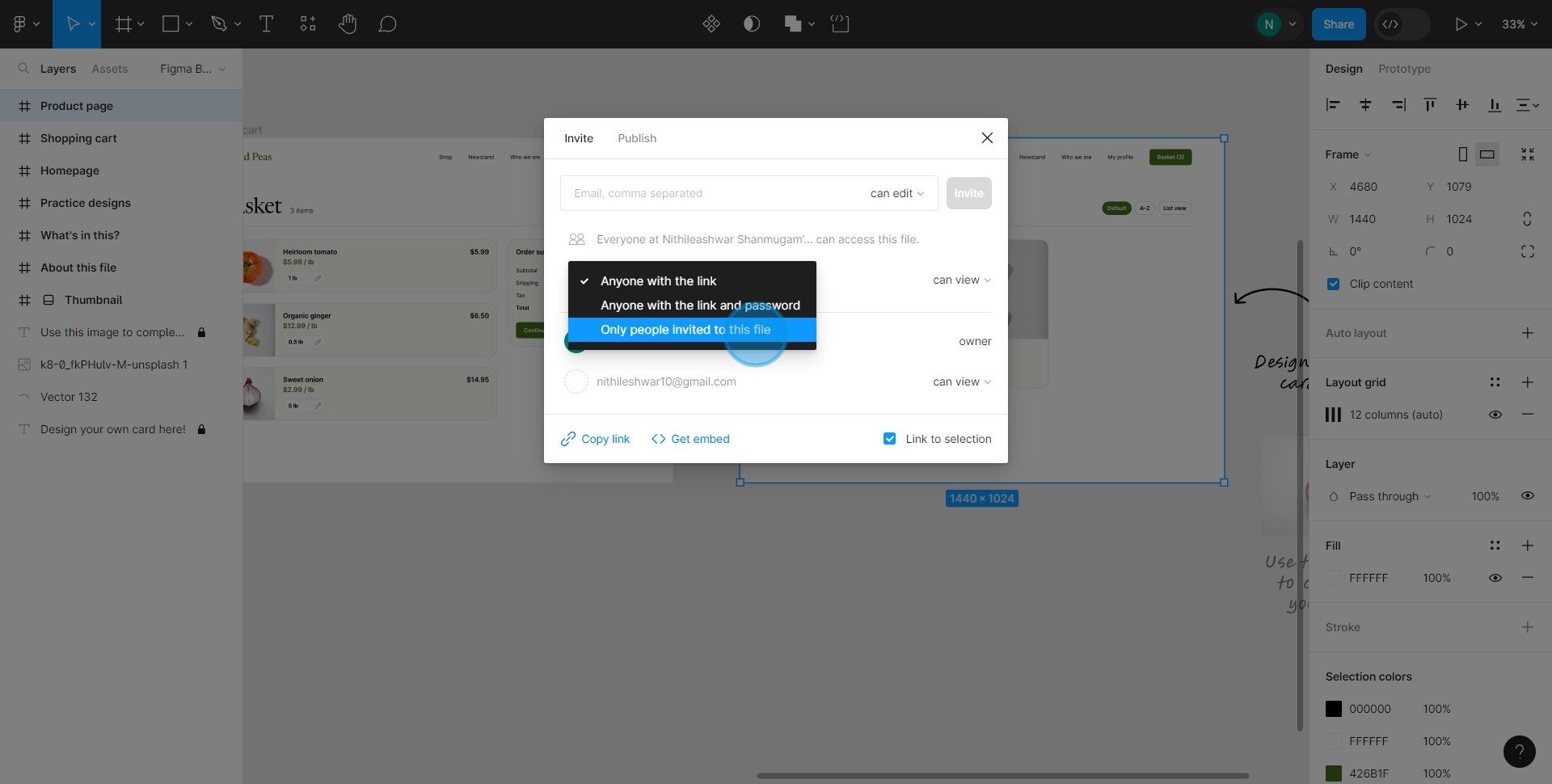
7. Provide an email in the given input field.
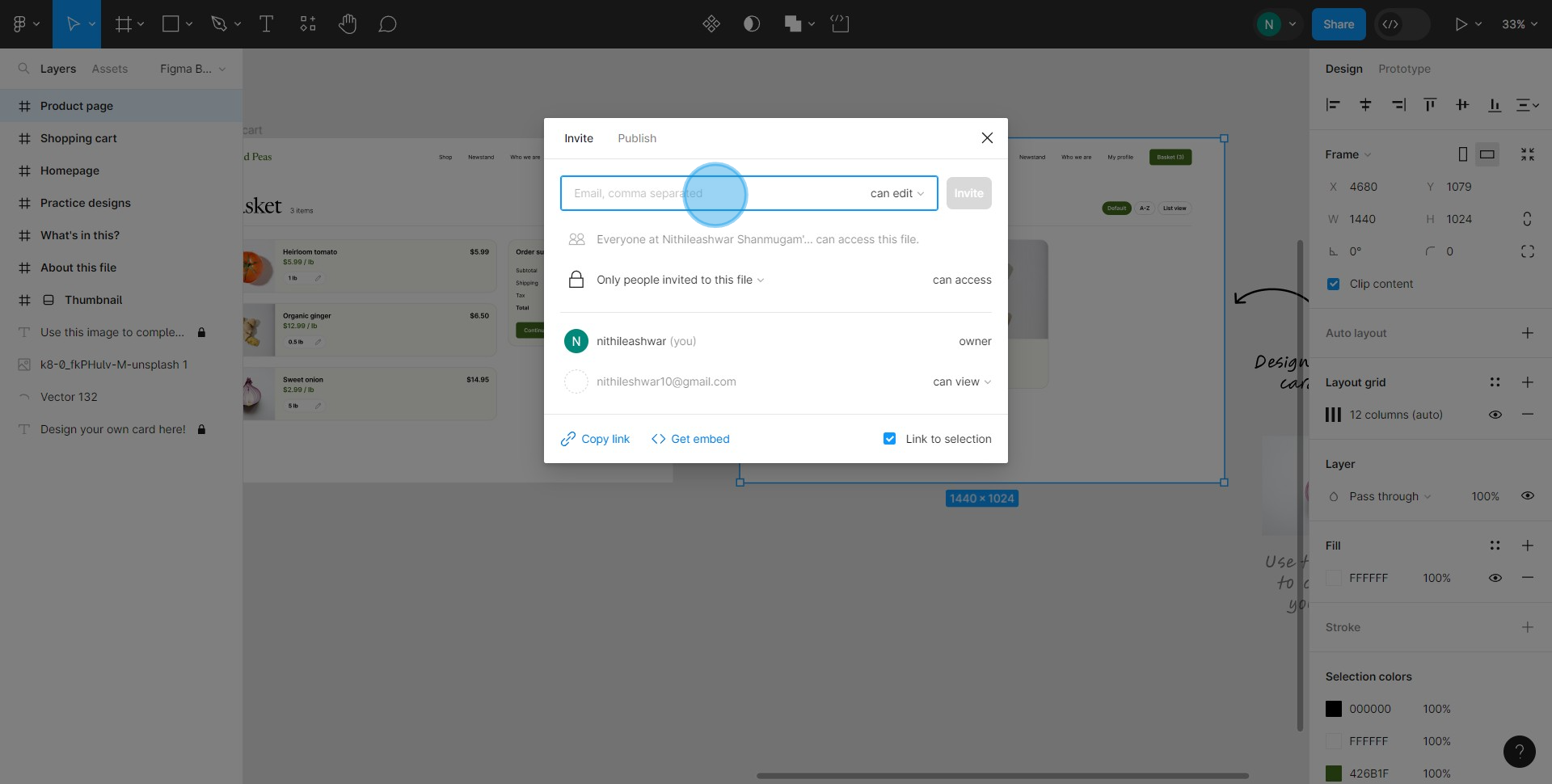
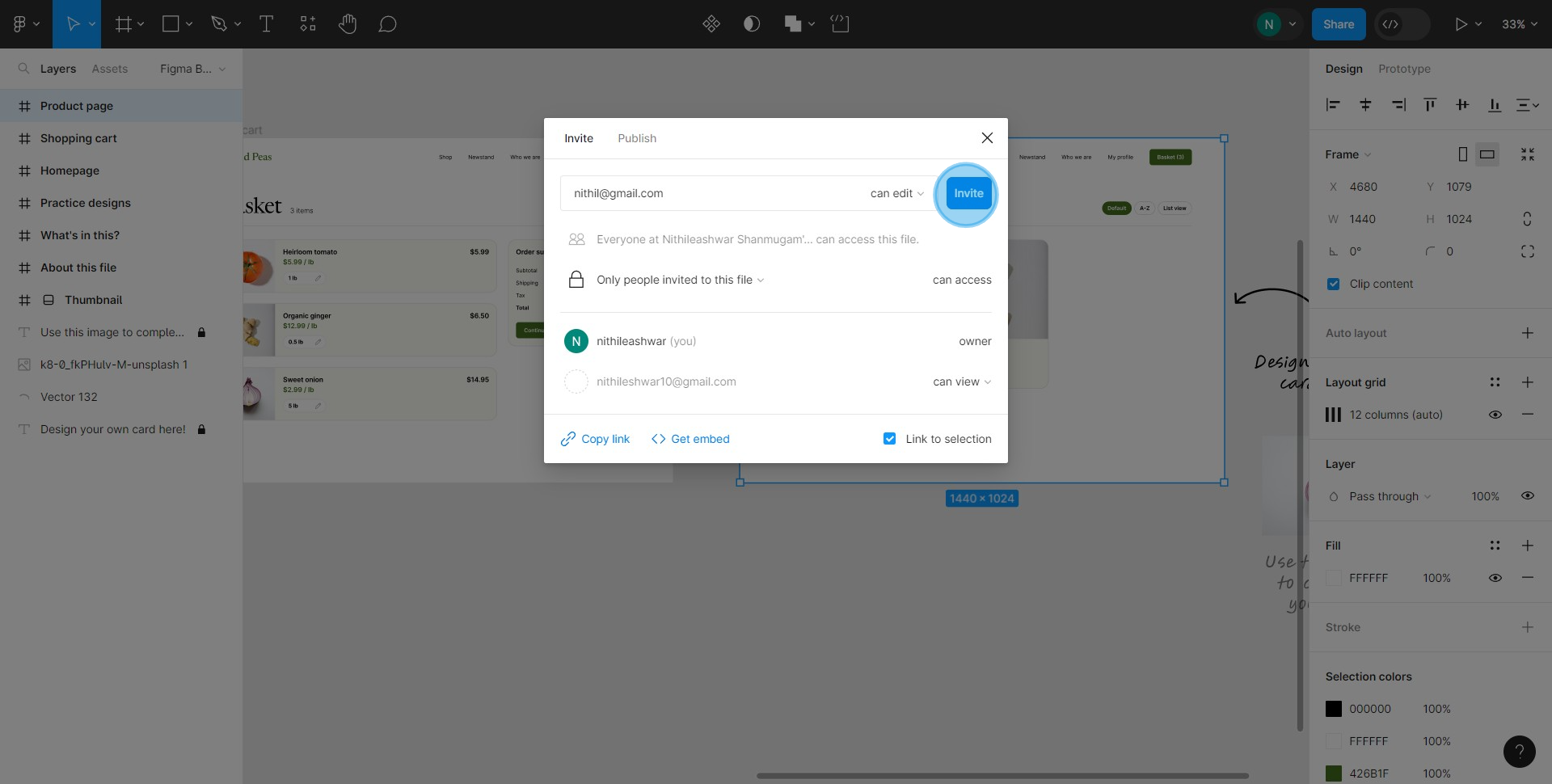
8. Finally, finish by clicking on the 'Invite' button.
Common FAQs on Figma
Commonly asked questions about this topic.
How do I create and organize design projects in Figma?
How can I collaborate with others on a Figma design?
How do I use Figma’s prototyping features?
Create your own step-by-step demo
Checkout Supademo Figma Plugin: Create interactive prototypes from frames (beta)
Welcome to the easiest way to create and share interactive prototypes from Figma — for free. With the Supademo Figma Plugin, you can transform your existing Figma frames into elegant, interactive prototypes.
Learn more about the Figma plugin through our feature page.
Here's how it works
Frequently Asked Questions about how to share individual frames in figma
Commonly asked questions about this topic.
What are best practices for sharing individual frames effectively?
Can I export or share my individual frames outside of Figma?
What integrations does Figma support for sharing individual frames?
What are the key features of Figma for individual frames?
Is Figma suitable for enterprise-scale sharing individual frames?
How do I organize individual frames in Figma for better collaboration?
What common mistakes should I avoid when sharing individual frames?

Content Marketer
Nithil is a startup-obsessed operator focused on growth, sales and marketing. He's passionate about wearing different hats across startups to deliver real value.




