How is Supademo different from Veed for product walkthroughs?
Supademo records your screen and camera in the browser like Veed, in up to 4K, with zooms that follow your clicks, tracked share links, and a demo viewers click through. Veed's recorder page advertises 1080p and doesn't mention automatic zooms or cursor effects.
Feature comparison. Supademo leads on 4 of 5 of the features shown, out of 11 compared in full below.


Trusted by 200,000+ top operators and 3,000+ paying organizations


How does Supademo compare to Veed?
Supademo and Veed compared on recording, editing, sharing, and interactive demos.
| Feature | Supademo | Veed |
|---|---|---|
| Demo formats | ||
| Recording becomes a click-through demo | ✅ On the Scale planAI Command, on the Scale plan | ⛔️ No |
| Recording and capture | ||
| Recording resolution | ✅ Up to 4K | 🟡 1080p |
| Transcript editing | ✅ Free | 🟡 Not listed |
| AI | ||
| AI avatars | ⛔️ No | ✅ Yes |
| Platform and support | ||
| Where you record | ✅ Chrome extensionChrome extension, on Mac and Windows | 🟡 In the browserIn the browser, no extension |
| Automatic zoom on clicks | ✅ Free | 🟡 Not listed |
| Cursor effects | ✅ Free | 🟡 Not listed |
| Suggested cuts (filler words, pauses, retakes) | ✅ Free | 🟡 Filler words, silencesRemoves filler words and silences |
| Captions | ✅ Free, styledFree, with style and position controls | 🟡 Auto subtitlesAuto subtitles, more styles on higher tiers |
| Magic Audio (noise and echo reduction) | ✅ One click | 🟡 Background noise removal |
| See who watched | ✅ Tracked share links | 🟡 Not listed |
One platform
The all-in-one demo automation platform
Interactive and sandbox demos, 4K screen and video recordings, step-by-step guides, and AI demo agents in one workspace, rated 9.3 out of 10 for ease of use on G2.
Interactive & Sandbox Demos
Replaces
Interactive demo buildersSandbox environmentsProduct tour tools
Replaces
Screen recordersVideo hostingAsync video tools
Step-by-step SOPs
Replaces
Documentation toolsSOP generatorsManual process guides
AI Demo Agents
Replaces
Website chatbotsRepetitive live demosDemo request forms
- Advanced RoutingSend each visitor to the right experience based on role, company, or intent.
- AI VoiceoversAdd polished narration to any demo without recording a thing.
- AI TranslationLocalize demos and voiceovers for global audiences in minutes.
- Tokens & VariablesPersonalize one demo for every account or audience.
- In-App Demo HubsBring self-serve product guidance directly inside your app.
- AI CommandBulk edit, translate, organize, and analyze demos by asking.
- Supademo MCPCreate, edit, and analyze demos from ChatGPT, Claude, Gemini, Grok, Copilot, or Cursor.
- Conditional BranchingLet viewers choose the path that fits them.
- Trackable LinksKnow who viewed, shared, and engaged with every demo.
- AnalyticsSee what viewers engage with, complete, and drop off.
- IntegrationsSend engagement data into the tools your GTM team already uses.
- Embed AnywherePut Supademo anywhere your audience buys or learns.
- Mobile DemosCapture iOS or Android screens and share a tap-by-tap demo in any browser.
- Showcase CollectionsCombine related demos into one multi-demo experience with a single link.
- Forms & SurveysCapture lead details and qualification inside the demo, while viewers are engaged.
- AI Voice CloningClone your voice so AI narration sounds like you.
NetApp produces demos 90% faster, Lightspeed cut content production time by 60%, and RB2B saved 60+ hours of sales calls in its first 30 days. Pricing is published and billed per creator, and viewers never need a seat. See customer results
Why do teams choose Supademo over Veed?
Veed is a browser editor for social video with a recorder attached. Supademo's recorder is built for showing software, and a recording can become a demo viewers click through.
Reason #1
AI Video Studio zooms in where you click
Supademo's screen recorder comes with its editor, AI Video Studio, which zooms in on each click, smooths the cursor, and captions the walkthrough. Veed's recorder offers subtitles, noise removal, and filler-word removal, with no mention of zooms or cursor effects.
AI capabilities. Supademo: Zooms on clicks, Cursor effects, Transcript editing, Suggested cuts and Captions. Veed: Auto subtitles, Noise removal, Filler-word removal, Eye contact correction and AI avatars.
AI creates content
Veed AI
Reason #2
4K capture on the free plan
Supademo's free plan records in up to 4K, with 50 recordings of up to 10 minutes each and editing included. Paid plans start at $38 a creator a month, billed annually. Veed's recorder page advertises 1080p.
Supademo screen recorder: Free forever. Veed screen recorder: Free to start, 1080p. Up to 4K on the free plan
Reason #3
Turn recordings into interactive click-through demos
A Veed project ends as a video people watch. With AI Command, on Supademo's Scale plan, a recording becomes an interactive demo with text hotspots that viewers click through. Tracked share links also show who watched the video.
Supademo builds fully interactive, clickable product walkthroughs. Veed delivers Watch only.
Supademo
Click to advance
Veed
Watch only
Reason #4
Six capture formats for showing software
Veed is built for social video, with templates, AI avatars, and subtitle styles. Supademo is built for showing a product, so screen recordings, guided screenshot demos, guided HTML demos, desktop apps, Figma imports, and sandbox demos all live in one workspace.
Supademo supports 6 of 6 recording formats: Video, Screenshots, Desktop, HTML, Sandbox and Figma. Veed supports 2 of 6.
What do users say about Supademo (vs. Veed & others)?
Reviews from G2, Reddit, and teams who use Supademo regularly to record walkthroughs and build interactive demos.

Supademo on G2
Why teams choose Supademo over Veed

“If it's speed, effectiveness, efficiency, and cutting down hours of development and production. All of those can be answered with a 'yes' by Supademo.”

“The past two days I made ten videos, which is a huge difference with [our previous tool], because then I would have had one video in two days.”

“Supademo integrates seamlessly with my workflows, allowing me to easily create demos and videos that I can use in email, social media, and internal training campaigns. The customization and features specific to my use case make it valuable for both marketing and training.”

“Supademo turned out to be a solid fit because it lets us generate those interactive follow-ups quickly, and the analytics help us see exactly where people dropped off or rewatched.”
Should you choose Supademo or Veed?
Veed fits a marketing team cutting clips for social feeds. Supademo fits a product team that has to show how the software works.
Choose Supademo
Customer Success
Answer the repeat questions with a walkthrough in the help center, and keep it current as the product changes
Sales
Send a personalized demo in an outbound sequence, then see which steps the account opened before the rep follows up
Training
Walk new hires through an SOP in 50+ languages, and see who finished
Marketing
Embed a demo on the landing page so visitors try the product before booking anything, and capture the email at that moment
Free plan available. No credit card required.
Start freeBest for social video
Choose Veed if you need...
- Social clips cut from longer footage, with templates and a brand kit
- AI avatar videos and voice translation, so nobody has to record
- Eye contact correction and subtitle styles for talking-head video
- A recorder that runs in the browser with no extension to install
Still deciding between Supademo and Veed?
Answer 5 quick questions and get a personalized recommendation.
What Supademo can do that Veed can't
Record in up to 4K with a zoom on every click, then turn the recording into a demo viewers click through.
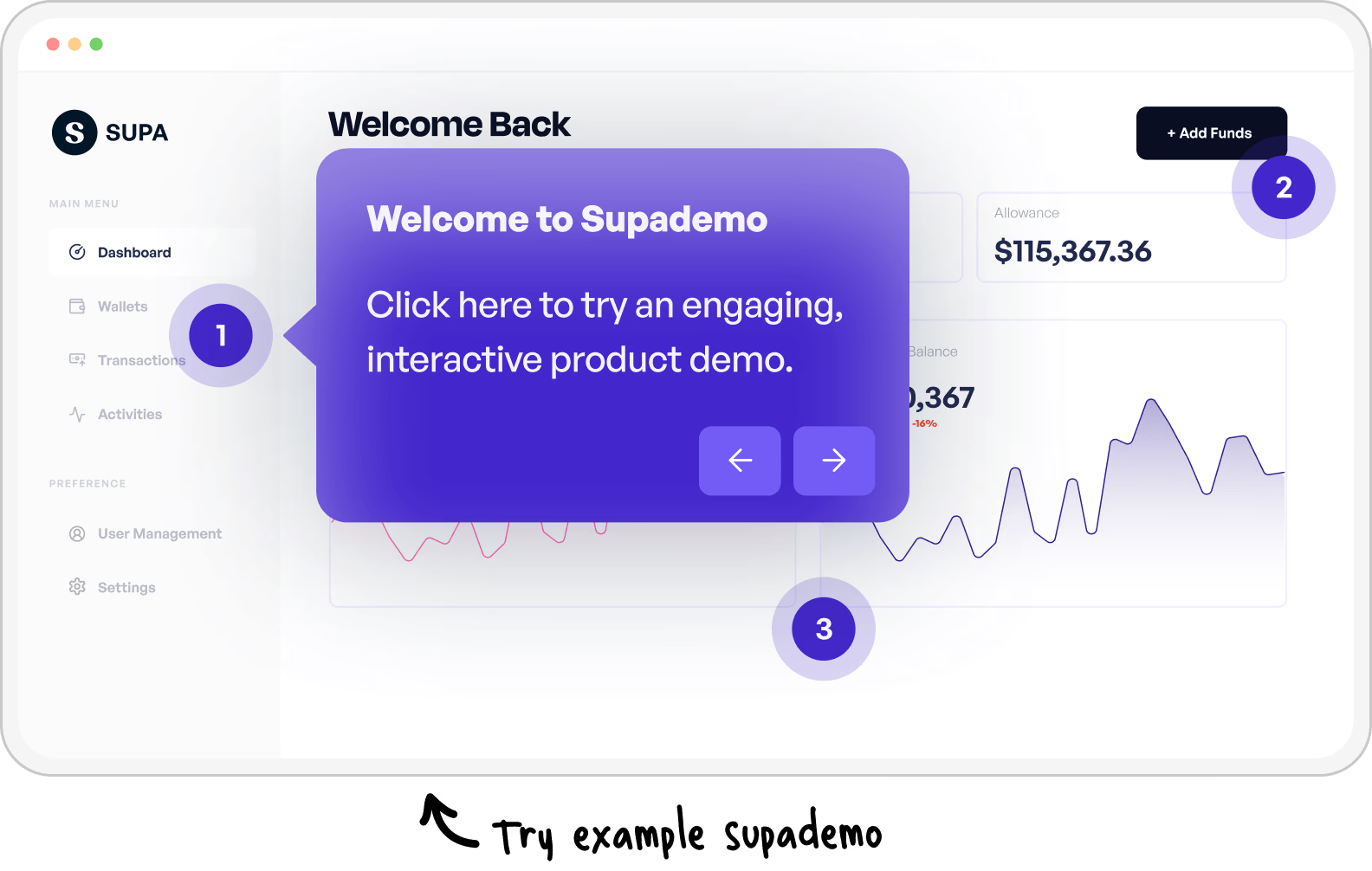
Dig deeper into Supademo vs. Veed
5 Best Veed Alternatives and Competitors (2026 Guide)
Our guide to the best Veed alternatives for teams that record and edit product videos.
Explore Veed alternatives
Common questions about Supademo vs. Veed
How Supademo and Veed compare for recording and editing product walkthroughs.
Is Supademo a free alternative to Veed's screen recorder?
Yes. Supademo's screen recorder is free for 50 recordings in up to 4K, up to 10 minutes each, with AI Video Studio editing included.
Veed's recorder is also free to start. Its recorder page advertises 1080p and doesn't mention automatic zooms or cursor effects.
How much does Supademo cost compared to Veed?
Supademo's recorder and editor are free, and paid plans start at $38 a month per creator, billed annually. Every tier is on our pricing page.
Veed bills per seat. Check Veed's pricing page for its current plan prices.
Does Supademo record in 4K?
Yes. Supademo records a browser tab, a window, or your entire screen in up to 4K, with your camera and mic, on every plan including Free. You pick 1080p, 2K, or 4K before you start.
Veed's recorder page advertises 1080p recordings.
Can Supademo zoom in on clicks automatically?
Yes. AI Video Studio, Supademo's editor, adds a zoom around each click. You can move, retime, delete, or add zooms on the timeline, and set the cursor's style, size, and smoothing.
Veed's recorder page doesn't mention zooms or cursor effects.
What can Supademo do that Veed can't?
Turn a recording into a demo the viewer clicks through. AI Command, on Supademo's Scale plan, converts a recording into an interactive demo with text hotspots, and the same workspace adds branching, lead capture forms, and demo hubs.
Veed's output is a video. Veed also makes avatar videos, which Supademo doesn't.
Is Supademo or Veed better for social media video?
Veed. It's a browser video editor built for social content, with templates, subtitle styles, eye contact correction, and AI avatars.
Supademo is the better pick when the video has to show how a product works. The recorder zooms in on your clicks, and the recording can also become a click-through demo.
Can Supademo replace Veed for product tutorials?
For software tutorials, yes. Record the walkthrough in up to 4K, then let AI Video Studio add zooms, cut filler words and long pauses, and caption the video. Share a tracked link or download the MP4.
The share link stays the same after an edit, so a tutorial embedded in your help center always shows the latest version.