How to Use Ahrefs Keyword Explorer

Ahrefs Keyword Explorer is one of the most powerful keyword research tools available. This tutorial walks you through how to find keywords, analyze difficulty and search volume, and discover related terms for your content strategy.
Quick summary
In this tutorial, we'll explore how to use Ahrefs Keywords Explorer to research keyword opportunities. You'll learn how to enter seed keywords, review difficulty scores and search volume, and discover related terms using filters and the Matching Terms report.
Why this matters
Effective keyword research is the foundation of any successful SEO strategy. Keyword Explorer helps you find the right terms to target — ones with enough search volume and realistic difficulty for your site's authority level.
Step-by-step guide
- 1
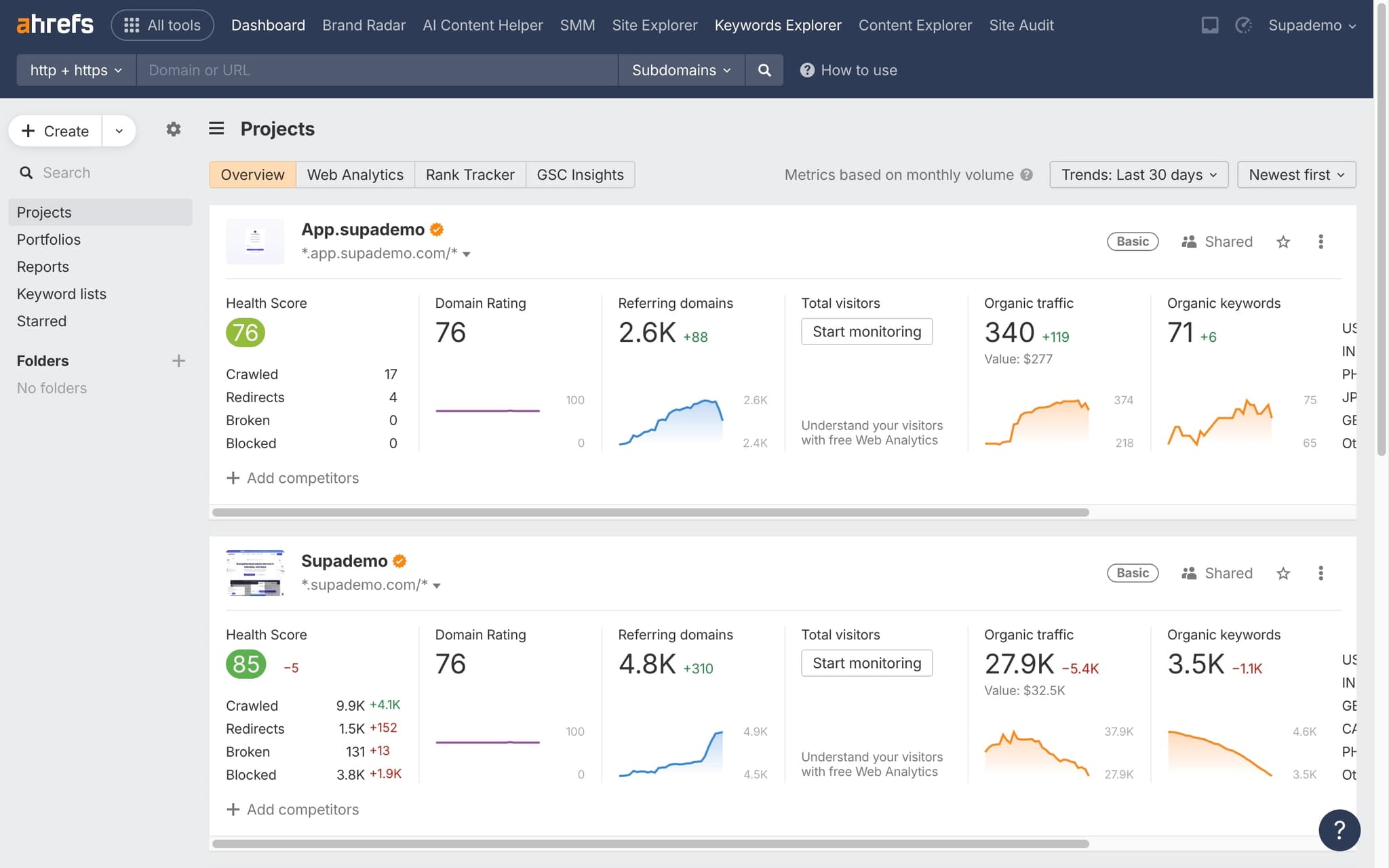
Open Keyword Explorer
Click 'Keyword Explorer' in the top navigation bar of your Ahrefs dashboard.
- 2
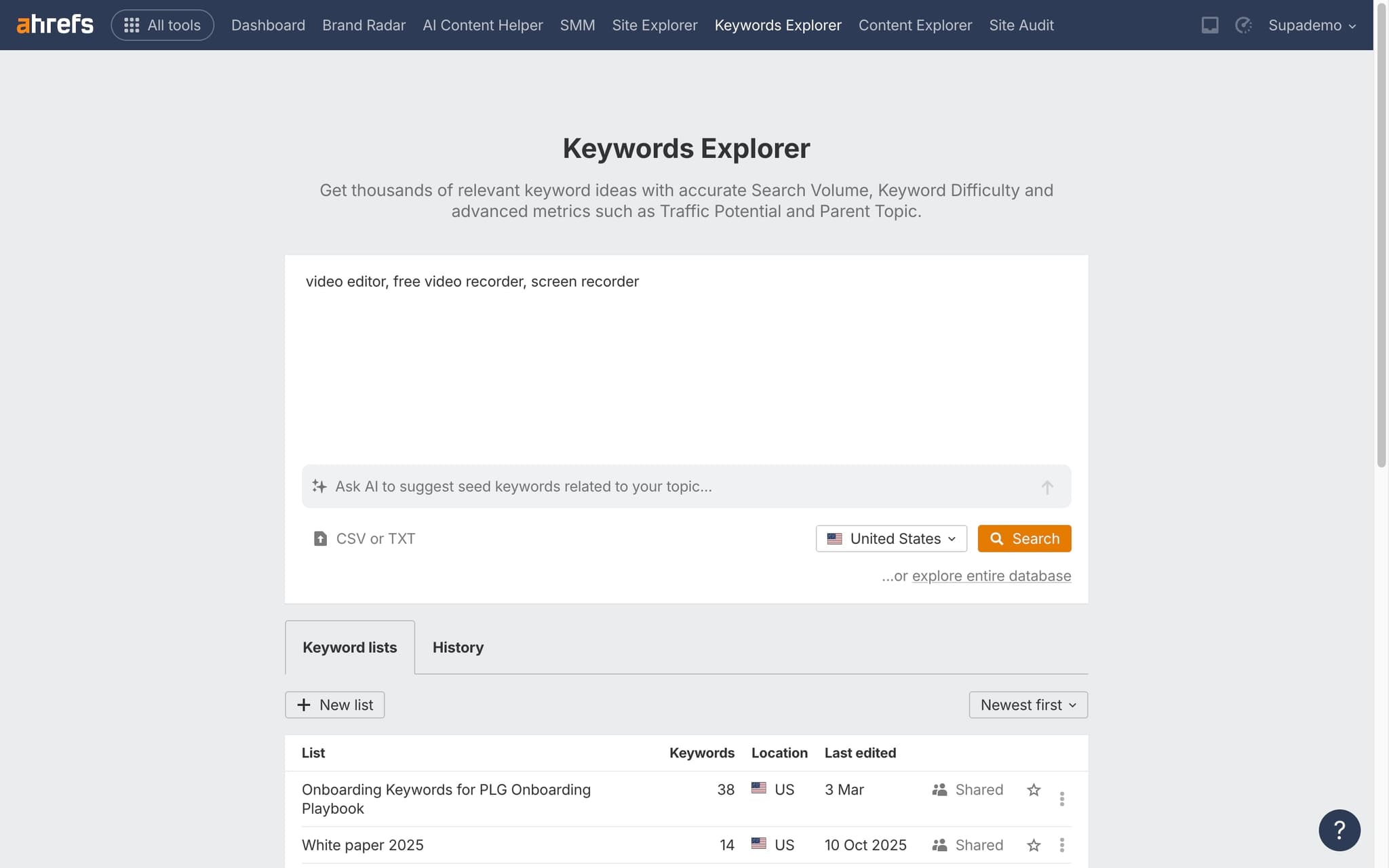
Enter your seed keyword
Type a keyword or phrase into the search bar. You can enter multiple keywords separated by commas for batch analysis.
- 3
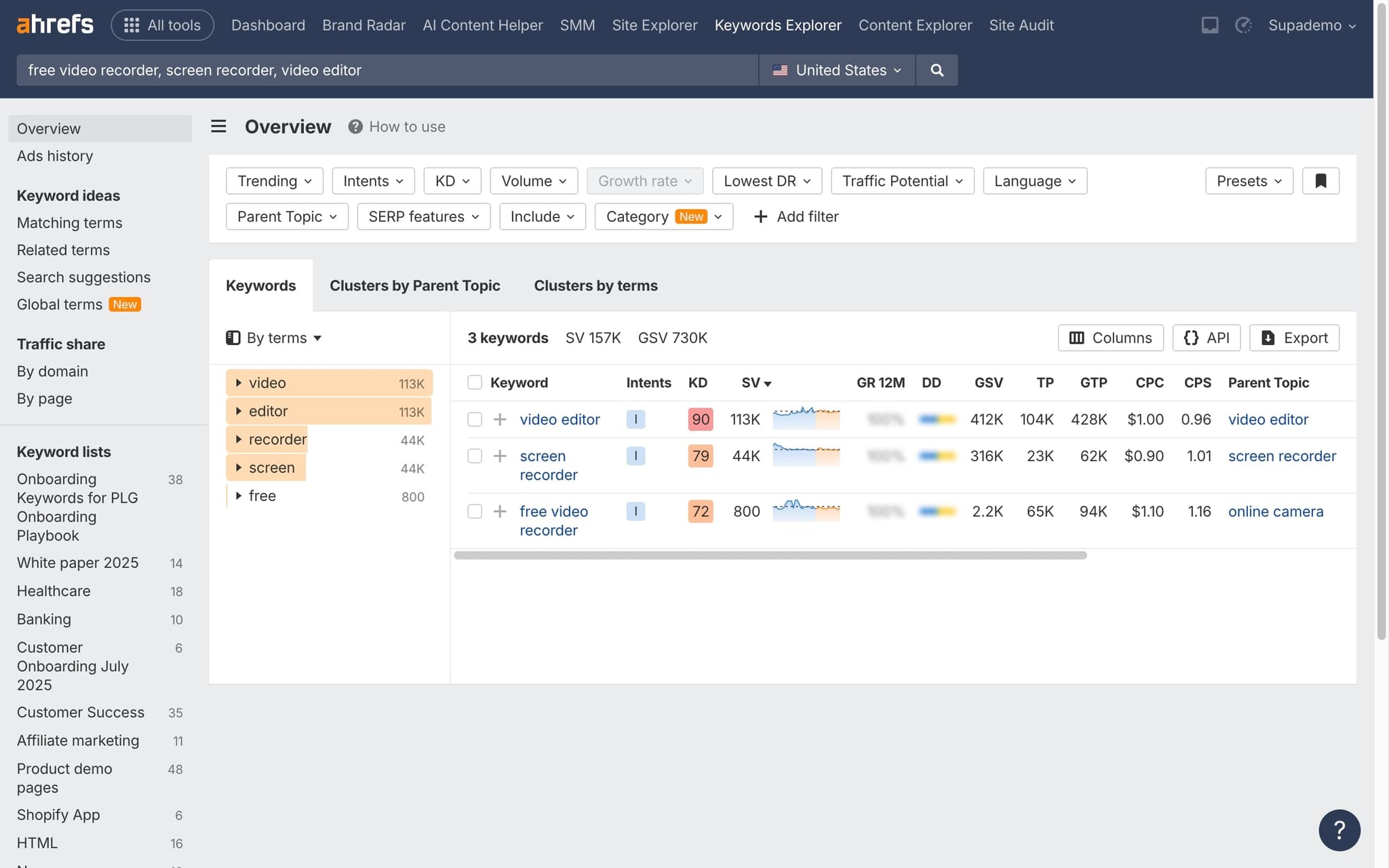
Review keyword metrics
Examine search volume, keyword difficulty (KD), clicks per search, and cost per click data on the overview page.
- 4
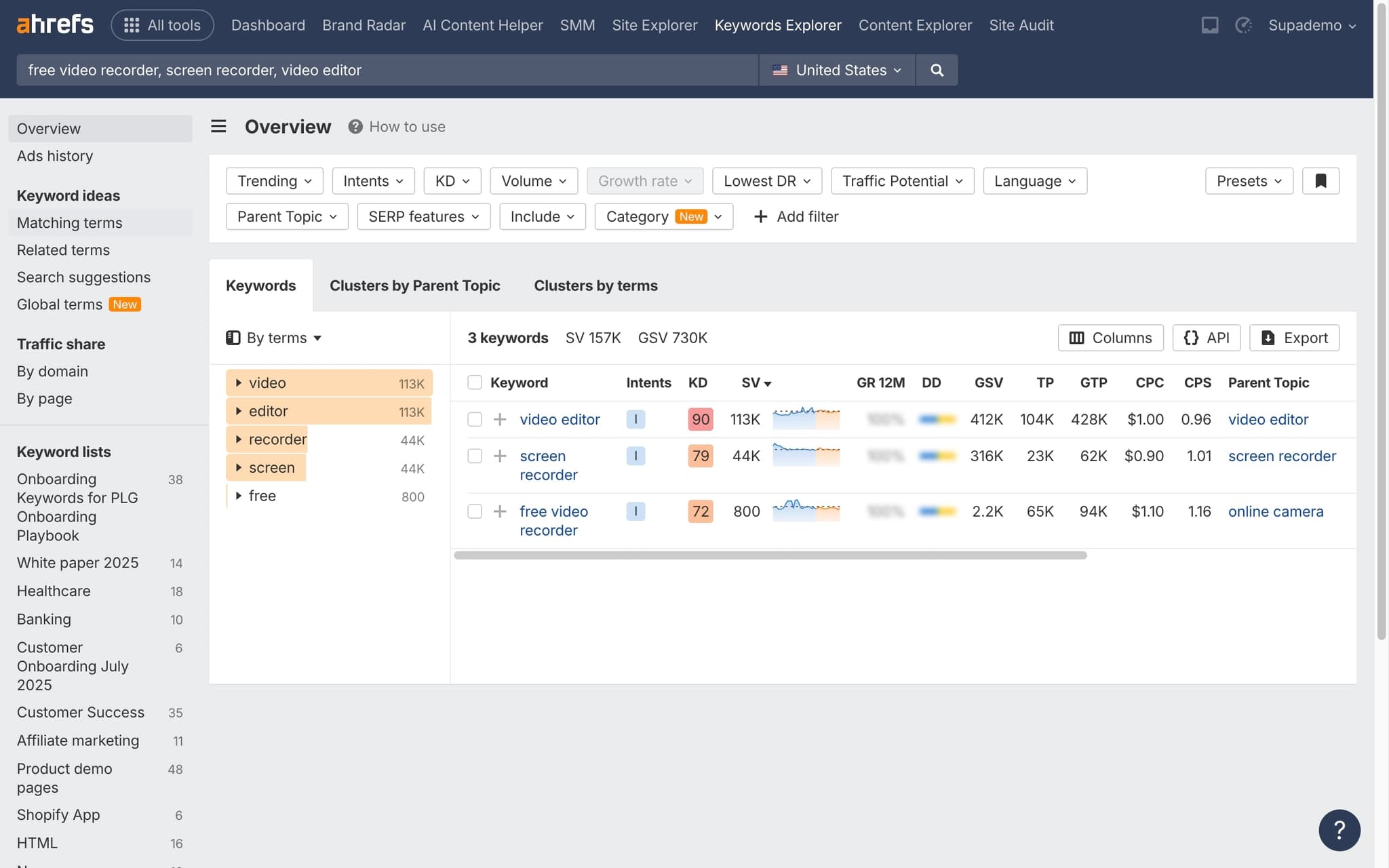
Explore keyword ideas
Scroll to keyword ideas sections including 'Phrase match', 'Having same terms', 'Also rank for', and 'Questions' for expanded opportunities.
- 5
Filter and prioritize
Apply filters for KD, volume, word count, and other parameters to find the best keywords for your content strategy.
- 6
Save to a keyword list
Select promising keywords and add them to a keyword list for ongoing tracking and reference.
Frequently asked questions
Common questions about how to use ahrefs keyword explorer.
Keyword Explorer is built around a seed keyword and returns volume, difficulty, SERP features, and related term ideas. Site Explorer is built around a domain or URL and returns its backlinks, organic keywords, and traffic data. You use Keyword Explorer to research topics, and Site Explorer to research specific competitors or pages. Most marketing teams pull from both: per Supademo's State of Interactive Demos 2026 report, 78% of teams use interactive demos across two or more use cases, and the same multi-tool pattern shows up in how SEO teams structure their research.
Ahrefs Keyword Difficulty is scored from 0 to 100, based primarily on the average number of referring domains pointing at the top ten ranking pages. It is a shorthand for how much link building a first page result historically required. Always pair the score with a manual SERP review, because intent match and content quality often matter more than raw link counts.
Ahrefs volume is derived from clickstream data and updated on a rolling monthly schedule. Very new, seasonal, or hyper niche terms can show zero until the clickstream panel collects enough signal. You can usually confirm real demand by checking the Parent Topic or by searching the phrase directly in Google Trends.
The Parent Topic is the broader keyword that currently ranks at position one for your target term, based on the top ranking page. Ahrefs surfaces it so you can see whether Google treats your keyword as part of a bigger cluster. Targeting the parent topic often captures more total traffic than chasing a narrower variant in isolation.
Rather than pasting screenshots into a Google Doc every time, content teams now record their Keyword Explorer flow once with a step by step guide generator that writes the instructions automatically, and new writers click through the real research process at their own pace. As Vimal Kumar, Product Operations Associate at Supademo, puts it: "The fastest way to train a new content team on any SEO tool is to record the actual research flow once and let people click through it at their own pace."
Junior writers retain more when documentation is interactive rather than a wall of text. Swapping static PDFs for clickable user guides lets them follow the real workflow at their own pace, which reduces back and forth questions and cuts the time a senior editor has to spend reviewing simple mistakes.