How to Rank Check One Time in Ahrefs

Sometimes you need a quick rank check without setting up a full tracking project. Ahrefs makes it easy to do a one-time keyword position check for any domain. This tutorial shows you exactly how.
Quick summary
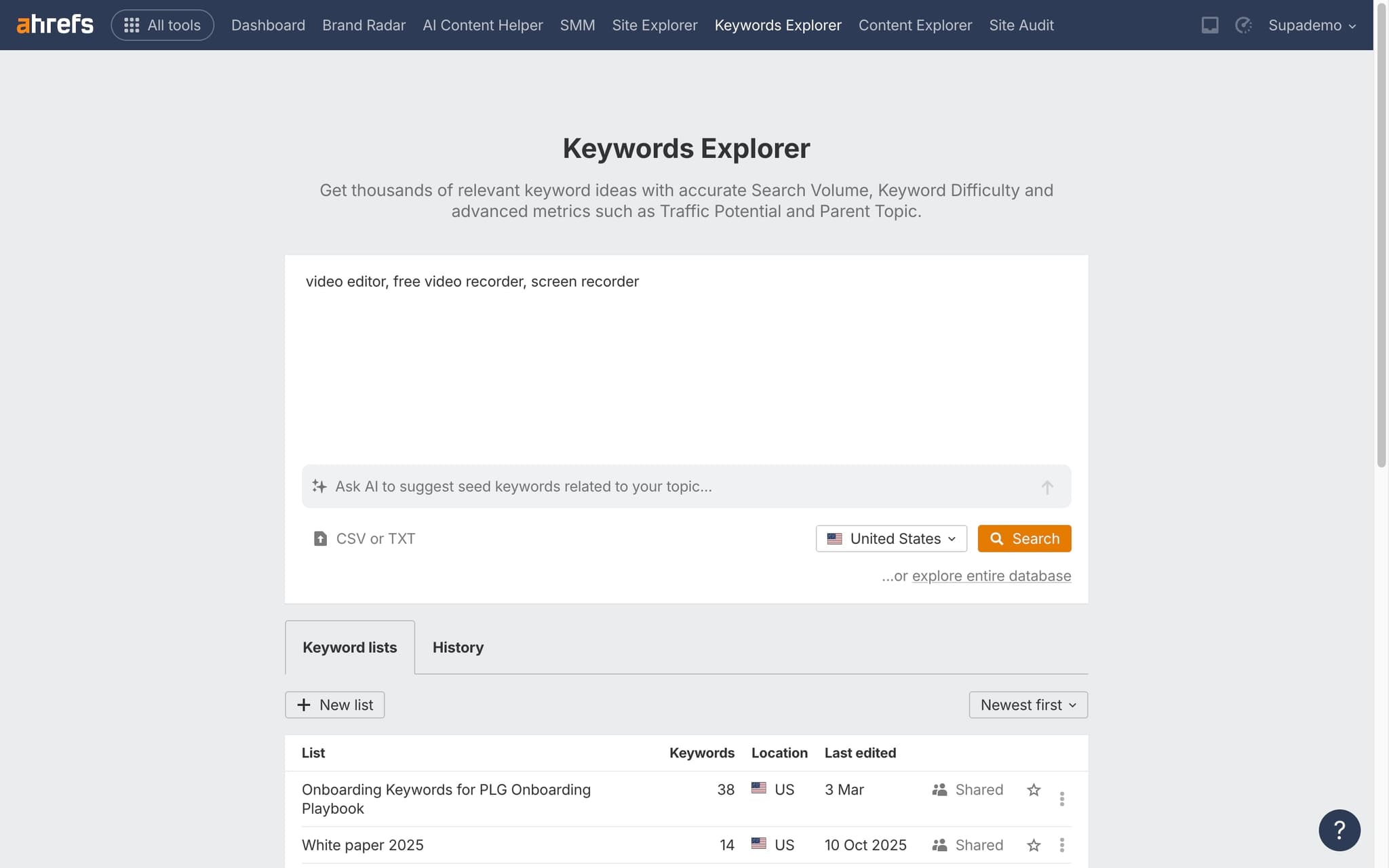
In this tutorial, we'll explore how to do a one-time rank check in Ahrefs using the Lite plan. You'll search for a keyword in Keywords Explorer, open the SERP overview, and locate your domain's current ranking position.
Why this matters
Quick rank checks help you validate SEO progress, verify rankings after updates, or scout competitor positions without the overhead of setting up a full tracking project.
Step-by-step guide
- 1
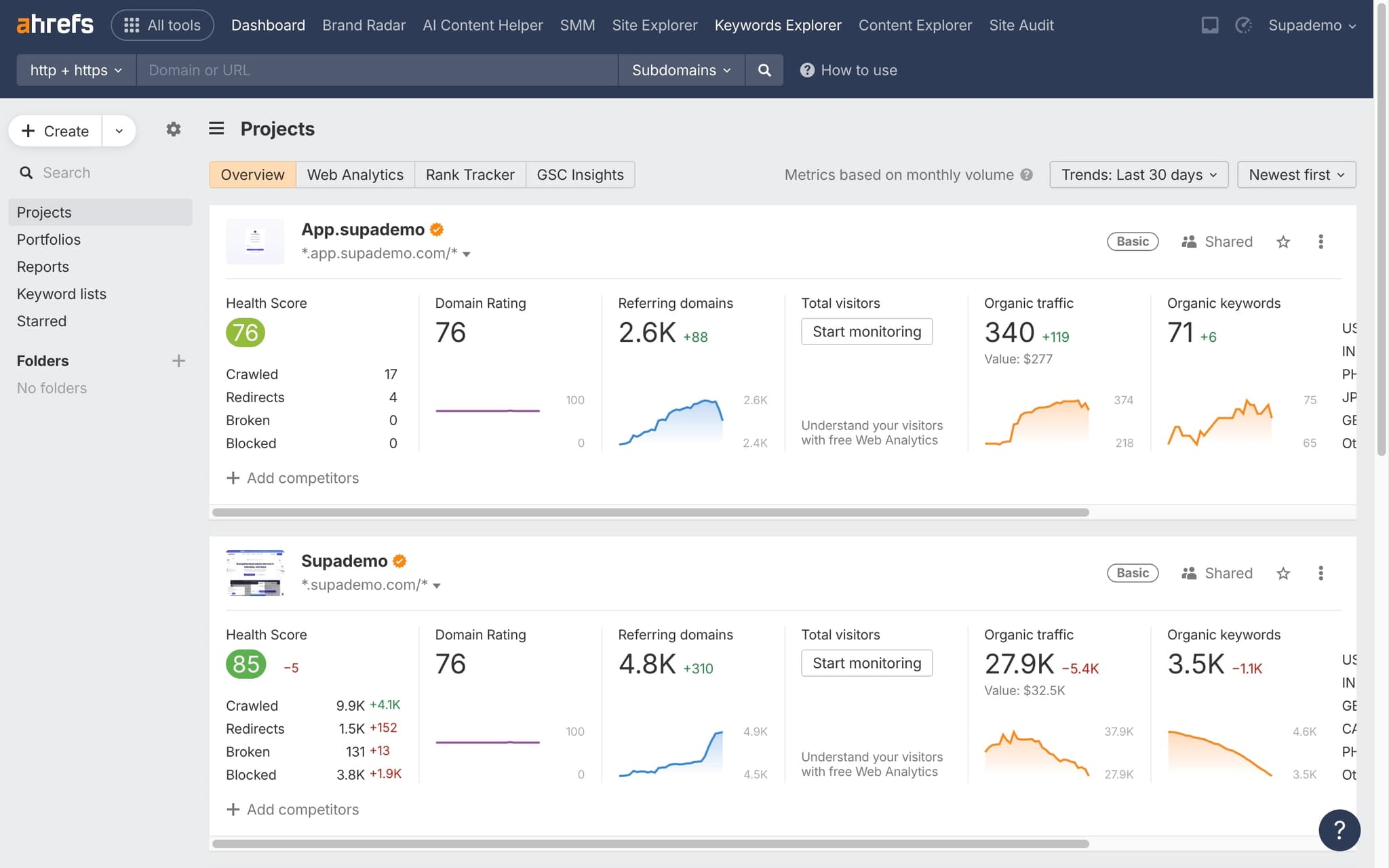
Navigate to Site Explorer
Open Ahrefs and go to Site Explorer. Enter the domain you want to check rankings for.
- 2
Go to Organic Keywords
Click 'Organic keywords' in the left sidebar to see all keywords the domain currently ranks for.
- 3
Search for specific keywords
Use the search filter to find specific keywords you want to check. Enter the keyword to see its current position.
- 4
Review position and metrics
Check the current ranking position, search volume, traffic estimate, and the ranking URL for each keyword.
Frequently asked questions
Common questions about how to rank check one time in ahrefs.
A one time rank check pulls current SERP positions for a list of keywords without adding them to a tracked project. It is designed for ad hoc snapshots, audits, or reports where you do not want to burn tracked keyword credits. Results include position, ranking URL, SERP features, and the location of the check.
Rank Tracker monitors positions on a recurring daily or weekly schedule and stores historical data so you can plot trends. A one time rank check returns a single snapshot with no history and does not consume tracked slots. Use Rank Tracker for ongoing campaigns, and one time checks for spot research or client audits.
Browser results are personalised by your location, login state, and search history, while Ahrefs queries a neutral location at a fixed point in time. This can show meaningful differences, especially for local or logged in queries. Running an incognito search from the same country usually reconciles the gap.
Yes. Ahrefs lets you export the full result table as CSV or Excel, including position, URL, search volume, and SERP features. The export respects any filters you have applied in the UI, so you can scope the file before downloading. This is the fastest way to share a ranking snapshot with a stakeholder outside Ahrefs.
Capturing the exact rank check clicks once and publishing them as a living document beats writing instructions from memory, especially when SERP layouts keep changing. An SOP generator records each step as you work and produces a shareable guide the whole SEO team can reuse for every audit. As Fredo Tan, Head of Growth at Supademo, puts it: "Most SEO teams underestimate how much of their audit documentation can be replaced with a single recording. The ROI shows up in week one."
A growing number of marketing and ops teams publish their internal training publicly to show how they structure SOPs, branching, and checkpoints. This curated set of interactive product walkthrough examples is a good starting point when you need inspiration for your own documentation style.