How to create a new table in Airtable

Creating a new table in Airtable is a fundamental skill for organizing and managing your data effectively. Whether you're building a database from scratch or expanding an existing base, this guide walks you through the process step by step.
Quick summary
In this tutorial, you'll learn how to create a new table in Airtable by navigating your base and configuring your first table structure. By the end, you'll be ready to start adding fields and records to your new table.
Why this matters
Tables are the core building blocks of any Airtable base, allowing you to organize related information and establish relationships between different data sets. Mastering table creation enables you to design efficient databases tailored to your specific workflow and business needs.
Step-by-step guide
- 1
Click to begin setup
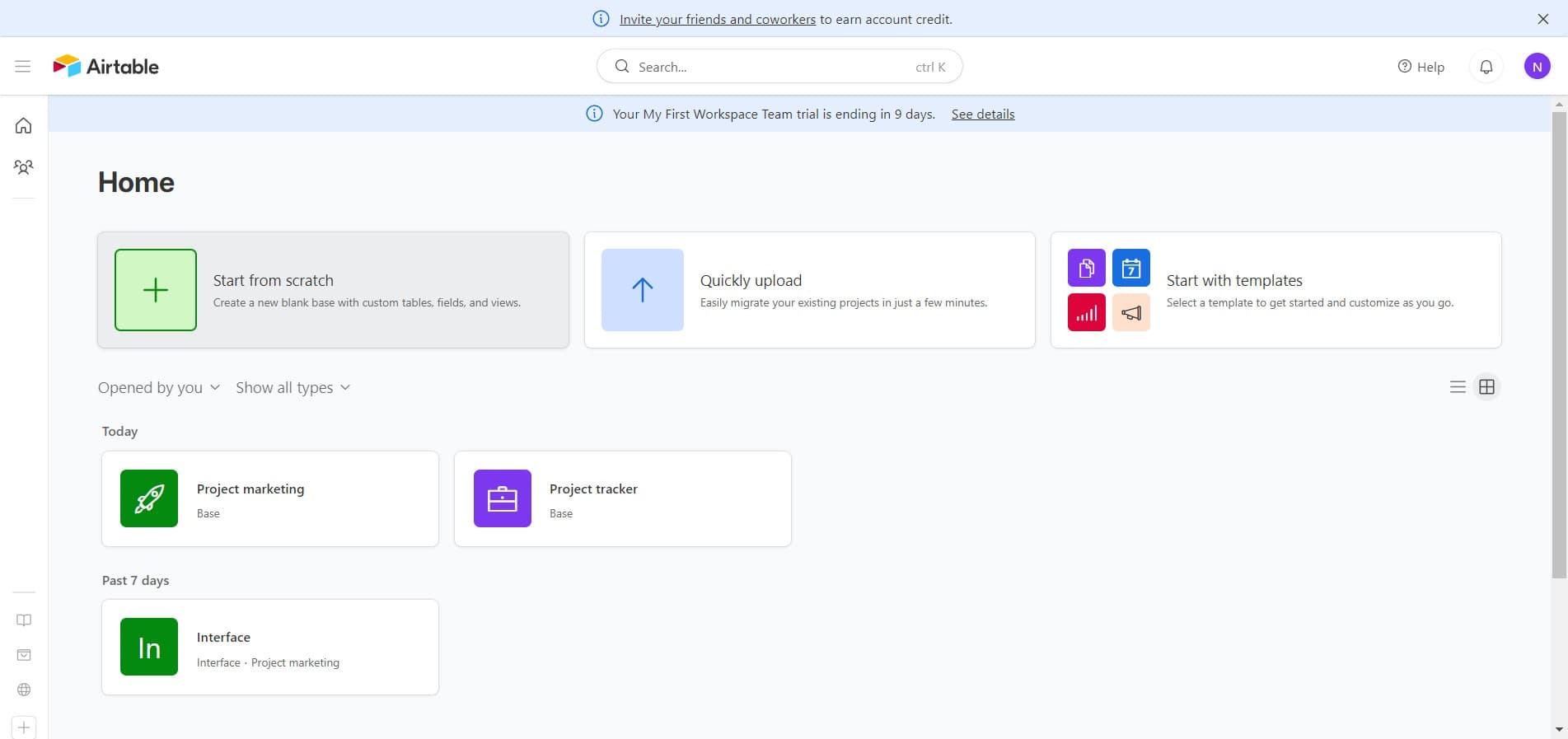
Start by clicking the initial action button to begin the table creation process. This will open the interface where you can configure your new table.
- 2
Proceed to the next action
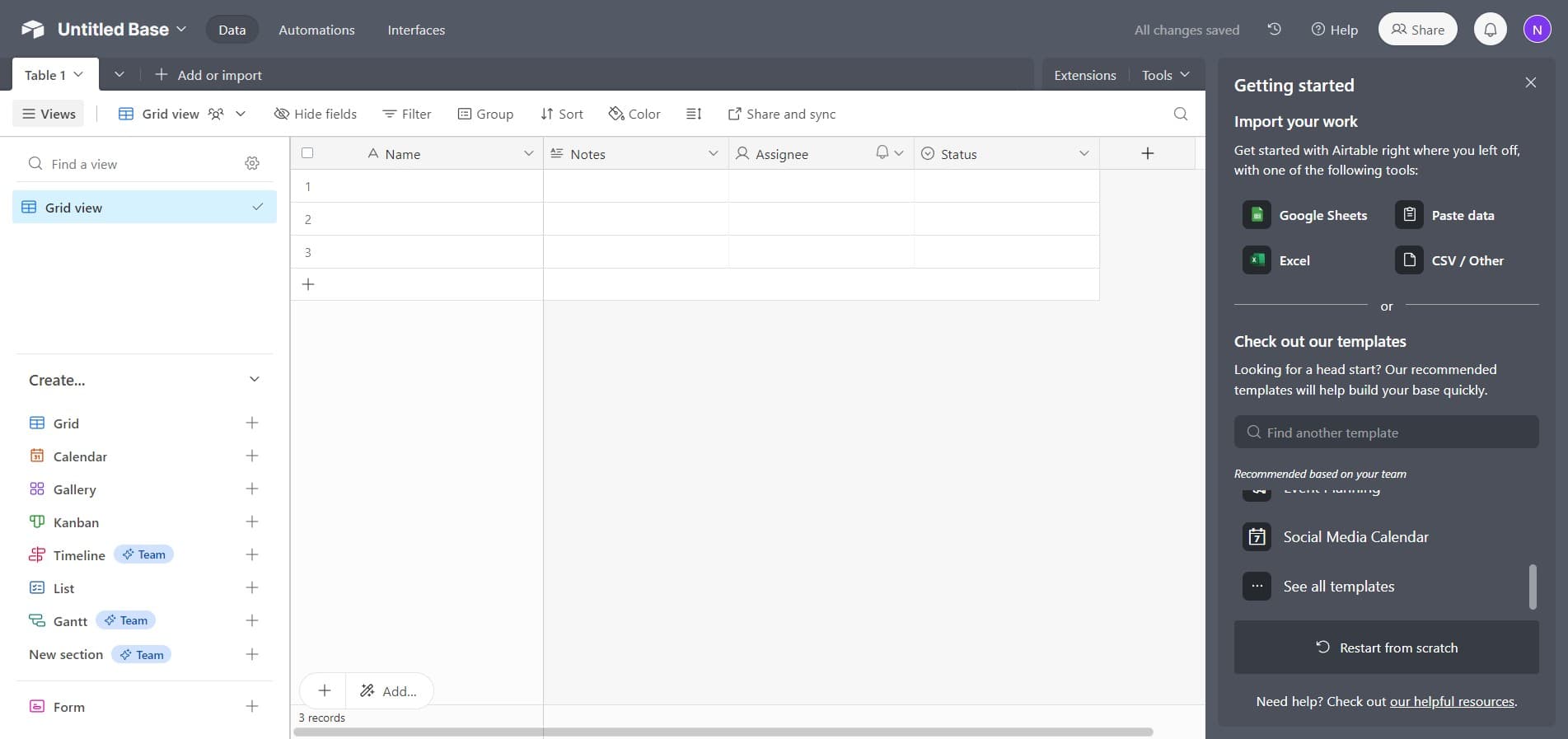
Click through to continue with the table setup. This step advances you through the creation workflow.
- 3
Click on Untitled Base
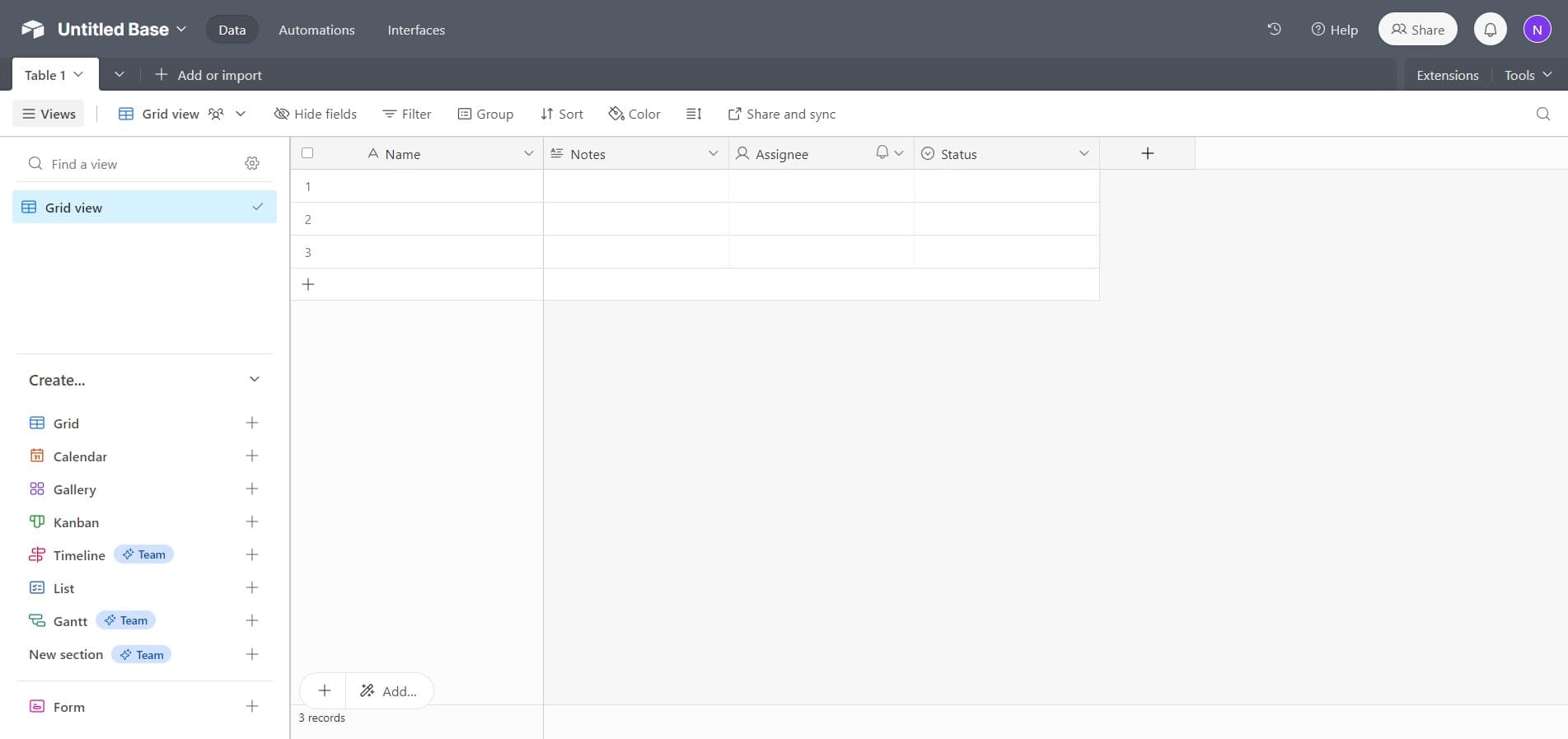
Select the 'Untitled Base' option to access or name your base. This is where your new table will be created and stored.
- 4
Configure table fields
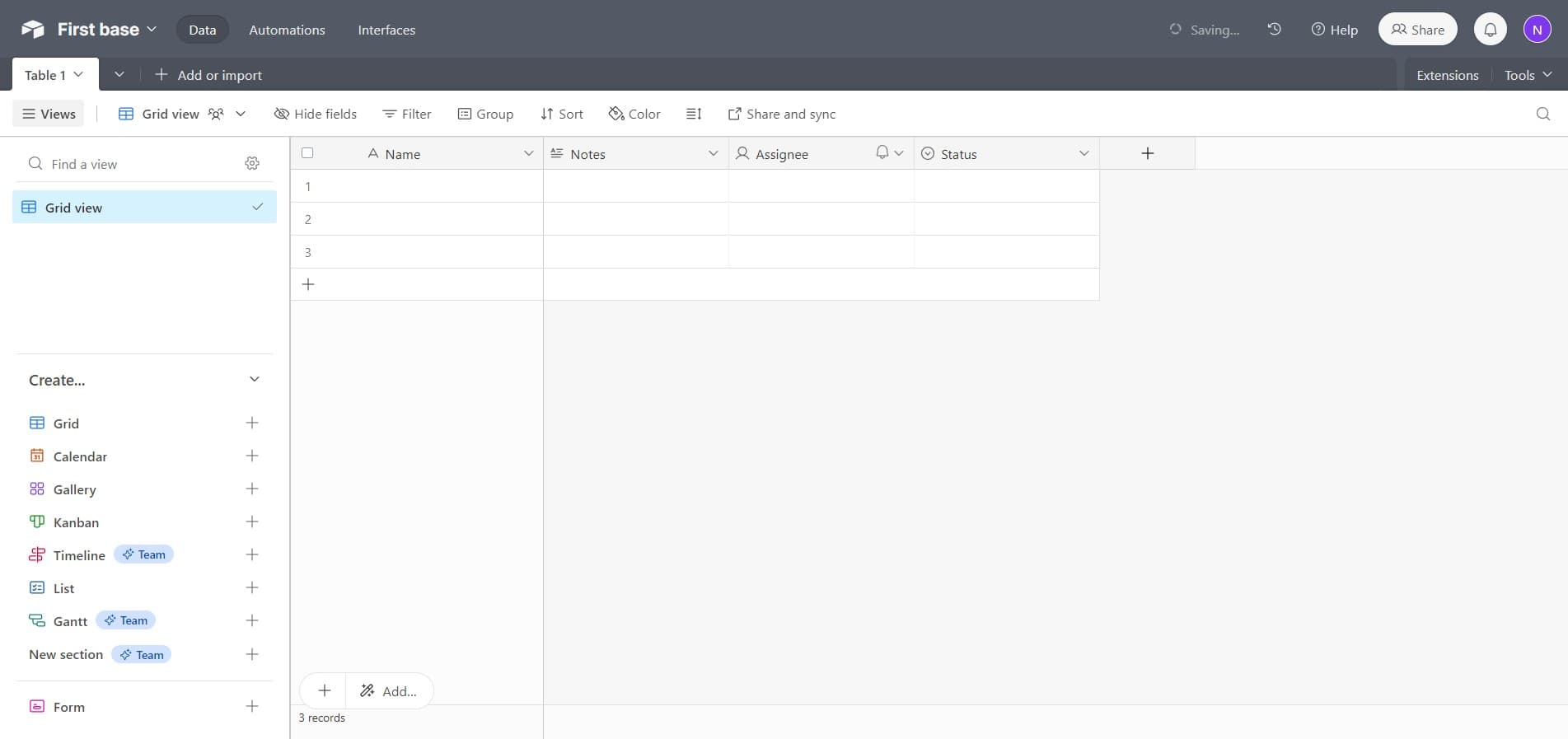
Click on 'Notes Assignee Status' to set up the initial fields for your table. These fields define the columns and data types that will structure your table.
Frequently asked questions
Common questions about how to create a new table in airtable.
Yes, you can rename your table at any time by clicking on the table name at the top of the view and selecting the rename option. Airtable makes it easy to update table names without affecting your existing data.
Airtable supports a wide variety of field types including text, numbers, checkboxes, single select, multiple select, date, attachment, formula, rollup, count, and many others. Each field type serves different purposes and can be customized based on your needs.
Airtable allows you to create multiple tables within a single base without a hard limit. However, the number of tables you can create depends on your Airtable plan level, so check your plan details for specific restrictions.
Yes, Airtable supports importing data from CSV files, Excel spreadsheets, and other sources. You can import data during table creation or add it later by using the import feature in your base.
You can create relationships between tables using the Link to another record field type. This allows you to establish connections between records in different tables and view related information across your base.