How to delete an interface on Airtable

Deleting an interface in Airtable helps you clean up your workspace and remove views you no longer need. This guide walks you through the process of safely removing an interface from your base.
Quick summary
In this tutorial, you'll learn how to navigate to your project's interface options and delete an interface that's no longer needed. By following these steps, you'll be able to manage your Airtable workspace more efficiently.
Why this matters
Removing unused interfaces keeps your Airtable base organized and reduces clutter for you and your team members. A streamlined workspace makes it easier to locate active interfaces and improves overall collaboration. This maintenance task is especially important when managing multiple projects or testing different interface configurations.
Step-by-step guide
- 1
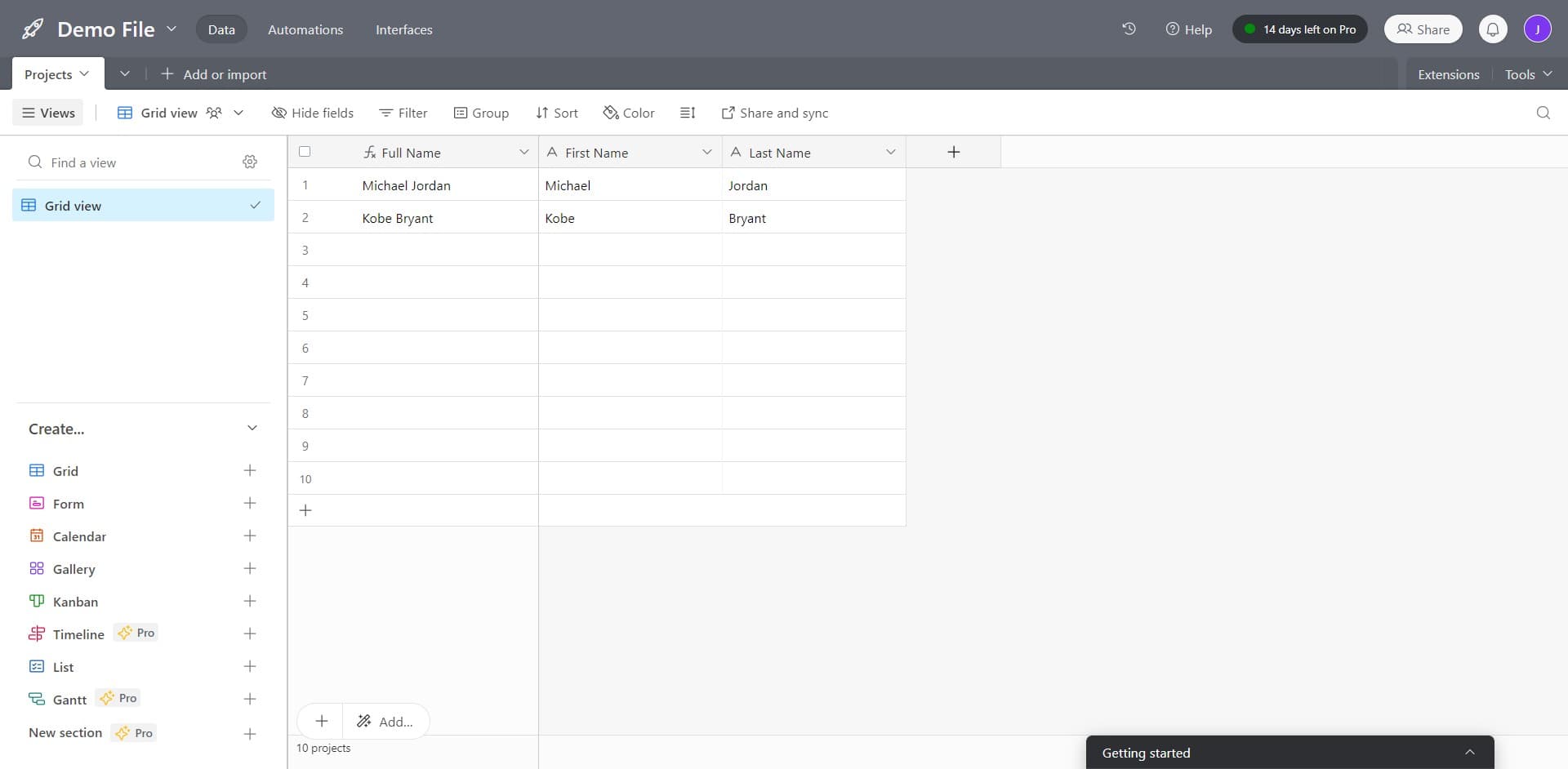
Open Projects and interface menu
Click on 'Projects Add or Import' to access your available projects and their associated interfaces. This will show you all the interfaces currently available in your workspace.
- 2
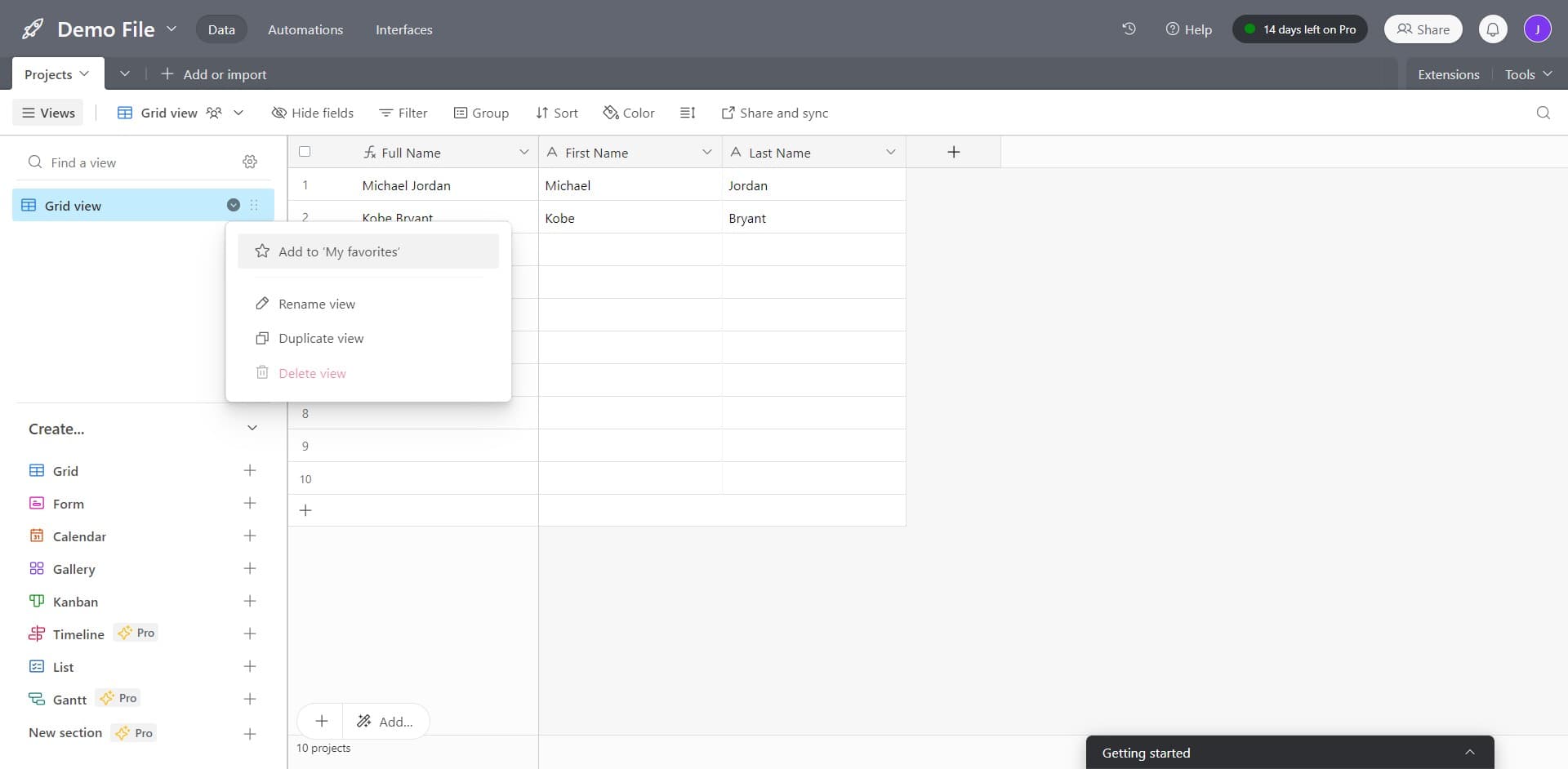
Locate the interface options
Click on the interface you want to delete to select it and reveal its options menu. Look for the action buttons or dropdown menu that appears next to or within the interface entry.
- 3
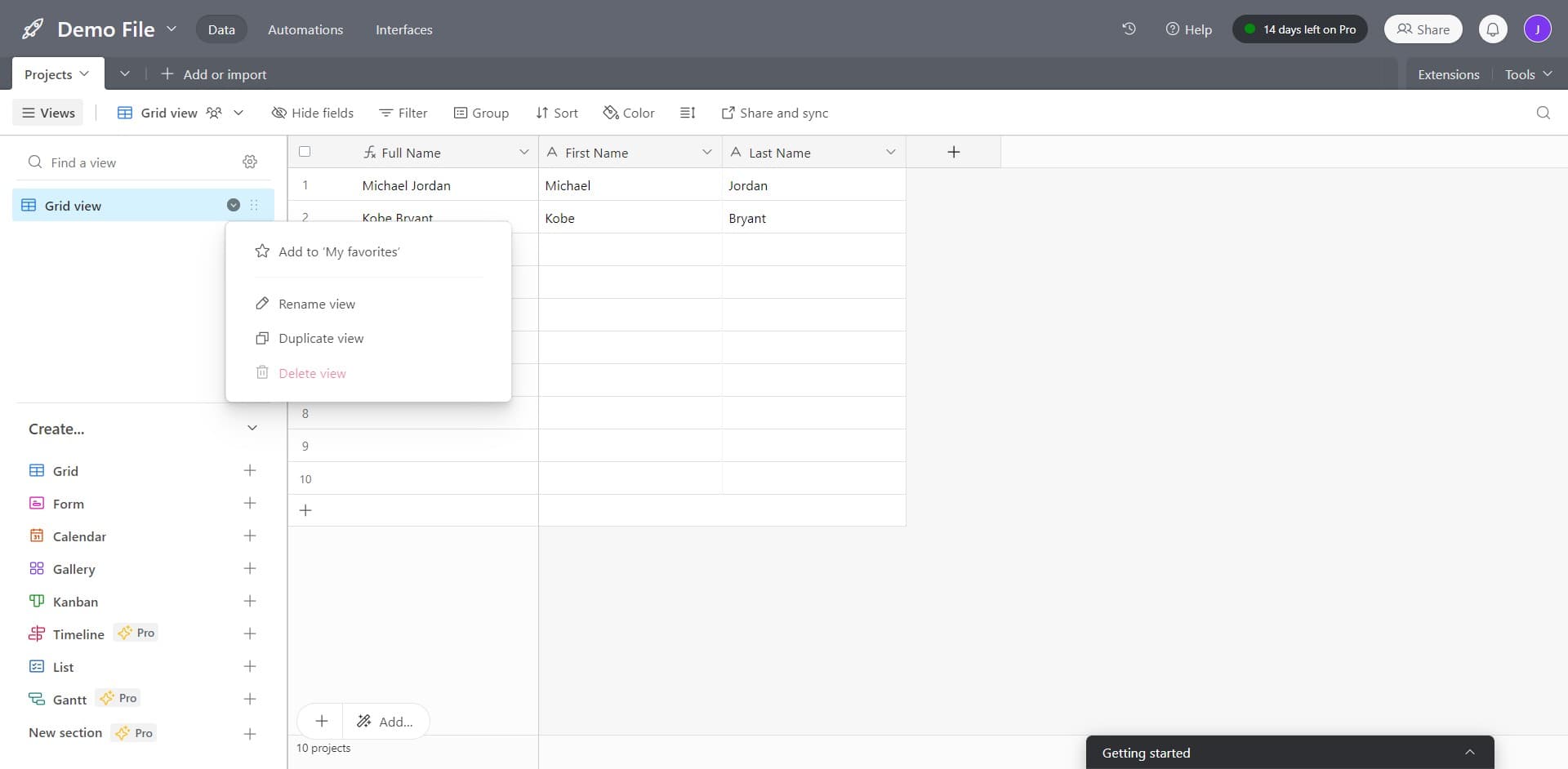
Remove from favorites or delete
Click on 'Add to My favo...' or the corresponding delete/remove option to proceed with removing the interface. Confirm the action when prompted to complete the deletion.
Frequently asked questions
Common questions about how to delete an interface on airtable.
Airtable typically provides a recovery window for recently deleted items through the trash or undo functionality. Check your base's activity log or trash section immediately after deletion to see if recovery is possible. For permanent deletions beyond the recovery period, you may need to recreate the interface manually.
No, deleting an interface only removes the view configuration, not your underlying data. Your base records, fields, and tables remain intact after removing an interface. You can create new interfaces at any time without losing information.
Removing an interface from favorites or your workspace may temporarily hide it, while deleting permanently removes it from your base. Some Airtable features allow you to archive interfaces rather than delete them permanently. Check your specific Airtable plan for available options.
Most Airtable workflows require deleting interfaces one at a time through the interface menu. If your plan supports bulk actions, look for multi-select checkboxes in your Projects view. For large-scale cleanup, contact Airtable support for assistance.
When you delete an interface, users who had access to it will no longer see it in their workspace. Any collaborators or team members with that interface link will lose access. Make sure to notify relevant team members before deleting shared interfaces.