How to Download and Install the Apollo Chrome Extension

The Apollo Chrome Extension brings prospecting data directly into your browser, letting you find contact information and enrich leads while browsing LinkedIn and company websites. This tutorial walks you through the installation process.
Quick summary
In this tutorial, we'll explore how to download and install the Apollo Chrome extension. You'll navigate to the Chrome Web Store, add the Apollo.io extension to your browser, and sign in with your Apollo credentials to start prospecting directly from any webpage.
Why this matters
The Chrome Extension is one of Apollo's most powerful features for sales teams. It eliminates context-switching by letting you find emails, phone numbers, and company data without leaving the page you're on.
Step-by-step guide
- 1
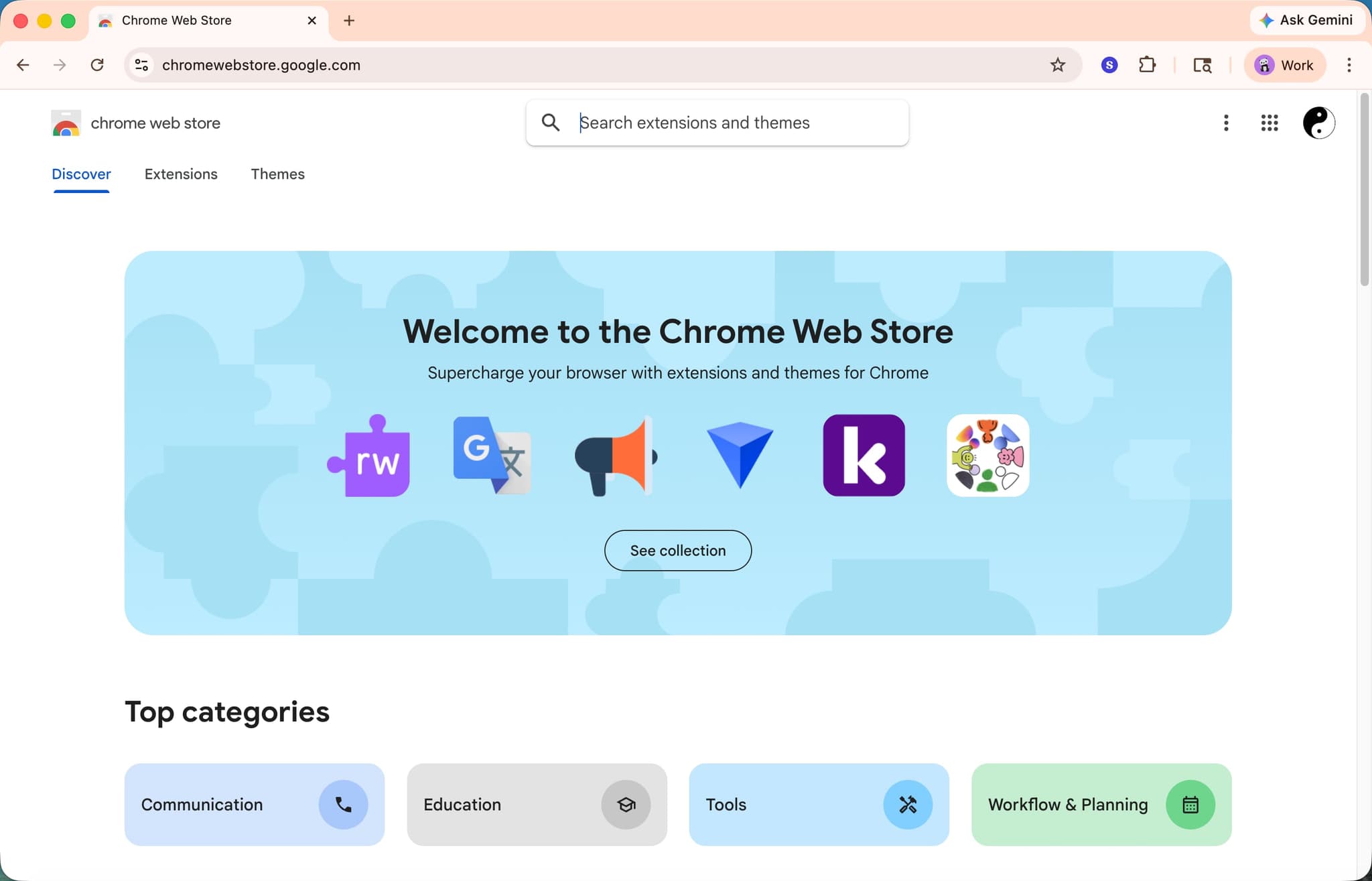
Open the Chrome Web Store
Navigate to the Chrome Web Store in your Chrome browser.
- 2
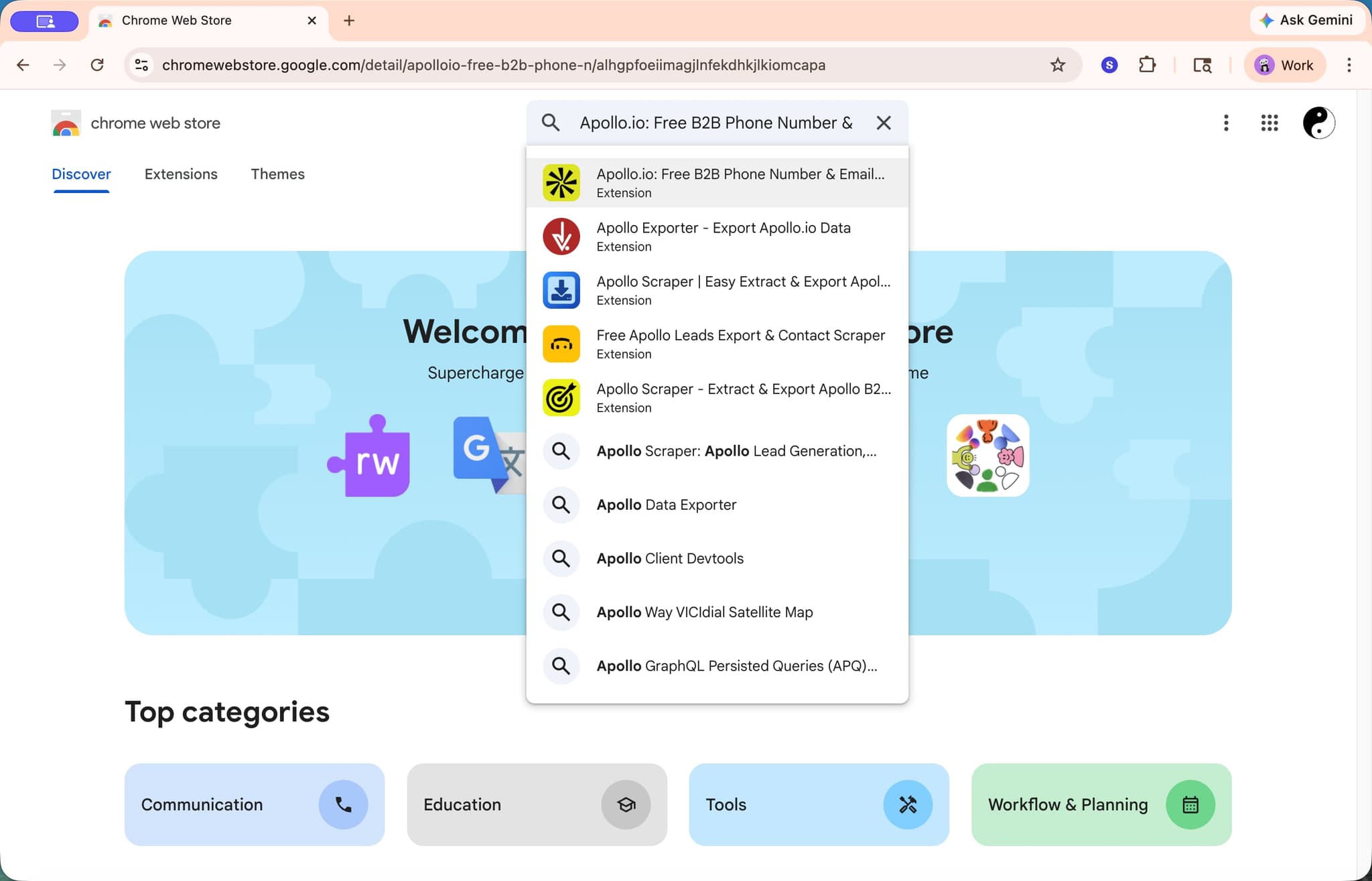
Search for Apollo
Use the search bar to find the official Apollo.io extension.
- 3
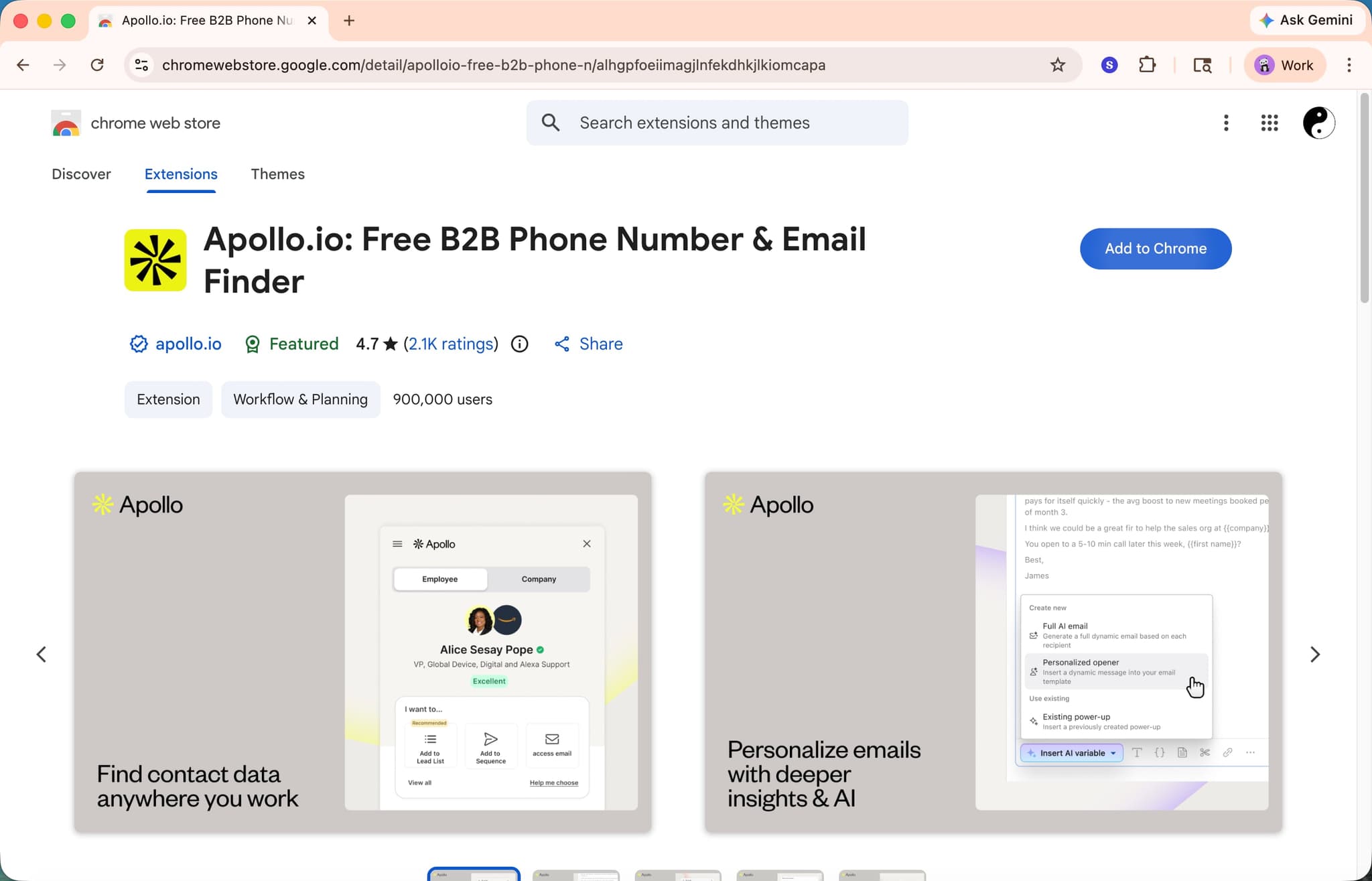
Click Add to Chrome
Click the 'Add to Chrome' button on the Apollo extension page.
- 4
Confirm the installation
Review the permissions and click 'Add extension' in the confirmation dialog.
- 5
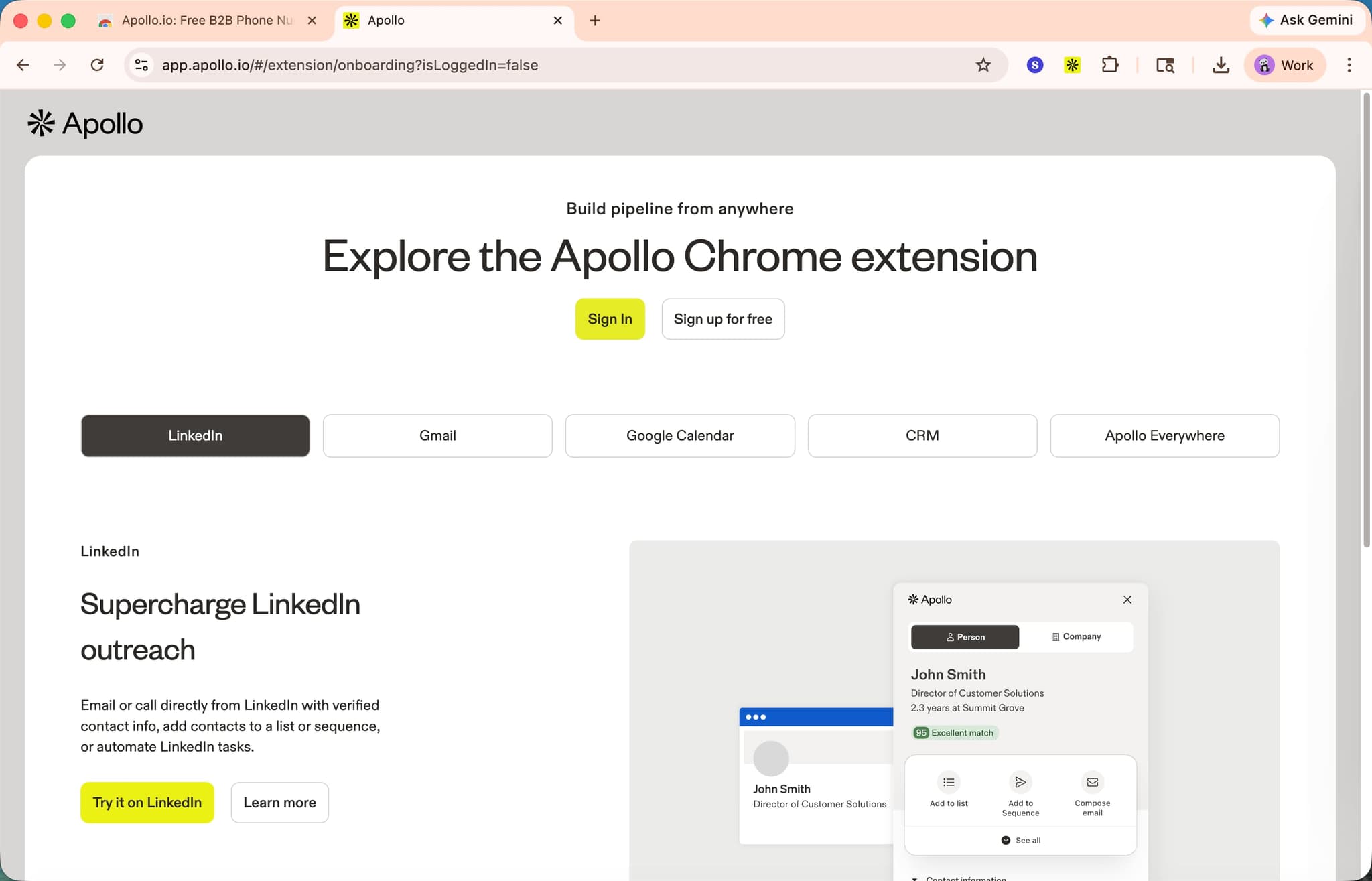
Log in to Apollo
Click the Apollo extension icon in your browser toolbar and log in with your Apollo credentials to start using it.
Related guides
Frequently asked questions
Common questions about how to download and install the apollo chrome extension.
Yes. The extension itself is free to install from the Chrome Web Store, and basic features work on the Apollo free plan. Advanced enrichment, unlimited exports, and full email sequence access require a paid Apollo subscription. You can install the extension first and upgrade later without reinstalling.
Apollo injects its panel into LinkedIn profile pages and search results, not the LinkedIn homepage or messaging tabs. Refresh the profile after installing the extension, and pin the Apollo icon to the Chrome toolbar so it stays visible. If the panel still fails to load, log out of LinkedIn and back in to reset the session.
Apollo officially supports Google Chrome and Chromium based browsers including Microsoft Edge, Brave, and Arc. Safari and Firefox are not currently supported, because Apollo has not released a native build for either engine. Chromium forks generally work as long as they allow Chrome Web Store extensions.
Yes. The extension reads your Apollo account session to apply credit limits, enrichment rules, and saved sequences to the profiles you view. You will be prompted to sign in the first time you click the toolbar icon, and again if your session expires. Without a logged in session, the extension panel remains blank. Smooth first time setup is exactly why so many sales orgs document tool installs visually: per Supademo's State of Interactive Demos 2026 report, 45% of teams adopt interactive demos primarily to solve onboarding friction.
Rather than running a live install session for every new SDR, sales ops captures the Apollo extension setup directly from the browser using a demo recorder that generates a clickable replay, and new SDRs follow the real flow on day one without booking time with their manager. As Vimal Kumar, Product Operations Associate at Supademo, puts it: "The fastest way to onboard a new SDR to an Apollo workflow is to record the actual install once and let them click through it at their own pace."
Instead of long engineering driven pilots, top AEs now send a prospect specific interactive tour before the live call. This breakdown of the sales POC motion shows how interactive demos compress evaluation cycles from weeks to days without any engineering lift.