How to Remove the Clearbit Extension

Removing the Clearbit extension from your browser is a straightforward process that takes just a few minutes. Whether you're cleaning up your extensions or no longer need Clearbit's data enrichment features, this guide walks you through each step to safely uninstall it.
Quick summary
In this tutorial, you'll learn how to completely remove the Clearbit extension from your browser. We'll cover locating the extension in your browser settings and confirming the removal to ensure it's fully uninstalled.
Why this matters
Removing unused browser extensions helps improve your browser's performance, reduces memory usage, and minimizes potential security risks. Uninstalling Clearbit when you no longer need it keeps your browser clean and ensures you're only running the tools that actively benefit your workflow.
Step-by-step guide
- 1
Open your browser's extension menu
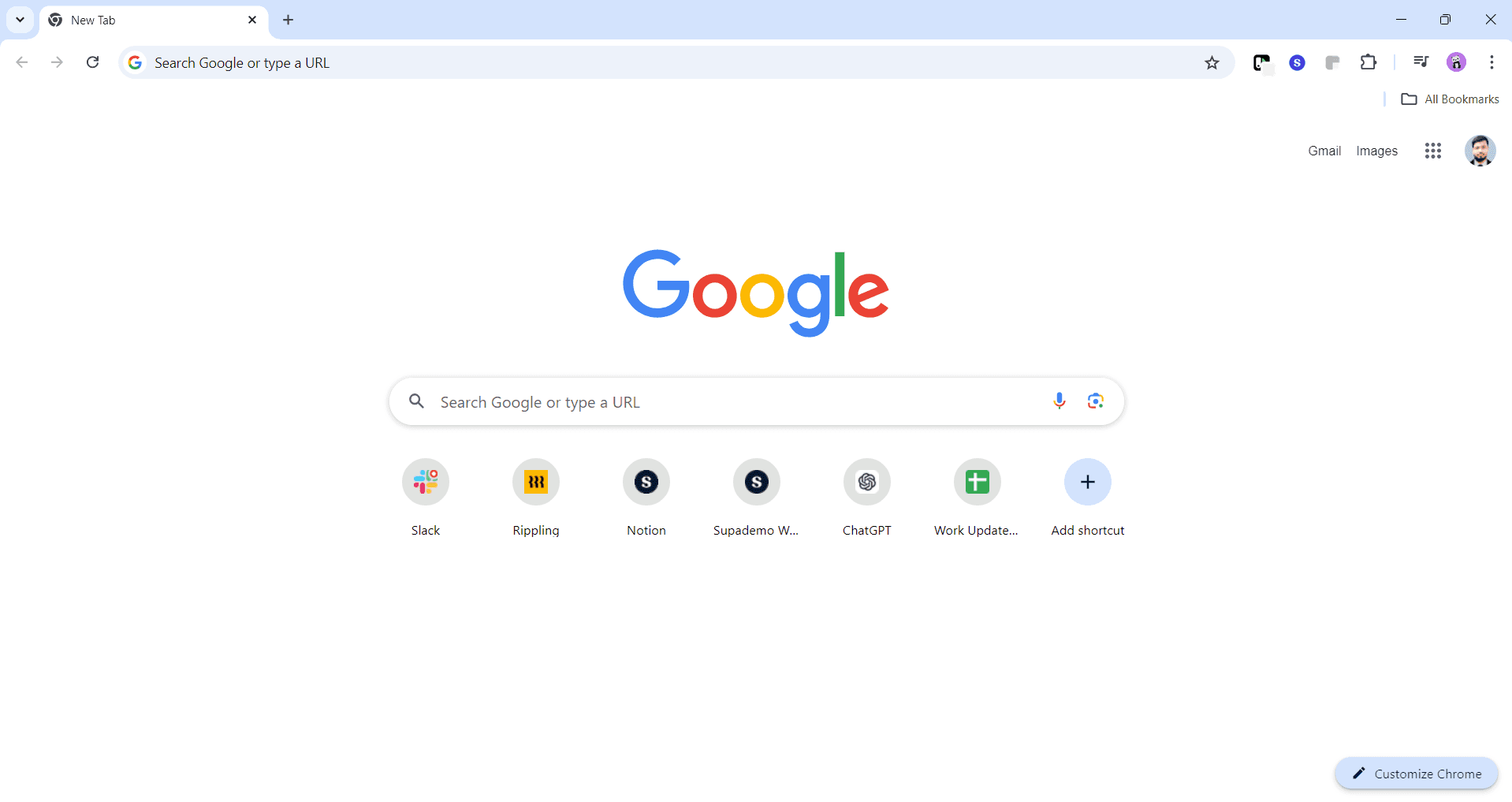
Click the extensions icon in your browser's toolbar, typically located in the upper right corner. A dropdown menu will appear showing all installed extensions.
- 2
Locate the Clearbit extension
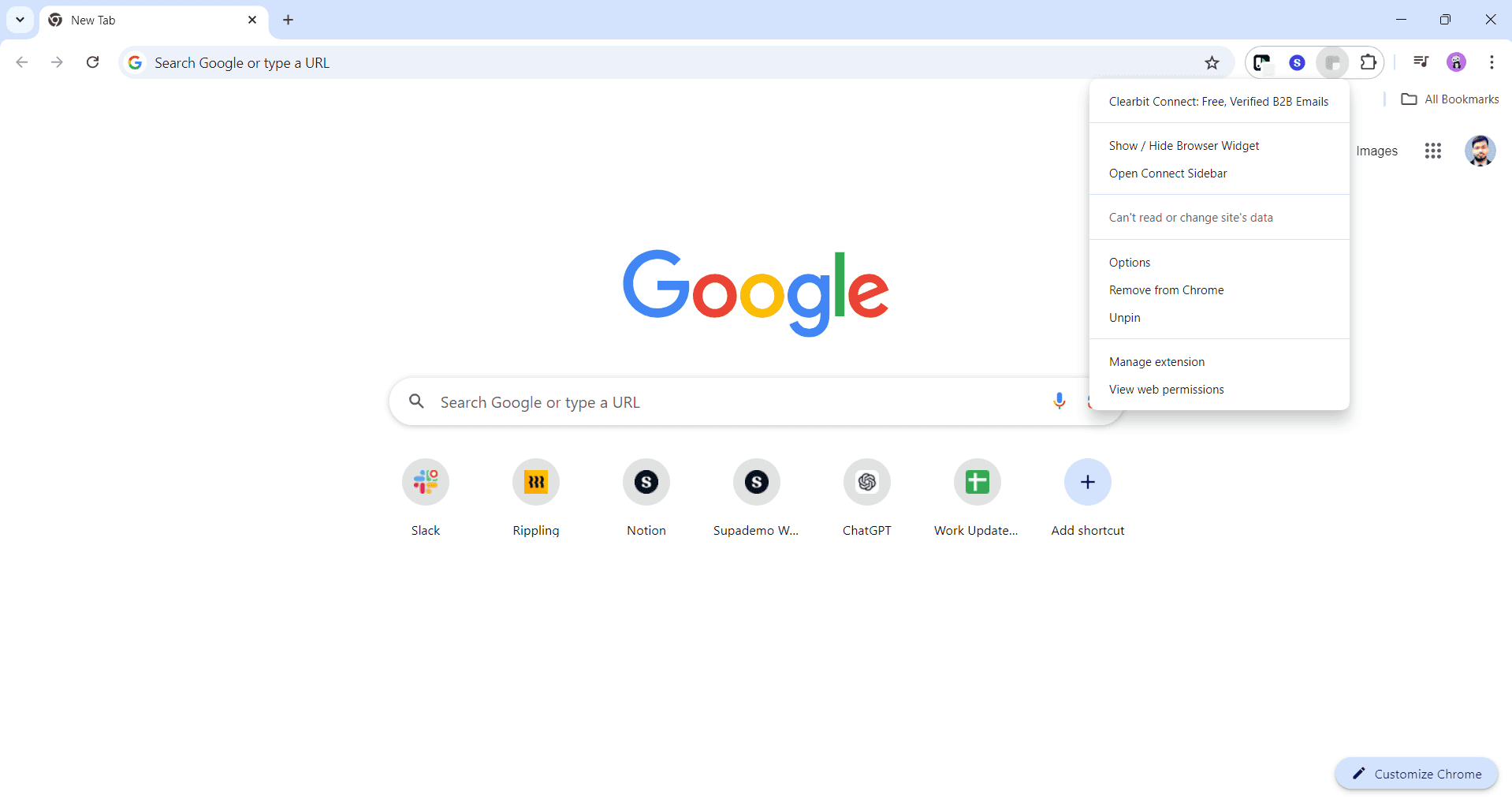
Scroll through the list of extensions to find Clearbit. Click on the three-dot menu icon next to the Clearbit extension to access removal options.
- 3
Select the remove option
From the dropdown menu, click on 'Remove from Chrome' or the equivalent option for your browser. A confirmation dialog will appear asking you to verify the removal.
- 4
Confirm the extension removal
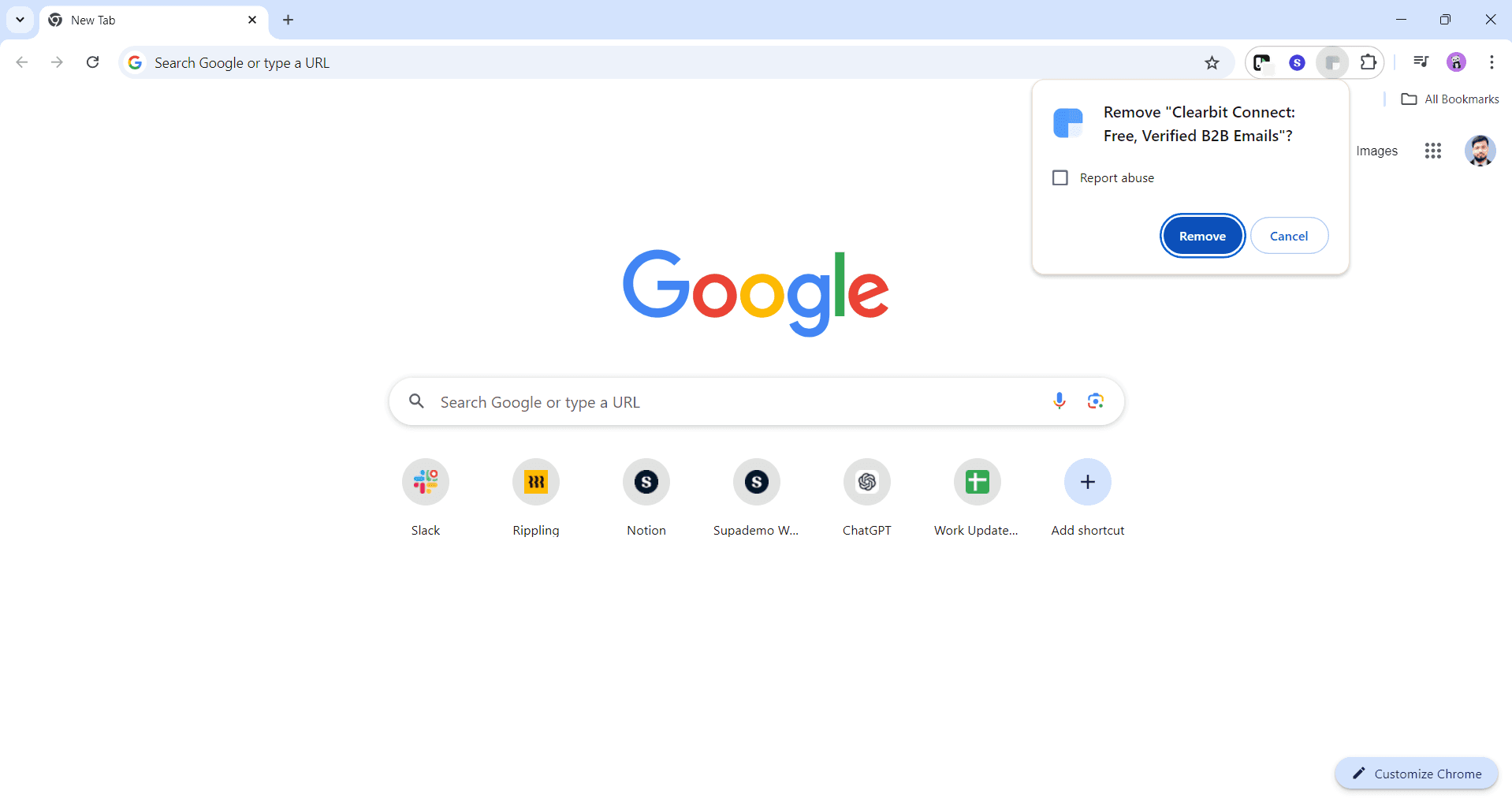
Click 'Remove' in the confirmation dialog to permanently uninstall the Clearbit extension. Once confirmed, the extension will be deleted from your browser and no longer appear in your extensions list.
Frequently asked questions
Common questions about how to remove the clearbit extension.
Removing the browser extension does not delete any data stored in your Clearbit account on their servers. Your contacts, enriched data, and account settings remain intact if you log back in through the web platform later.
Yes, you can reinstall the Clearbit extension anytime by visiting your browser's extension store and searching for Clearbit. Simply download and add it back to your browser following the same installation process as before.
Unused extensions consume system resources and can impact browser performance. Additionally, removing extensions you don't actively use reduces potential security risks and keeps your browser streamlined.
Removing the browser extension does not affect your Clearbit account itself. You can still access your account through the web platform, and your subscription remains active if you have one.
If you don't see Clearbit in your extensions menu, it may already be uninstalled or disabled. You can also check your browser's settings under 'Extensions' or 'Add-ons' to verify whether it's listed there.