How to Delete Your Calendly Account

Vimal Kumar
Vimal Kumar·
How to Delete Your Calendly Account

What is Calendly?

Calendly is a scheduling software that helps individuals and businesses automate meeting scheduling without the hassle of back-and-forth emails. By connecting your calendars and easily sharing your availability, Calendly streamlines the planning process and improves efficiency. Learn more about it at their website.
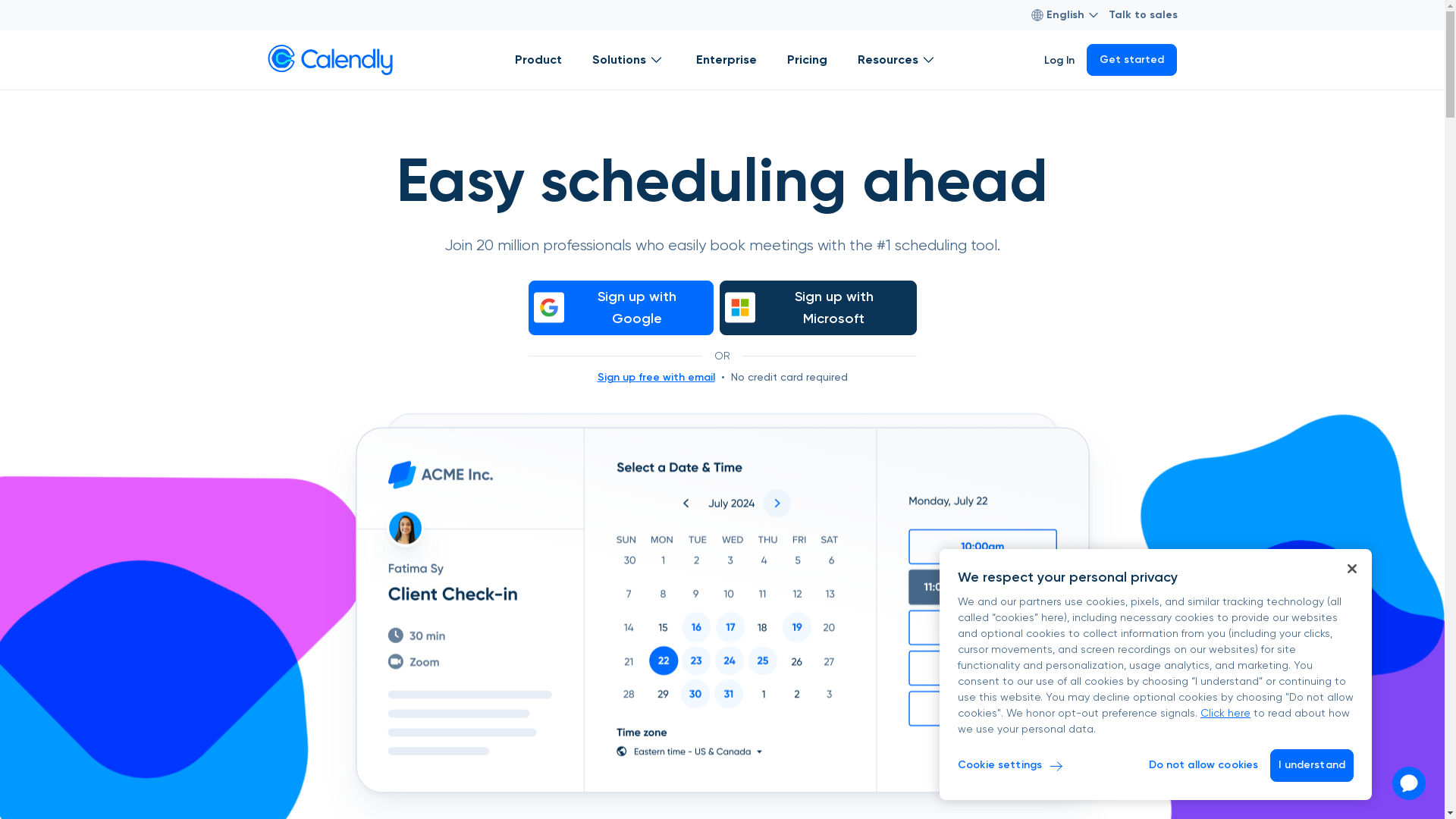
Calendly Screenshot

Who is Calendly best suited for?

Calendly is ideal for Product Marketers, sales teams, and customer success professionals. For Product Marketers, it enables seamless coordination of product demos and feedback sessions. Sales teams use Calendly to efficiently book meetings with leads, enhancing lead conversion. Customer success teams benefit by scheduling check-ins, ensuring timely support and satisfaction.

How to Delete Your Calendly Account

Interactive demo powered by Supademo

Common FAQs on How to Delete Your Calendly Account

Commonly asked questions about this topic.

How do I delete my Calendly account?

To delete your Calendly account, log in, go to 'Account', then select 'Account Settings', and choose 'Delete Account'. Follow any additional prompts to confirm your request.

Can I reactivate my Calendly account after deletion?

No, once you delete your Calendly account, it cannot be reactivated. You would need to create a new account if you wish to use Calendly again.

Will deleting my account cancel my paid subscription?

Yes, deleting your account will automatically cancel any paid subscription you have. Ensure to manage any billing issues before account deletion if needed.

What happens to my scheduled events after I delete my account?

Any scheduled events will be canceled, and invitees will be notified of the cancellation if the account is deleted before the events occur.

Do I need to inform my team members before deleting my account?

If you are part of a team, it's recommended to inform your team members since they may be using shared features or rely on your account for certain functionalities within Calendly.

Enjoyed this interactive product demo of Calendly?

Create your own interactive product demo in minutes. Drive growth, scale enablement and supercharge product led-onboarding with Supademo. Sign up for free here with no credit card required.
Vimal Kumar
Vimal Kumar

Product Operations Associate

Vimal Kumar helps build and grow Supademo’s team and GTM efforts, with a focus on figuring out growth levers and improving product traction.


More from the blog

How to integrate Zoom into your Calendly link

How to integrate Zoom into your Calendly link

Overview: Elevate your scheduling process with the integration of Zoom into your Calendly link. Enhance user convenience by seamlessly connecting the two platforms, providing a streamlined experience...

Nithil Shanmugam
Nithil ShanmugamJan 19, 2024
How to Delete Your Monday.com Account

How to Delete Your Monday.com Account

What is Monday.com? Monday.com is a versatile work operating system that allows teams to manage projects, workflows, and everyday tasks with ease. Its intuitive platform provides customizable...

Vimal Kumar
Vimal KumarNov 1, 2024
How to add a custom URL to my Calendly event

How to add a custom URL to my Calendly event

Overview: Enhance your Calendly experience by learning how to seamlessly incorporate custom URLs into your events. This guide empowers you to optimize your scheduling workflow, providing step-by-step...

Nithil Shanmugam
Nithil ShanmugamJan 19, 2024
Featured image for How to add your schedule in Calendly

How to add your schedule in Calendly

Overview: Streamline your scheduling process with Calendly by following this comprehensive guide on adding and managing your schedule. Enhance user experience by incorporating relevant details and...

Nithil Shanmugam
Nithil ShanmugamJan 19, 2024
How to create a meeting poll in Zoom using Calendly

How to create a meeting poll in Zoom using Calendly

Overview: Streamline your meeting scheduling process on Zoom with Calendly by creating a meeting poll effortlessly. Optimize your workflow by easily coordinating and organizing meetings with...

Nithil Shanmugam
Nithil ShanmugamJan 19, 2024
How to embed your Google Calendar to your Calendly link

How to embed your Google Calendar to your Calendly link

Overview: Streamline your scheduling process with ease by embedding your Google Calendar directly into your Calendly link. Enhance user experience and simplify navigation for seamless appointment...

Nithil Shanmugam
Nithil ShanmugamJan 19, 2024