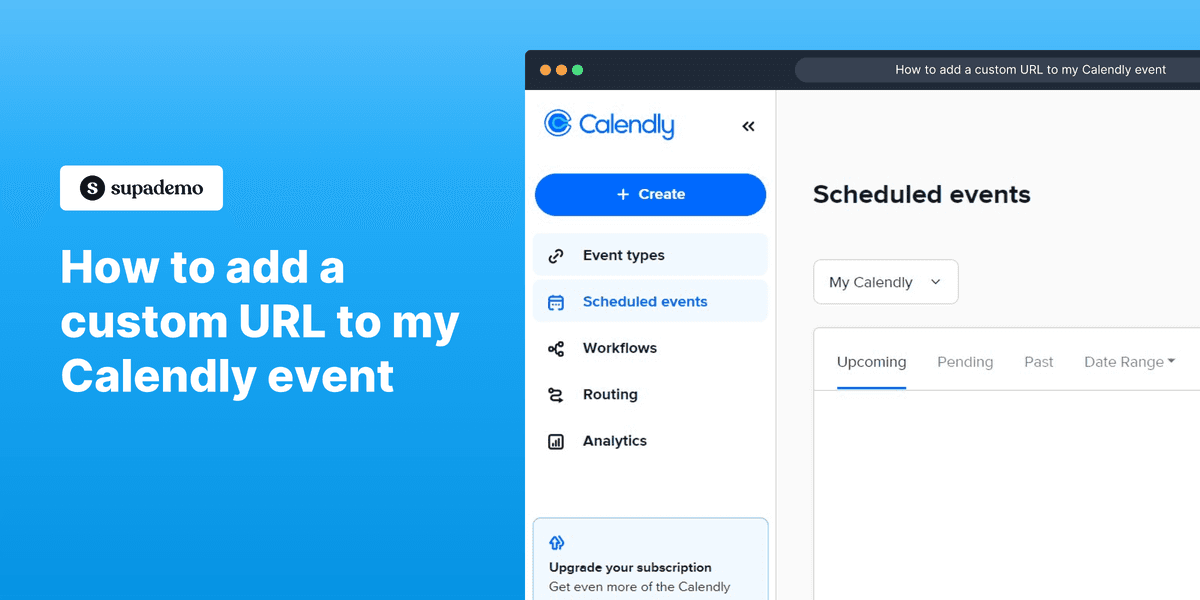
Interactive Calendly Demo
Explore a demo of Calendly, an online scheduling tool designed to simplify meeting scheduling and availability preferences.
What is Calendly?
Calendly is a scheduling automation platform that eliminates the back-and-forth of finding meeting times. Founded in 2013 by Tope Awotona in Atlanta, Calendly has grown to serve over 20 million users and 100,000 businesses by making it easy to share a booking link that respects everyone's availability.
The core product lets users set availability windows, create event types (30-minute intro call, 60-minute demo, team interview), and share a personal link. Invitees pick a time that works for them, and the meeting is automatically added to both parties' calendars with a video conferencing link.
Calendly's team features support round-robin routing (distribute meetings evenly across the team), collective scheduling (find times when multiple team members are free), and workflows that send automated reminders, follow-up emails, and confirmation messages around each meeting.
How to get started with Calendly
- 1
Connect your calendar
Sign up at calendly.com and connect Google Calendar, Outlook, or Office 365. Calendly reads your calendar to block off busy times automatically. The free plan supports one event type and one calendar connection.
- 2
Create your event types
Set up event types for your most common meetings (e.g. '30-min intro call', '60-min product demo'). Define availability windows, buffer times before/after meetings, and maximum number of meetings per day.
- 3
Add a video conferencing link
Connect Zoom, Google Meet, or Microsoft Teams so a unique conference link is automatically generated for each booking. Guests receive the link in their confirmation email.
- 4
Embed or share your link
Share your Calendly link directly via email or LinkedIn. Embed the booking widget on your website so visitors can schedule without leaving your page. Add a 'Book a Demo' button in your email signature.
- 5
Set up automated workflows
Create automated email and SMS workflows: a confirmation message, a reminder 24 hours before, and a follow-up after the meeting. Include relevant content (like a Supademo link) in the pre-meeting confirmation.
Explore more Calendly guides
Step-by-step interactive demos and tutorials for Calendly.

Who is Calendly most useful for?
Sales teams booking discovery calls, demos, and follow-up meetings without email back-and-forth. Embed a Supademo of your product directly in the Calendly confirmation email — so prospects can explore your product interactively while they wait for the meeting, arriving better prepared.
Customer success and onboarding teams scheduling kickoff calls and check-ins with new customers. Use Supademo to create an interactive product walkthrough that's automatically sent in Calendly's post-booking workflow, helping customers get started before the first call.
Recruiting teams coordinating interviews between candidates and multiple interviewers. Calendly's round-robin and collective routing eliminates coordinator overhead. Pair with Supademo to share product demos with candidates as part of the recruiting process.
Consultants, coaches, and freelancers who bill by the hour and need self-service booking with payment collection. Combine Calendly's Stripe integration with Supademo demos of your services to convert website visitors into booked clients.
Looking for alternatives to Calendly?
Here are four tools worth evaluating depending on your needs.
Built into HubSpot so meetings are automatically logged to CRM contacts and deals. Less feature-rich for standalone scheduling but eliminates the extra tool for HubSpot-heavy sales teams.
Focused on converting inbound leads into instant meetings through form-to-calendar routing. More expensive and sales-specific. Calendly is better for general scheduling.
Free, open-source Calendly alternative that can be self-hosted. Growing fast with enterprise features. Calendly has a larger feature set and is more mature.
Better for service businesses needing client intake forms, packages, and payment processing alongside scheduling. Calendly is simpler and better for sales and business meetings.
FAQs on Calendly
Commonly asked questions about Calendly. Have more? Reach out and our team will be happy to help.
Yes. Calendly's free plan supports one event type, unlimited bookings, and basic integrations. Paid plans (Standard at $10/seat/month) add multiple event types, workflows, team features, and advanced integrations.
Calendly reads your connected calendar in real-time and blocks off any times already occupied by existing events. When someone books a meeting, it immediately creates a calendar event to prevent the same slot from being booked by anyone else.
Yes. Calendly's Workflows feature lets you send automated email and SMS reminders before meetings. You can customize the timing (e.g. 24 hours, 1 hour before) and the message content.
Yes. Connect your Zoom account and Calendly automatically generates a unique Zoom link for each booked meeting. The link is included in the confirmation email. Similar integrations exist for Google Meet, Microsoft Teams, and Webex.
Yes. Calendly's round-robin routing distributes meetings evenly across team members based on availability and load. Collective event types require all invited team members to be free for a meeting to be bookable.
Yes. Calendly integrates with Stripe and PayPal to collect payment at the time of booking. This is useful for paid consultations, coaching sessions, and service-based businesses.