Loom Video Downloader
Free Loom video downloader. Download any public Loom video as an MP4, or paste up to 10 Loom share URLs at once. The files save straight to your device. No sign-up, no install.
Paste one public Loom share link per line. Up to 10 at a time. Downloaded Loom videos are never stored on our servers.
Ready to move beyond Loom?
Supademo records your screen like Loom does, then lets you turn that recording into an interactive demo with AI voiceovers in one click.
4K screen recording on every plan, including free. Loom caps free recordings at 720p
Convert any recording into an interactive demo with AI voiceovers in 25+ languages
Change the script anytime. The AI re-narrates in your cloned voice
Loom is now Atlassian-owned, with pricing increases in 2025 and roadmap tied to Atlassian’s priorities
Trusted by 200,000+ top operators and 3,000+ paying organizations


How to download a Loom video
1. Copy your Loom share link
Open the Loom video you want to download, click Share, and copy the share link. Make sure the video is set to public.
2. Paste the URL and fetch
Paste the Loom URL into the tool and click Download MP4. The file is fetched and handed to your browser as an MP4.
3. Download your MP4
Your browser saves the MP4 file directly to your device. Nothing is stored on Supademo's servers.
The fastest way to download a Loom video as MP4
Free Loom video downloader, save as MP4
Download any public Loom video and save it as an MP4 straight from your browser. No account, no Chrome extension, no install required.
Your video stays yours
We keep no copy of your video, and we do not tie video links to accounts.
Built for Loom library migrations
Move your Loom library to a new platform or archive specific recordings before cancelling a Loom subscription. Each MP4 downloads in seconds.
Built for teams moving off Loom

“We built this because teams switching from Loom to Supademo kept asking how to take their recordings with them. Spare spent upwards of two hours per Loom video before they moved over. Owning your content shouldn't be hard.”

“Our 2026 demos report found teams who refresh their demos monthly score 18% higher on impact than teams who only update at major releases. Downloading your old Loom library is the easy step before you replace it with something maintainable.”
Who uses Supademo's Loom video downloader?
Save your best demo recordings
Download Loom recordings of standout demos or call highlights to repurpose them in decks, email sequences, or as reference material for onboarding new reps.
Explore sales enablement
Archive product walkthrough videos
Download product recordings and walkthroughs before they expire or before switching tools, so your marketing library stays intact during any platform migration.
Explore product marketing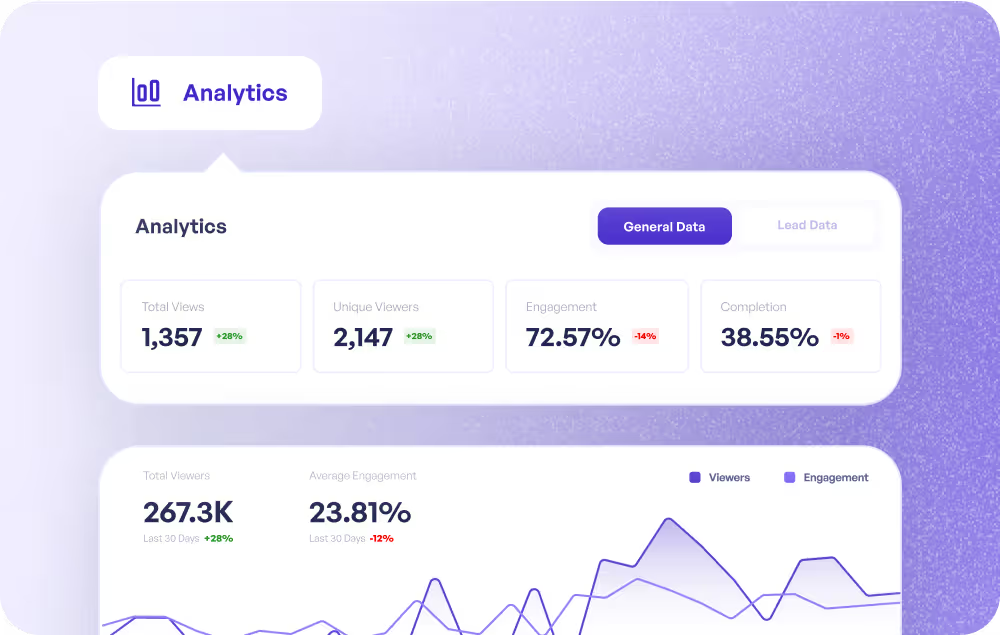
Keep your onboarding video library
Download the onboarding and training recordings you've sent to customers so you can re-edit, re-host, or turn them into interactive demos without re-recording from scratch.
Explore customer success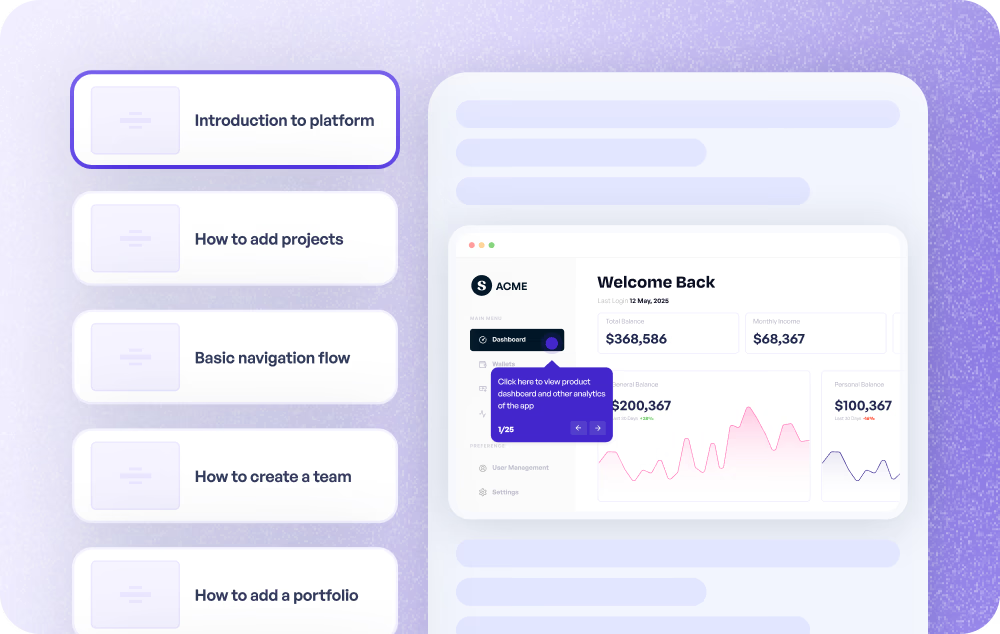
Save changelog and feature recordings
Download Loom walkthroughs of shipped features so the product team can repurpose them in docs, help centres, and launch posts even after moving off Loom.
Explore product use cases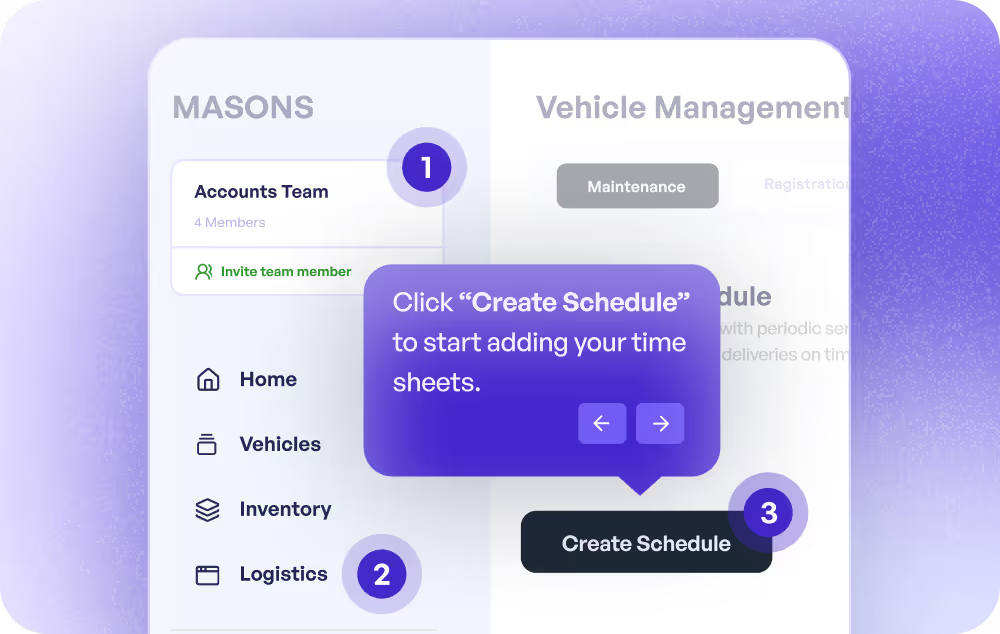
Preserve your training video library
Download internal training recordings before your Loom subscription renews or lapses, and migrate them into an interactive format that drives better retention.
Explore training use cases
Download help and tutorial recordings
Archive Loom support walkthrough recordings so you can rehost them in your help centre, edit them for accuracy, or upgrade them into step-by-step interactive guides.
Explore customer support
Why do sales teams download Loom videos?
Sales teams download Loom recordings to archive top-performing demos, share them in environments that block Loom, or migrate to a new tool without losing their library.
How do marketers use a Loom downloader?
Marketers use Loom downloaders to save product walkthrough videos locally before migrating to a new tool or editing the footage for use in campaigns.
How does customer success use a Loom downloader?
Customer success teams use Loom downloaders to archive onboarding videos before switching platforms, so they can re-edit or re-host recordings without starting over.
Why do product teams download Loom videos?
Product teams download Loom recordings of feature walkthroughs and changelogs so they can reuse the footage in documentation or launch content when migrating platforms.
How do training teams use a Loom downloader?
Training teams use Loom downloaders to archive internal training videos locally before switching to a new platform or converting passive recordings to interactive demos.
How does support use a Loom downloader?
Support teams download Loom tutorial videos to rehost them in a help centre, update out-of-date content, or convert passive walkthroughs into interactive product guides.
Explore Similar Free Tools
Frequently asked questions
Everything you need to know about downloading Loom videos and using Supademo as a more powerful alternative.
How do I download a Loom video as an MP4?
Paste the Loom share URL (any link starting with https://www.loom.com/share/) into the tool and click Download MP4. Our server fetches the underlying MP4 file from Loom's CDN and saves it straight to your browser with the original Loom video title as the filename.
The whole flow takes a few seconds per video, with no signup, no Chrome extension, and no upload to a third party. If you're moving recordings out of Loom for the first time, the steps are the same whether the video is one minute or one hour long.
Is this Loom video downloader free?
Yes, completely free. No account, no browser extension, no install, no signup. Most third-party Loom downloaders are either paid extensions or hidden ad walls, which is why we built this as a free utility for teams already using Loom or migrating off it.
If you're weighing whether to keep paying for Loom at all, our writeup on Loom pricing in 2026 after Atlassian's billing changes walks through what each tier now costs and what shifted for existing customers.
Which Loom videos can I download?
Any Loom video you can open with the link. Private recordings, workspace-only recordings, and password-protected videos will not work, because the tool has no more access than your browser does.
We never ask for or store Loom credentials. If a recording is private and you own it, open its sharing settings in Loom first, then download.
Does Supademo store my Loom video?
No. The video is fetched from Loom's CDN and streamed through our server straight to your device. The file is never written to disk on our infrastructure, and we don't log video URLs against IPs or accounts.
This is intentional. The point of a downloader is to own your own content, and that goal breaks down if the tool itself becomes another middleman holding a copy of your recordings.
What format is the downloaded Loom video?
MP4 with H.264 video and AAC audio. Quality matches the original recording, up to 4K. Very long 4K recordings download one quality level lower so the file finishes assembling in your browser instead of exhausting its memory.
The downloaded MP4 works in every major video editor, presentation tool, and player without any conversion or re-encoding step before reuse.
Why would I download a Loom video?
The most common reasons are archiving recordings before cancelling a Loom subscription, embedding videos in tools that don't render Loom links (most LMSs and certain email clients), editing the footage in a video editor, or migrating to a different recording platform.
If you're in the last camp, our 2026 Loom alternatives roundup compares seven options including Supademo, Vidyard, and Scribe across pricing, AI features, and how each handles the post-Atlassian roadmap.
Is there a better alternative to Loom for screen recording?
Loom does the basic screen recording job, but the platform changed after the 2023 Atlassian acquisition. Its pricing rose in 2025 and the roadmap now follows Atlassian's priorities. Supademo offers the same screen recording flow plus a one-click path to turn any recording into an interactive demo with AI voiceovers in 25+ languages.
Our Supademo vs Loom comparison walks through the feature-by-feature differences and pricing breakdown across every tier.
Can I download multiple Loom videos at once?
Yes. Paste one Loom share URL per line in the input box (up to 10 at a time) and click Download. Each MP4 saves to your device sequentially with a short pause between files to stay under Loom's CDN rate limits. Your browser will ask to allow multiple downloads the first time, then permit the rest automatically.
If you're migrating a Loom library larger than 10 recordings, run the batch a few times or reach out via the chat widget for a hand. For broader migration planning, our Vidyard vs Loom analysis covers what other migration targets typically offer.