
Overview:
Streamline your Calendly experience by efficiently inviting teammates with designated roles to your account. Enhance collaboration and organization by assigning specific roles to team members, ensuring a seamless scheduling process. This comprehensive guide takes you through the easy steps of inviting and assigning roles within your Calendly account, promoting efficient team coordination and clarity in appointment management. Elevate your scheduling workflow with precision and ease.
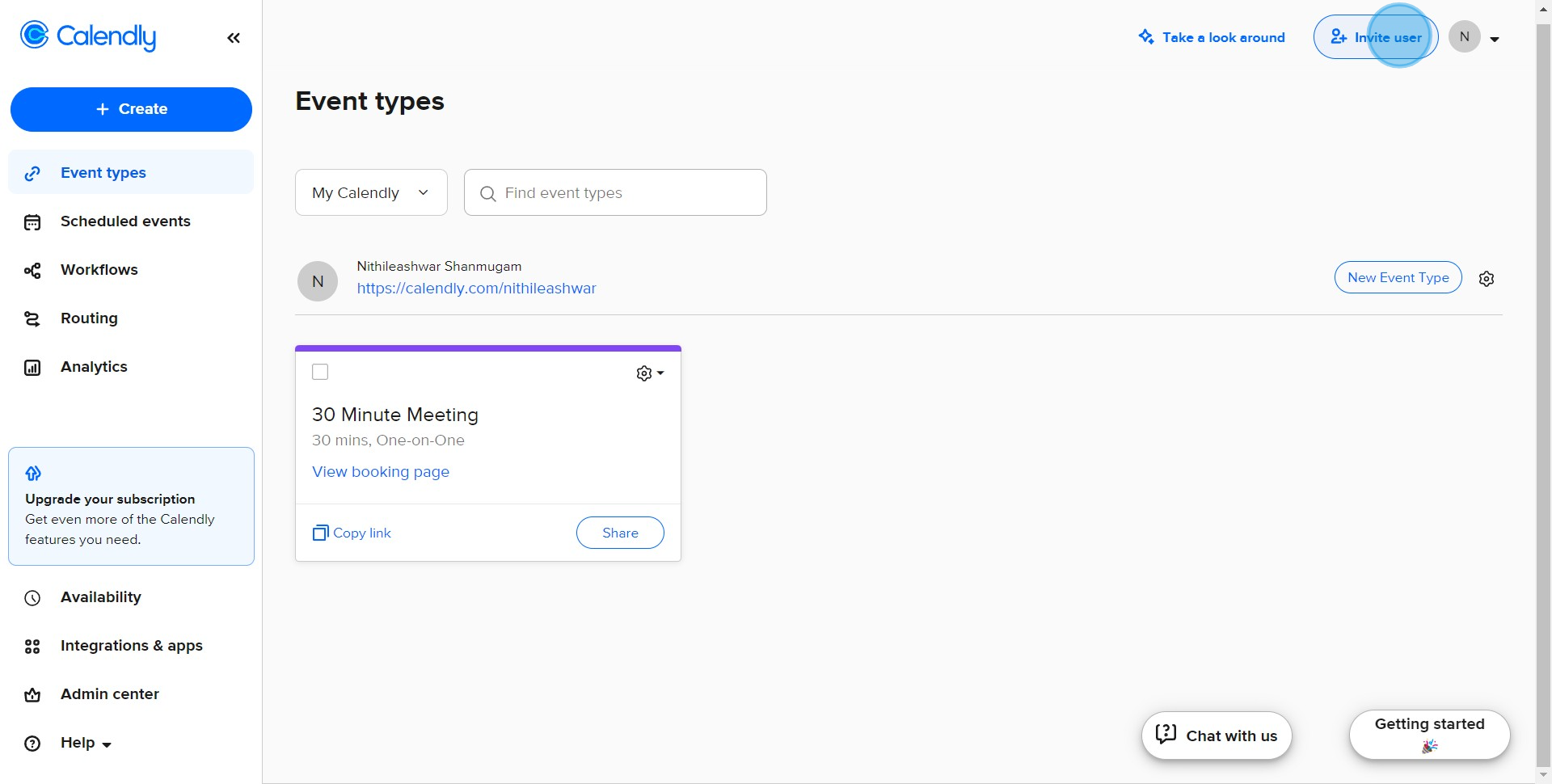
1. Begin by selecting the 'Invite user' option.
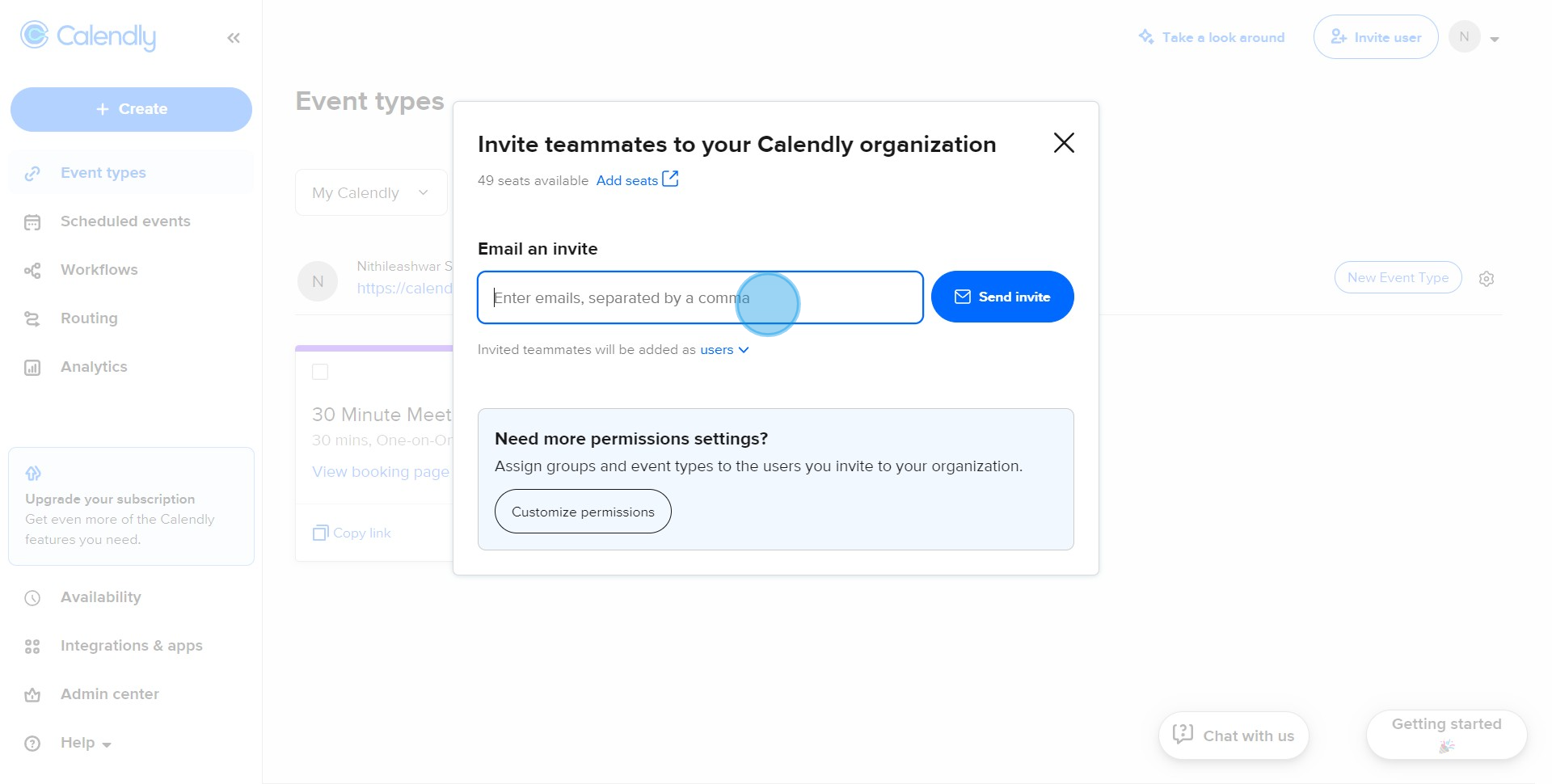
2. Next, please enter your teammate's email address.
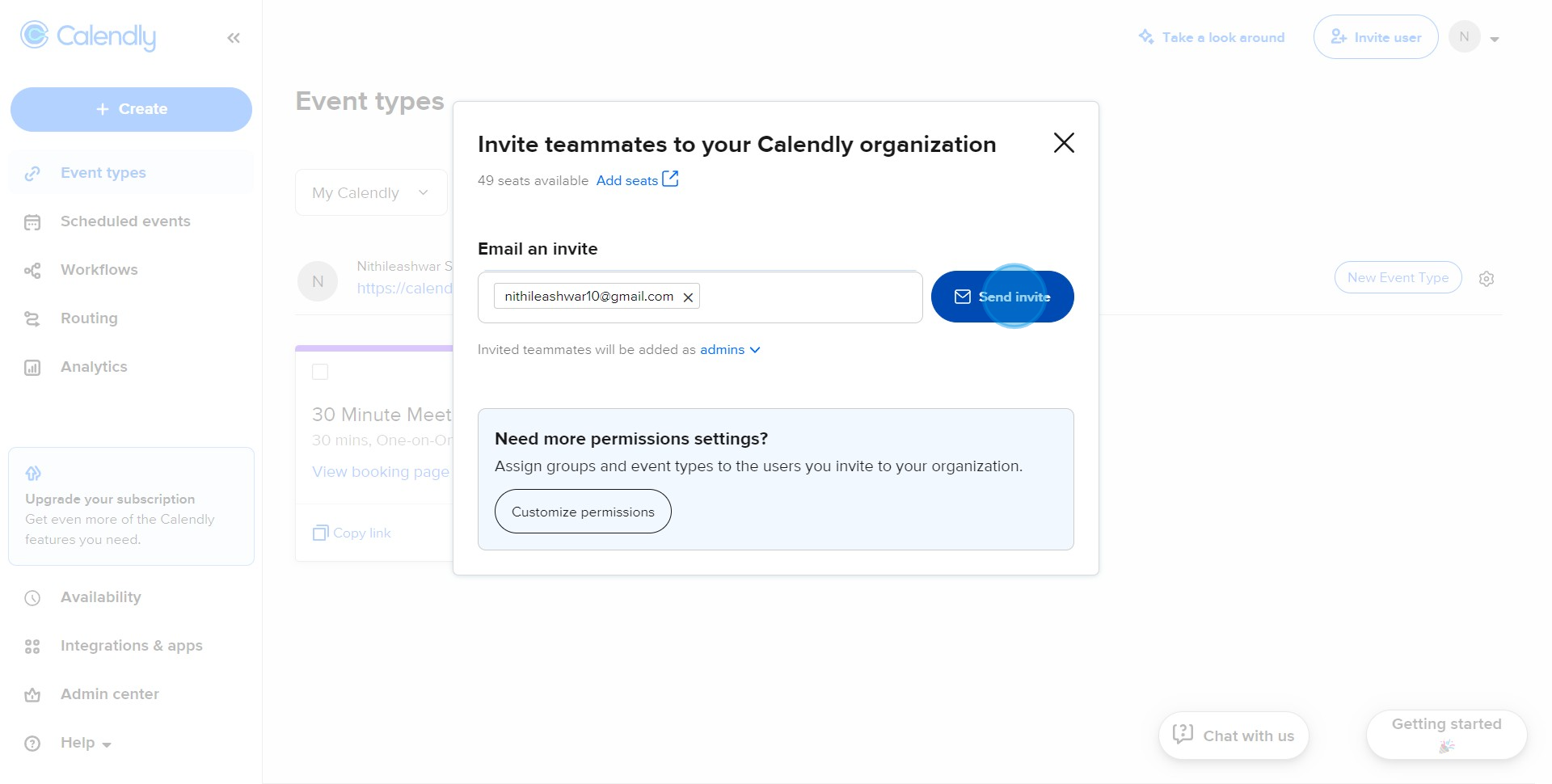
3. Now, go ahead and click on 'Send invite'.
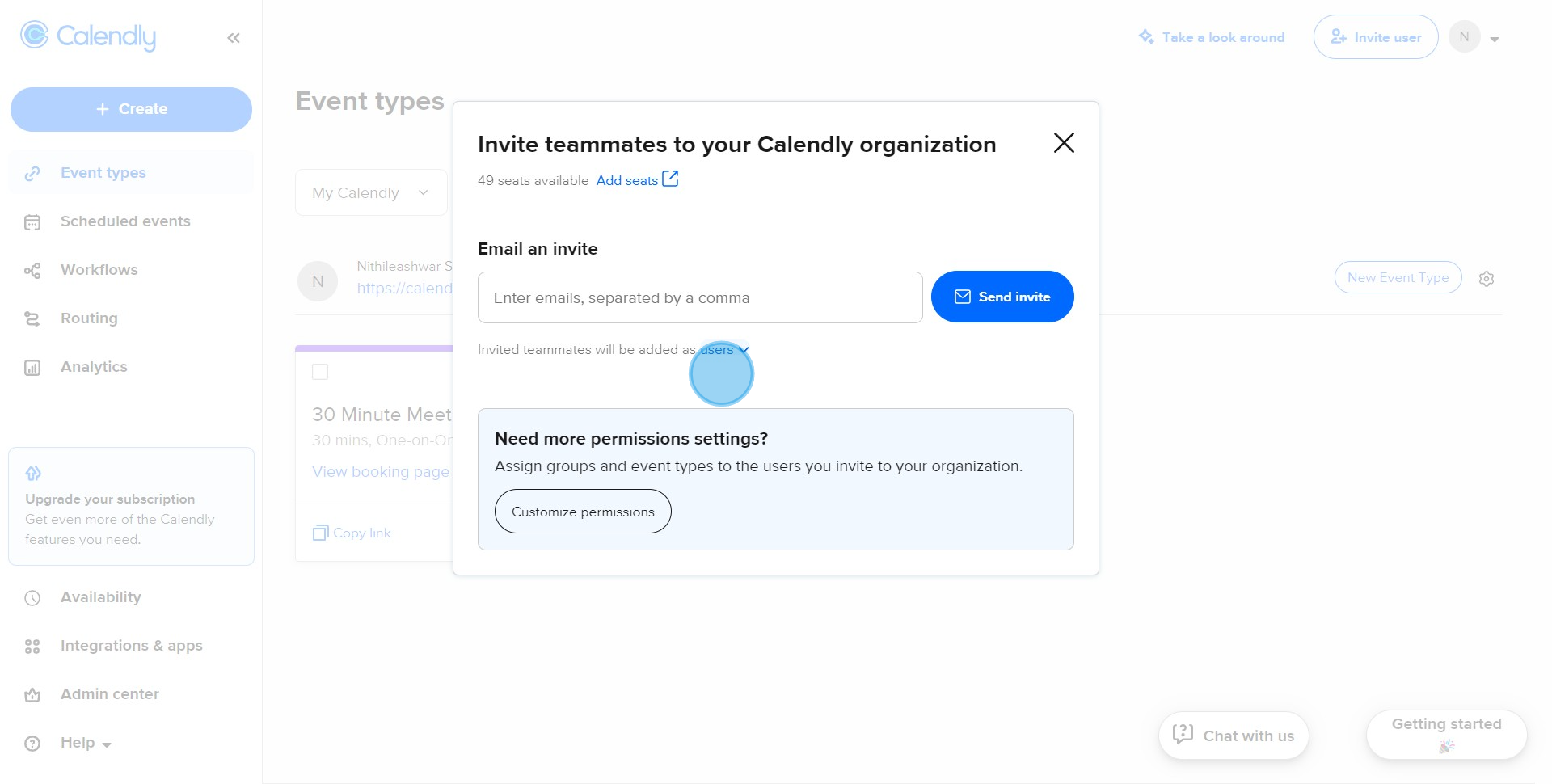
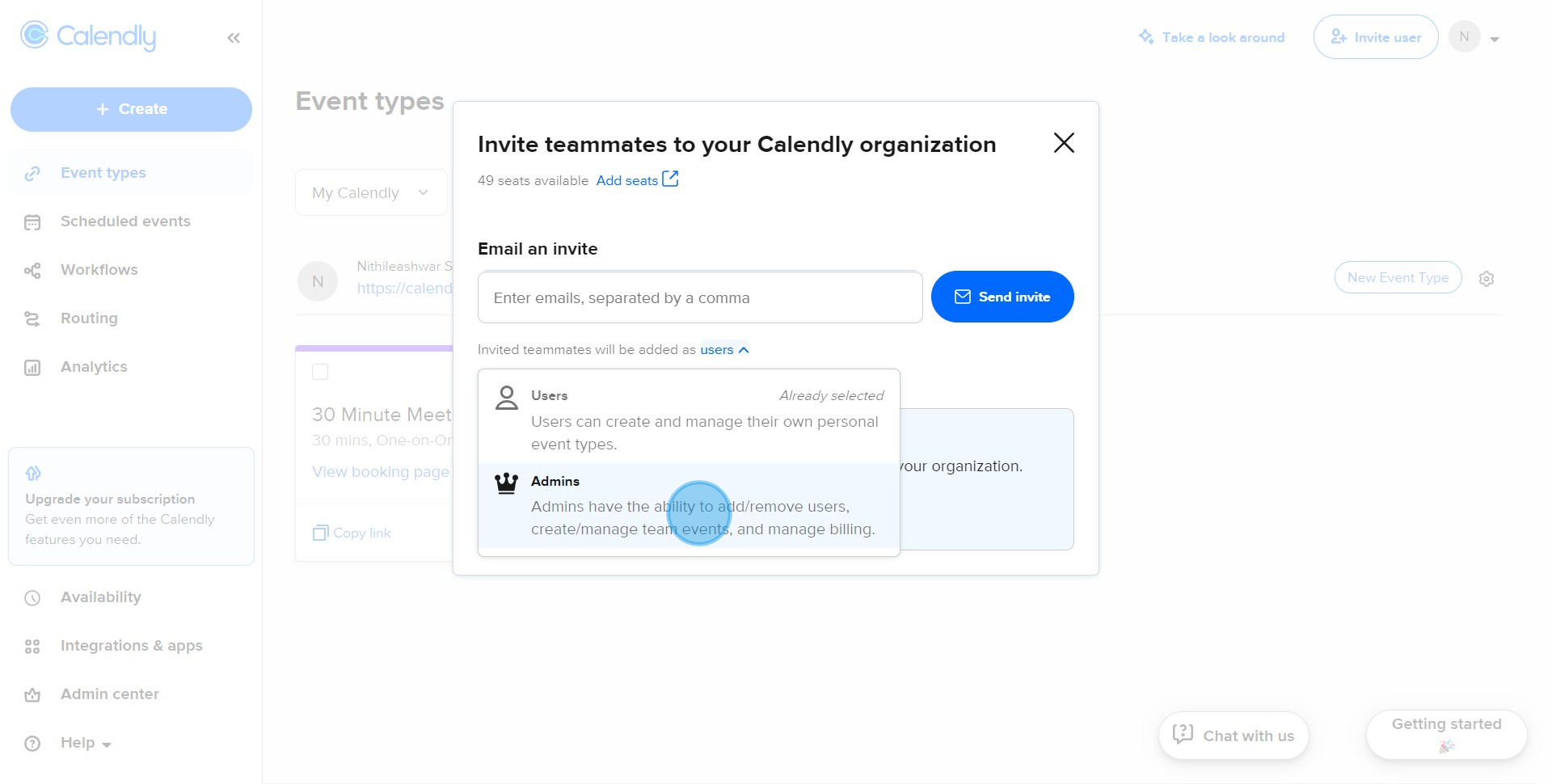
4. Looking good! Now, let's define the user's access level.
5. Finally, set your teammate's role as per your preference.
Create your own step-by-step demo
Scale up your training and product adoption with beautiful AI-powered interactive demos and guides. Create your first Supademo in seconds for free.
Frequently Asked Questions about how to invite teammates with defined roles in calendly
Commonly asked questions about this topic.
How do I set up team collaboration with role-based access in Calendly?
Does Calendly offer templates for teammates with defined roles?
What are best practices for inviting teammates with defined roles effectively?
What are the key features of Calendly for teammates with defined roles?
What automation options are available when adding team members to Calendly?
How do I structure teammates with defined roles for clarity and readability?
Can I export or share my teammates with defined roles outside of Calendly?

Content Marketer
Nithil is a startup-obsessed operator focused on growth, sales and marketing. He's passionate about wearing different hats across startups to deliver real value.
