How is Supademo different from Screen Studio for screen recording?
Supademo records the same screen and webcam video as Screen Studio, free, on Windows as well as macOS, plus AI voiceover in 25+ languages and lessons the learner clicks through. Screen Studio ships a macOS app on one paid plan, from $9 a month billed yearly.
Feature comparison. Supademo leads on 6 of 6 of the features shown, out of 12 compared in full below.


Trusted by 200,000+ top operators and 3,000+ paying organizations


How does Supademo compare to Screen Studio?
Supademo and Screen Studio compared across pricing, screen recording, AI, and interactive demos.
| Feature | Supademo | Screen Studio |
|---|---|---|
| Pricing and plans | ||
| Free videos | ✅ 50 | 🟡 None, exporting is paid |
| You pay for | ✅ Anyone records videos for freeCreators only (anyone records videos for free) | 🟡 A paid plan to export anything |
| Demo formats | ||
| Interactive hotspots | ✅ Yes | ⛔️ No |
| Guided screenshot demos | ✅ Yes | 🟡 Copy one frame as an image |
| Recording and capture | ||
| 4K recording quality | ✅ Free | 🟡 Paid |
| Editing | ✅ Free | 🟡 Paid |
| AI | ||
| AI voiceovers (25+ languages) | ✅ Yes | ⛔️ No |
| AI translation | ✅ Yes | ⛔️ No |
| Delivery and analytics | ||
| Links in videos | ✅ Free | ⛔️ No |
| Lead capture forms in recordings | ✅ Yes | ⛔️ No |
| Platform and support | ||
| Platform support | ✅ Mac, Windows, browser | 🟡 Mac only |
| Update your whole library from one instruction | ✅ Inside Supademo or your AI toolsPlain English, inside Supademo or from Claude and ChatGPT | 🟡 One recording at a timeOne recording at a time, on your Mac |
Why do teams choose Supademo over Screen Studio?
Screen Studio makes beautiful recordings, but it's Mac only, paid, and stops at video. Supademo's free recorder does more and goes further.
A free recorder for what Screen Studio charges for
Screen Studio sells one macOS plan, from $9 a month billed yearly, and without an active plan you can record and edit but not export the file. Supademo's recorder is free on Mac and Windows, with 4K, full editing, and nothing to unlock before you share.
Try Supademo freeSupademo screen recorder: Free forever. Screen Studio (Mac only): $108/year. Free on Mac and Windows
Turn videos into interactive click-through demos
Screen Studio exports an MP4 people watch once. One click turns any Supademo recording into an interactive click-through demo, with hotspots, CTAs, and lead capture, so viewers explore at their own pace and you see who engaged.
Explore use casesSupademo builds fully interactive, clickable product walkthroughs. Screen Studio delivers Watch only.
Supademo
Click to advance
Screen Studio
Watch only
Six capture formats beyond screen recording
Screen Studio records your screen and webcam, then exports video. Supademo does that too, plus guided screenshot demos, guided HTML demos, Figma imports, and sandbox environments. One platform replaces your recorder and your demo tool.
Explore demo typesSupademo supports 6 of 6 recording formats: Video, Screenshots, Desktop, HTML, Sandbox and Figma. Screen Studio supports 2 of 6.
One AI engine, in the product and in your agent
AI Command runs 80+ actions across your workspace, and the same engine answers Claude and ChatGPT over MCP, so one instruction retitles and translates every team's lessons, with every write held for approval. Screen Studio's site names on-device transcript generation.
Explore AI featuresAI capabilities. Supademo: In-product AI, MCP for your agent, Approval on writes, Translation and Voice clone. Screen Studio: On-device transcripts and One recording at a time.
AI creates content
Screen Studio AI
What do users say about Supademo?
Real feedback from G2 reviewers, Reddit users, and teams who use Supademo regularly for interactive demos and product content.

Supademo on G2
Why teams choose Supademo over Screen Studio

“If it's speed, effectiveness, efficiency, and cutting down hours of development and production. All of those can be answered with a 'yes' by Supademo.”

“The past two days I made ten videos, which is a huge difference with [our previous tool], because then I would have had one video in two days.”

“Supademo integrates seamlessly with my workflows, allowing me to easily create demos and videos that I can use in email, social media, and internal training campaigns. The customization and features specific to my use case make it valuable for both marketing and training.”

“Supademo turned out to be a solid fit because it lets us generate those interactive follow-ups quickly, and the analytics help us see exactly where people dropped off or rewatched.”
Should you choose Supademo or Screen Studio?
One builds interactive demo infrastructure. The other records polished passive video on Mac. Different outputs for different goals.
Choose Supademo
Customer Success
Answer the repeat questions with a walkthrough in the help center, and keep it current as the product changes
Sales
Send a personalized demo in an outbound sequence, then see which steps the account opened before the rep follows up
Training
Walk new hires through an SOP in 25+ languages, and see who finished
Marketing
Embed a demo on the landing page so visitors try the product before booking anything, and capture the email at that moment
Free plan available. No credit card required.
Start freeBest for polished macOS video
Choose Screen Studio if you need...
- Recordings that zoom in on the cursor automatically, for a launch video or a course trailer
- Voice levels normalized and background noise removed on export, with no editing pass
- One plan with every feature in it, and a transcript generated from the recording
- A macOS app that records and exports on the machine that made the file
Still deciding between Supademo and Screen Studio?
Answer 5 quick questions and get a personalized recommendation.
What Supademo can do that Screen Studio can't
Free 4K recording on Mac and Windows, full editing, AI voiceovers, and demos viewers click through.
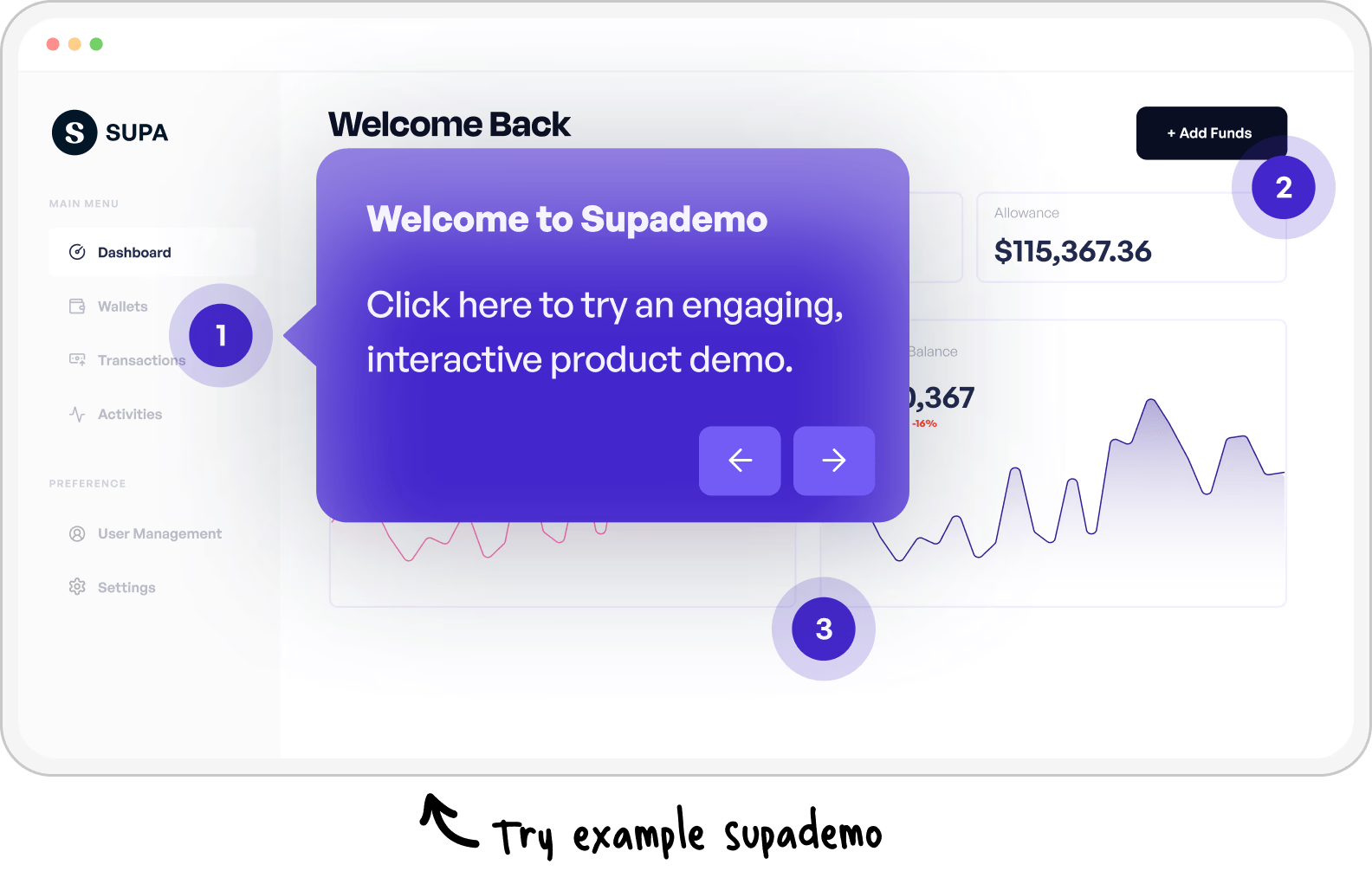
Dig deeper into Supademo vs. Screen Studio
5 Best Screen Studio Alternatives for Mac and Windows
Looking beyond a direct comparison? Our guide covers the top Screen Studio alternatives for teams that need cross-platform support and interactive capabilities.
Explore Screen Studio alternatives
Common questions about Supademo vs. Screen Studio
How Supademo and Screen Studio compare for product demos, tutorials, and customer-facing content.
Is Supademo a free alternative to Screen Studio?
Yes. Supademo's screen recorder is free on Windows and macOS, with 50 recordings in 4K, editing included, and unlimited free viewers. Screen Studio lists one plan at $29 a month, or $9 a month billed yearly. Without a plan you can still record and edit, but you cannot export the file.
How much does Supademo cost compared to Screen Studio?
Screen Studio is $29 a month, or $9 a month billed yearly, with every feature in the one plan. Supademo's recorder is free, and $38 a month per creator adds click-through lessons, AI voiceover in 25+ languages, voice cloning, branching and lead capture. Compare the tiers on our pricing page.
Can Supademo record screens like Screen Studio?
Yes, in up to 4K, with auto-zoom, a freeform webcam bubble, system audio and custom backgrounds. It records through a Chrome extension on Windows and macOS, and its desktop apps capture native software. The same recording becomes a click-through lesson, so nothing is re-recorded for the interactive version.
What can Supademo do that Screen Studio can't?
AI voiceover in 25+ languages, voice cloning, translating a finished lesson, lessons that hold until the learner clicks the real thing, conditional branching by role, lead capture forms, demo hubs, completion reported per step, and recording on Windows.
Why do teams switch from Screen Studio to Supademo?
Usually a second person joins the work on Windows, or the video stops being enough on its own. Supademo records free on both platforms, narrates the steps without anyone reading a script again, and turns the recording into a lesson that reports who finished it. Our Screen Studio alternatives roundup covers the rest.
Does Supademo record on Windows?
Yes. Supademo records in any Chromium browser on Windows, macOS and ChromeOS through its Chrome extension, and ships desktop apps for Windows and macOS that capture native software. Screen Studio ships a macOS app, so a mixed team can standardize on one recorder with Supademo.
Which tool handles lessons in more than one language, Supademo or Screen Studio?
Supademo. AI narrates a lesson in 25+ languages and can clone a voice so the same narrator carries across all of them, and the learner switches language inside the lesson. Screen Studio generates captions on your device from your own audio, and lists AI Voiceover as in progress on its roadmap.