How Simple Testimonial scales product-led onboarding with Supademo

Learn how how Simple Testimonial leverages Supademo across customer success, onboarding, and support.
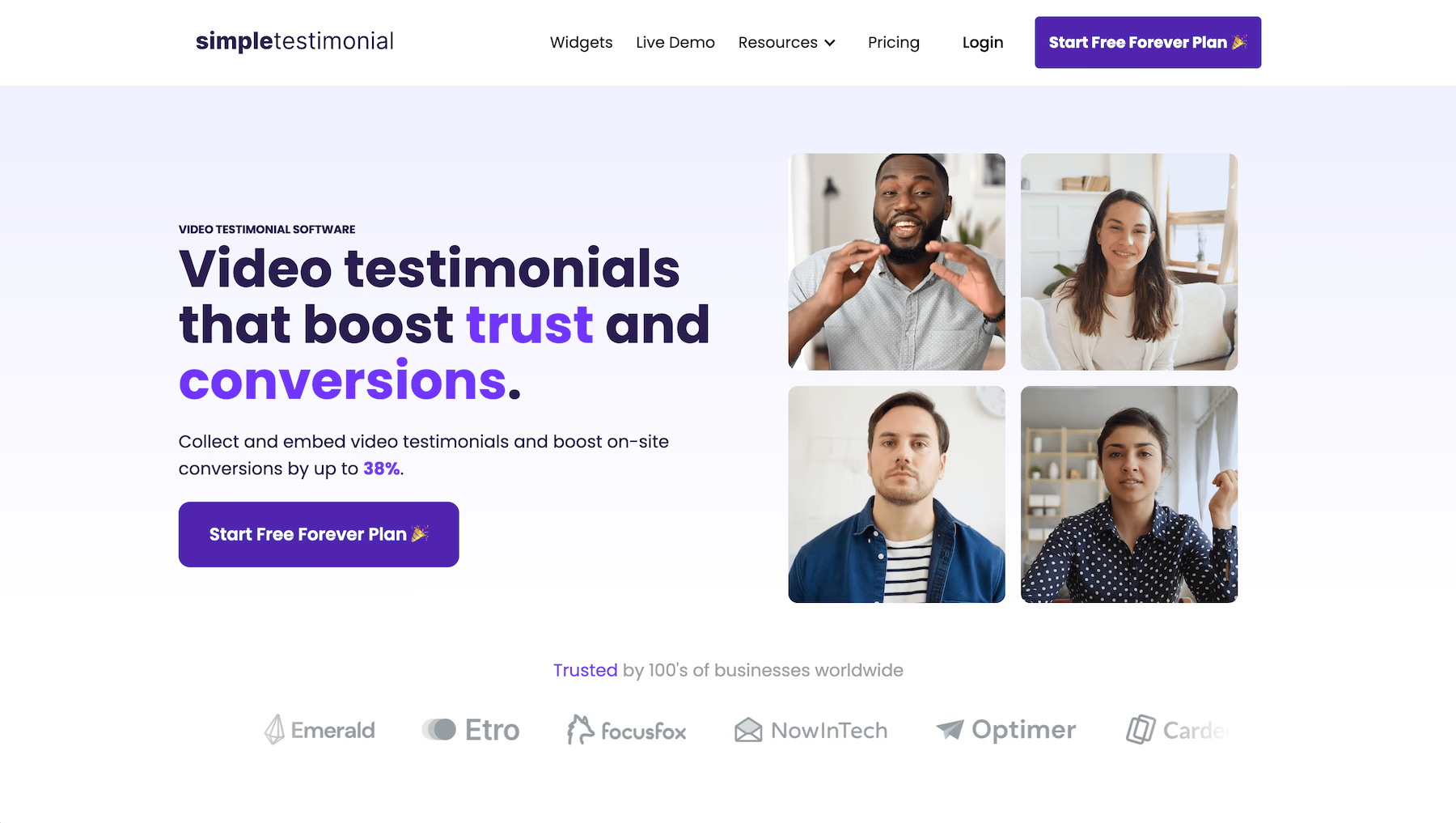
Simple Testimonial landing page

Can you tell us a bit more about Simple Testimonial?

I'm Justin and I'm the Co-founder and Head of Growth at Simple Testimonial. I'm also the Founder of Rock the Rankings, a leading agency that helps B2B SaaS companies scale demos and sign-ups with a predictable organic growth framework.

We help companies collect video testimonials that build trust and drive conversions. These can then be shared as a link or embedded anywhere in a few clicks - helping boost conversions by up to 38%.

What has your Supademo experience been like so far?

This product has been a game changer for us when it comes to making our product even more simple for our users to grasp, as well as helping them during the actual onboarding process. There's extreme value in having the ability to trigger that aha moment with users and showcase the simplicity of our product in just a few clicks, as well as to create in-depth onboarding documentation that users can simply click through and self-serve getting set up with our product.

Highly recommend - and again, this is one of the products in the interactive product demo space that's truly PLG driven - no booking a demo to see or use the product, no waiting for pricing from a sales rep. Try it, use it and you decide.

What use cases have been the most valuable for SImple Testimonial?

Supademo is solving two core problems for our product:

  • It allows us to trigger that "aha, got it" moment with visitors to our website, which helps us to drive signups. We want to showcase just how simple our product is to use, and Supademo allows for just that.
  • It allows us to save time and resources related to support. We create demos for all of our onboarding steps, and FAQs we get so that we can share a step-by-step walkthrough with users, allowing them to self-serve on a lot of frequent questions and issues that we get.
  • There's extreme value in having the ability to trigger that aha moment with users and showcase the simplicity of our product in just a few clicks, as well as to create in-depth onboarding that users can simply click through and self-serve.

    Justin photo
    Justin Berg
    Co-founder

    FAQs

    Commonly asked questions about Supademo. Have other questions? Reach out and our team will be happy to help.

    FAQ illustration

    What is an interactive product demo?

    Interactive product demos are self-paced, hands-on walkthroughs of your product, feature, or workflow – typically recorded using a Chrome Extension or product cloning process.

    Here's a comprehensive guide covering how they're used alongside the benefits they offer.

    How do you make an interactive product demo?

    You can create an interactive demo in just a few minutes by following these instructions:

    1. Open Supademo's Chrome Extension and click "Record Supademo"
    2. Next, click through any product or workflow. Supademo captures clicks and actions and automatically adds text descriptions for each step.
    3. Stop the recording to create an engaging interactive demo instantly, ready to be personalized.

    Can I use Supademo as product tour inside my application?

    Yes - you can programmatically trigger any Supademo from your workspace as an in-app modal to onboard users, showcase new features, or surface helpful training guides.

    Visit our In-App Demo Hub page to learn more about this feature.

    What makes a successful interactive product demo?

    While there's no single metric to measuring the effectiveness of an interactive demo, here are some characteristics shared by successful interactive demos:

    1. Clarity and succinctness on product benefits and 'aha! moments'.
    2. A personalized demo experience for the viewer's persona, role and use case.
    3. Custom branding, engaging visuals, and hotspot design variations to engage and capture attention.
    4. The use of branching and CTAs throughout the interactive demo to convert interest.
    After sharing your interactive demo, we recommend measuring views, viewers, average engagement (%), completion rate (%), leads captured, and session durations as indicators of success. For more tips on successful demos, click here.

    Does Supademo support both HTML and screenshot/video-based demo creation?

    Yes, Supademo allows creators to record interactive product demos in HTML (front-end cloning) and in screenshot/video-based formats. Users create both guided, step-by-step product demos or sandbox environments with Supademo.

    What are the most popular use cases for interactive product demos?

    While interactive demos are popular for a diverse range of use cases, here are some of the most popular ones:

    1. Qualify leads by embedding a self-paced product tour on your website;
    2. Drive adoption by adding to product updates and changelogs;
    3. Scale onboarding and enablement with step-by-step interactive demos;
    4. Promote learning-by-doing in support docs and knowledge bases;
    5. Enhance prospecting and follow ups with personalized interactive demos;
    6. Arm champions to sell internally with trackable demo links;
    Dive into these use cases in more detail through this comprehensive guide. Or to learn how the Supademo team uses Supademo internally through this guide.

    What are the key features I should consider for my interactive product demo?

    Here are some key Supademo features you should know about:

    1. Dynamic variables for personalizing your Supademo at scale for different viewers;
    2. Conditional demo branching that empowers viewers to choose their own journey;
    3. Unique trackable share links that help you focus on the most engaged demo viewers;
    4. Supademo AI that unlocks synthetic AI voiceovers and instant translations into 15+ languages;
    5. Multi-demo showcase collections for sharing related Supademos through one URL or embed.
    6. Customizable demo chapters with email lead capture, embedded forms or password protection.
    7. Supa Screenshots that help you take beautiful screenshots instantly through the same extension.
    Learn more about these features by visiting our features page.

    Do you offer support, training or assistance?

    Supademo offers both hands-on and self-serve training and support. Here are some helpful resources to get you started:

    • Our dedicated customer success team is happy to audit or co-create interactive demos together with you.
    • Our searchable knowledge base contains step-by-step guidance on key Supademo features.
    • Leverage our Getting Started Guide or review tips from our CEO on creating effective interactive product demos.