Free AI Demo GIF Maker
Turn your product demos into lightweight, shareable GIFs with Supademo's AI GIF maker. Record your app with the Chrome extension, let AI auto-generate annotations and trim dead frames, and export as a GIF for emails, landing pages, and social media.
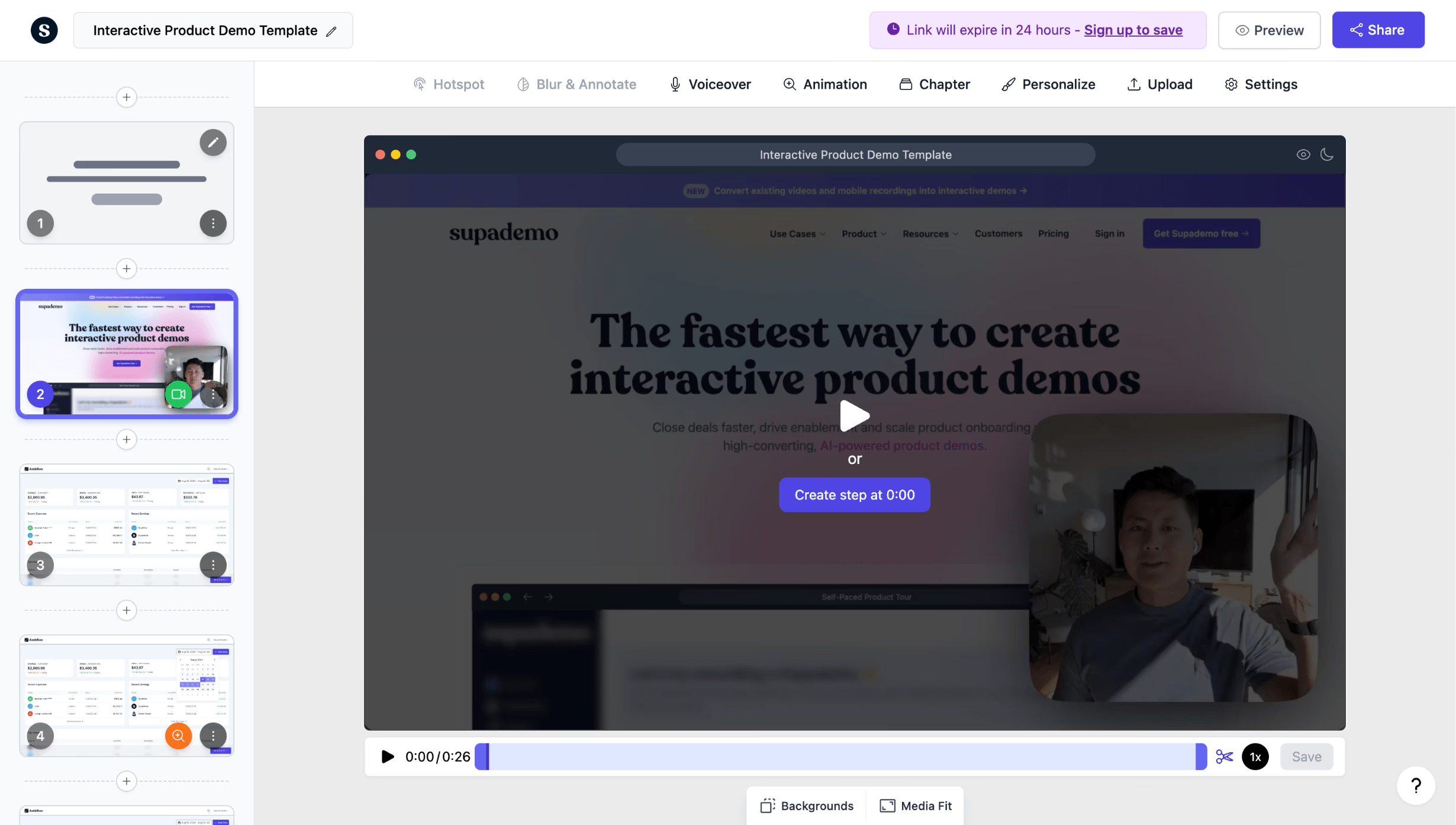
Create product demo GIFs in minutes from any workflow
Start making demo GIFs freeTrusted by 200,000+ top operators and 3,000+ paying organizations

How to create demo GIFs with Supademo
Record your product demo with the Chrome extension
Click through your product's key workflow, and Supademo captures each step as a screenshot. You can also upload existing screenshots or screen recordings to build your demo GIF.
Customize with annotations, transitions, and timing
Add callouts, zoom effects, and smooth transitions between steps. Adjust timing to control how long each step displays in the final GIF. AI can annotate each step automatically.
Export as GIF and share anywhere
Export your demo as a lightweight, looping GIF file. Use it in emails, social media posts, landing pages, support docs, or Slack messages. No watermarks on any export.

What makes Supademo's demo GIF maker different
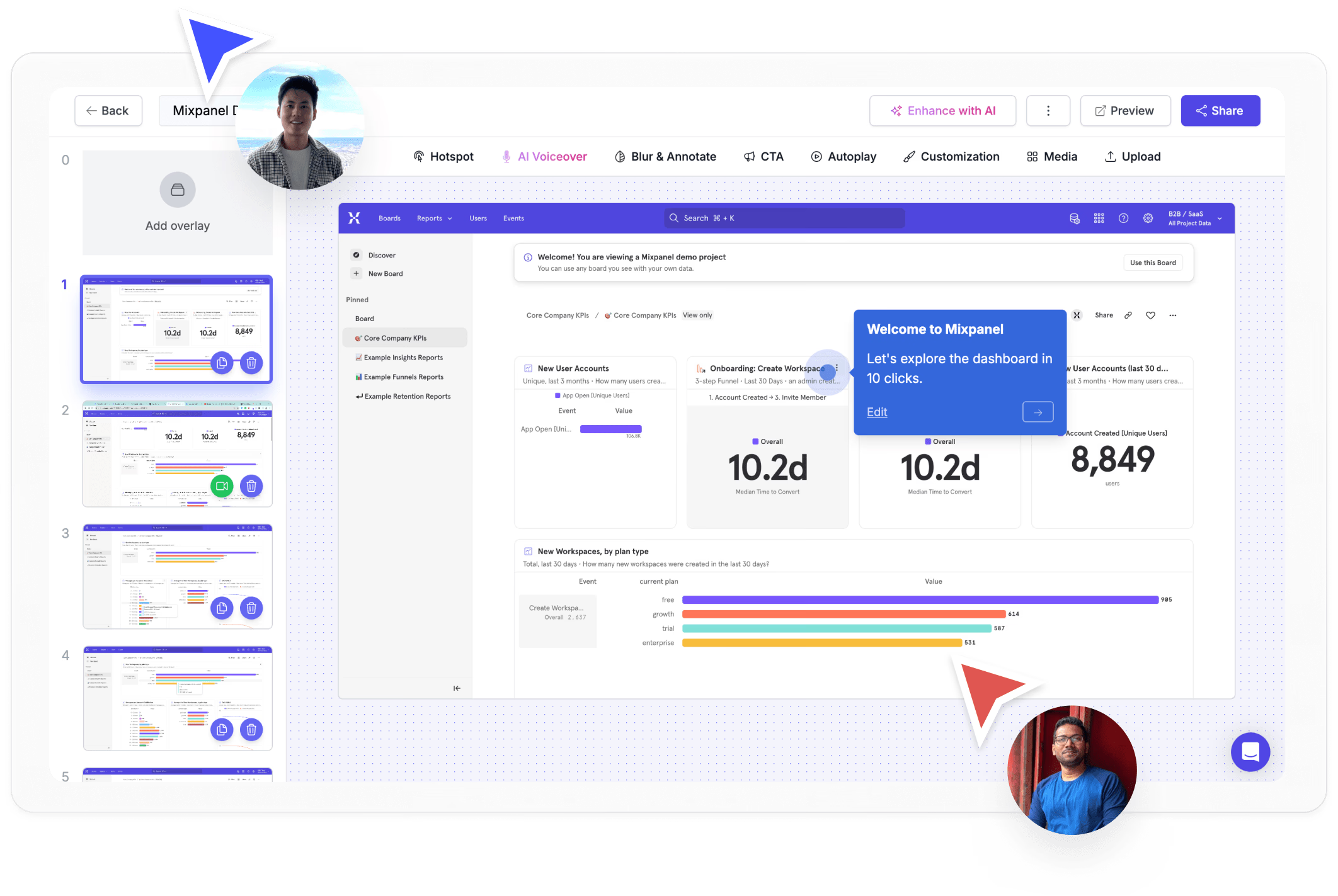
GIFs built from interactive demos, not raw screen recordings
Loom and Giphy Capture export raw screen recordings as GIFs. Supademo creates polished, step-by-step GIFs from interactive demos with annotations, zoom effects, and controlled timing, producing cleaner output that highlights your product better.
See the demo recorder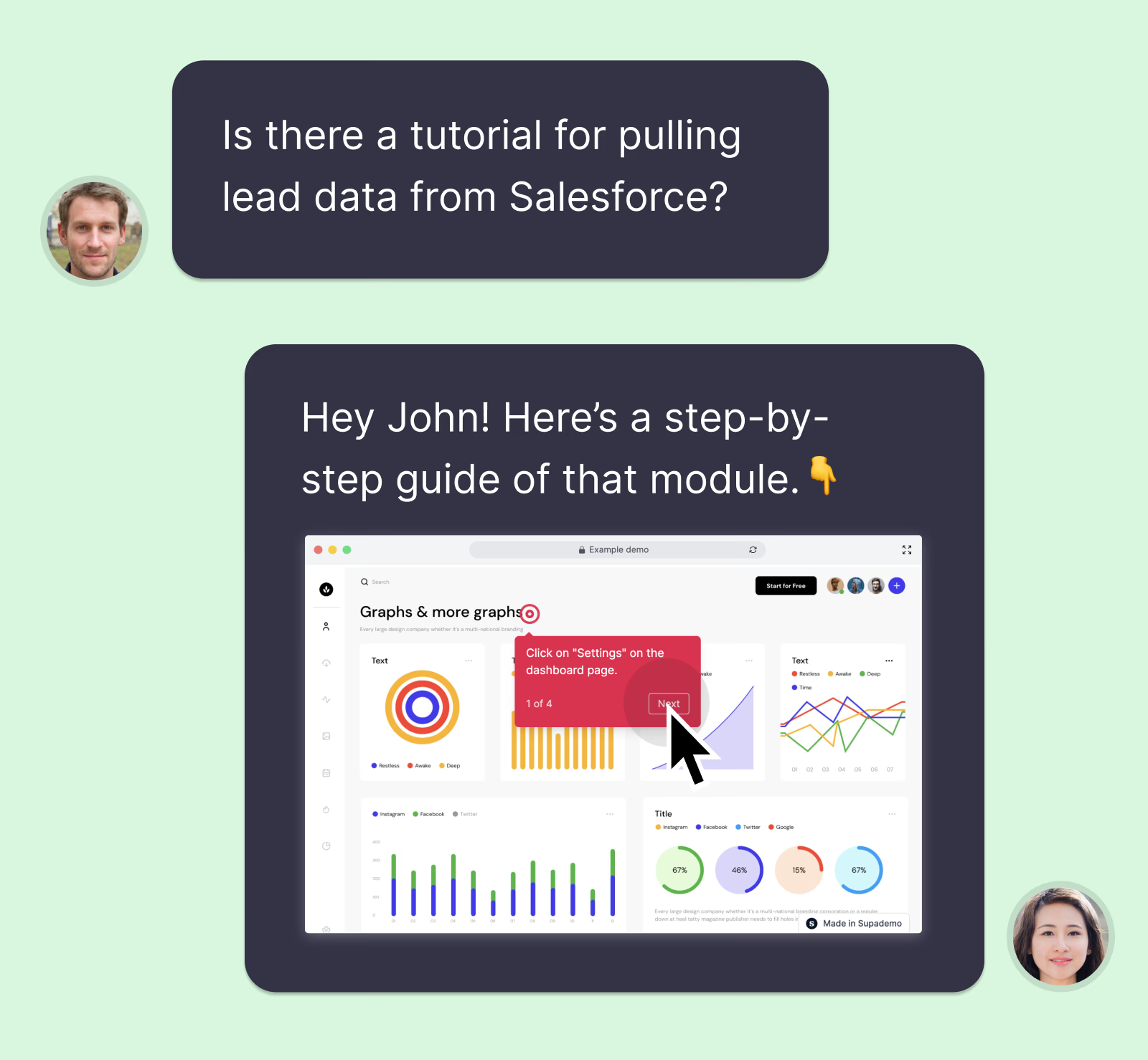
The GIF is just one output format from a single source
Unlike CloudApp which only produces one-off recordings, Supademo lets you create an interactive demo once and export it as GIF, video, or shareable link. One recording, multiple formats, no duplicate work.
Explore sharing options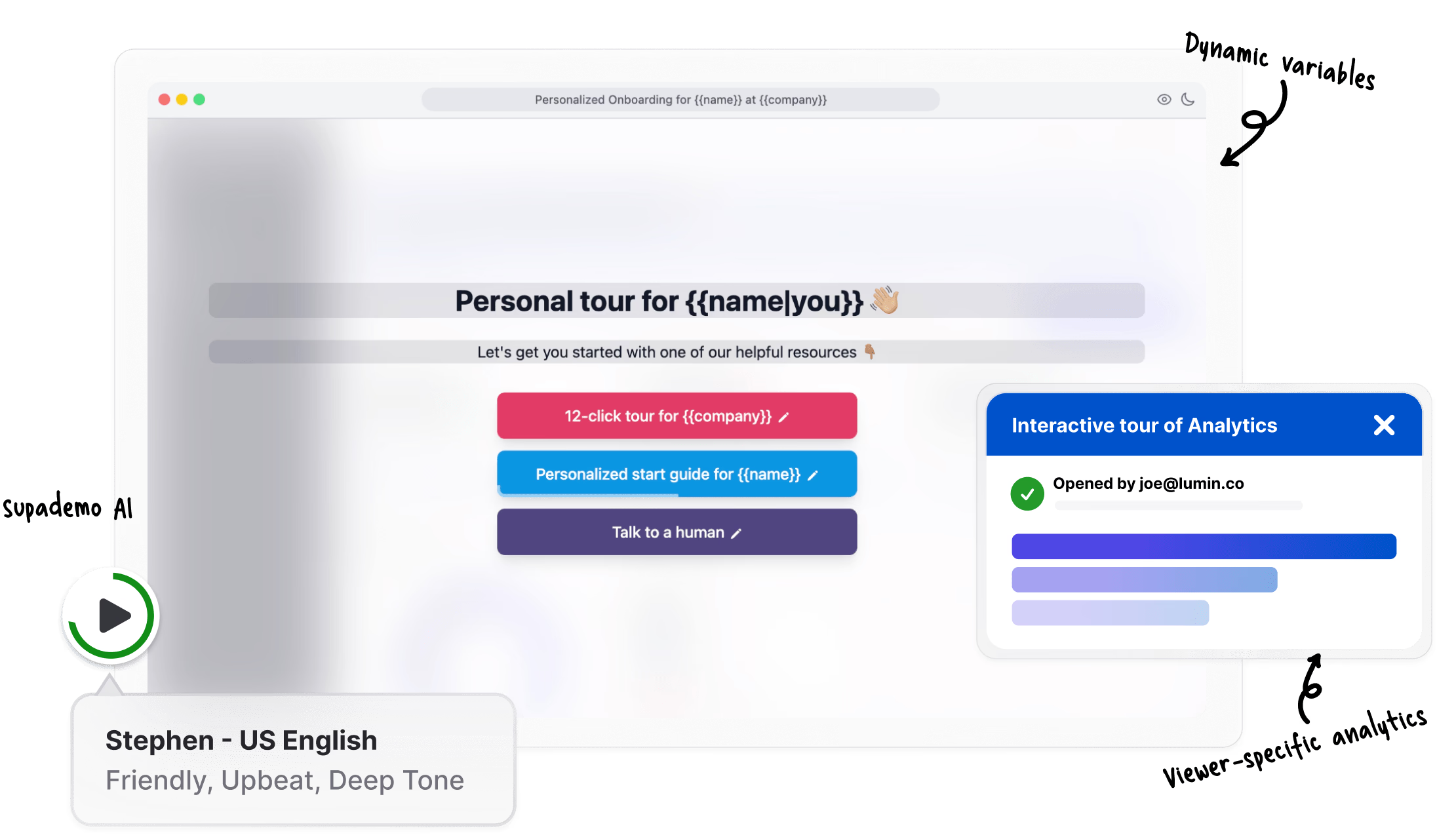
Lightweight GIFs optimized for email and social
Supademo's GIF export is optimized for file size and quality, making it perfect for email campaigns, LinkedIn posts, and landing pages where large video files would slow down load times or get blocked.
View analytics featuresWhy we built Supademo's demo GIF maker

“Our own sales team's cold email reply rates went up about 2.4x when they started embedding 5-second product GIFs. That's the small change that drove us to build Supademo's demo GIF maker. In a 3-second window inside an inbox, an animated frame of the product doing something useful is what gets the click.”

“Most GIF tools start from a finished video file, so they're compressing already-compressed footage. You end up with bloated GIFs that look bad in color-rich UIs. Supademo's demo GIF maker generates the GIF from the original recording, so the file is about 60% smaller and the colors hold up. They preview cleanly in Gmail and Slack.”
How teams use Supademo as a demo GIF maker
GIFs that show the product in action inside every email
Create product demo GIFs that show your product in action inside every email and follow-up. Supademo's demo GIF maker captures the moments that matter.
Explore sales enablement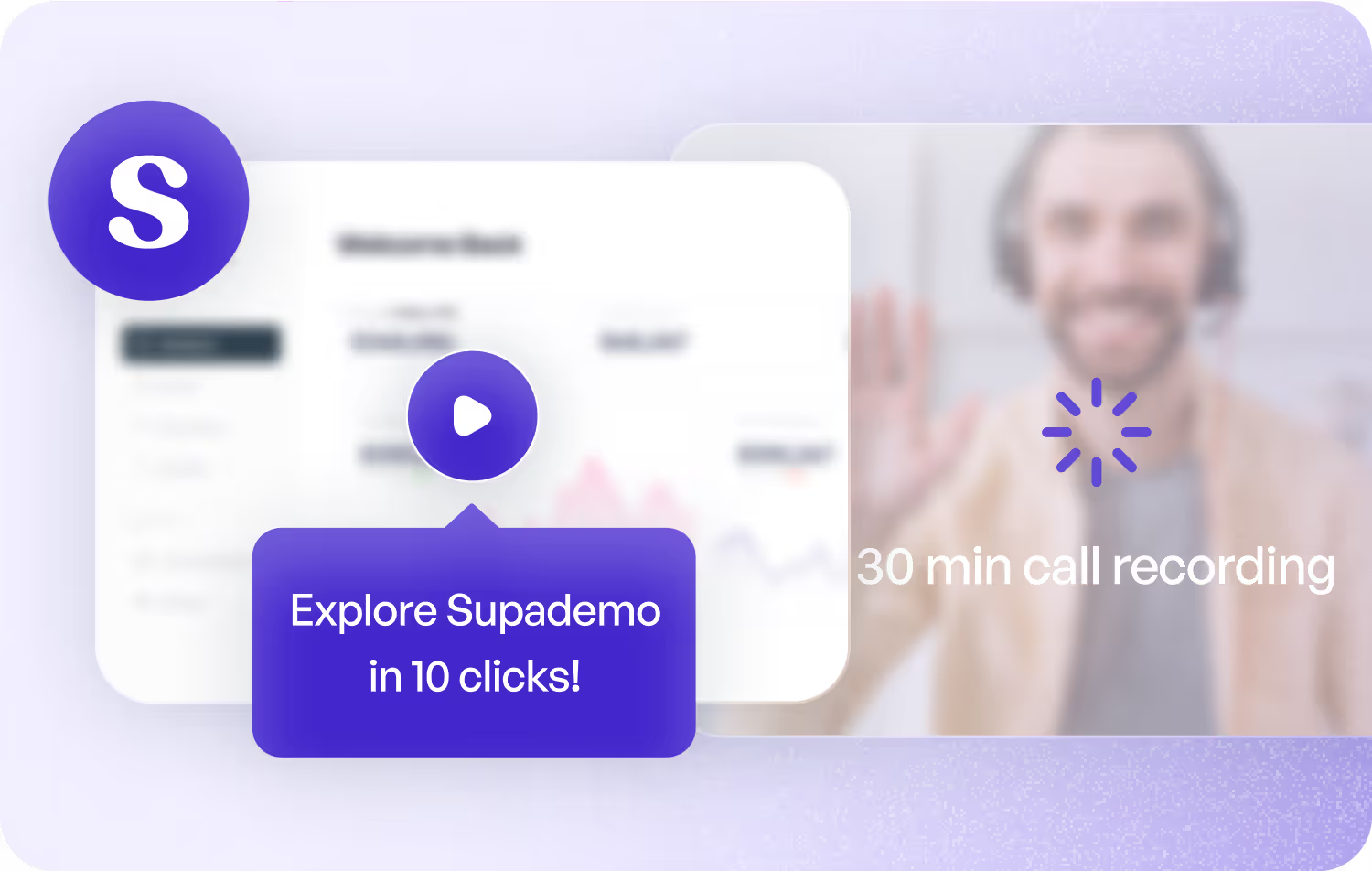
Product GIFs for landing pages, ads, and social posts
Build product demo GIFs for landing pages, ads, and social posts. Supademo's GIF maker exports polished, looping product previews from any recording.
Explore product marketing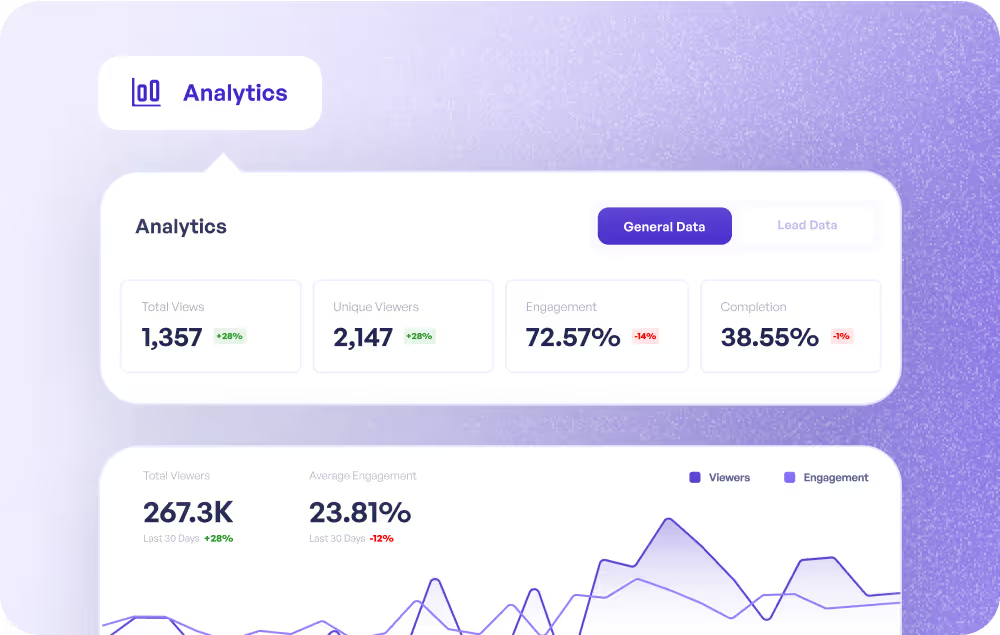
Quick visual answers dropped right into the conversation
Drop demo GIFs into customer conversations for quick visual answers. Faster than writing a paragraph, clearer than a screenshot.
Explore customer success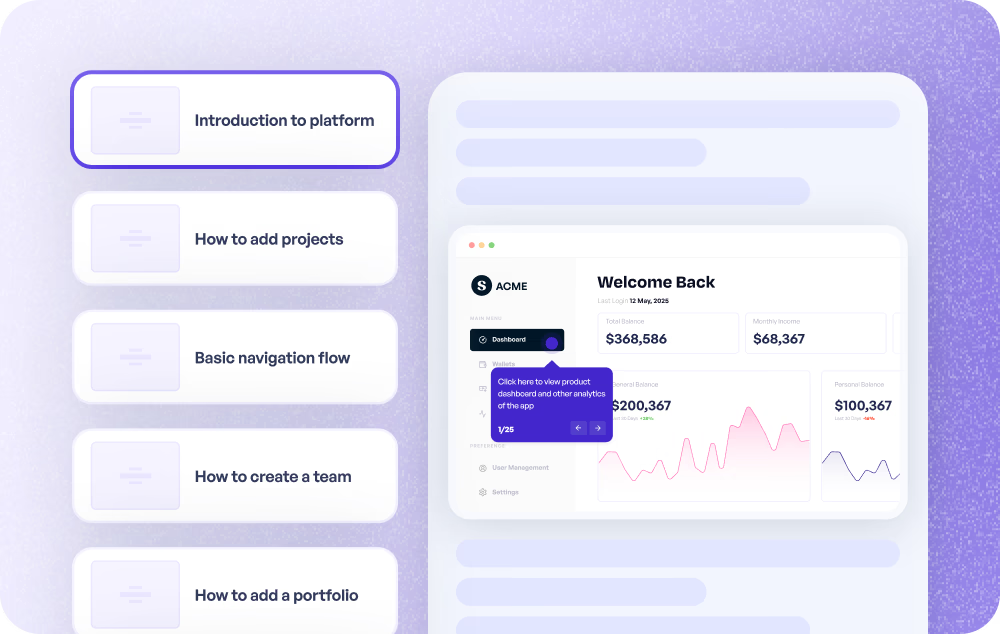
GIF walkthroughs that resolve tickets in one reply
Create GIF walkthroughs that resolve support tickets in one reply. Supademo's demo GIF maker captures the exact steps customers need to follow.
Explore customer support
Capture and share feature demos in seconds
Capture and share feature demos as GIFs in seconds. Supademo's demo GIF maker is the fastest way to communicate product changes.
Explore product use cases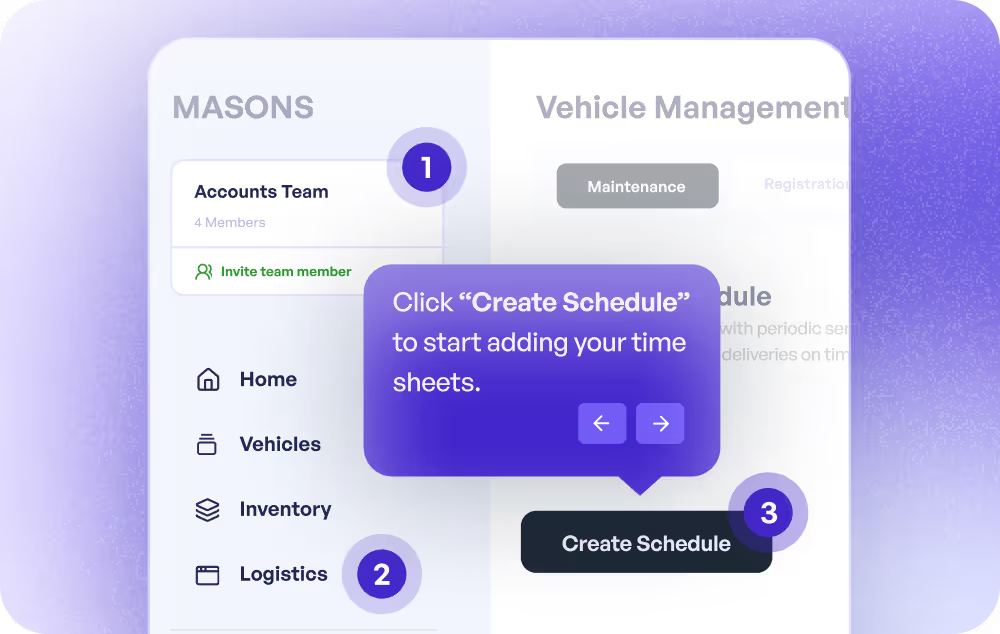
Bite-sized GIF tutorials for any workflow
Build bite-sized GIF tutorials for any workflow. Supademo's demo GIF maker creates interactive, looping training content from screen recordings.
Explore training use cases
How do sales teams use Demo GIF Maker?
Sales reps use Supademo's demo GIF maker to create short, shareable product GIFs for email outreach and follow-ups that show exactly how a feature works in seconds.
How do marketing teams use Demo GIF Maker?
Marketing teams use Supademo's demo GIF maker to turn product recordings into lightweight GIFs for social media, blog posts, and ad creatives that grab attention without requiring a click.
How do customer success teams use Demo GIF Maker?
CS teams use Supademo's demo GIF maker to create quick visual walkthroughs of new features and share them in onboarding emails or help center articles to drive adoption.
How do support teams use Demo GIF Maker?
Support teams use Supademo's demo GIF maker to embed short visual answers directly in help docs and canned responses, resolving issues faster than text-only instructions.
How do product teams use Demo GIF Maker?
Product teams use Supademo's demo GIF maker to create quick GIF previews of new features for release notes, Slack announcements, and stakeholder updates without scheduling a walkthrough.
How do training teams use Demo GIF Maker?
L&D teams use Supademo's demo GIF maker to produce bite-sized visual guides for internal processes that can be dropped into wikis, LMS platforms, or Slack channels.
Explore Similar Free Tools
Frequently asked questions
Common questions about Supademo’s demo GIF maker. Have others? Reach out and our team will be happy to help.

A demo GIF sits between a static screenshot and a full video. It auto-plays, loops, and requires no click to start, making it ideal for email campaigns, social posts, and landing pages. Supademo's approach builds an interactive demo first, then exports it as a polished GIF with controlled timing and annotations.
An AI GIF maker captures a workflow and uses AI to clean up the recording — auto-trimming dead frames, generating annotations, and optimizing the export so the GIF stays small without losing detail. Supademo's AI GIF maker handles all of that automatically and exports a lightweight product GIF ready to drop into Gmail, Slack, or a landing page.
Loom captures raw screen recordings and does not natively export GIFs. Supademo creates step-by-step interactive demos that you can export as GIFs, videos, or shareable links. The GIF output is cleaner because each step is a distinct frame with annotations.
Giphy Capture and CloudApp record your screen as-is, producing large, unpolished GIF files. Supademo creates structured, step-by-step GIFs from interactive walkthroughs with annotations and controlled timing, resulting in smaller files that look more professional.
Yes. Record any workflow with the Chrome extension, and Supademo captures each step automatically. AI adds annotations, and you can export as GIF with a single click. No video editing or design skills needed.
Demo GIFs work well in email campaigns, social media posts, landing pages, help docs, Slack messages, and support tickets. They load faster than demo videos, autoplay in most contexts, and show your product in action without requiring a click to play.
Supademo optimizes GIF output for quality and file size. You can control the number of steps and timing to keep file sizes manageable for email and web use. There are no watermarks or artificial limits on the free plan.
Yes. Every Supademo project can be shared as an interactive link, embedded on your website, or exported as GIF and explainer video. One recording gives you multiple output formats for different channels and use cases.
Yes. The free plan lets you create interactive demos and export them as GIFs with no credit card required. Paid plans add custom branding, advanced analytics, and workspace features for teams.