Free AI Documentation Generator
Auto-generate interactive documentation by recording any workflow. Supademo's AI writes the steps, adds annotations, and creates shareable docs in minutes, replacing manual screenshots and writing.
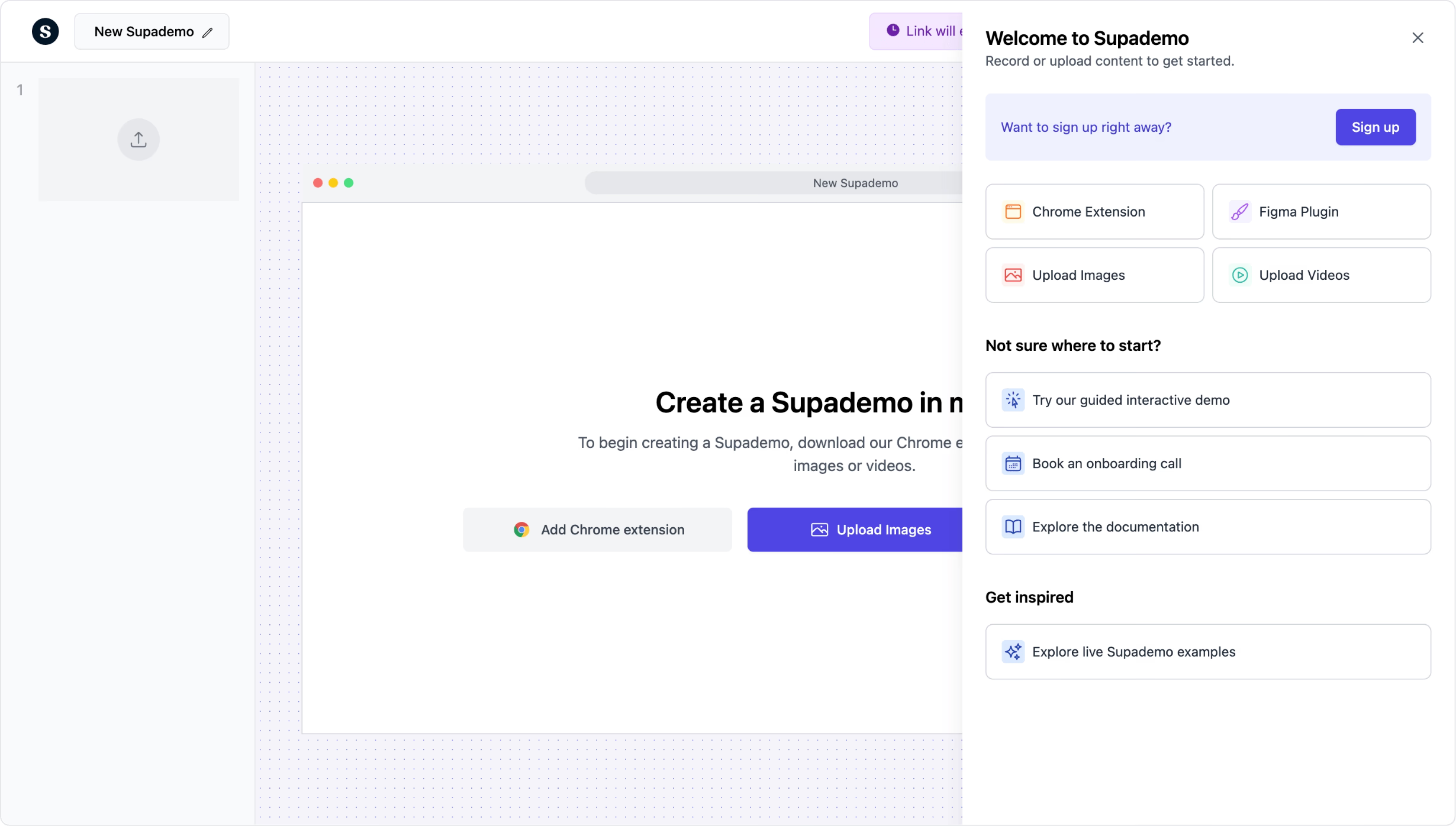
Auto-generate interactive docs from any workflow
Start generating docs freeTrusted by 200,000+ top operators and 3,000+ paying organizations


How to generate documentation with Supademo
Record any workflow with the Chrome extension
Click through the process you want to document, and Supademo captures each step as a screenshot with AI-generated descriptions. No manual screenshots, no writing, no formatting.
Let AI enhance with annotations and voiceovers
AI adds contextual hotspots, callouts, and voiceovers to each step. Edit any text, rearrange steps, or add branching paths for different user scenarios.
Share, embed, or export your documentation
Publish your interactive documentation as a shareable link, embed it in your knowledge base or help center, or export as PDF, video, or images for offline use.

What makes Supademo's documentation generator different
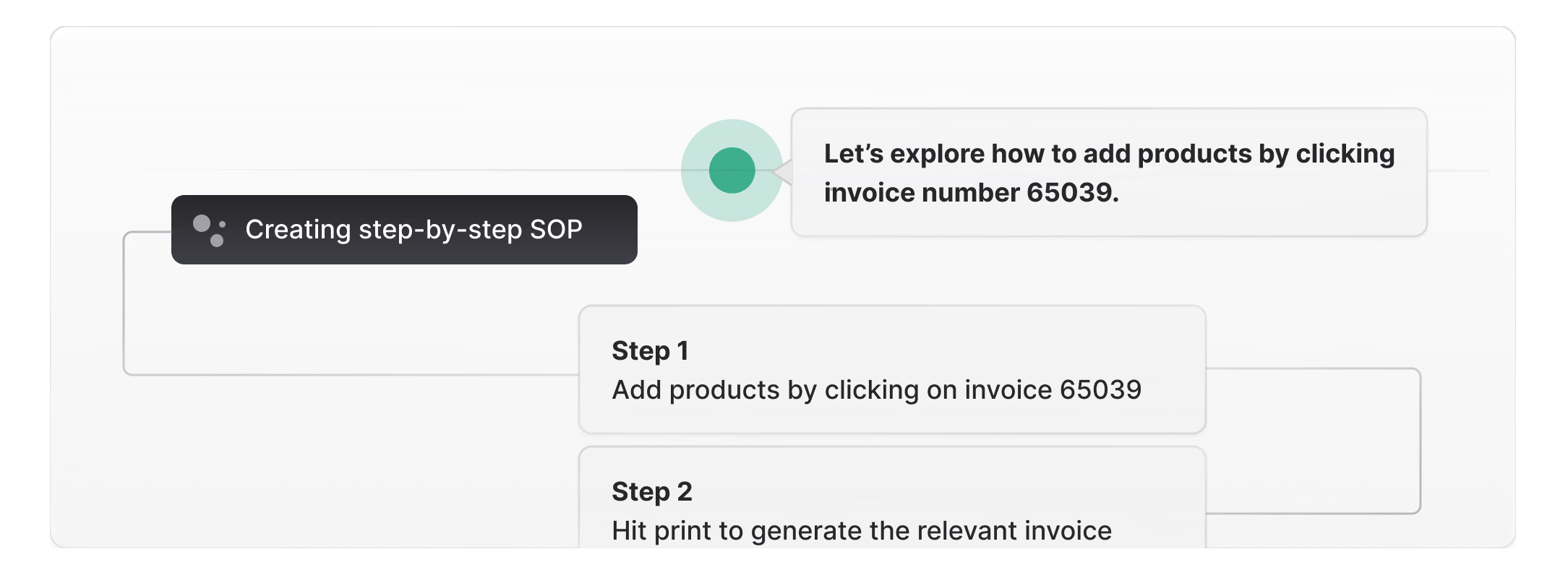
Auto-generate docs by recording, not writing
Scribe and Tango capture steps but produce static screenshots with basic text. Supademo creates fully interactive documentation where readers click through each step, with AI-generated annotations, voiceovers, and hotspots included automatically.
See the demo recorder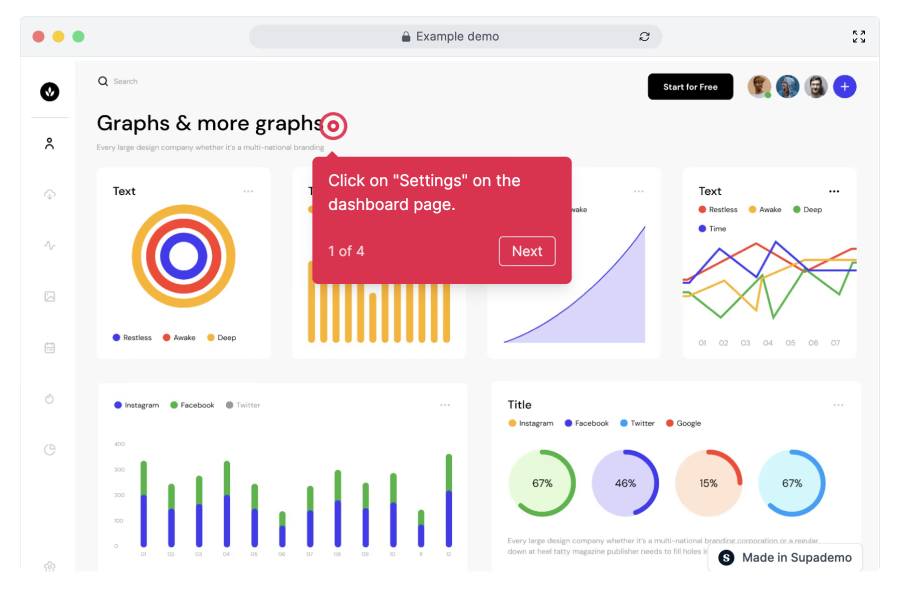
Interactive docs get used, static docs get ignored
Notion AI helps you write text docs. Supademo creates interactive, visual documentation that users actually engage with. Step-level analytics show who read your docs and where they dropped off, something static documentation can never provide.
Explore guided HTML demos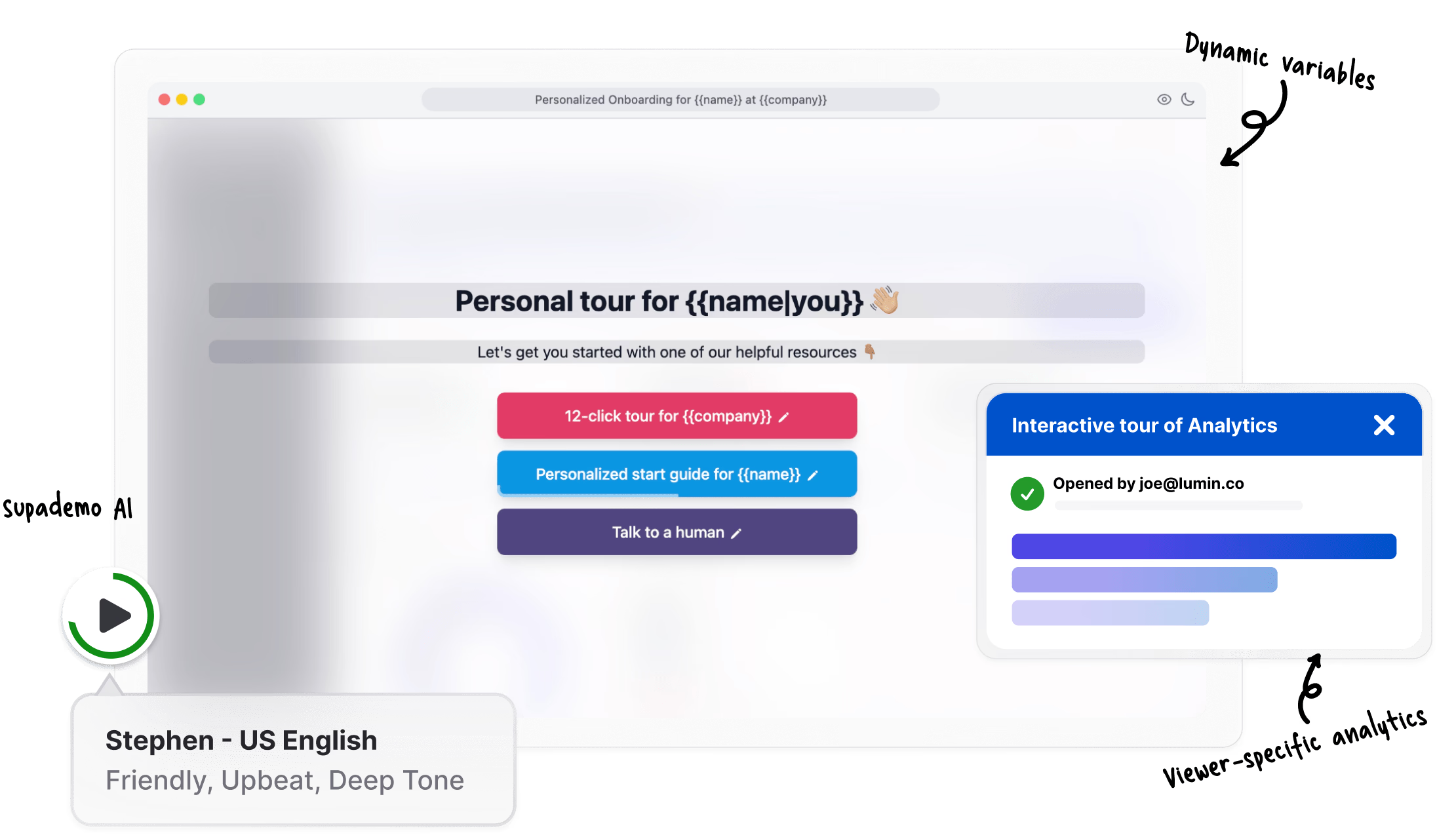
Update documentation in minutes, not hours
When your product changes, re-record the workflow and Supademo updates the documentation automatically. No need to manually update dozens of screenshots and rewrite step descriptions across multiple documents.
View analytics featuresWhy we built Supademo's AI documentation generator

“I asked our engineering lead how much time he loses to documentation each sprint. He said about 4 hours, all of which he resents. The output is usually a wiki nobody trusts. With Supademo's AI documentation generator, the engineer clicks through the workflow once and the docs come out of the recording. Documentation happens while you're working.”

“Generating docs from click events sounds simple until you try it. Half the events are noise. I trained Supademo's AI documentation generator to filter the noise (accidental clicks, scroll, tab switching) before writing anything. The doc reads like someone wrote it from scratch, and about 85% of generated docs ship without manual edit.”
How teams use Supademo as a documentation generator
Auto-generate product docs that support every deal
Auto-generate product documentation that supports every deal. Supademo's AI documentation generator creates shareable docs from screen recordings.
Explore sales enablement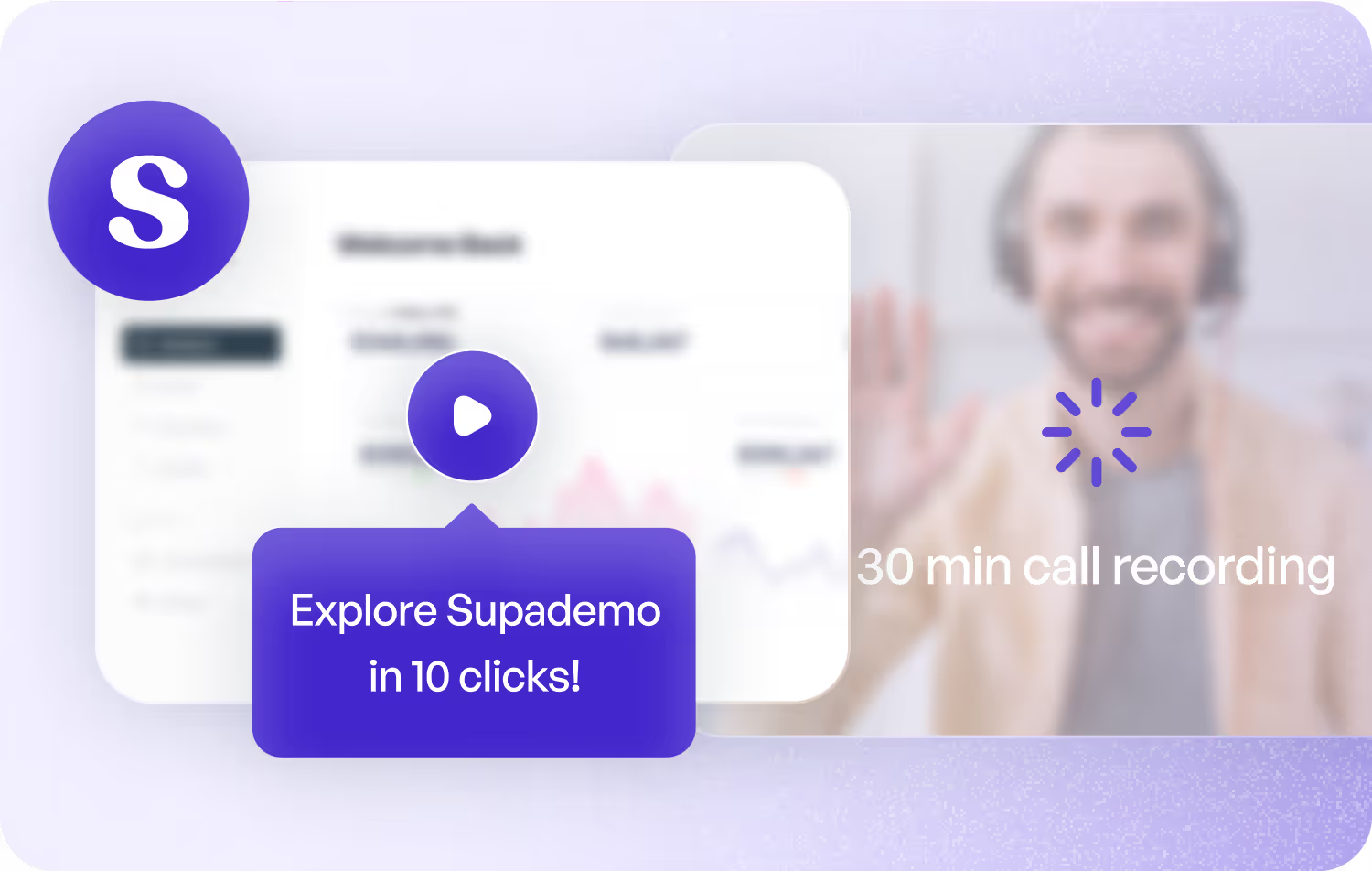
Documentation that doubles as SEO content
Turn product workflows into SEO-friendly documentation automatically. Supademo's AI documentation generator creates content that ranks and converts.
Explore product marketing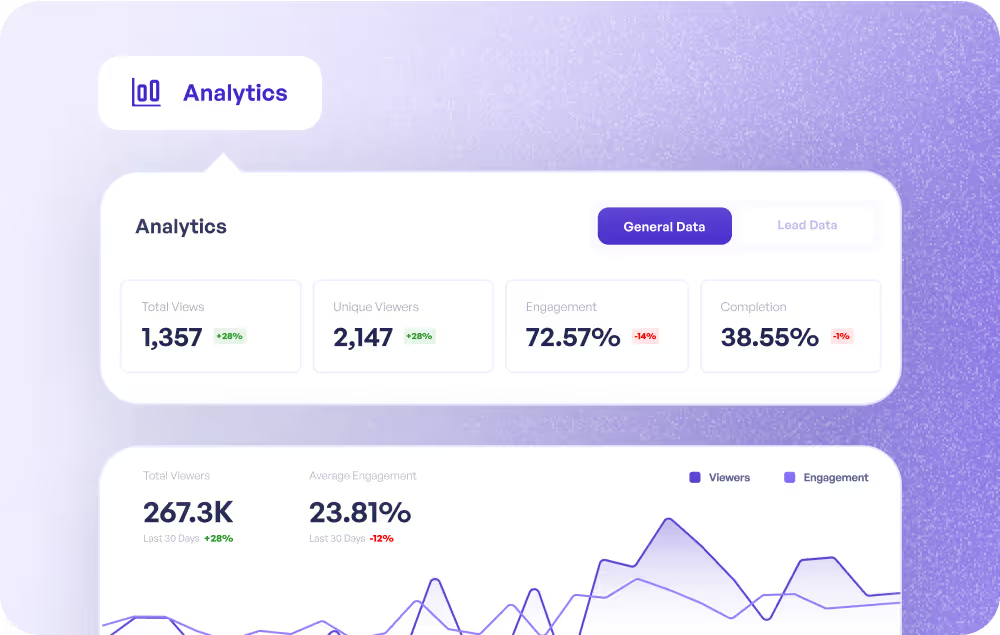
Keep help docs current without manual rewrites
Keep help docs current without manual rewrites. Supademo's AI documentation generator updates documentation when the product changes.
Explore customer success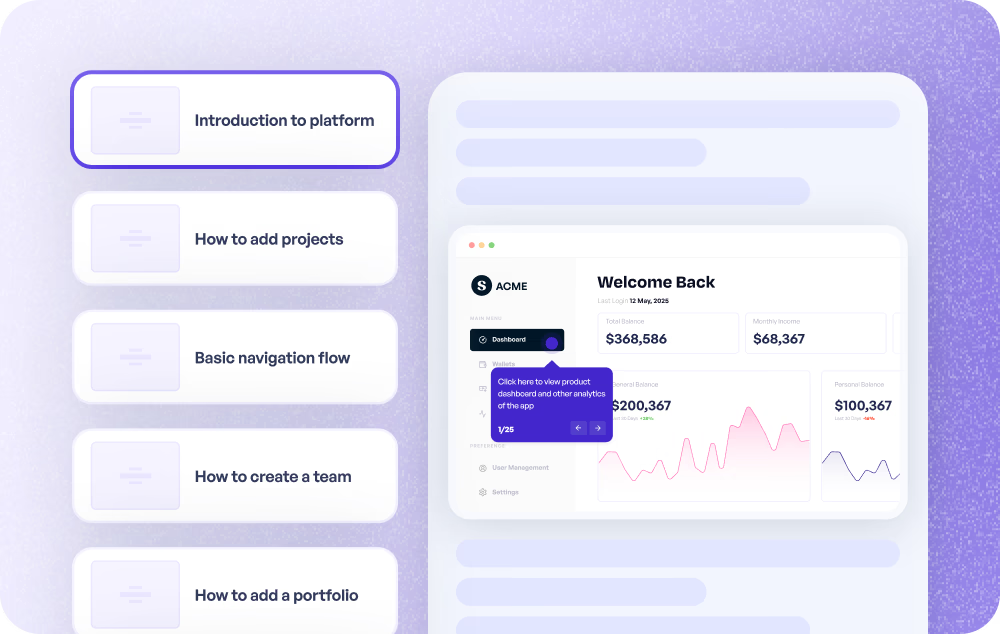
AI-generated knowledge base articles from product workflows
Generate knowledge base articles from product workflows automatically. Supademo's AI documentation generator creates step-by-step guides agents and customers can follow.
Explore customer support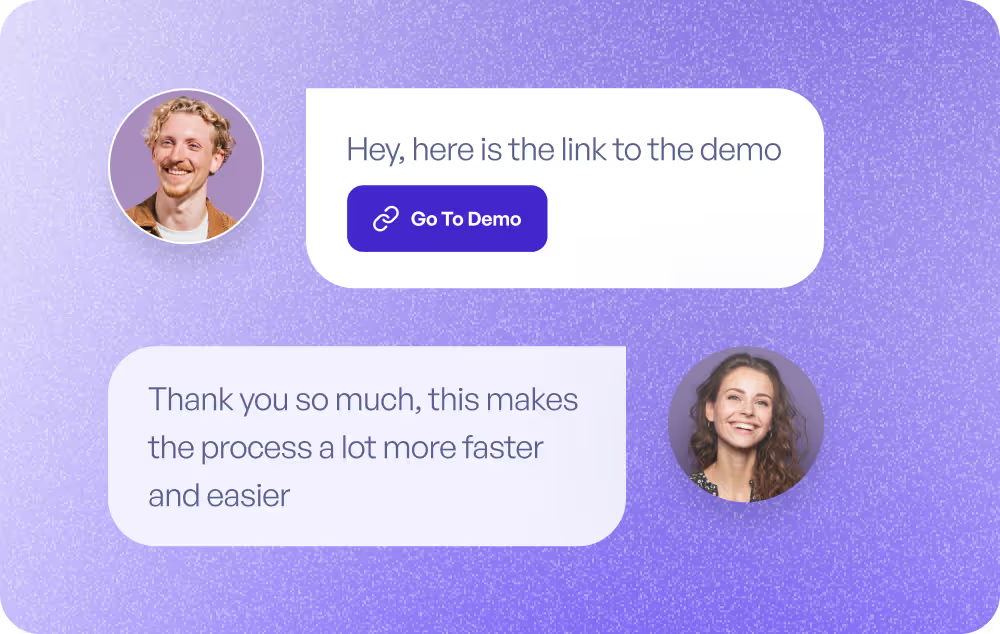
Turn any workflow into documentation automatically
Turn any workflow into documentation automatically. Supademo's AI documentation generator captures your screen and writes the docs for you.
Explore product use cases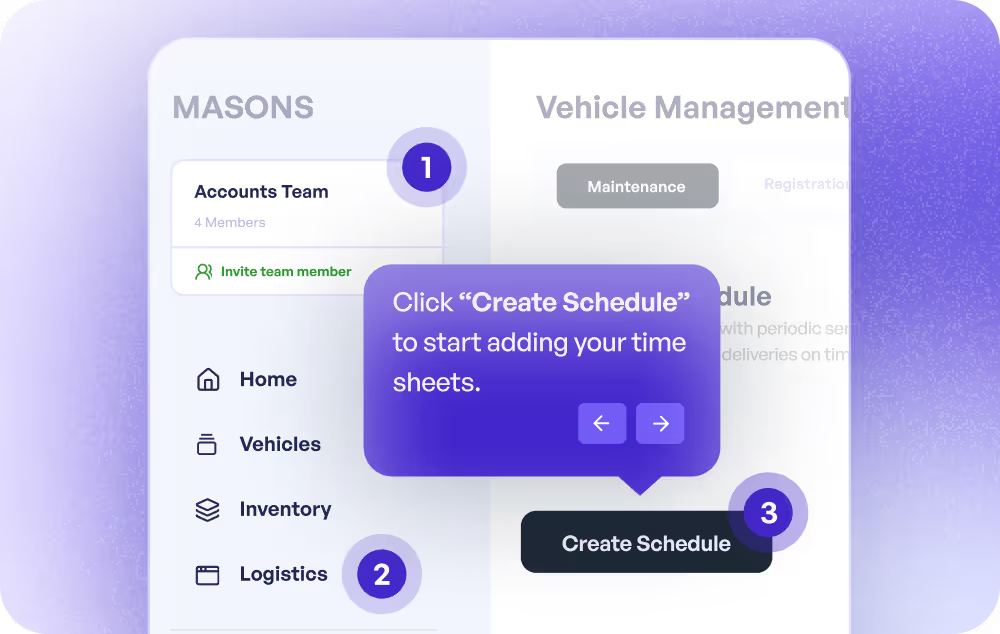
Generate training docs from screen recordings instantly
Generate training documentation from screen recordings instantly. Supademo's AI documentation generator creates interactive, annotated guides with zero manual writing.
Explore training use cases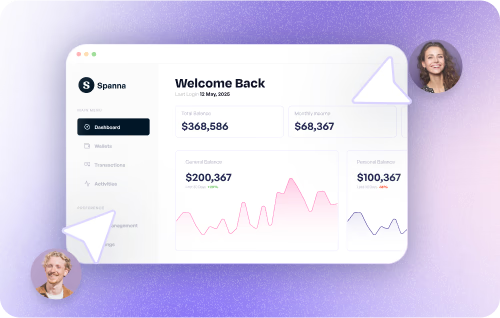
How do sales teams use Documentation Generator?
Sales teams use Supademo's documentation generator to create interactive product guides they can share with prospects, giving buyers a self-serve way to explore features between calls.
How do marketing teams use Documentation Generator?
Marketing teams use Supademo's documentation generator to turn product workflows into SEO-friendly, interactive documentation that ranks in search and drives organic traffic.
How do customer success teams use Documentation Generator?
CS teams use Supademo's documentation generator to keep help docs current automatically, so customers always see accurate, step-by-step guides that reflect the latest product version.
How do support teams use Documentation Generator?
Support teams use Supademo's documentation generator to create knowledge base articles from product workflows automatically, so agents and customers find answers without filing a ticket.
How do product teams use Documentation Generator?
Product teams use Supademo's documentation generator to capture any workflow and auto-generate interactive docs, keeping product documentation in sync with every release.
How do training teams use Documentation Generator?
L&D teams use Supademo's documentation generator to produce training documentation from screen recordings instantly, with AI-written annotations and zero manual formatting.
Explore Similar Free Tools
Frequently asked questions
Common questions about Supademo’s AI documentation generator. Have others? Reach out and our team will be happy to help.
An AI documentation generator automatically creates process documentation from screen recordings or workflow captures. Supademo's version produces interactive, step-by-step guides with AI-written descriptions, annotations, and voiceovers, not just static screenshots. Teams building in-app tutorials and help content benefit most.
Scribe captures steps and produces static documents with screenshots. Supademo creates interactive documentation that viewers click through, with AI-generated voiceovers and hotspots. You also get viewer analytics showing who read your docs and where they dropped off. For a broader comparison, see our 10 Best Knowledge Base Software 2026 roundup.
Tango focuses on basic step capture with static output. Supademo adds interactivity, AI voiceovers in 25+ languages, conditional branching, and embeddable links. Your documentation becomes an interactive experience, not a static PDF.
Yes. Just click through any workflow with the Chrome extension, and Supademo captures each step automatically. AI writes the descriptions and adds annotations. No coding, no design skills, no manual formatting required. The output rivals a professionally written user guide.
Yes. Supademo documentation can be embedded in any knowledge base, help center, wiki, or website with a simple embed code. You can also share direct links or export as PDF, video, and image formats.
Re-record the updated workflow with the Chrome extension, and Supademo generates new documentation automatically. You can also manually edit individual steps, swap screenshots, and update text without rebuilding the entire document.
Yes. Supademo provides analytics on unique viewers, step-level completion rates, and engagement time. This helps you identify which docs are most used, which need improvement, and where readers drop off. This data is valuable for employee training programs.
Yes. Generate and share interactive documentation on the free plan with no credit card required. Paid plans offer branded documentation portals, SSO for secure team access, advanced analytics showing reader engagement, and multi-user workspaces.