Free AI Microlearning App
Create bite-sized, interactive training modules employees finish in minutes. Replace text-heavy EdApp or TalentCards courses with visual, AI-guided microlearning.
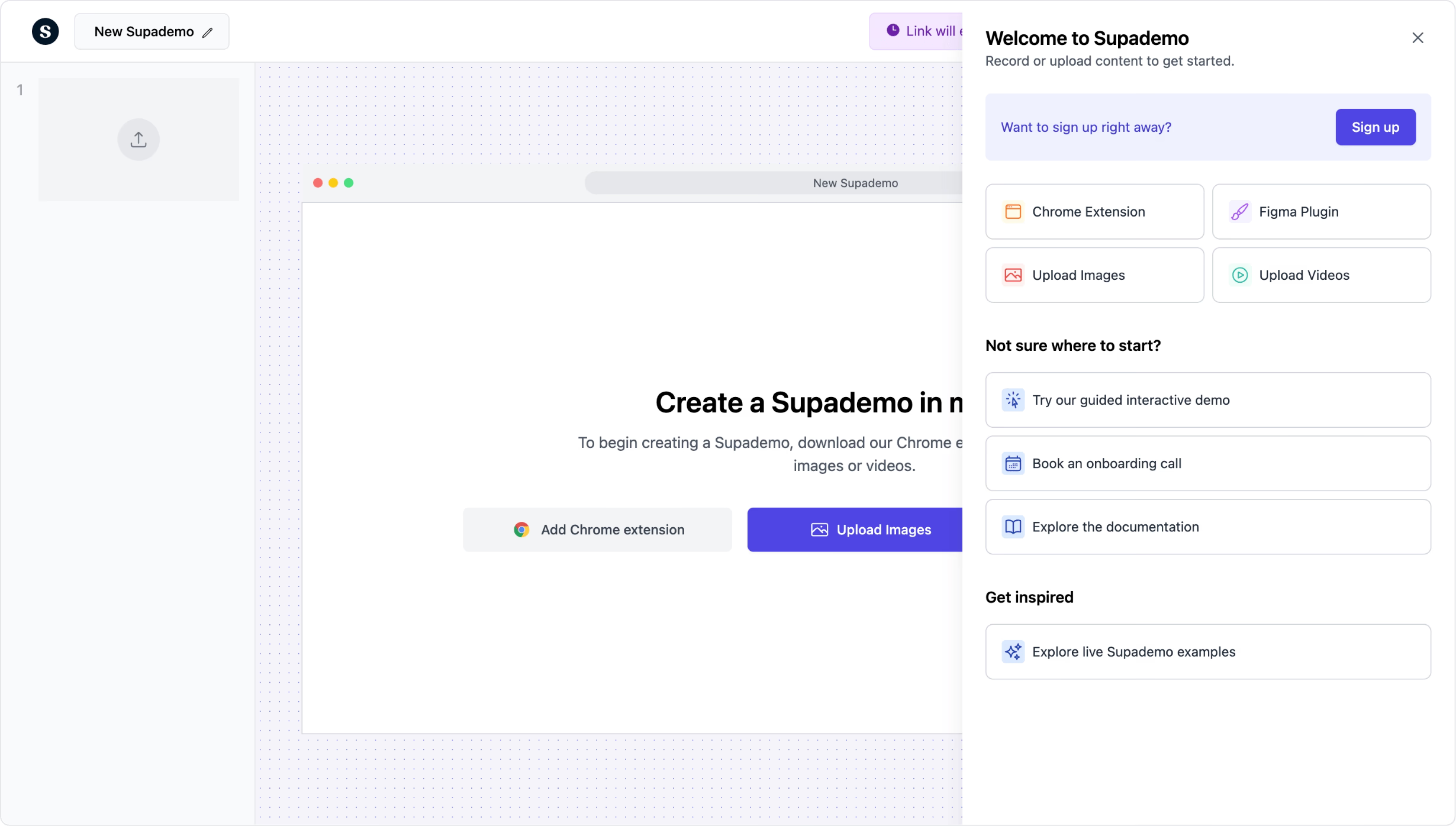
Create bite-sized interactive training in minutes
Try it freeTrusted by 200,000+ top operators and 3,000+ paying organizations

How to create microlearning modules with Supademo
Capture the skill or process in quick steps
Record a short workflow with the Chrome extension or upload screenshots. Each microlearning module focuses on a single skill or process, keeping it concise and focused.
Add AI annotations and interactive quizzes
Let AI generate step descriptions, then add hotspots, branching decision points, and knowledge checks. Create engaging modules without instructional design expertise.
Assign, track, and iterate
Share modules via link or embed in your LMS. Track individual completion, time to complete, and step-level engagement. Identify which modules need refinement.

What makes Supademo's microlearning app different
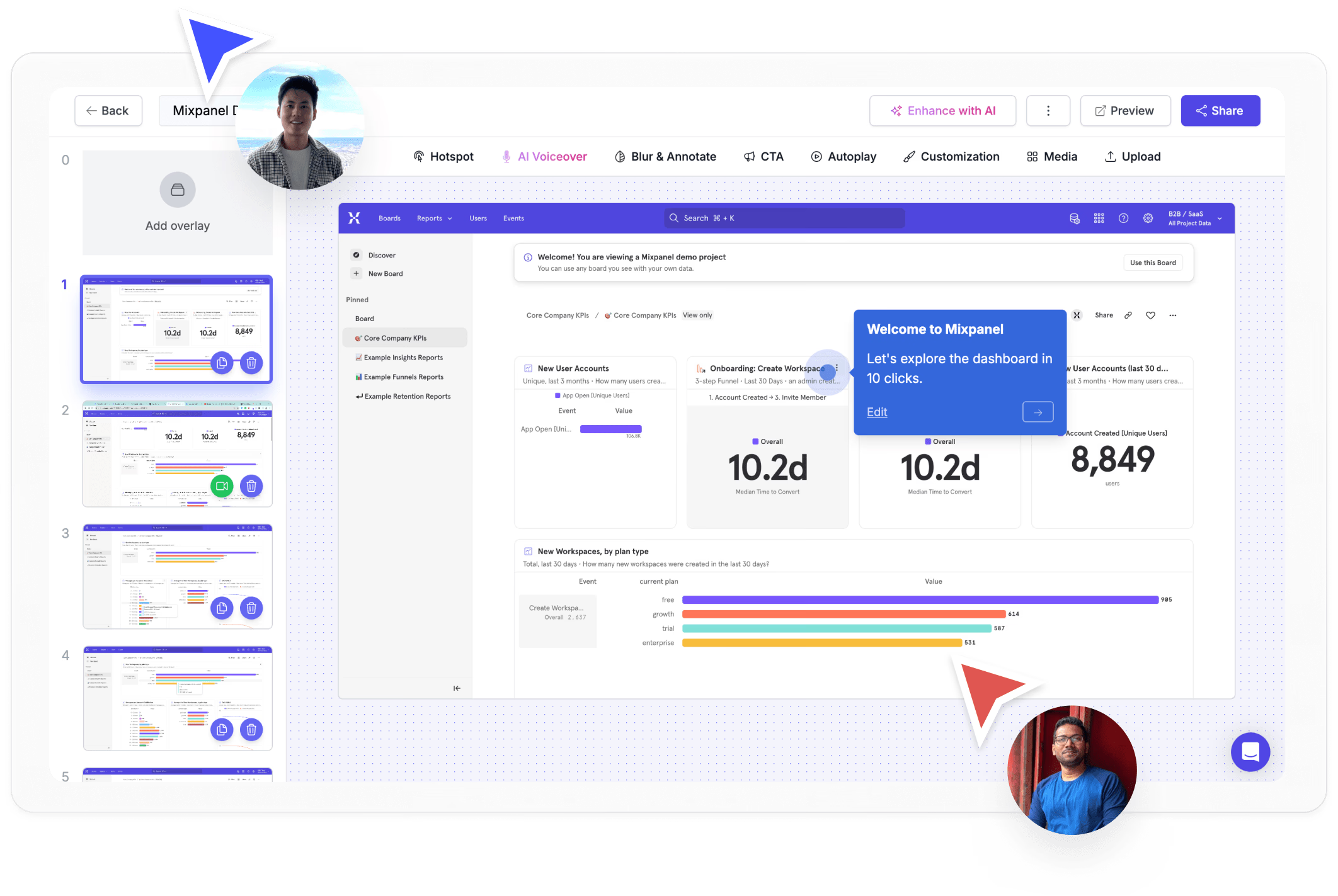
Visual, interactive modules instead of text slides
EdApp and TalentCards use slide-based formats with text and images. Supademo creates interactive, guided experiences with real screenshots, hotspots, and branching that mimic actual software workflows.
Explore demo recorder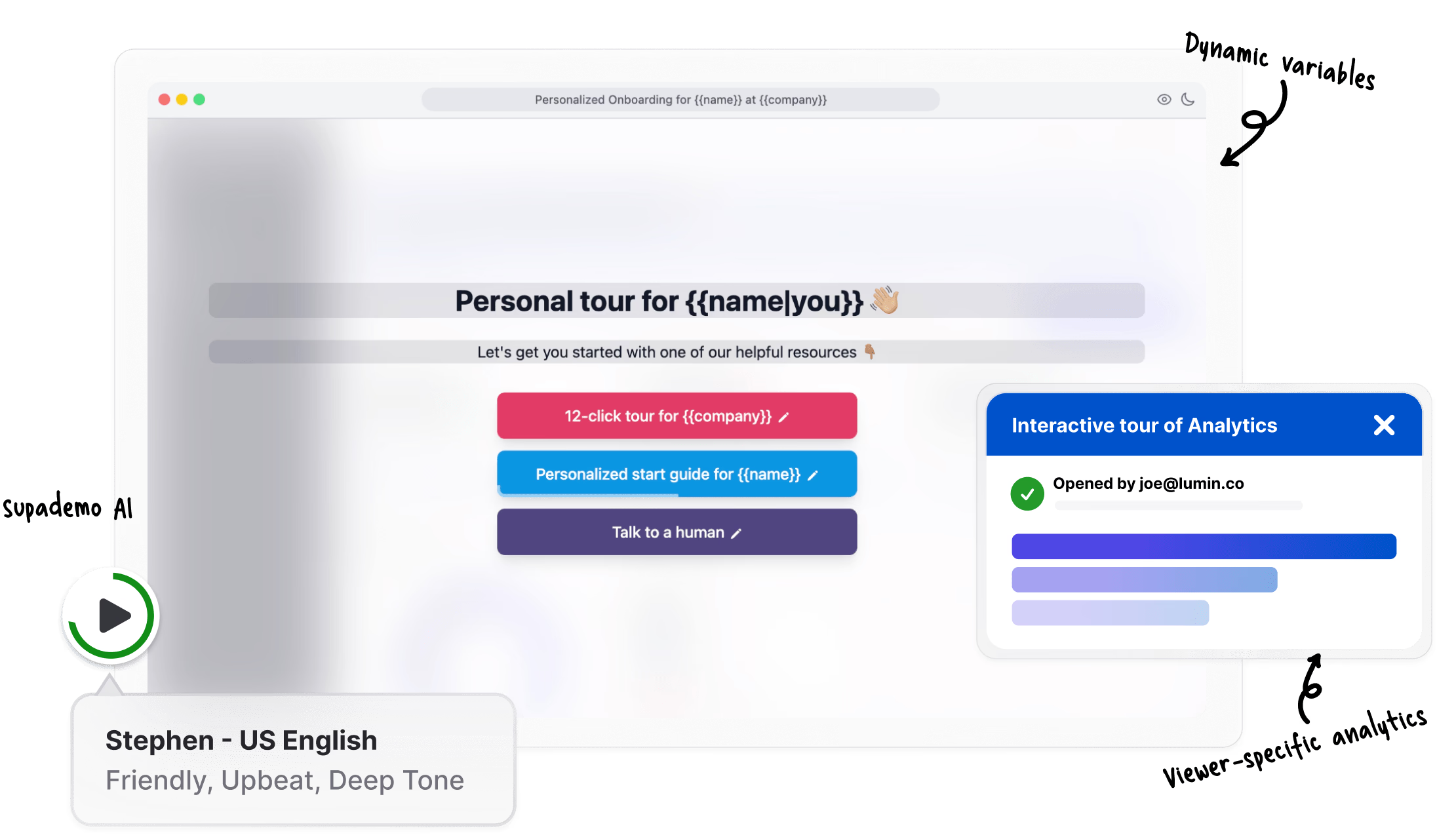
AI creates content in minutes, not hours
Traditional microlearning platforms require manual slide creation. Supademo's Chrome extension captures your workflow, and AI generates annotations automatically. Create a complete module in 5 minutes.
Explore demo editor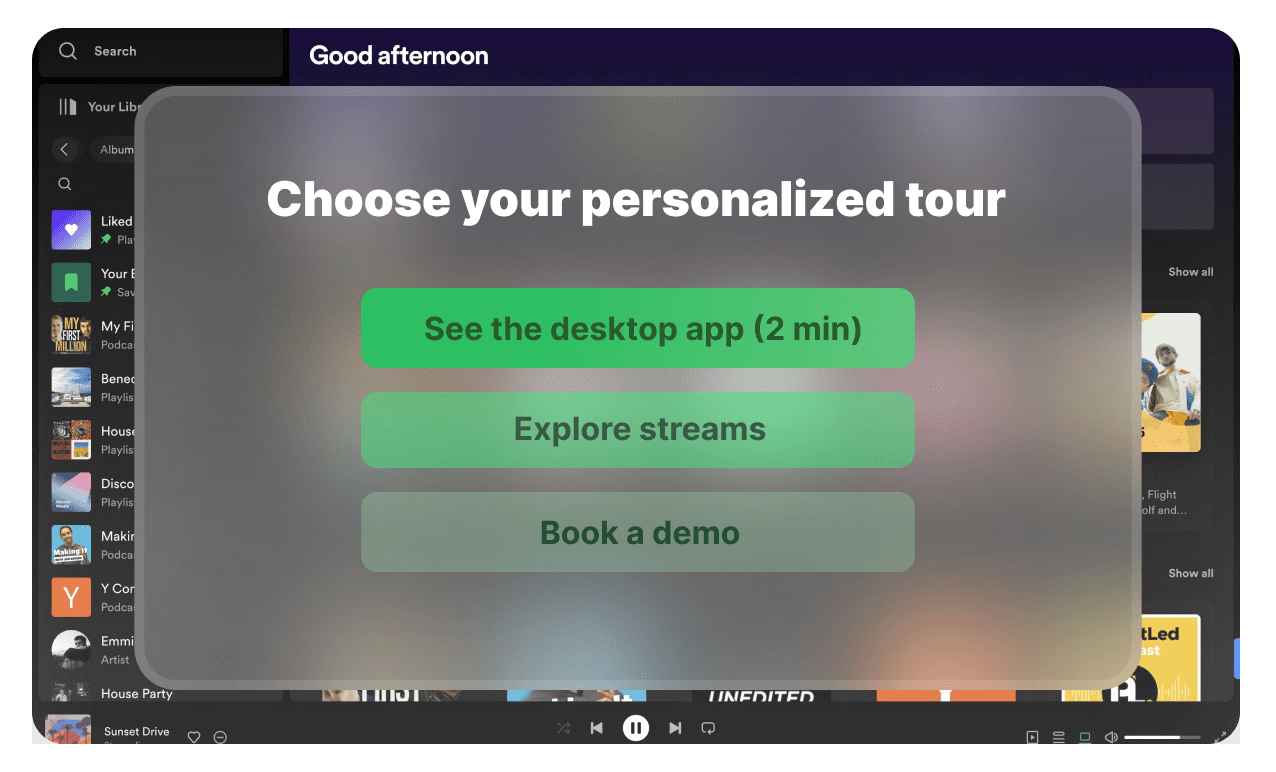
Completion tracking without a full LMS
Axonify and similar platforms require LMS infrastructure. Supademo provides built-in completion tracking, step-level analytics, and viewer identification. Share via link and track without additional platforms.
Explore analyticsWhy we built Supademo's microlearning app

“I once sat through a mandatory 45-minute compliance video at a previous job. I learned exactly nothing because I was multitasking all 45 minutes. Research has been clear that shorter modules retain better. Supademo works as a microlearning app that keeps each module under 5 minutes. Employees can finish them in the gap between two meetings.”

“Microlearning research lands on shorter modules as the retention sweet spot. The real work is making it easy for someone to author modules that fit. With Supademo's microlearning app, the Chrome extension captures the workflow and AI handles the annotations, so authors ship a complete module in about 5 minutes without manual scaffolding.”
Who uses Supademo's microlearning app?
Bite-sized product training reps complete between calls
Deliver bite-sized product training reps complete between calls. Supademo's microlearning platform creates focused, interactive modules from screen recordings.
Explore sales enablement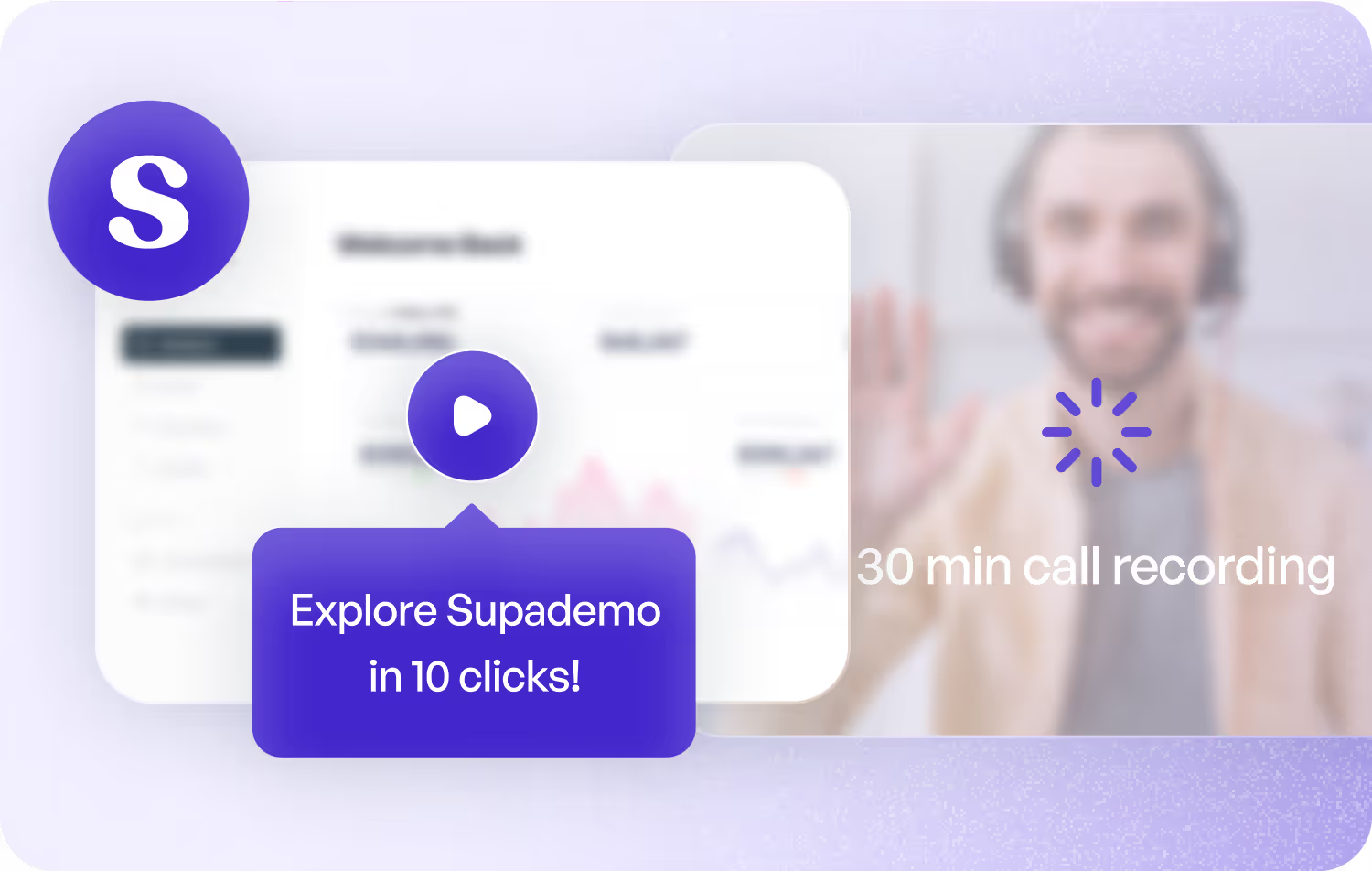
Quick-hit learning modules for marketing tool adoption
Build quick-hit microlearning modules for marketing tool adoption. Supademo turns any workflow into a 5-minute interactive lesson.
Explore product marketing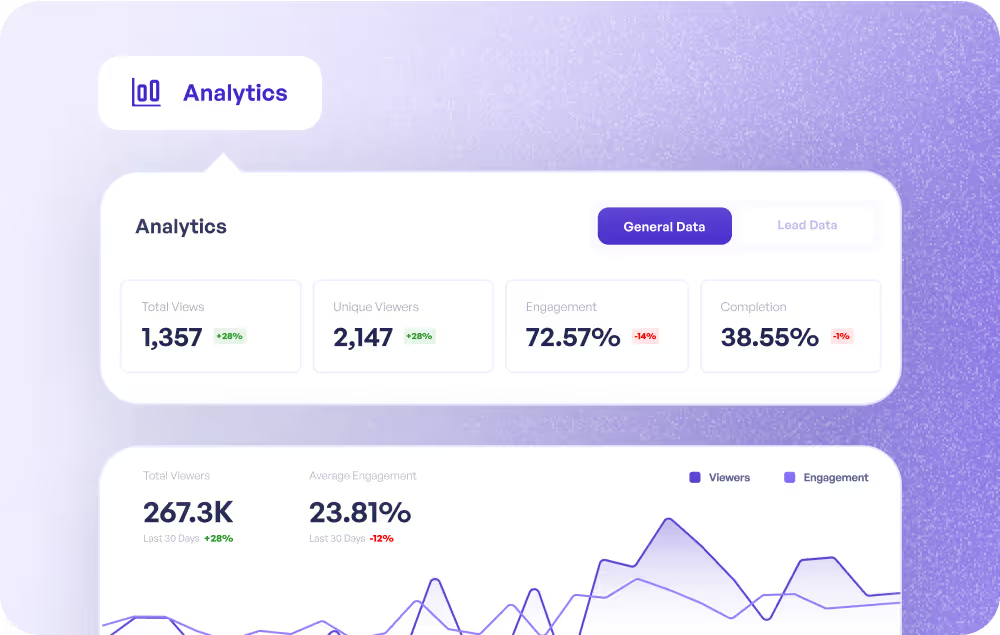
Micro-lessons that keep CS teams current on features
Create micro-lessons that keep CS teams current on new features. Supademo's microlearning platform tracks completion so you know who is up to date.
Explore customer success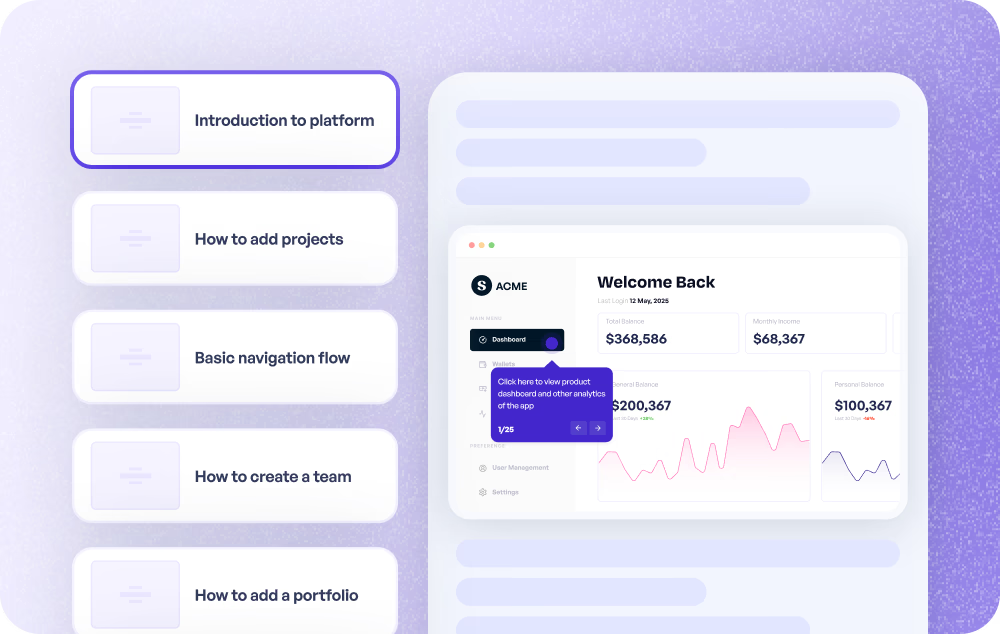
Short training bursts agents can squeeze into any shift
Deliver short microlearning bursts agents can squeeze into any shift. Supademo creates interactive training modules from screen recordings in minutes.
Explore customer support
Ship product knowledge in 5-minute interactive modules
Ship product knowledge in 5-minute interactive microlearning modules. Supademo captures workflows and turns them into focused learning experiences.
Explore product use cases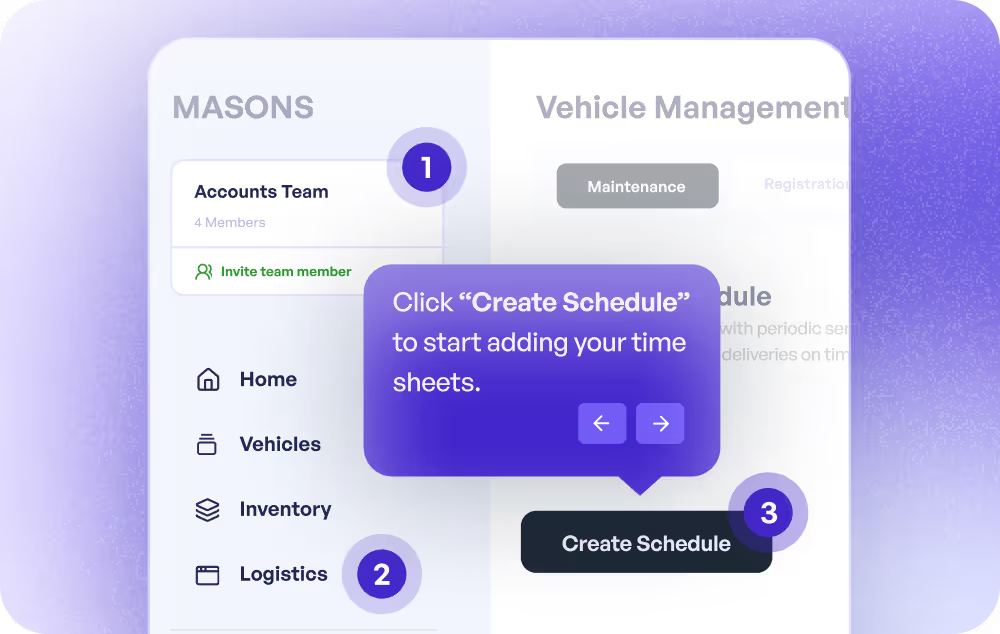
Micro-lessons with built-in completion tracking
Build microlearning modules with built-in completion tracking. Supademo's microlearning platform creates interactive, self-paced training content at scale.
Explore training use cases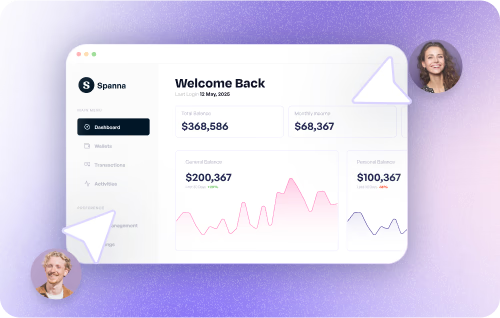
How do sales teams use Microlearning App?
Sales teams use Supademo's microlearning app to create personalized, self-guided product experiences that replace static slide decks and reduce time-to-close.
How do marketing teams use Microlearning App?
Marketing teams build quick-hit microlearning modules for tool adoption, turning any workflow into a 5-minute interactive lesson new hires can complete on day one.
How do customer success teams use Microlearning App?
CS teams create bite-sized microlearning modules that keep reps current on new features, with Supademo tracking who completed each lesson and who needs to catch up.
How do support teams use Microlearning App?
Support teams deliver short microlearning bursts agents can squeeze into any shift, creating focused interactive training modules from screen recordings in minutes.
How do product teams use Microlearning App?
Product teams ship product knowledge as 5-minute interactive microlearning modules, turning workflow captures into focused learning experiences teams can consume async.
How do training teams use Microlearning App?
L&D teams use Supademo's microlearning app to build interactive micro-lessons with built-in completion tracking, creating self-paced training content at scale.
Explore Similar Free Tools
Frequently asked questions
Common questions about Supademo’s microlearning app. Have others? Reach out and our team will be happy to help.
A microlearning app creates short, focused training modules that cover a single topic or skill. Supademo produces interactive, visual micro-modules with real screenshots, AI annotations, and completion tracking that supports product-led onboarding at scale.
EdApp and TalentCards use text-and-image slide formats. Supademo creates interactive walkthroughs with real software screenshots, clickable hotspots, branching, and AI voiceovers, closer to hands-on practice than passive slides.
Most modules take 5 to 10 minutes to create. Record your workflow with the Chrome extension, let AI annotate, and share. No instructional design background needed. It is as fast as building a tutorial.
Yes. Use branching to create decision points that test understanding. Viewers choose the correct action, and wrong choices lead to explanatory content before continuing, similar to training simulation software scenarios.
Yes. Supademo tracks individual viewer completion, time to complete, step-level engagement, and dropoff points. No separate LMS required for basic tracking. Use this data alongside your eLearning authoring tool for a full training picture.
Yes. Embed interactive modules in any LMS, intranet, or knowledge base using standard embed codes. They also work as standalone shareable links, similar to how remote training software distributes content to distributed teams.
Yes. Supademo's AI produces voiceovers in 25+ languages and annotations in 50+, so you can build one microlearning module and adapt it for global teams without re-recording. This is especially useful for compliance training across international offices.
The microlearning app is free for up to 5 training modules. When your library grows, paid plans cover unlimited modules, branded learning experiences, team workspaces, completion analytics, SSO, and SOC 2 Type II compliance.