Free AI Software Simulator
Record any software workflow and get a clickable simulation users practice step by step. No sandbox to maintain, no code to write.
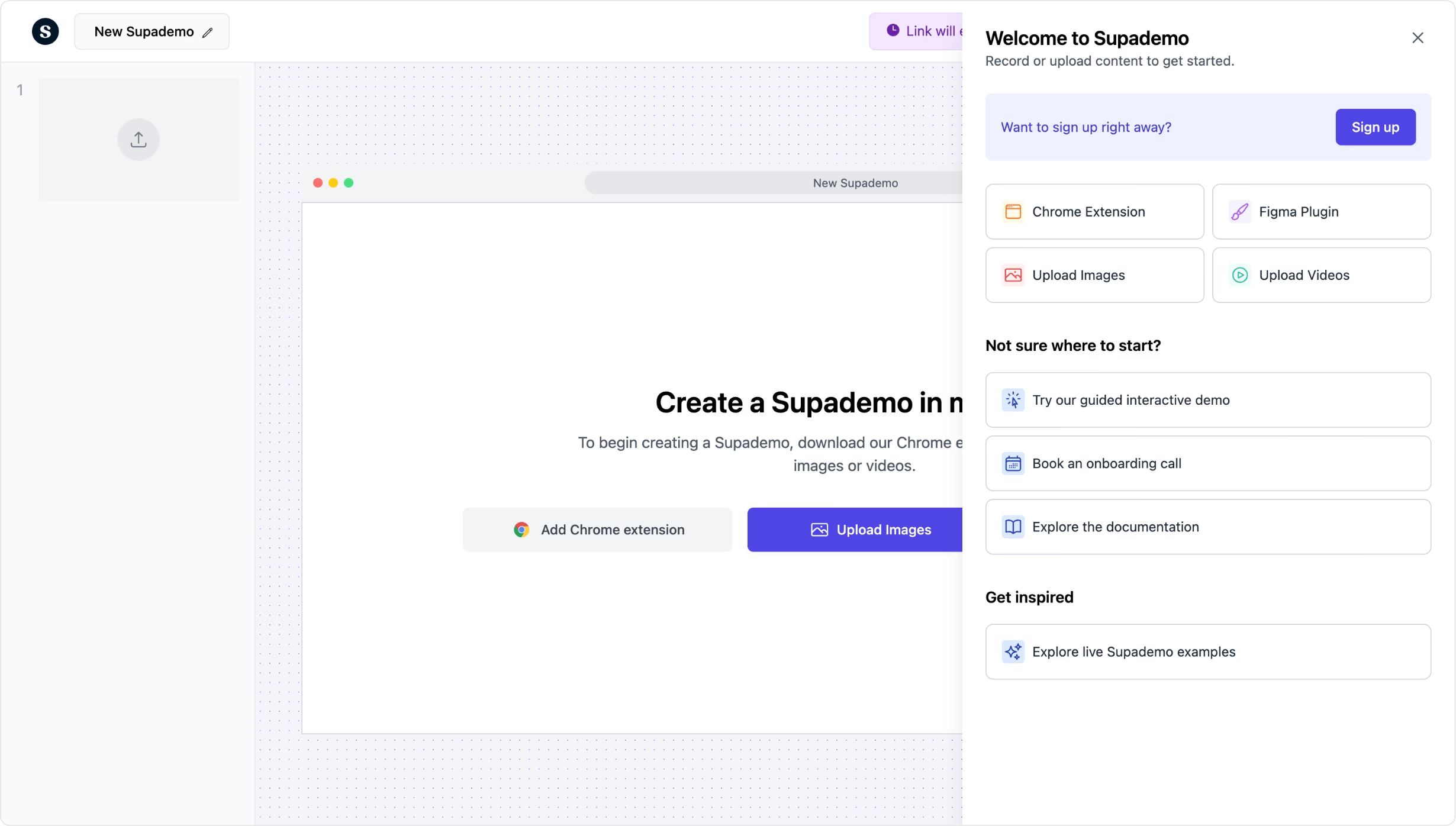
Build interactive software simulations in minutes. No sandbox needed.
Try free software simulatorTrusted by 200,000+ top operators and 3,000+ paying organizations


How to create a software simulation with Supademo
Record the software workflow
Open the Supademo Chrome extension and click through the software process you want to simulate. Each click becomes a simulation step with AI-generated instructions and visual highlights.
Add guided steps and branching
Insert clickable hotspots, conditional branching for decision points, AI voiceovers, and zoom effects. Create different simulation paths for different roles or scenarios.
Deploy and track
Share via link, embed in your LMS or intranet, or export as PDF or video. Track completion rates, step-level engagement, and where users get stuck in the simulation.

What makes Supademo's software simulator different
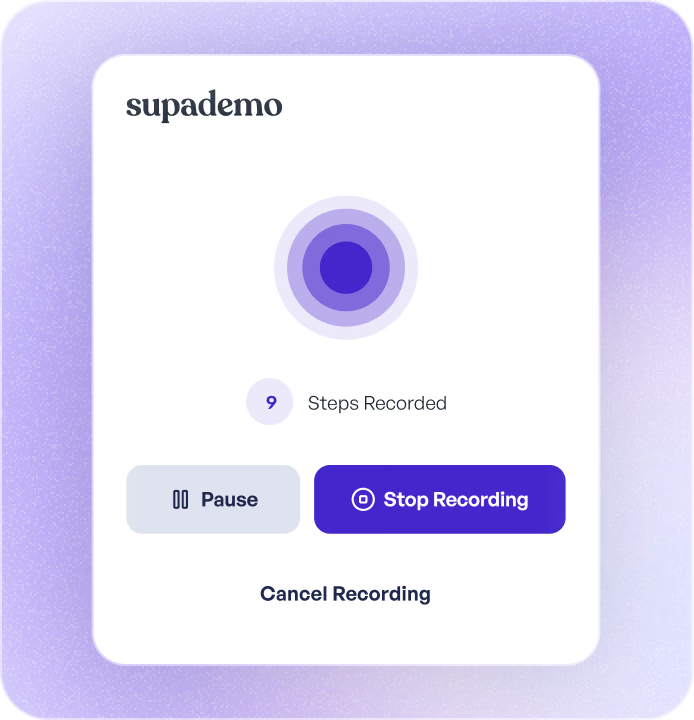
No sandbox environment to build or maintain
WalkMe and Whatfix require you to build and maintain sandbox environments or overlay layers on your live product. Supademo creates simulations from screen recordings. Record once, edit the steps, and deploy. No IT involvement, no staging environments, no ongoing infrastructure costs.
How capture-based simulations work →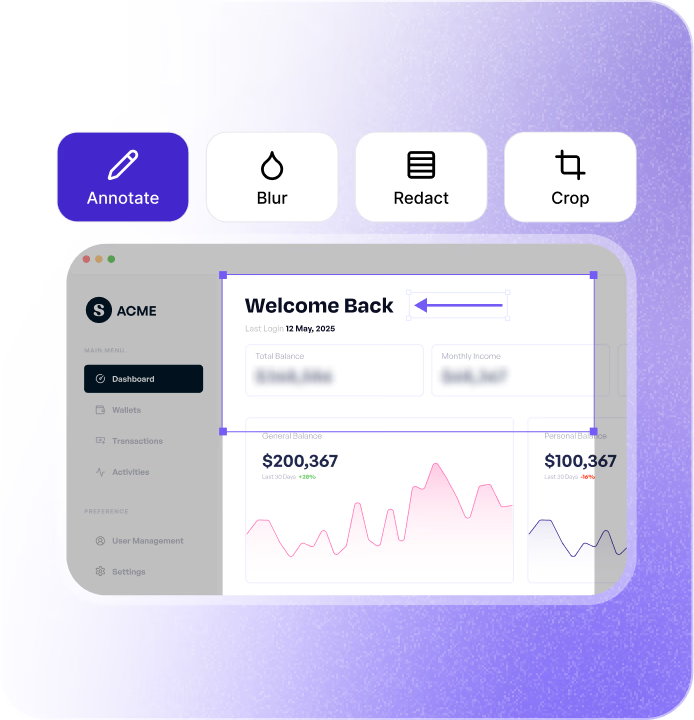
Built in minutes, not weeks
SAP Enable Now and similar enterprise tools take weeks to configure. Supademo simulations can be built in minutes by anyone who knows the workflow. AI writes the step descriptions, and branching logic is visual and drag-and-drop. No scripting or developer support required.
How fast simulation building works →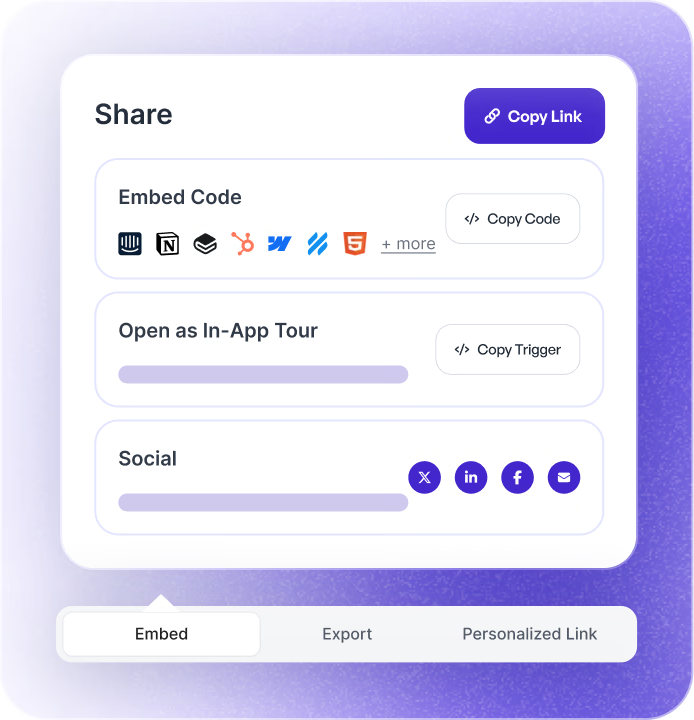
Step-level analytics for training effectiveness
See exactly where users succeed, where they hesitate, and where they fail in the simulation. Track completion rates across teams and individuals. Connect to your LMS or CRM to measure training ROI at the step level.
How simulation analytics measure effectiveness →Why we built Supademo's software simulator

“About 30% of our enterprise inbound starts with the same question. 'Can your tool simulate our app without connecting to production?' Banks and regulated teams can't risk training on the live system. Supademo's software simulator gives them a faithful copy of the real interface that runs on synthetic data.”

“Captivate-era simulators required scripting every keypress, painful to author and maintain. I rebuilt the pattern around recording for Supademo's software simulator. You capture the workflow once and the simulator handles inputs and branching. A new bank workflow goes from a quarter to an afternoon, roughly 30x faster than Captivate.”
How teams use Supademo's software simulator
Simulate your product for prospects
Give prospects a hands-on simulation of your software so they experience the value before committing. More engaging than a slide deck, lower effort than a live demo.
Supademo for Sales & Enablement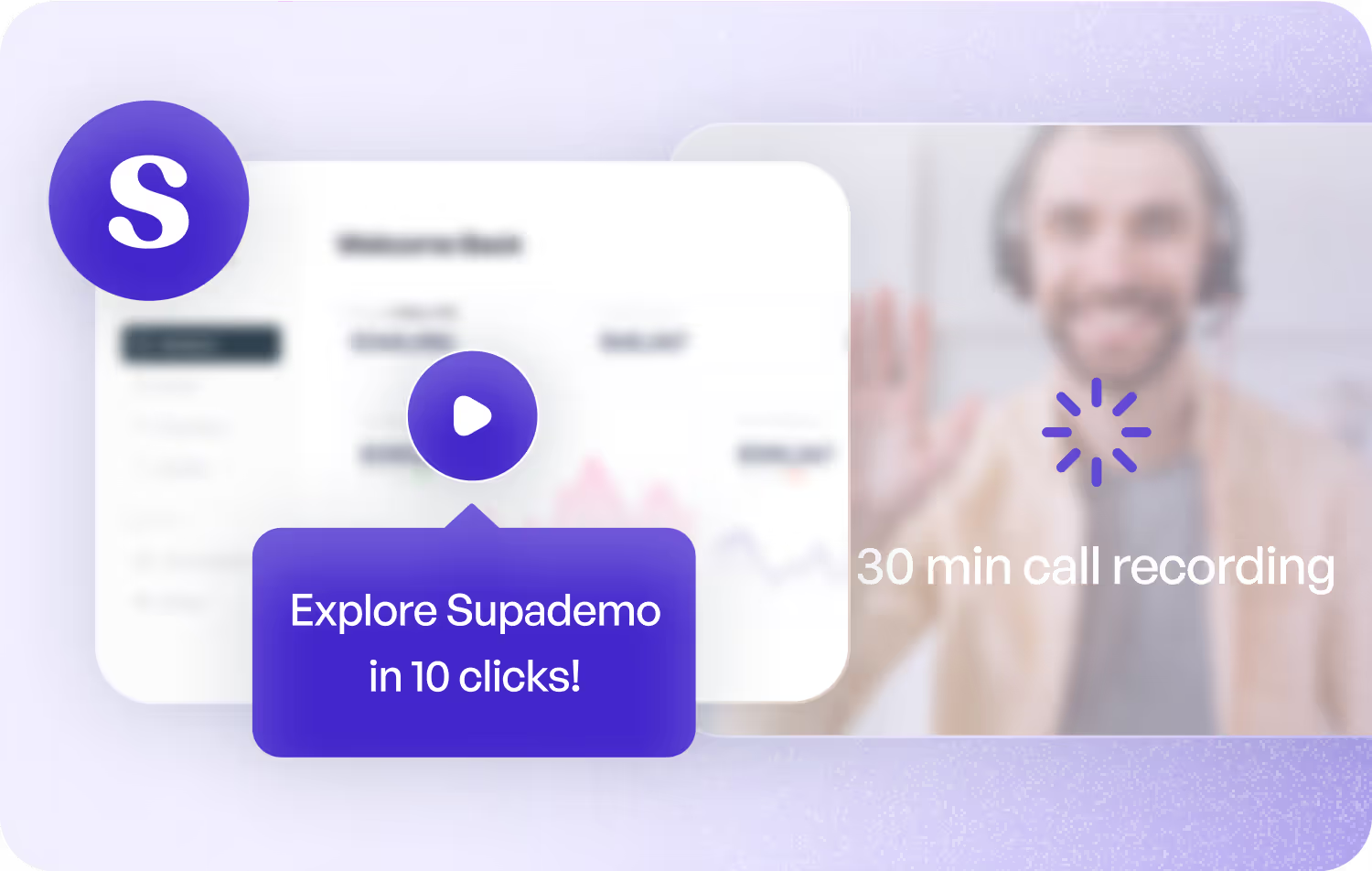
Interactive product simulations on your website
Embed software simulations on your website so visitors can experience your product before signing up. More compelling than screenshots, more interactive than video.
Supademo for Marketing & Growth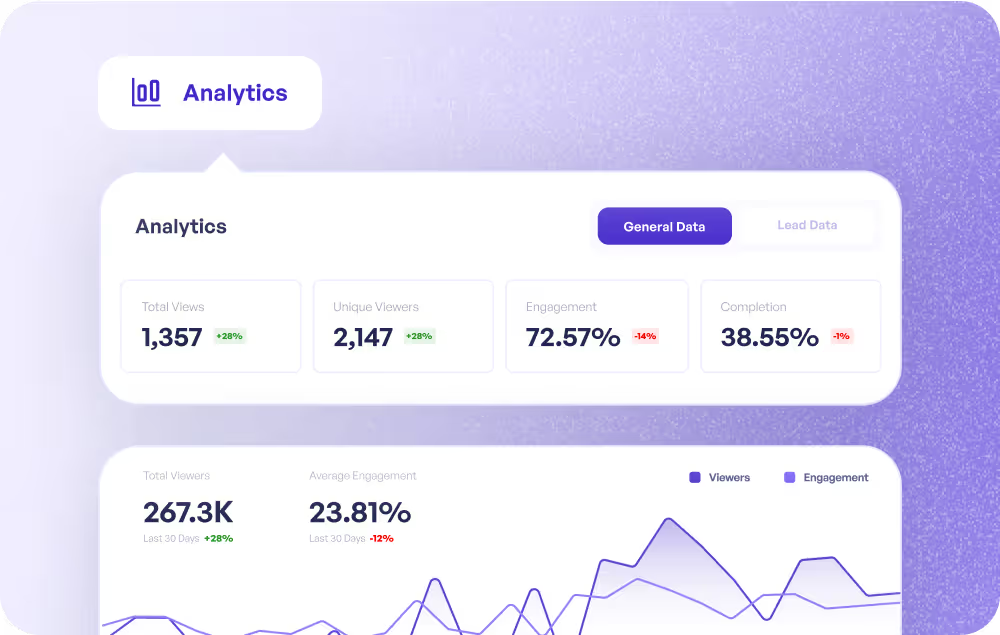
Practice environments for complex workflows
Create simulations for multi-step workflows so customers can practice without risk. Track who completed the simulation and identify where they need more guidance.
Supademo for Customer Success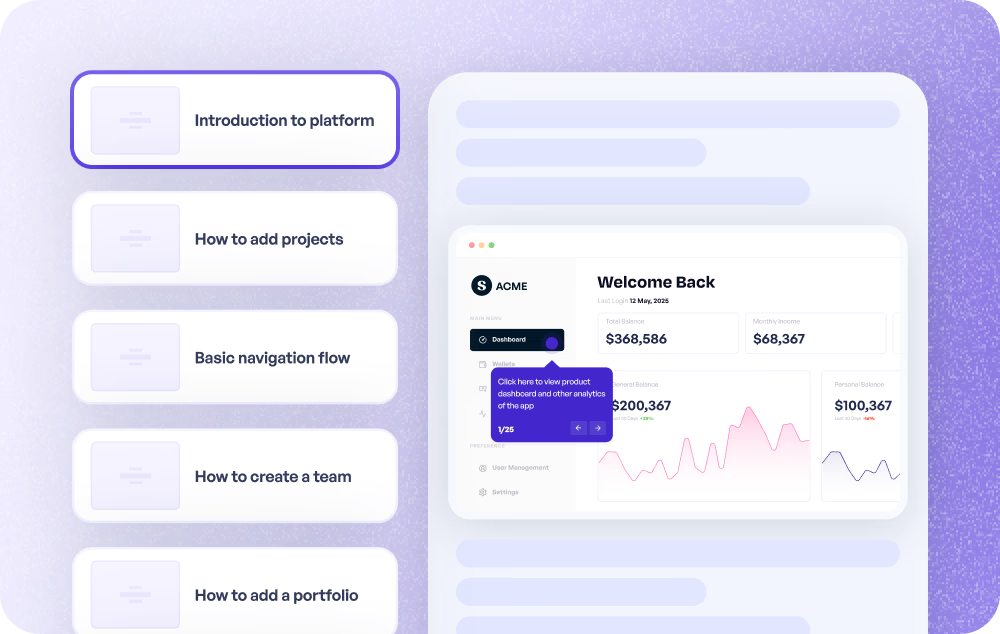
Guided simulations that replace repetitive explanations
Embed simulations in your help center so customers can practice common tasks instead of reading instructions. One simulation can replace hundreds of support conversations.
Supademo for Support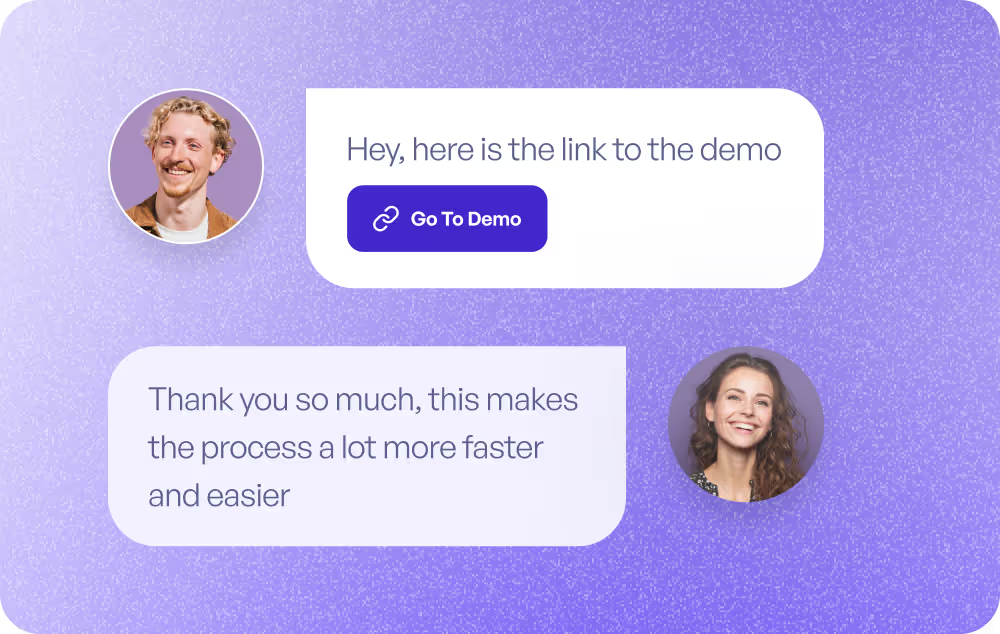
Test user comprehension before launch
Use simulations to validate whether users can complete key workflows before a feature ships. Gather feedback on real interaction patterns, not survey responses.
Supademo for Product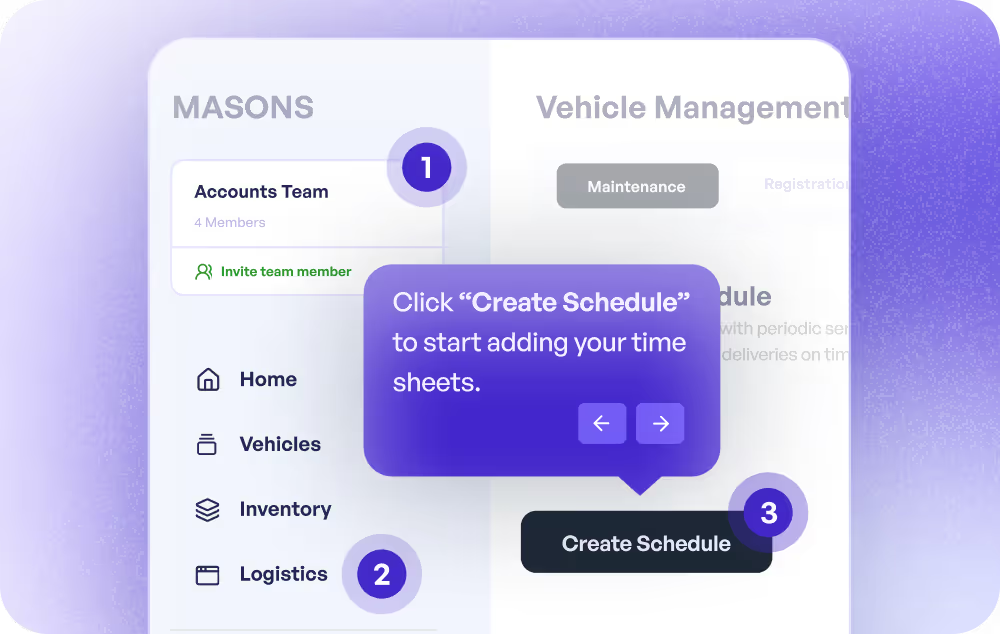
Software training without a live environment
Build software simulations for employee training on CRMs, ERPs, or any business tool. Users practice in a safe, guided environment without touching live data. Track completion per individual and team.
Supademo for Training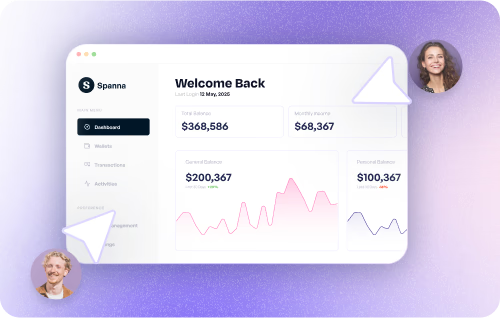
How do sales teams use software simulators?
Sales teams use software simulators to give prospects a hands-on product experience before committing, increasing engagement and shortening the decision cycle.
How do marketing teams use software simulators?
Marketing teams embed interactive software simulations on websites, giving visitors a try-before-you-buy experience that drives higher conversion than static content.
How do CS teams use software simulators?
CS teams build software simulations for complex workflows, giving customers a safe practice environment and tracking engagement to identify adoption gaps.
How do support teams use software simulators?
Support teams embed interactive simulations in help centers, letting customers practice tasks and resolve issues without filing tickets or waiting for agents.
How do product teams use software simulators?
Product teams use simulations to test user comprehension of new features before launch, gathering interaction data instead of relying on verbal feedback.
How do training teams use software simulators?
Training teams build software simulations so employees can practice on CRMs, ERPs, and other tools in a safe environment, with completion tracking across teams.
Explore Similar Free Tools
Frequently asked questions
Common questions about Supademo’s software simulator. Have others? Reach out and our team will be happy to help.
A software simulator creates a safe, interactive environment where users can practice using software without affecting live data. Supademo builds simulations from screen recordings with AI-generated guided steps, so you do not need to build or maintain a sandbox. This approach fits well with in-app training strategies.
Use the Chrome extension to record yourself completing the software workflow. Every action becomes a simulation step with AI-generated instructions. Add interactive hotspots, branching scenarios, and voiceovers, then distribute via link or embed directly in your LMS as a training simulation.
WalkMe and Whatfix require in-app installation, IT involvement, and ongoing maintenance. Supademo creates simulations from screen recordings in minutes, with no code, no staging environment, and no dependency on your engineering team.
SAP Enable Now is designed for SAP ecosystems and takes weeks to configure. Supademo works with any software, builds interactive walkthroughs in minutes, and requires no specialized training or IT support.
Yes. Use conditional branching to create role-specific or scenario-specific paths within a single simulation. Users choose their path and see only the steps relevant to them, similar to how compliance training software routes learners through decision-based scenarios.
Yes. Supademo tracks views, completion rates, step-level engagement, and drop-off points. Identify where users succeed and where they struggle. Connect to your LMS to tie simulation data to training video records.
Free to start. Your simulations get unlimited views and can be shared via link or embed. Paid plans provide unlimited simulations, custom branding, team workspaces, SSO, and advanced analytics. Try any paid plan free before committing.
Yes. Software simulations are protected with enterprise-grade encryption, and Supademo is SOC 2 Type II certified. Control access with passwords, domain restrictions, or private visibility. SSO and SAML are included on enterprise plans for centralized authentication.