How to Download the Asana Desktop App

The Asana desktop app brings your project management workflow directly to your computer, offering faster access and offline capabilities. This guide walks you through downloading and installing the 64-bit version of the Asana desktop application.
Quick summary
In this tutorial, you'll learn how to locate and download the Asana desktop app for your computer. You'll discover where to find the download link and select the appropriate version for your system.
Why this matters
Having the Asana desktop app installed lets you access your tasks and projects without opening a web browser, improving productivity and allowing you to work even when internet connectivity is limited. Desktop apps typically offer better performance and integration with your operating system compared to browser-based access.
Step-by-step guide
- 1
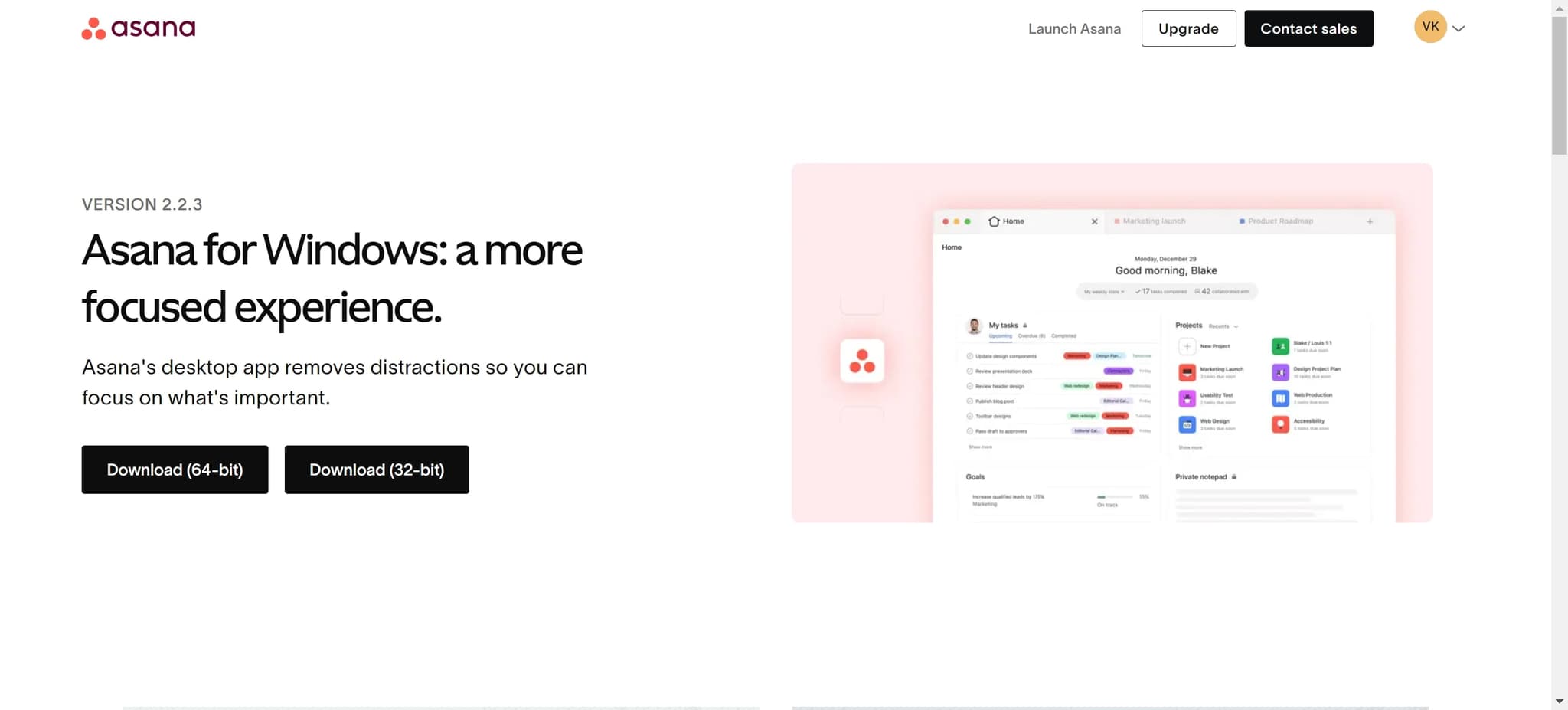
Access the Asana downloads page
Navigate to the Asana website and locate the downloads section. This is typically found in the account settings or help menu, where you'll see options for different desktop applications.
- 2
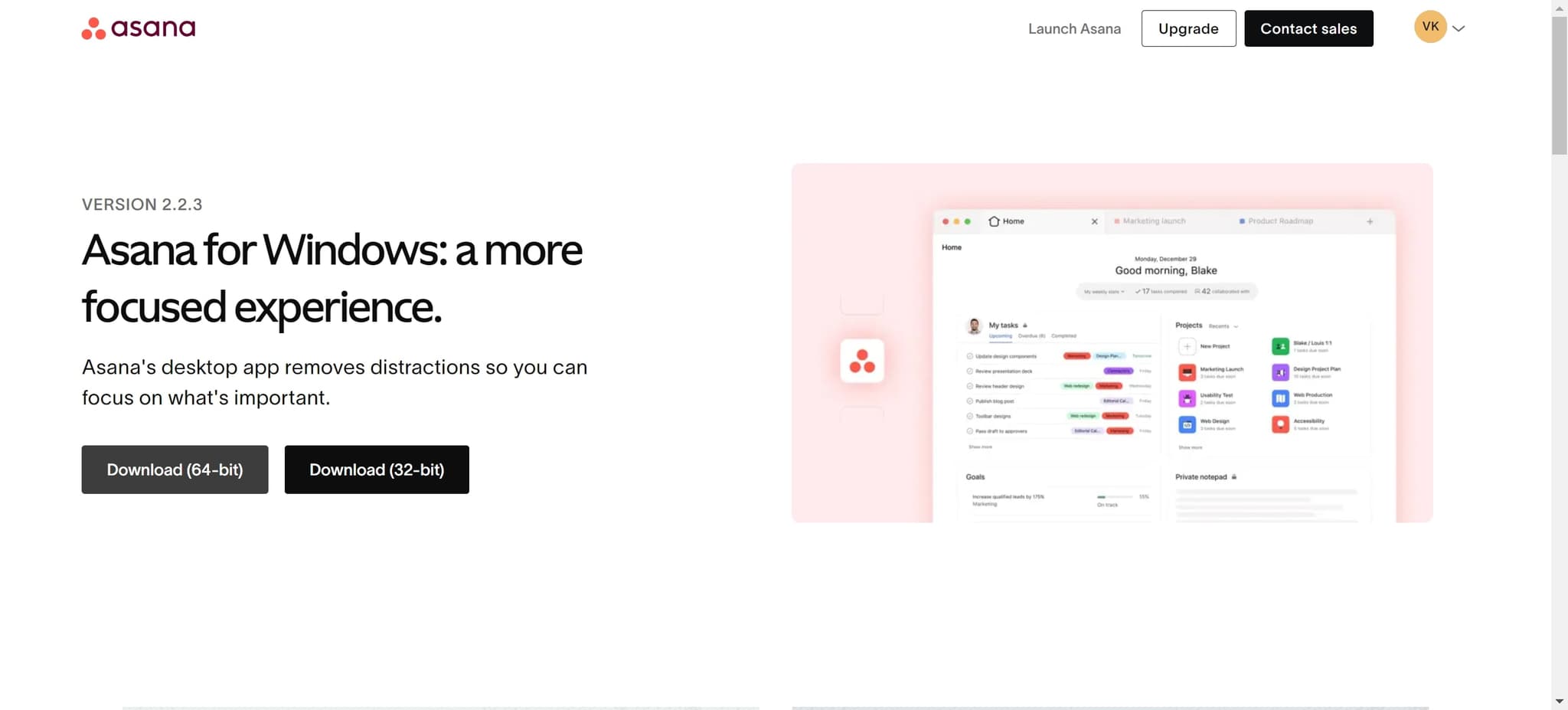
Select the 64-bit download option
Click on the 'Download (64-bit)' button to begin downloading the installer. The 64-bit version is recommended for most modern computers as it provides better performance and can utilize more system memory.
- 3
Complete the installation process
Once the download finishes, open the installer file and follow the on-screen prompts to install the Asana desktop app on your computer. After installation completes, launch the app and log in with your Asana credentials to start using it.
Frequently asked questions
Common questions about how to download the asana desktop app.
The 64-bit version is designed for modern computers and offers better performance and stability. Most computers manufactured in the last decade use 64-bit architecture, making the 64-bit version the standard choice. If you're unsure which version your computer uses, the 64-bit option is almost always the correct choice.
Yes, Asana offers desktop applications for both macOS and Windows operating systems. You may need to download different versions depending on which operating system your computer runs. Visit the Asana downloads page to select the appropriate version for your device.
You'll need an active Asana account to use the desktop app, though you can download it without an account. Once downloaded and installed, you'll need to log in with your Asana credentials to access your projects and tasks.
Yes, the desktop app is fully synchronized with your Asana account. Any changes you make in the desktop app will be reflected in the browser version and vice versa, keeping all your data up to date across devices.
The 64-bit desktop app requires a modern computer with adequate disk space and RAM. Visit Asana's official system requirements page for specific details about minimum RAM, storage space, and operating system versions needed to run the app smoothly.