How to Find Archived Projects in Asana

Archived projects in Asana contain completed or inactive work that you may need to reference later. Learning how to locate these projects helps you maintain a clean workspace while preserving important historical data. This guide walks you through the process of finding archived projects in just a few clicks.
Quick summary
In this tutorial, you'll learn how to navigate to your archived projects in Asana using the project browser and status filter. You'll discover where archived projects are stored and how to access them whenever you need to review past work or restore a project.
Why this matters
Managing archived projects is essential for keeping your Asana workspace organized and preventing clutter from completed initiatives. Teams often need to reference archived projects for historical context, compliance documentation, or to restart similar work. Knowing how to quickly locate archived projects saves time and improves overall project management efficiency.
Step-by-step guide
- 1
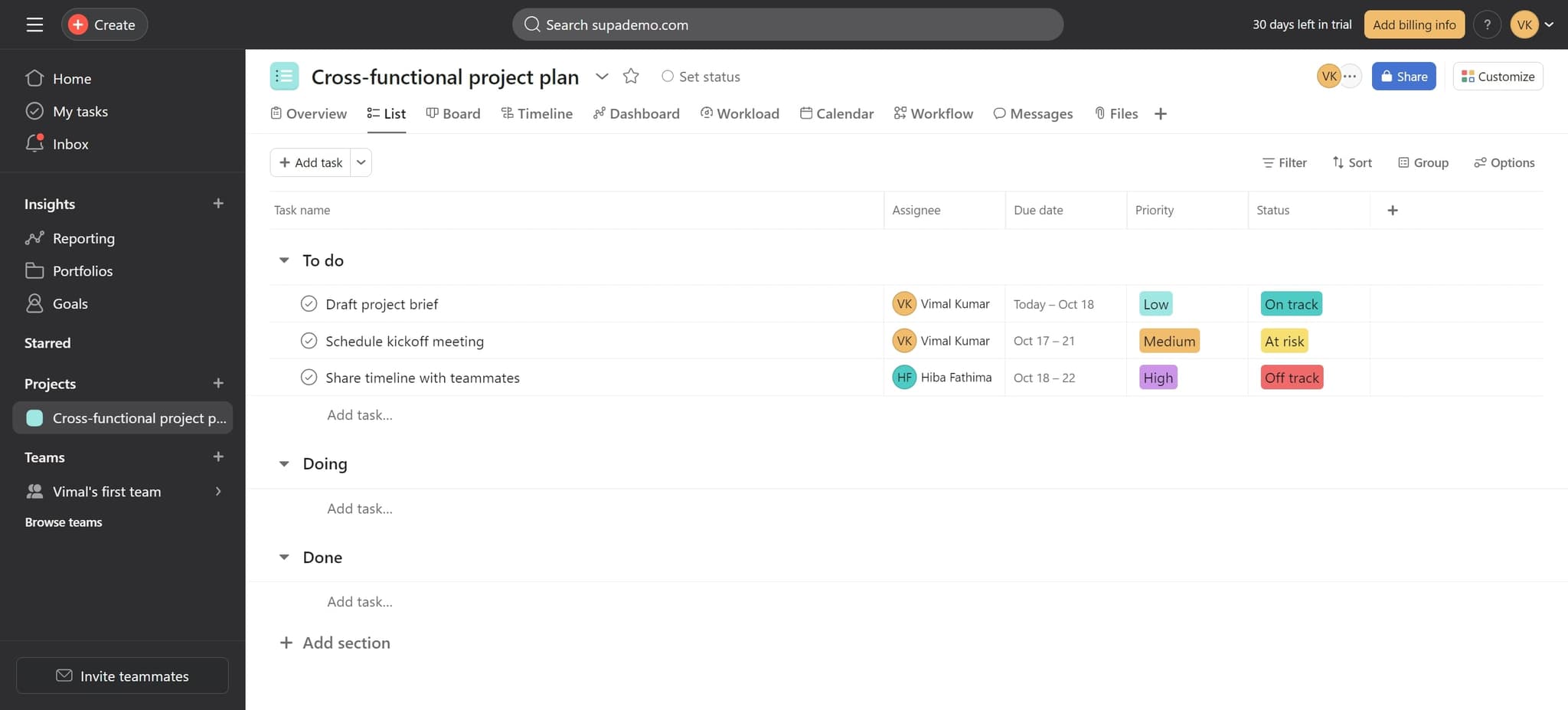
Access the main navigation menu
Start by clicking on the main navigation area in Asana. This will open the menu where you can access different sections of the platform.
- 2
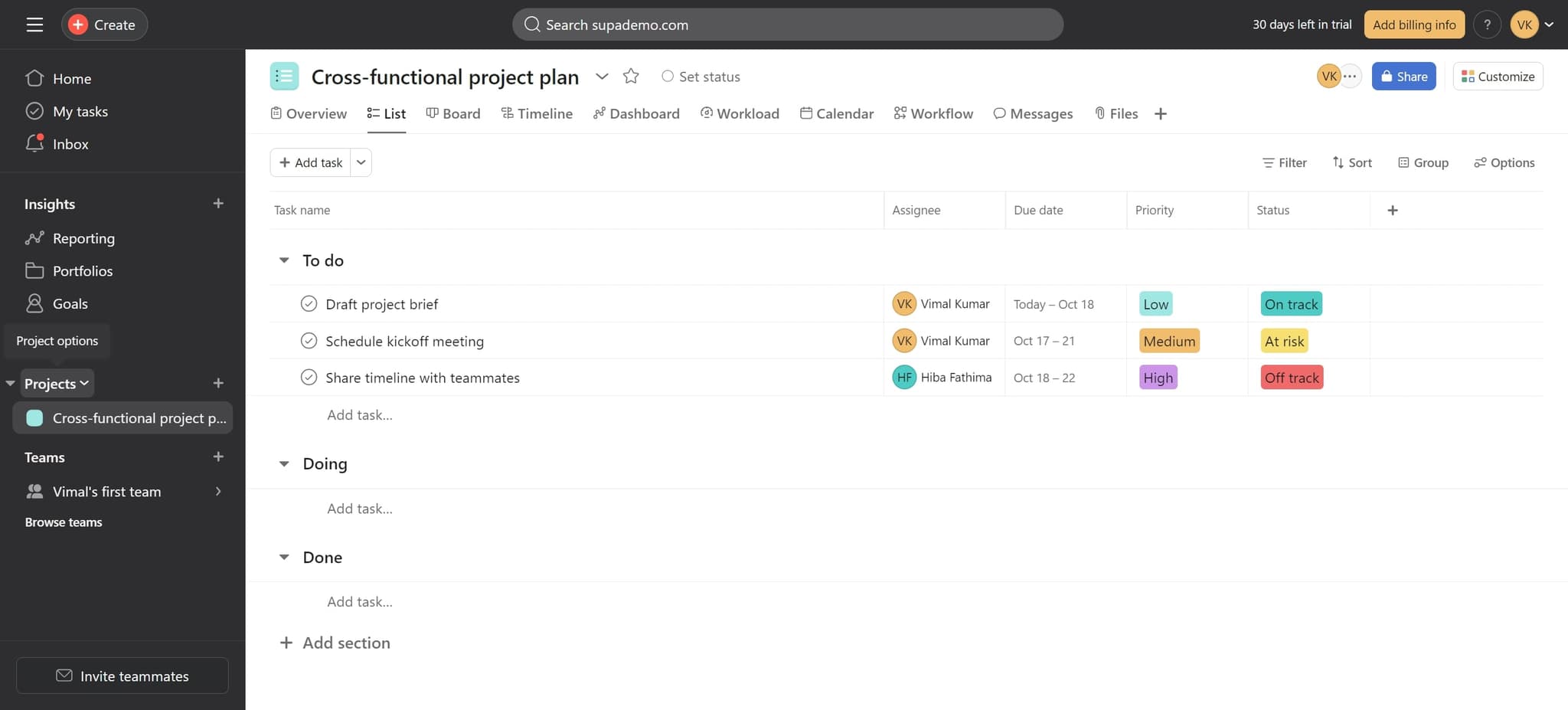
Click on Projects
Select the 'Projects' option from the navigation menu. This takes you to your projects overview where you can see all active and archived projects.
- 3
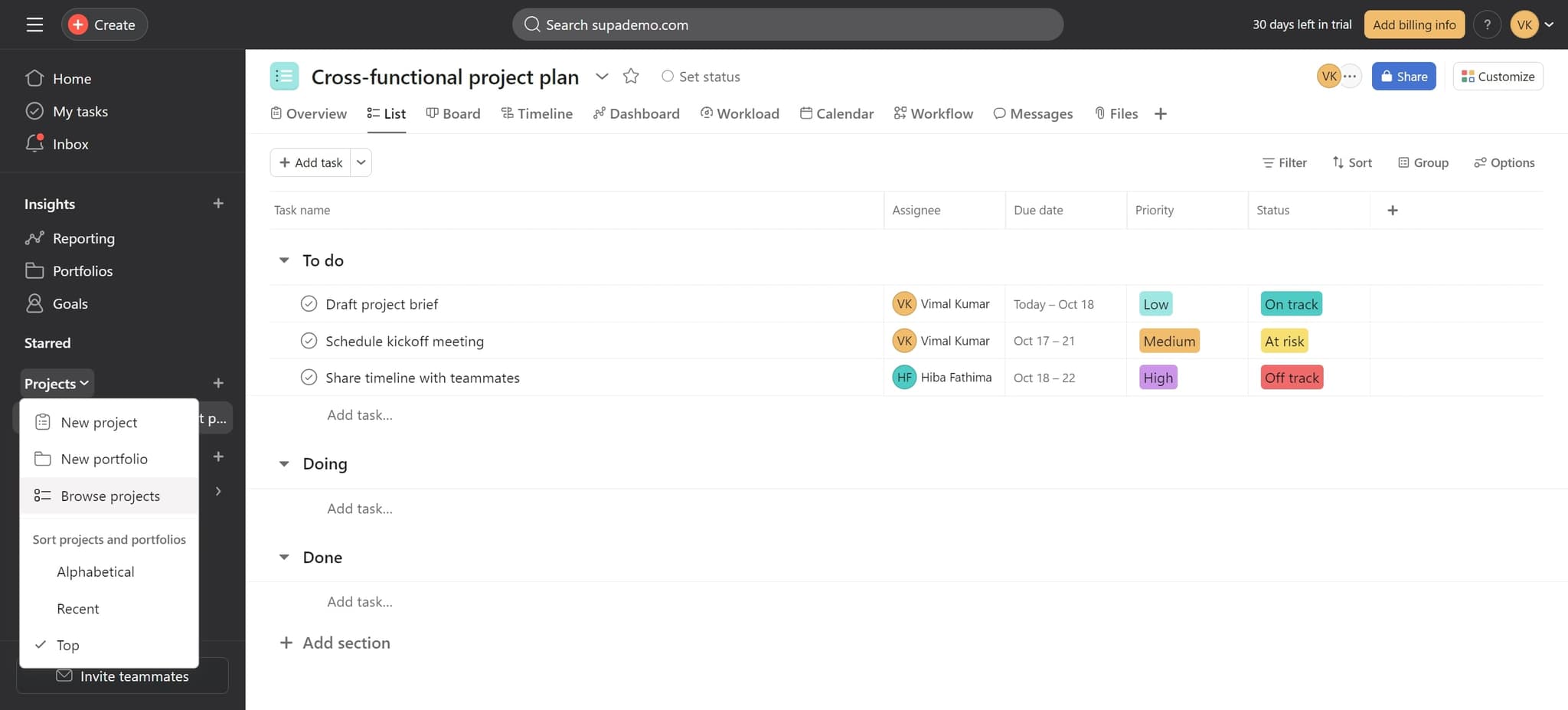
Select Browse projects
Click on 'Browse projects' to open the full project browser. This expanded view gives you access to filtering and sorting options for your projects.
- 4
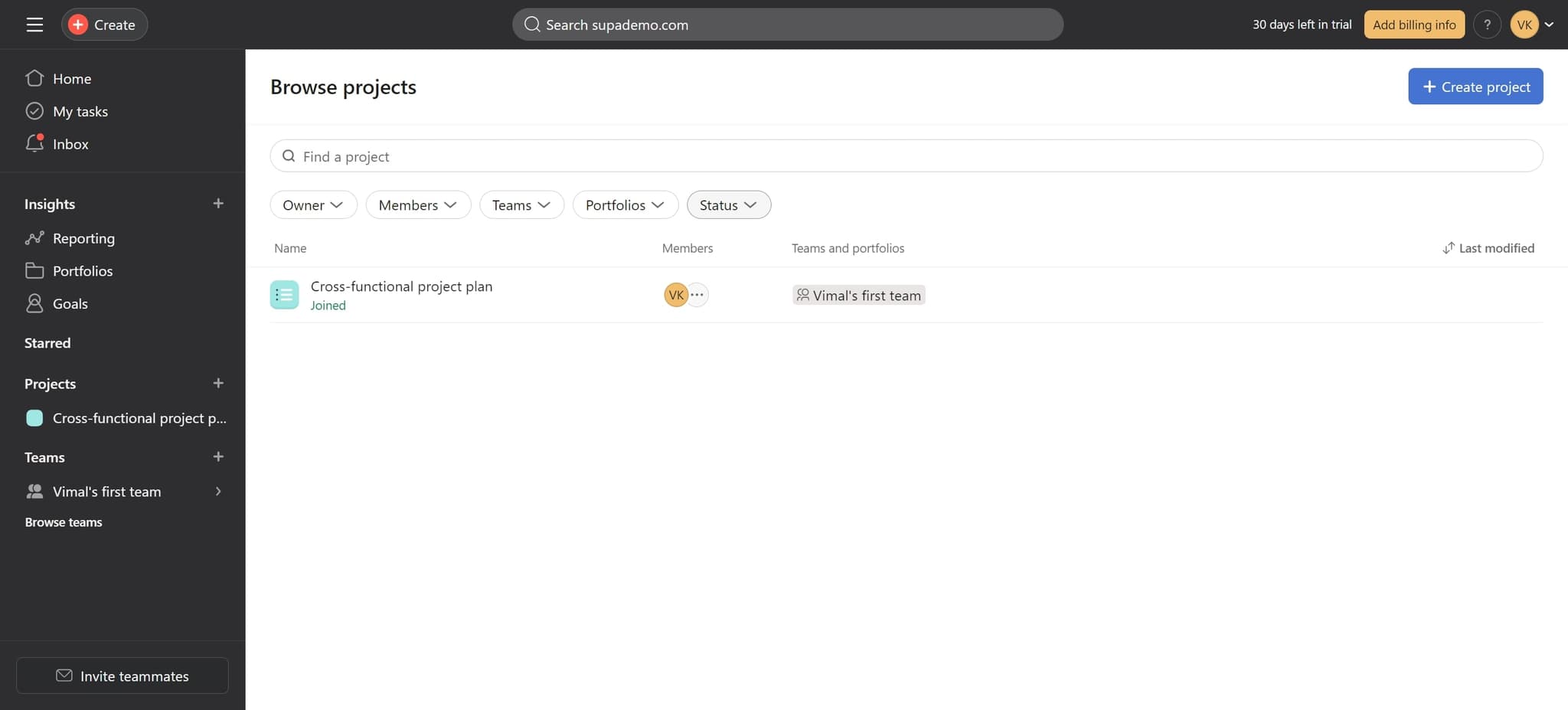
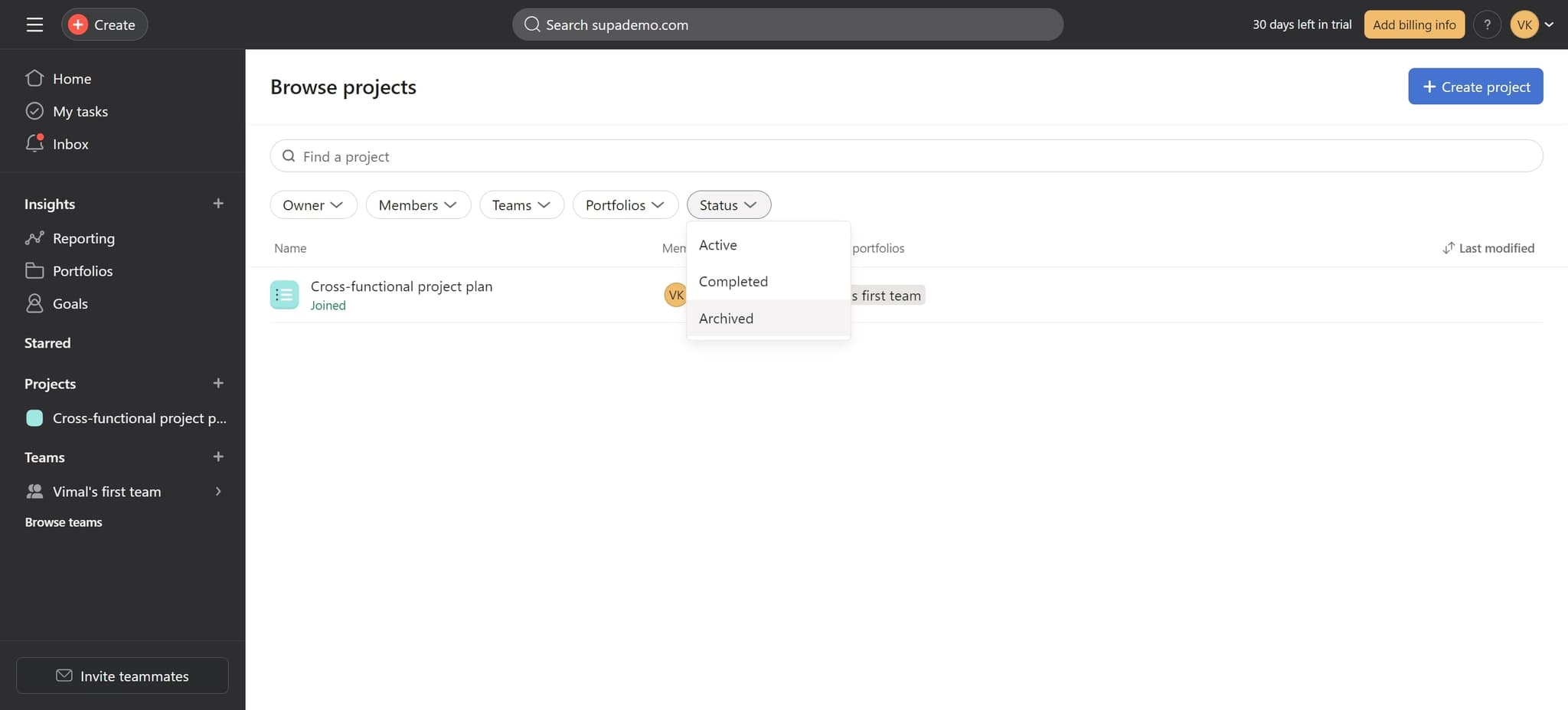
Open the Status filter
Click on the 'Status' filter option to reveal filtering choices. This allows you to narrow down your project list based on project status.
- 5
Choose Archived status
Click on 'Archived' to display only archived projects in your list. You'll now see all projects that have been archived, making it easy to find the one you need.
- 6
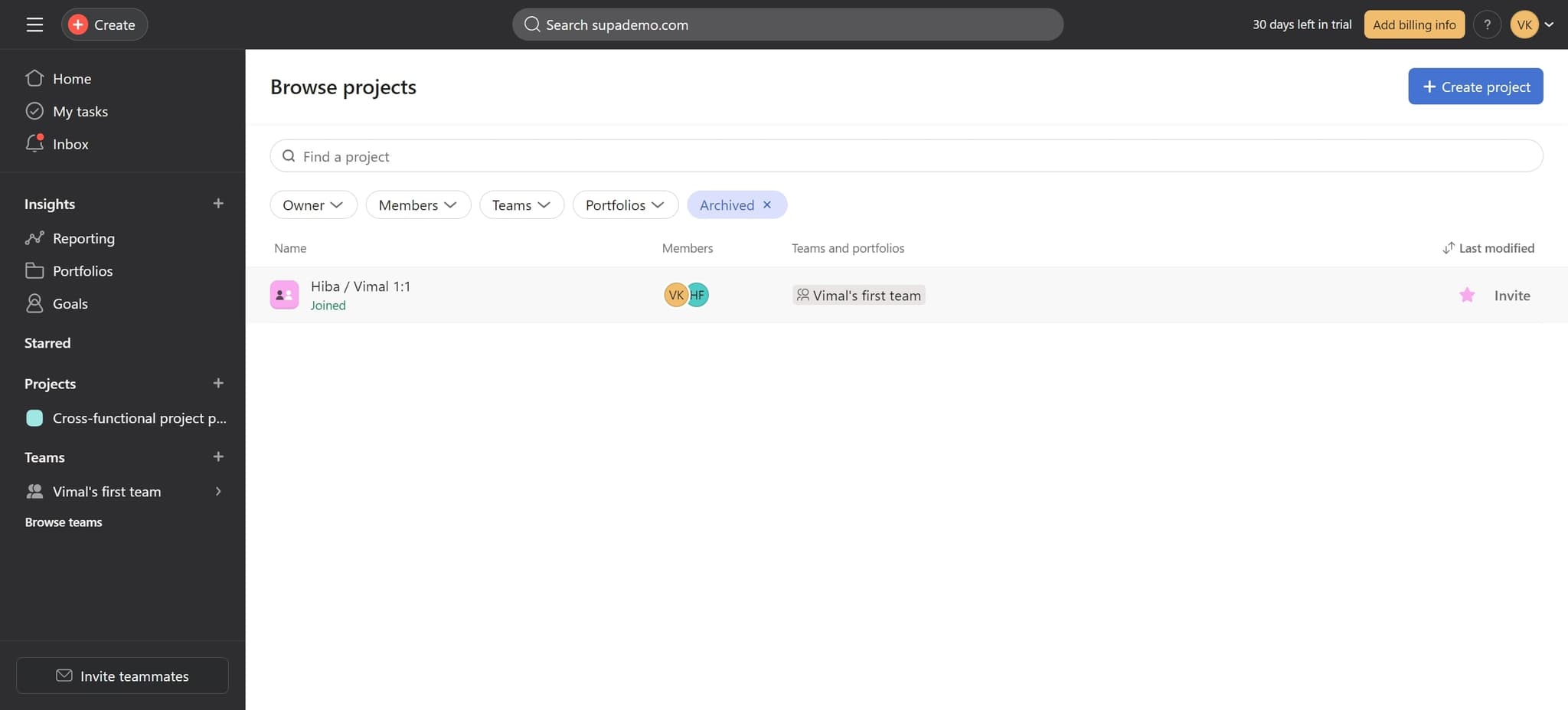
View your archived projects
Your archived projects are now displayed on screen. You can click on any archived project to view its details or take further action such as restoring it.
Frequently asked questions
Common questions about how to find archived projects in asana.
Yes, archived projects can be restored in Asana. Once you locate the archived project using the status filter, you can open it and use the unarchive option to restore it to active status. The project and all its associated tasks will be restored to your workspace.
Archiving preserves your project history and data while removing it from your active project list. This is useful for compliance, record-keeping, and referencing past work. Deleted projects cannot be recovered, so archiving is the safer option for completed work you may need later.
Archived projects remain visible to team members who have access to them, but they won't appear in the default active projects view. Team members can use the same filtering method to browse archived projects and view their contents.
Asana's status filter typically allows you to select one status at a time, so you'll see either active or archived projects depending on your selection. You can switch between filters quickly to view different project categories as needed.
All tasks within an archived project remain intact and accessible when you view the project. The tasks retain their status, assignments, and data. If you unarchive the project, all tasks become active again in your workspace.