How to Collaborate in Real-Time in Attio

Real-time collaboration is essential for teams working on customer relationships and deals in Attio. This guide walks you through the key features that enable your team to work together seamlessly, from shared workspaces to live updates and comments.
Quick summary
In this tutorial, you'll learn how to leverage Attio's real-time collaboration features to keep your team aligned and working efficiently together. You'll discover how to access shared workspaces, use comments and mentions, and see live updates as your teammates make changes.
Why this matters
Working in real-time prevents duplicated effort, reduces miscommunication, and ensures your team always has the most current information about prospects and deals. When team members can see changes instantly and communicate directly within the platform, deal cycles move faster and relationships are managed more effectively.
Step-by-step guide
- 1
Open your Attio workspace
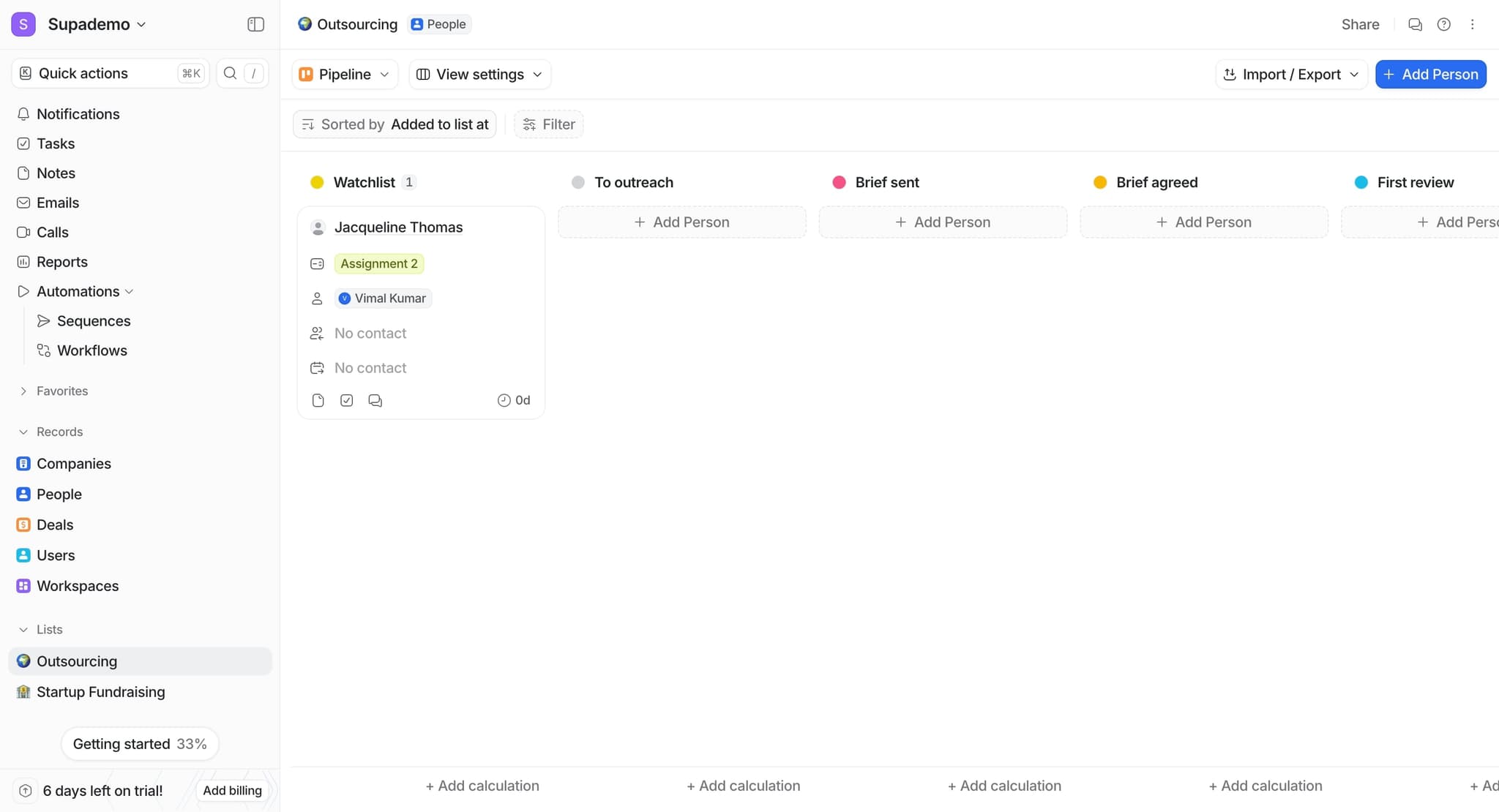
Log into Attio and navigate to the workspace where your team collaborates. You'll see all shared projects and records that your team has access to in the main interface.
- 2
Access a shared record or project
Click on any customer record, deal, or project to open it. This is where you and your teammates can view and edit information together in real-time.
- 3
Add a comment or mention a teammate
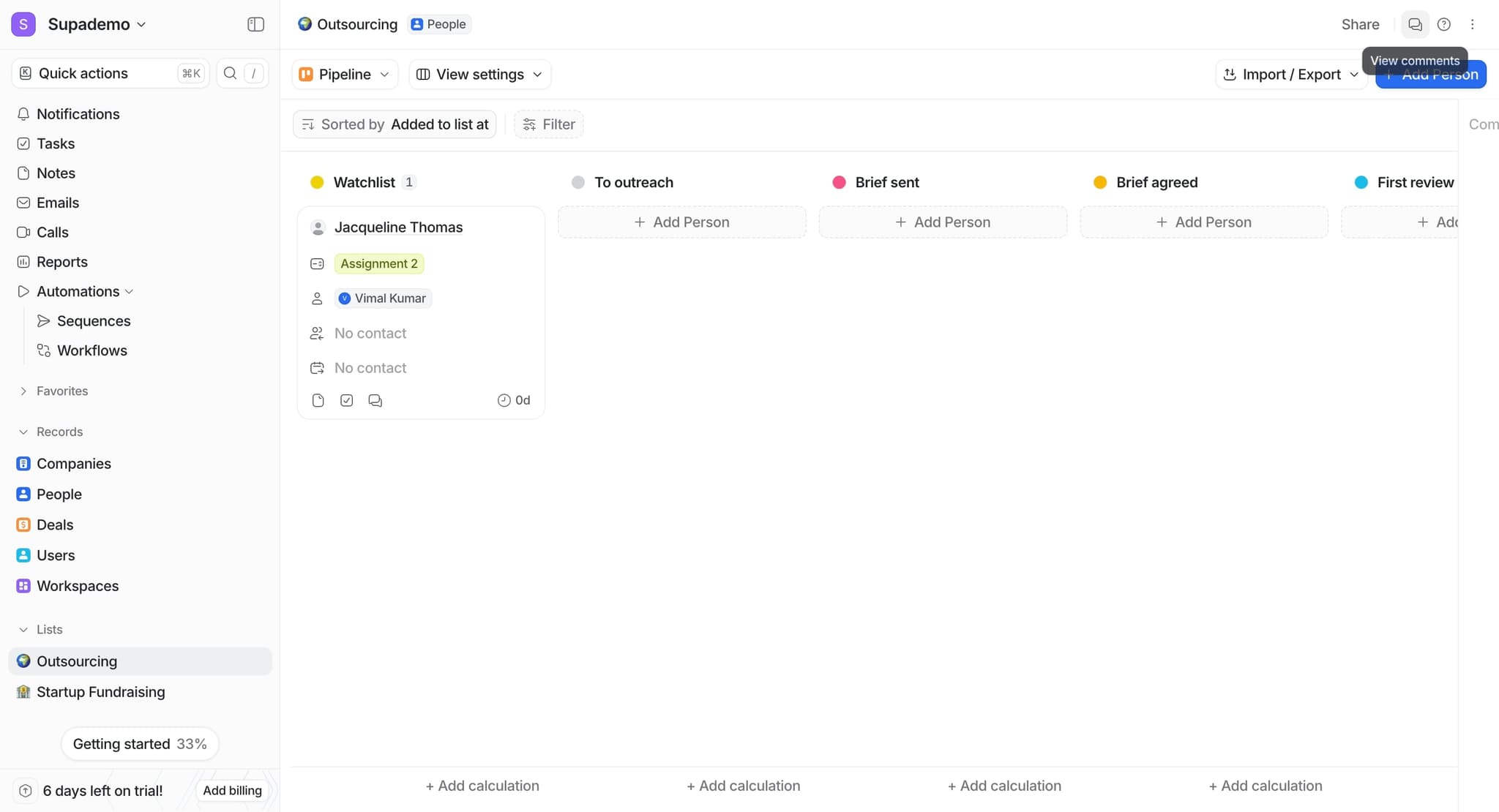
Scroll to the activity or comments section and type your message. Use the @ symbol to mention specific team members, which will notify them immediately and keep context visible on the record.
- 4
Monitor live updates from teammates
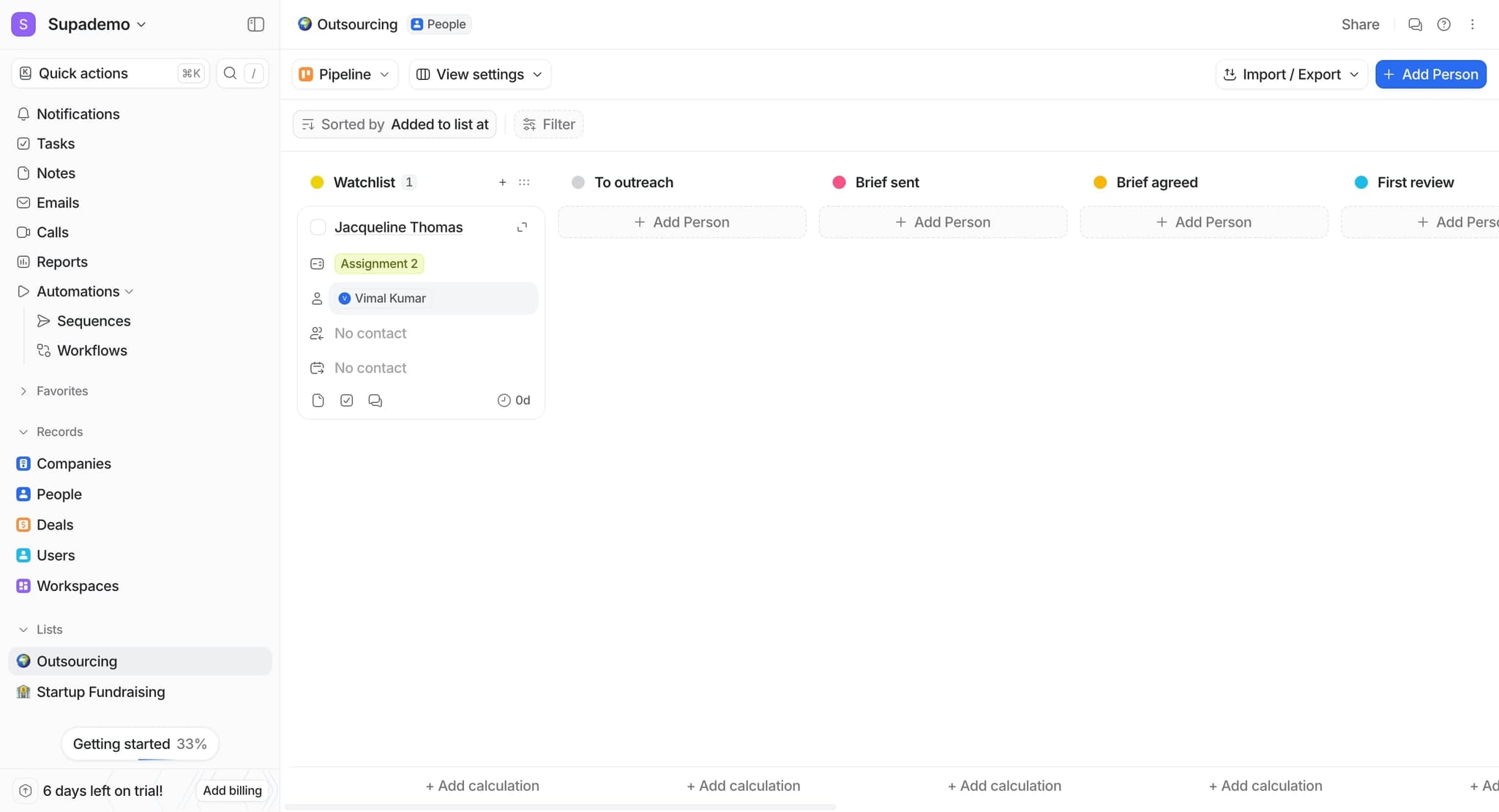
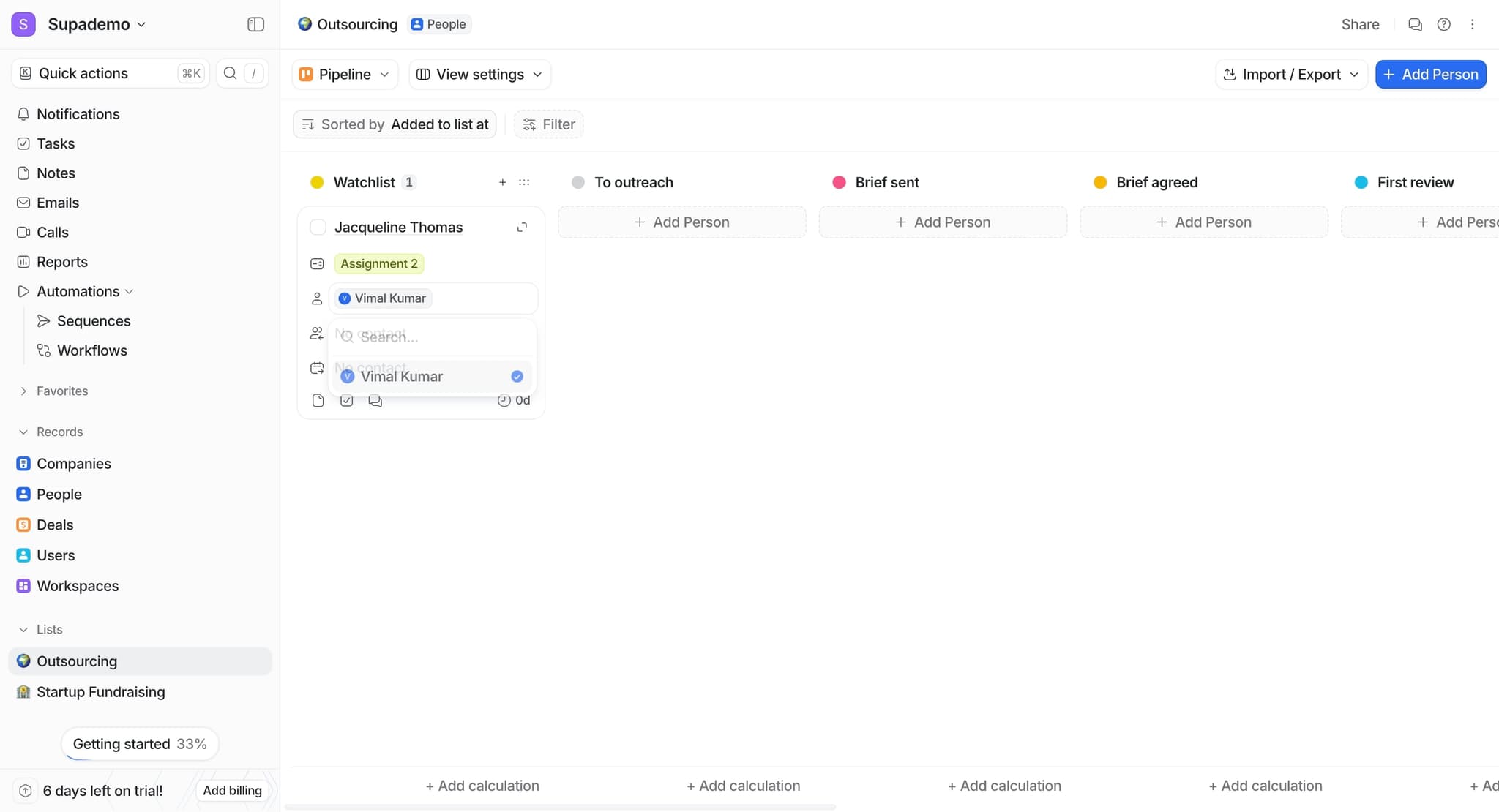
Watch the record update automatically as your teammates make changes to fields, add information, or leave comments. You'll see activity timestamps showing exactly who made each change and when.
- 5
Enable notifications for important changes
Configure your notification settings to stay informed about updates to records you're working on. This ensures you're never out of the loop when teammates make critical changes to shared work.
Frequently asked questions
Common questions about how to collaborate in real-time in attio.
Yes, Attio supports concurrent editing of records. Multiple team members can work on the same customer or deal record at the same time, and you'll see their changes appear in real-time without conflicts or overwriting issues.
When a teammate uses the @ symbol to mention you in a comment, you'll receive an immediate notification. The mention will also be highlighted in the activity feed, making it easy to find and respond to messages directed at you.
Yes, Attio allows administrators to set different permission levels for team members. You can control whether users can view only, comment, or fully edit records, ensuring data integrity while maintaining collaboration.
Attio automatically saves your changes to the cloud, so you won't lose any work if your connection drops. Once reconnected, you'll see all updates from your teammates that occurred while you were offline.
Absolutely. The activity timeline on each record shows a detailed history of all changes, including who made them and when. This provides full transparency and accountability for all modifications to customer and deal information.