How to Use ChatGPT for Email Marketing

Email marketing requires engaging copy and strategic messaging—skills that ChatGPT can help you develop quickly and at scale. This guide walks you through using ChatGPT to generate compelling promotional emails for product launches and campaigns. You'll learn how to craft targeted messaging that resonates with your audience and drives conversions.
Quick summary
In this tutorial, you'll discover how to leverage ChatGPT's AI capabilities to create professional promotional emails for product launches. You'll learn the specific prompts and techniques to generate high-quality email content tailored to your target audience, saving time while maintaining brand voice and marketing effectiveness.
Why this matters
Email marketing remains one of the highest-ROI channels for businesses, but writing effective promotional copy requires significant time and creativity. ChatGPT eliminates writer's block and accelerates the content creation process, allowing marketing teams to produce multiple email variations and test different messaging strategies without extensive manual effort. This efficiency directly impacts campaign launch timelines and overall marketing productivity.
Step-by-step guide
- 1
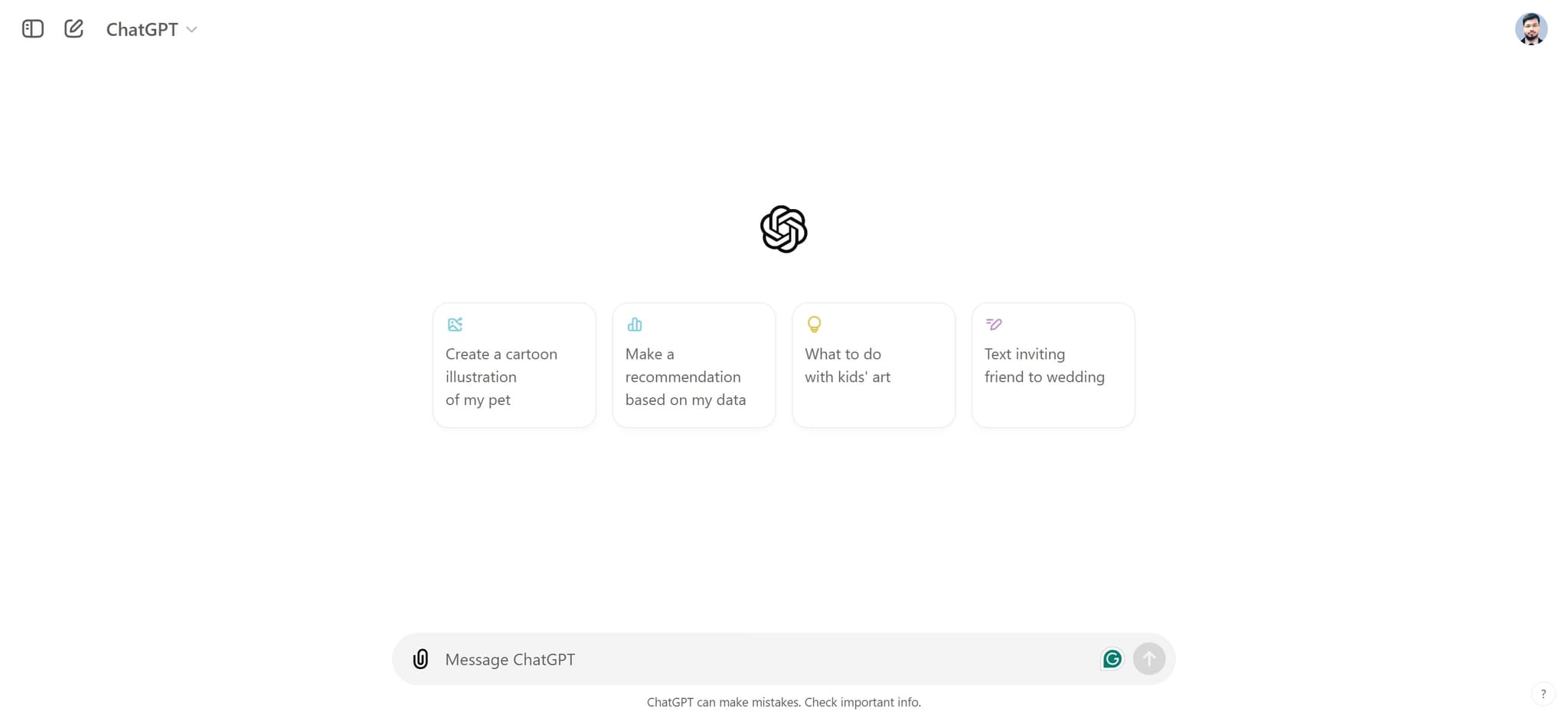
Access ChatGPT interface
Navigate to ChatGPT and ensure you're logged into your account. You should see the main chat interface ready for input.
- 2
Prepare your email brief
Gather key information about your product launch, including target audience, product benefits, launch date, and any unique selling points. This information will inform the email content you request from ChatGPT.
- 3
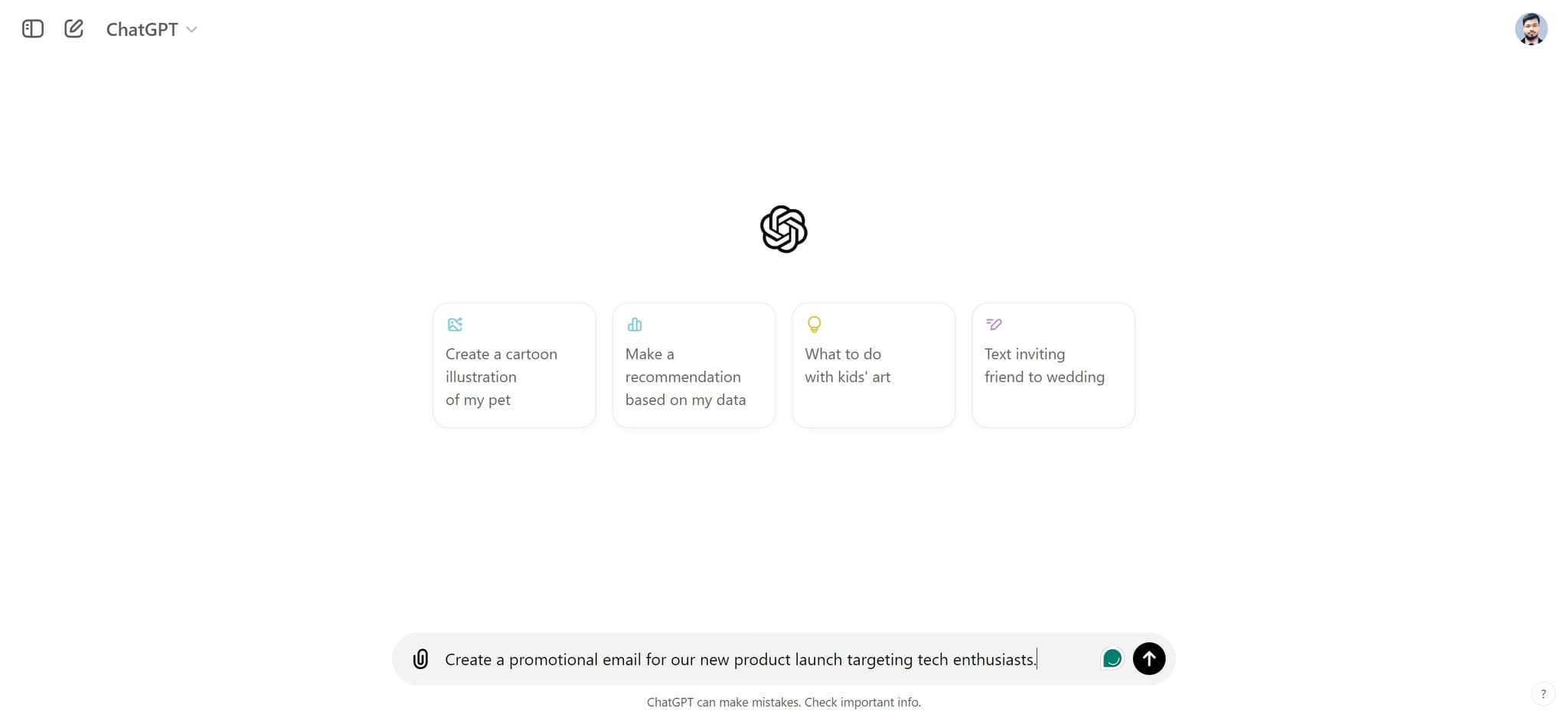
Create promotional email prompt
Enter your detailed prompt requesting a promotional email for your new product launch targeting your specific audience. Be specific about tone, length, and any brand guidelines you want ChatGPT to follow.
- 4
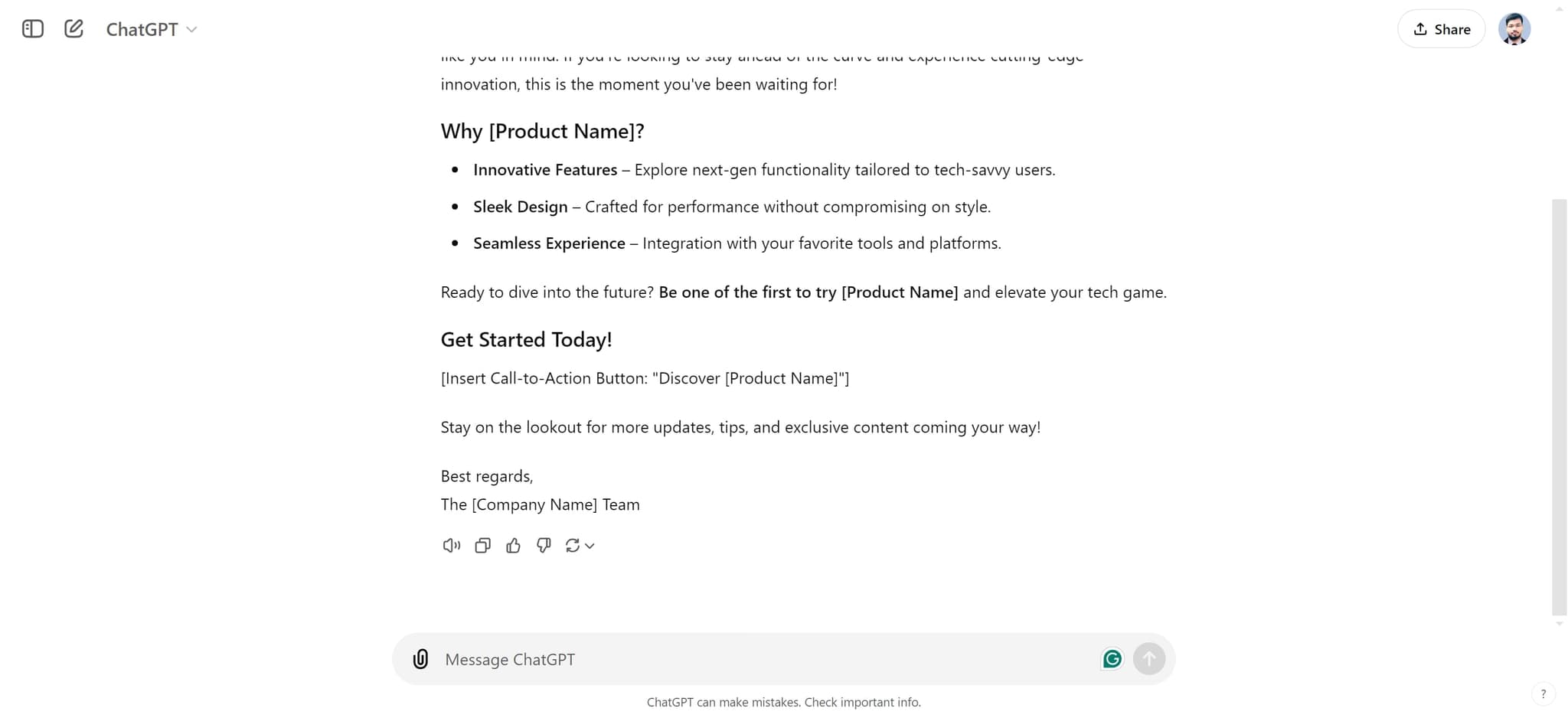
Review generated content
Examine the email copy that ChatGPT produces. Check for alignment with your brand voice, accuracy of product information, and compelling call-to-action elements.
- 5
Refine and iterate
Use follow-up prompts to adjust the email—request shorter or longer versions, different tones, or alternative subject lines. ChatGPT allows unlimited refinements until you're satisfied with the output.
- 6
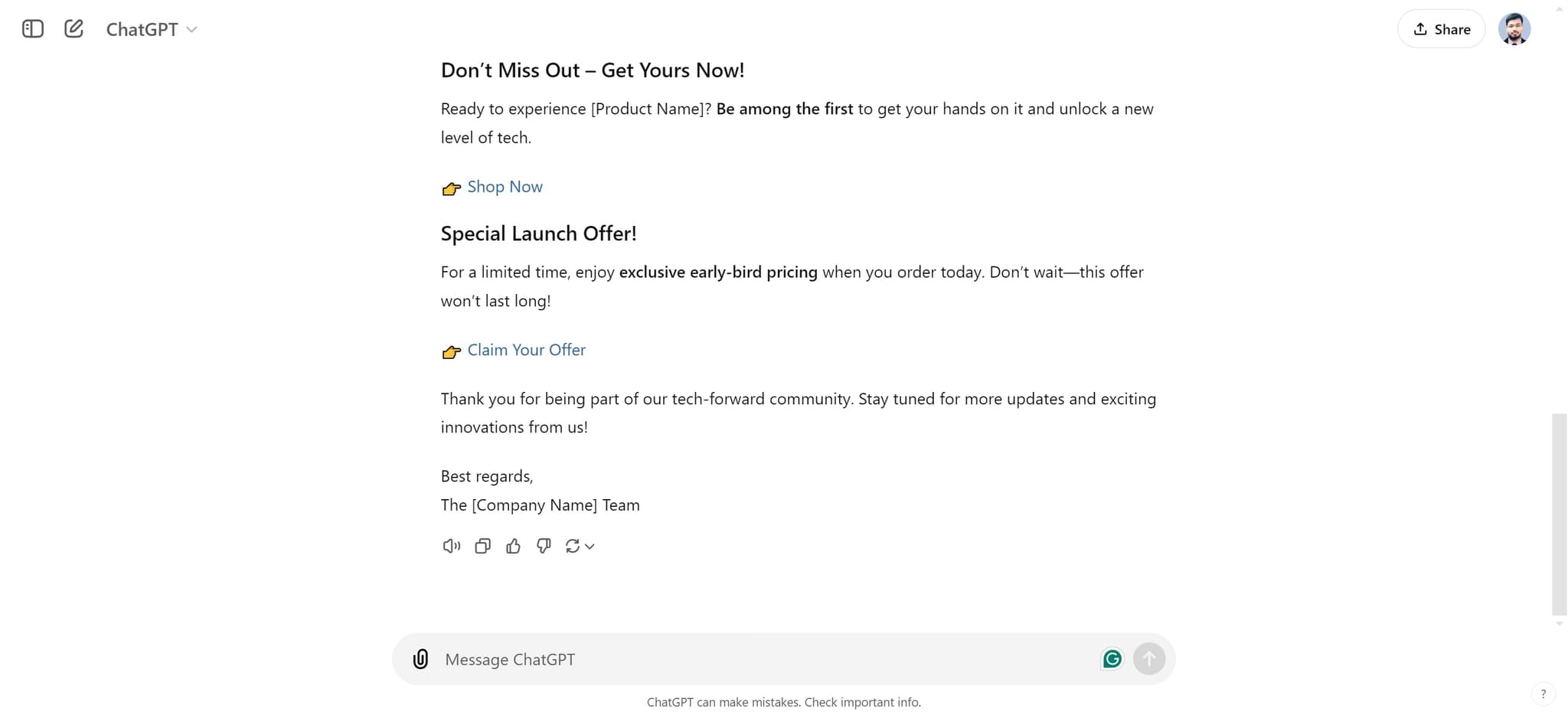
Export and format email
Copy the finalized email content and paste it into your email marketing platform. Format it with your branding, images, and links as needed for deployment.
- 7
Test and send campaign
Run A/B tests on subject lines or email variations if desired, then schedule or send your promotional email to your target list. Monitor open rates, click-through rates, and conversions to measure campaign success.
Frequently asked questions
Common questions about how to use chatgpt for email marketing.
Yes, ChatGPT can produce natural-sounding promotional emails when given clear instructions about tone and audience. The key is providing detailed context in your prompt—specify whether you want a formal, casual, or urgent tone, and include examples of your brand voice if possible. The more guidance you provide, the better the output matches your expectations.
ChatGPT can help draft compliant emails, but you remain responsible for following CAN-SPAM, GDPR, and other regulations. Always include an unsubscribe link, honor opt-out requests, and include your business address in the footer. Review ChatGPT's output before sending to confirm it meets your legal requirements.
It's best practice to review and edit ChatGPT output before sending. While the AI produces high-quality content, human review ensures accuracy, brand consistency, and that specific product details are correct. Many marketers use ChatGPT as a starting point and then customize based on their unique campaign goals and brand guidelines.
Absolutely. You can ask ChatGPT to generate multiple subject line options for A/B testing. Request variations that emphasize urgency, benefit, curiosity, or other angles relevant to your product launch. Testing different subject lines helps maximize open rates and campaign performance.
Include your product name and key benefits, target audience demographics, desired email tone, preferred length, call-to-action goal, and any specific messaging points. The more context you provide about your brand voice and campaign objectives, the more tailored and effective the generated email will be.