How to Use ChatGPT for Lead Generation

ChatGPT is a powerful tool for generating high-quality leads through personalized outreach and strategic prospecting campaigns. This guide walks you through using ChatGPT to create compelling email templates, subject lines, and nurturing sequences tailored to your target audience.
Quick summary
In this tutorial, you'll learn how to leverage ChatGPT to develop a complete lead generation workflow. You'll create prospecting emails, generate attention-grabbing subject lines, build multi-email nurturing campaigns, and research industry insights to inform your outreach strategy.
Why this matters
Effective lead generation requires personalized, data-driven outreach at scale. ChatGPT automates the creative work of drafting compelling emails and campaigns while maintaining relevance to your target market, saving time and improving conversion rates.
Step-by-step guide
- 1
Open the ChatGPT chat interface
Start by clicking on the "What can I help with?" field to access the main ChatGPT prompt box. This is where you'll input all your lead generation requests.
- 2
Select the input element
Click on the active text input element to ensure the cursor is ready for typing. This prepares ChatGPT to receive your first command.
- 3
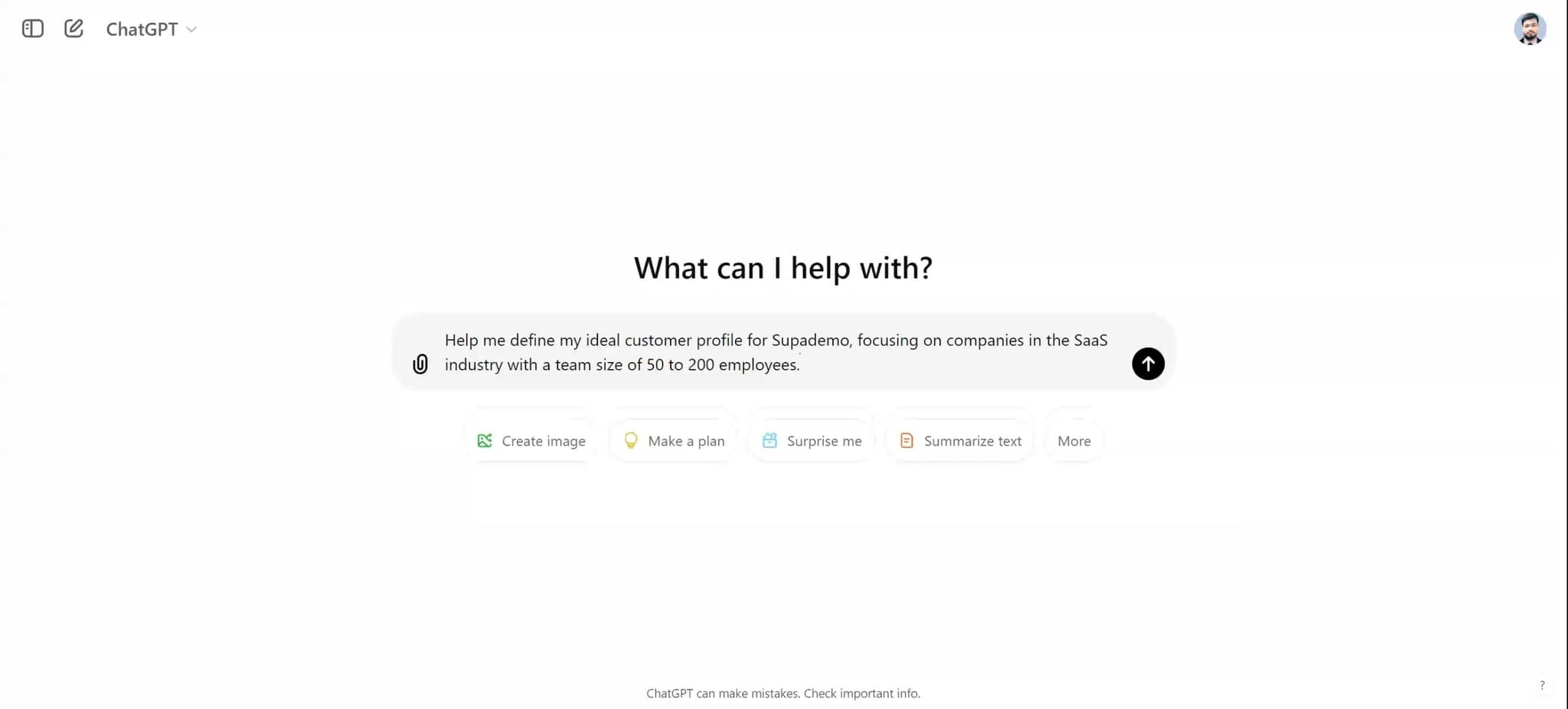
Upload your company information
Use the upload function to provide ChatGPT with relevant company data, product details, or target market information. This context helps ChatGPT generate more accurate and tailored outputs.
- 4
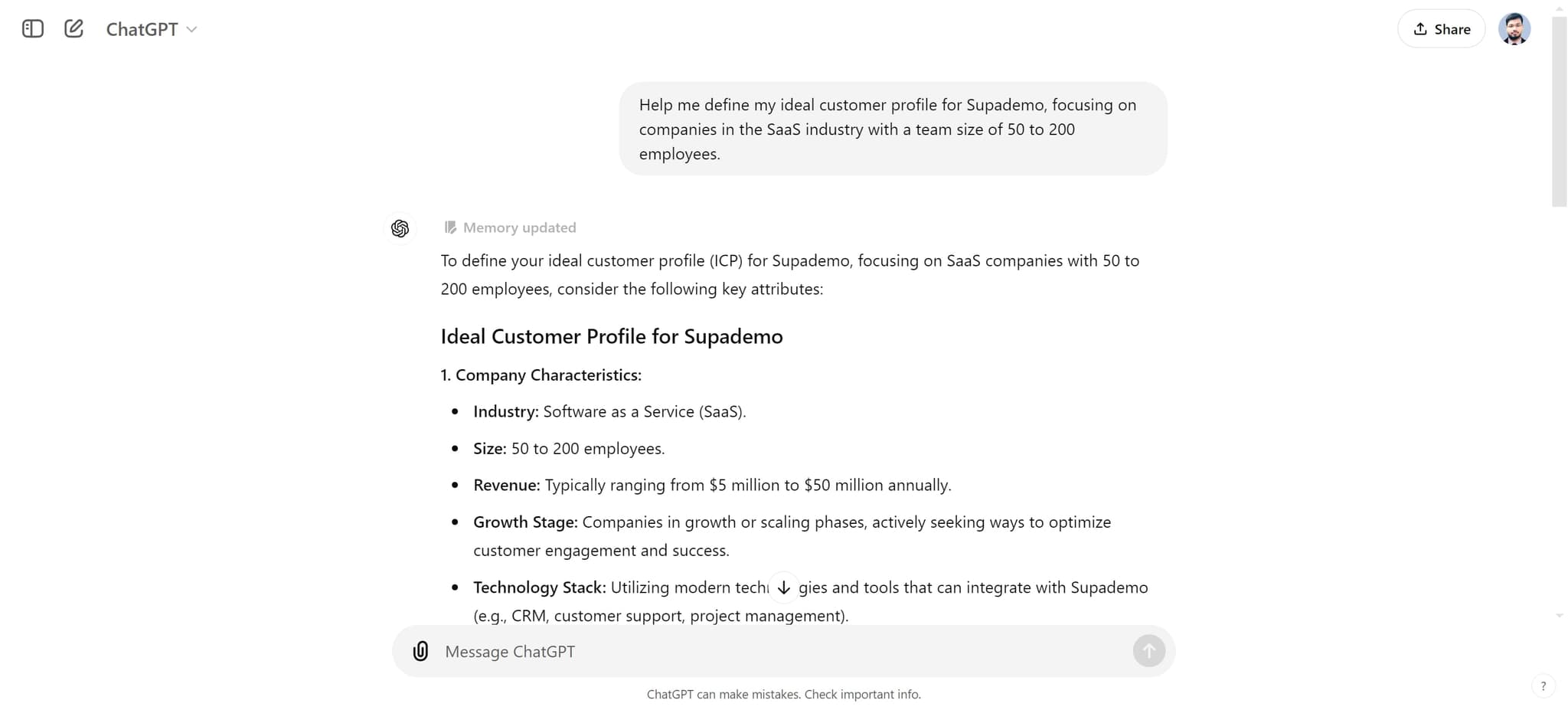
Define your company characteristics
Click on "1. Company Characteristics:" to establish the foundational details about your business. This section helps ChatGPT understand your market position and value proposition.
- 5
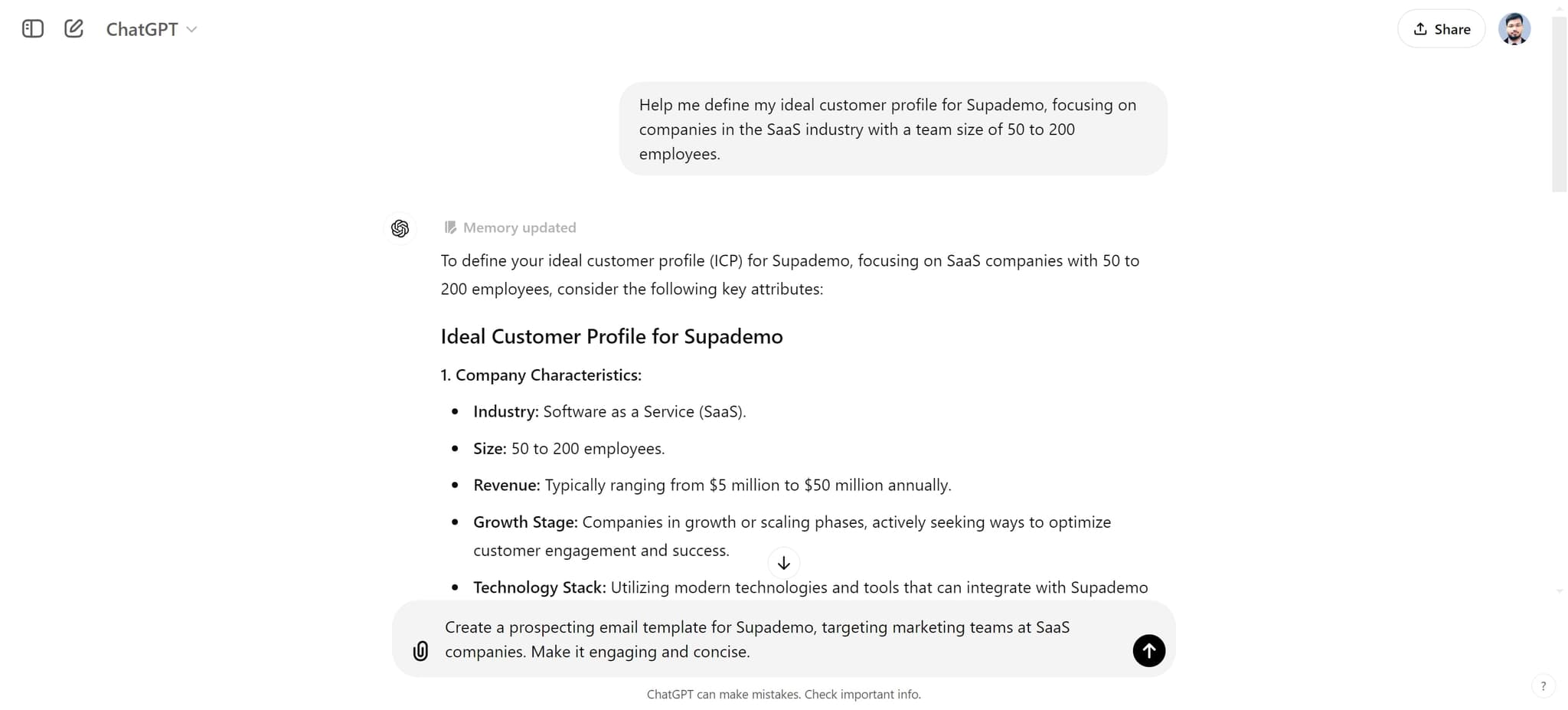
Request a prospecting email template
Click on "Create a prospecting email template for Supademo, targeting..." to generate a customized cold email template. ChatGPT will create a professional email structure suited to your specific product and audience.
- 6
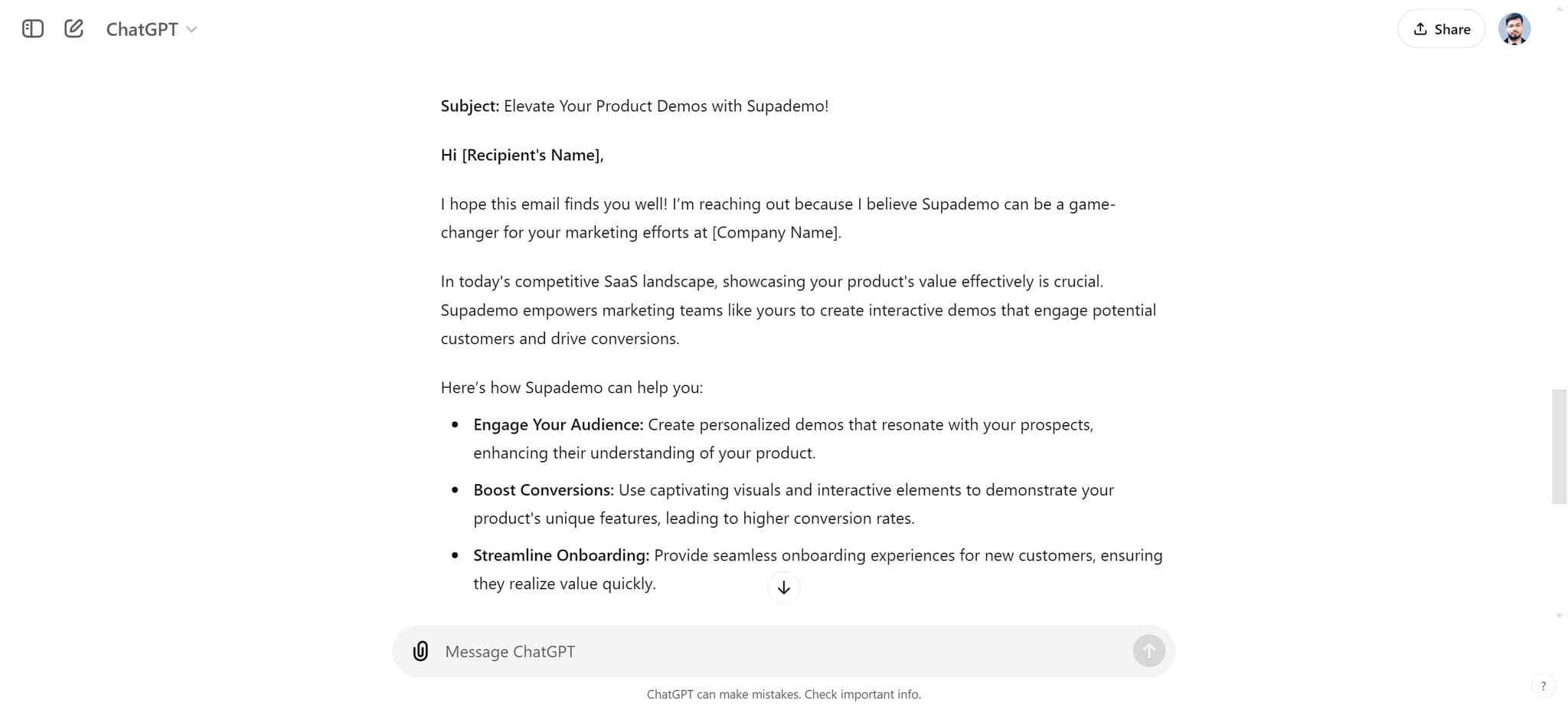
Review the generated email template
Click on "Here's a prospecting email template tailored for marketing t..." to see the full email content. Review the structure, tone, and messaging to ensure it aligns with your brand voice.
- 7
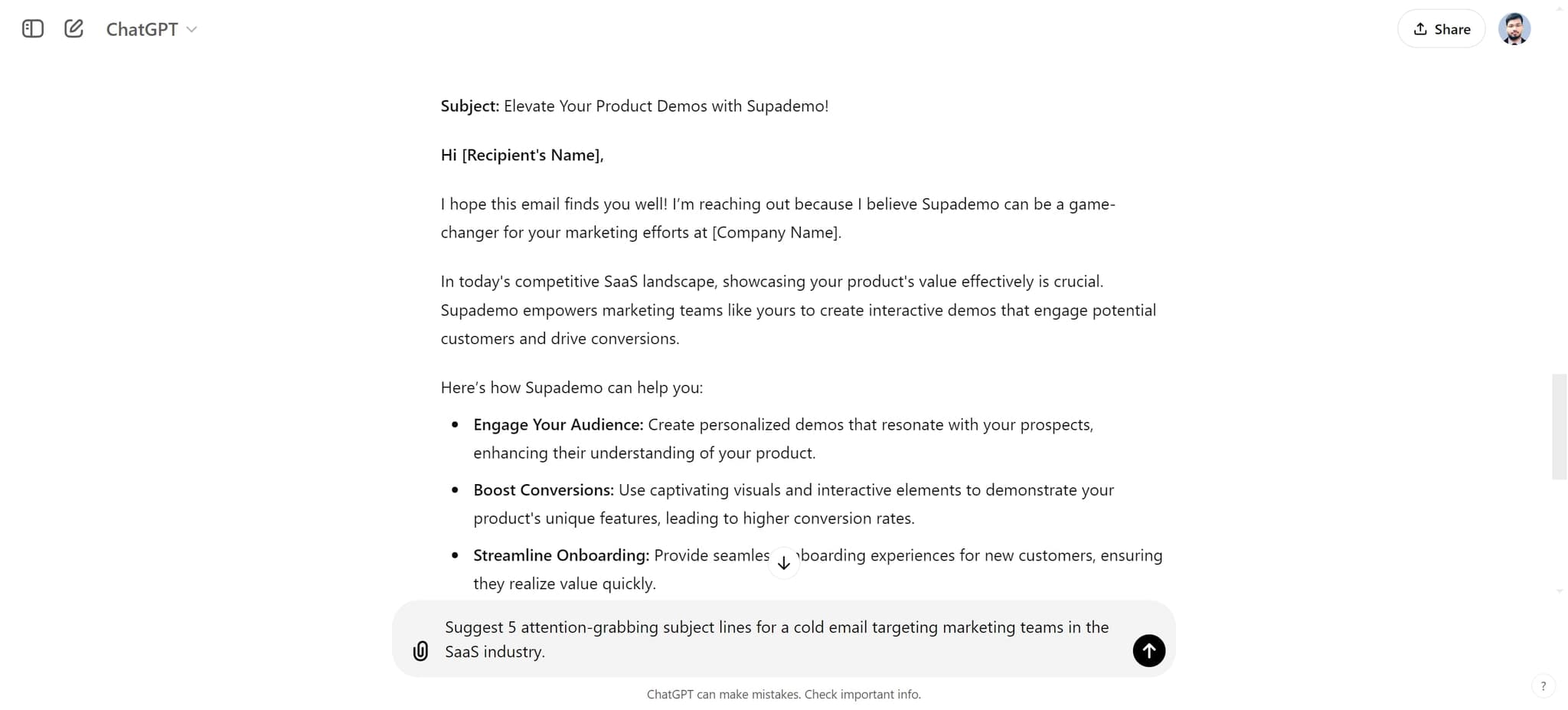
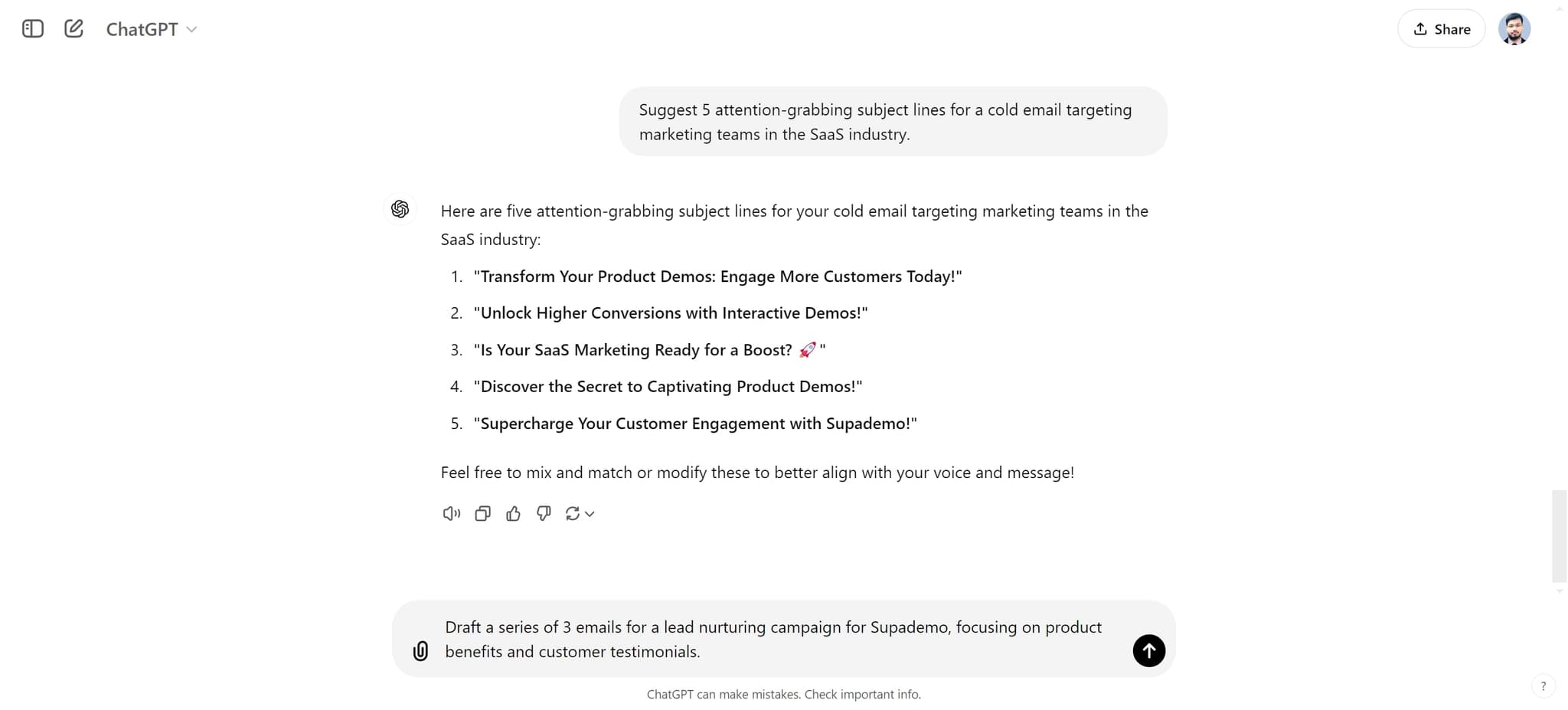
Generate attention-grabbing subject lines
Click on "Suggest 5 attention-grabbing subject lines for a cold email..." to receive multiple subject line options. These variations help you test which approach resonates best with your target leads.
- 8
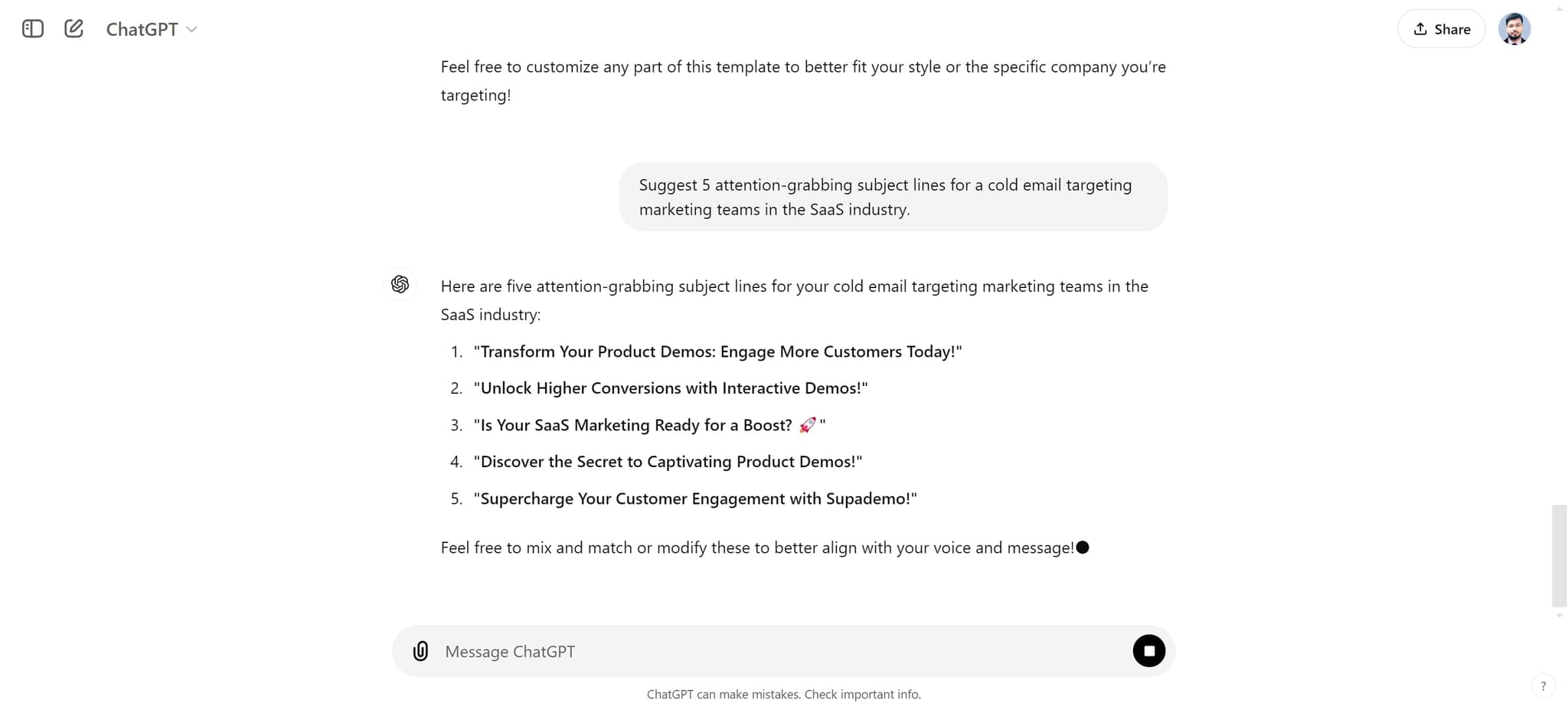
Select a recommended subject line
Click on "Is Your SaaS Marketing Ready for a Boost? 🚀" to confirm a strong subject line option. This example demonstrates how ChatGPT crafts curiosity-driven and benefit-focused subject lines.
- 9
Create a lead nurturing email series
Click on "Draft a series of 3 emails for a lead nurturing campaign for..." to generate a complete multi-touch sequence. ChatGPT will create progressive emails designed to move leads through your sales funnel.
- 10
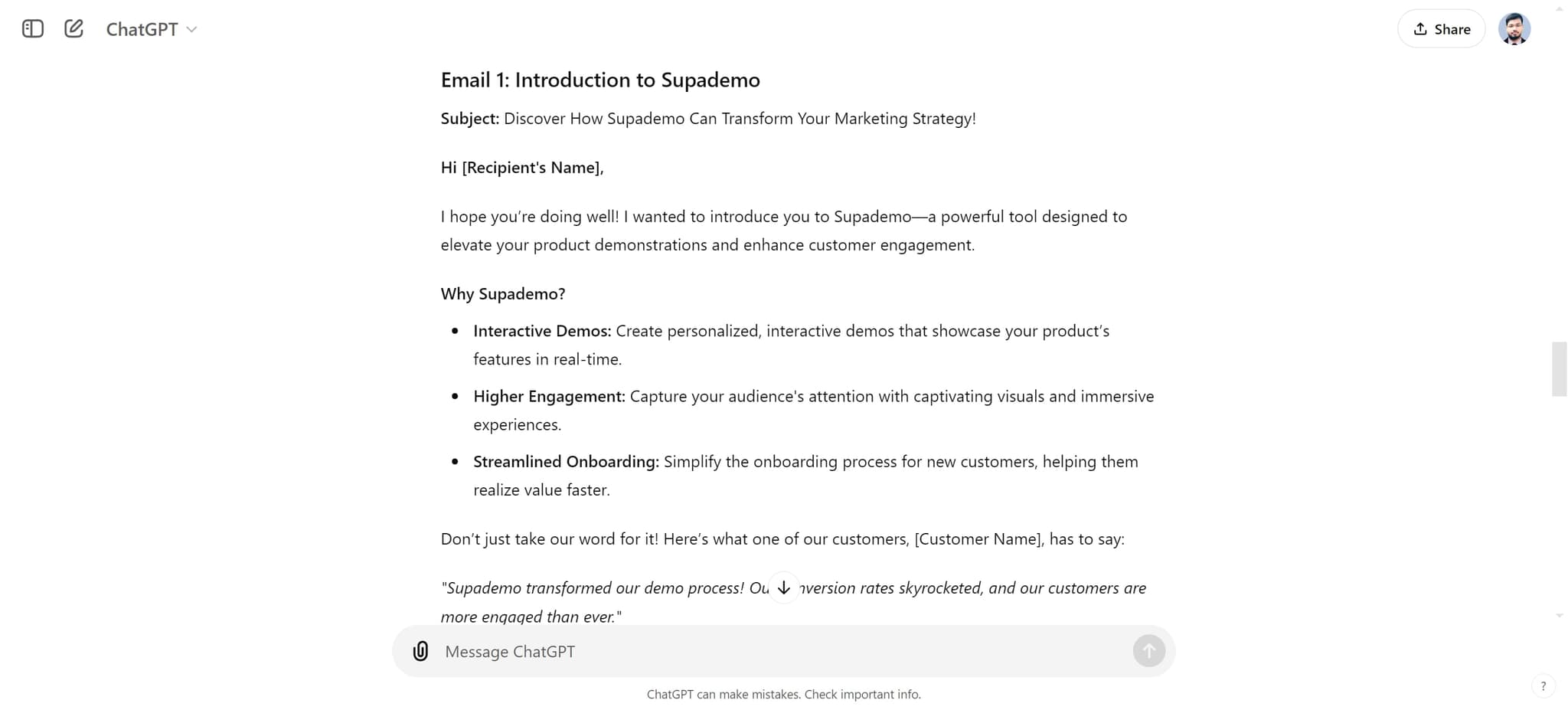
Explore the value proposition
Click on "Why Supademo?" to see how ChatGPT articulates your product's core benefits. This helps you understand messaging angles for your outreach.
- 11
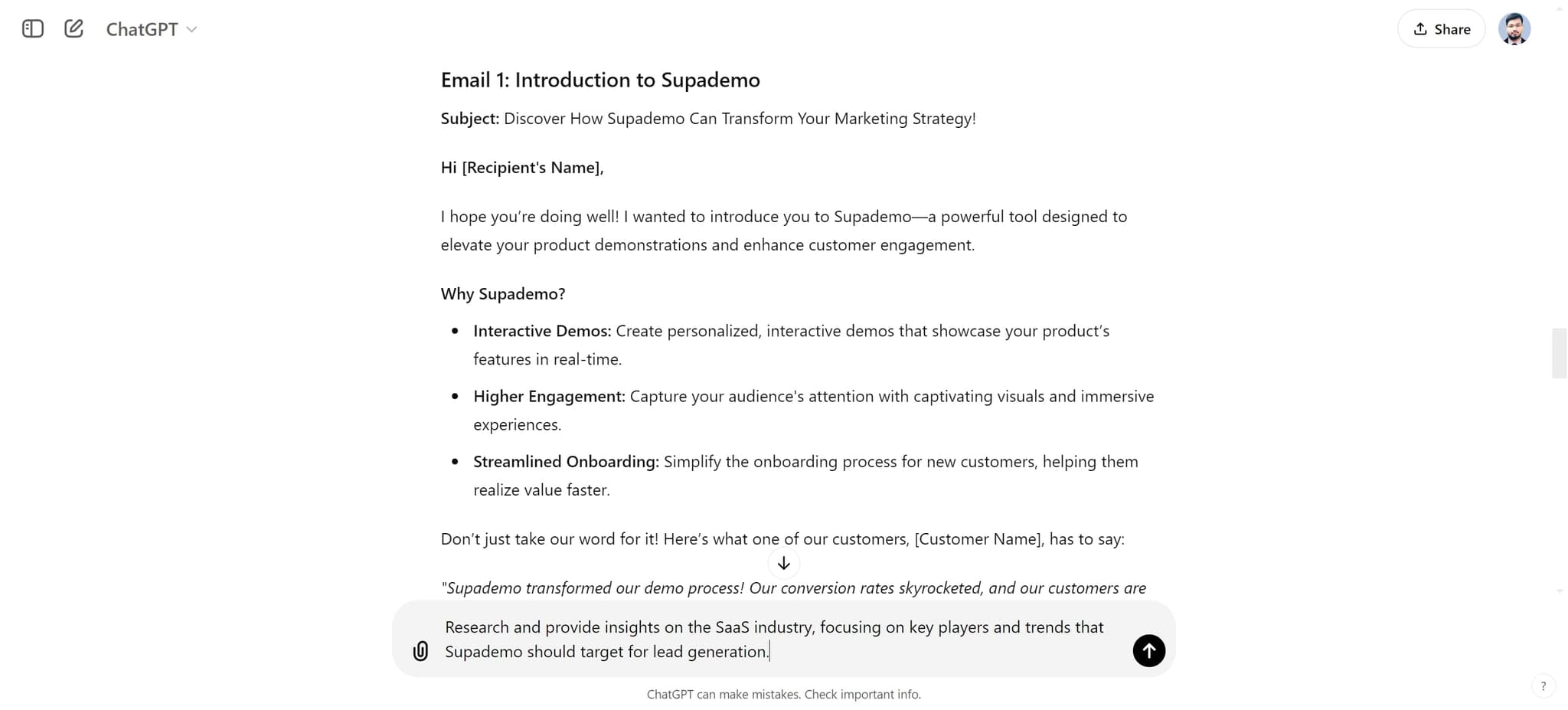
Request industry research and insights
Click on "Research and provide insights on the SaaS industry, focusing..." to generate market intelligence. This research strengthens your outreach by demonstrating industry knowledge to prospects.
- 12
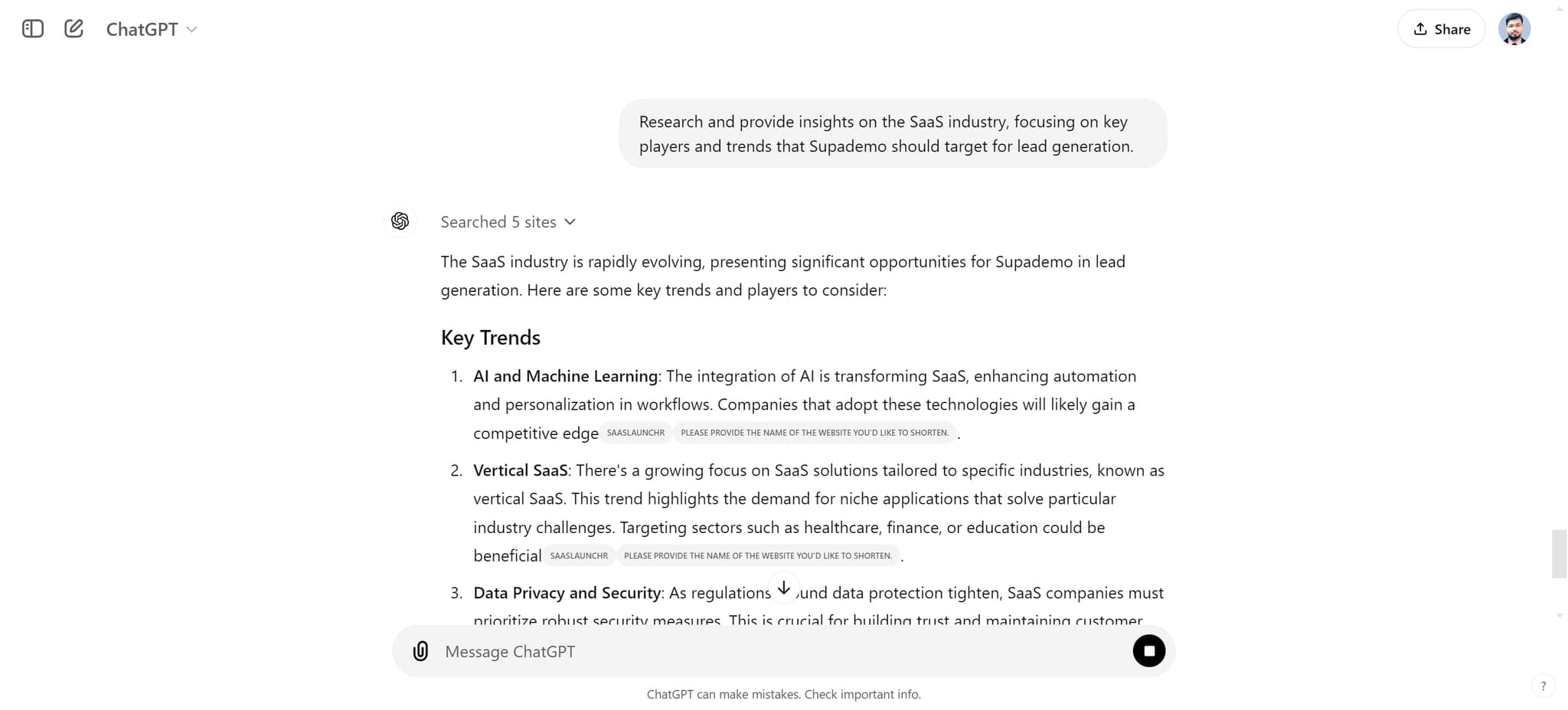
Review the industry insights
Click on "The SaaS industry is rapidly evolving, presenting significan..." to read the full research summary. Use these insights to add credibility and relevance to your prospecting messages.
Frequently asked questions
Common questions about how to use chatgpt for lead generation.
The more specific you are about your target audience, the better ChatGPT can tailor the messaging. Include details like job titles, company size, industry pain points, and decision-making criteria. This level of detail ensures the generated emails resonate with your actual prospects.
ChatGPT's outputs are an excellent starting point, but personalizing them significantly improves results. Add specific prospect names, company details, and unique value propositions that ChatGPT cannot know. The best approach combines ChatGPT's structure and copy with your personal touches.
Start by testing at least 3-5 different subject lines and email approaches across your audience. ChatGPT can generate multiple versions quickly, allowing you to run A/B tests and identify which messaging resonates most with your prospects. Track open rates and replies to determine your winners.
ChatGPT excels at both, but serves different purposes. For cold emails, it helps you craft compelling first impressions with limited information. For nurturing campaigns, it creates logical progressions that build on previous touchpoints. Use ChatGPT to generate frameworks for both types, then customize with real prospect data.
Reference industry trends and insights in your prospecting emails to establish credibility and relevance. For example, mention market challenges or opportunities ChatGPT researches, then position your solution as addressing those specific pain points. This approach demonstrates you understand the prospect's business context.