How to Use ChatGPT for Sales

ChatGPT is a powerful tool for accelerating your sales process, from prospecting to follow-up communication. This guide walks you through using ChatGPT to generate outreach emails, identify target companies, and streamline your sales workflow.
Quick summary
In this tutorial, you'll learn how to leverage ChatGPT to create personalized sales emails, upload relevant company information, and generate a prioritized list of target accounts based on your specific criteria. By the end, you'll have a complete outreach strategy powered by AI.
Why this matters
Sales teams spend significant time on repetitive tasks like drafting emails and researching prospects. Using ChatGPT to automate these workflows frees up your team to focus on relationship-building and closing deals. A structured AI-assisted approach ensures consistency in messaging while scaling your outreach efforts.
Step-by-step guide
- 1
Start a new conversation
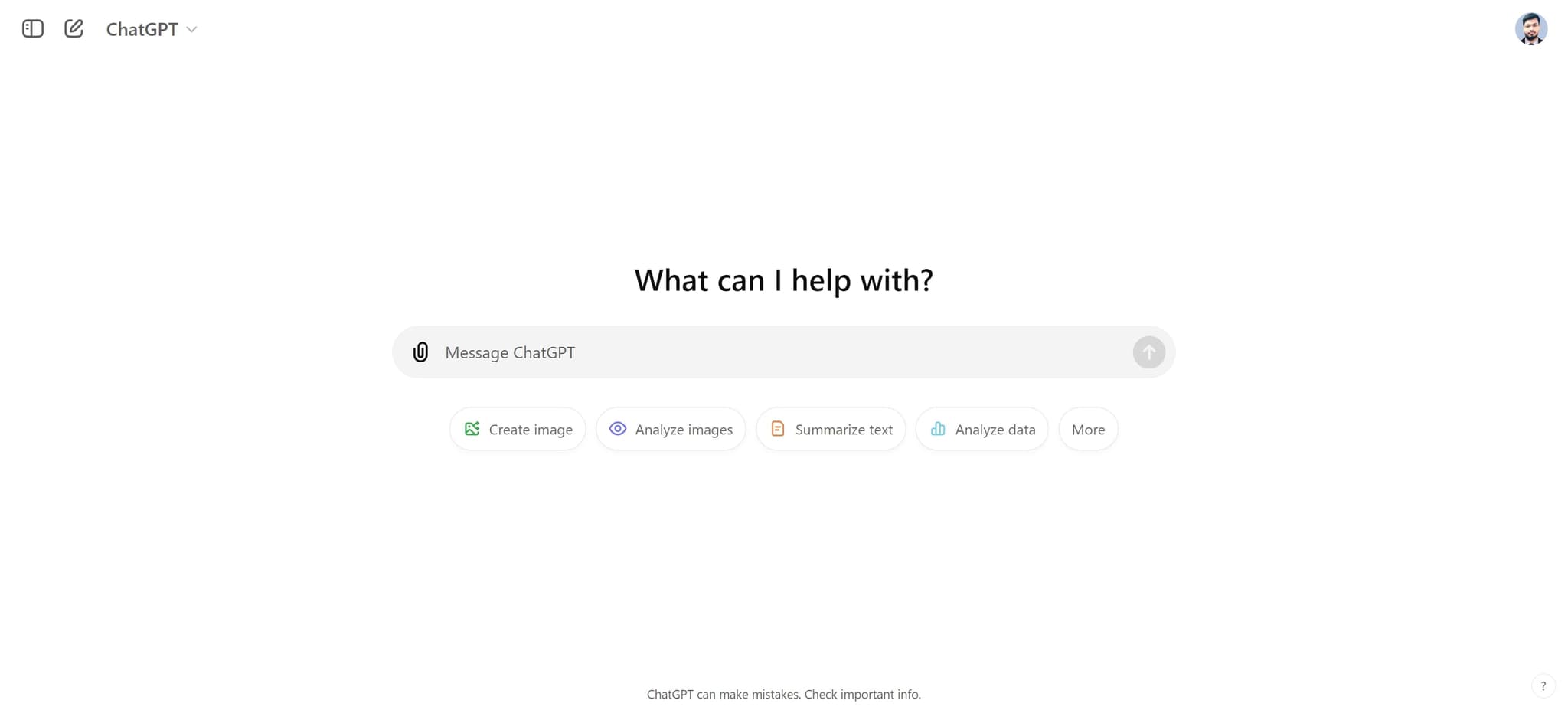
Click on the "What can I help with?" input field to begin your ChatGPT session. This opens the chat interface where you'll describe your sales task and provide context.
- 2
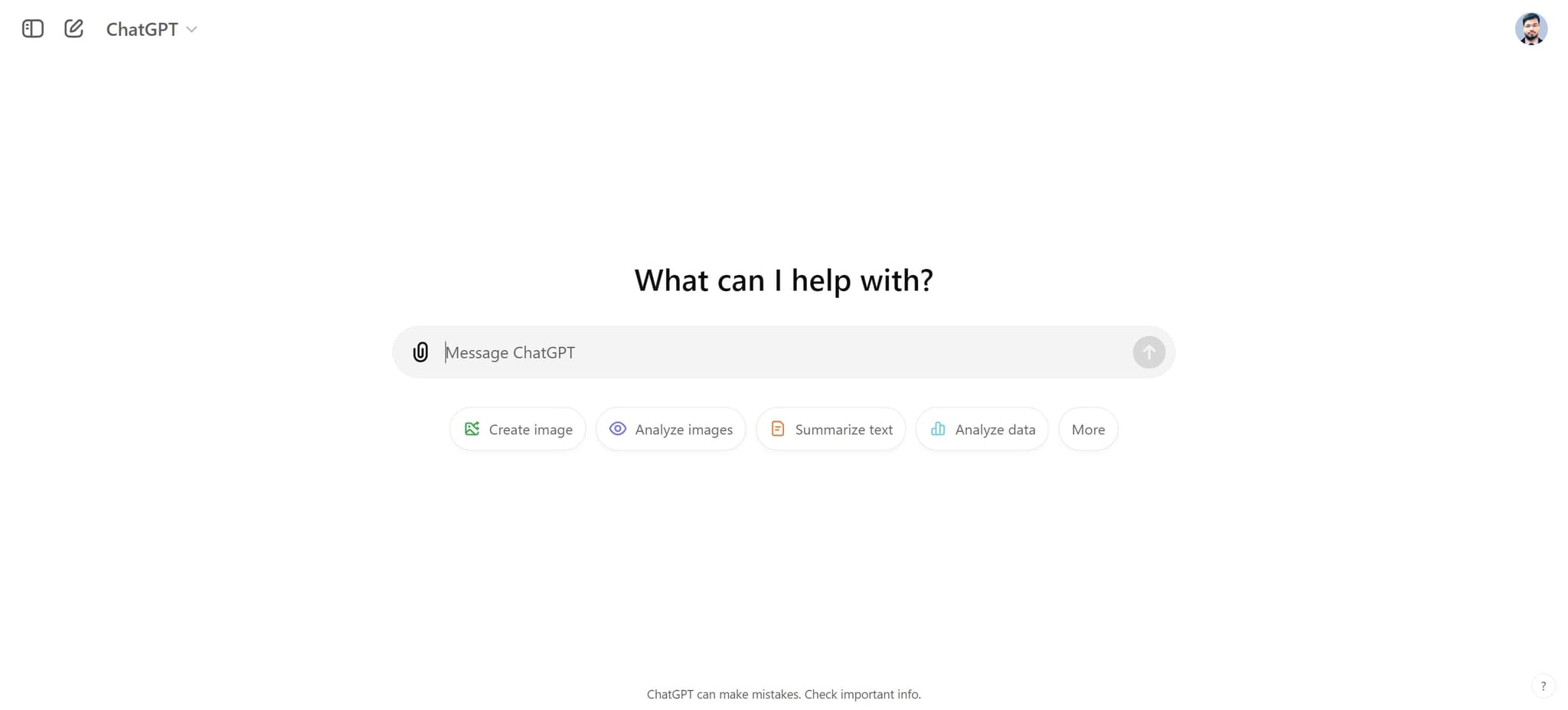
Enter your initial request
Click on the input element and type in your sales objective, such as requesting help with outreach strategy or prospect research. Be specific about your target industry or company profile for best results.
- 3
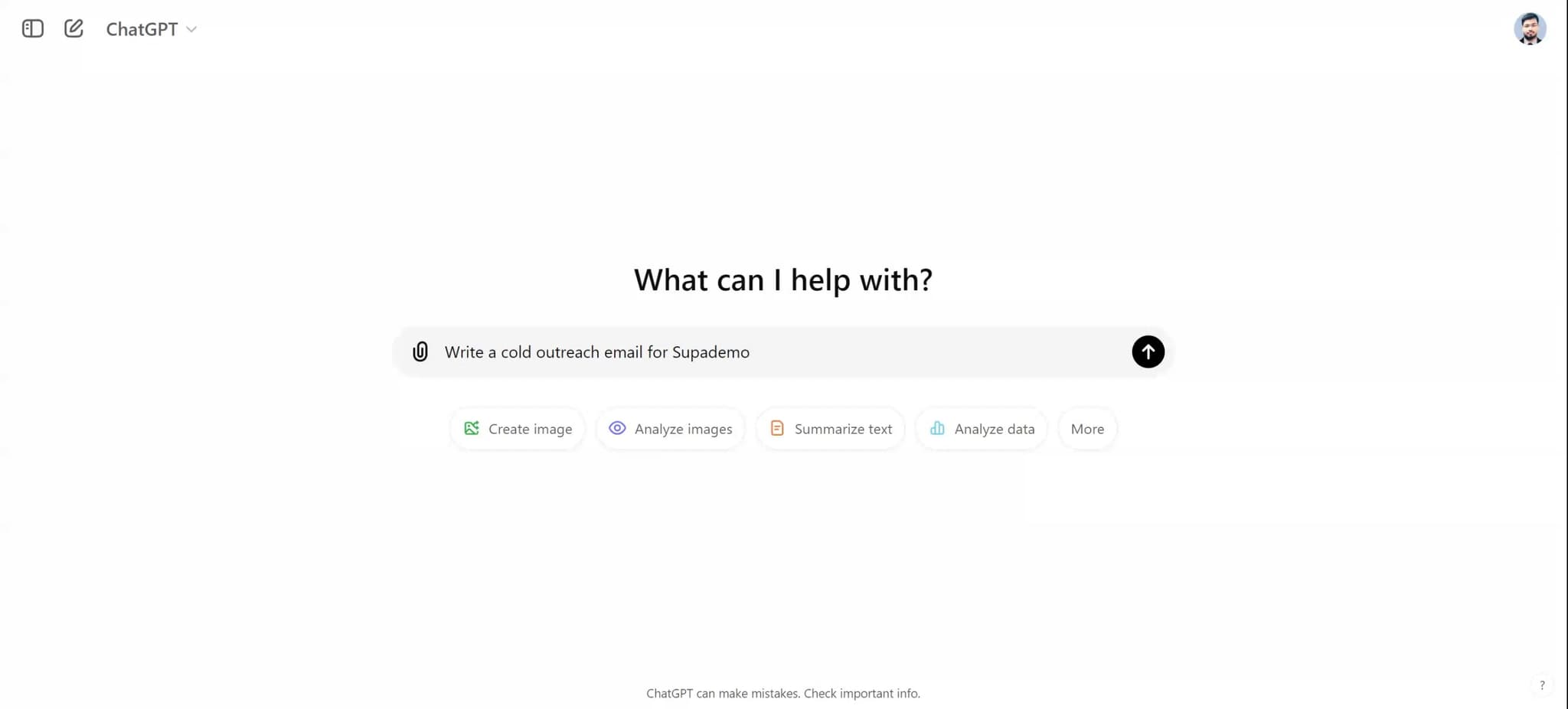
Upload prospect data
Click the upload button to add relevant files, such as a list of prospects, company information, or past sales data. This helps ChatGPT understand your market and tailor its recommendations.
- 4
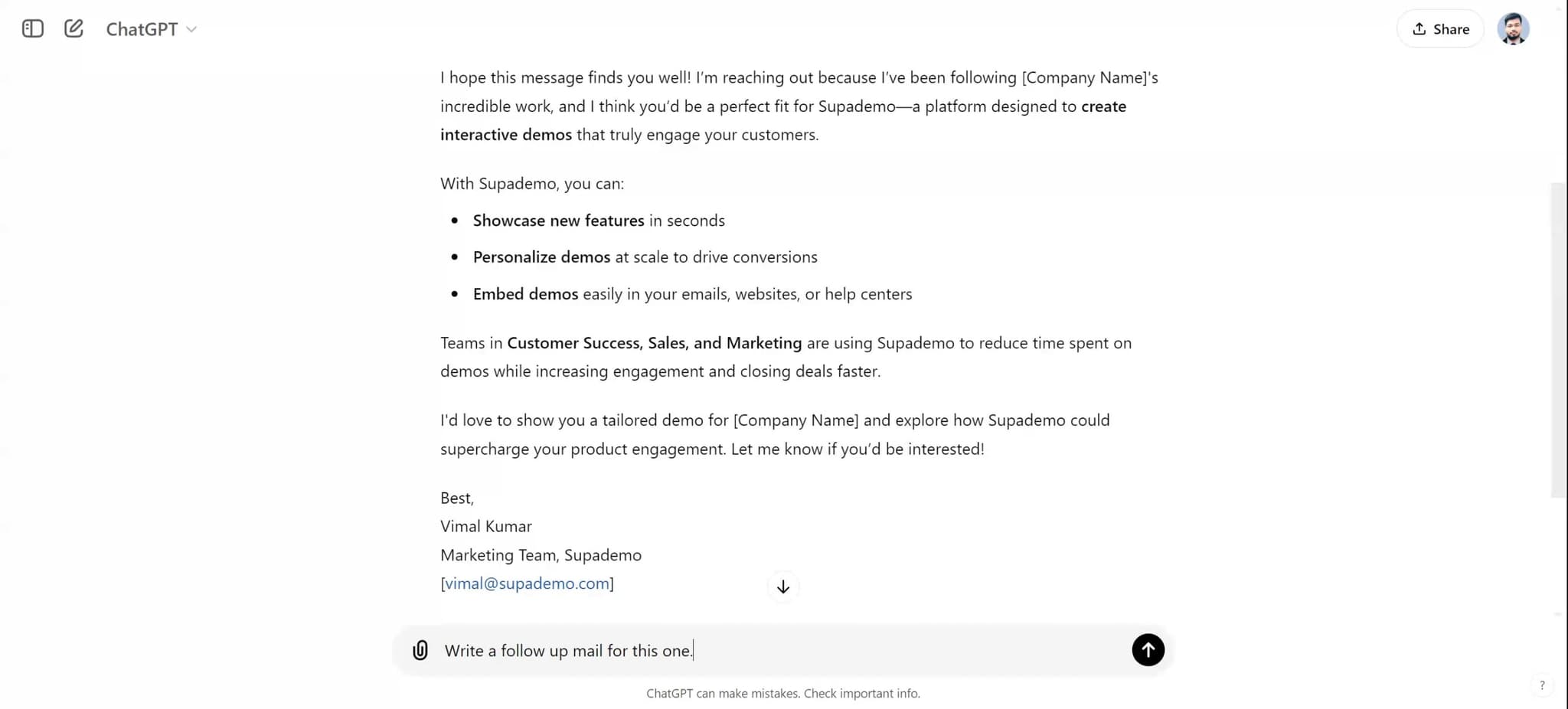
Upload supporting documents
Upload any additional files that provide context, such as your product specifications, pricing information, or previous successful pitches. This ensures ChatGPT generates suggestions aligned with your business.
- 5
Review the generated email
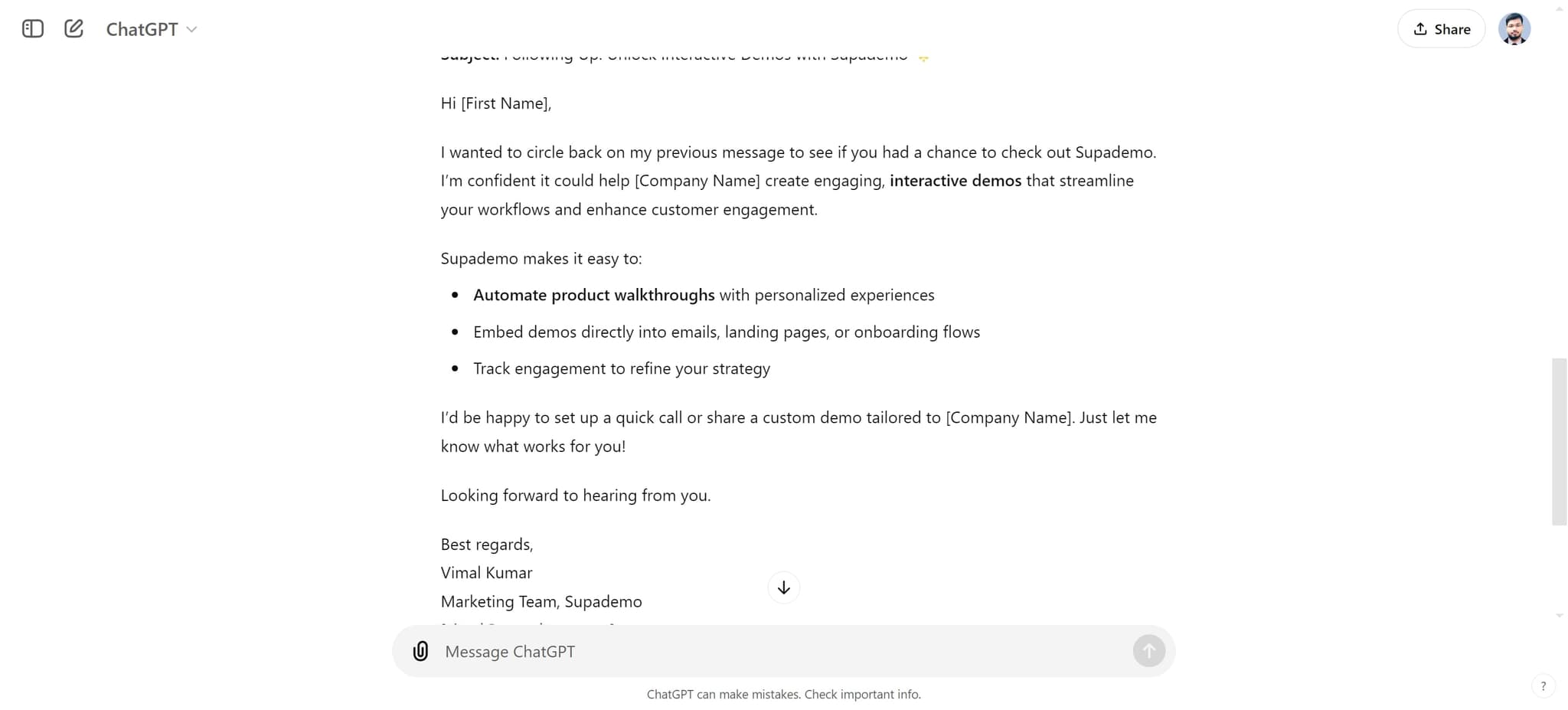
Look at the follow-up email that ChatGPT has created by clicking on "Here's a follow-up email for the outreach:". Examine the tone, messaging, and personalization to ensure it matches your sales strategy.
- 6
Copy or edit the email
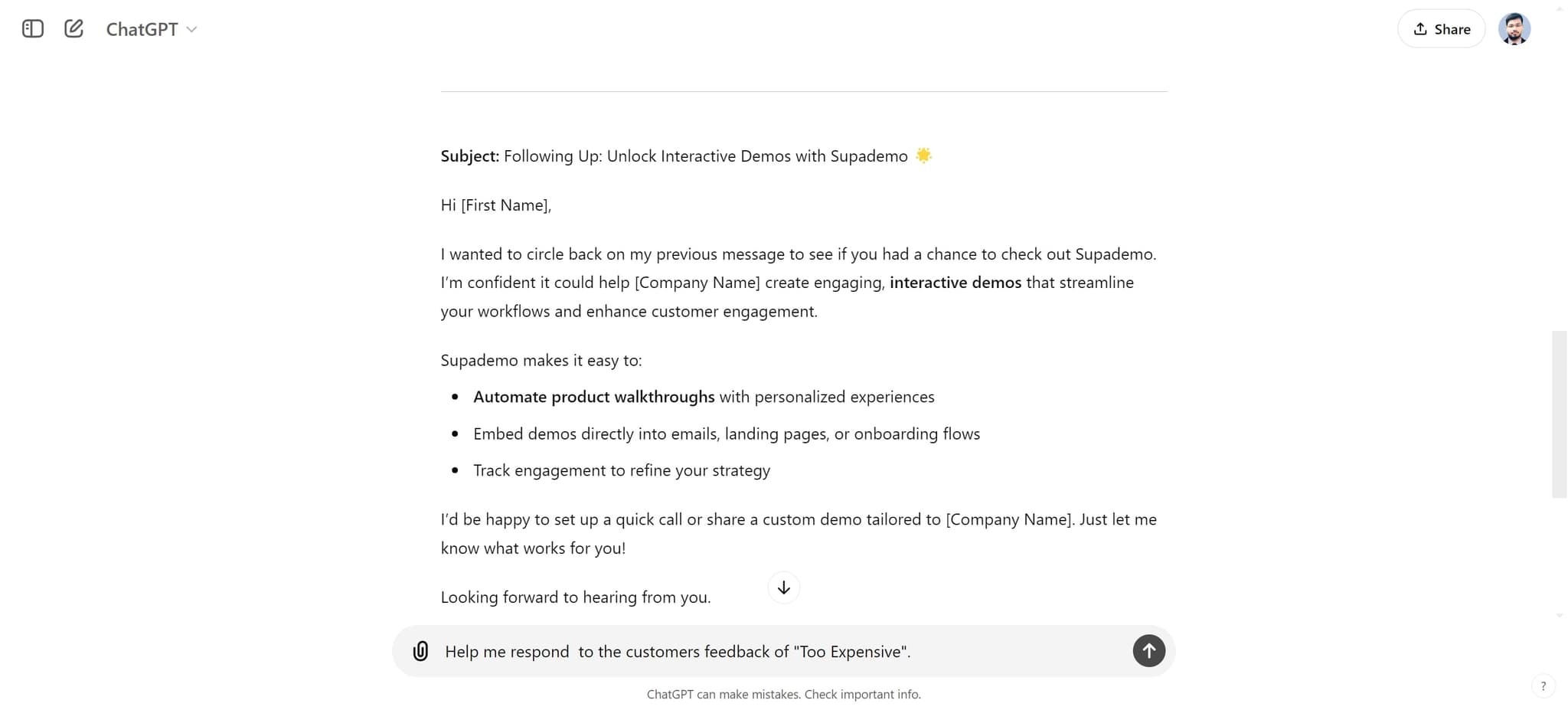
Click on the generated email element to select it for copying or editing. You can then paste it into your email client or refine the language to better match your voice and brand.
- 7
Generate a target company list
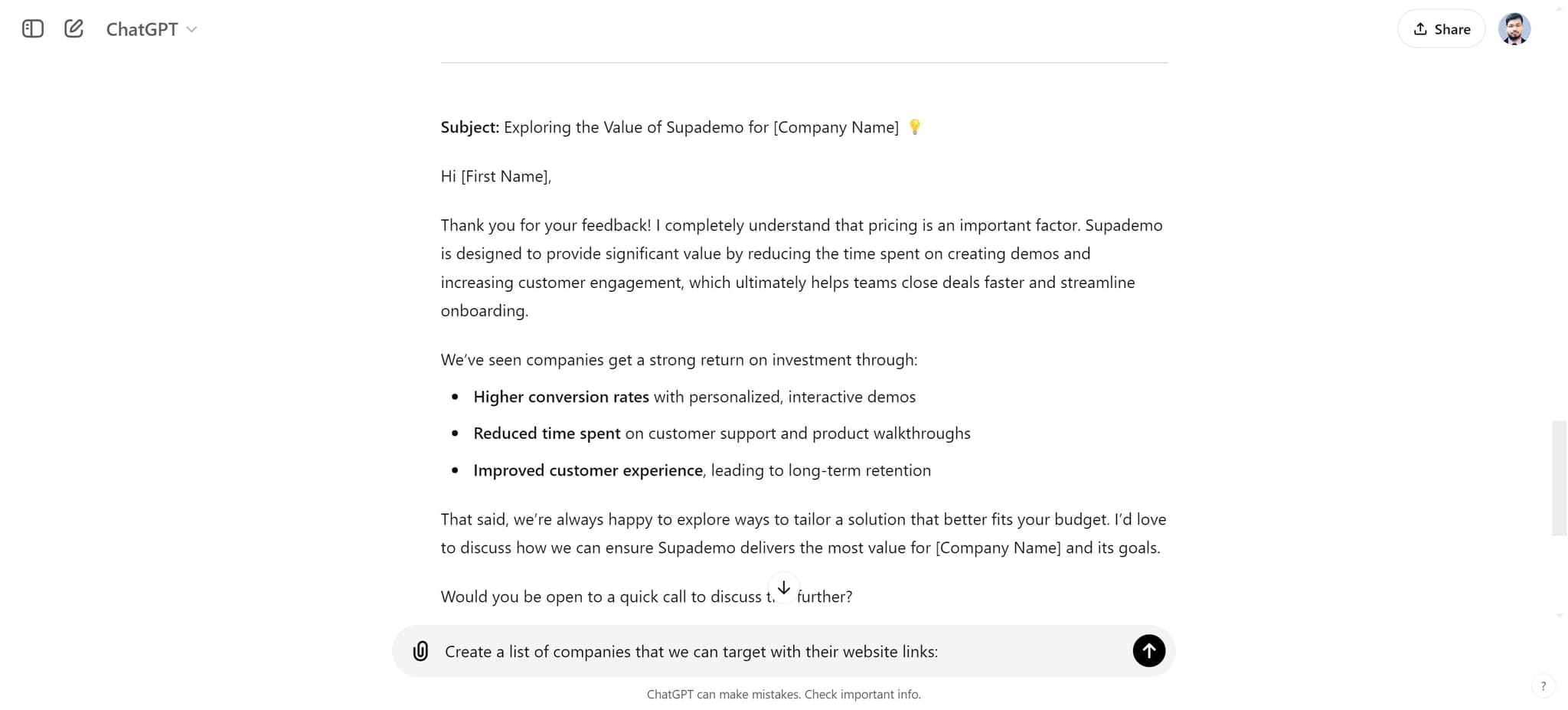
Click on "Create a list of companies that we can target with their web..." to receive a curated list of potential prospects. ChatGPT will prioritize companies based on the criteria and data you've provided.
- 8
Select your primary target
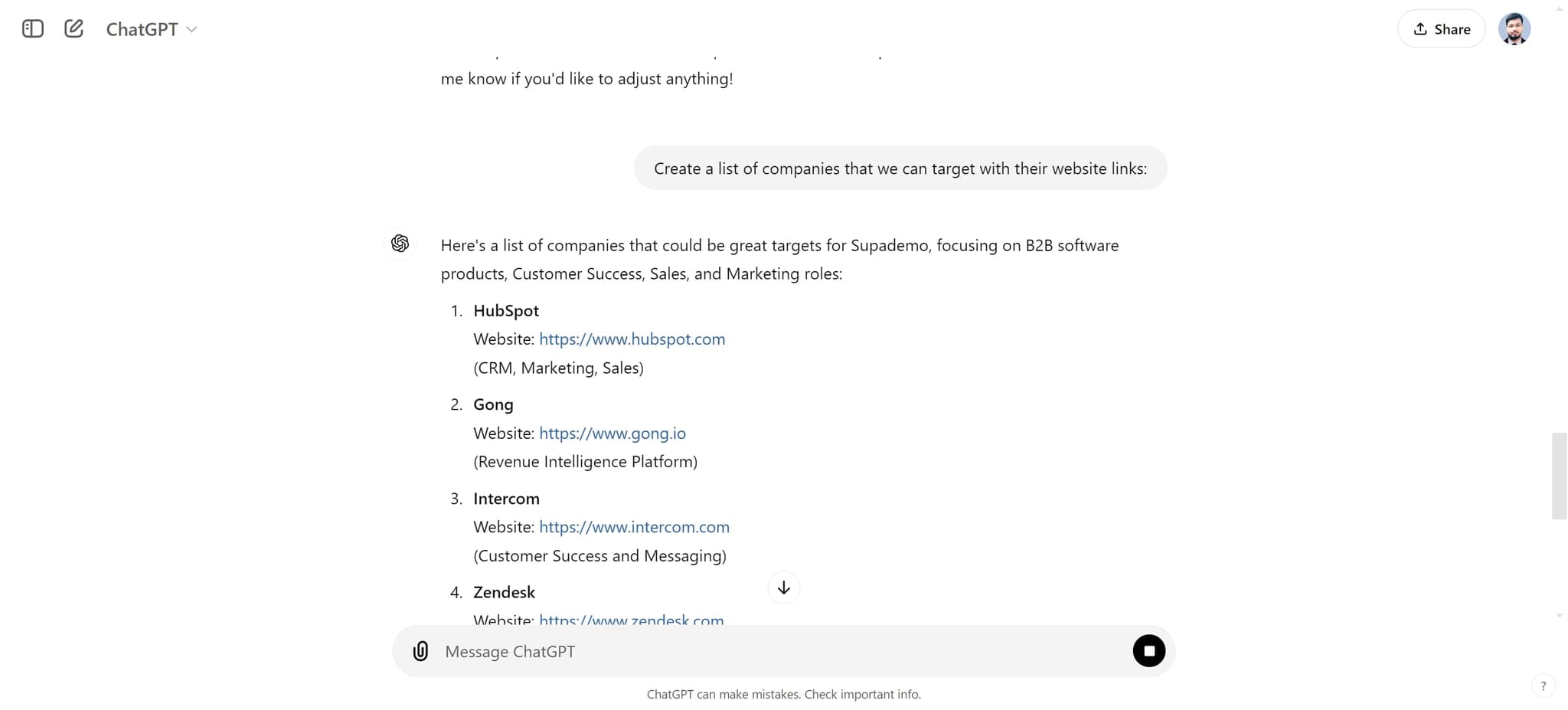
Click on "Website: (CRM, Marketing, Sales)HubSpot" or the relevant company from the generated list to focus your outreach. This allows you to drill down and customize your approach for high-priority accounts.
Frequently asked questions
Common questions about how to use chatgpt for sales.
ChatGPT can assist with drafting personalized outreach emails, identifying target companies, researching prospects, creating pitch variations, and developing sales strategies. It works best when you provide specific context about your product, industry, and ideal customer profile.
Upload relevant data such as your prospect list, product information, and past successful sales examples. The more context you provide, the more tailored and accurate ChatGPT's recommendations will be. Always review and customize the output to match your brand voice.
While ChatGPT produces solid starting points, it's best practice to review and customize all generated content. Add personal touches, verify company details, and adjust tone to reflect your relationship with the prospect. This ensures authenticity and higher response rates.
Organize your data clearly with company name, industry, size, location, and any relevant contact information. Structured formats like CSV or organized spreadsheets work well. Include notes about why each company is a good fit for your product.
Use the prioritized list to focus your outreach efforts on high-potential accounts. Cross-reference it with your CRM, verify company information, and customize your approach for each tier of prospects. The list serves as a starting point for your sales strategy, not a definitive ranking.