How to Delete Your LastPass Account

Deleting your LastPass account is a permanent action that removes all stored passwords and vault data from the service. This guide walks you through the account deletion process step-by-step to ensure you understand what happens and how to complete the request.
Quick summary
In this tutorial, you'll learn how to permanently delete your LastPass account by navigating to account settings, initiating the deletion request, and confirming the action through multiple verification steps. You'll understand the confirmation dialogs that protect against accidental deletions.
Why this matters
Account deletion matters when you're discontinuing LastPass, migrating to another password manager, or want to remove your personal data from the platform entirely. Understanding this process ensures you can cleanly exit the service and know that your account and vault data will be permanently removed.
Step-by-step guide
- 1
Upload required documents
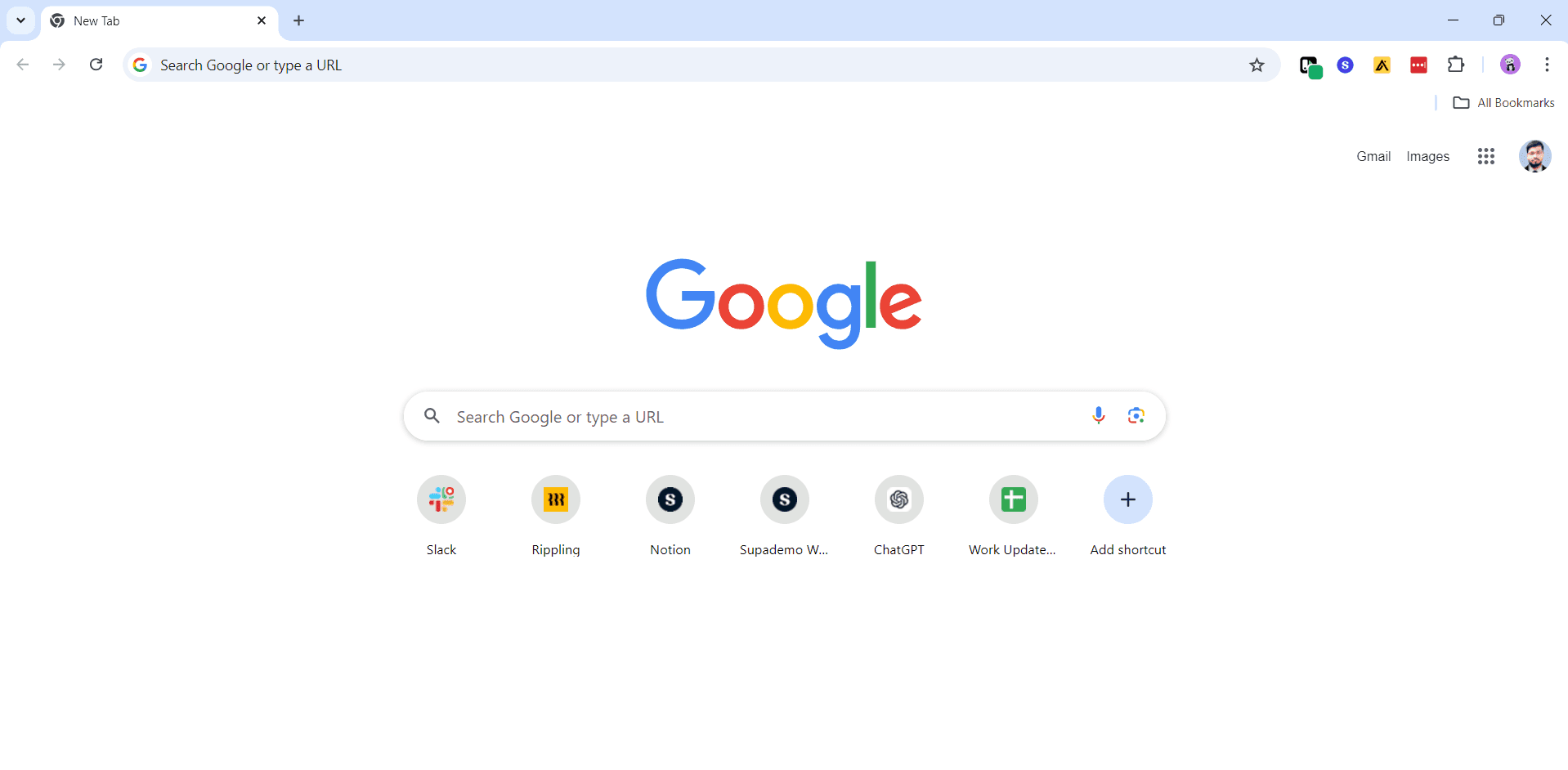
Begin by uploading any necessary documentation or files required to verify your account ownership. This step prepares your account for the deletion process.
- 2
Upload additional files
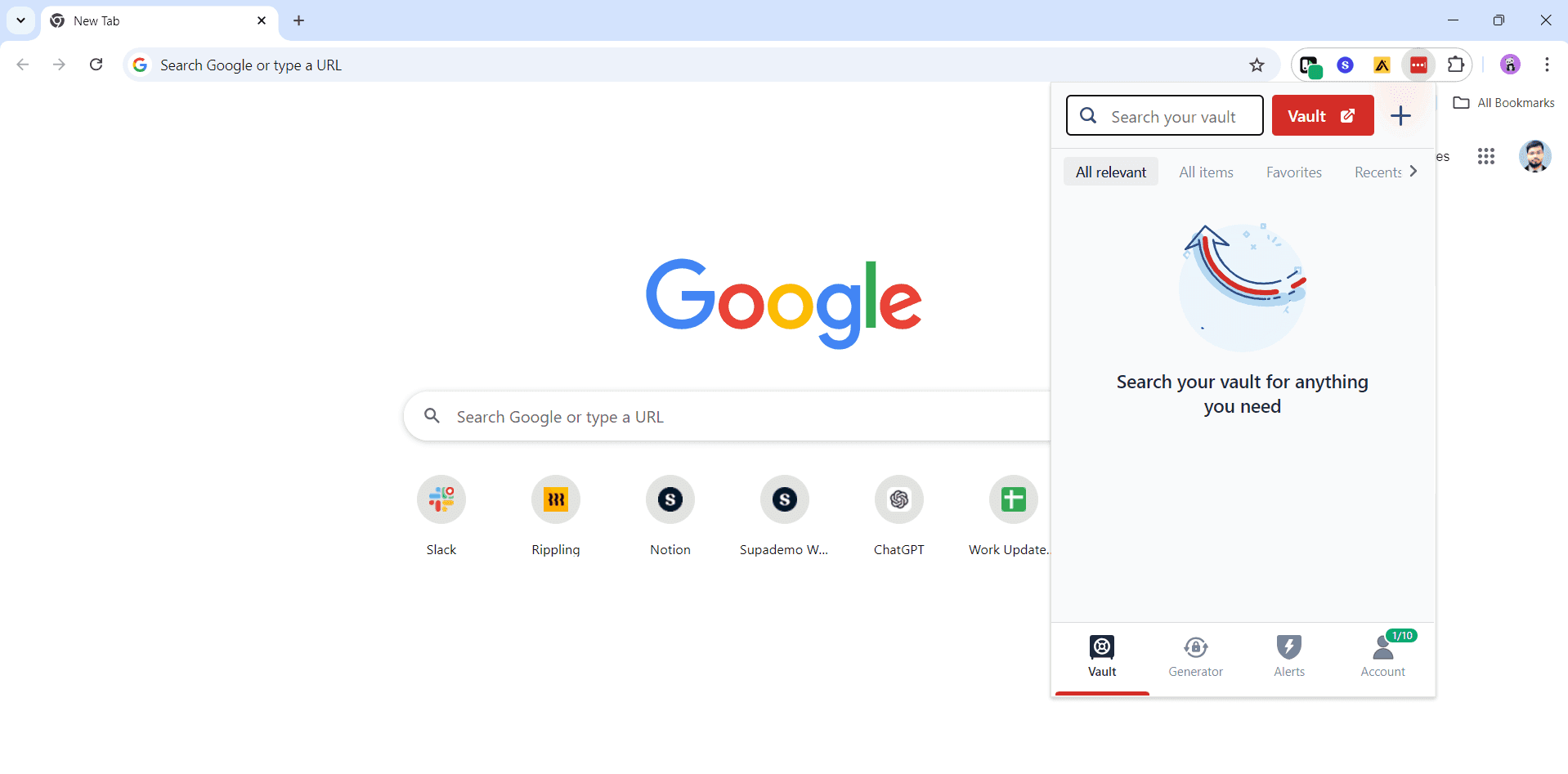
Continue uploading any additional documents or information as prompted. Ensure all requested materials are provided to proceed with the deletion.
- 3
Upload final documentation
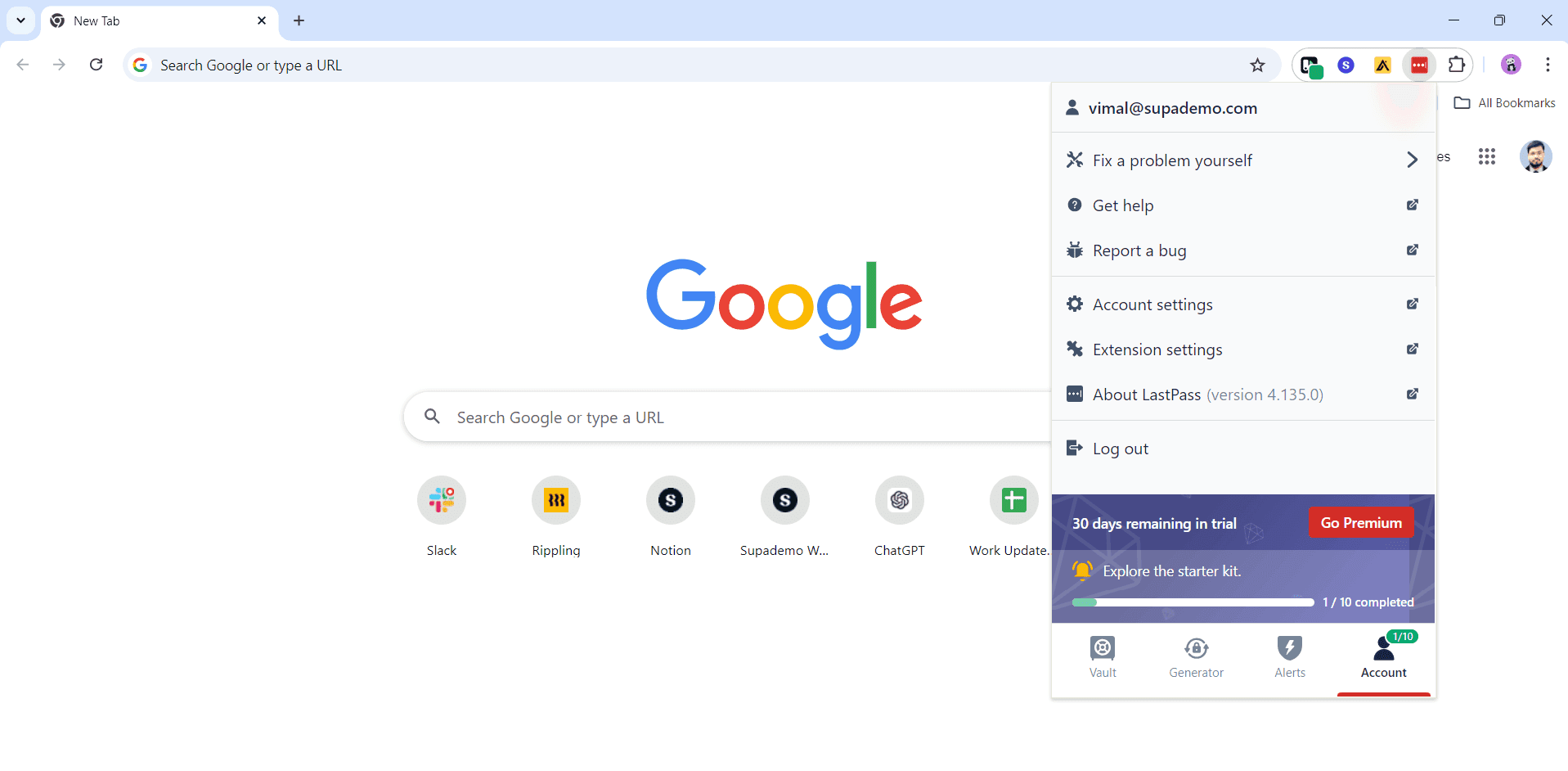
Complete the document upload process by submitting any remaining files required for account verification. Once uploaded, you're ready to proceed to account settings.
- 4
Click on the element
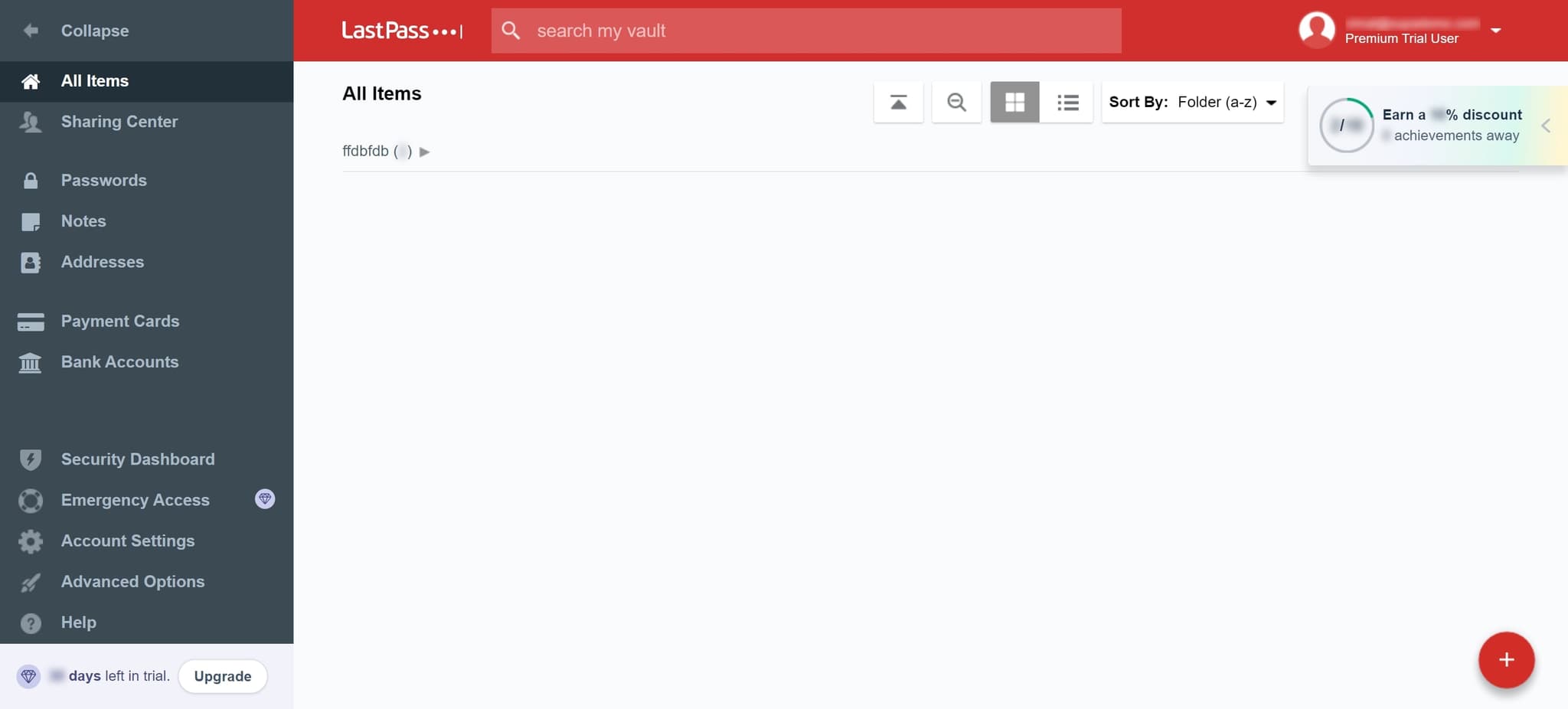
Locate and click on the specified element to access the account management section. This action will move you closer to the deletion options.
- 5
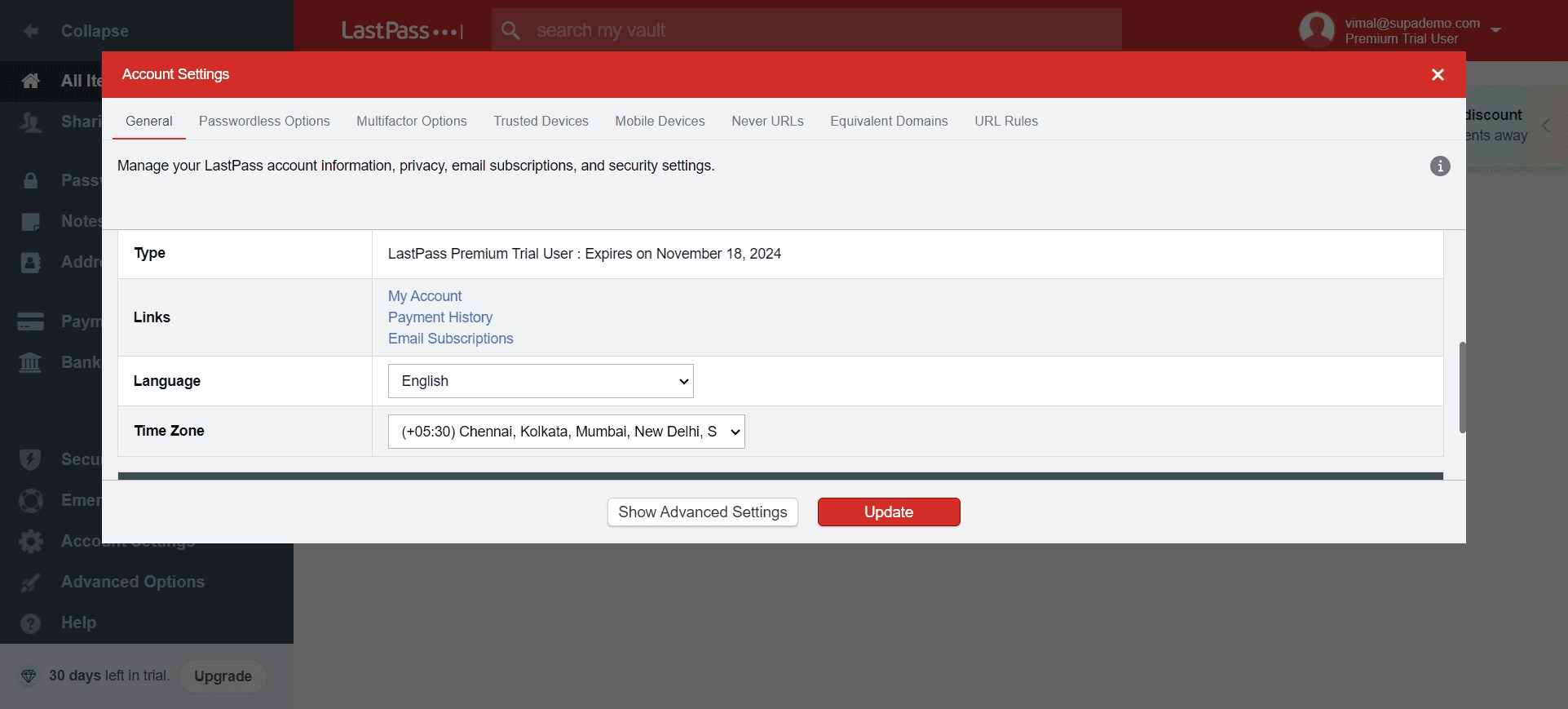
Navigate to deletion options
Access the appropriate menu or settings area where account deletion controls are located. You should now see options related to account management.
- 6
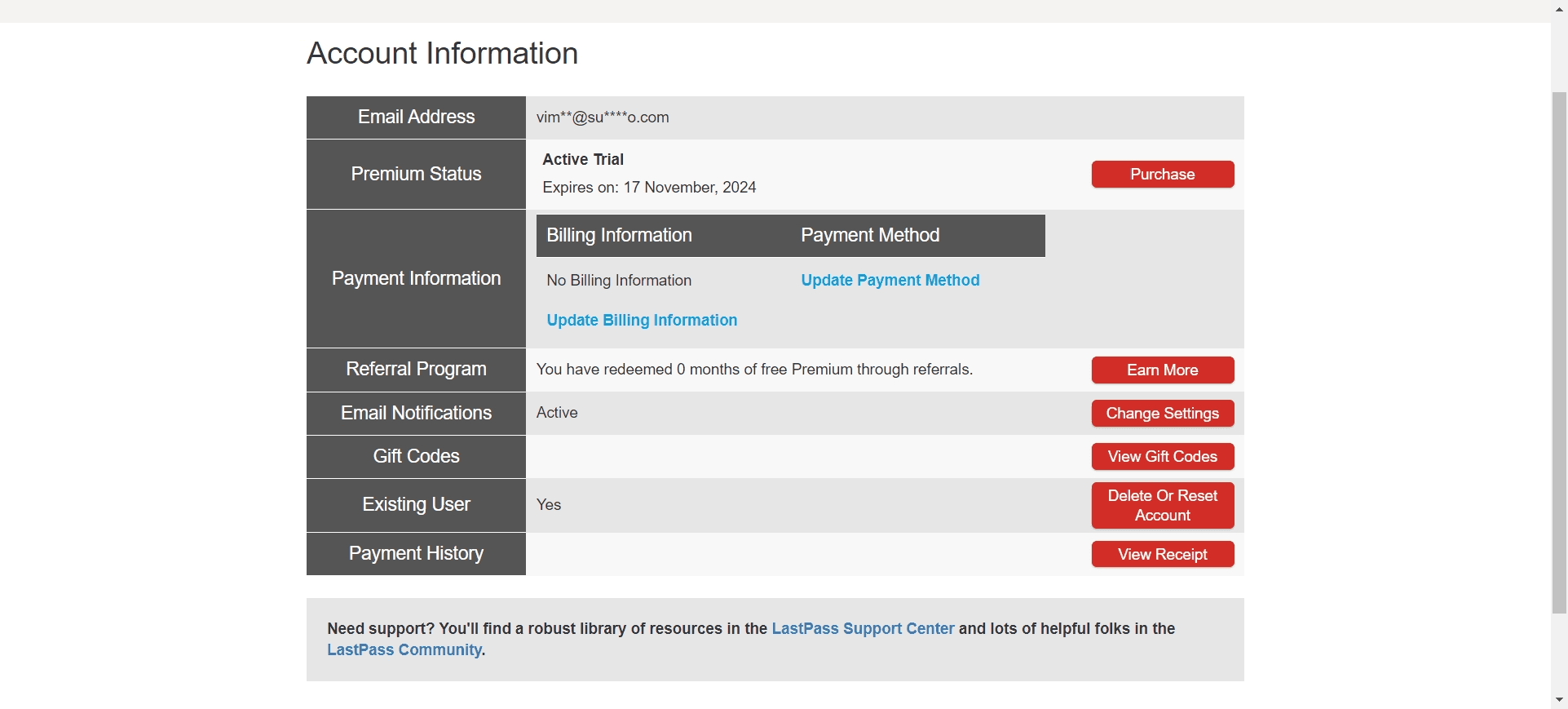
Locate the delete button
Find the delete option within the account management interface. This button initiates the account deletion workflow.
- 7
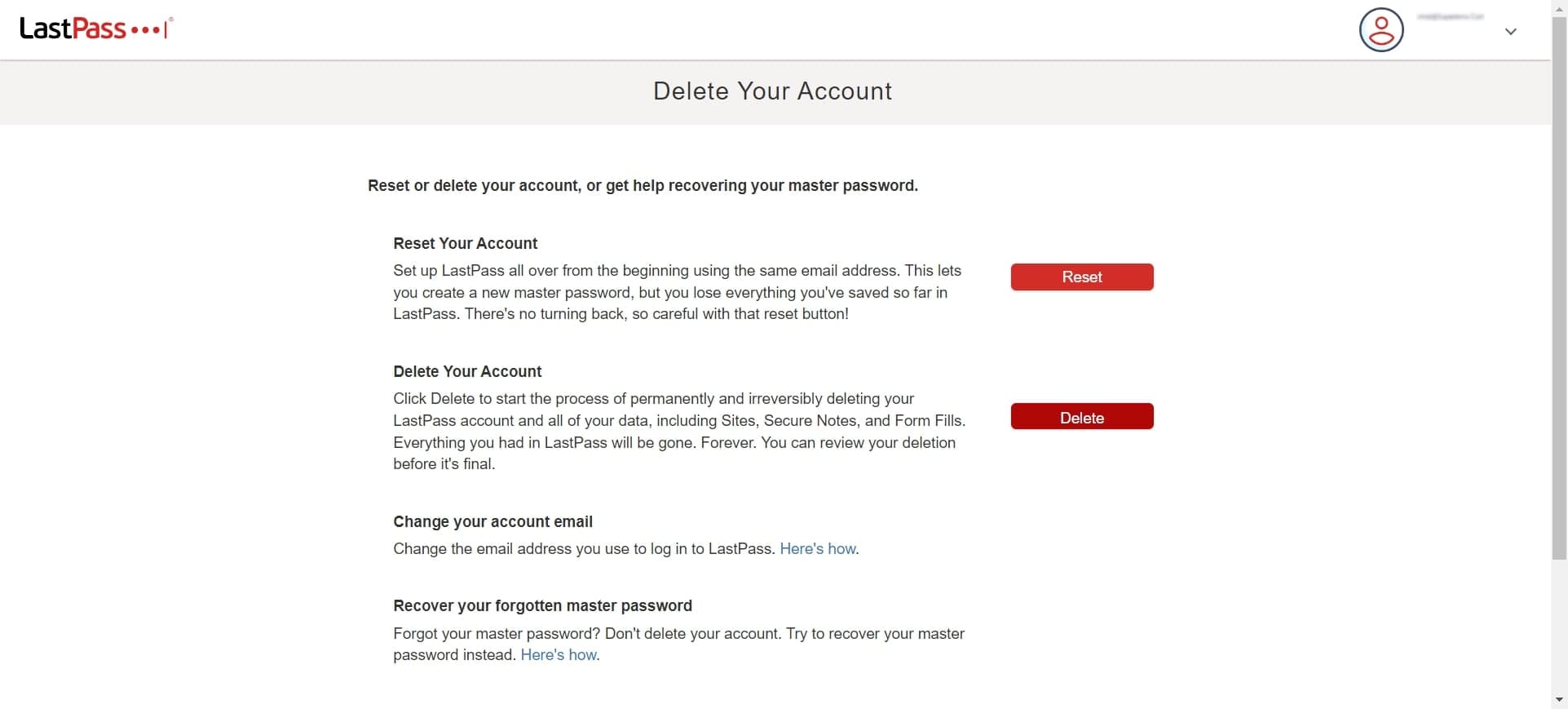
Click on Delete
Click the Delete button to begin the account deletion process. LastPass will present you with confirmation dialogs before the action is finalized.
- 8
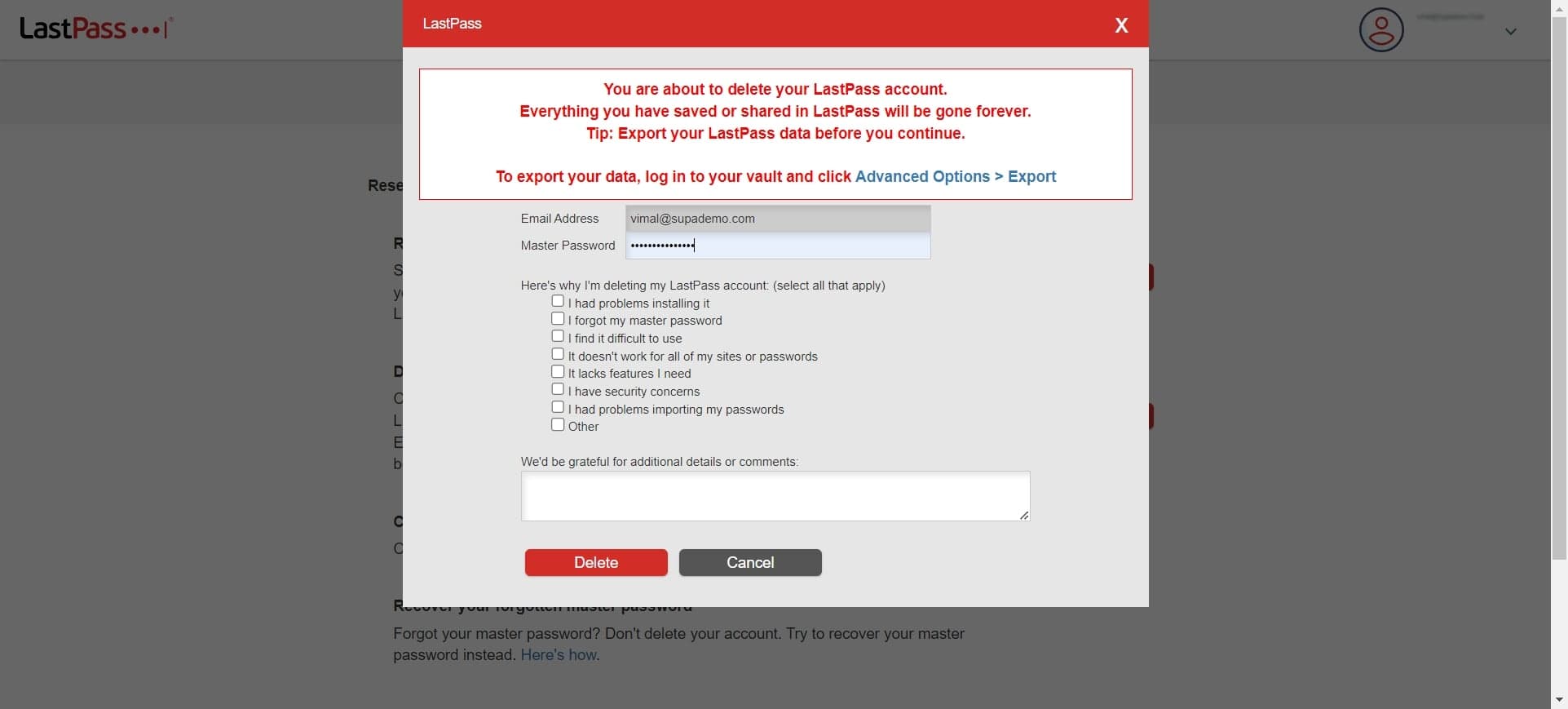
Confirm deletion request
Click on the confirmation prompt that appears after selecting Delete. This step acknowledges your request to proceed with account removal.
- 9
Click Delete again
Confirm the deletion action by clicking Delete a second time. This additional step ensures you intend to proceed with permanently removing your account.
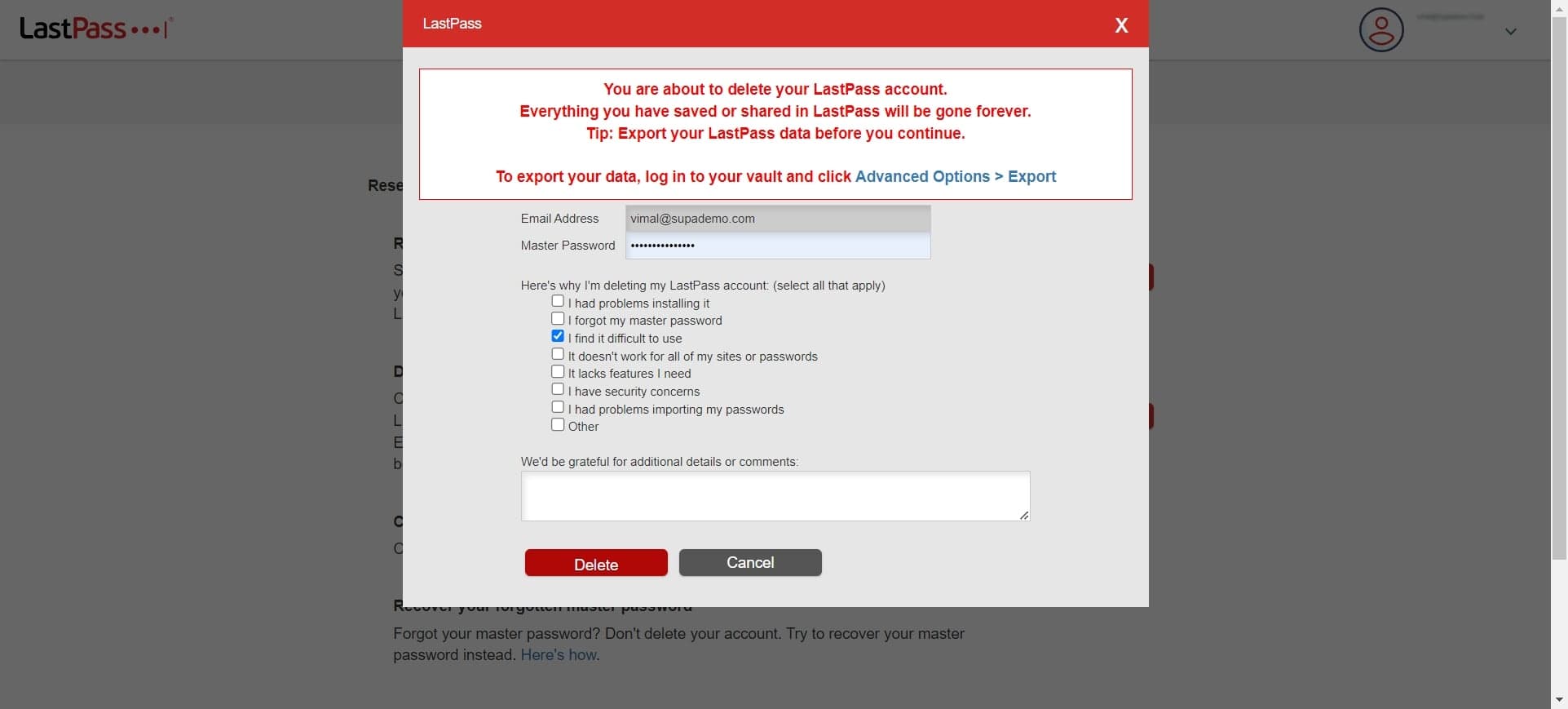
- 10
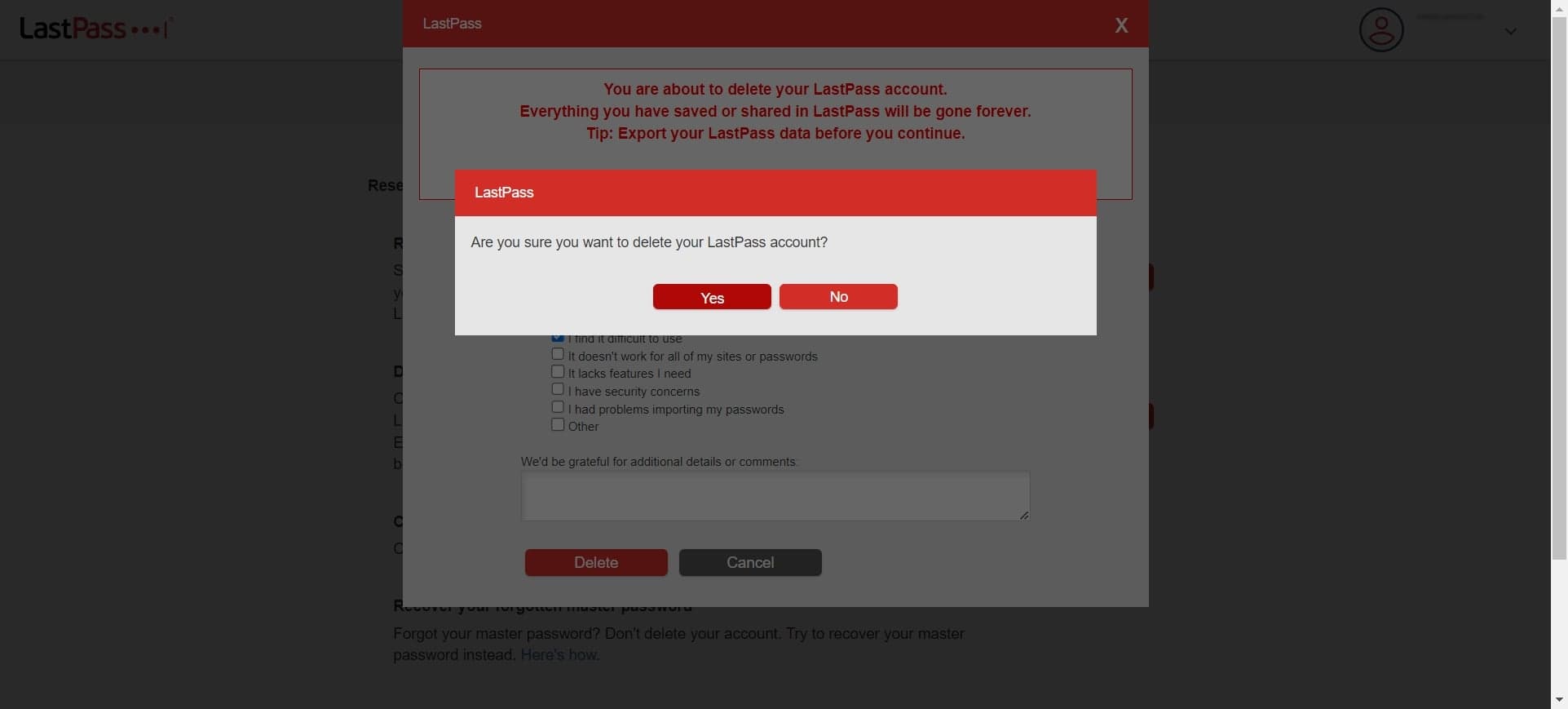
Confirm account deletion
When prompted with 'Are you sure you want to delete your LastPass account? Yes', click on this option to confirm. This verifies your intention to delete the account permanently.
- 11
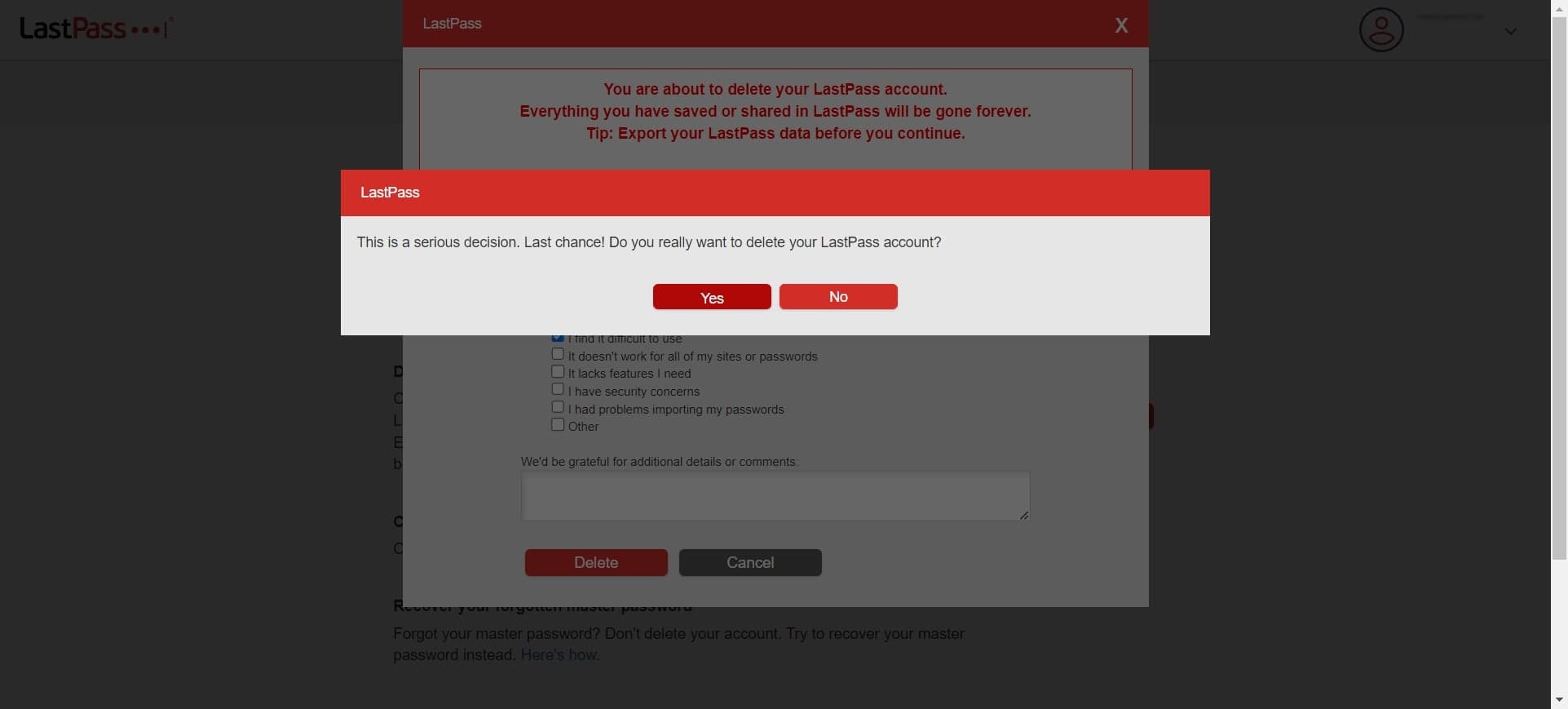
Accept final warning
Read and click on the final confirmation message stating 'This is a serious decision. Last chance! Do you really want...' to acknowledge that this action is irreversible. Your LastPass account and all vault data will be permanently deleted after this step.
Frequently asked questions
Common questions about how to delete your lastpass account.
Once your LastPass account is deleted, all passwords and vault data stored in your account are permanently removed from LastPass servers. You will no longer have access to any stored credentials, so ensure you have exported or recorded important passwords before deleting your account.
No, account deletion is permanent and irreversible. LastPass does not restore deleted accounts or vault data. Make sure you are absolutely certain before confirming the deletion, as there is no way to undo this action.
LastPass typically processes account deletion requests immediately, though complete removal of all associated data from their servers may take some time. Your account will be inaccessible right away after confirmation.
Yes, deleting your LastPass account will terminate any active subscription or premium membership associated with it. You will no longer have access to premium features after the deletion is complete.
Yes, it is highly recommended to export your passwords to a secure location before deleting your account if you plan to use another password manager. Once your account is deleted, there is no way to recover your stored passwords from LastPass.