How to Delete a Loom Video

Deleting a Loom video is a straightforward process that helps you manage your video library and remove content you no longer need. Whether you're cleaning up old recordings or removing sensitive information, knowing how to permanently delete videos ensures they're completely removed from your account.
Quick summary
In this tutorial, you'll learn how to delete a Loom video by navigating to your video settings and confirming the permanent deletion. By following these simple steps, you'll be able to remove unwanted videos from your Loom workspace in just a few clicks.
Why this matters
Permanently deleting Loom videos is important for maintaining a clean workspace, protecting privacy, and managing storage efficiently. Removing outdated or sensitive recordings ensures they're no longer accessible and can't be accidentally shared with others.
Step-by-step guide
- 1
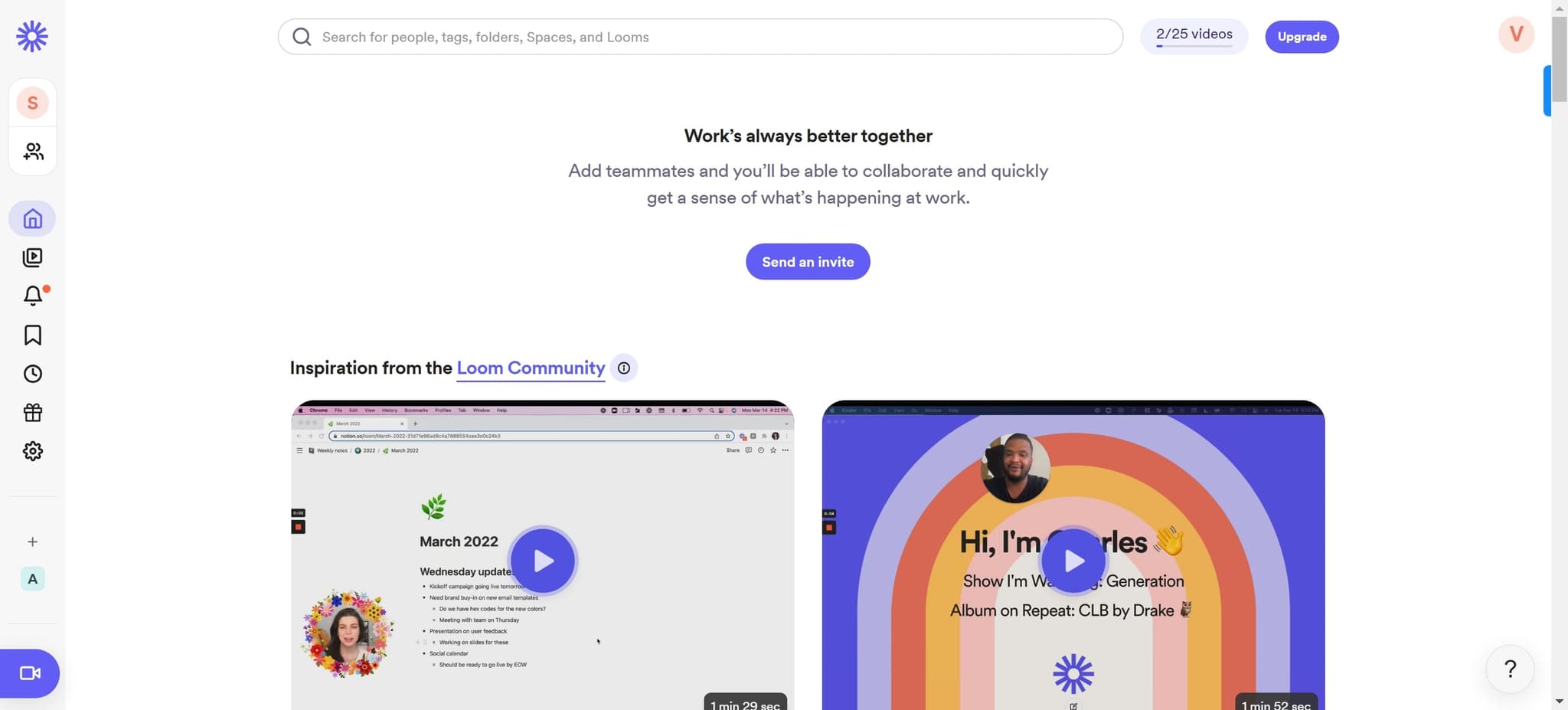
Access your Loom account
Start by clicking on the designated area to enter your Loom account dashboard. This will bring you to the main interface where you can manage all your recordings.
- 2
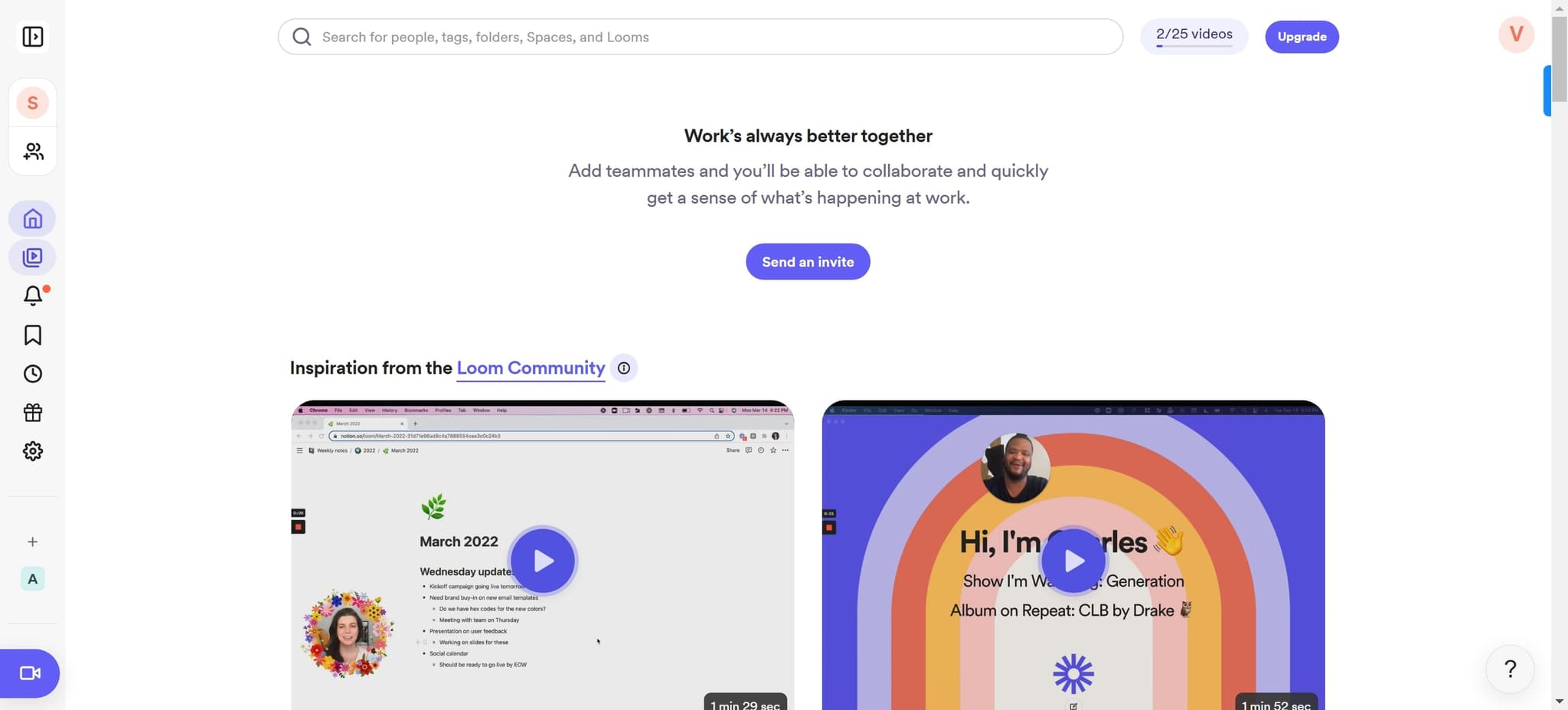
Select the video to delete
Click on the element corresponding to the Loom video you want to remove. This will highlight or open the video's options menu.
- 3
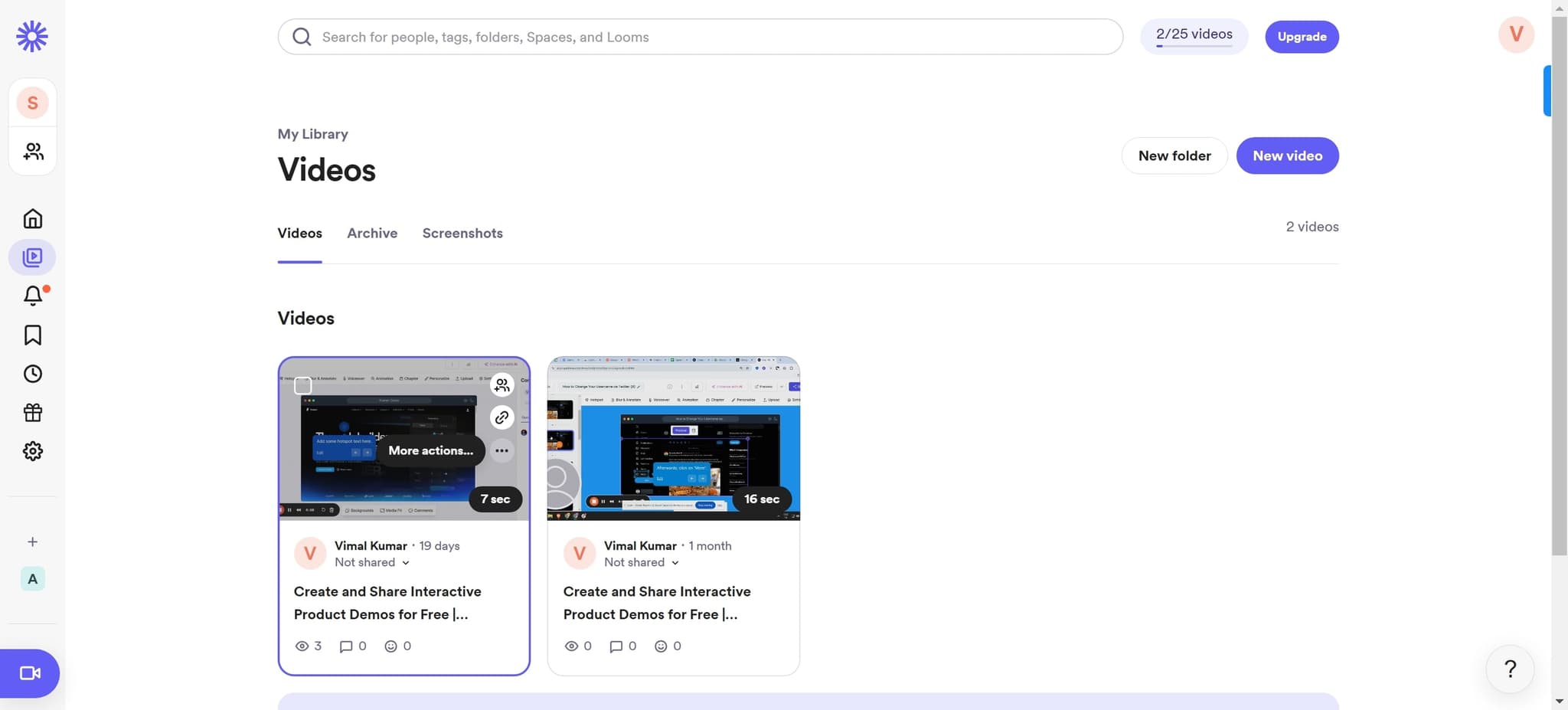
Open the video options
Click on the element again to access the full set of options available for this video. You should now see additional actions you can perform on the selected video.
- 4
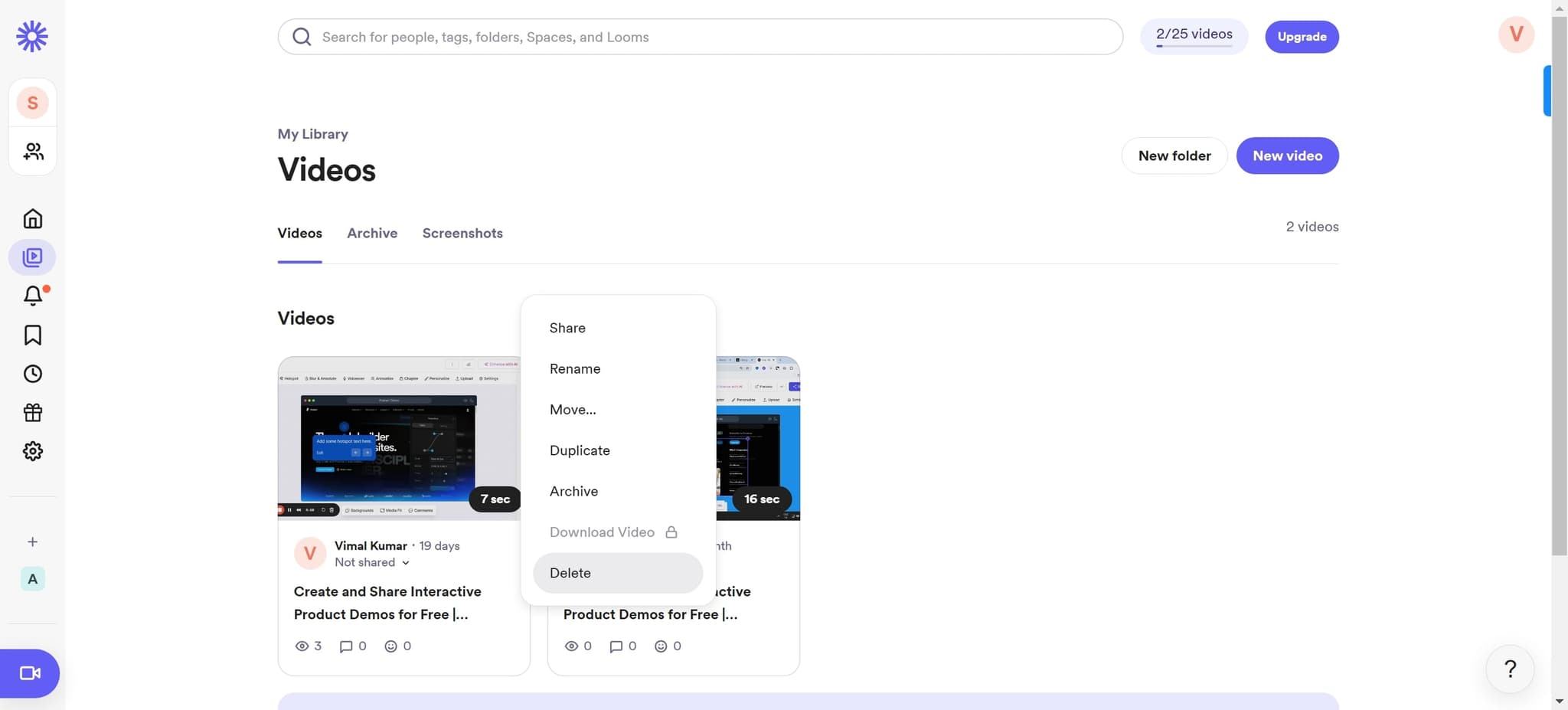
Click on Delete
Select the 'Delete' option from the menu. This will initiate the deletion process for the video.
- 5
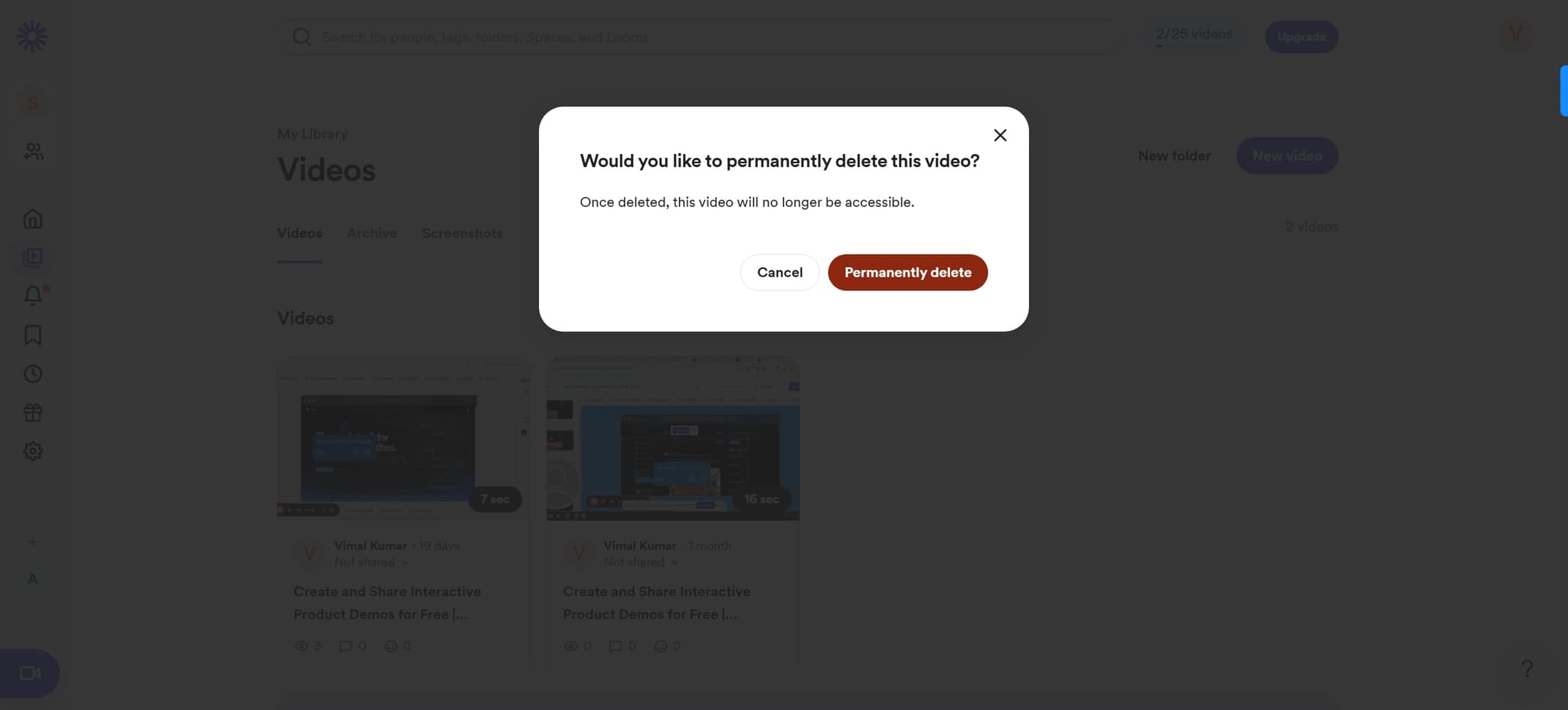
Confirm permanent deletion
Click on 'Permanently delete' to finalize the removal of the video from your Loom account. The video will be completely removed and cannot be recovered after this step.
Frequently asked questions
Common questions about how to delete a loom video.
No, once you click 'Permanently delete,' the video is removed from your Loom account and cannot be recovered. Make sure you have any necessary backups before confirming the permanent deletion.
Yes, deleting a video will deactivate any shared links associated with it. Anyone with the link will no longer be able to access the video after it's permanently deleted.
Permanent deletion is typically instantaneous. Once you confirm the deletion, the video is immediately removed from your Loom account and workspace.
The steps outlined cover deleting individual videos. For deleting multiple videos, you may need to repeat this process for each video or check Loom's bulk delete feature if available in your account settings.
Permanent deletion completely removes the video from your account, while archiving may keep it in a separate folder for reference. Check your Loom account settings to see if archiving is an option before permanently deleting important videos.