How to setup a SEMRush account

Setting up a Semrush account is the first step to accessing powerful SEO and digital marketing tools. This guide walks you through the registration process, account creation, and initial profile configuration so you can start analyzing your website's performance.
Quick summary
In this tutorial, you'll learn how to sign up for Semrush, create your account, skip the trial period, and configure your profile settings. By the end, your account will be fully set up and ready for use.
Why this matters
A properly configured Semrush account gives you access to comprehensive SEO analytics, keyword research, competitive analysis, and marketing insights. Getting your account set up correctly ensures you can immediately begin tracking your site's performance and optimizing your digital strategy.
Step-by-step guide
- 1
Click on Sign Up
Navigate to the Semrush homepage and locate the Sign Up button. Click it to begin the registration process.

- 2
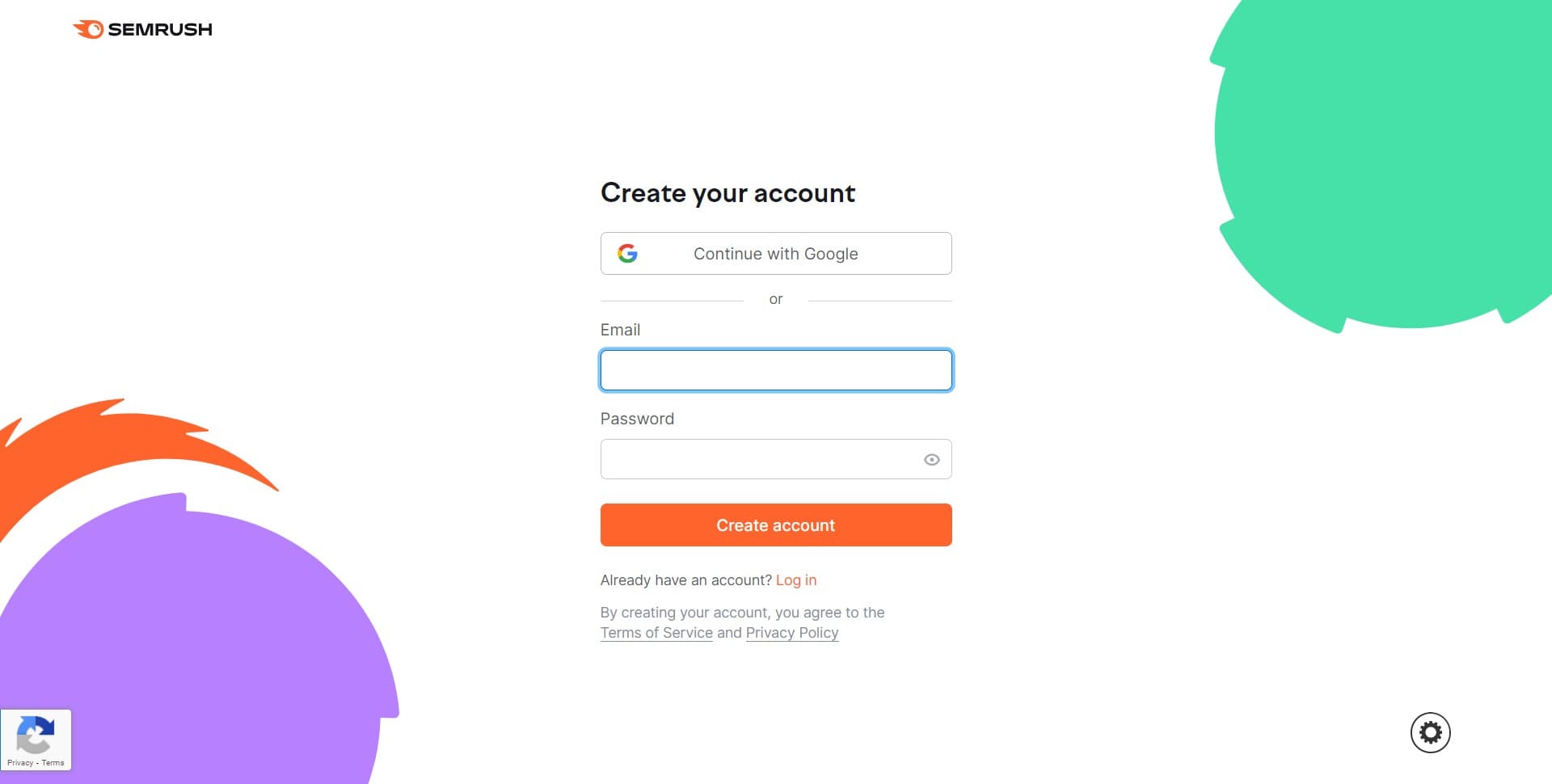
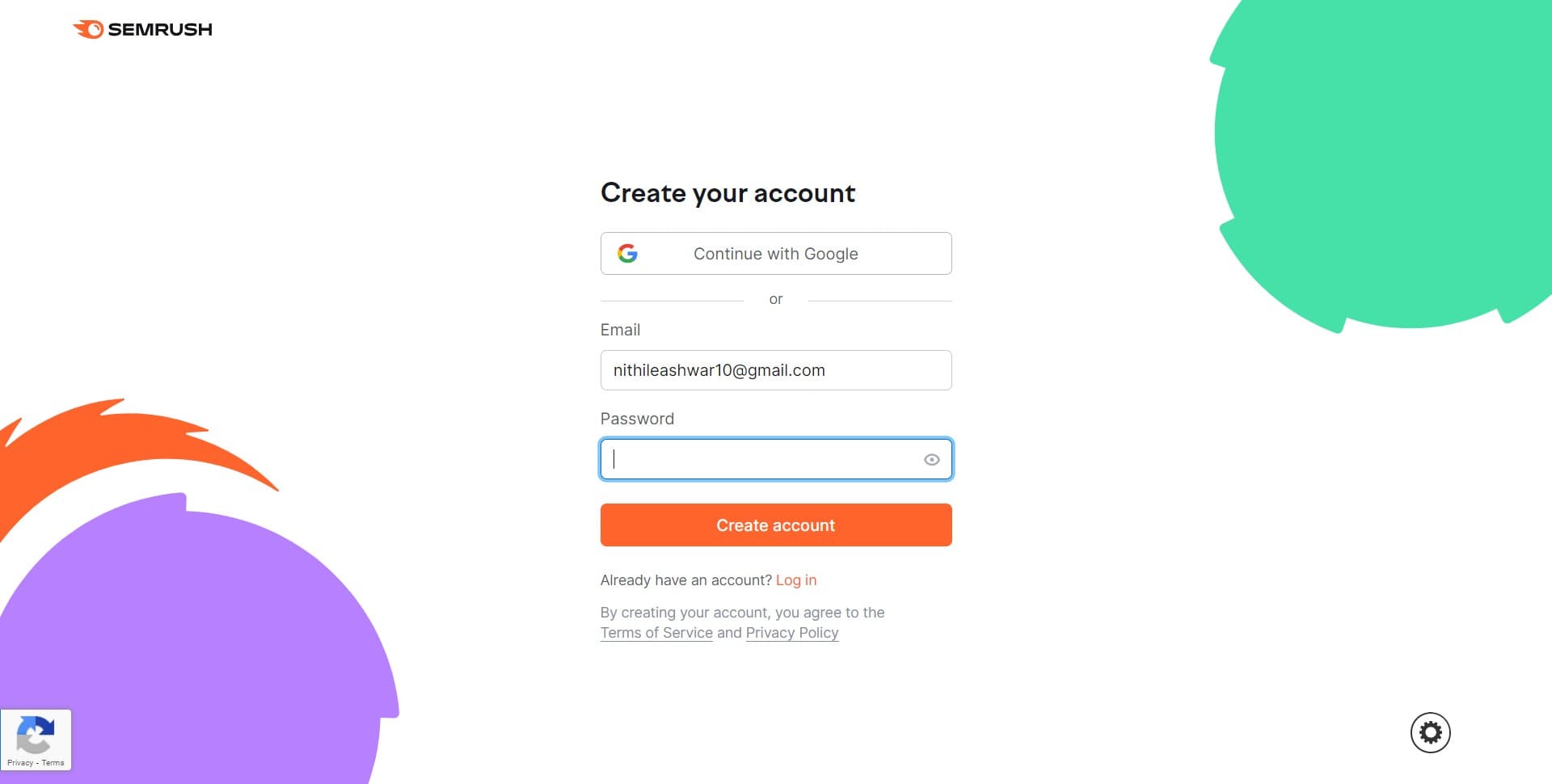
Enter your sign-up information
Provide your email address and create a password for your account. Make sure to use a secure password that you can remember.
- 3
Verify your email address
Check your inbox for a verification email from Semrush and click the confirmation link. This step activates your account and allows you to proceed.
- 4
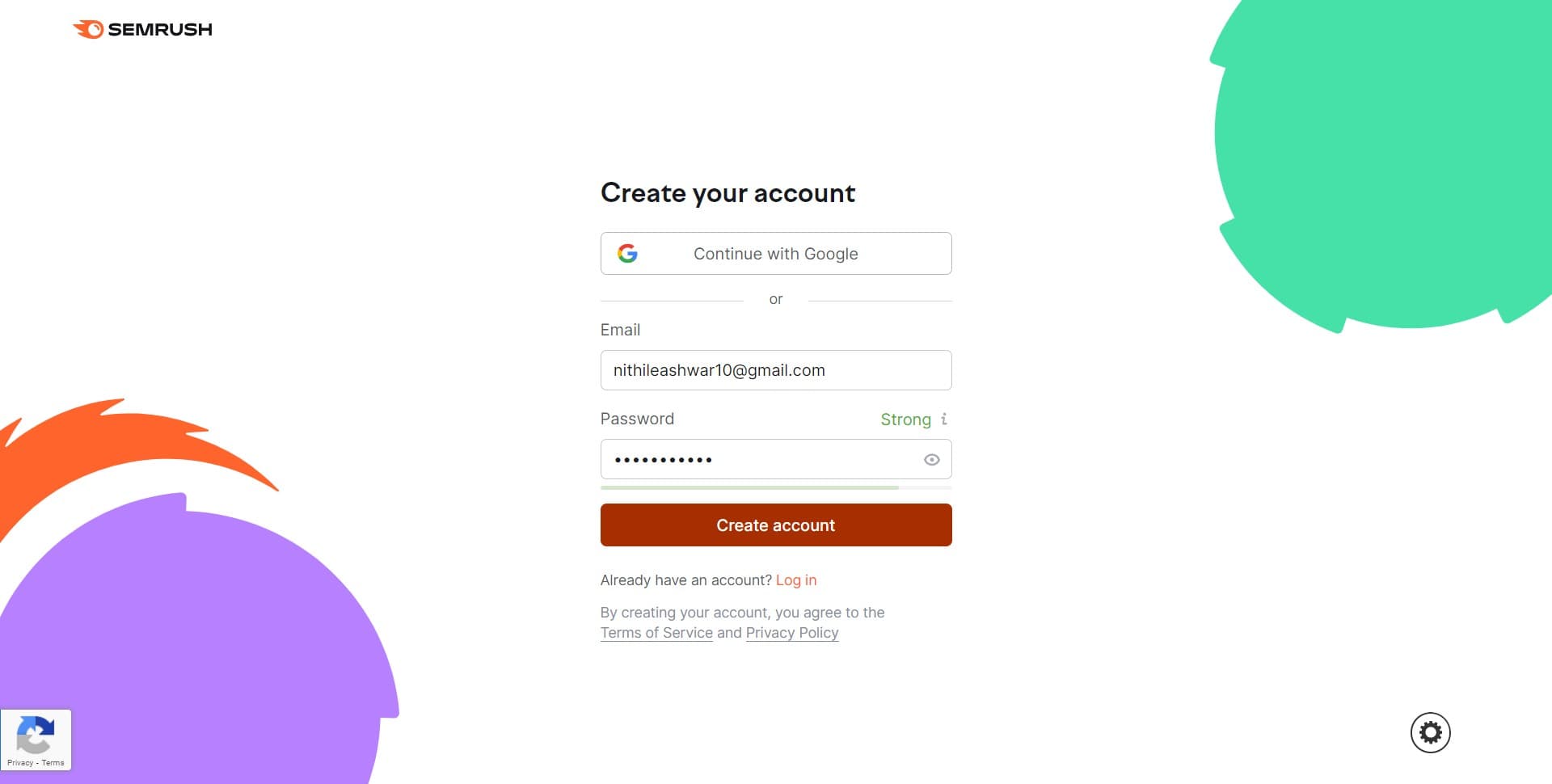
Click on Create account
After email verification, confirm your account creation by clicking the Create account button. Your account is now officially registered in the system.
- 5
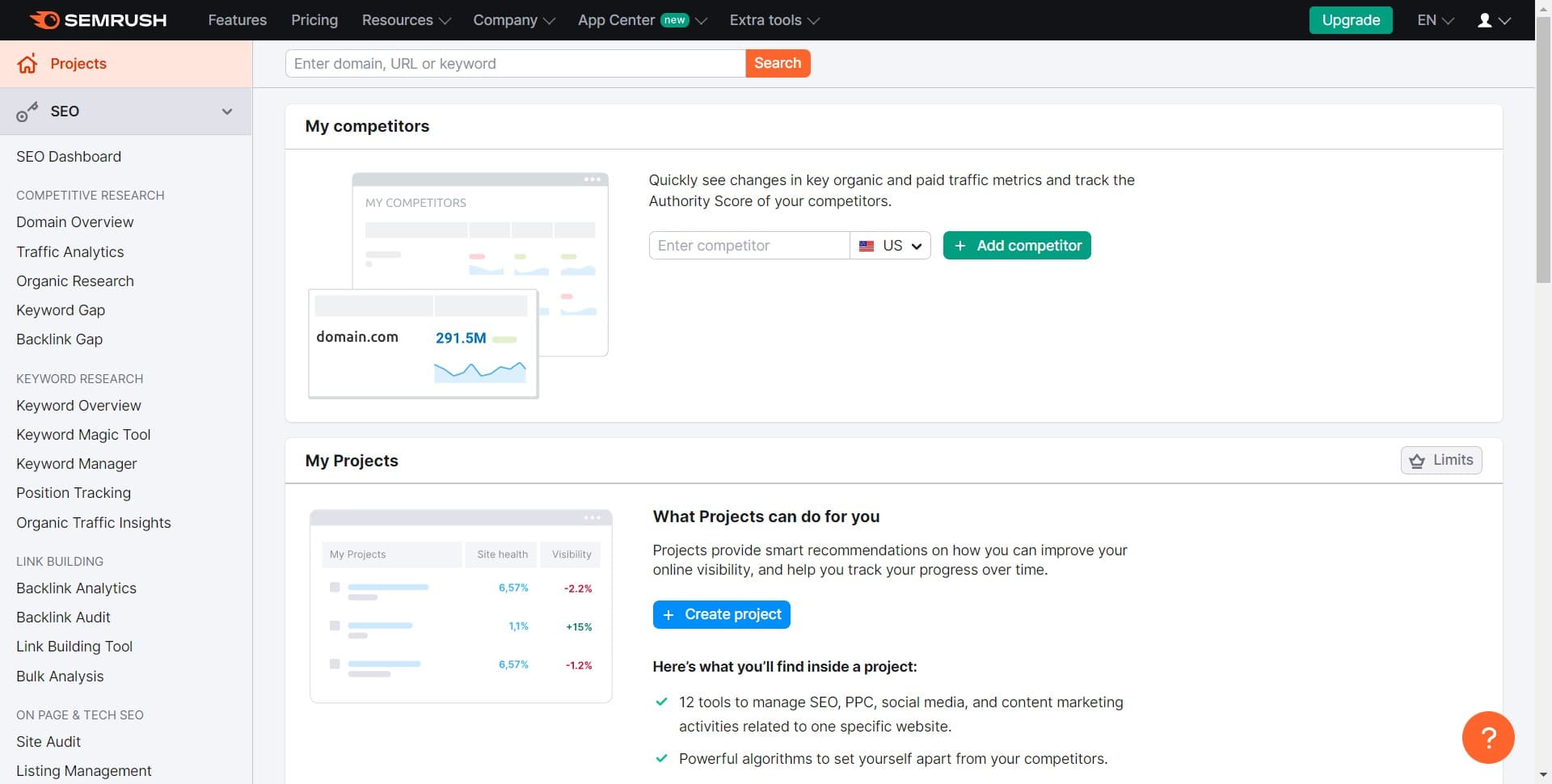
Skip trial offer
Semrush may offer a trial subscription. Click Skip trial if you want to proceed with the free tier, or select a plan if you're ready to upgrade.

- 6
Complete profile setup
Fill in additional profile details such as your company name and website URL. Providing accurate information helps Semrush tailor recommendations for your needs.
- 7
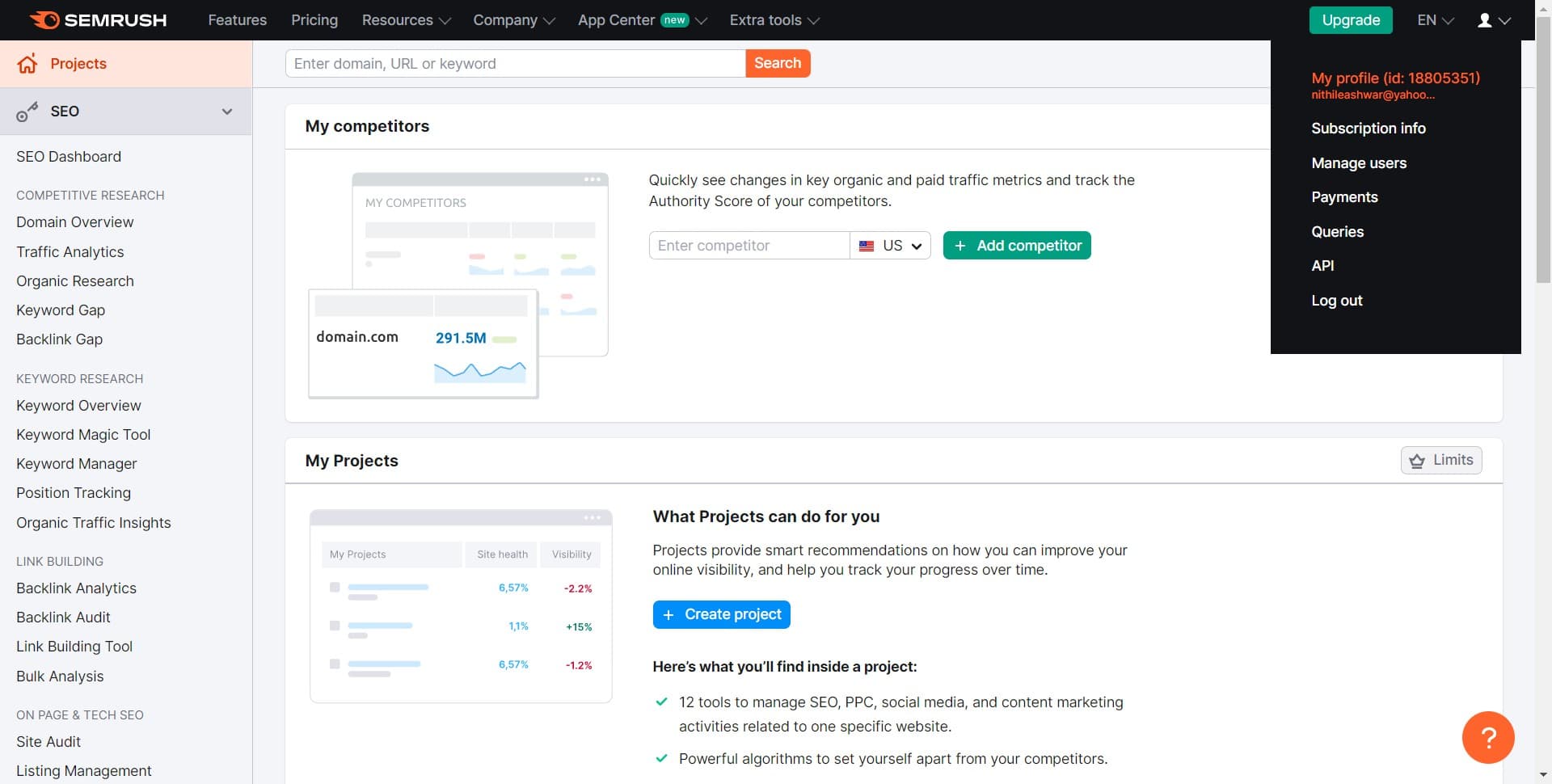
Access your profile
Click on My profile to view and manage your account settings. This is where you can update personal information and adjust preferences.
- 8
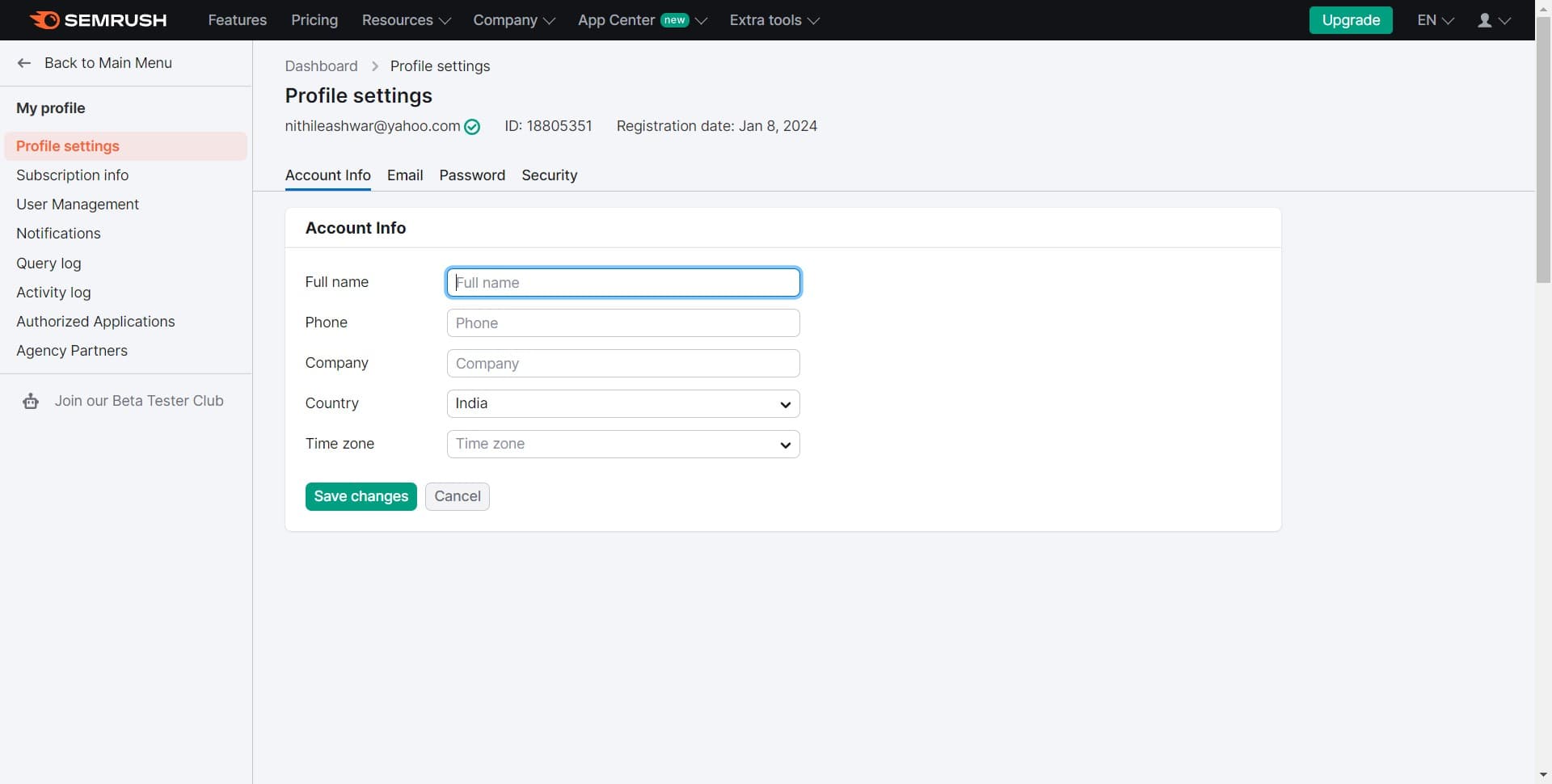
Review account preferences
Explore your profile settings to configure notification preferences, language, timezone, and other account options. Customize these settings according to your workflow.
- 9
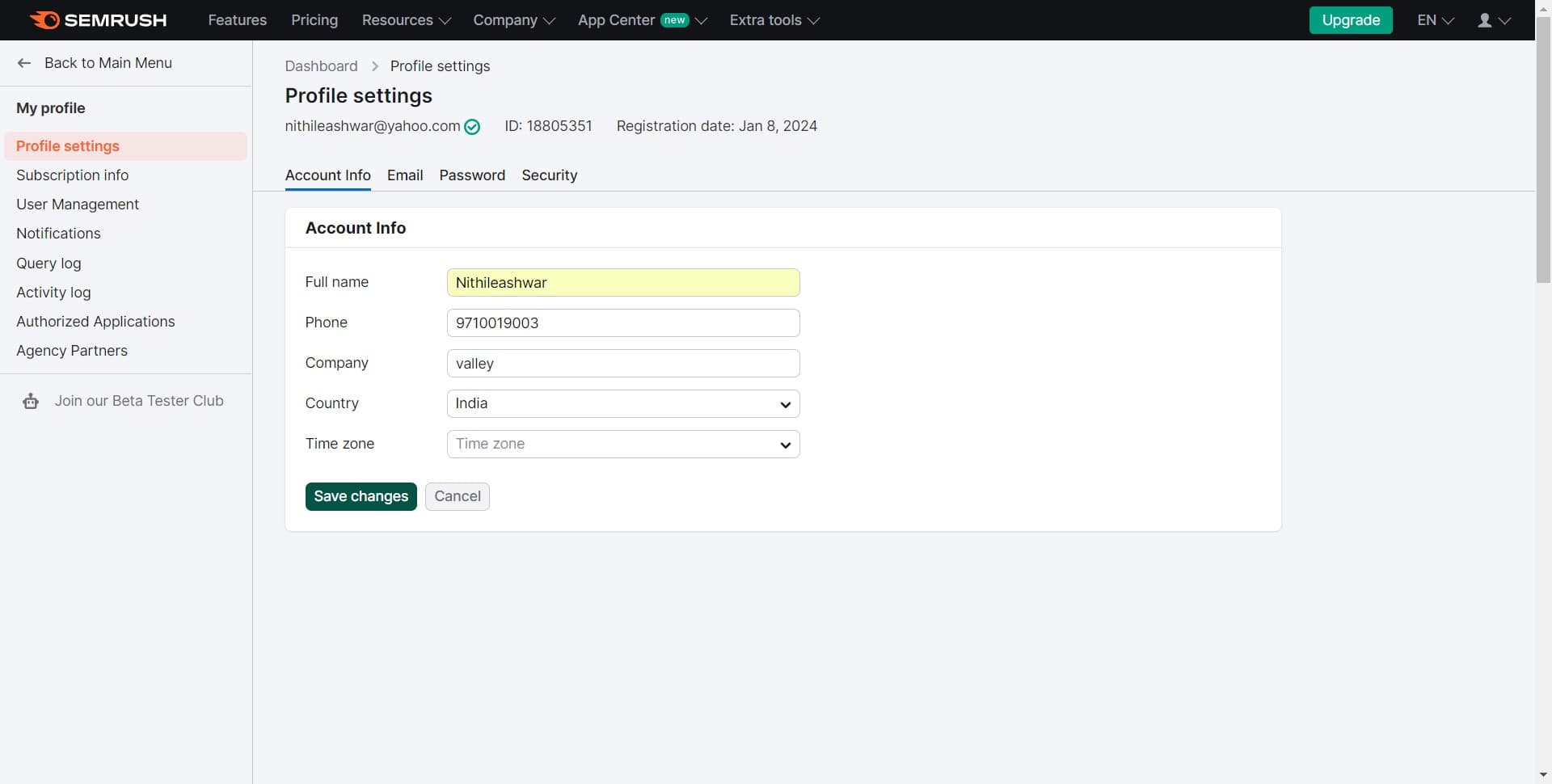
Save changes
After making any adjustments to your profile settings, click Save changes to ensure all updates are applied to your account. Your Semrush account is now fully configured and ready to use.
Frequently asked questions
Common questions about how to setup a semrush account.
No, you can create a free Semrush account without a credit card. The free tier gives you access to limited features. If you want to upgrade to a paid plan later, you'll need to provide payment information at that time.
The setup process typically takes 5-10 minutes from start to finish. Most of the time is spent entering your email, verifying it, and configuring your profile information. Once verified, you can immediately start using the platform.
Yes, you can change both your email and password from your profile settings. Click on your profile, navigate to the account settings section, and update your credentials as needed. Remember to save your changes.
Skipping the trial means you'll use the free version of Semrush instead. You'll have access to limited features and reports. You can upgrade to a paid plan at any time if you need more advanced tools and higher usage limits.
Yes, after your account is set up, you can add your website as a project in Semrush. You'll typically do this in the dashboard after logging in. The platform will then begin tracking and analyzing your site's performance.