How to use the SEMRush on-page seo checker tool

The Semrush on-page SEO checker tool helps you identify and fix critical SEO issues on your web pages to improve search rankings. This guide walks you through accessing the on-page SEO checker and exporting your findings for analysis and implementation.
Quick summary
In this tutorial, you'll learn how to navigate to Semrush's on-page SEO checker, access your domain data, search for specific pages, and export your audit results to PDF for easy sharing and reference.
Why this matters
On-page SEO optimization is fundamental to improving your search visibility and organic traffic. By using Semrush's on-page checker, you can systematically address technical and content-based SEO issues, prioritize fixes, and track improvements over time. Exporting results ensures your team stays aligned and can reference recommendations during implementation.
Step-by-step guide
- 1
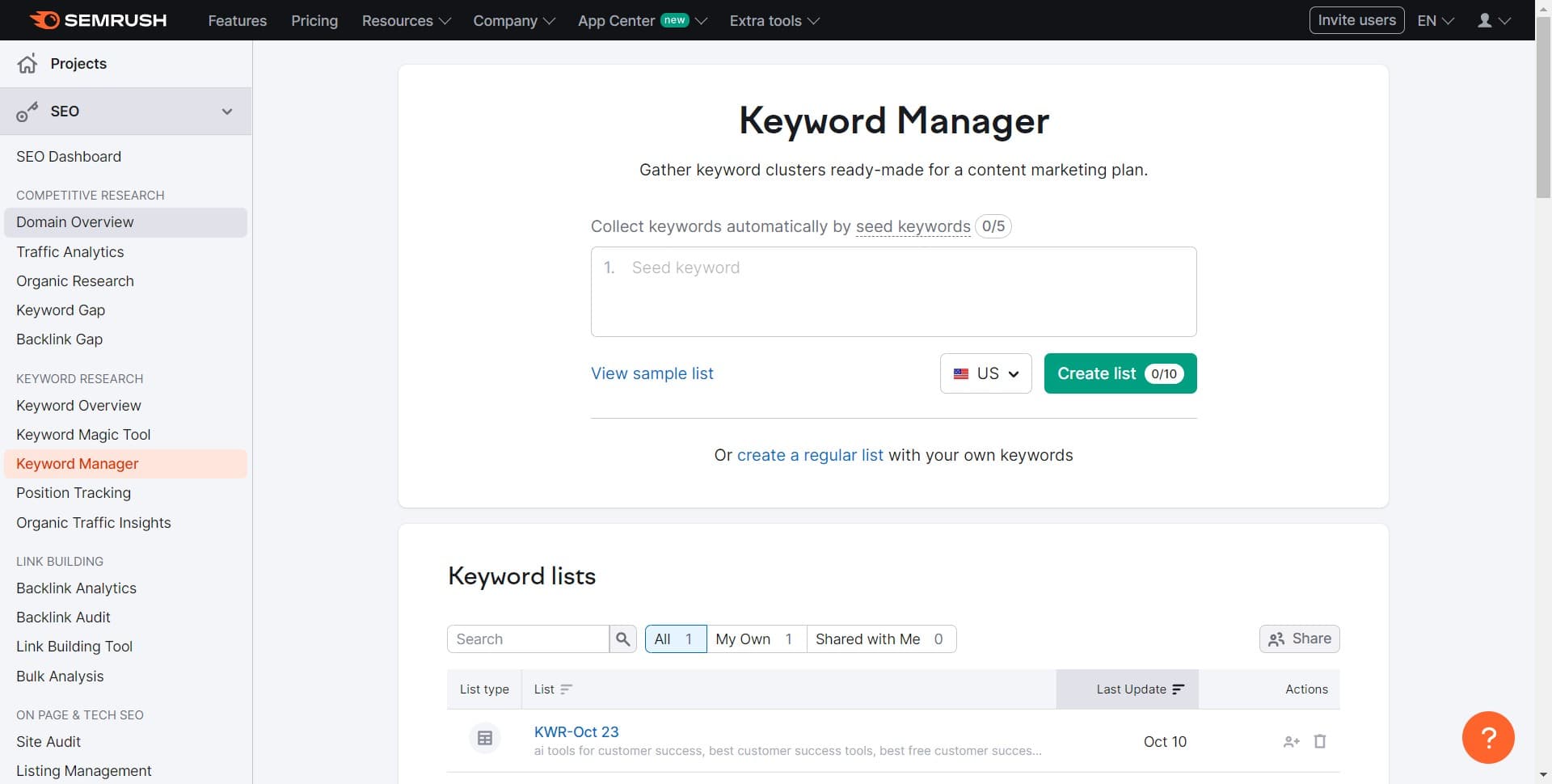
Click on Domain Overview
Start by navigating to the Domain Overview section in Semrush. This dashboard provides a high-level view of your domain's SEO performance and serves as your entry point to more detailed analysis tools.
- 2
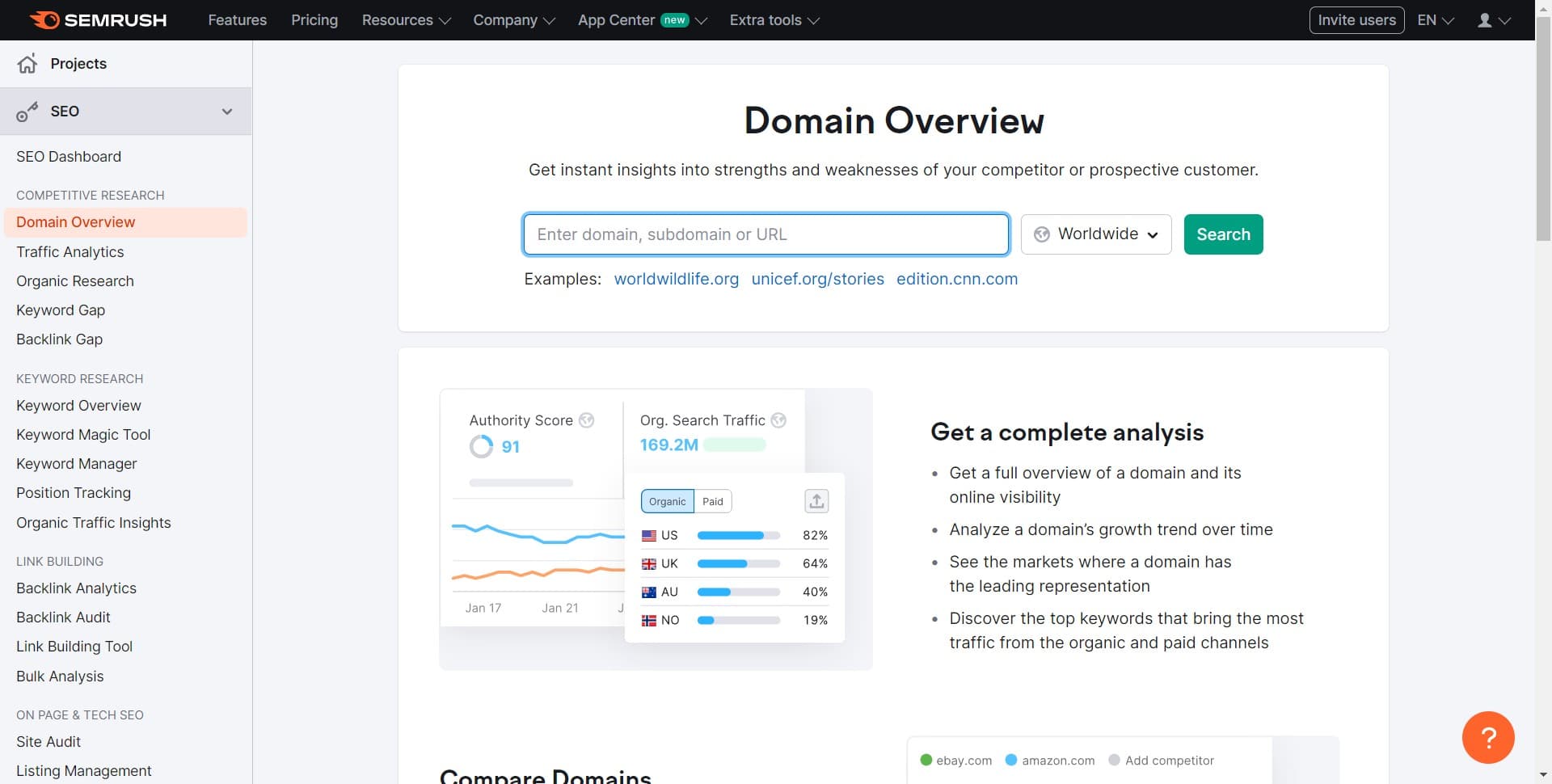
Access the on-page SEO tool
Select the on-page SEO checker from the available options. This tool will allow you to audit your website pages for SEO best practices and potential improvements.
- 3
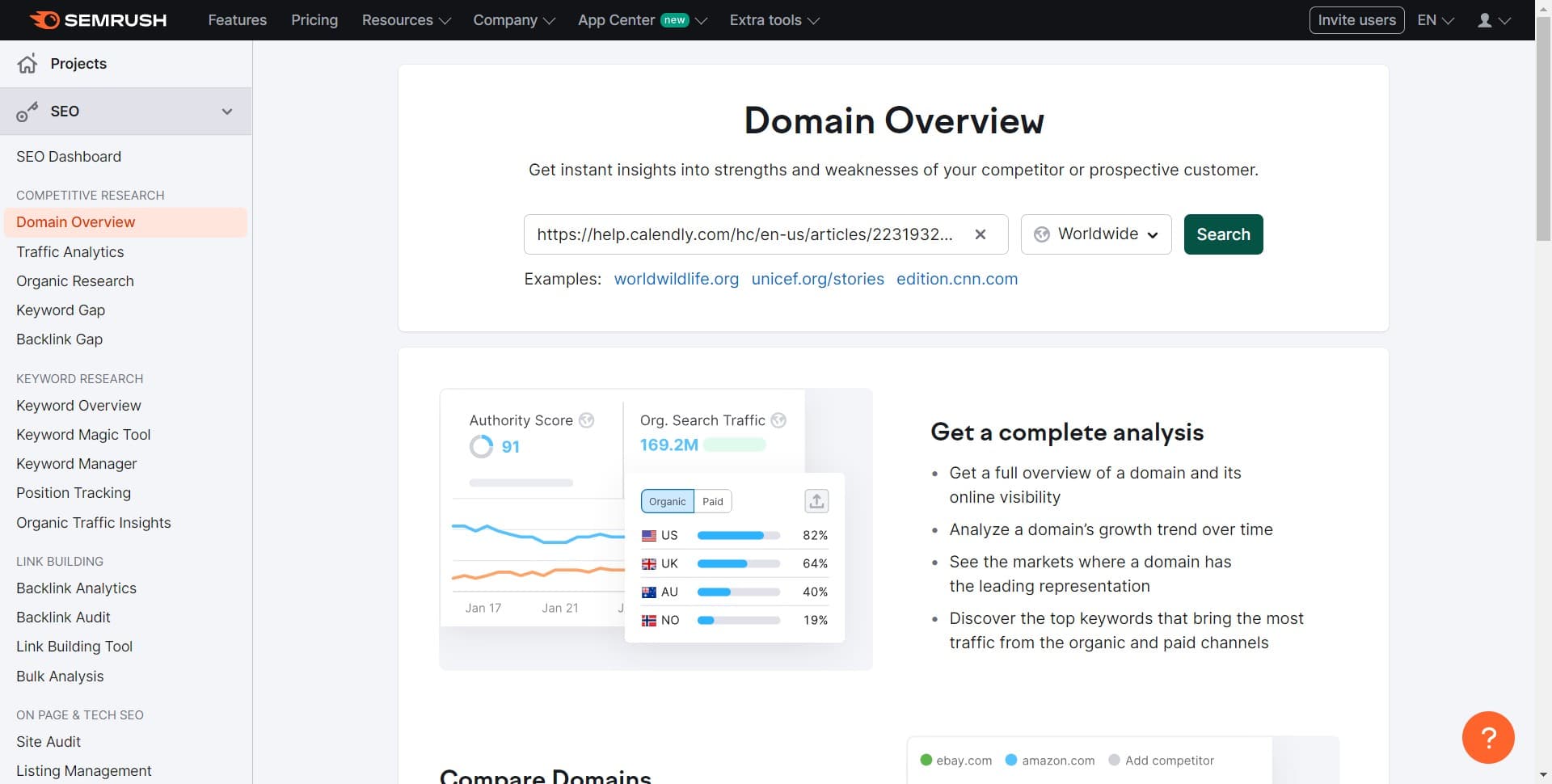
Click on Search
Use the search function to find and select the specific page you want to audit. Enter the URL or page name to locate it within your domain's data.
- 4
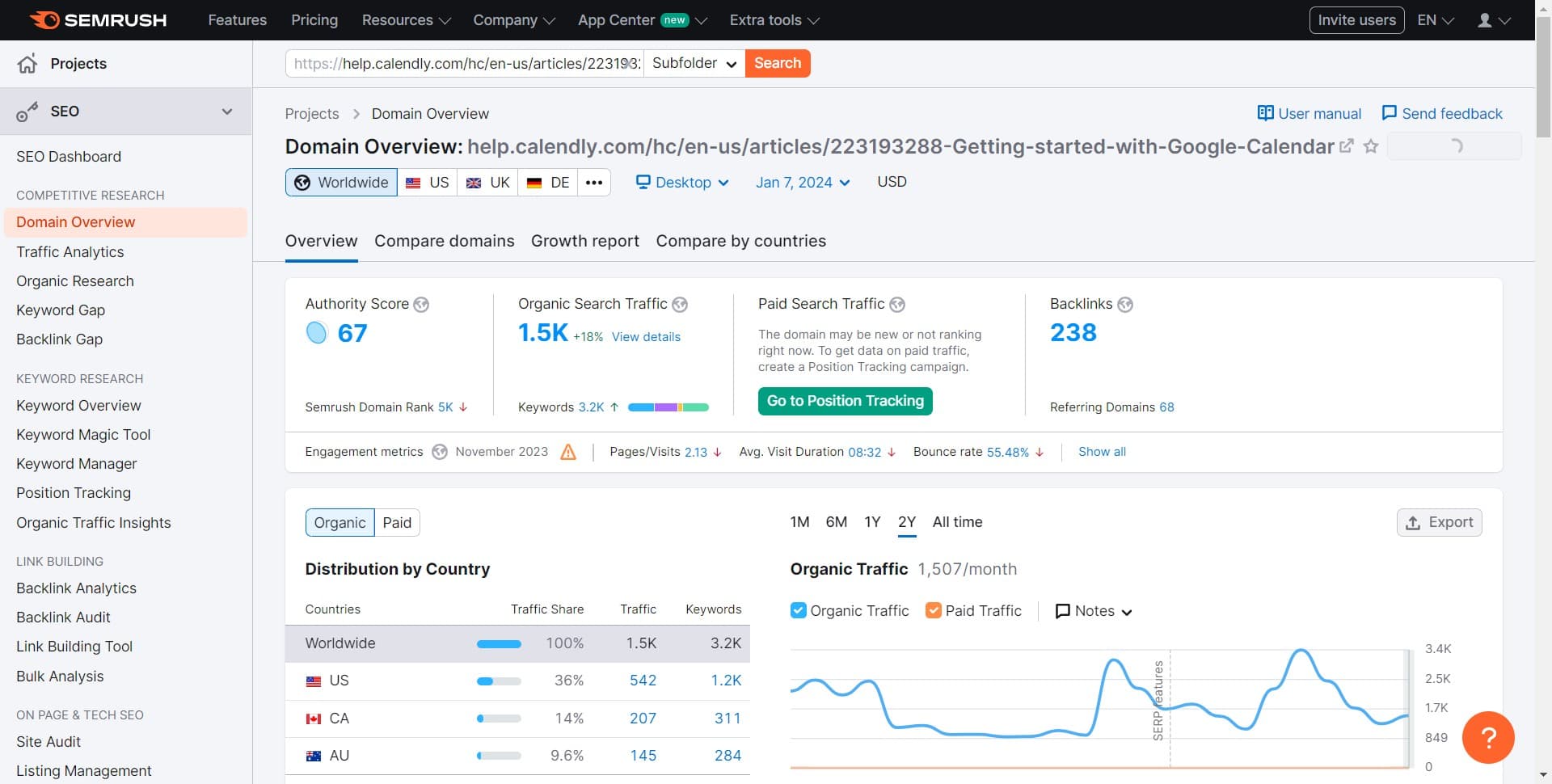
Review on-page recommendations
Examine the detailed on-page SEO recommendations for your selected page. The tool will highlight issues related to title tags, meta descriptions, headers, content structure, and other critical on-page factors.
- 5
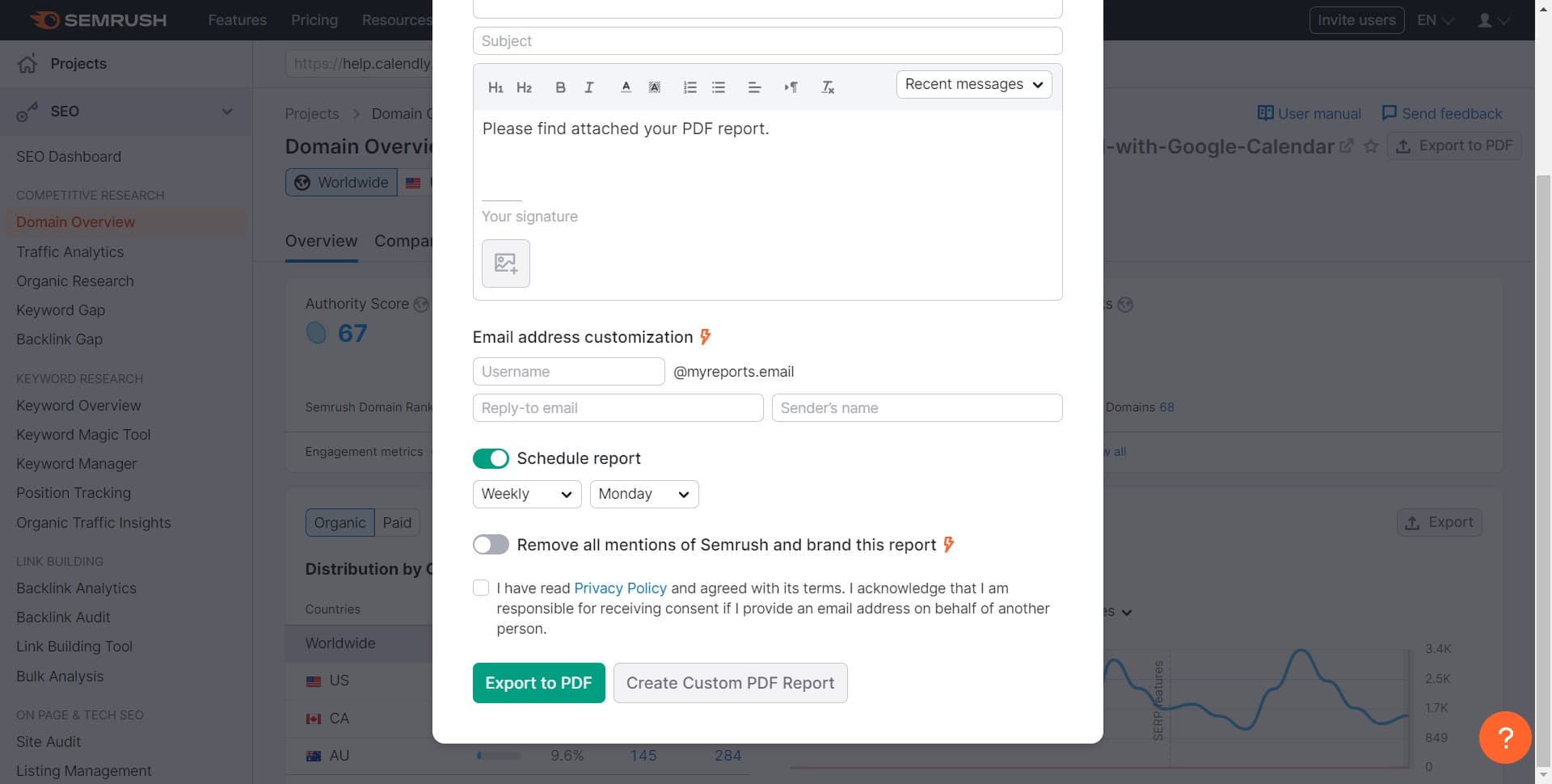
Export audit results to PDF
Click the 'Export to PDF' button to download your on-page audit report. This allows you to save, share, and reference the findings with your team or stakeholders for action planning.
Frequently asked questions
Common questions about how to use the semrush on-page seo checker tool.
The on-page SEO checker evaluates over 130 SEO factors including title tags, meta descriptions, headers, keyword usage, content length, readability, internal linking, and technical elements like structured data and page speed. It provides specific recommendations to optimize each factor for better search rankings.
The on-page SEO checker audits individual pages one at a time through the search function. However, you can batch-audit multiple pages by running the checker separately for each URL and exporting results for comparison. For a comprehensive site audit across all pages, consider using Semrush's Site Audit tool instead.
Semrush ranks recommendations by impact level. Focus on high-impact issues first, such as missing or duplicate title tags and meta descriptions, as these directly affect click-through rates. Then address medium-priority items like header structure and keyword optimization before tackling lower-priority improvements.
Yes, the PDF export is ideal for client presentations and team communication. It provides a professional, easy-to-read summary of findings and recommendations that non-technical stakeholders can understand. You can also use it as a reference checklist during implementation.
Run the on-page checker whenever you publish new content or make significant updates to existing pages. For pages you're actively optimizing, check them weekly or bi-weekly. For maintenance, a monthly or quarterly audit helps ensure standards remain consistent across your site.