How to Remove Information from ZoomInfo

Vimal Kumar
Vimal Kumar·
How to Remove Information from ZoomInfo

What is ZoomInfo?

ZoomInfo is a leading go-to-market platform that provides data-driven solutions for sales, marketing, and recruiting professionals. Its extensive database helps businesses identify, connect, and engage with qualified prospects and leads. Learn more about their services on their official website.
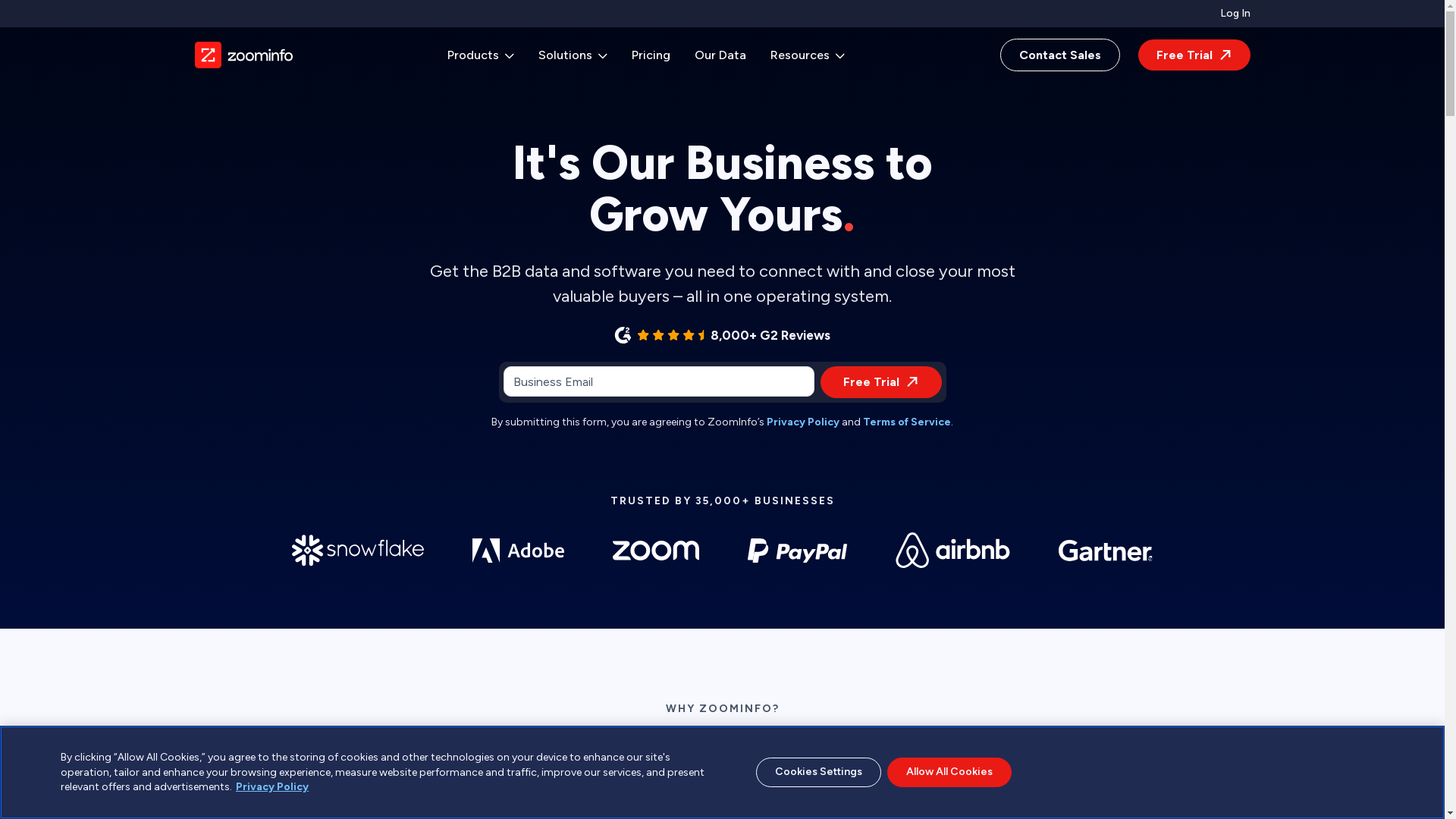
ZoomInfo Screenshot

Who is ZoomInfo best suited for?

ZoomInfo is best suited for Sales professionals, product marketers, and customer success teams. Sales teams leverage ZoomInfo to identify and connect with potential customers, thereby accelerating the sales cycle. Marketers use the platform for targeted campaigns, ensuring they reach the right audience. Customer success teams benefit from the insights for better customer engagement and retention.

How to Remove Information from ZoomInfo

Interactive demo powered by Supademo

Common FAQs on How to Remove Information from ZoomInfo

Commonly asked questions about this topic.

How do I begin the process of removing my information from ZoomInfo?

You can start by visiting the ZoomInfo Privacy Center and filling out their online request form to remove your information.

Is there a contact number I can call to expedite the removal process?

ZoomInfo does not provide a direct phone line for this request but recommends using their online forms for the fastest response.

How long does it typically take for my information to be removed from ZoomInfo?

Once you submit a request, it generally takes a few business days for the information to be removed from their database.

Can ZoomInfo refuse to remove my information?

ZoomInfo is committed to honoring information removal requests, but they might need to verify your identity and verify the information that needs to be removed.

Are there any charges for removing my information from ZoomInfo?

No, there is no fee associated with requesting the removal of your information from ZoomInfo.

Enjoyed this interactive product demo of ZoomInfo?

Create your own interactive product demo in minutes. Drive growth, scale enablement and supercharge product led-onboarding with Supademo. Sign up for free here with no credit card required.
Vimal Kumar
Vimal Kumar

Product Operations Associate

Vimal Kumar helps build and grow Supademo’s team and GTM efforts, with a focus on figuring out growth levers and improving product traction.

More from the blog

How to Remove 'Powered by Shopify'

How to Remove 'Powered by Shopify'

Learn how to easily remove the 'Powered by Shopify' text from your online store with step-by-step instructions and tips to customize your Shopify storefront.

Vimal Kumar
Vimal KumarJan 3, 2026
How to Create a Stripe Account

How to Create a Stripe Account

Learn how to create a Stripe account quickly and easily with our step-by-step guide, perfect for beginners looking to start accepting online payments.

Vimal Kumar
Vimal KumarDec 17, 2025
How to Contact Stripe Support

How to Contact Stripe Support

Learn the easiest ways to contact Stripe support for quick assistance with your payment processing, account issues, and technical questions.

Vimal Kumar
Vimal KumarDec 16, 2025
How to Delete Your Stripe Account

How to Delete Your Stripe Account

Learn step-by-step how to delete your Stripe account securely and permanently. Follow our easy guide to close your account and manage your data effectively.

Vimal Kumar
Vimal KumarDec 16, 2025
How to Create a Poll in Microsoft Teams

How to Create a Poll in Microsoft Teams

Learn how to create a poll in Microsoft Teams quickly and easily with our step-by-step guide, perfect for boosting team engagement and gathering instant feedback.

Vimal Kumar
Vimal KumarDec 12, 2025
How to Clear MS Teams Cache

How to Clear MS Teams Cache

Learn how to quickly clear the MS Teams cache to resolve common issues and improve app performance with our simple step-by-step guide.

Vimal Kumar
Vimal KumarDec 12, 2025

