How to create a campaign in MailerLite

Creating a campaign in MailerLite is a straightforward process that allows you to reach your audience with targeted messaging. This guide walks you through each stage, from selecting your campaign type to scheduling and sending your message to the right subscribers.
Quick summary
In this tutorial, you'll learn how to set up a complete email campaign in MailerLite, including selecting campaign type, defining your audience, crafting your message, and scheduling delivery. By the end, you'll be able to confidently create and send professional campaigns to your subscriber lists.
Why this matters
Email campaigns are a core part of any marketing strategy, and MailerLite streamlines the process with an intuitive interface. Mastering this workflow enables you to execute targeted campaigns efficiently, improve audience engagement, and measure results effectively.
Step-by-step guide
- 1
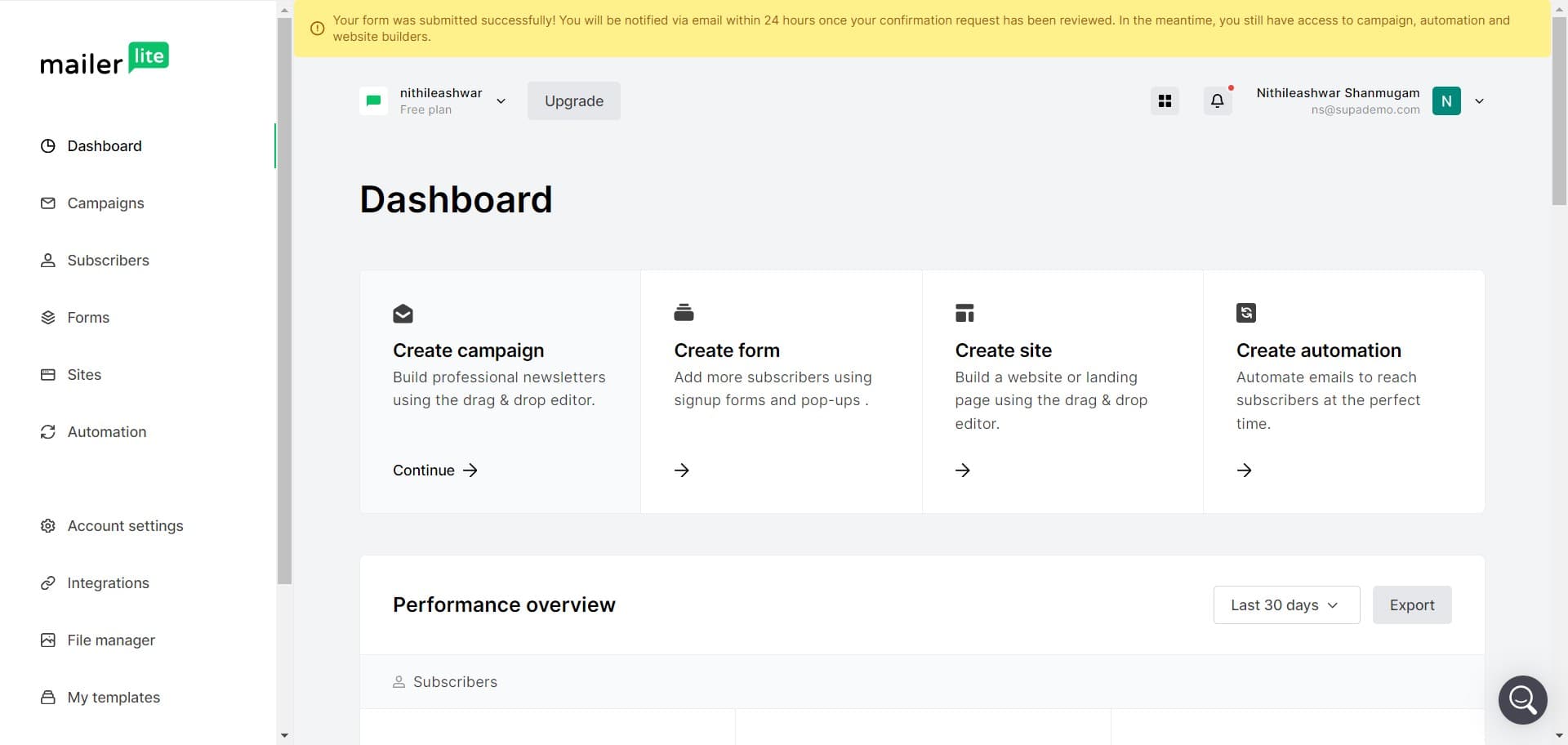
Access the campaign builder
Start by clicking on the Build Professional campaign option from your MailerLite dashboard. This opens the main interface where you'll set up your new campaign.
- 2
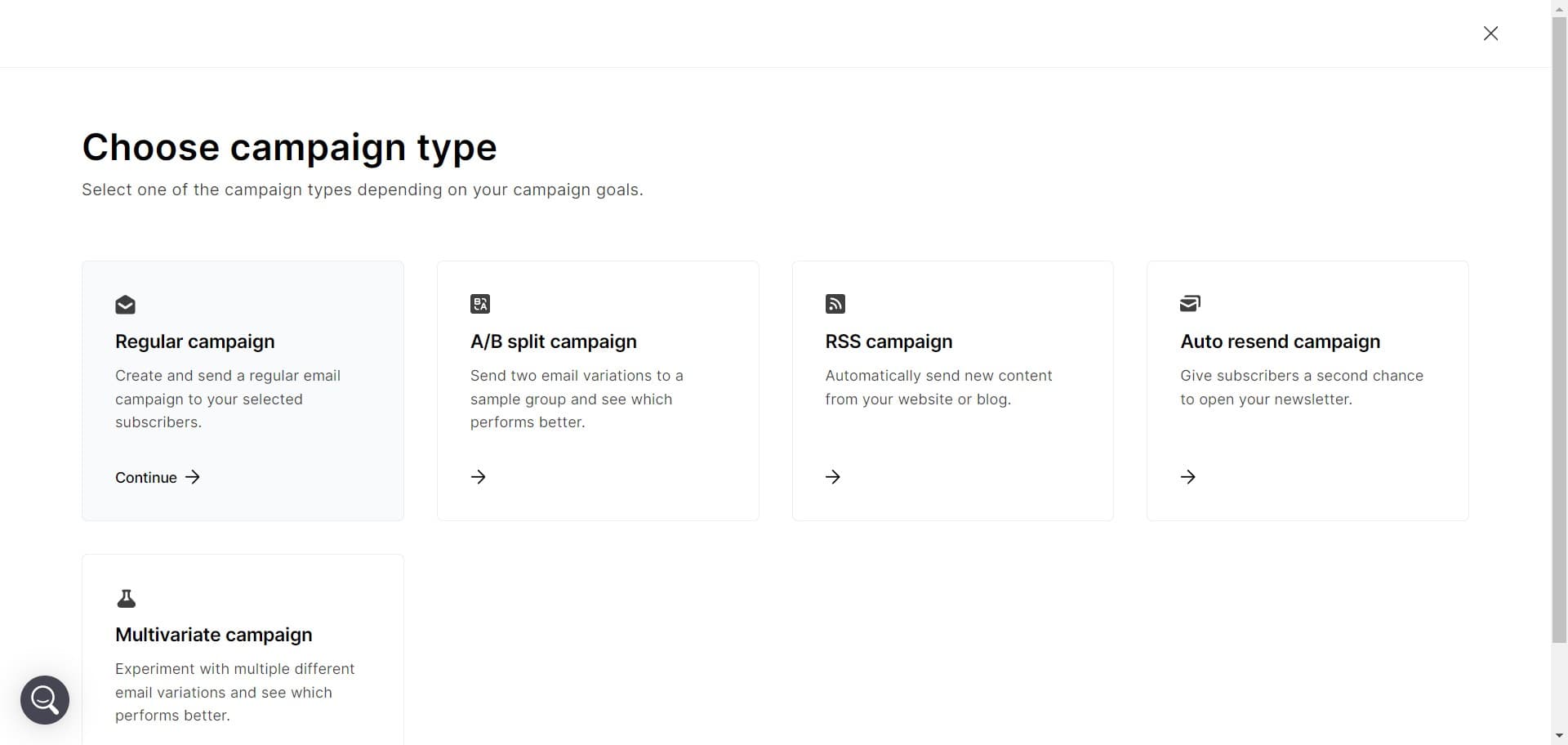
Select regular campaign type
Choose Regular campaign from the available options. This campaign type is ideal for one-time broadcasts to your subscribers.
- 3
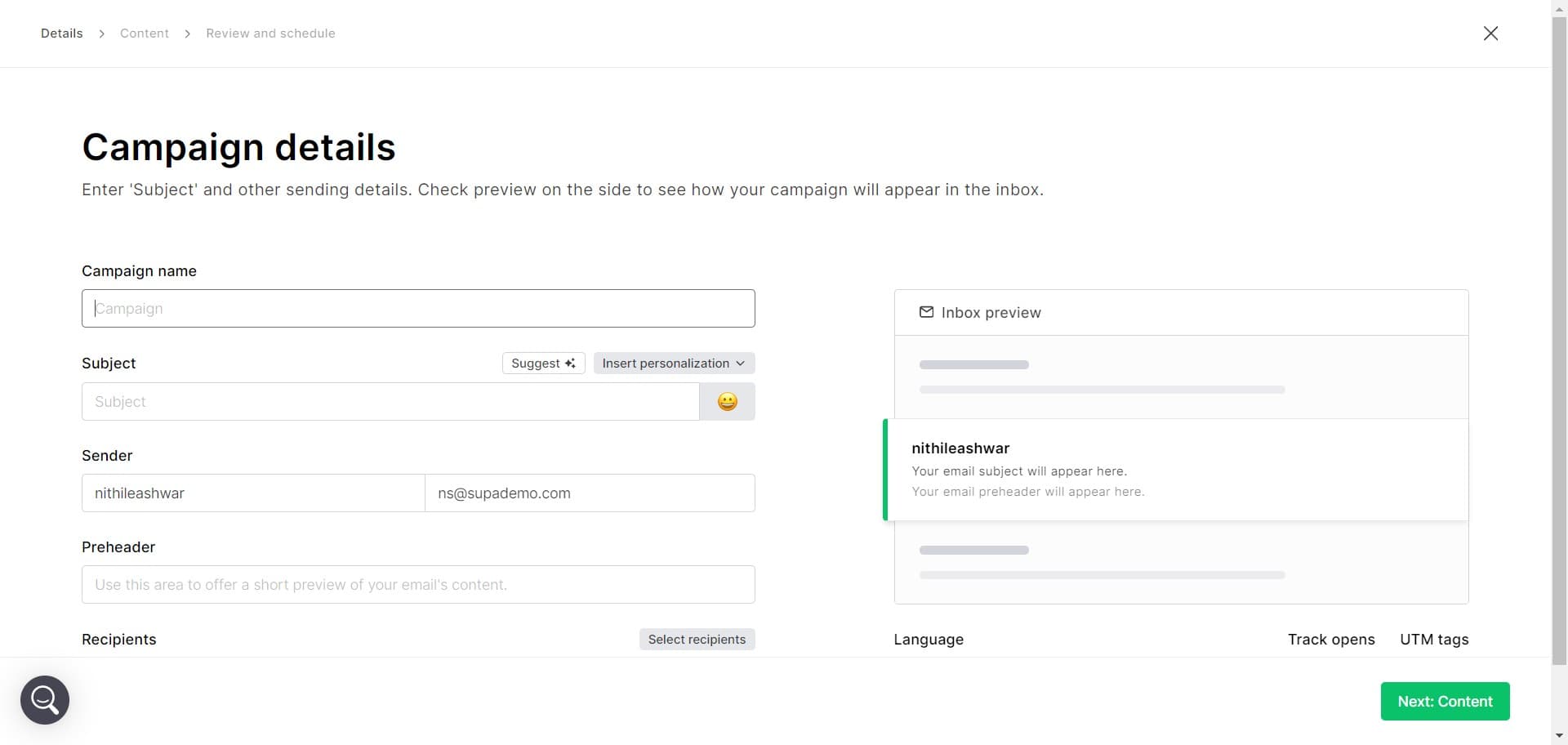
Confirm campaign setup
Click to proceed with creating your regular campaign. You'll move forward to the next configuration stage.
- 4
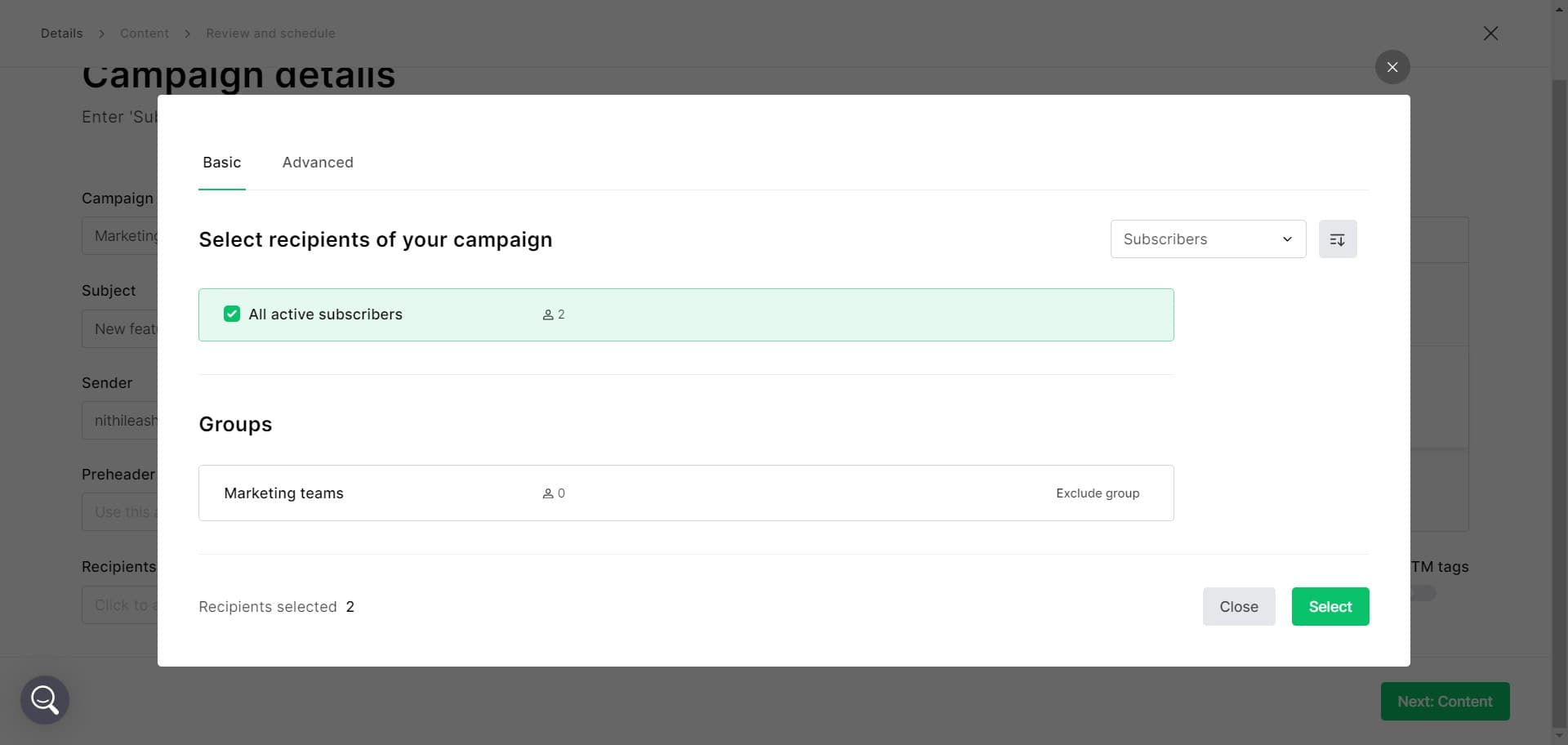
Define your audience
Select Marketing teams and configure your Exclude group settings. This determines which subscribers will receive your campaign and ensures you're targeting the right audience.
- 5
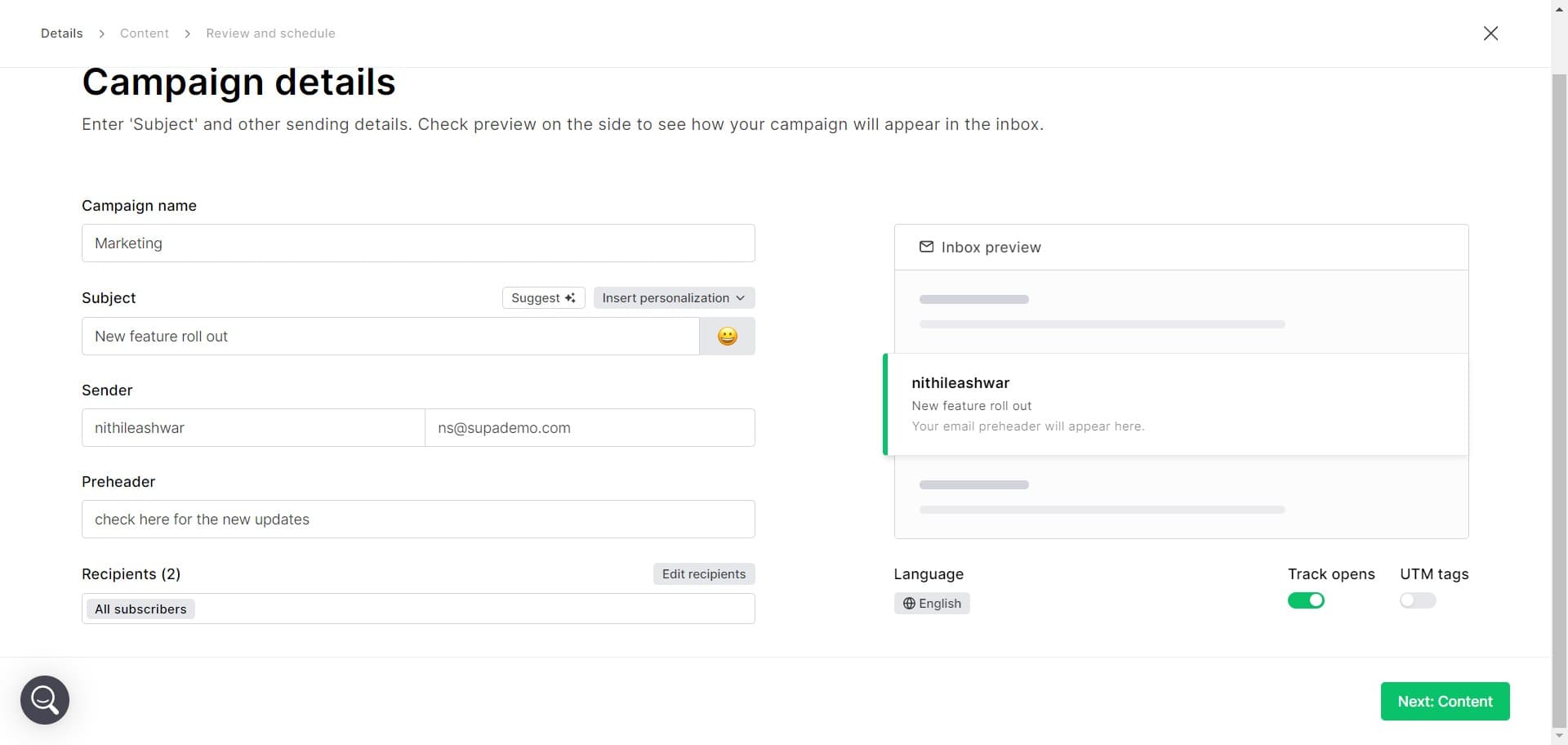
Access campaign details
Click on Campaign details to add essential information like your subject line, sender name, and other campaign metadata. This is where you customize how your campaign appears to recipients.
- 6
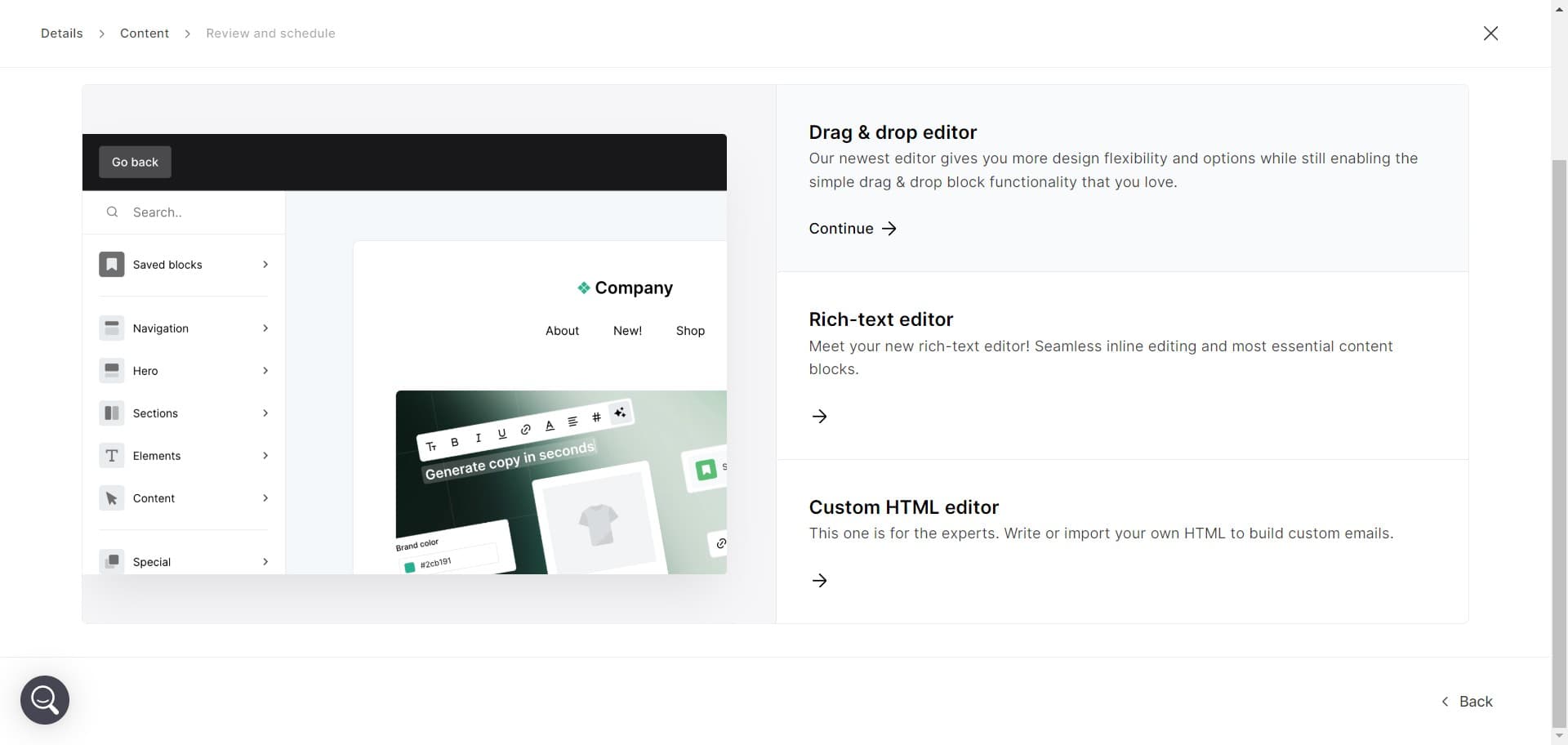
Proceed to message creation
Click Continue to move to the email editor. You're now ready to design and write your campaign content.
- 7
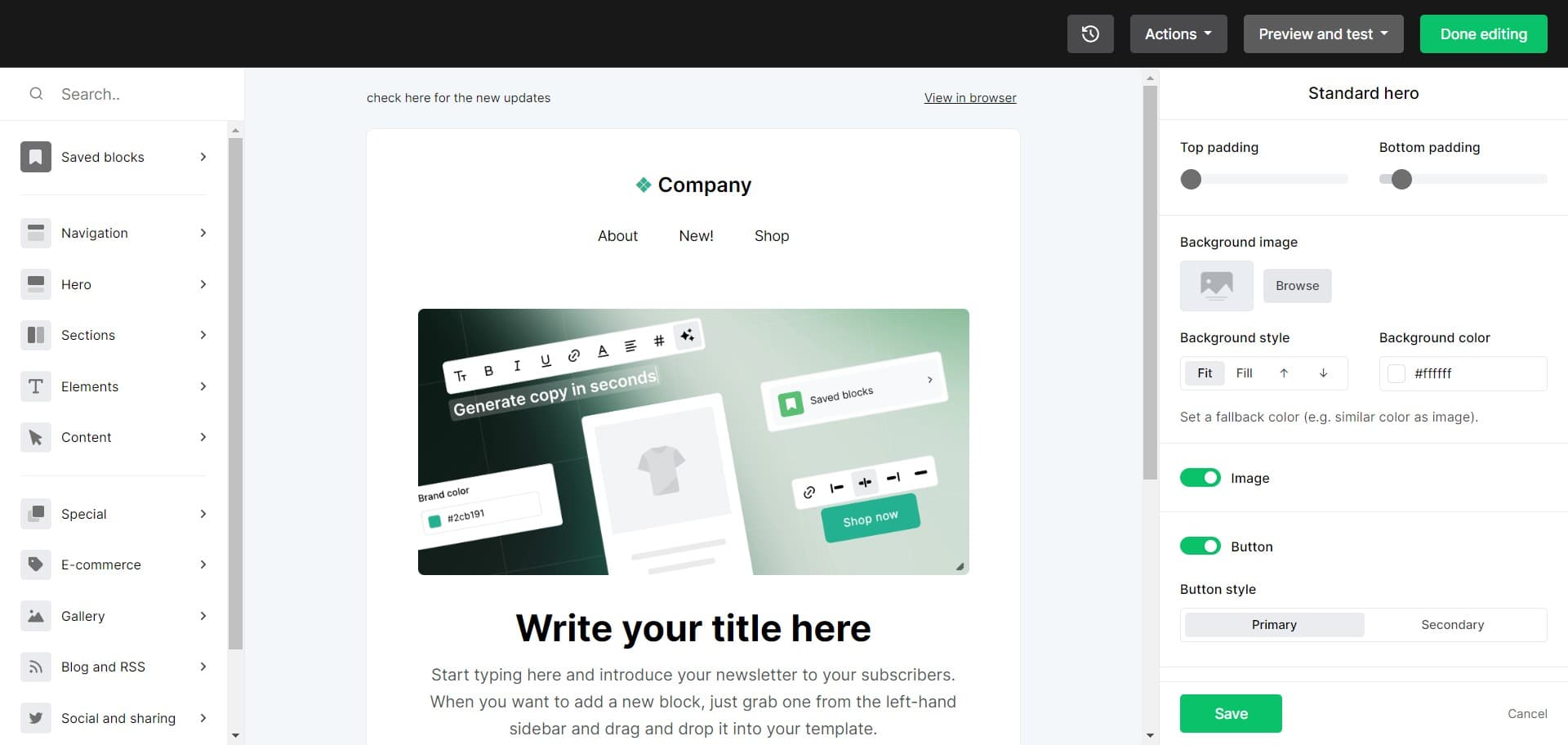
Preview and test your campaign
Click Preview and test to review how your campaign looks across different devices and email clients. This step ensures quality before sending.
- 8
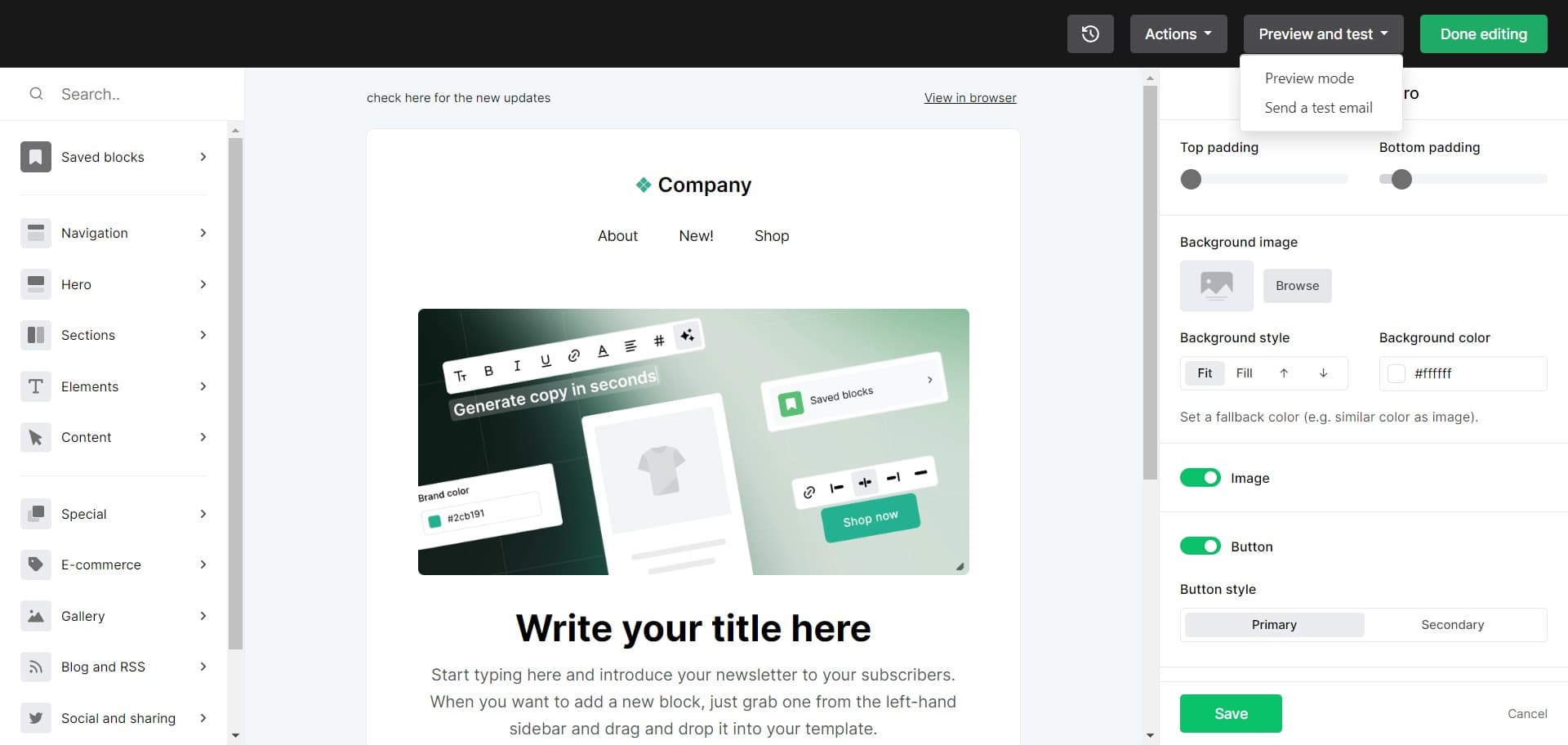
Finish editing the email
Click Done editing once you're satisfied with your campaign content. This confirms your message is complete and ready for delivery.
- 9
Schedule your campaign send
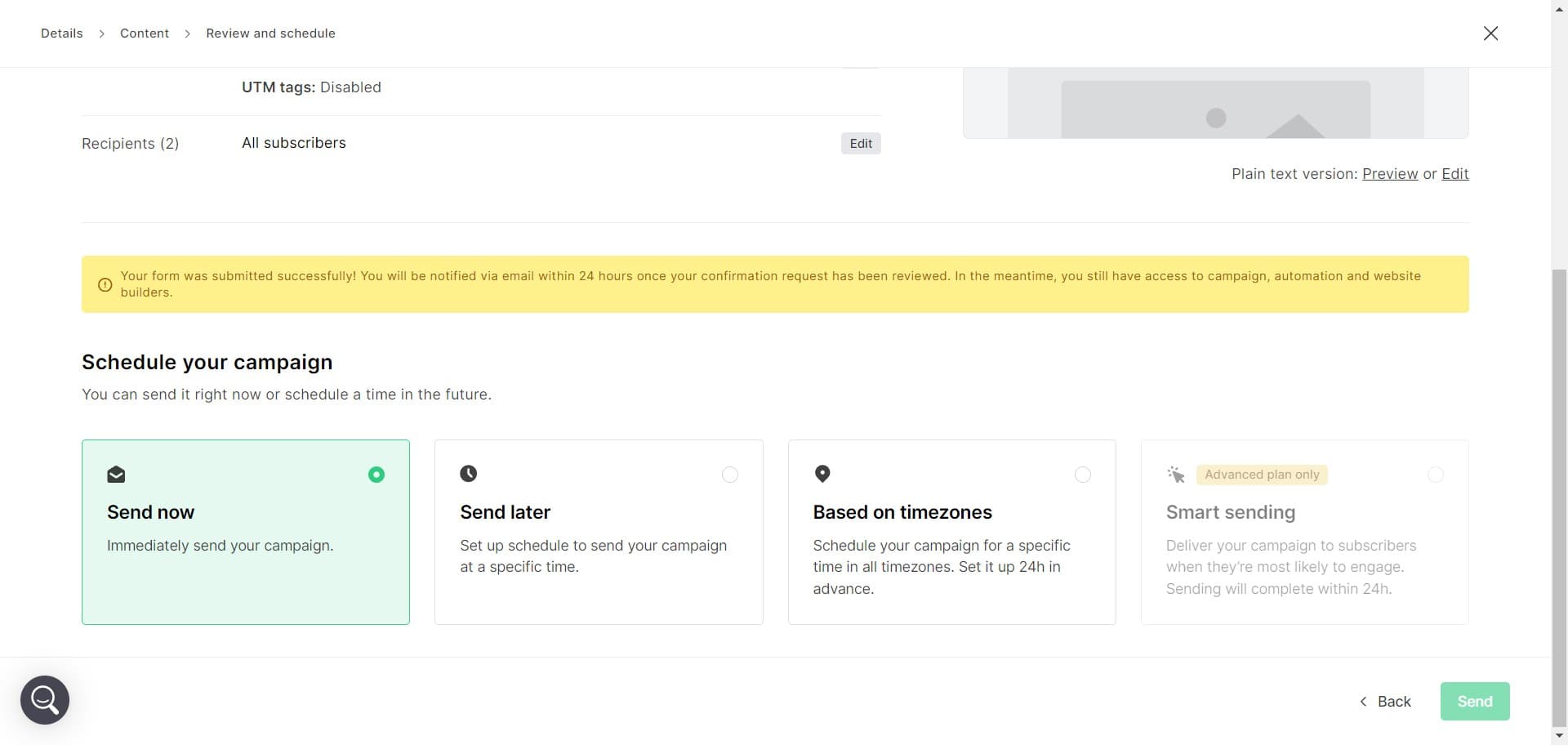
Click Send later and set the specific date and time you want your campaign delivered. MailerLite will handle the scheduling automatically.
- 10
Send your campaign
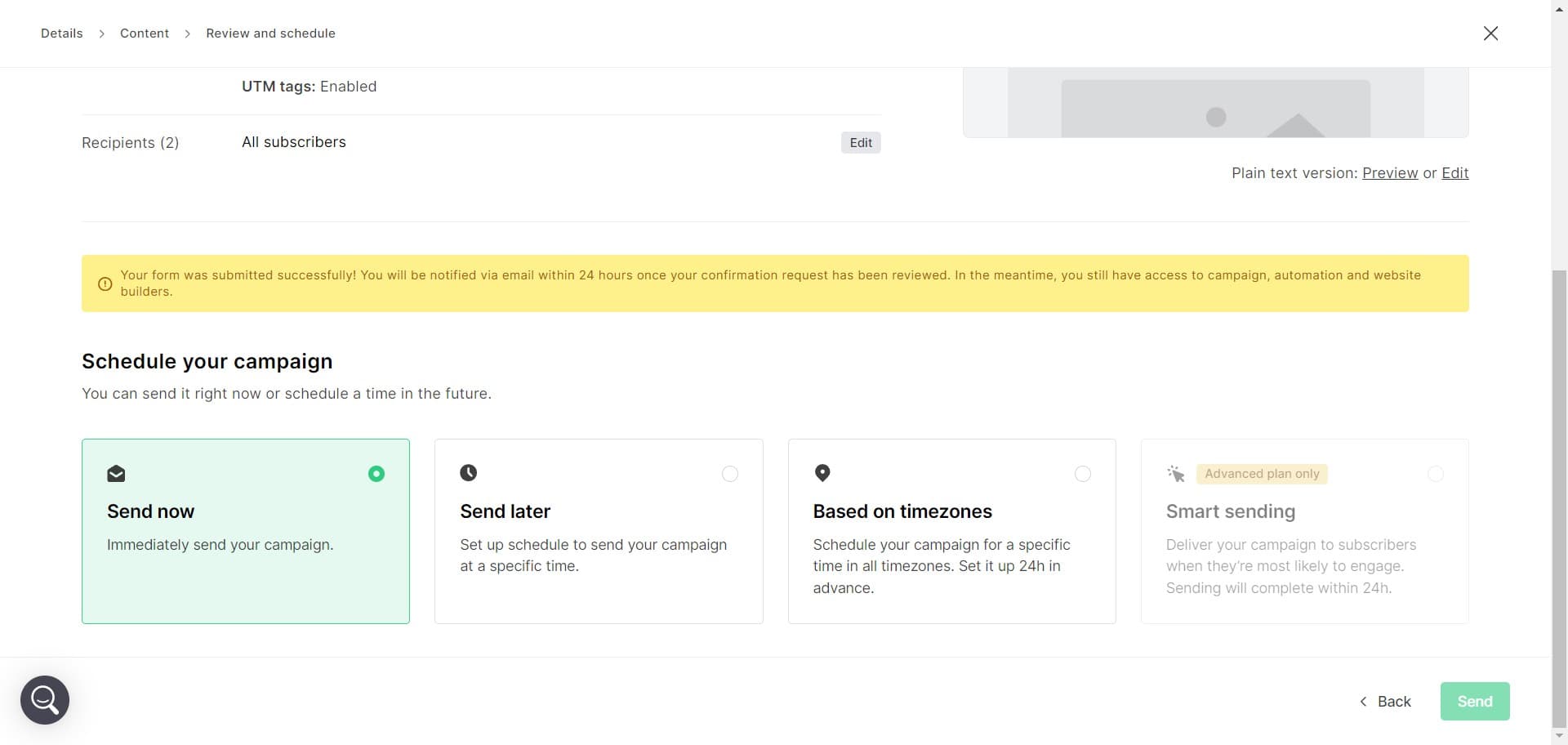
Click Send to activate your campaign. Your message will be delivered to your audience according to the schedule you set, and you can track performance in your campaign analytics.
Frequently asked questions
Common questions about how to create a campaign in mailerlite.
Yes, MailerLite allows you to save your campaign at any point during creation. You can close the editor and return to finish later without losing your progress.
Selecting groups targets specific subscriber lists you want to reach, while excluding groups removes certain subscribers from the campaign. You can use both options together to refine your audience precisely.
The Preview and test step shows you how your campaign renders on desktop, mobile, and tablet devices. This ensures your design and content display correctly regardless of how subscribers open the email.
Yes, MailerLite allows you to schedule sends with timezone options during the Send later step. You can ensure your campaign arrives at optimal times for different subscriber segments.
MailerLite provides analytics on open rates, click-through rates, unsubscribes, and engagement metrics. These insights help you measure campaign performance and optimize future sends.