
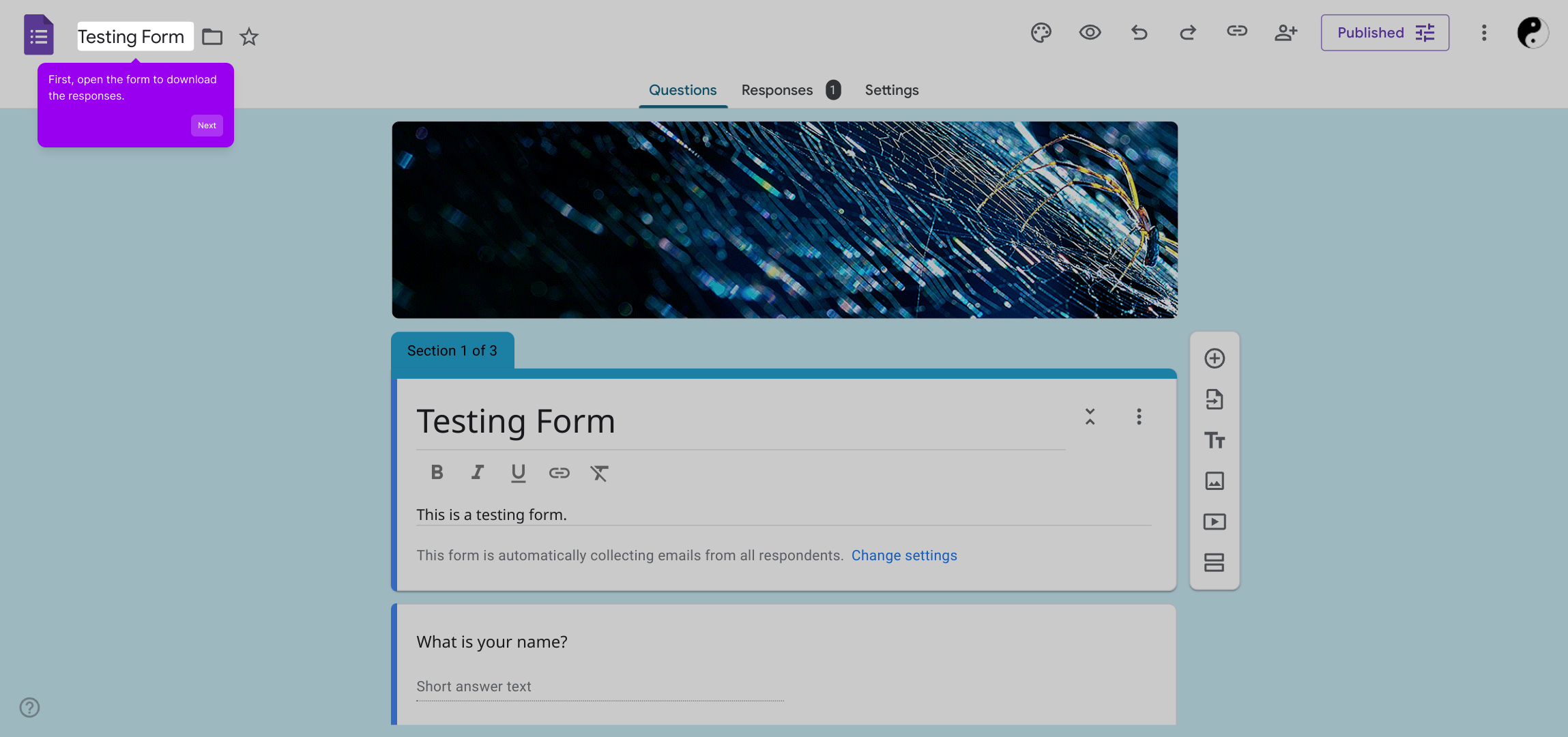
1. First, open the form to download the responses.
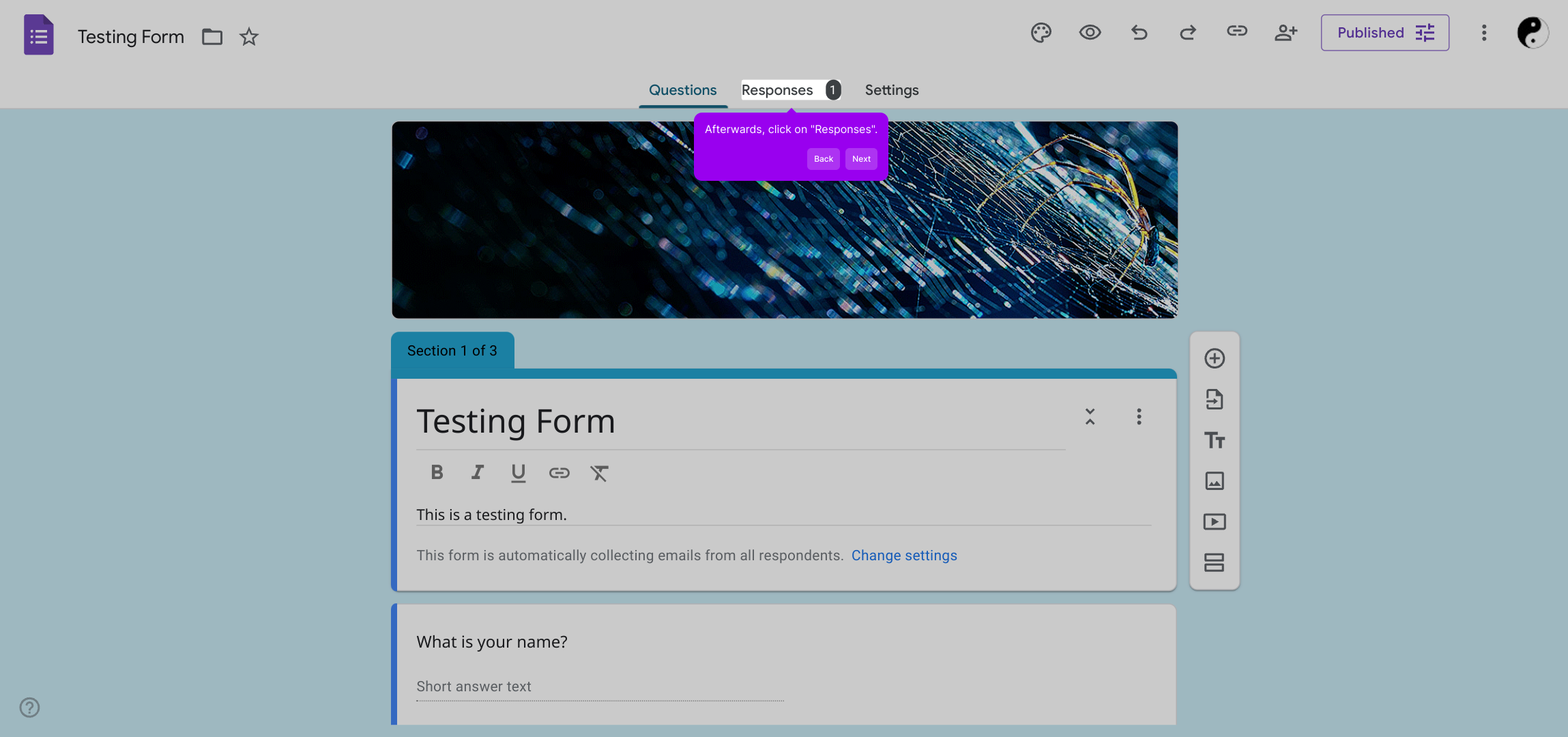
2. Afterwards, click on "Responses".
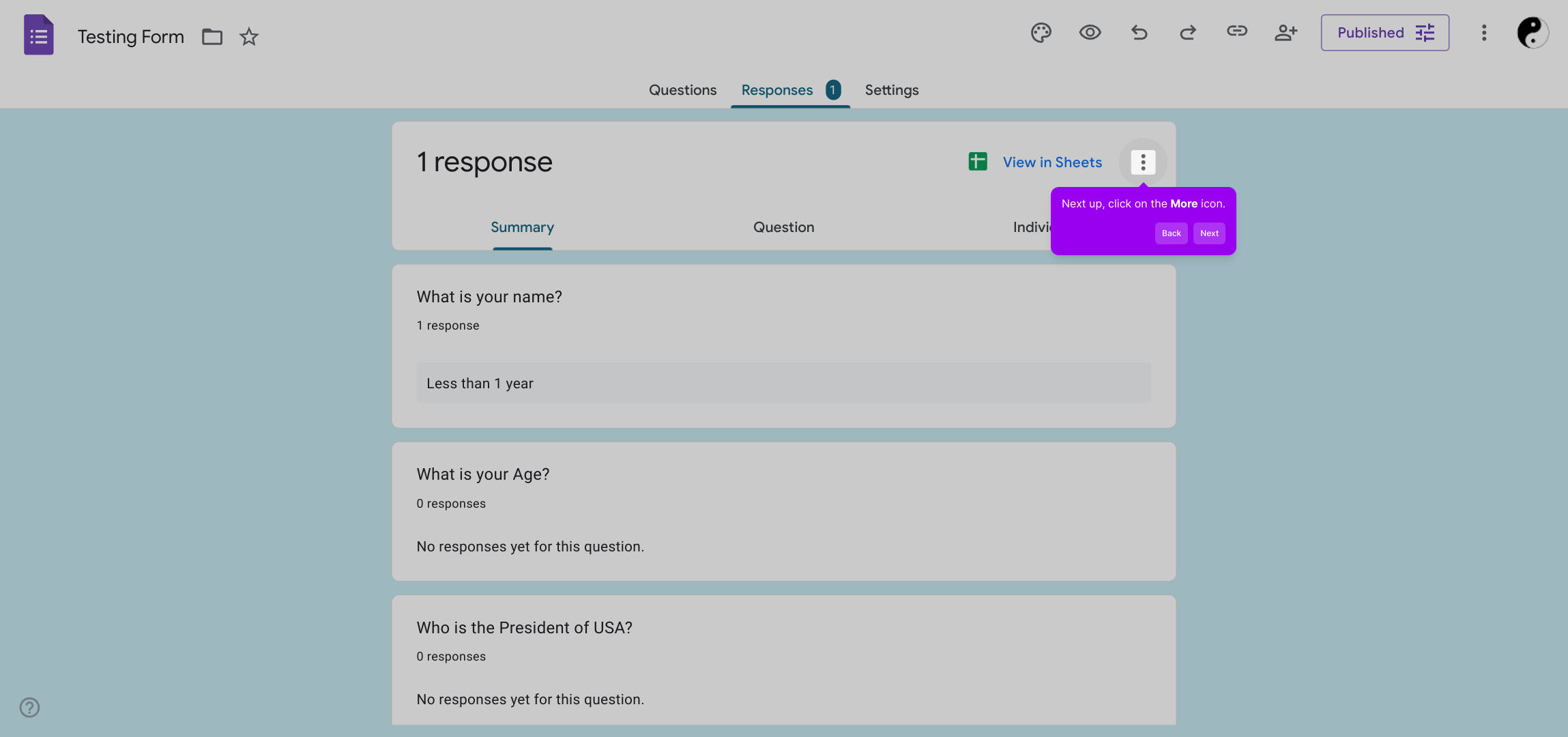
3. Next up, click on the More icon.
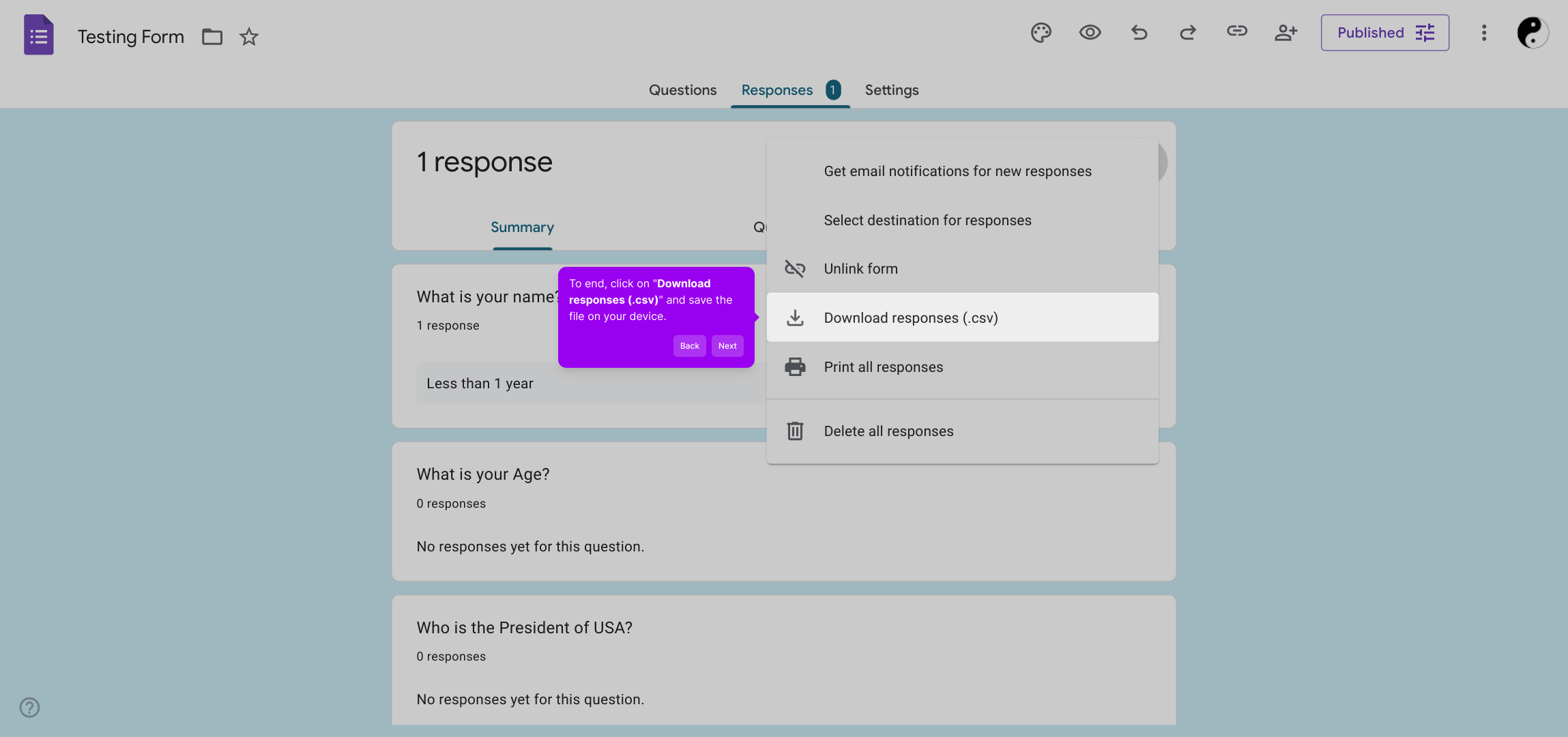
4. To end, click on "Download responses (.csv)" and save the file on your device.
5. Create a Supademo in seconds
This interactive demo/guided walkthrough on How to Download Google Form Responses as CSV was created using Supademo.
How to Download Google Form Responses as CSV : Step-by-Step Guide
To get started, open your form within the platform where your responses have been collected. This is the first step towards accessing all the data submitted by your respondents.
Once your form is open, navigate over to the Responses tab. Here, you’ll find all the answers people have submitted, neatly organized for easy review.
Look for the More icon in the Responses section—clicking this will open additional options that let you manage your data effectively.
From the menu that appears, select Download responses (.csv). This action will export all your collected responses into a convenient CSV file saved directly to your device.
Now that you have your data, you’re ready to create a Supademo quickly and easily. This tool helps you turn your responses into actionable insights within seconds.
Create your own interactive demos in < 5 mins with Supademo
You can create your own interactive product demo in minutes using Supademo. Drive growth, scale enablement, and supercharge product-led onboarding with Supademo.
Sign up for free here with no credit card required.
FAQs
Commonly asked questions about this topic.
How do I download Google Form responses as a CSV file?
Can I download only specific responses from Google Forms?
Is the CSV file compatible with Excel and other spreadsheet programs?
How often can I download responses as CSV?
Can I automate the download of Google Form responses as a CSV?
Why can’t I find the option to download responses as CSV?
How do I link Google Form responses to Google Sheets for easier exporting?
Is it possible to download Google Form responses on mobile devices?
What data is included in the CSV download from Google Forms?
Can I edit Google Form responses after downloading the CSV?

Product Operations Associate
Vimal Kumar helps build and grow Supademo’s team and GTM efforts, with a focus on figuring out growth levers and improving product traction.


