
1. To start off, log in to your Fathom account and from the dashboard, find your recorded meetings.
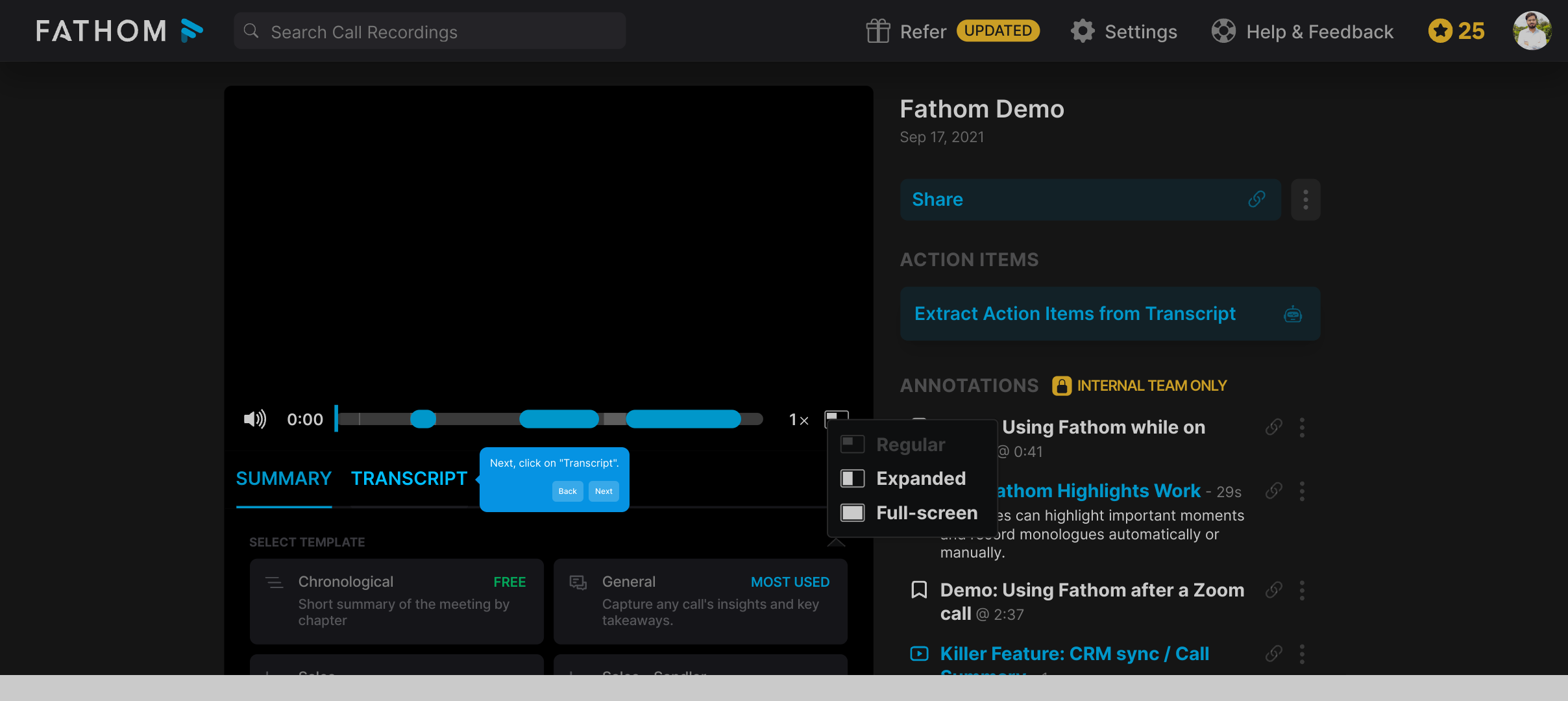
2. Next, click on "Transcript".
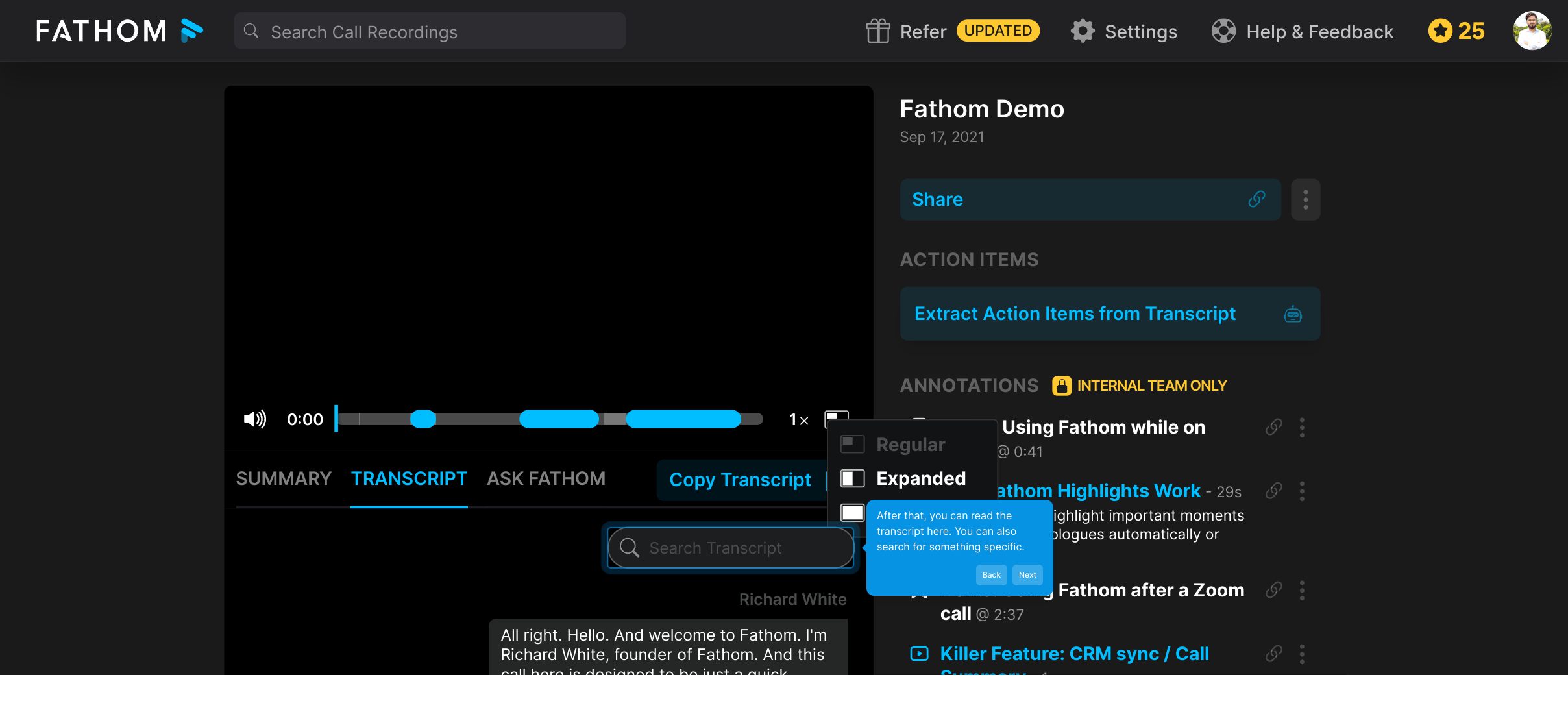
3. After that, you can read the transcript here. You can also search for something specific.
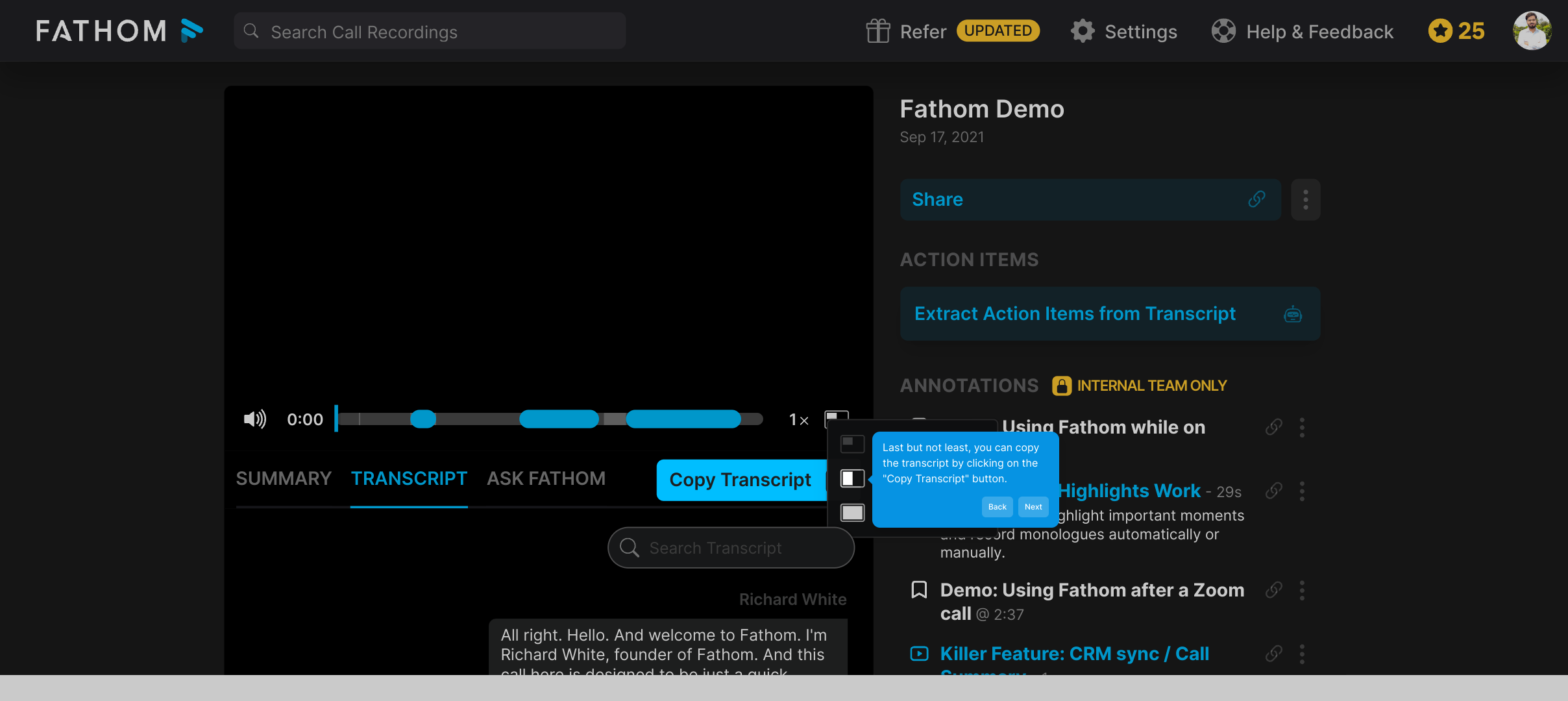
4. Last but not least, you can copy the transcript by clicking on the "Copy Transcript" button.
5. Create a Supademo in seconds
This interactive demo/guided walkthrough on How to Get Meeting Transcripts in Fathom was created using Supademo.
How to Get Meeting Transcripts in Fathom : Step-by-Step Guide
Begin by signing into your Fathom account. Once you're on the main dashboard, navigate to the section where all your recorded meetings are displayed. This is where your meeting history is organized and ready to be accessed.
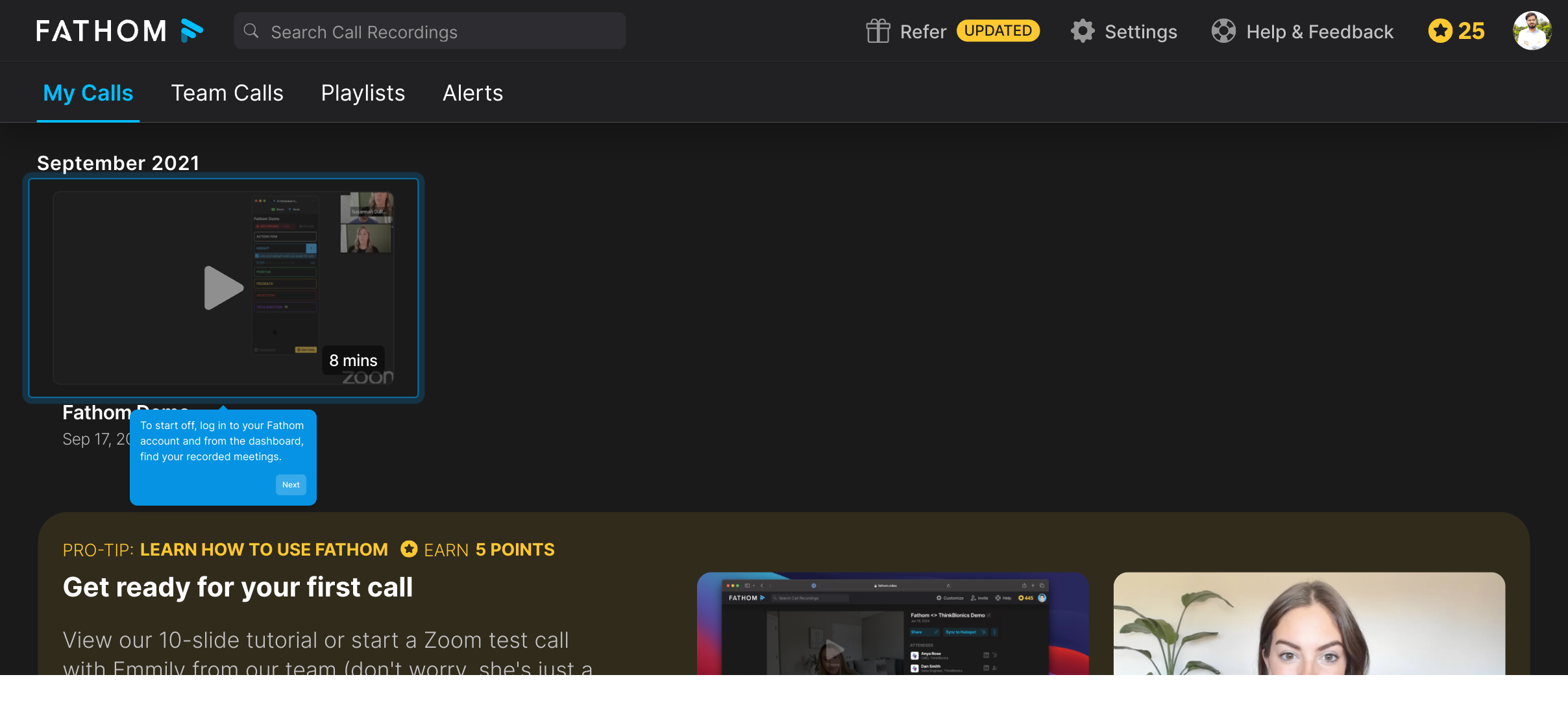
From the list of your recorded meetings, select the one you'd like to review and look for the “Transcript” option. Clicking this will open up the detailed notes captured during that meeting.
Here, you will find the full transcript of your selected meeting. Take advantage of the search feature if you're looking for specific keywords or sections—it’s designed to help you quickly find important points in the conversation.
When you’re ready to share or save a copy of the transcript, simply click the “Copy Transcript” button. This makes it easy to paste the text wherever you need, helping you keep your records or send summaries effortlessly.
Finally, take advantage of the Supademo feature to create a demo in just seconds. This tool streamlines your workflow by turning your transcripts and meeting highlights into engaging demos instantly.
Create your own interactive demos in < 5 mins with Supademo
You can create your own interactive product demo in minutes using Supademo. Drive growth, scale enablement, and supercharge product-led onboarding with Supademo.
Sign up for free here with no credit card required.
FAQs
Commonly asked questions about this topic.
What is Fathom and how does it handle meeting transcripts?
How do I access meeting transcripts in Fathom?
Can I search for specific text within a Fathom transcript?
Is it possible to copy the meeting transcripts from Fathom?
Are meeting transcripts available immediately after a call in Fathom?
Can I export transcripts from Fathom to other formats?
What languages does Fathom support for transcription?
Can I share transcripts directly from Fathom with my team?
Does Fathom allow editing of transcripts after they are created?
What are the benefits of using Supademo with Fathom transcripts?

Product Operations Associate
Vimal Kumar helps build and grow Supademo’s team and GTM efforts, with a focus on figuring out growth levers and improving product traction.





