How to update your Figma plugin as a developer

Joseph Lee
Joseph Lee·
How to update your Figma plugin as a developer

How to update your Figma plugin as a developer

Interactive demo powered by Supademo

What are Figma plugins?


Figma plugins are applications that extend the functionality of Figma, a popular web-based design tool that allows teams to create and collaborate in real-time. They allow users to add new features and capabilities beyond Figma's core functionality, enhancing the design process and boosting productivity. An example of this is Supademo's Figma plugin, which helps designers convert their existing Figma frames into shareable interactive prototypes.
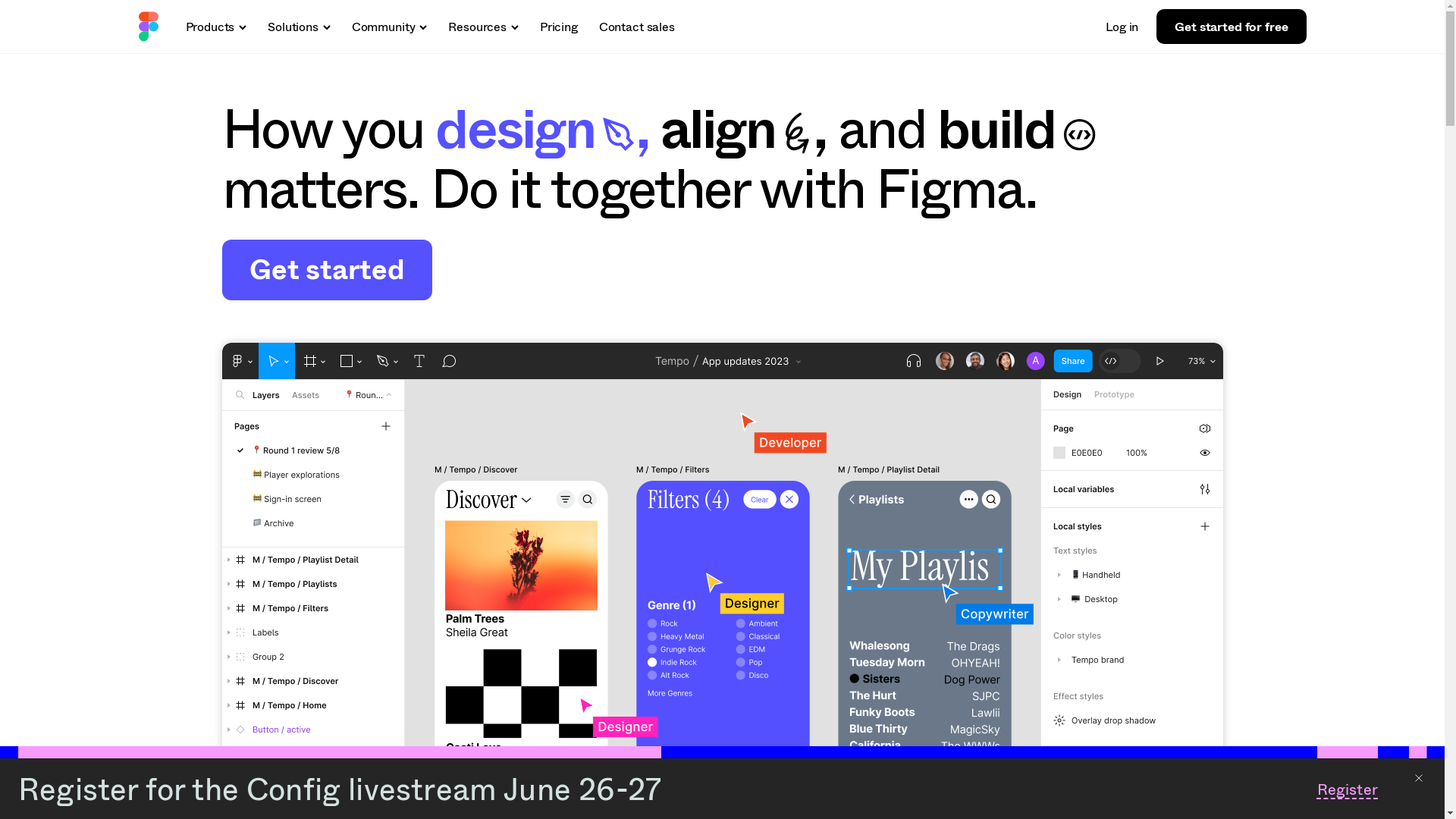
Figma Screenshot

Who is Figma best suited for?


Figma is best suited for Product Marketers, UX/UI designers, and design teams who need to collaborate seamlessly. It's beneficial for creating interactive prototypes, designing user interfaces, and conducting design reviews, all in one centralized platform. Teams can easily share and get feedback, speeding up the design process.

Common FAQs on Figma

Commonly asked questions about this topic.

What is Figma?

Figma is a cloud-based design tool that is primarily used for UI/UX design. It allows for real-time collaboration and prototyping, making it easy for teams to work together.

Can Figma be used offline?

Figma primarily operates online, but you can use Figma offline on the desktop app. It saves changes locally and syncs them when you go back online.

Is Figma free to use?

Figma offers both free and paid plans. The free plan includes many basic features sufficient for individual use, while paid plans offer more advanced options suitable for teams and businesses.

How do you collaborate on Figma?

You can invite team members to your project by sharing the file link or inviting them via email. Team members can then view, comment, and edit the design in real-time.

Does Figma have integrations with other tools?

Yes, Figma integrates with various other tools such as Slack, Jira, and Principle, allowing for enhanced workflow and productivity.

Enjoyed this interactive product demo of Figma?

Create your own interactive product demo in minutes. Drive growth, scale enablement and supercharge product led-onboarding with Supademo. Sign up for free here with no credit card required.
Joseph Lee
Joseph Lee

Co-Founder & CEO

Joseph is the CEO and co-founder of Supademo, building AI-driven interactive demo tooling used by 100,000+ founders, marketers, and operators to accelerate product understanding and sales. He’s a two-time startup founder passionate about zero-to-one product building and remote-first company culture.


More from the blog

10 Best Figma Plugins You Should Try In 2024

10 Best Figma Plugins You Should Try In 2026

This is a comprehensive list of the top 10 must-have Figma plugins in 2024 Figma has revolutionized the design world with its collaborative and versatile platform.

Hiba Fathima
Hiba FathimaJul 11, 2024
How to edit a view-only file in Figma by duplicating it

How to edit a view-only file in Figma by duplicating it

🎨Using Figma to create realistic demos? Learn how to transform your existing Figma screens into a linkable interactive demo. Overview Unlock the potential of view-only files in Figma by effortlessly...

Justin James
Justin JamesJun 14, 2023
How to Add Link in Figma

How to Add Link in Figma

🎨Using Figma to create realistic demos? Learn how to transform your existing Figma screens into a linkable interactive demo. Overview Transform your design creations into interactive wonders with...

Justin James
Justin JamesJun 14, 2023
How to share individual frames in Figma

How to share individual frames in Figma

Overview: Enhance your Figma workflow by efficiently sharing individual frames with this comprehensive guide. Streamline collaboration and communication by learning the seamless process of sharing...

Nithil Shanmugam
Nithil ShanmugamJan 22, 2024
How to Access Your Figma File Online

How to Access Your Figma File Online

Learn how to easily access your Figma files online with step-by-step instructions, tips for seamless collaboration, and best practices to keep your designs organized and secure.

Vimal Kumar
Vimal KumarNov 27, 2025